
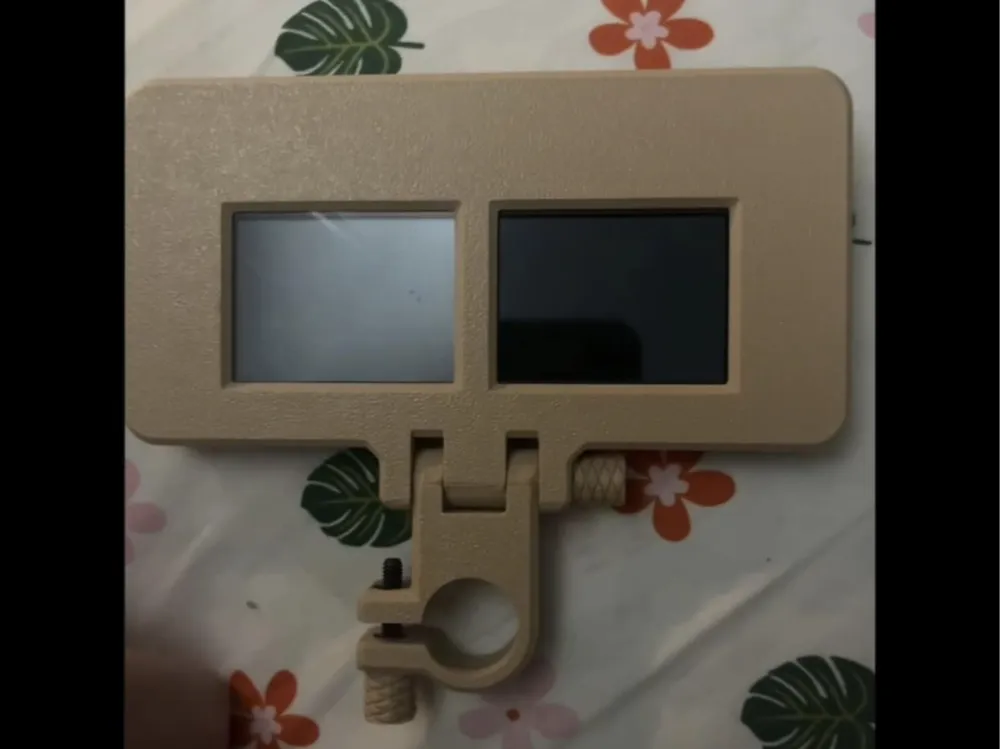
Auto dimming welding lens w/ 3x magnification
Print Profile(1)

Bill of Materials


- m4x40 x 1: only one is needed, you will need more if you use the spacers
- m4x25 x 1: this is to tighten the ring on the stylus
Description
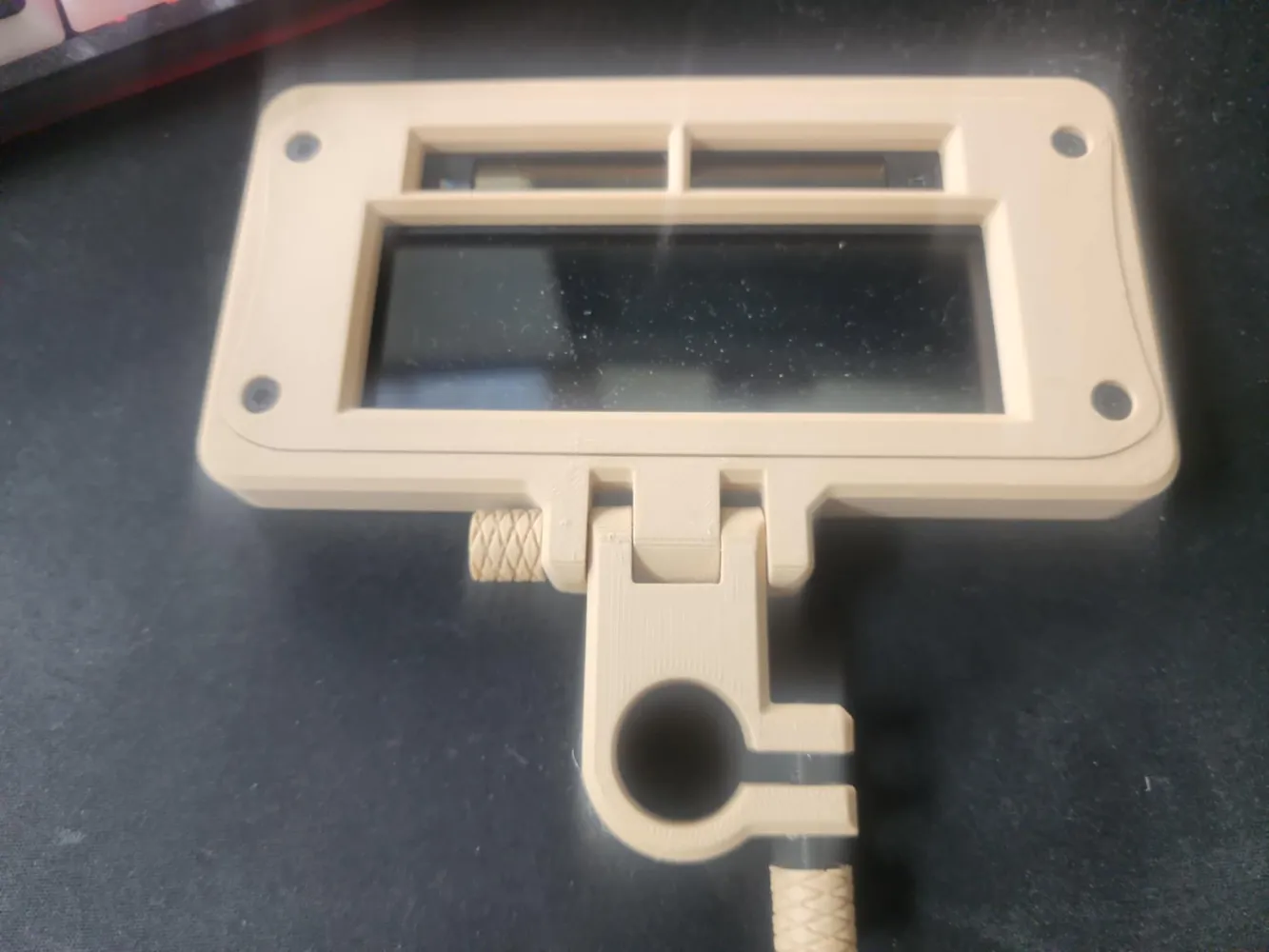
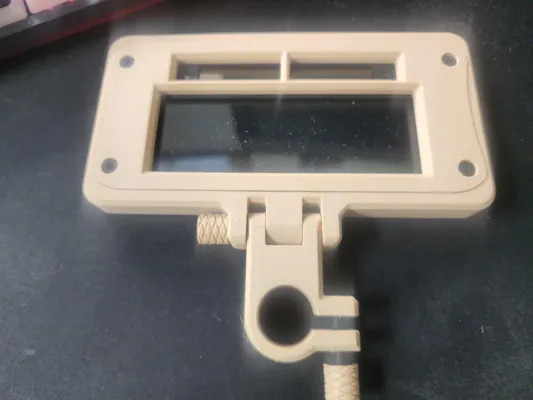
Auto darkening welding lens holder
with 3x magnification
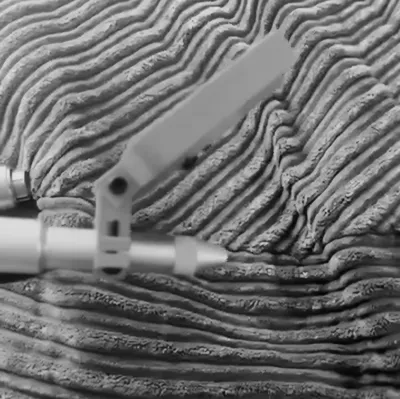
this is designed to go on a micro welder stylus.
If you do outdoor markets, highly recommend printing in PETG or ASA or anything other than PLA since PLA can/will deform outside if its hot.
BOM:
(not all of the hardware is available in the store, but they do not have M4 socket head screws currently.)
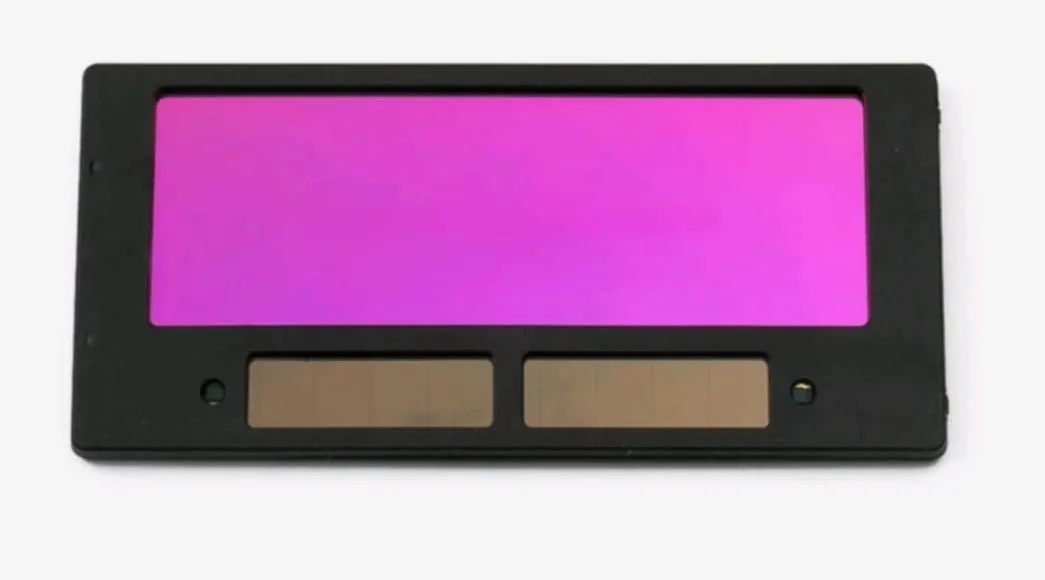
1 x solar powered auto darkening lens
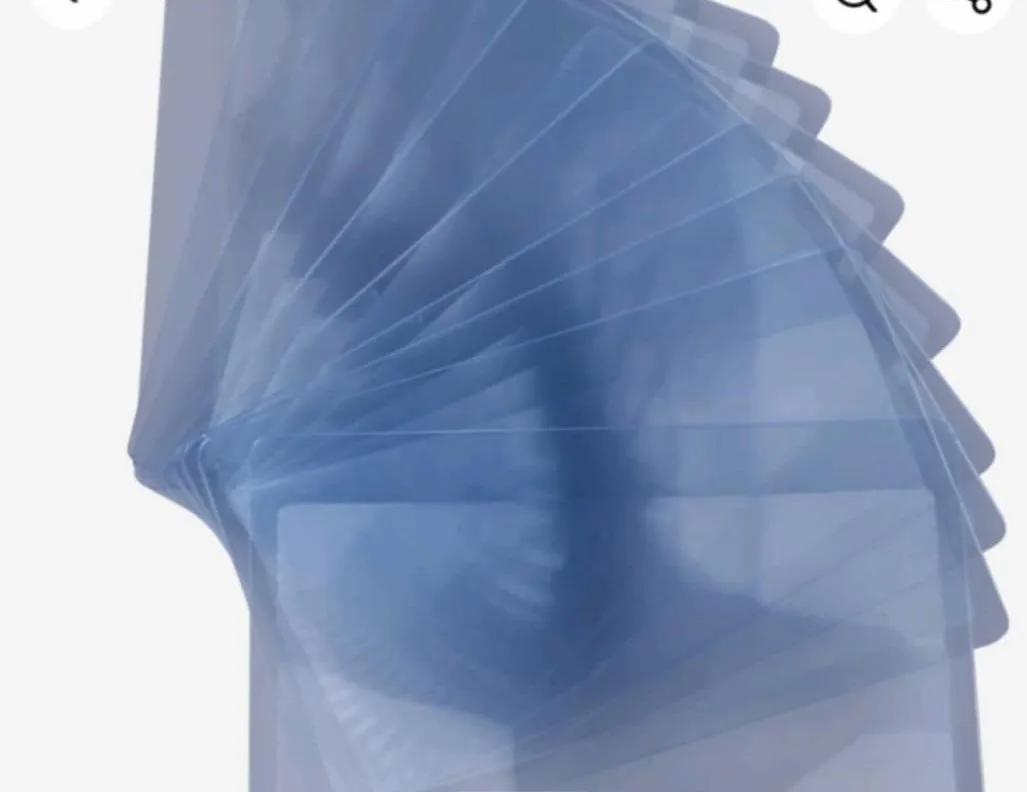
1 x magnifying pocket card lens
4 x M3x6 Screws
These hold the body together and keep the screen in place.
4 x M3 Brass Inserts
this makes sure you are able to remove the lens if necessary, they are not always the best quality and using inserts prevents stripping the screw holes.
1 x M4x25 Screw
this is to tighten the ring.
1 x M4x40 Screws
This screw is used to hold the Ring Clamp to the Body
(if you choose to use spacers you will need 1 additional M4x40 per spacer.)
2 x M4 Nuts
There is one nut that goes int he “Finger Nut” to keep the screw in, and one that goes on the opposite side to keep the screw in place.
(if you use spacers you will need more 2 additional nuts per spacer.)
Optional:
Superglue - used along edges of magnifying card to keep it in place
The How To:
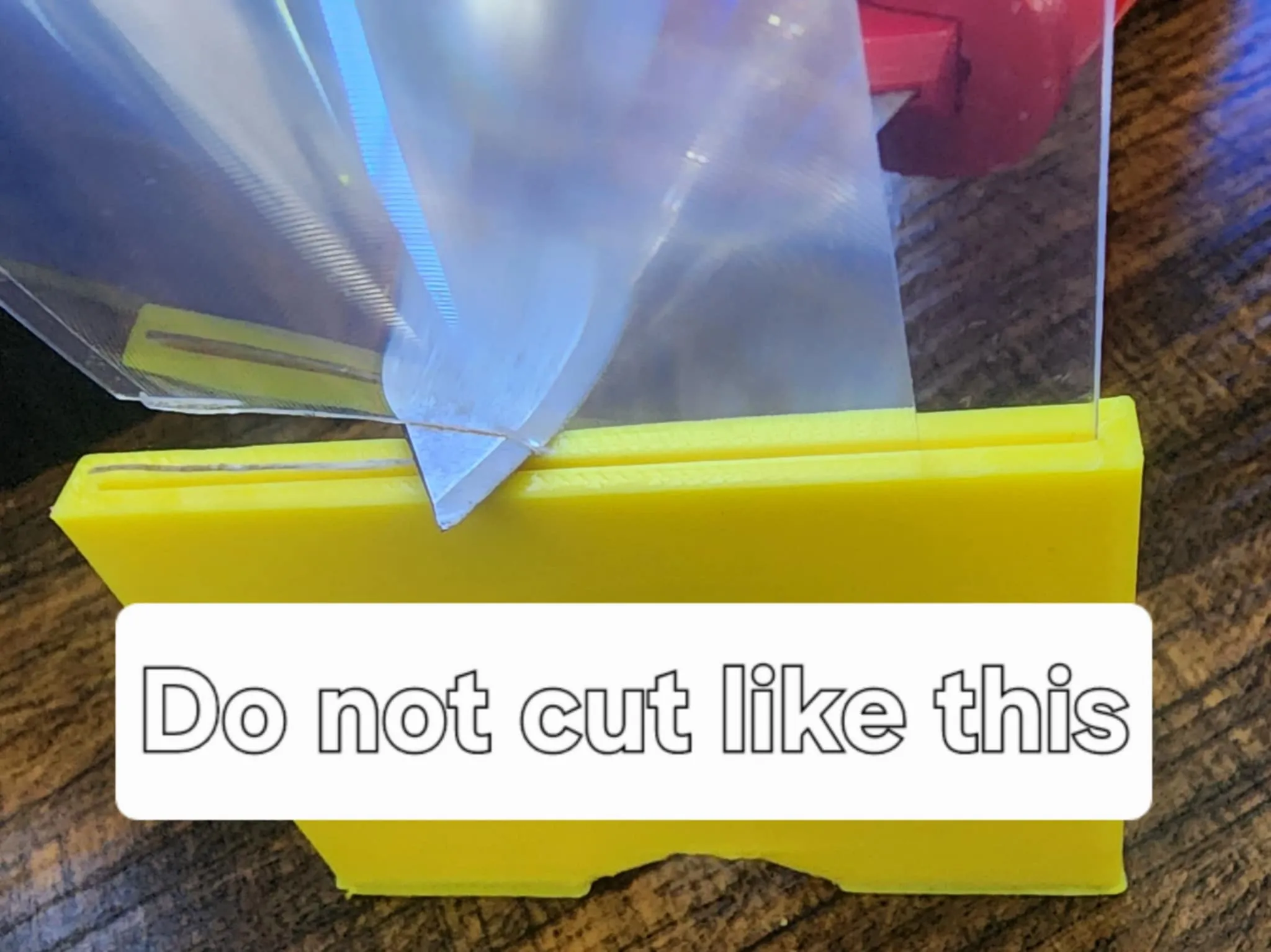
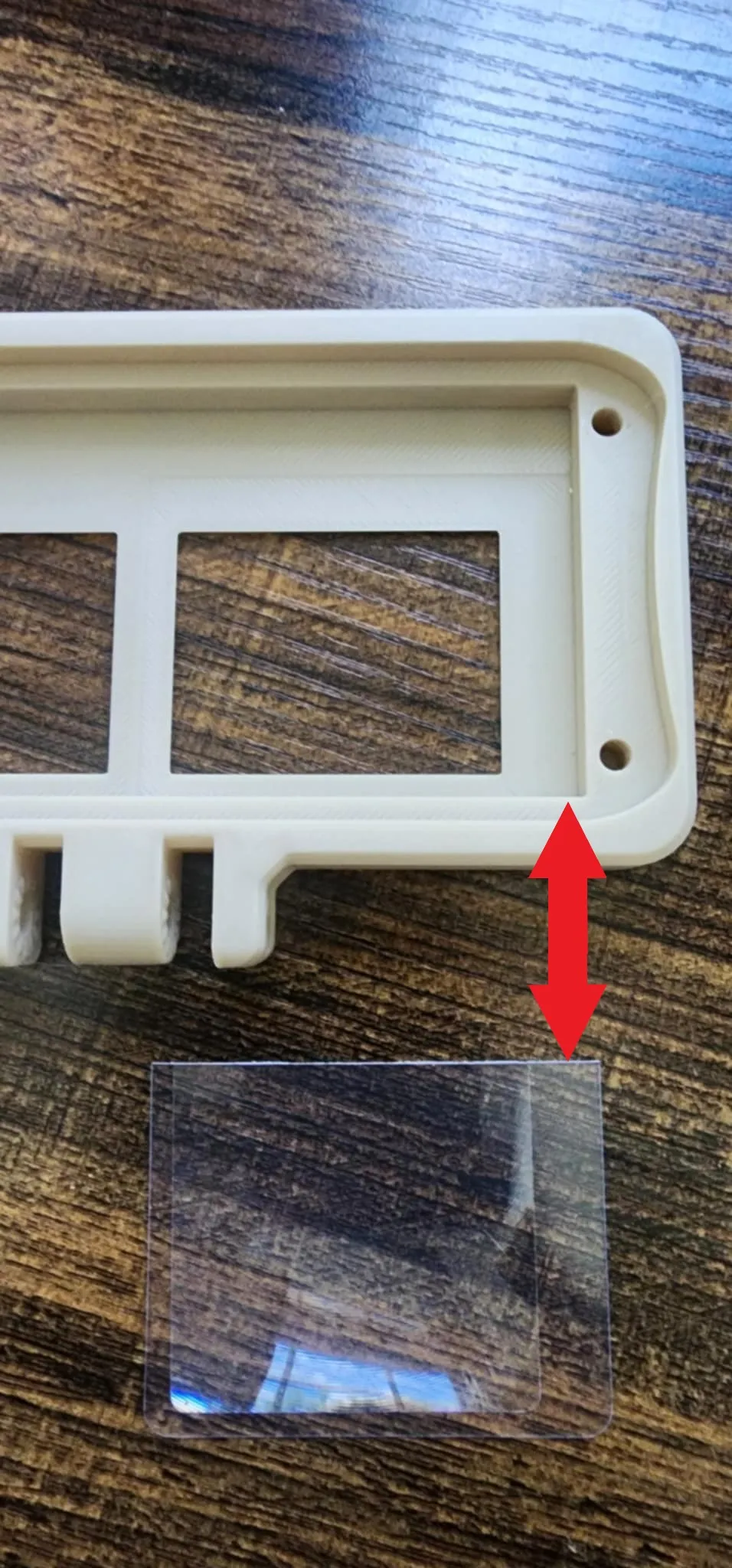
Do not cut through the card using the jig/template, it wont cut straight and it will make it not sit correctly in its little spot.
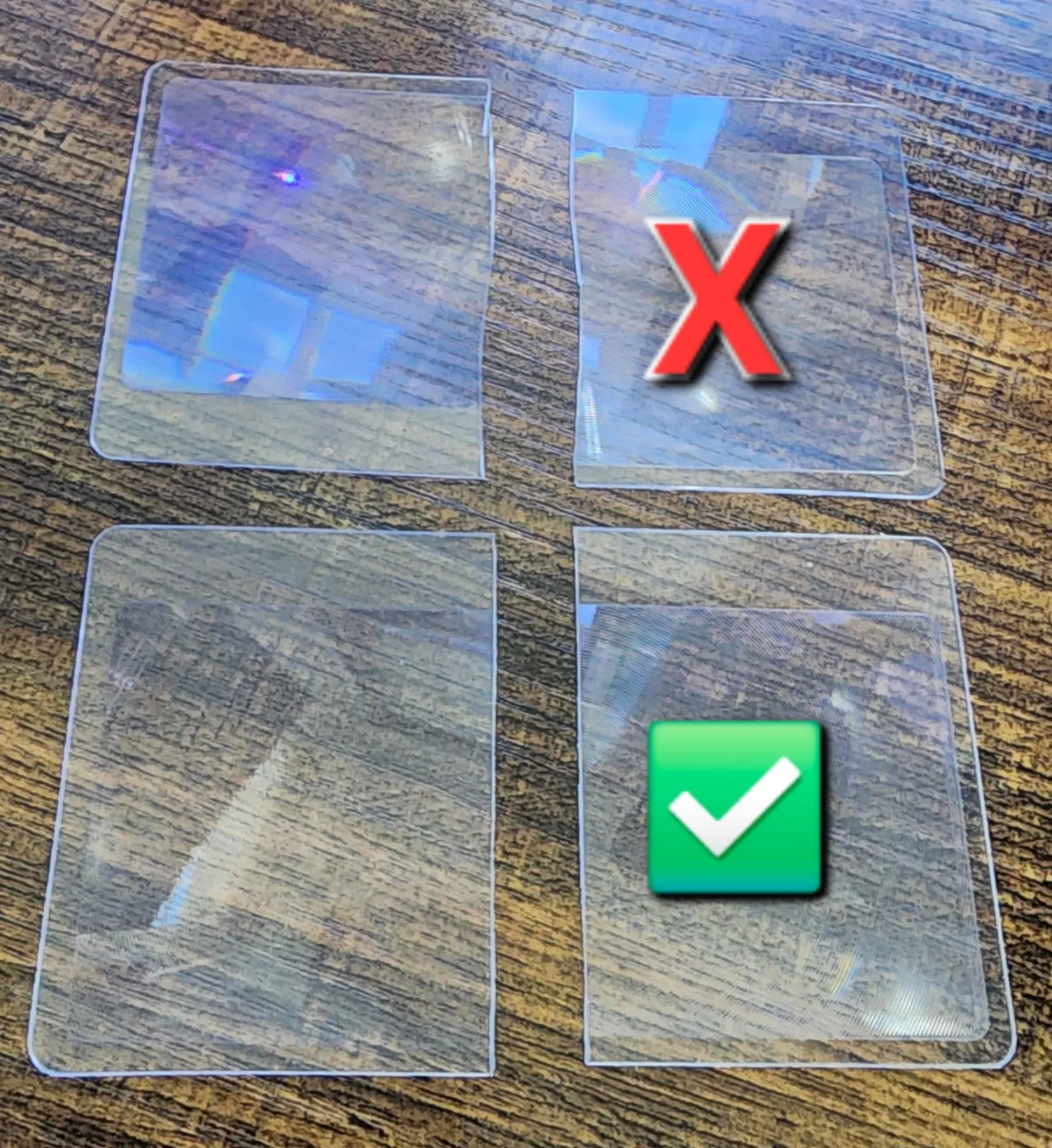
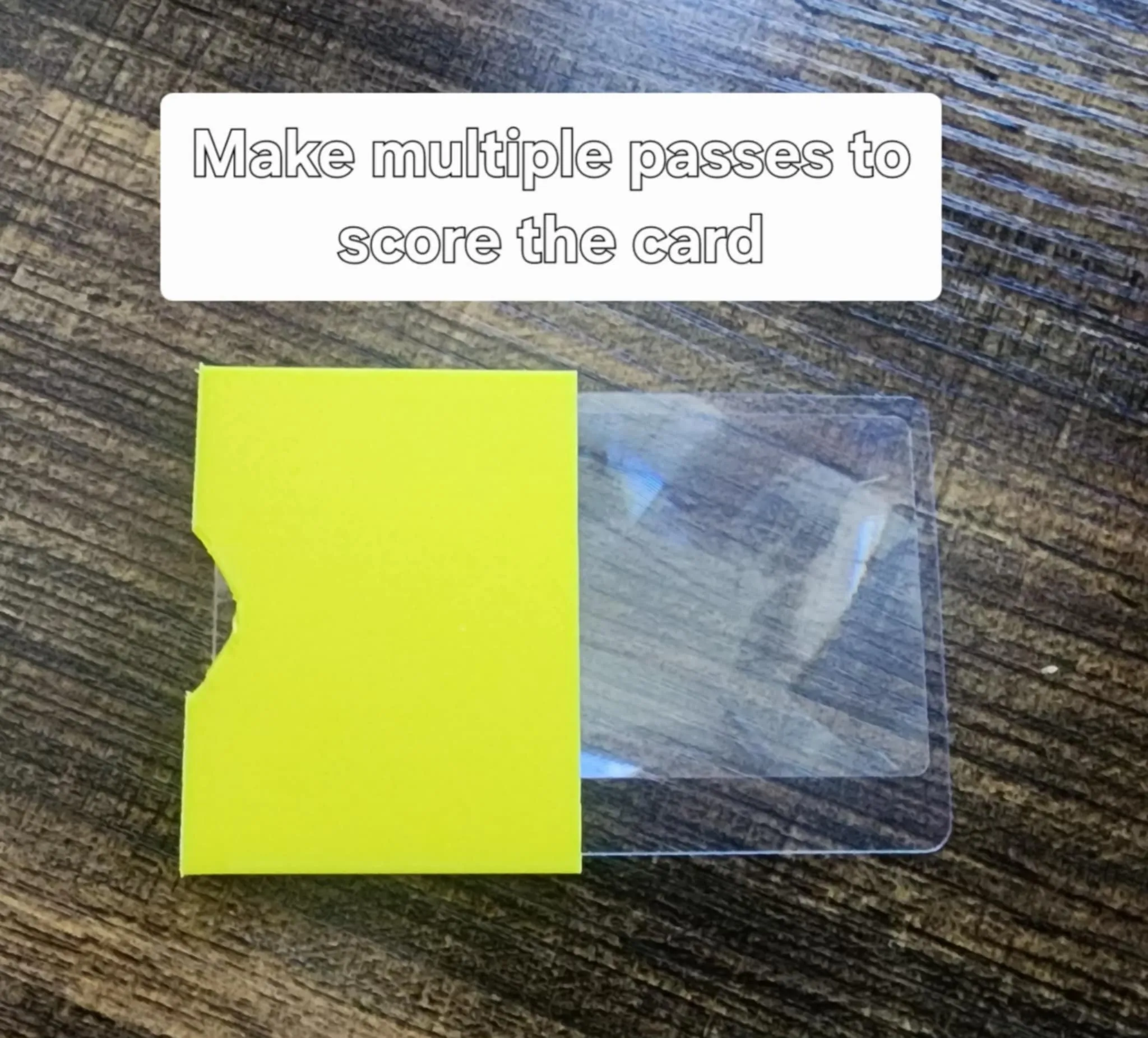
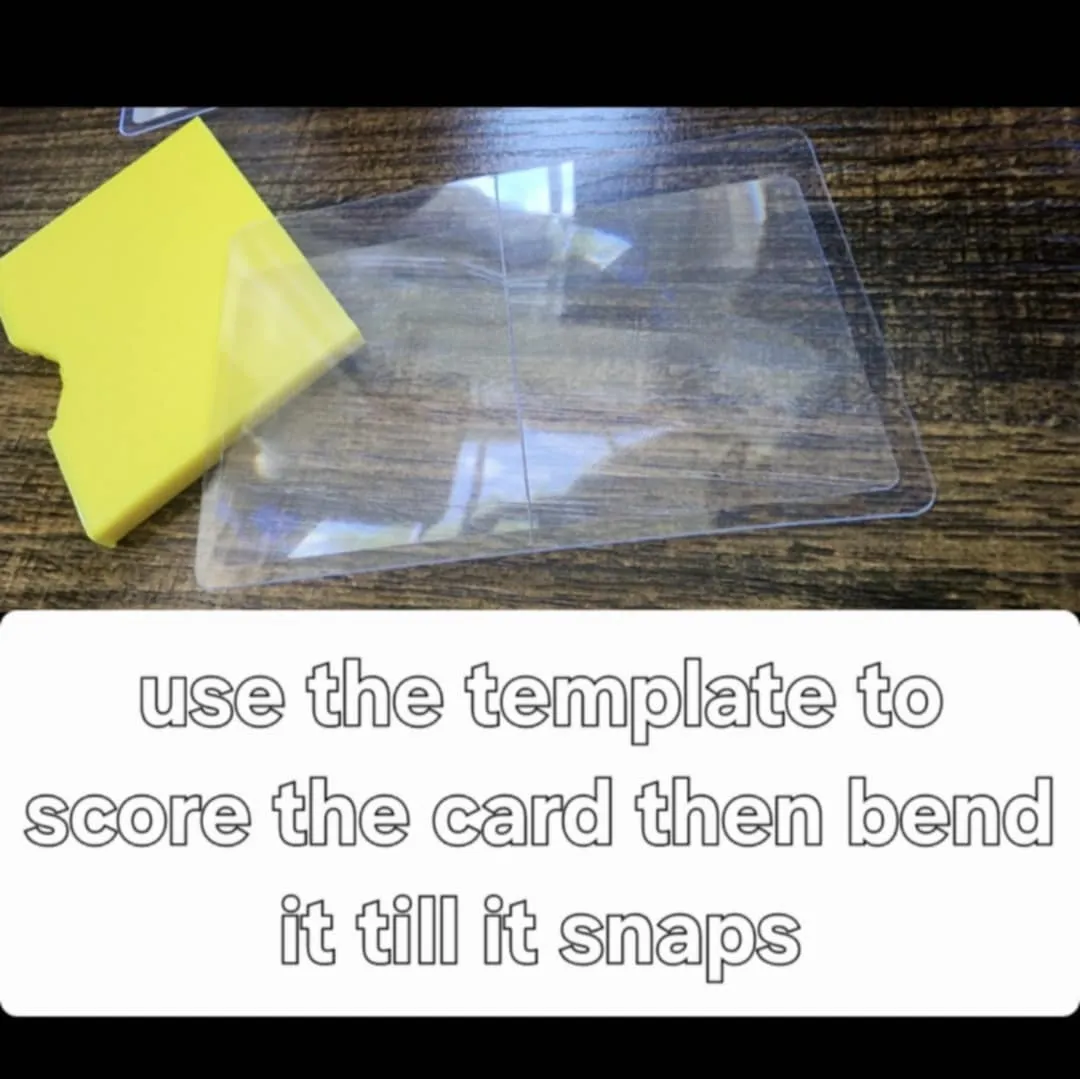
Make multiple passes with a sharp blade then bend the card along the score line and it will snap.
Make sure the card is facing the correct way when you put it in the body. Make sure the wide non-magnification portion of the card is to the side so it does not interfere with your view.
License

You shall not share, sub-license, sell, rent, host, transfer, or distribute in any way the digital or 3D printed versions of this object, nor any other derivative work of this object in its digital or physical format (including - but not limited to - remixes of this object, and hosting on other digital platforms). The objects may not be used without permission in any way whatsoever in which you charge money, or collect fees.


Comment & Rating (0)