
Periodic Table Jigsaw – Play & Learn
Print Profile(1)

Description
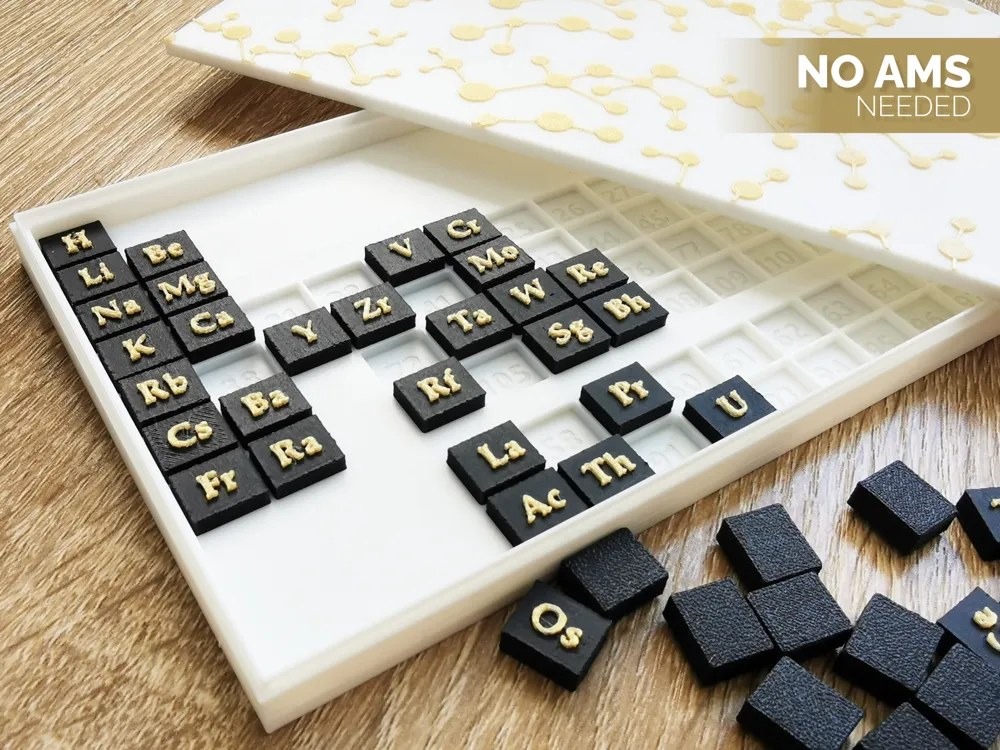
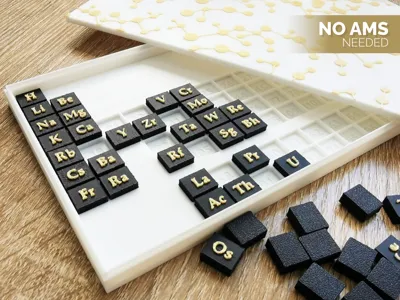
A simple print-and-play puzzle based on the periodic table. Combines learning with playing. Doesn't need AMS, contains g-code pauses for changing colors - more explanation below.
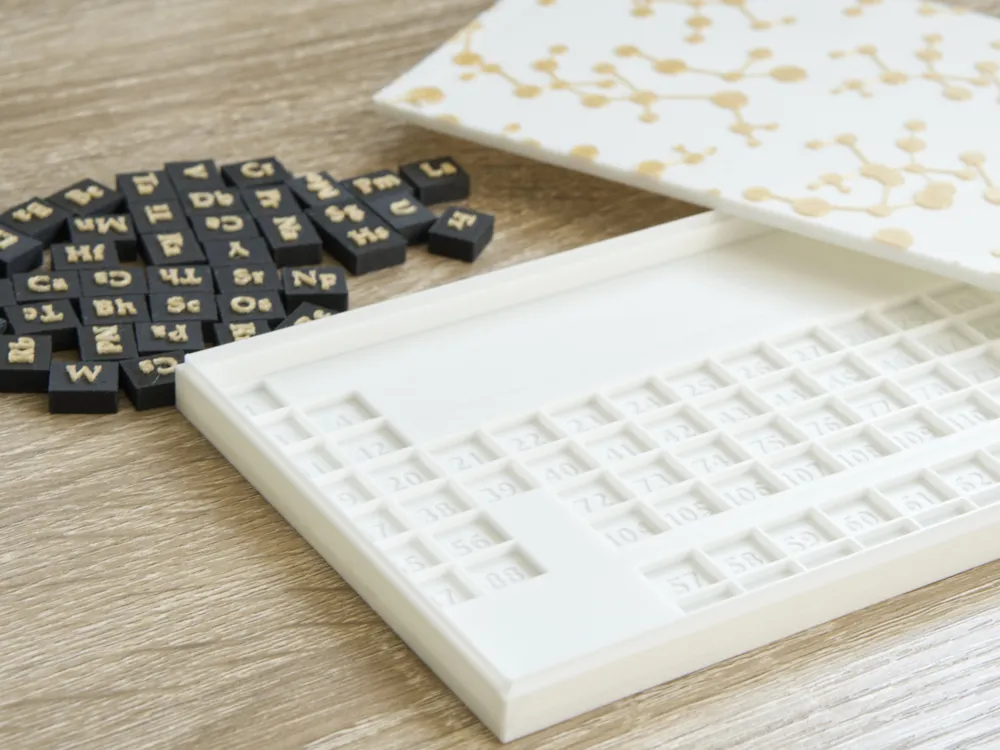
For a tiny educational twist: instead of putting atomic numbers directly on the tiles, I’ve engraved them underneath each one. So once you've solved the puzzle, you can lift the pieces and peek underneath if you’re curious.
Boost Me (for free)
If you like the model, consider boosting. It gives me the energy to create more - thank you!!
(ノ◕ヮ◕)ノ*:・゚✧
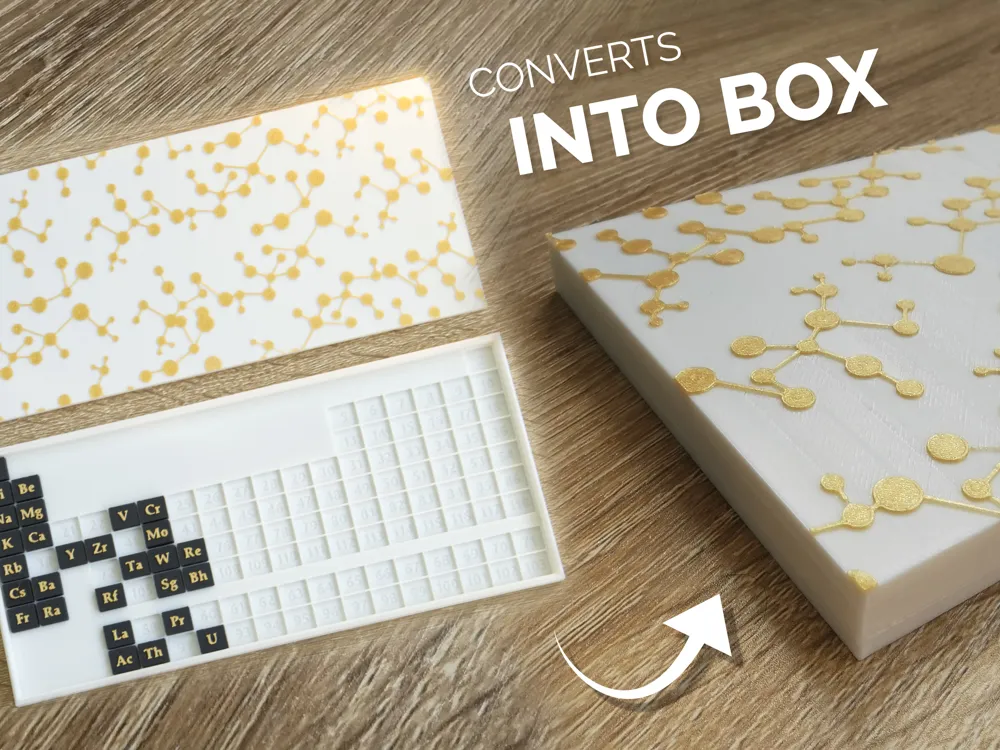
Model parts
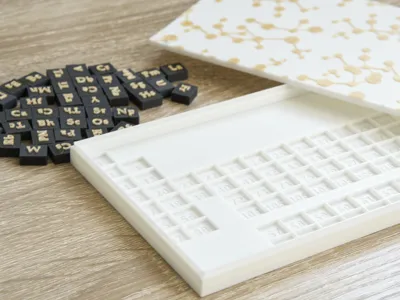
- the base with cutouts for all the elements
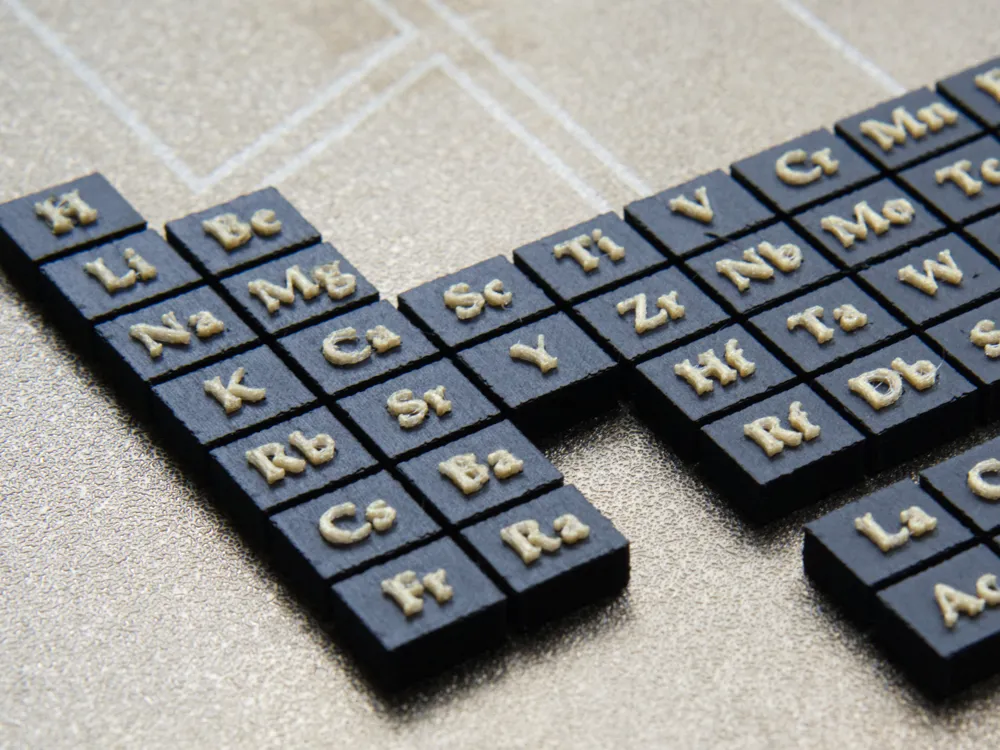
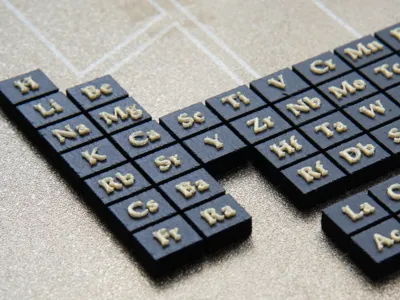
- tiles with element symbols
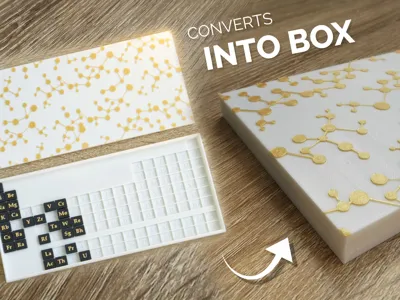
- an optional lid with a decorative pattern
Color swaps - without AMS
On the photo you’ll see a two-color print – but no AMS system is needed.
Instead, I’ve used layer-based filament swaps triggered by short pauses in the g-code. That lets you change the filament mid-print without any special hardware.
When the print stops by itself, unload the filament and load the new one - just like you do normally. Then resume the print.
Color swaps are used for:
- the lettering on the element tiles (symbol and background in different colors)
- the pattern on the lid
If you don’t want to deal with filament changes, just remove the pause from your sliced file or press “Resume” when the printer stops – it’ll continue printing in the same color.
Layout Notes
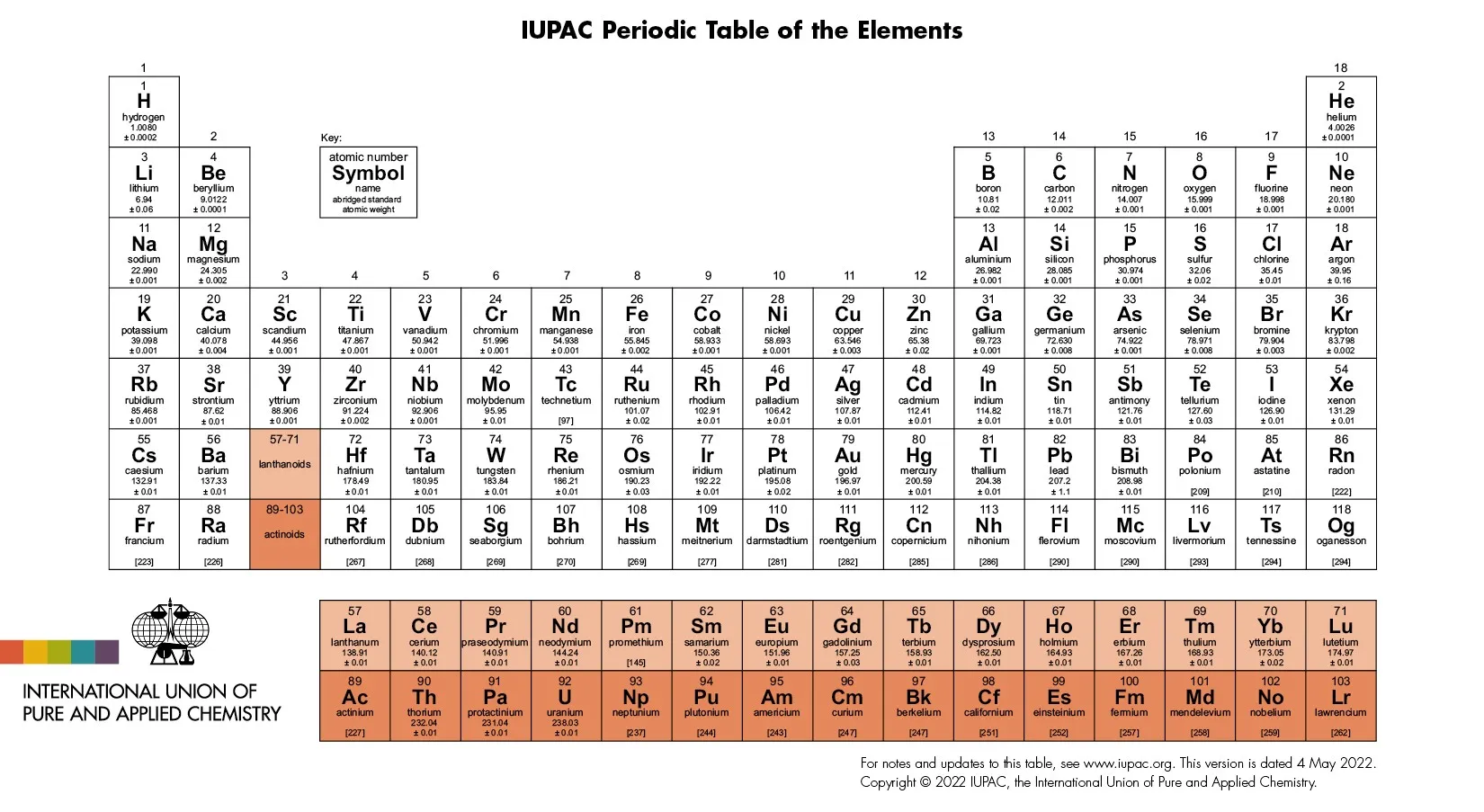
Please note that periodic table layouts can vary, especially when it comes to the placement of Lanthanides and Actinides. Sometimes you'll see Lanthanum (57) and Actinium (89) directly under elements 21 and 39, other times it's Lutetium (71) and Lawrencium (103), or nothing at all — with the full Lanthanide and Actinide series placed in a separate row below. I chose this layout because I found it the clearest and most visually balanced for this format.
As a reference, I used the official IUPAC Periodic Table of Elements (https://iupac.org/what-we-do/periodic-table-of-elements/).
Printing settings
To get the best visual effect, especially on the fine top details, ironing has been enabled and slightly slowed down, set to Top surfaces.
If you're in a hurry, you can change this: set ironing to Topmost surface only, speed it up a bit, or even disable it entirely - but please have in mind that it may be risky. It might be worth testing on the lid, but I don’t recommend turning it off for the base or the letter blocks, where clean top layers matter most.
Filaments I used:
- Bambu PLA Basic Jade white for base and lid,
- Polymaker PolyTerra PLA Charcoal Black for tiles
- Fiberlogy Easy PLA True Gold for lettering and pattern
Printer I tested on: Bambu Lab P1S
Hotend: 0.4 mm Stainless Steel
Please let me know it you have any suggestions on how to improve my future prints :)
Thank you for your time <3
Check out also my other projects:
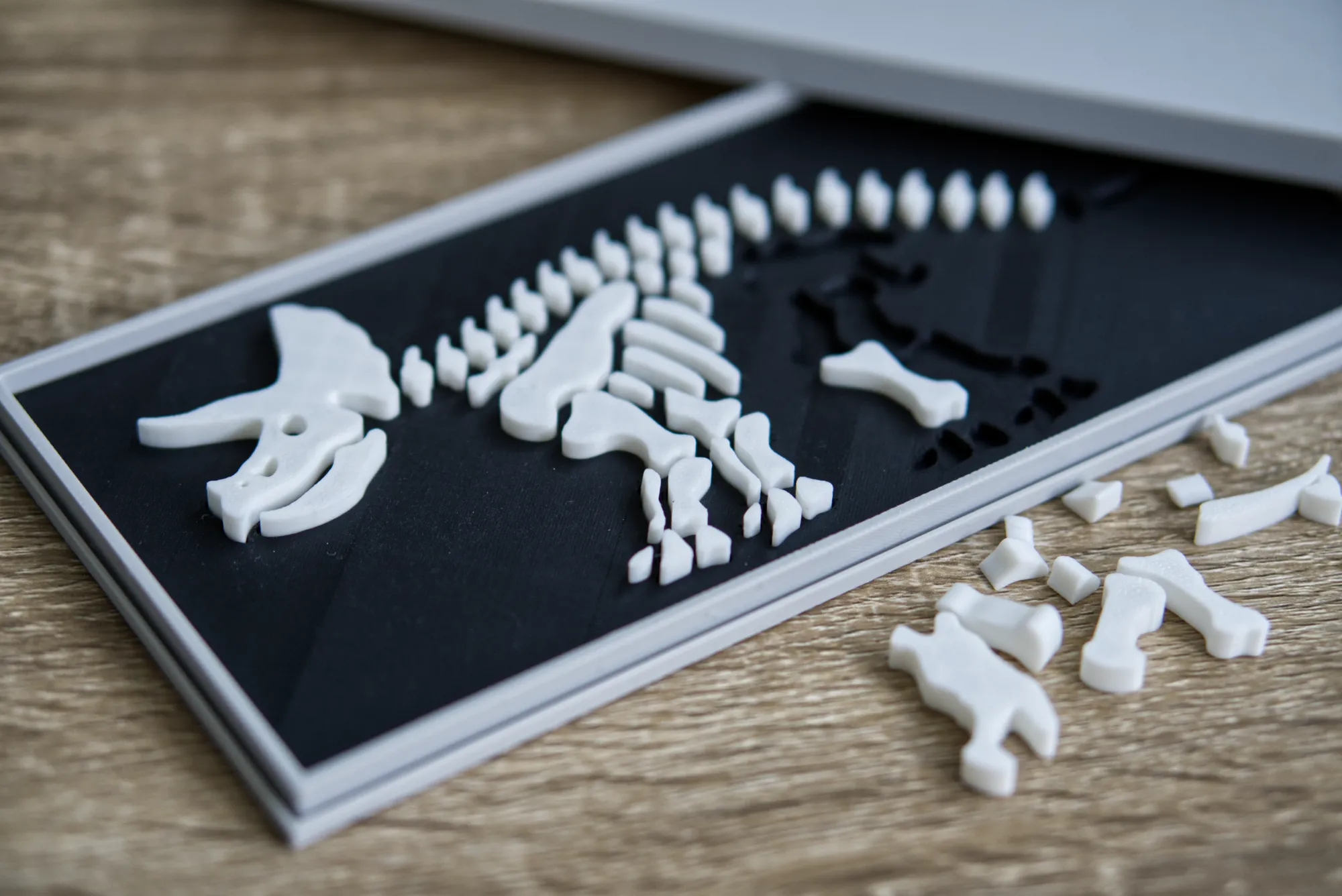
When done printing please share your opinion and photo, I'd love to know how you liked the model :) Also, if you like 3d printed jigsaws, fidgets and usefull fantasy accesories, take a look at my other projects - I'm sure you'll find something interesting there :)
. ˚ . ✧ . ˚ . ✧₊ ˚ . ✧ . ˚ .
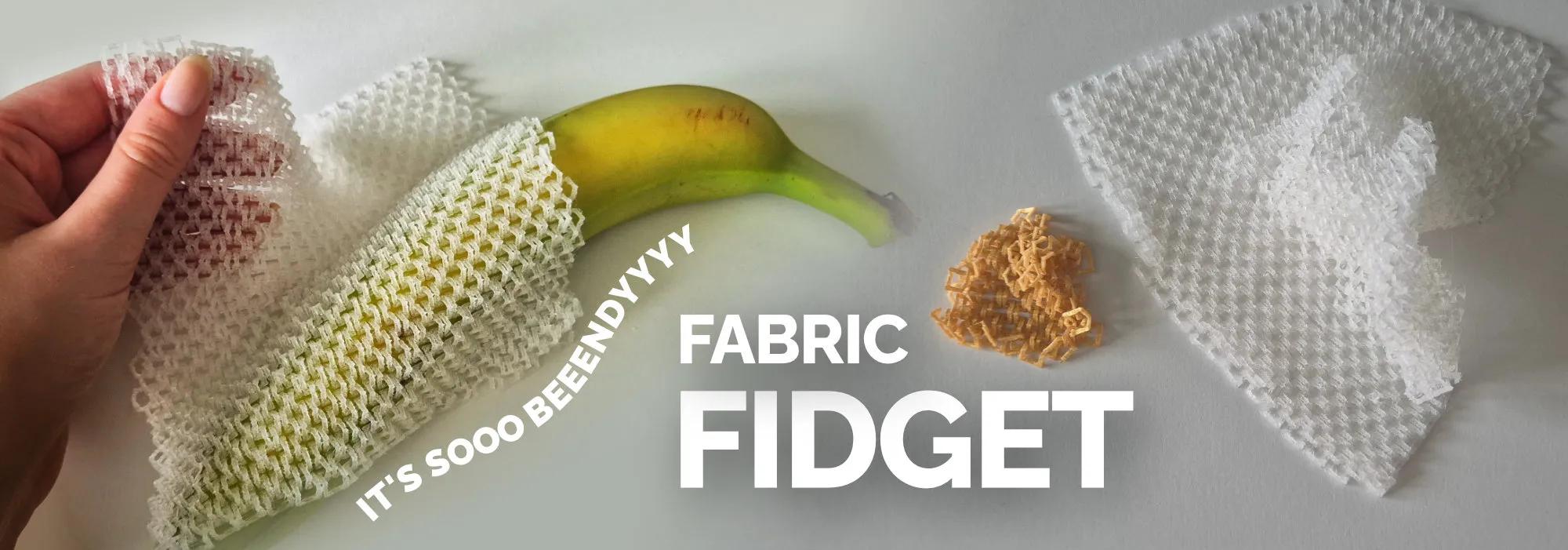
Newest model: Flowing Fabric That Sounds Like Old TV
. ˚ . ✧ . ˚ . ✧₊ ˚ . ✧ . ˚ .
About Commercial License
If you would like to sell physical prints of my models, you can do so on my Ko-fi page:

License

You shall not share, sub-license, sell, rent, host, transfer, or distribute in any way the digital or 3D printed versions of this object, nor any other derivative work of this object in its digital or physical format (including - but not limited to - remixes of this object, and hosting on other digital platforms). The objects may not be used without permission in any way whatsoever in which you charge money, or collect fees.


Comment & Rating (24)