
Laser-cut Iris box, no hardware required
Print Profile(1)
Bill of Materials
Description
Laser-Cut Iris Box – Precision-Engineered Kinetic Design

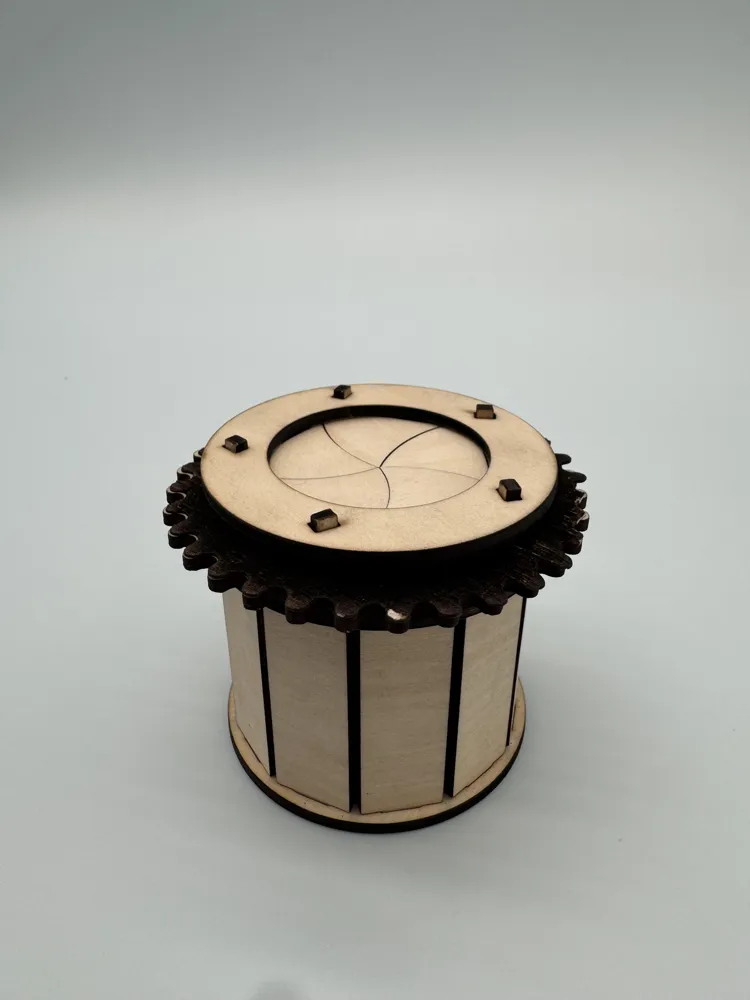
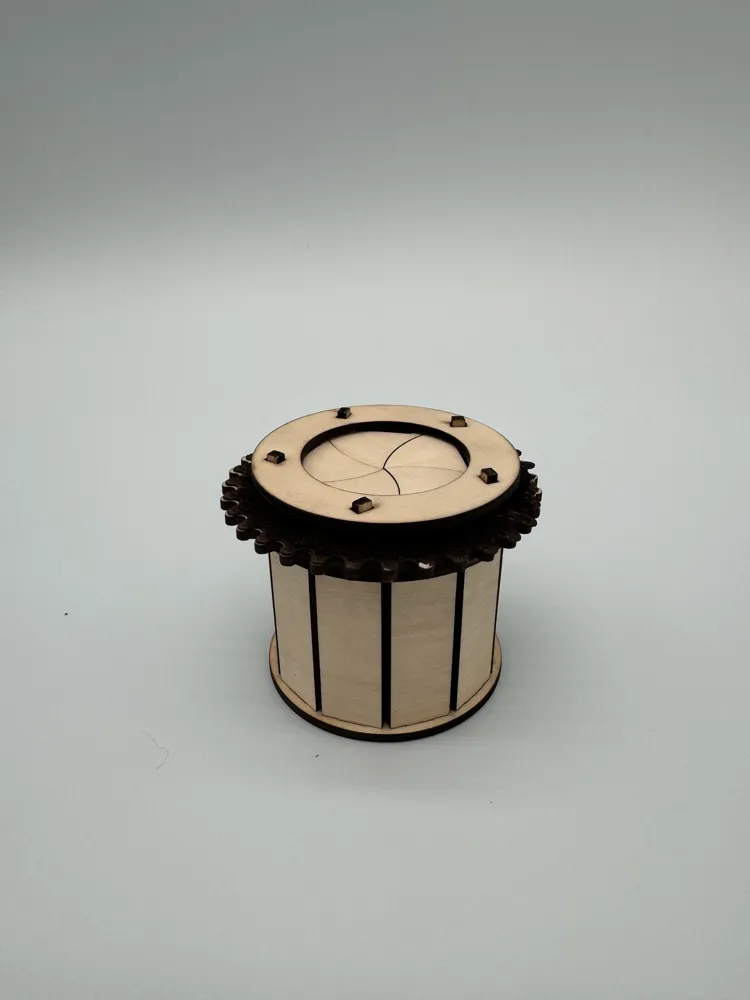
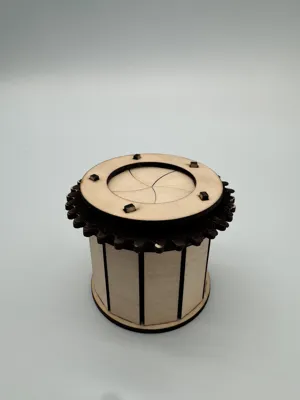
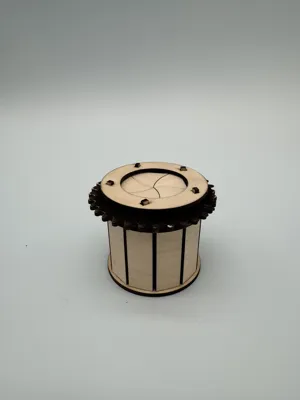
This mesmerizing laser-cut Iris box combines functional elegance with mechanical artistry. Featuring a smoothly rotating iris mechanism, the lid opens and closes like a camera shutter — perfect for storing small treasures, jewelry, or simply showcasing the beauty of precision laser-cut design.
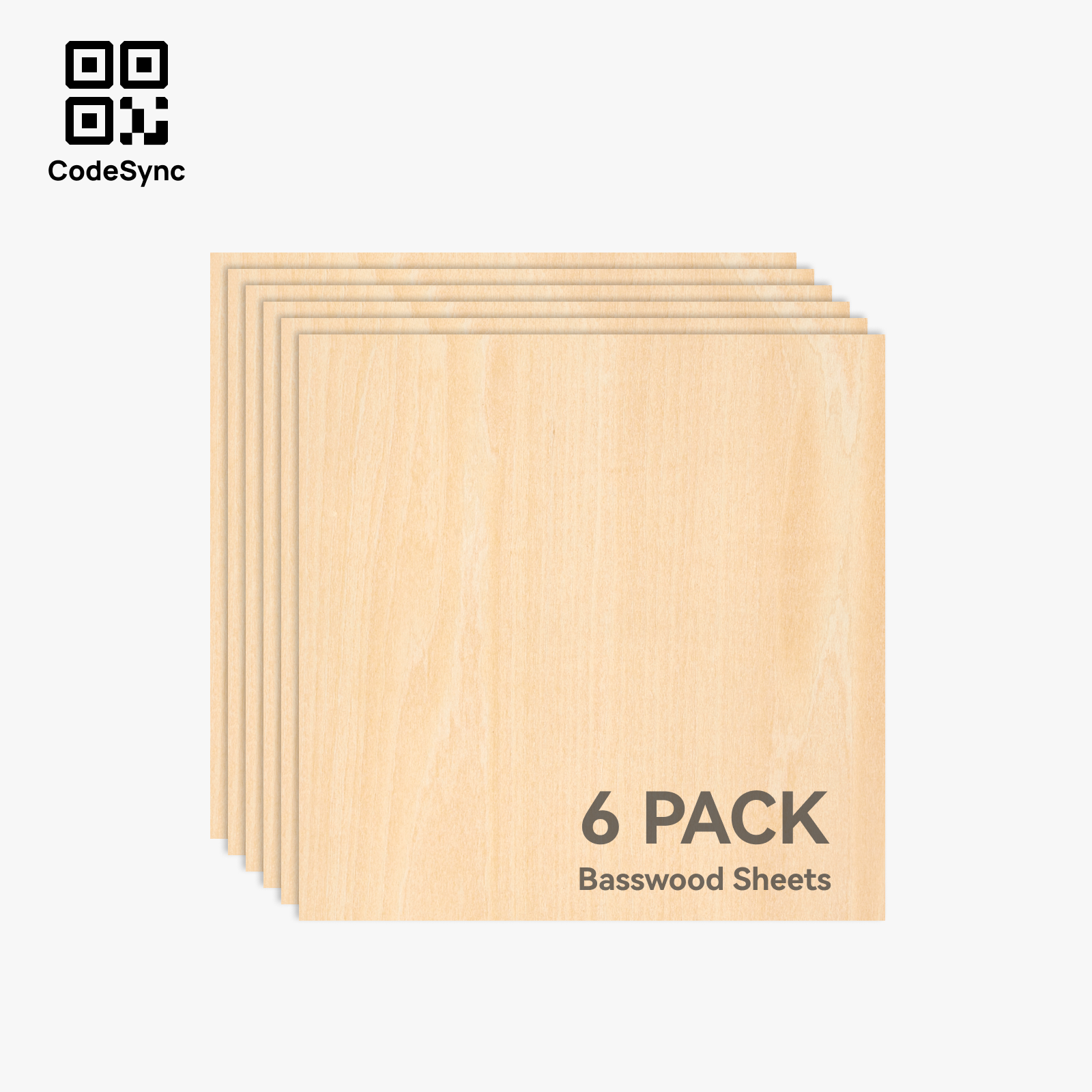
Crafted from [material used, e.g., 3mm Basswood plywood or acrylic], the parts are designed to fit together seamlessly without glue (or with minimal adhesive, depending on your assembly preference). The design emphasizes precision, symmetry, and satisfying motion, making it both a fun build and a captivating conversation piece.
🔧 No hardware required
🪵 Material: [3mm plywood]
🧩 Assembly time: ~[5-10 minutes]
🎁 Great as a gift, desk piece, or personal project!
Boost Me (for free)
We're excited to share a latest project and need your support, your boosts can help us reach a wider audience and bring some new models to life. Every boost makes a difference—thank you for your support!
Thank You!
A huge thanks to everyone who’s supported my work by downloading, printing, and sharing my models here on MakerWorld. Your encouragement and feedback mean the world to me and keep me inspired to keep creating.
Boost Me (for free)
If you enjoy my models, giving them a boost is an awesome way to show support and help more makers discover them. I appreciate every one of you!
Insert the wall pieces into the bottom piece (the one without a guide hole), no need for glue.
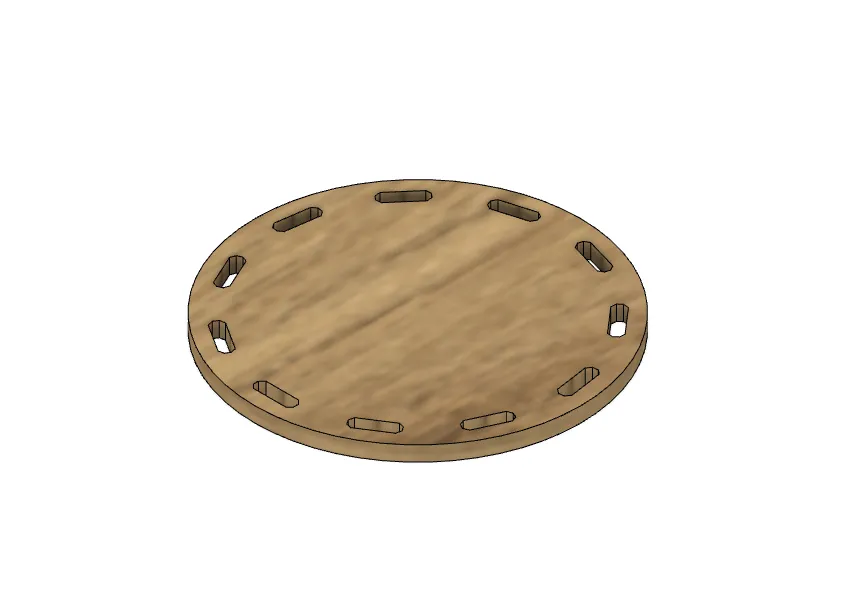
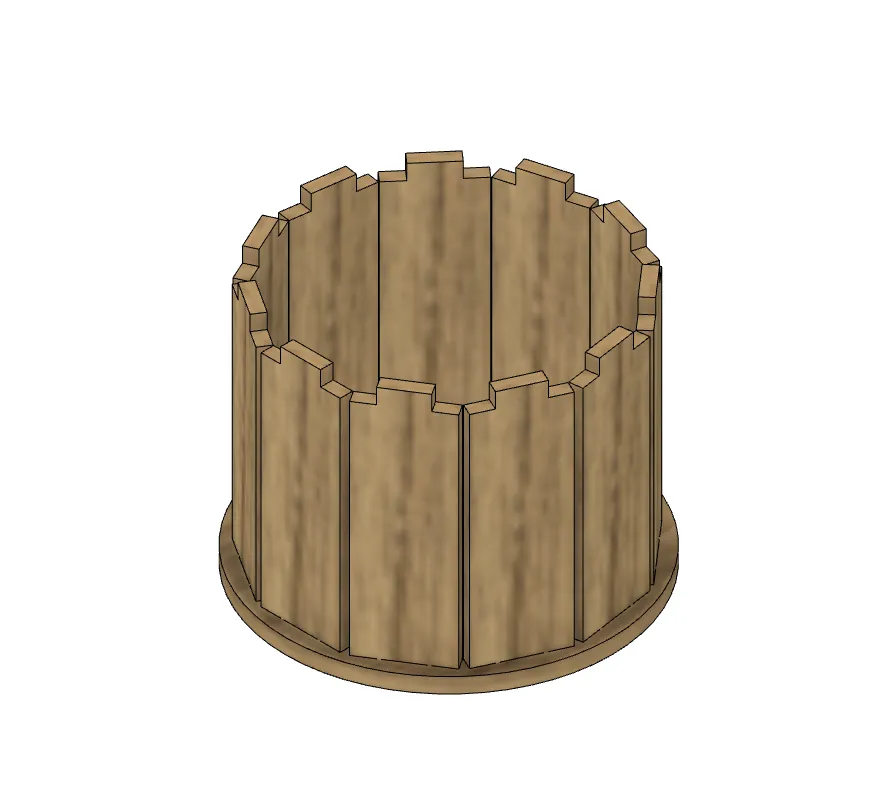
Now insert the top piece, make sure the top one is the one with the guide hole. You may want clamps to make sure the tabs are fully inserted into the top pieces holes.
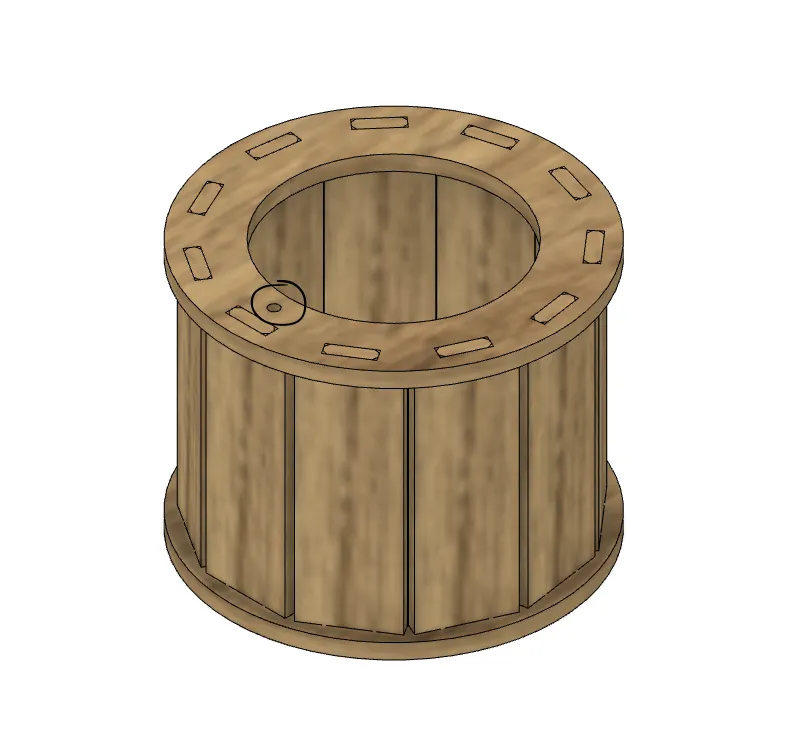
Set the tab attachment piece onto the top of the container and line up the guide holes. Then glue those two pieces together like that.
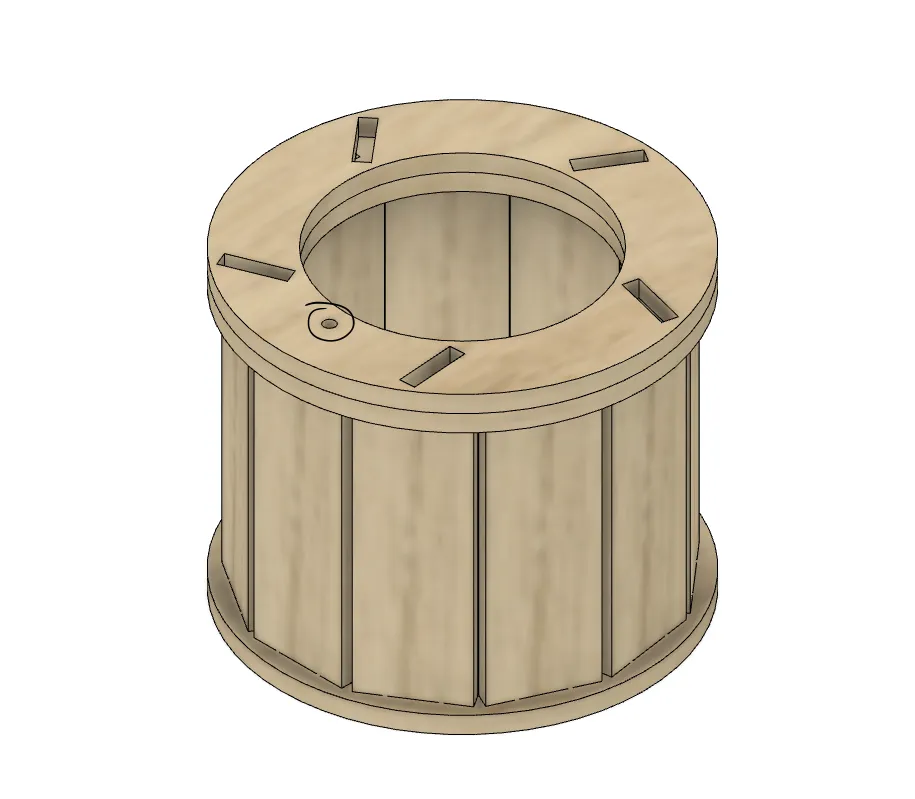
Now insert and glue in the tabs.
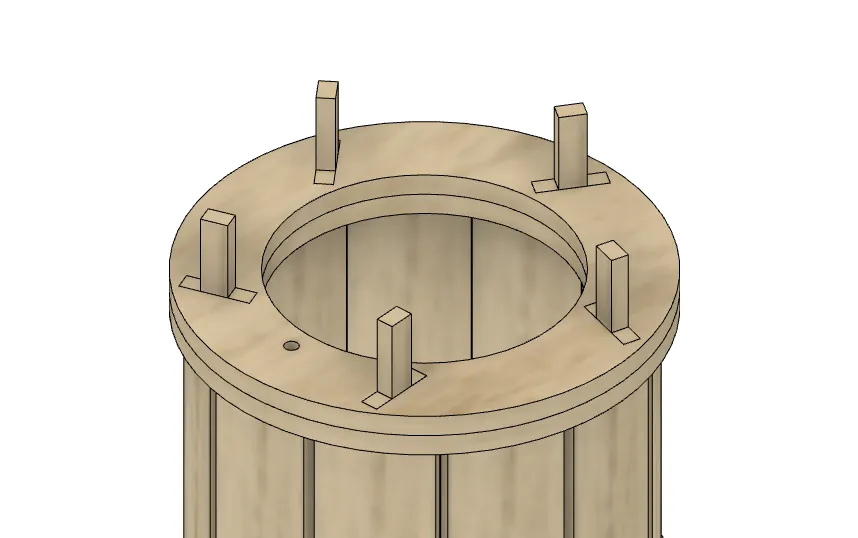
Now take the piece that looks like this:
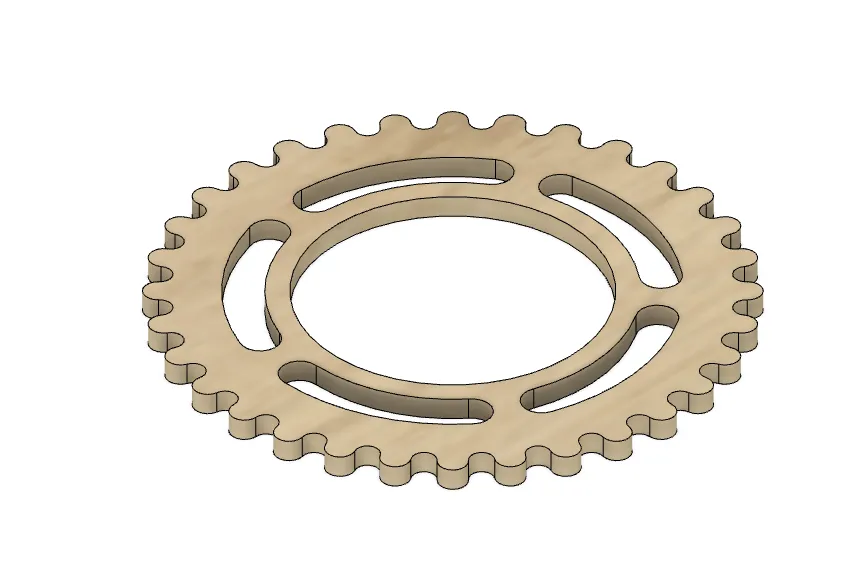
And glue it to the other piece that was engraved a ton to look like this:
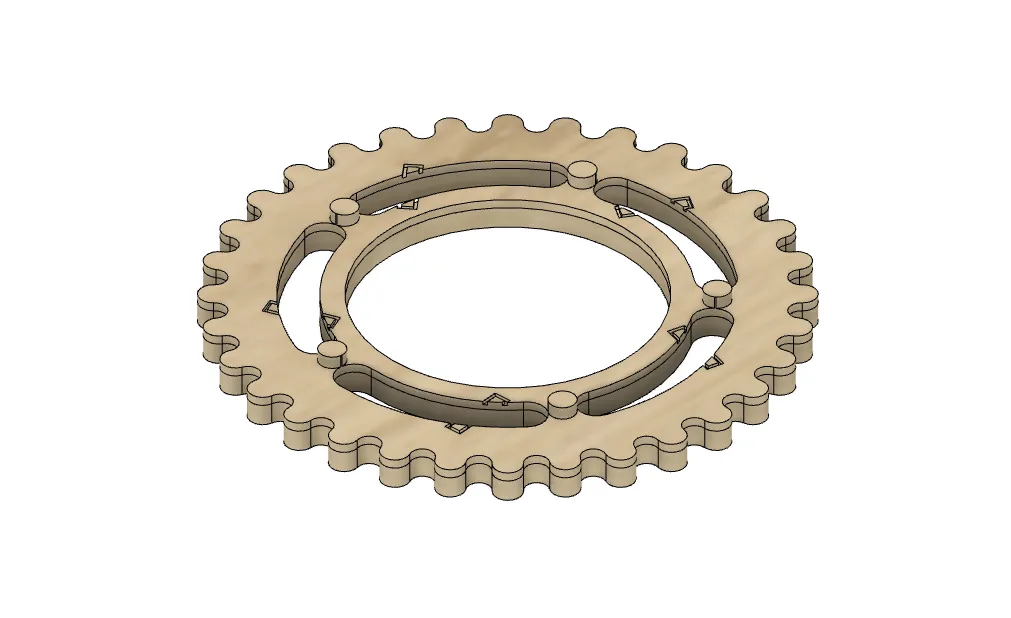
Then place that on top of the previously assembled pieces to look like this:
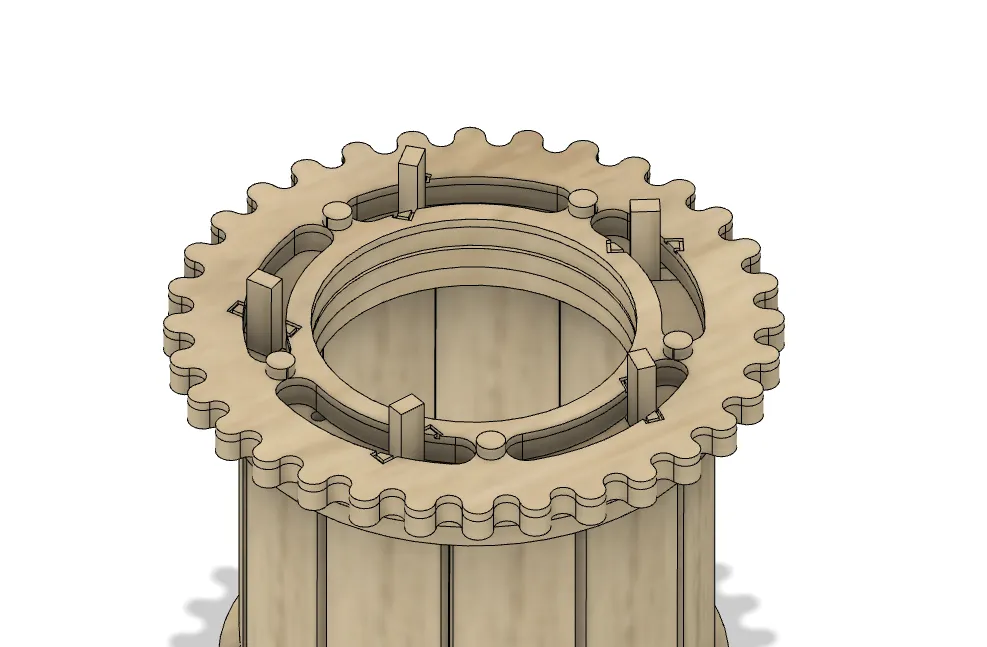
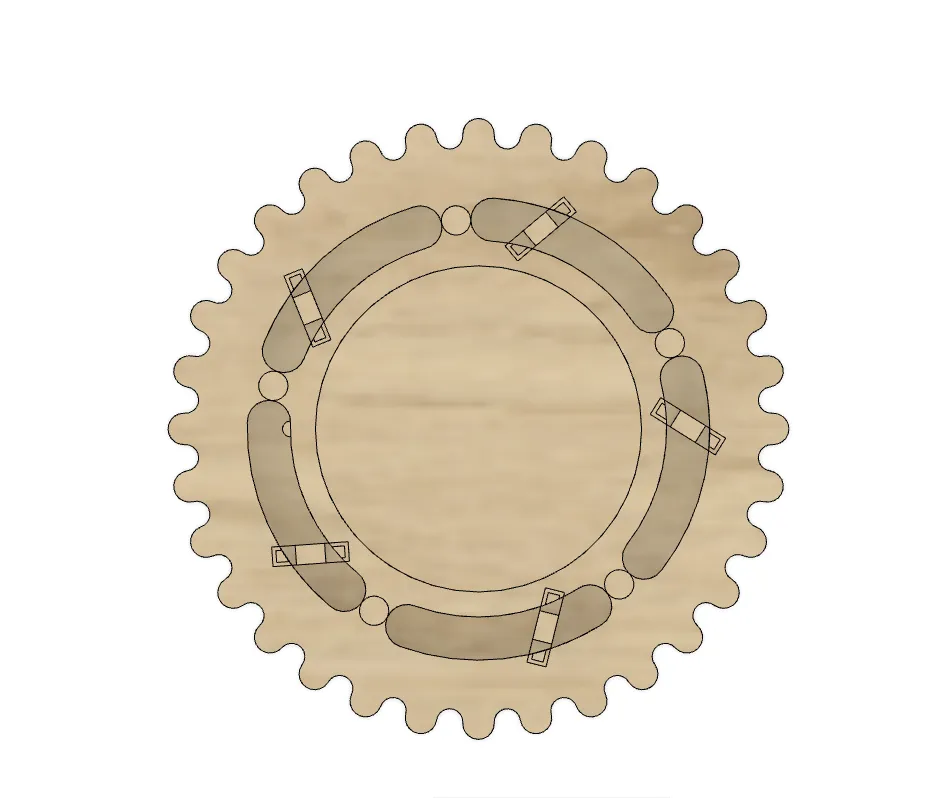
Now add the blades on the top as showed in the pictures:
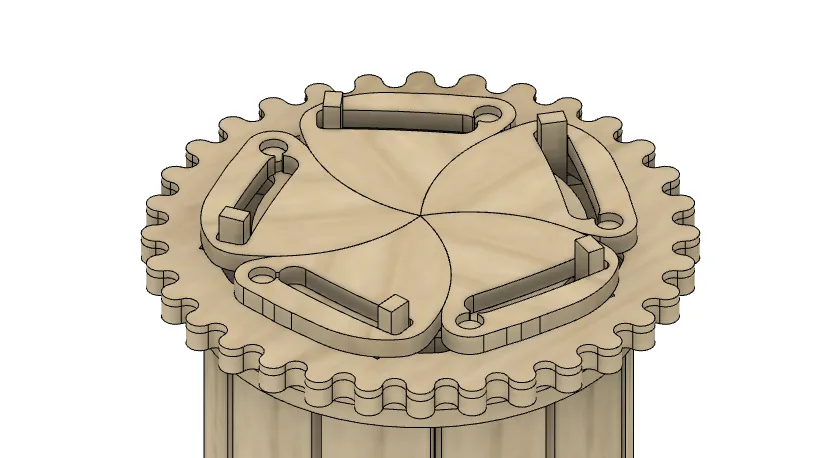
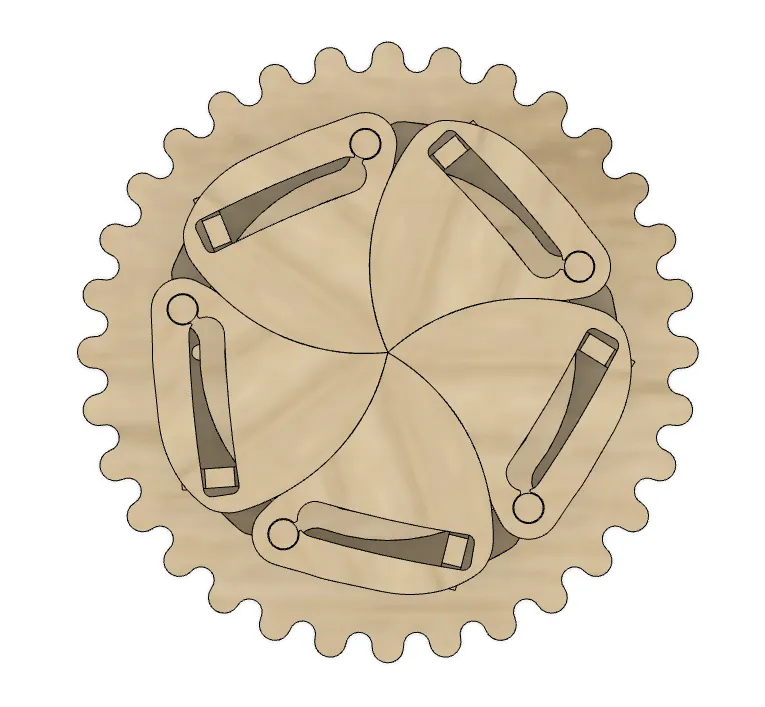
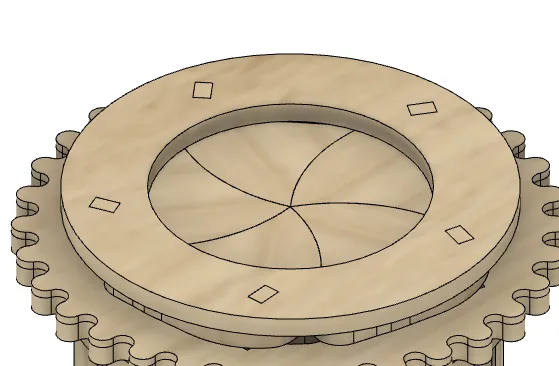
Then just put the top cover on, it should fit snugly without glue.
License

You shall not share, sub-license, sell, rent, host, transfer, or distribute in any way the digital or 3D printed versions of this object, nor any other derivative work of this object in its digital or physical format (including - but not limited to - remixes of this object, and hosting on other digital platforms). The objects may not be used without permission in any way whatsoever in which you charge money, or collect fees.


Comment & Rating (48)