Search models, users, collections, and posts

Disable A1 mini's resonance compensation, XY rapid compensation, vibration compensation, and XY rapid calibration
IP Report
Print Profile(1)
A small boat
Designer
25 min
1 plate
Open in Bambu Studio
Boost
4
11
0
1
19
0
Released
Description
Content has been automatically translated.
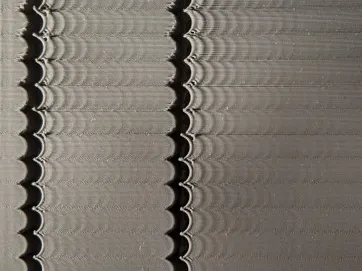
- Are you tired of the jarring vibrations and wasted time before each A1 mini print?
- Does the noise disturb your neighbors, colleagues, family, roommates, or sleep?
- This guide will show you how to disable noisy resonance compensation in your slicer without significantly impacting print quality
For A1 mini
First, download this code file
Download link: https://www.123865.com/s/NNblVv-UYW43

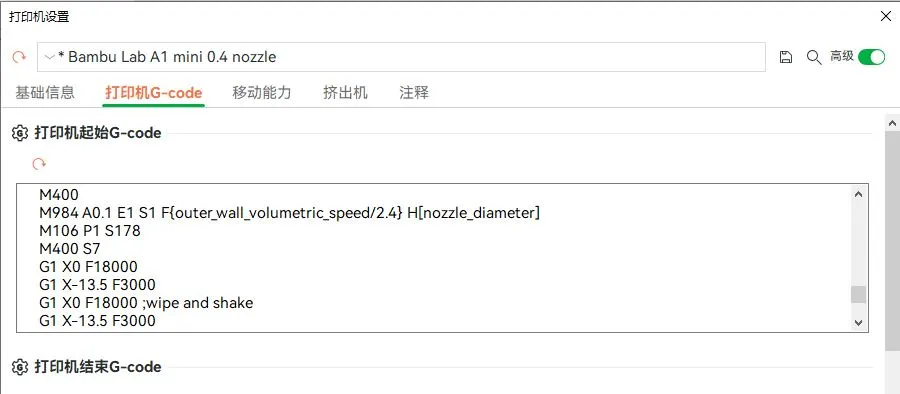
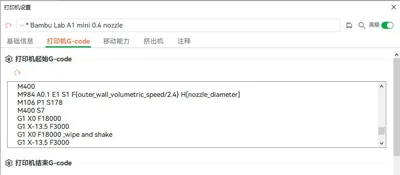
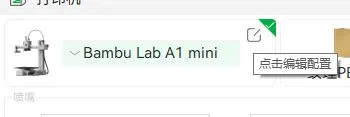
Follow these steps in your slicer: Click Edit Profile - Printer Settings - Printer G-code
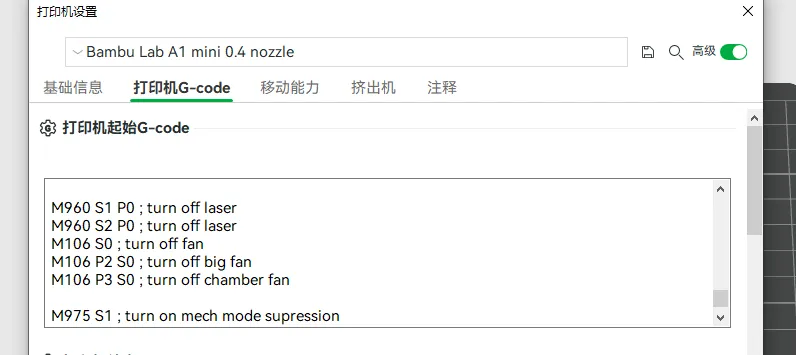
Select all and delete the printer's starting G-code, copy the downloaded code, and paste it to replace the deleted text
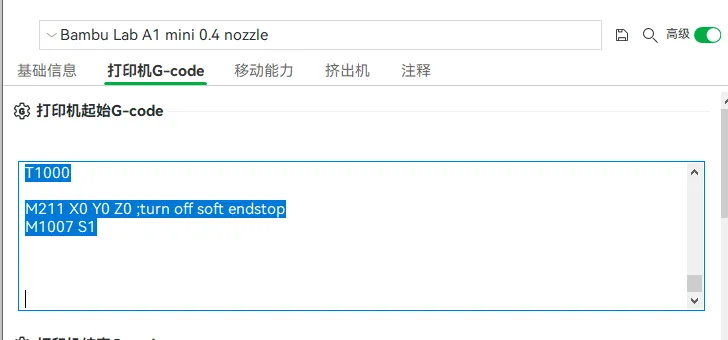
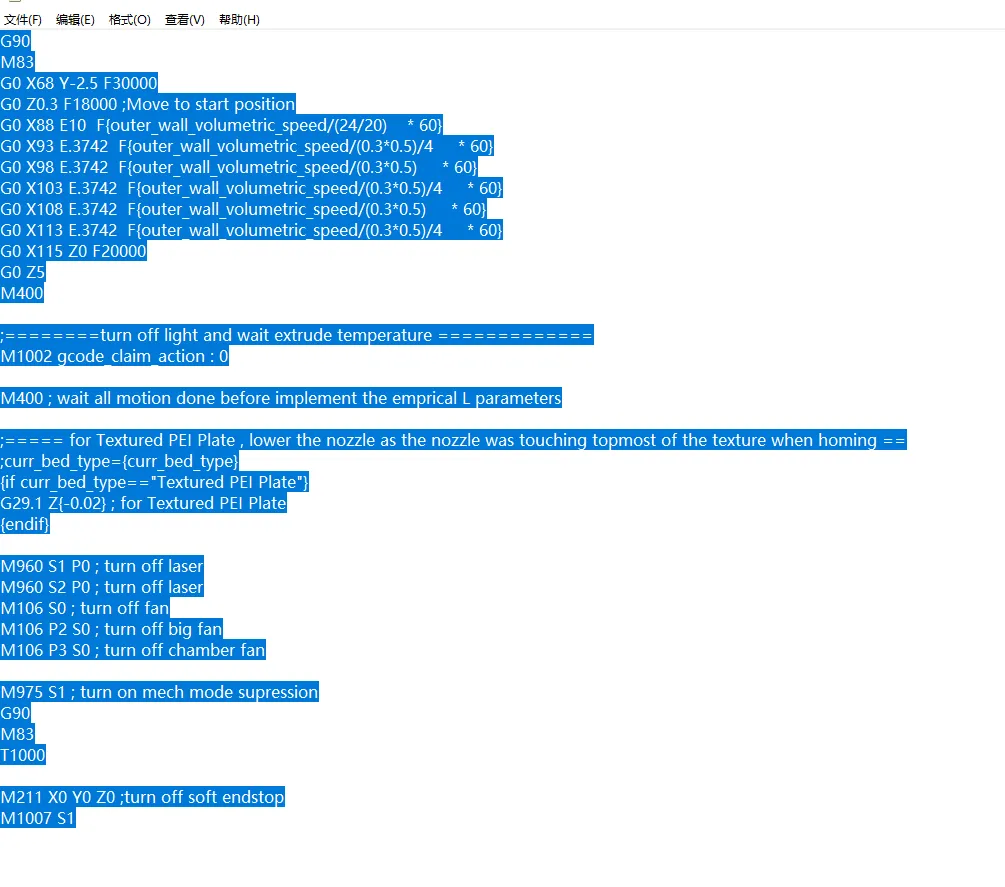
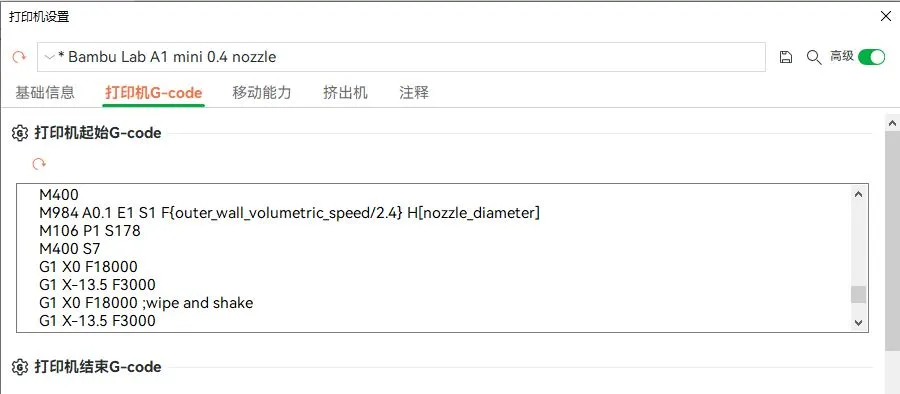
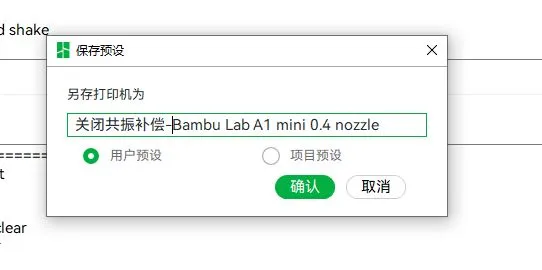
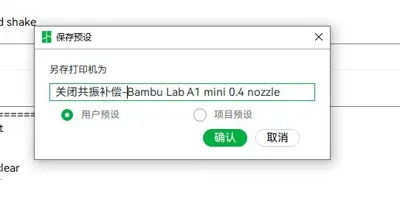
Save and give it a name you like
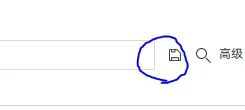
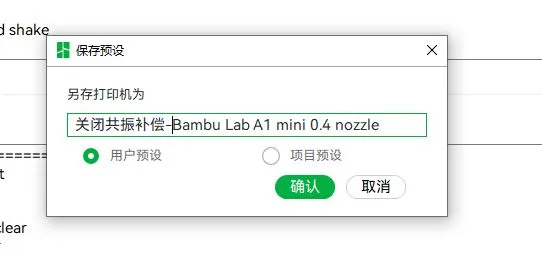
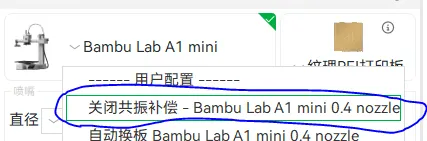
Next time you need to disable resonance compensation, simply select this printer configuration
Boost Me (for free)
If this helps you, please consider supporting me with a tip Feel free to ask any questions
Documentation (1)
Other Files (1)
关闭共振补偿.txt
License

This user content is licensed under a
Creative Commons Attribution-Noncommercial


Comment & Rating (0)