
FarmTools - TimeLapse Upgrade for A1 and A1 mini
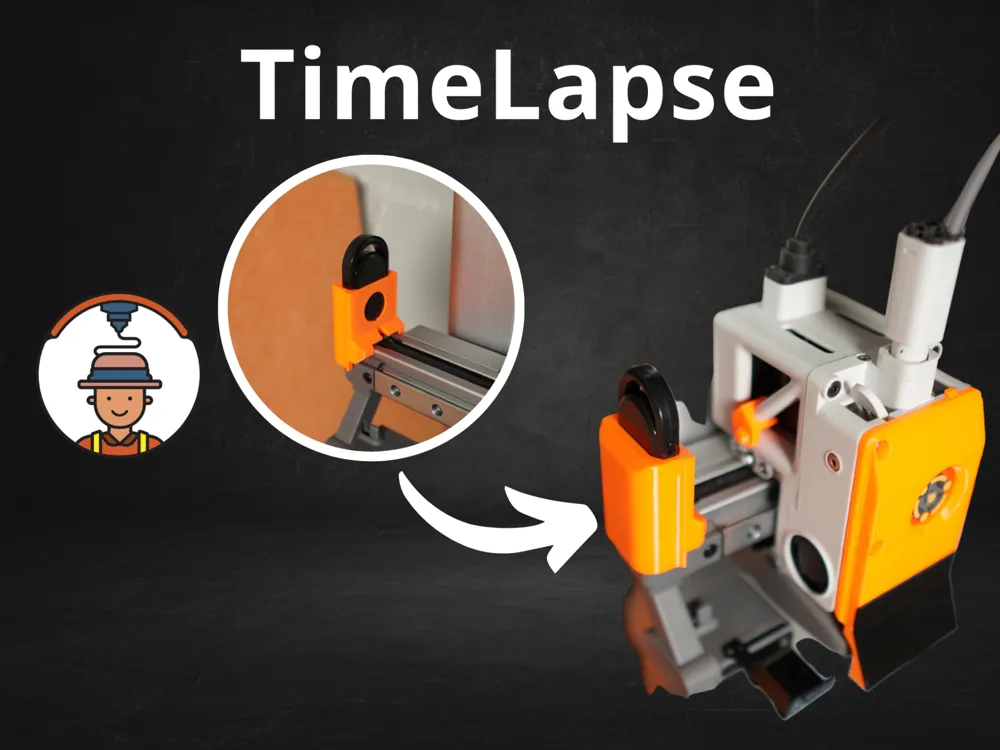
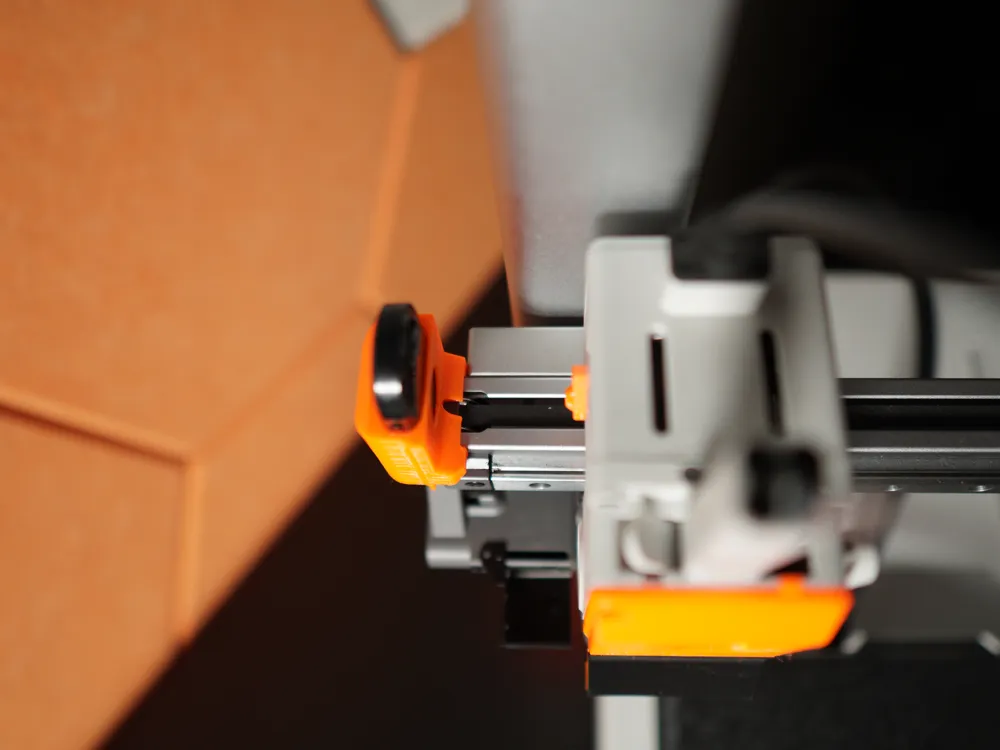
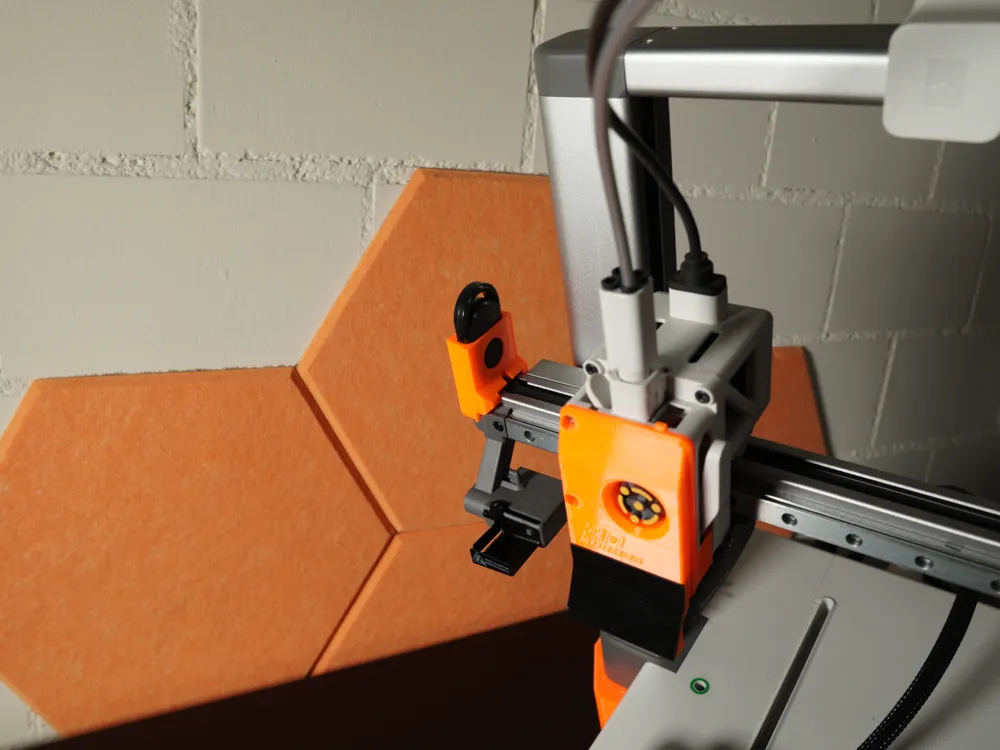
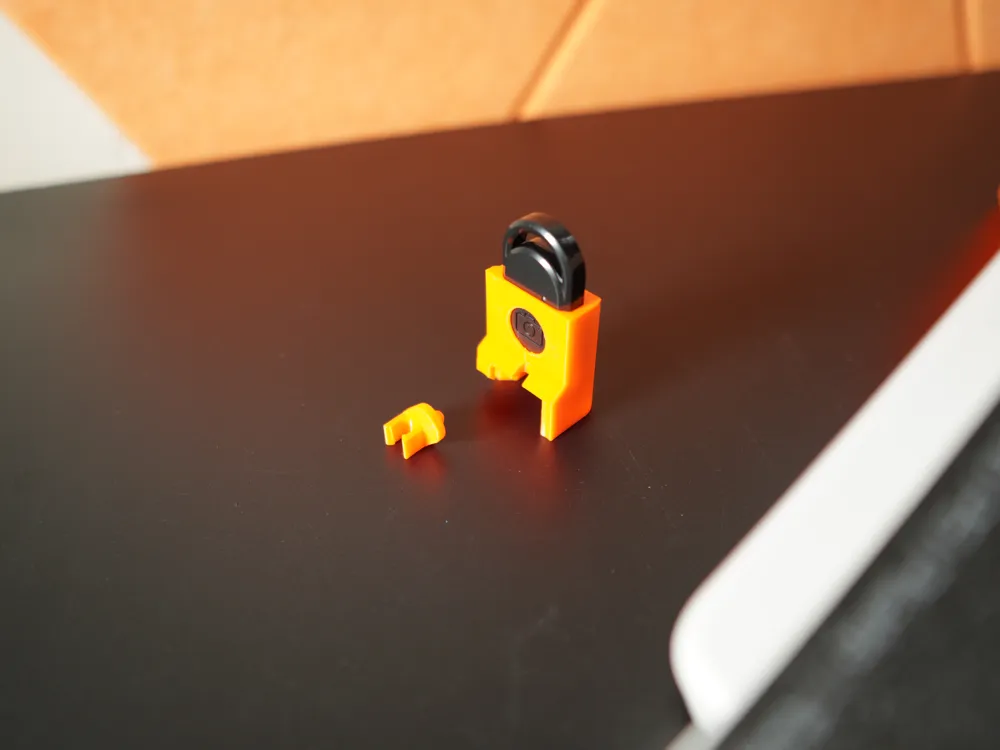
Print Profile(3)


Bill of Materials


Description
Boost Me (for free)
Boost for more FarmTools!
Hypnotic Layer-by-Layer Timelapses for the Bambu A1 / A1 mini
1 · Why Bother With Timelapses?

Scrolling customers decide in seconds. A perfectly synced layer-by-layer timelapse lights up the “wow” part of the brain and makes them stop, stare, click, and buy. Filming with a phone alone gives you hours of shaky footage and a blocked view, but one photo after every layer delivers a sharp, flicker-free video that shows the print growing out of thin air.
More tutorials and tools to kickstart your 3D printing business can be found in our Skool community → https://www.skool.com/3dfarmers
Watch our video to understand the workflow:
2 · What You Need
Hardware
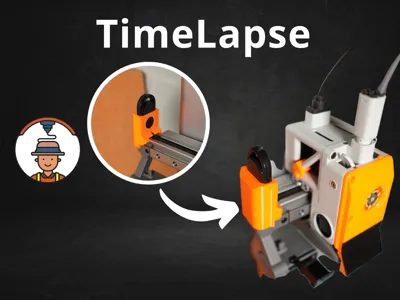
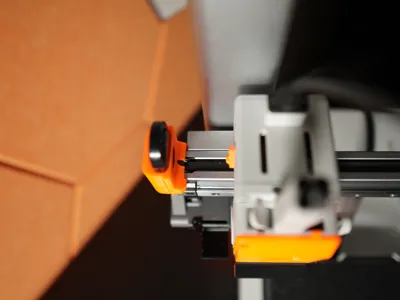
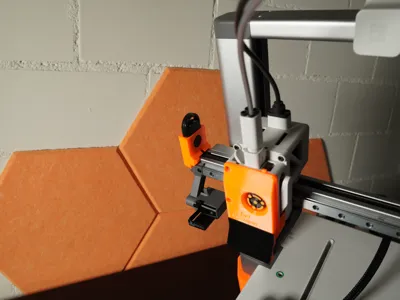
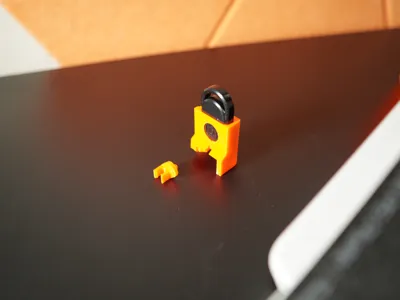
- Finger bracket and Trigger Holder (Print it)
- Bluetooth camera trigger – Aliexpress, Amazon.de
Software
- Open Camera (Android, free) – lets you lock ISO, shutter speed, and white balance so every frame matches.
- Free video editor – DaVinci Resolve on desktop or a mobile app such as Velocity Lapse; you just need “import image sequence” and “export MP4.”
3 · Setup Instructions
-→ Get the free Tutorial here: https://3dfarmers.kit.com/timelapse
For a more detailed manual and how to stich these pictures together join our Skool community → https://www.skool.com/3dfarmers
License

You shall not share, sub-license, sell, rent, host, transfer, or distribute in any way the digital or 3D printed versions of this object, nor any other derivative work of this object in its digital or physical format (including - but not limited to - remixes of this object, and hosting on other digital platforms). The objects may not be used without permission in any way whatsoever in which you charge money, or collect fees.


Comment & Rating (83)