
A1 Z-Axis Pillar Covers
Print Profile(4)


Bill of Materials


Description
Boost Me (for free)
🍍If you enjoyed the model, consider a like and a Boost! It's free, and let's me know you want to see more!🍍
UPDATE 2026-1-15:
- Changed “AMS Lite Version” print profile name to “Z-Axis Stiffener Version”
- Added 2 additional print profiles complimenting existing ones, offering more printer-friendly settings at the cost of slower wall speeds, material in the forme of a brim, and plates by printing each cover individually
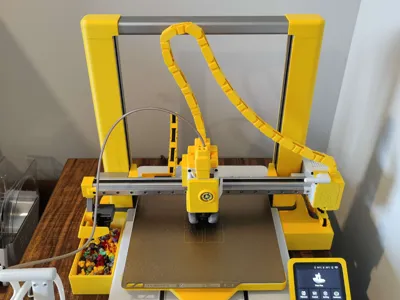
A1 Z-AXIS METAL PILLAR COVERS
Z-Axis Stiffener Version also available!
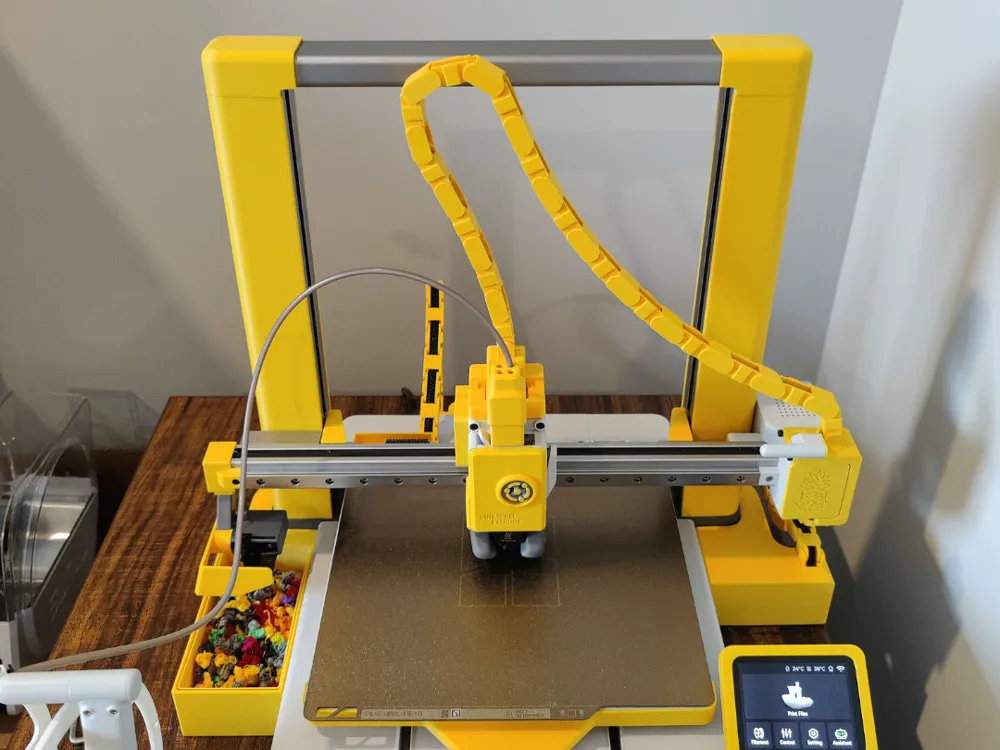
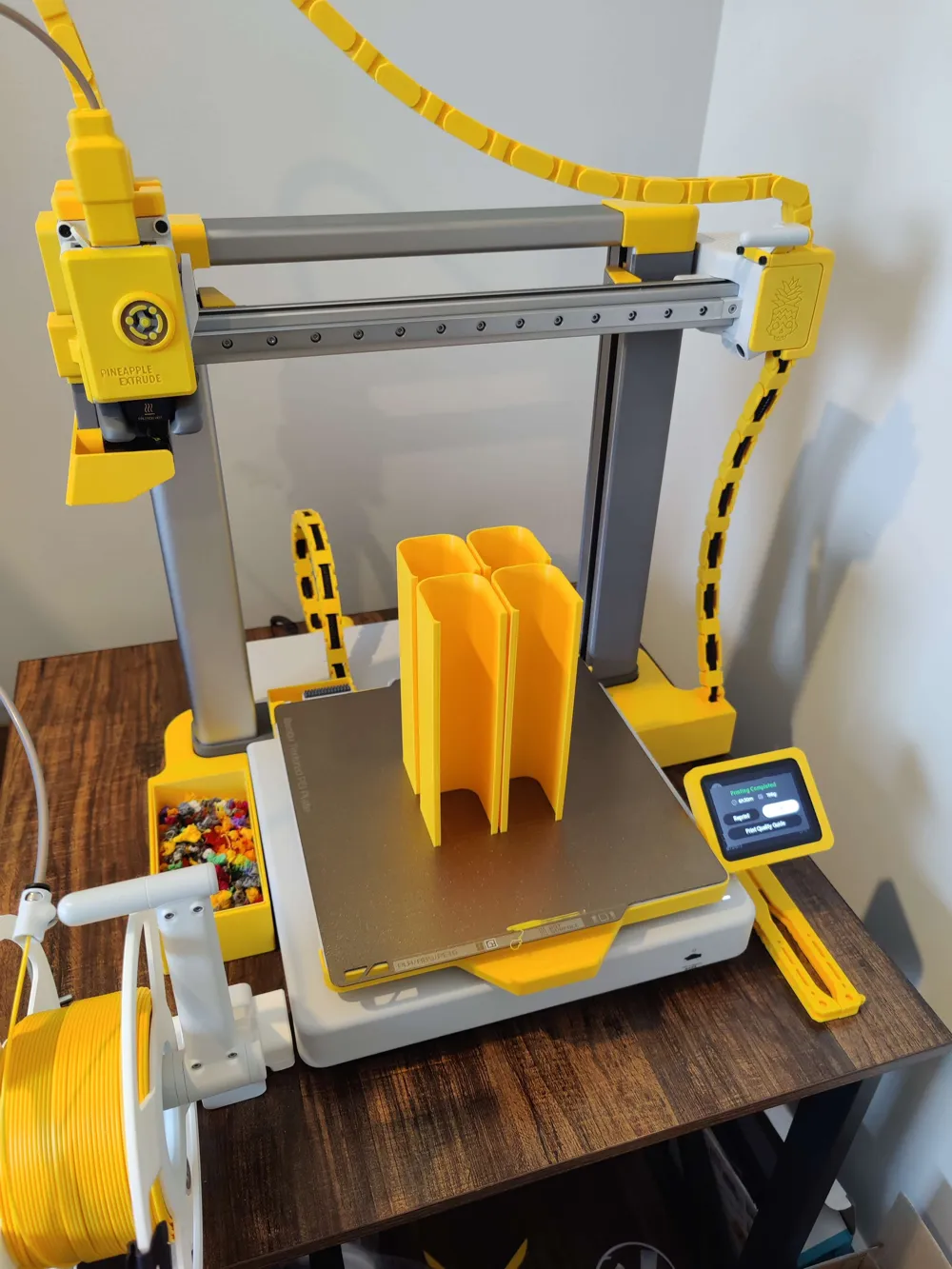
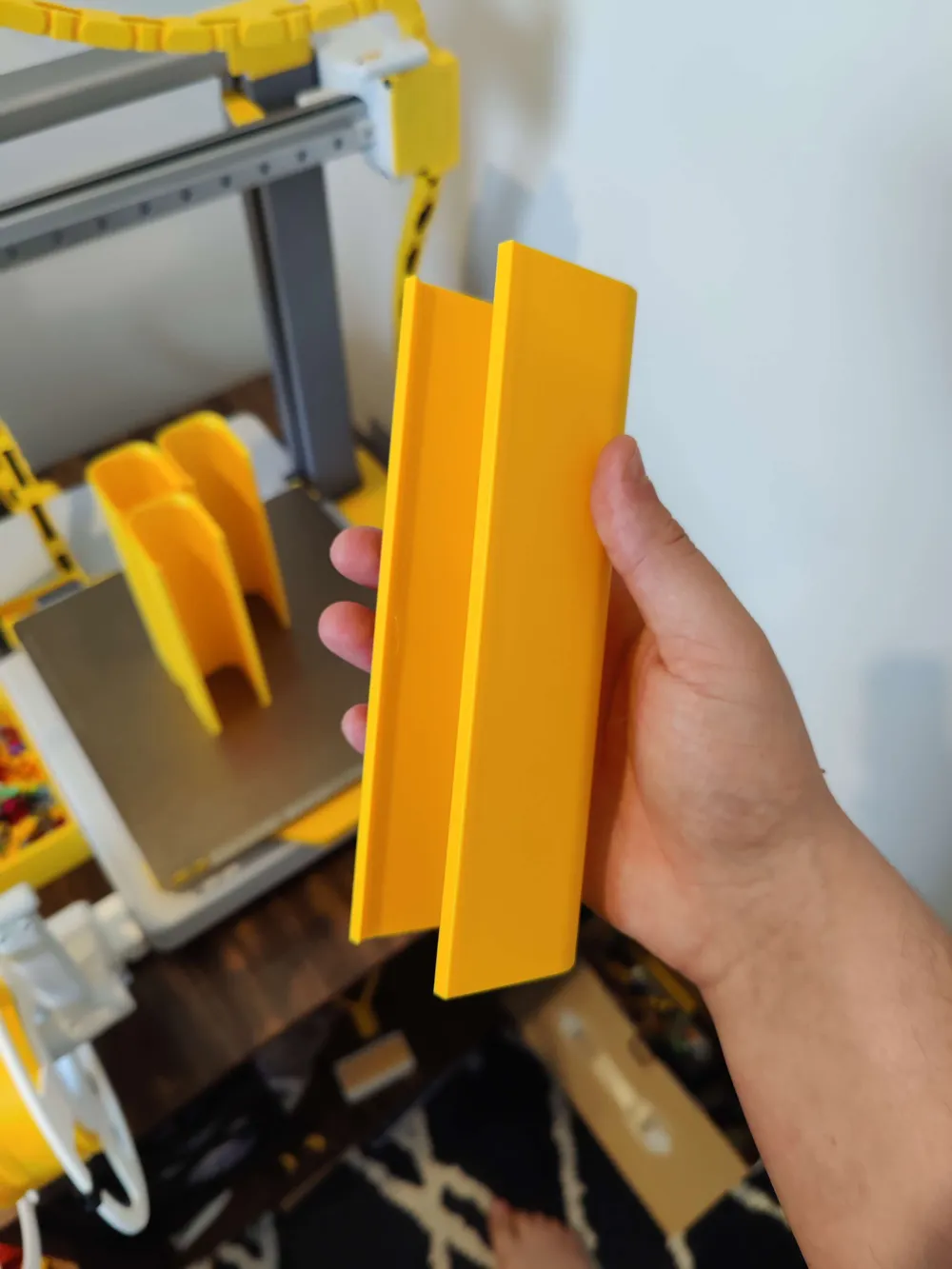
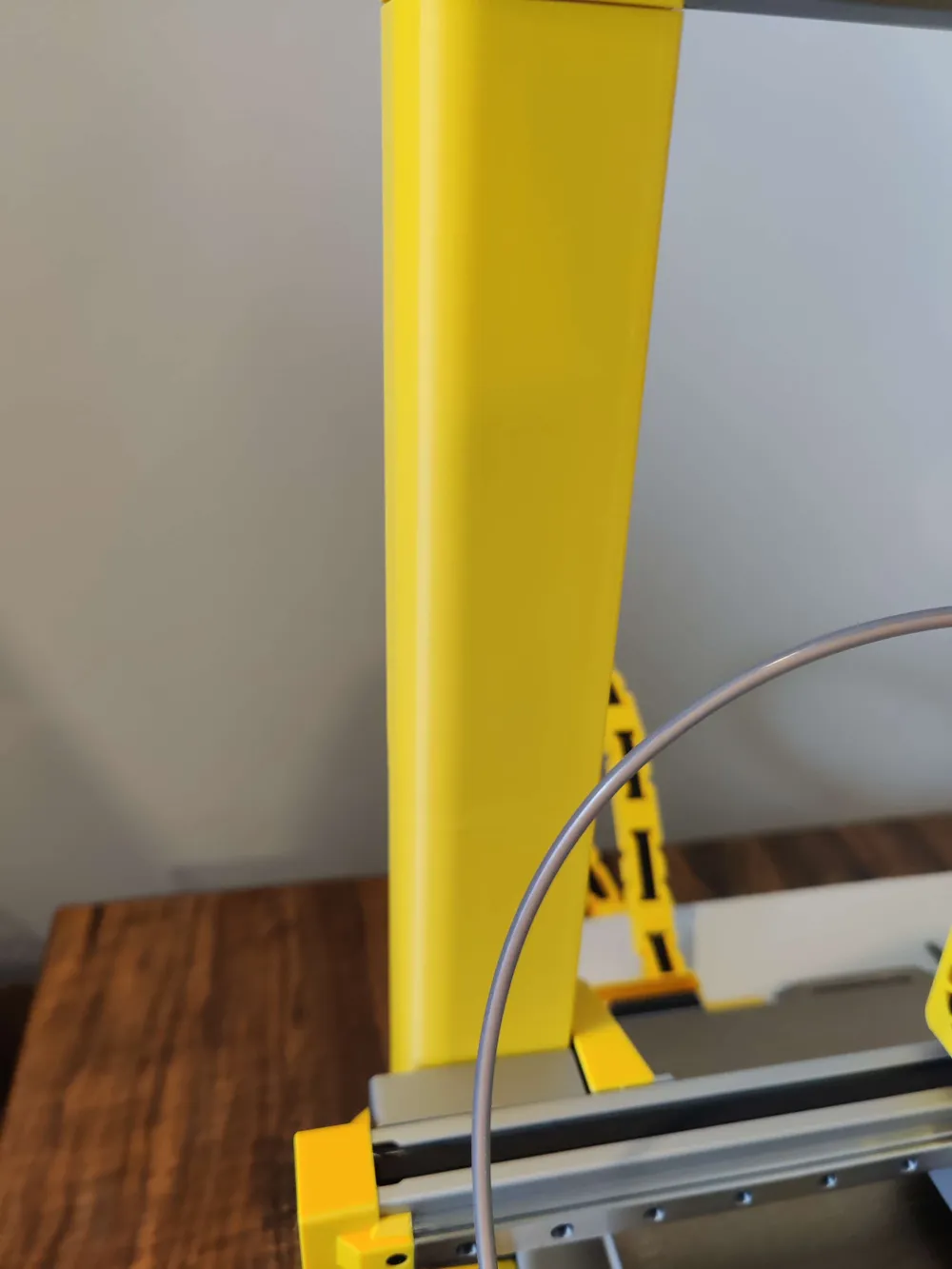
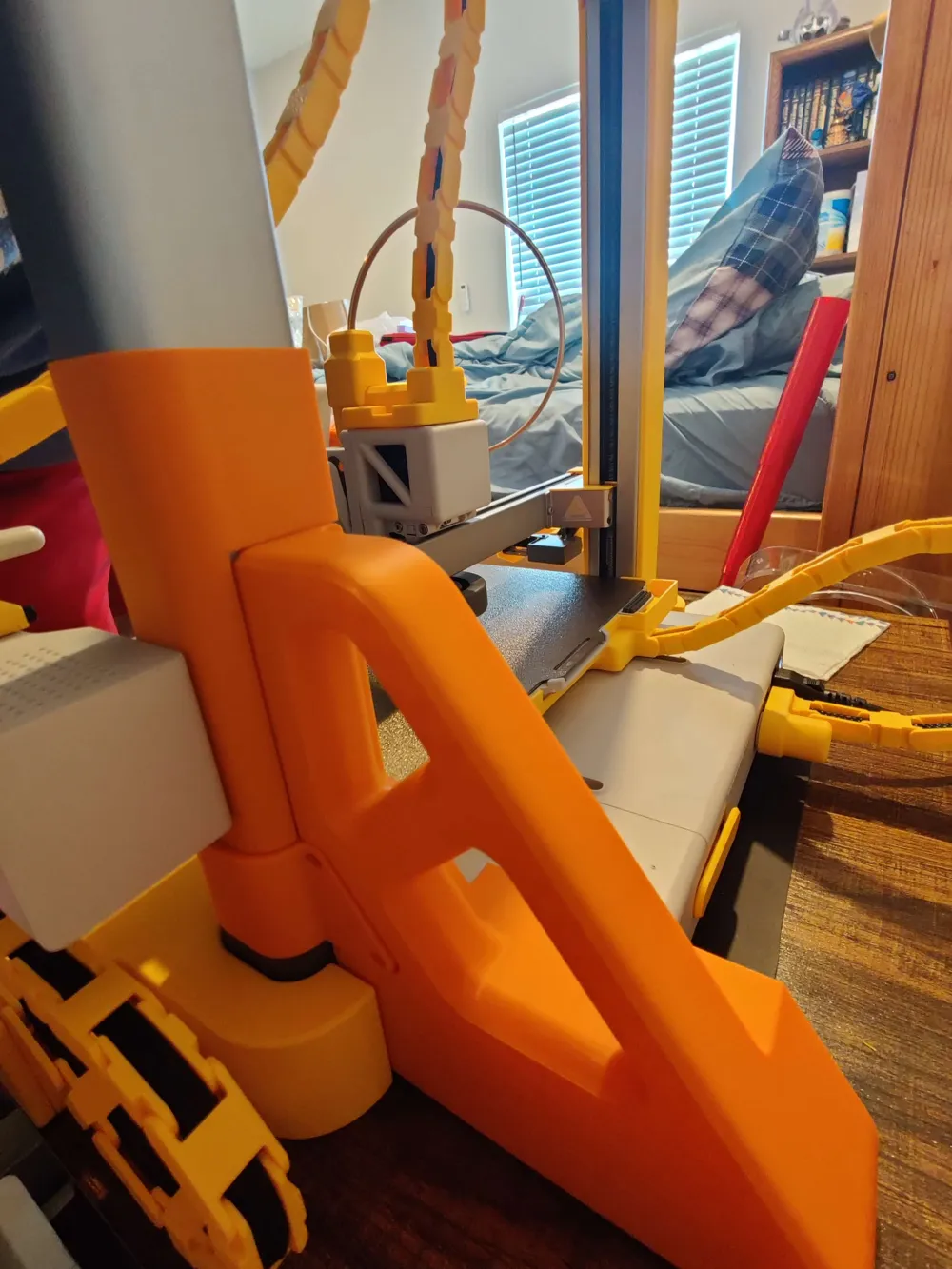
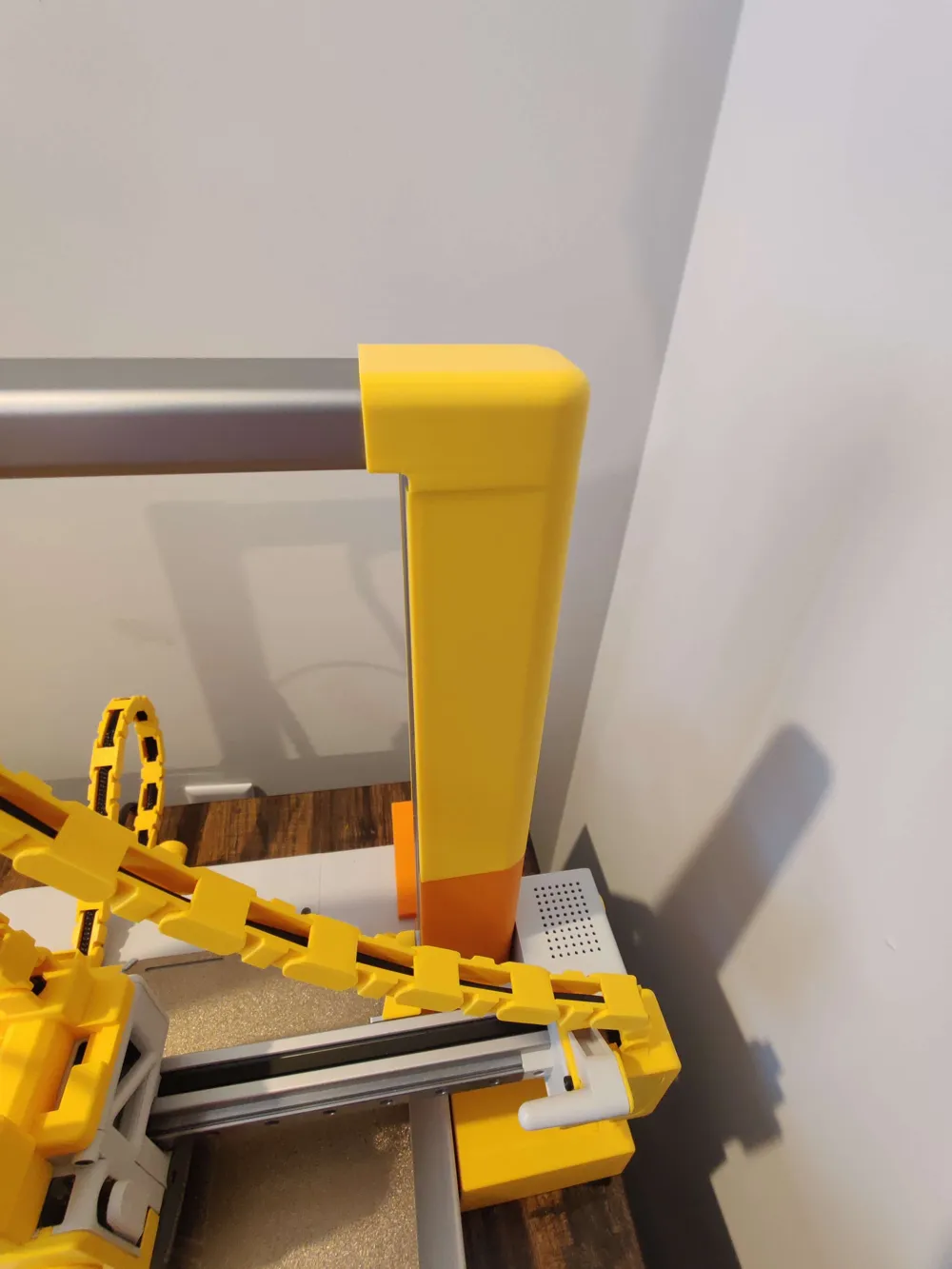
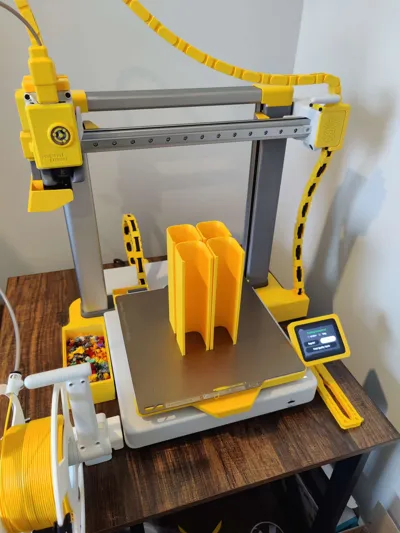
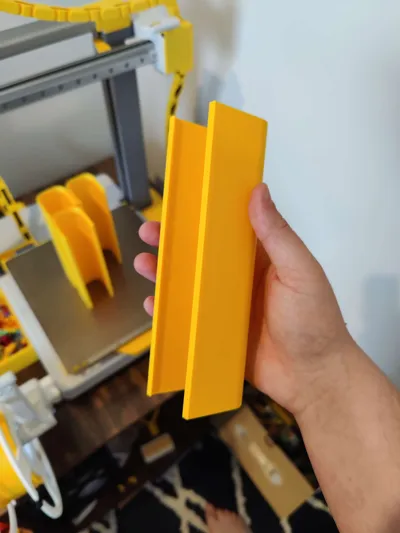
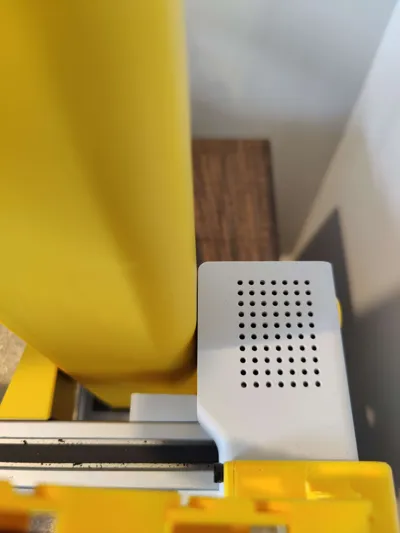
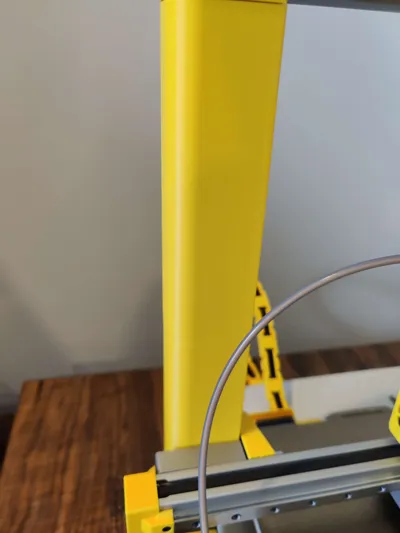
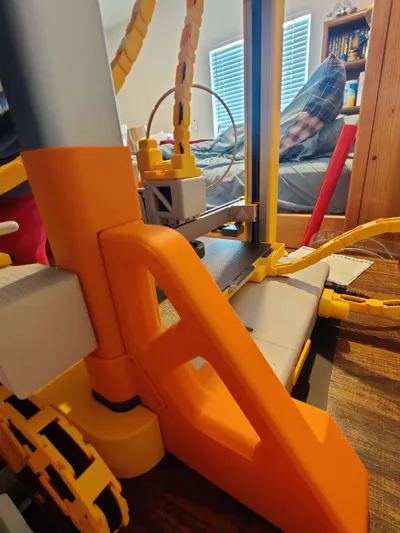
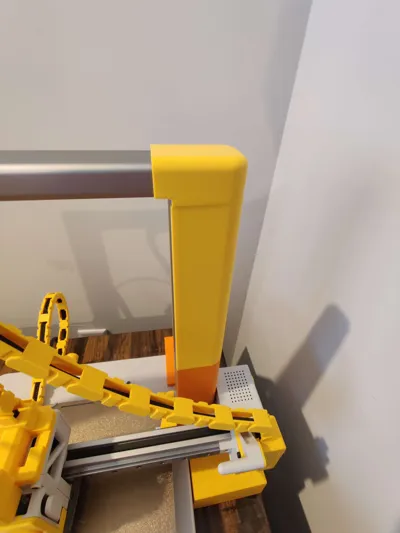
I designed these covers to go over the Z-Axis towers on the A1. Due to their height, they print in 2 segments. They're purely cosmetic, easy to pop on, and provide a dramatic pop of colour to my printer! Consider pairing them with some of my other cosmetic A1 accessories:
A1 Z-Axis Cap Covers:
https://makerworld.com/en/models/1354289-a1-z-axis-cap-covers#profileId-1397547
A1 Z-Axis Crossbeam Cover:
https://makerworld.com/en/models/1718515-a1-z-axis-crossbeam-covers#profileId-1824021
A1 Hats:
https://makerworld.com/collections/10369967
A1 Print Base Front Cover:
https://makerworld.com/en/models/2206565-a1-printer-base-front-cover#profileId-2398132
⚠️ READ BEFORE PRINTING ⚠️
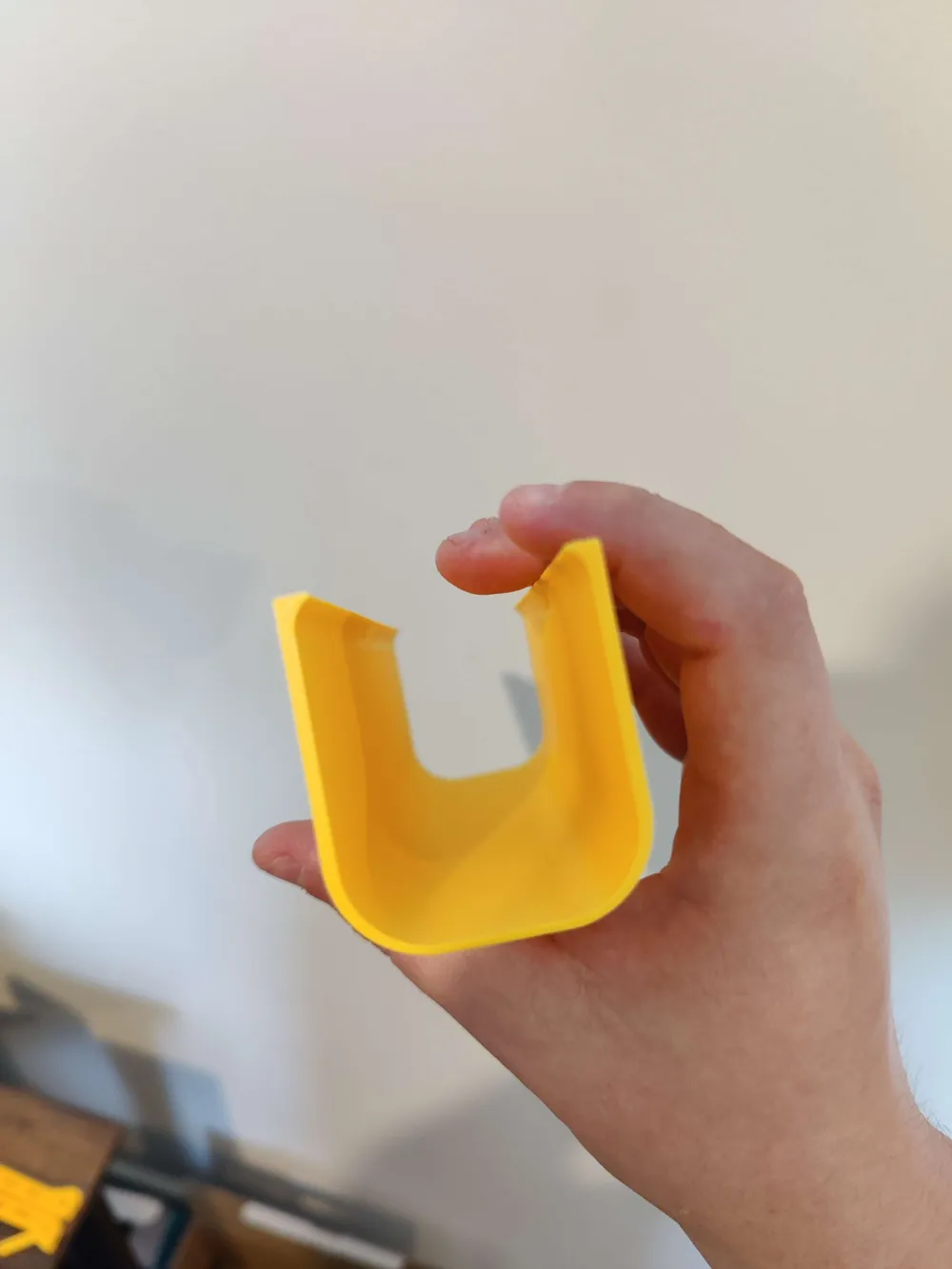
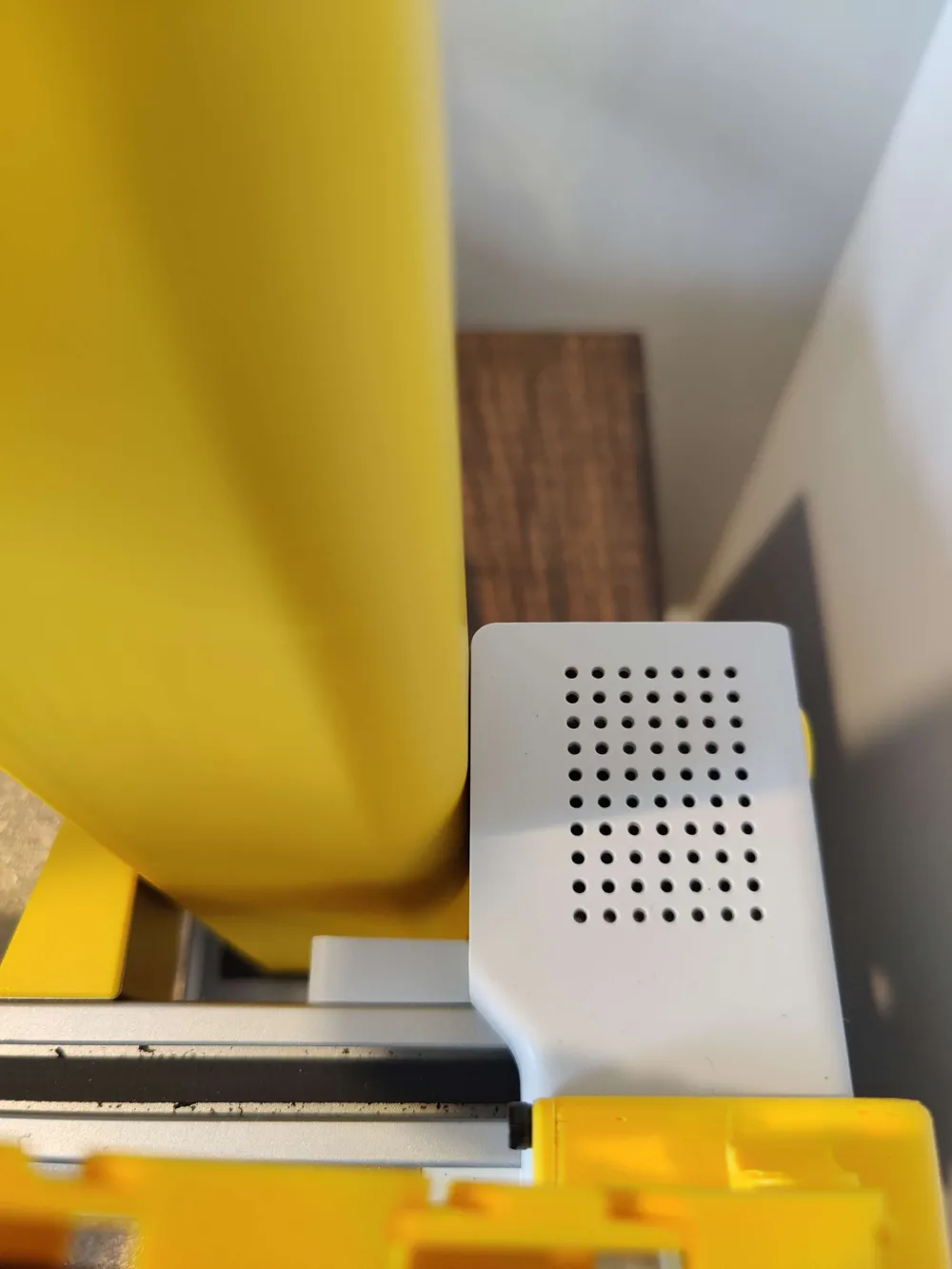
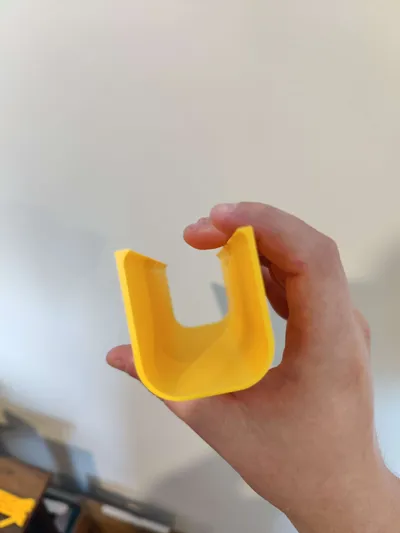
Ensure there is a minimum of 1.5mm of clearance between the X-Axis Motor Cover [On the Display side] and the Z-Axis tower. This model relies on a very narrow clearance between these two components for maximum strength. Included is a smaller section of the Pillar to test the clearance between these parts, If your printer has less clearance, please comment below and I can consider uploading a model with smaller clearances if necessary.
IMPORTANT INSTALLATION INSTRUCTIONS:
- Print the Clearance Tester and ensure that there is clearance between the X-Axis Motor Cover and the Z-Axis pillar. The Clearance Tester shall be able to slide with narrow, but frictionless clearance between these parts. If so, go ahead and print the full covers.
- If it does not, DO NOT PRINT THE SECOND PLATE, and comment below letting me know. I'd be happy to upload a more narrow clearance if needed.
- After printing, zero all axes on the printer, such that the hotend shall be centred on the build plate and shall be close to touching the build plate.
- Clip in one portion of the cover towards the top, and slide it down the display-side pillar.
- Clip in the second portion of the cover towards the top. There should be little clearance between the top of the cover and the top bar of the Z-Axis.
- If you've printed my Z-Axis Cap Covers, remove these first before installing the second portion of the pillar covers.
- Repeat Steps 3 and 4 on the other side of the printer.
- Admire your flashy and colourful addition to your A1 Printer!
If you are having difficulties with printing the model, please consider the following troubleshooting steps:
- Consider choosing the “Slower, but Printer Friendly” version of the print profile of your choice; it has all the subsequent steps contained in a print profile for you B°)
- Slow inner and outer wall speeds to 50mm/s
- Print one pillar at a time
- Add a brim of at least 10mm
- Using Silk PLA is NOT RECOMMENDED due to lack of testing, poor layer adhesion, and consistent previous user failures
- If all else fails, contact your nearest Techpriest and conduct a séance
Printed and tested with Bambu Labs PLA Basic
License

You shall not share, sub-license, sell, rent, host, transfer, or distribute in any way the digital or 3D printed versions of this object, nor any other derivative work of this object in its digital or physical format (including - but not limited to - remixes of this object, and hosting on other digital platforms). The objects may not be used without permission in any way whatsoever in which you charge money, or collect fees.


Comment & Rating (252)