
Logicool Z120 Speaker Pegboard Mount
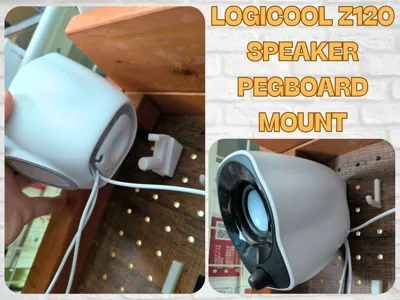
Print Profile(2)


Description
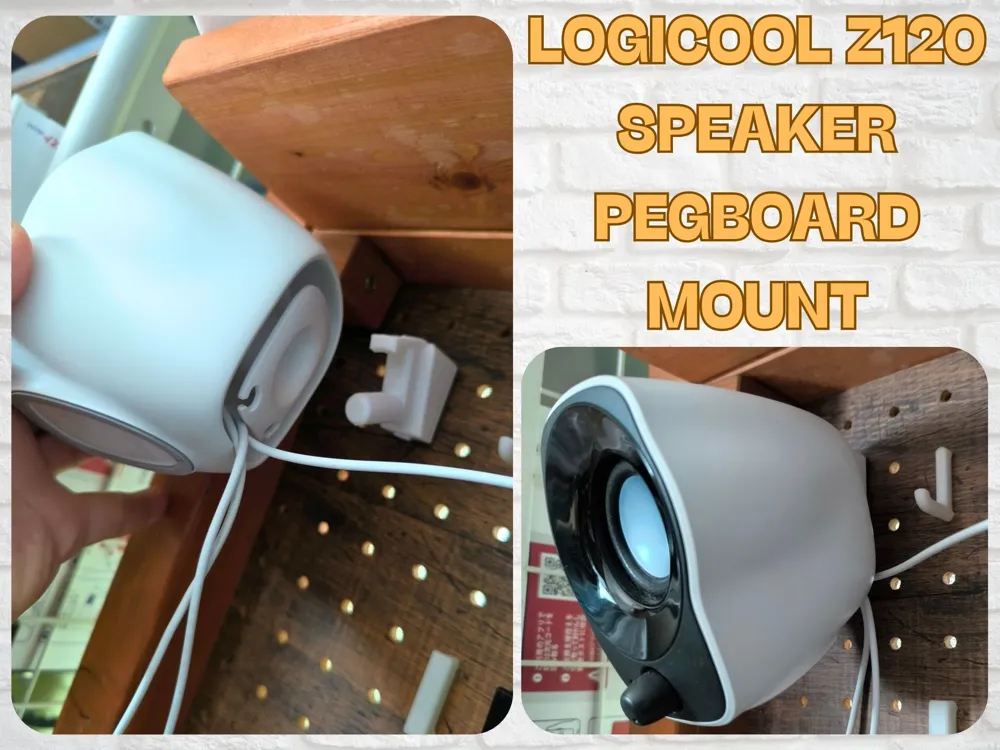
Logicool Z120 Speaker Pegboard Mount
Overview
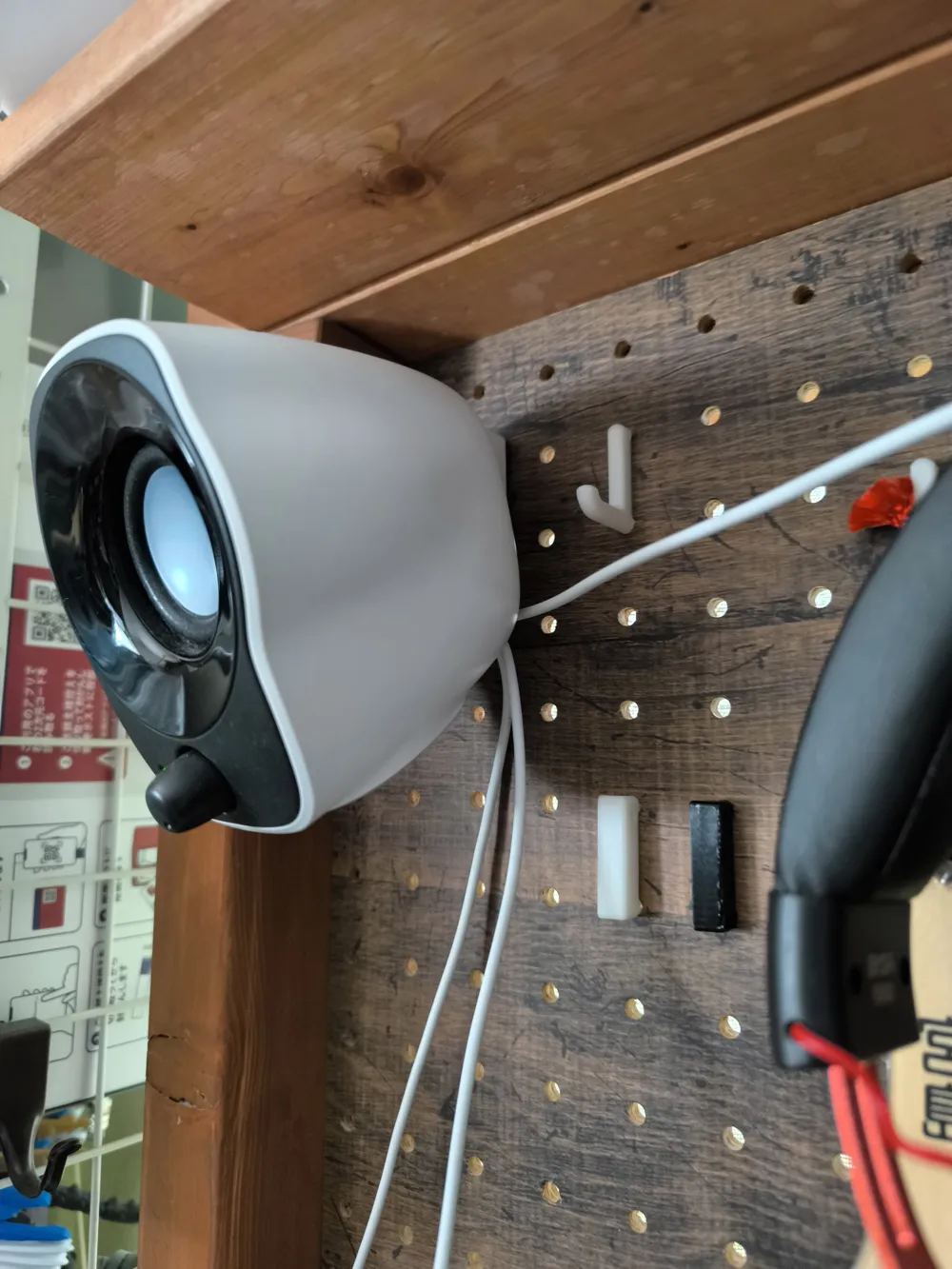
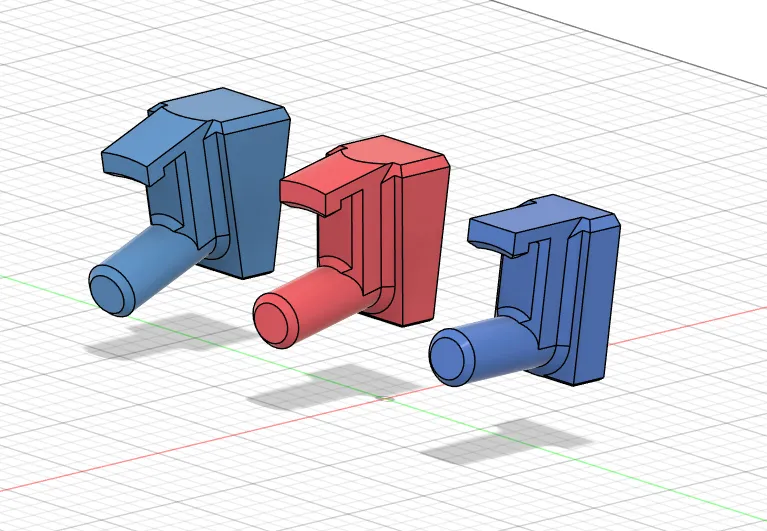
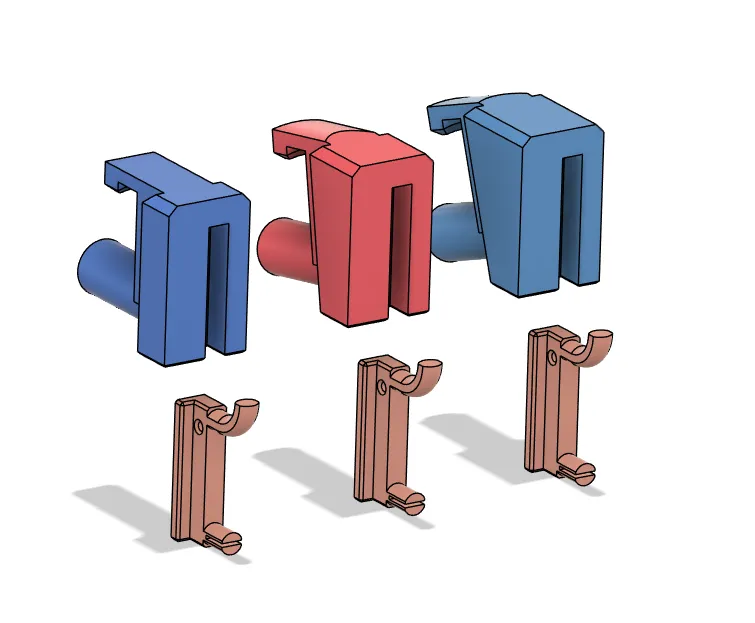
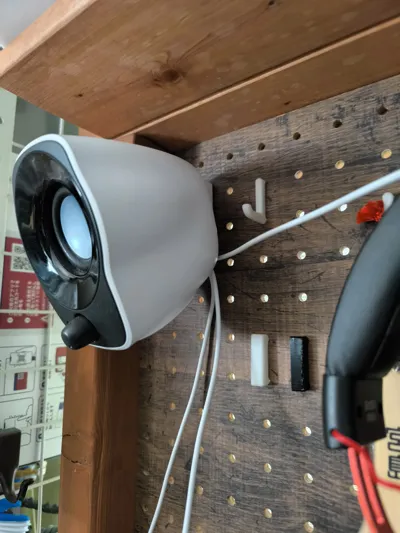
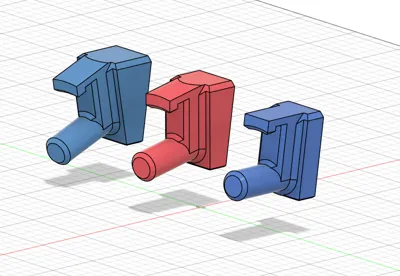
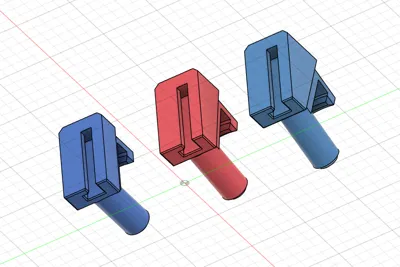
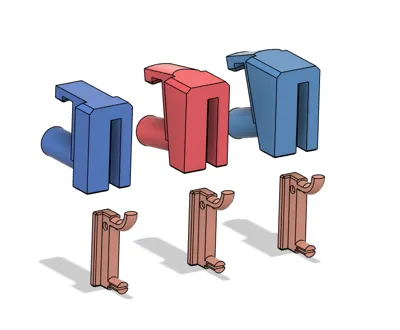
This model is a specialized mount for attaching Logicool (Logitech) Z120 compact speakers to a pegboard. It helps you optimize desk space while positioning your speakers at an ideal height and angle. You can choose from three different angles (0°, 10°, 20°) to achieve the optimal listening experience. The required pegboard mounting pin base (peg_pin_baseA.stl) is also included.
Features
- Specially designed for Logicool Z120 speakers
- Three mounting angle options (0°, 10°, 20°)
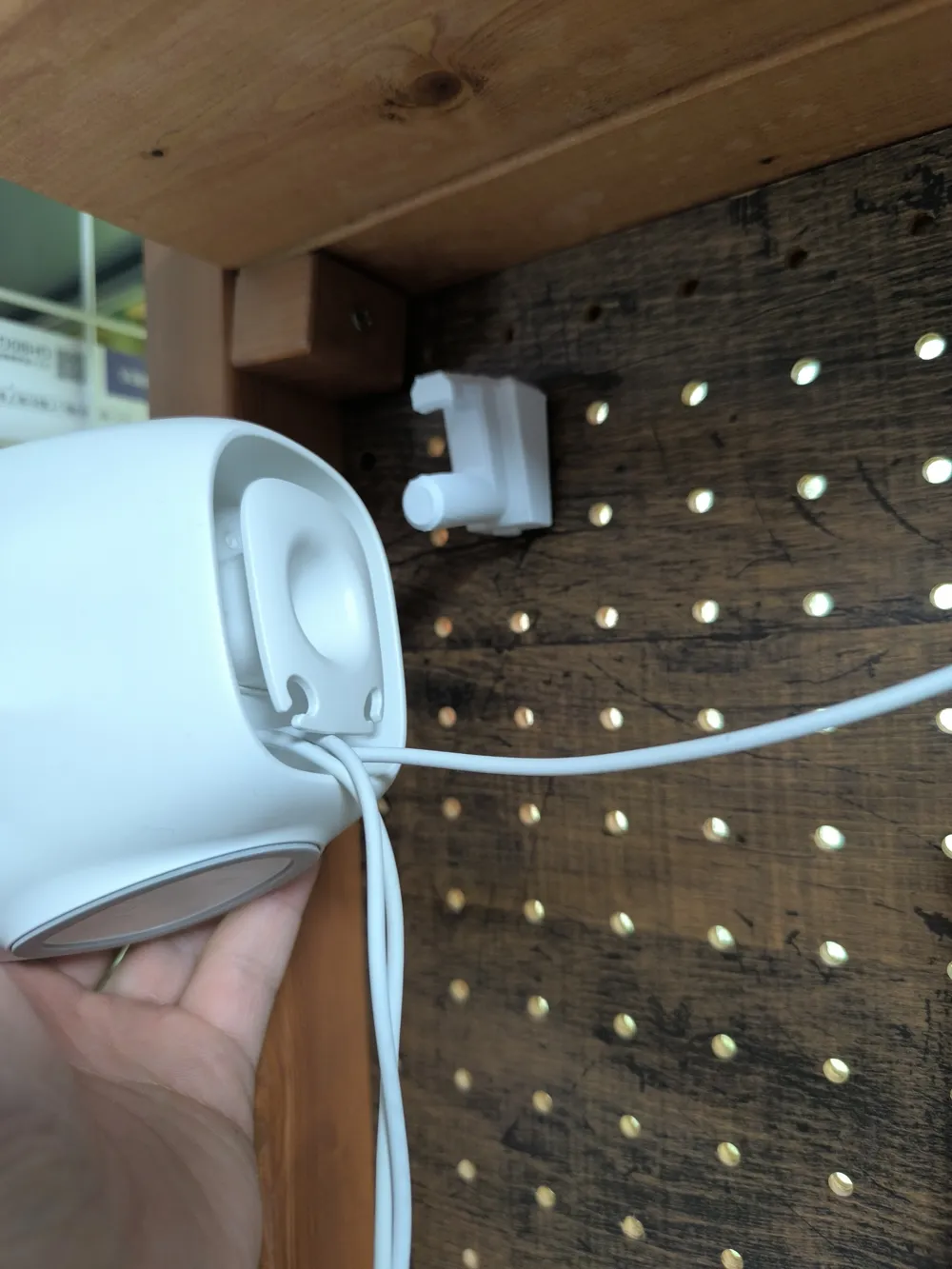
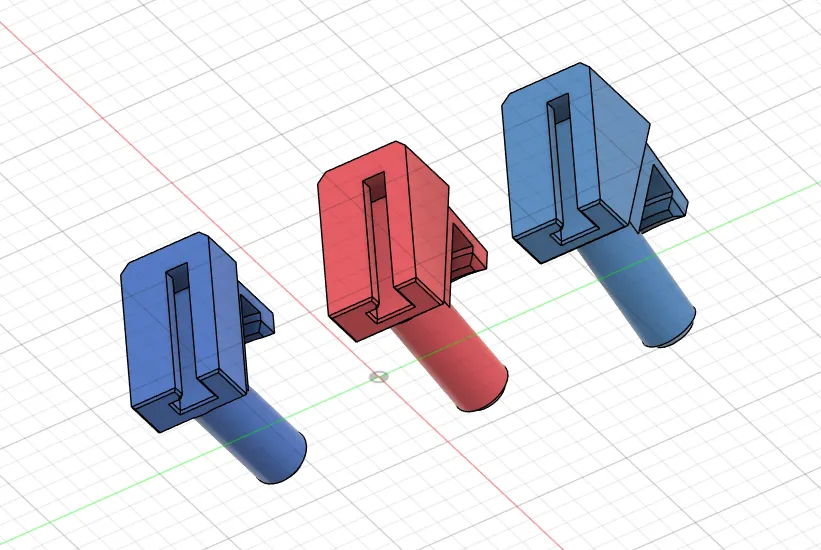
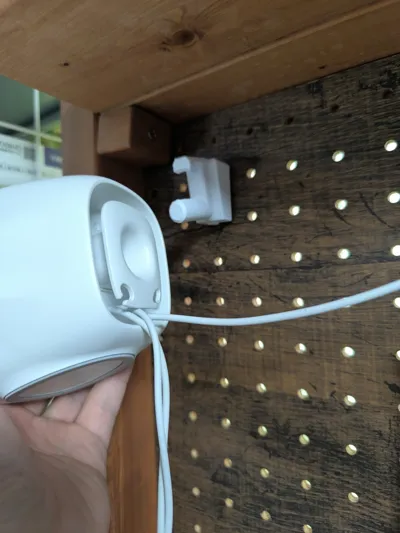
- Unique mounting system that attaches to the cable management rim on the back of the speaker
- Includes necessary pegboard mounting components (peg_pin_baseA)
- Compatible with standard pegboards (25mm hole spacing)
- Securely holds the speaker and prevents it from falling
Print Settings
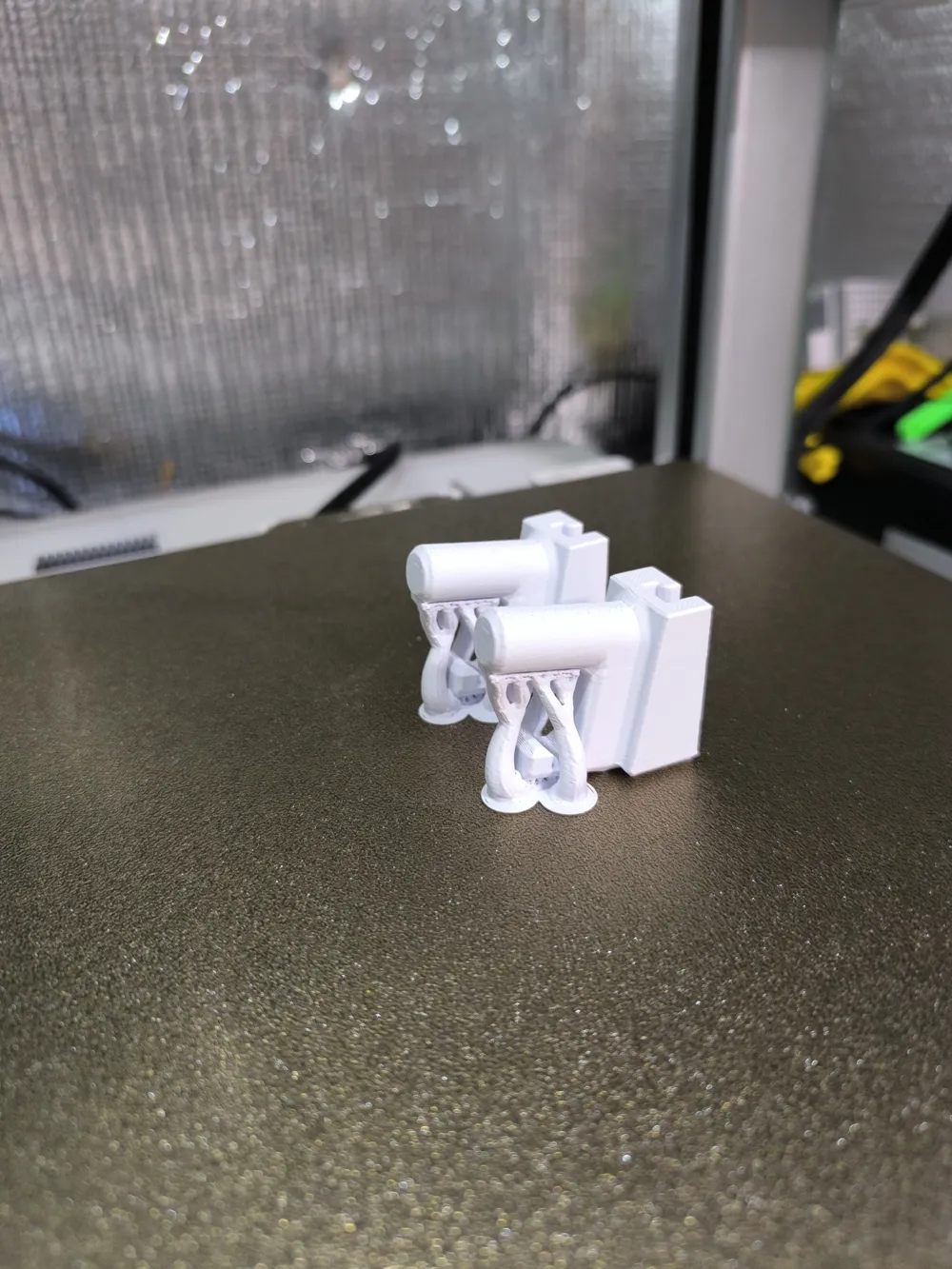
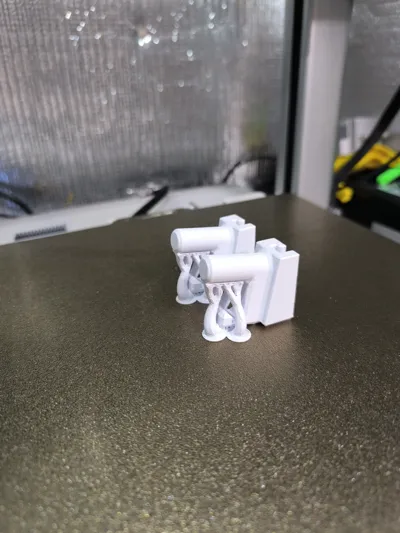
- Support: Tree support recommended
- Infill: 20% or higher recommended
- Layer Height: 0.2mm
- Shell: 2 or more layers recommended
- Material: PLA, PETG (recommended)
- Parts to Print: Speaker mount (choose one angle) + peg_pin_baseA.stl
File Contents
This model includes the following STL files:
Speaker Mounts (Different Angles):
- Logicool Z120 mount_0.stl: Mount for attaching the speaker at a 0-degree angle
- Logicool Z120 mount_10.stl: Mount for attaching the speaker at a 10-degree angle
- Logicool Z120 mount_20.stl: Mount for attaching the speaker at a 20-degree angle
Pegboard Mount:
- peg_pin_baseA.stl: Base pin used for attaching to the pegboard
Choose the optimal angle for your listening experience.
Installation Instructions
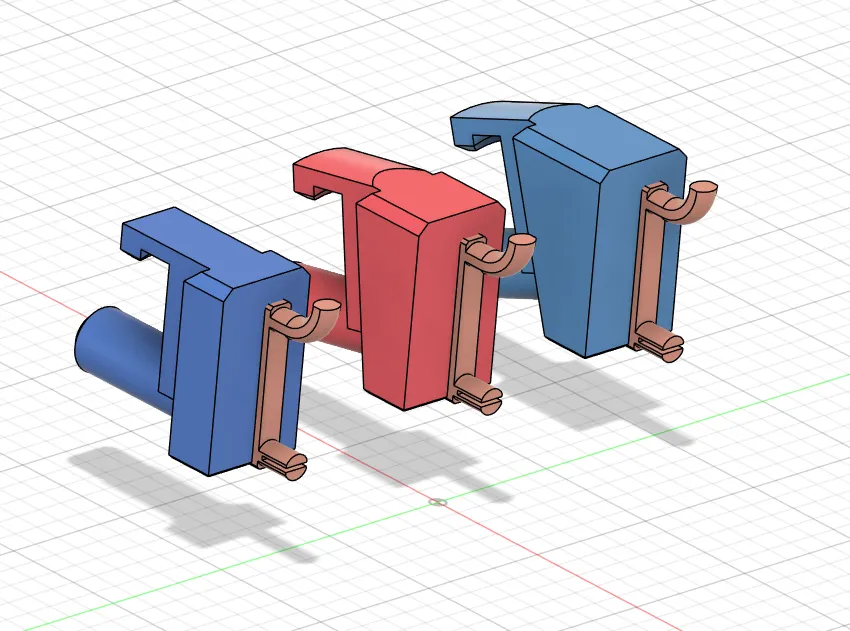
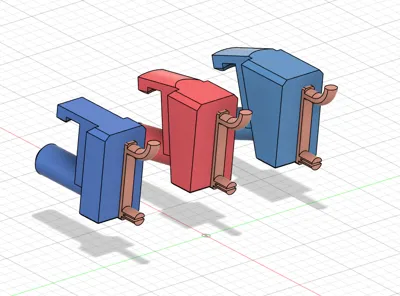
- Print and attach the included "peg_pin_baseA.stl" to your pegboard
- Attach your preferred angle speaker mount (0°, 10°, or 20°) to the peg_pin_baseA
- Hook the mount onto the edge of the cable management part on the back of the Logicool Z120 speaker
- Route the speaker cable through the cable management clip (optional)
What You Need
- Printed speaker mount (choose one of the three angle options)
- Printed peg_pin_baseA (for pegboard attachment)
- Standard pegboard (25mm hole spacing)
Notes
- This model is exclusively designed for Logicool Z120 speakers and is not compatible with other speaker models
- The load capacity of the mount depends on the type of filament and print settings used
- Higher angles direct the speaker audio more toward your face, making them ideal for seated listening
This is the ideal solution for organizing your workspace and enhancing your audio experience. Choose from the three angle options to upgrade your desk environment!
Related Models
- Pegboard Hook Mount Set - For those looking for additional pegboard organizers
Update History
- v1.0: Initial release
Tags: speaker mount, pegboard, Logicool, Logitech, Z120, desk organization, cable management, pegboard hook, angle adjustment
License



Comment & Rating (0)