Search models, users, collections, and posts

Vespa Retro Key Restyle
Print Profile(1)

All
P1S
X1 Carbon
A1
X1
H2D Pro
H2S
X1E
H2D
A1 mini
P1P
P2S
H2C
X2D
A2L

0.2mm layer, 2 walls, 80% infill
Designer
36 min
1 plate
5.0(1)

Open in Bambu Studio
Boost
17
37
11
0
34
17
Released 

Bill of Materials

Bambu Filaments
Select all
Silver (10102) / Refill / 1kg
Turquoise (10605) / Refill / 1kg

Description

Vespa Retro Key Restyle
 

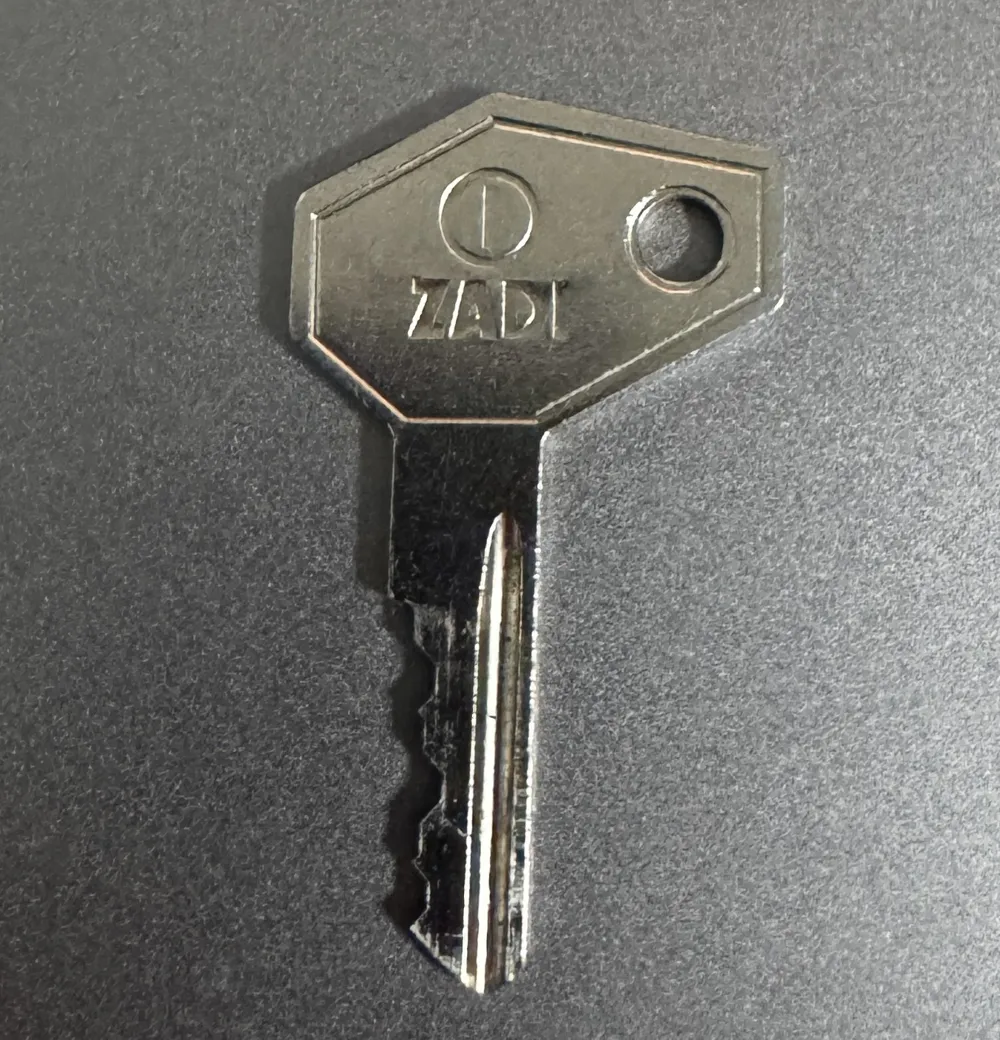
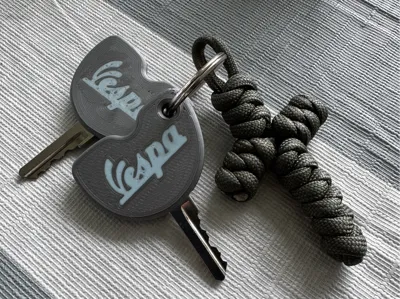
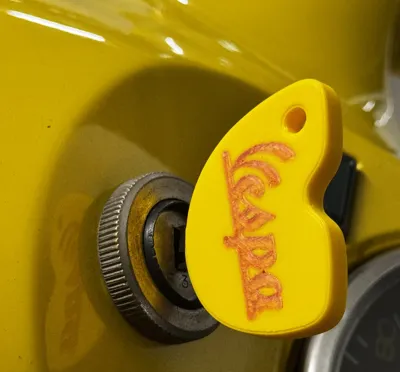
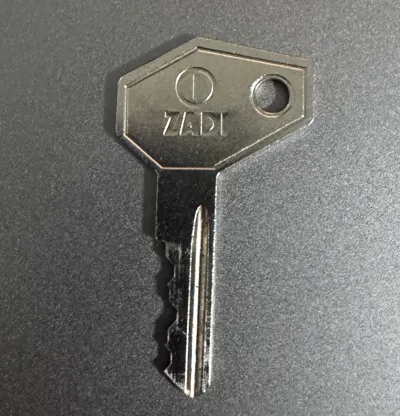
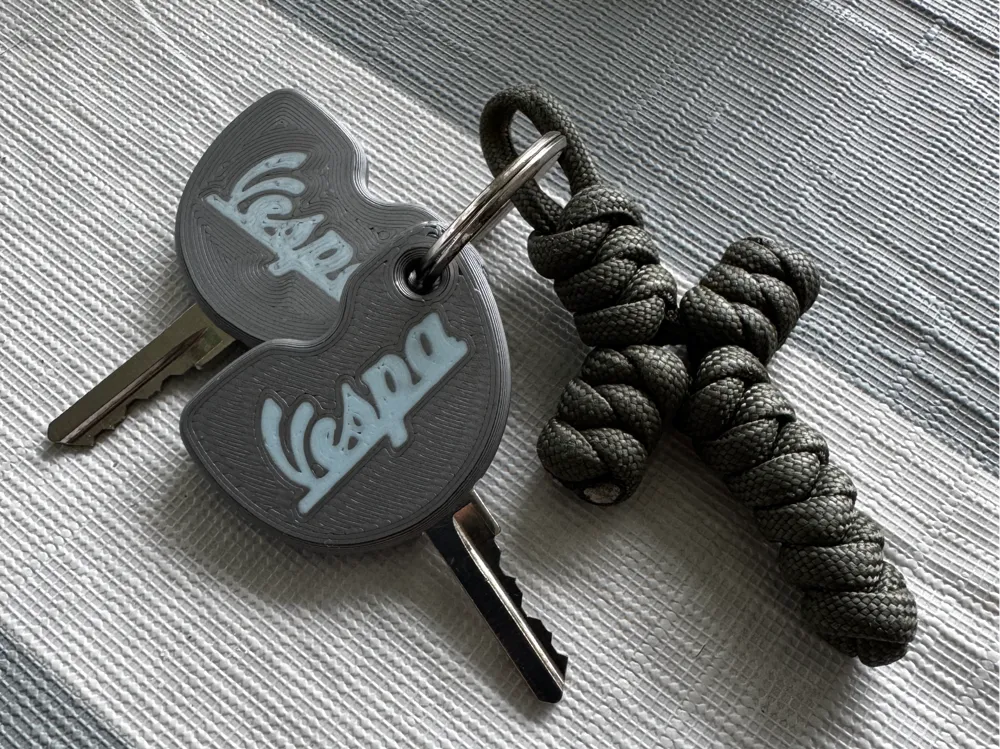
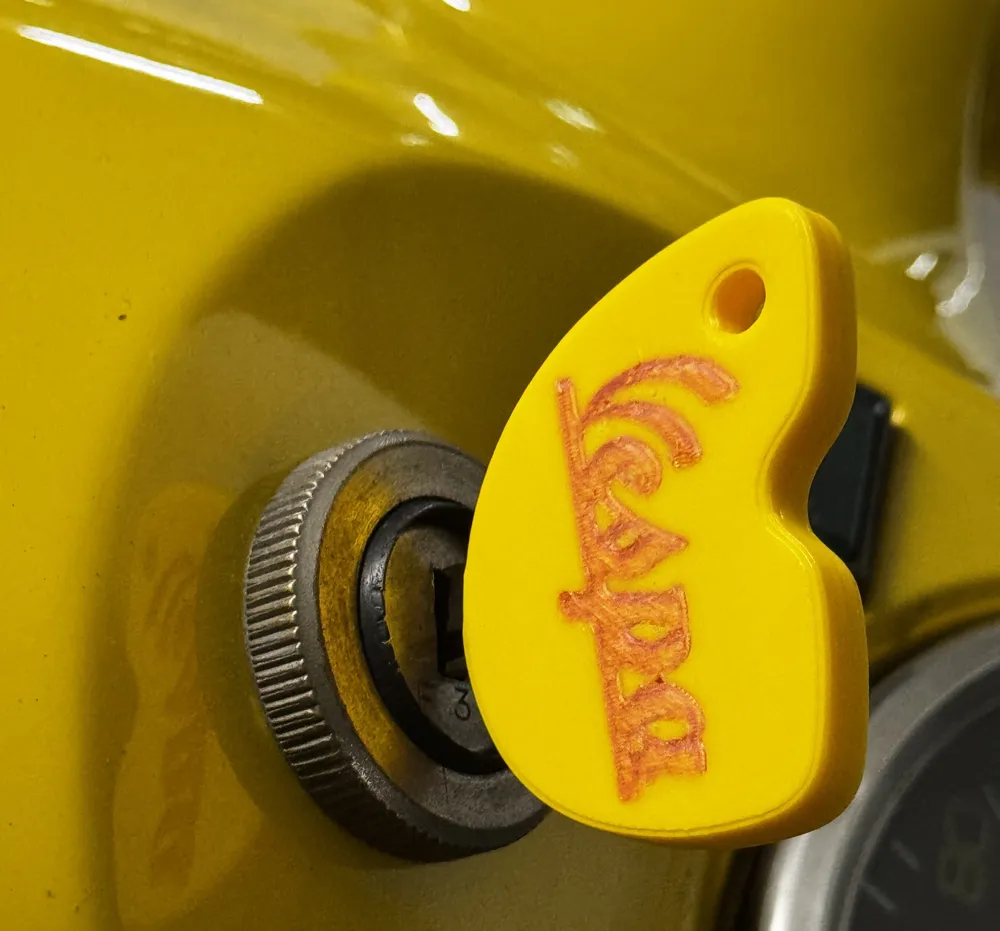
This custom key cover was designed for the old ZADI Vespa key whit a modern touch. (See Photo)

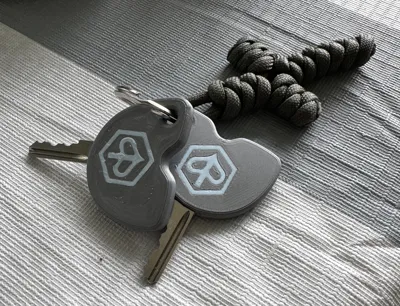
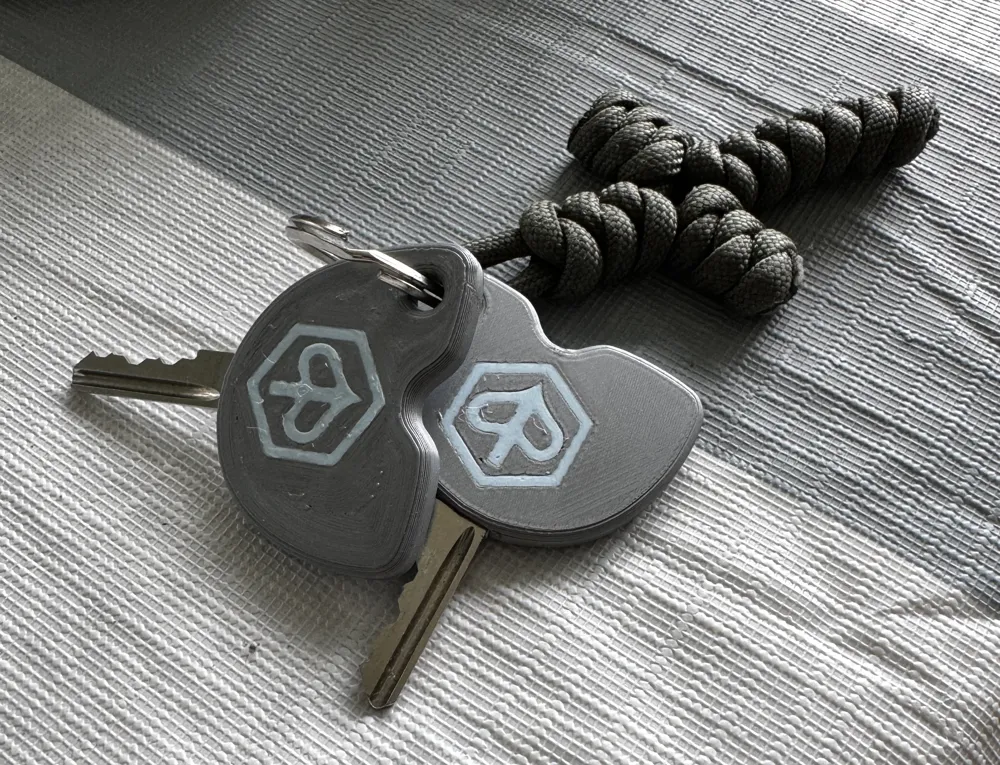
One side features the iconic Vespa logo, while the other side shows the Piaggio logo. 

This project is perfect for Vespa fans that searching for the same product or as gift. 


This was my first design that i did as CAD newbie. It can contain little spaces but you can fill it with the first bottom layer of the printer. You only need the insert the first print line, cut it and press it a bit with a tweezer. 


I hope you like my design and please let me know in the comments about your print experience. 


Printed:

  • Layer height: 0.2mm
  • Infill: 80%
  • Material: PLA Basic
  • Supports: not required
  • Nozzle: 0.4mm 
  • Printing time: 35min
  • Smooth Plate 

The Print will stop automatically when it's time to insert the key.  


Boost Me (for free)

I'm very thankful if you can Boost my Design for other Vespisti that are searching this modern Design. 

Comment & Rating (11)

(0/1000)

Congratulations on the project, truly special! I should modify the key housing for a beverly 300 key. How can I do that?
The designer has replied
Show original
designer
1
Reply
Thank you. ✌🏻 I can't say how to adapt it to already uploaded files. I rather think it would have to be redrawn in CAD
Show original
0
Reply
Great print result with P1S and AMS. Could this also be done for a Vespa GTS 300
The designer has replied
Show original
designer
1
Reply
Hello thank you very much If I had a key I could certainly do something
Show original
0
Reply
Good job, but the print did not pause to insert the key
The designer has replied
Show original
0
Reply
I believe you need to add the stop manually
Show original
0
Reply
You are right I printed it again I do not know why it does not stop I have to rework it again anyway
Show original
0
Reply
I printed your project, congratulations, but I don't understand how to insert the key inside, should I stop it, but at what percentage? thank you
The designer has replied
Show original
0
Reply
hello. doesn't the print stop automatically? if not can you add a manual stop in Bambu Studio as soon as the closing begins. let me know briefly then I can look again about the stop, if it doesn't stop automatically.
Show original
0
Reply
Print Profile
0.2mm layer, 2 walls, 80% infill
The profile uploader has replied
0
Reply
Thank you ❤️
Show original
0
Reply
No more

License

This user content is licensed under a Standard Digital File License.

You shall not share, sub-license, sell, rent, host, transfer, or distribute in any way the digital or 3D printed versions of this object, nor any other derivative work of this object in its digital or physical format (including - but not limited to - remixes of this object, and hosting on other digital platforms). The objects may not be used without permission in any way whatsoever in which you charge money, or collect fees.