
Ruida Handheld—A Portable Controller for CO₂ Lasers
Print Profile(1)

Description
Boost Me (for free)
If you enjoy my work and want to support me, you can boost me! 🚀 A like or a constructive comment would mean a lot. Since this is one of my first 3D models uploaded to Makerworld, I truly appreciate any feedback that helps me improve. Thank you for your support! 💡✨
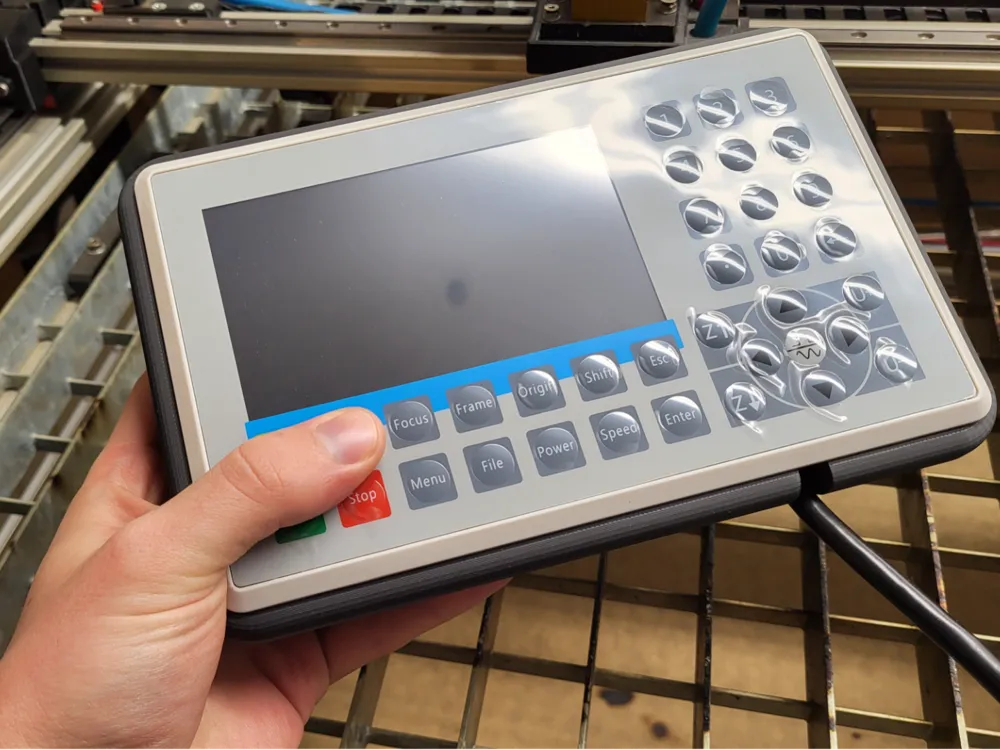
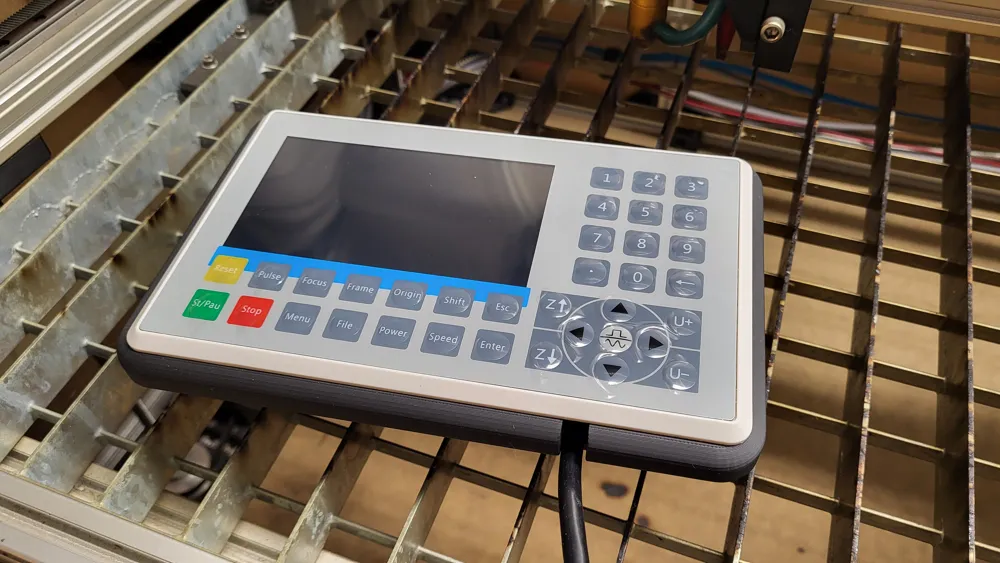
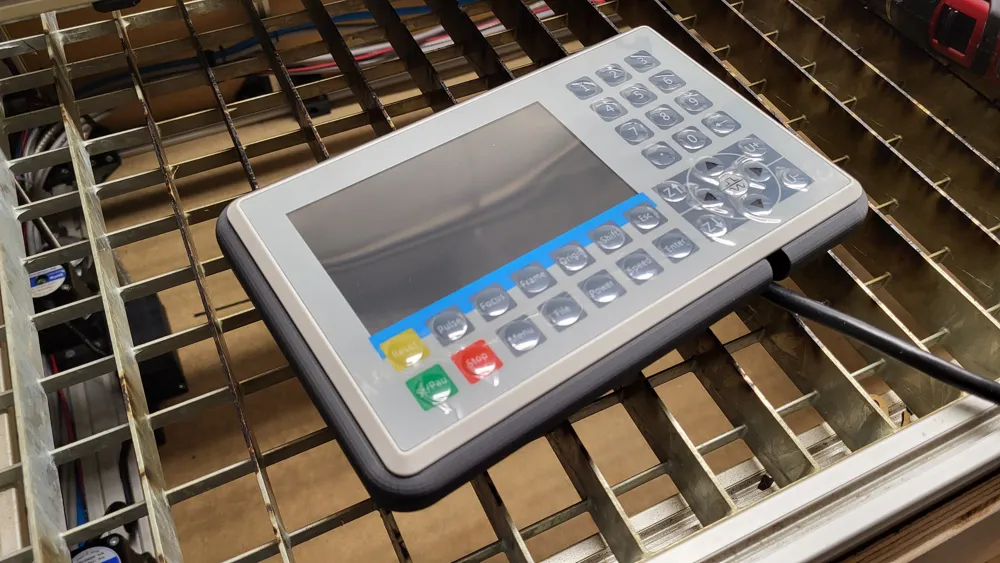
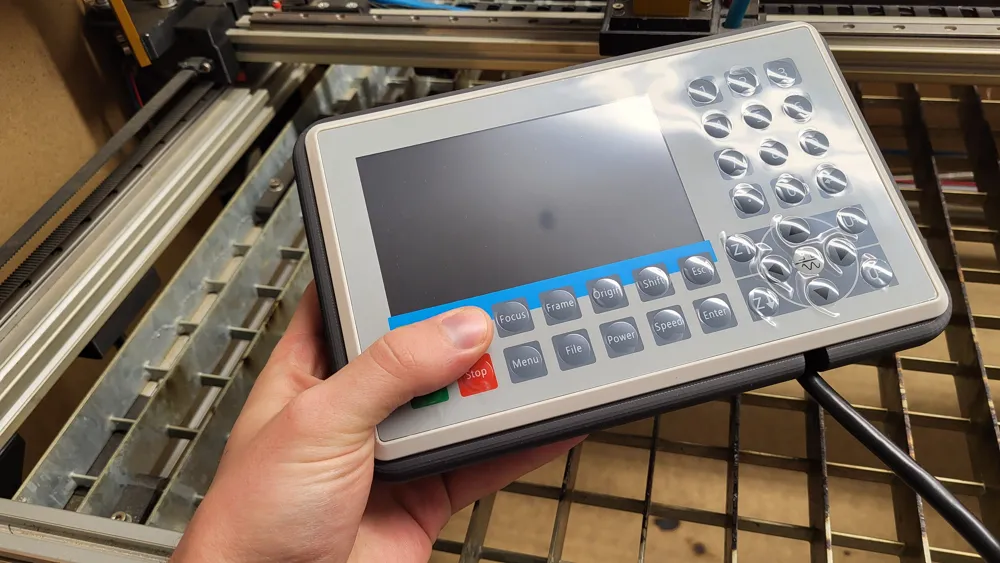
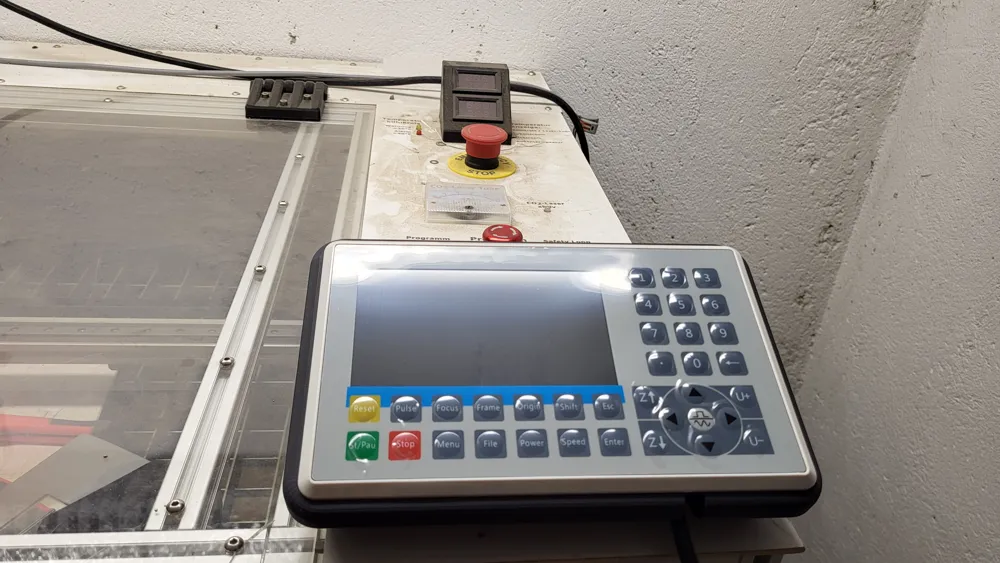
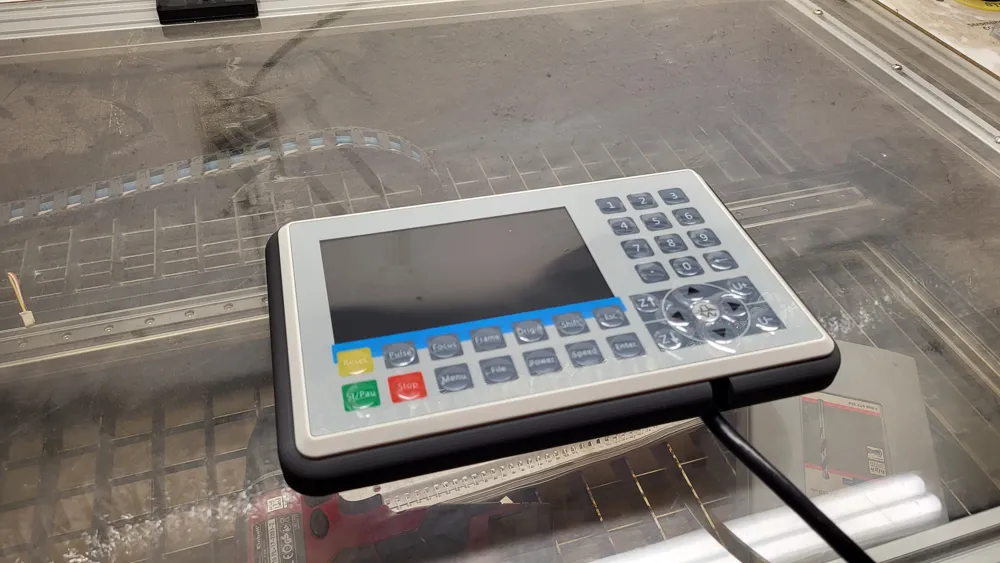
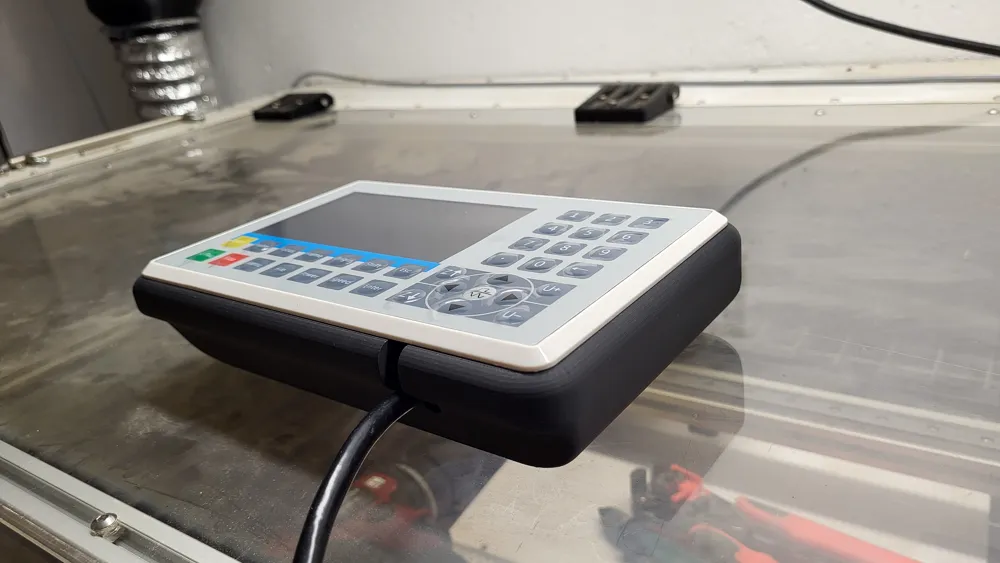
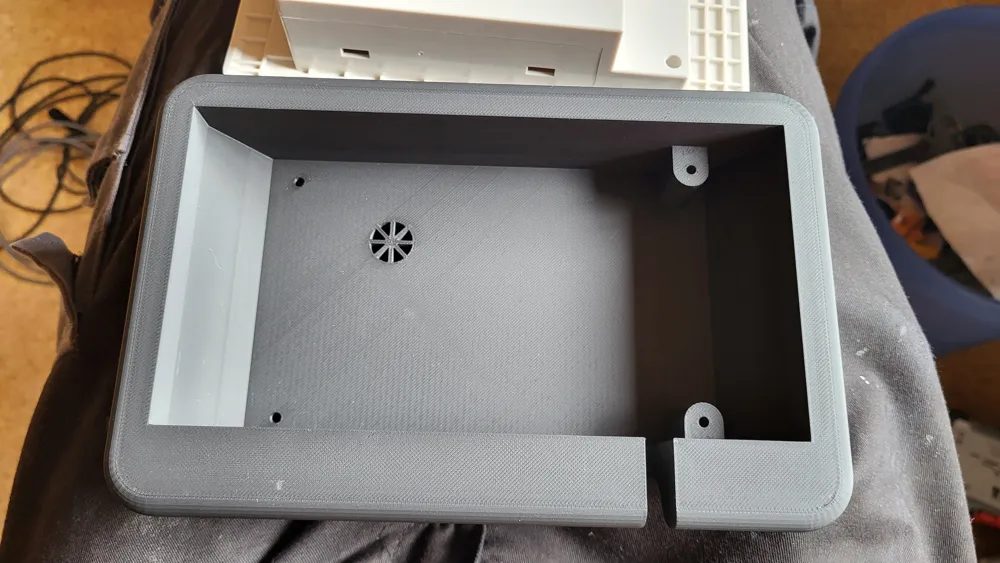
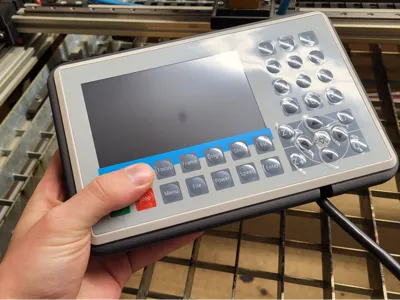
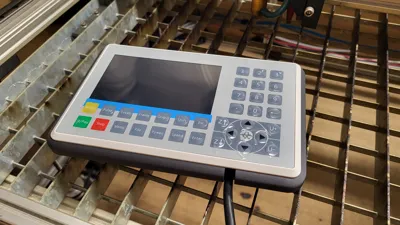
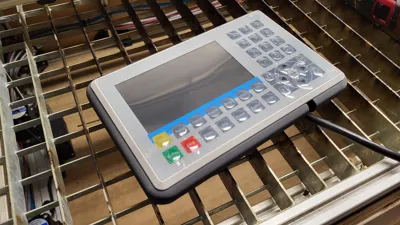
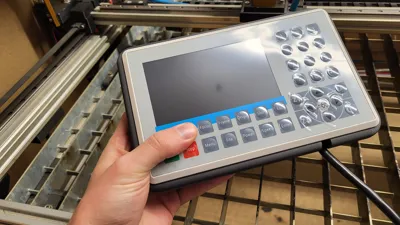
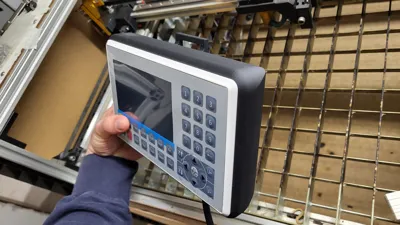
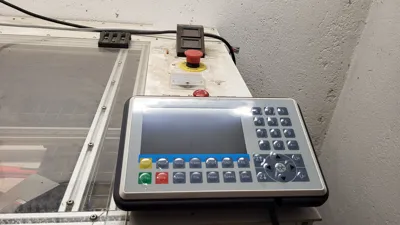
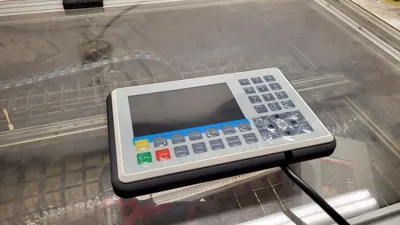
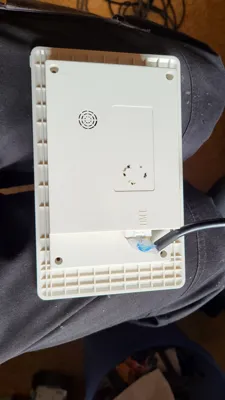
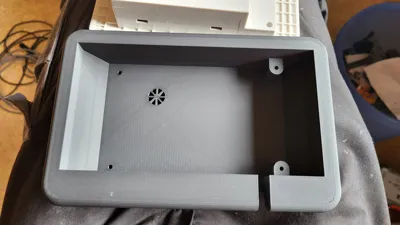
The Ruida Handheld Mobile Controller is designed to provide an ergonomic and convenient way to operate Ruida controllers for CO2 lasers. Instead of being fixed inside the laser machine, this handheld solution allows users to control the laser with greater flexibility and ease.
This concept emerged from the development of a custom-built CO2 laser, where it became evident that setting the laser's origin and adjusting its position is significantly more intuitive when the controller is held in hand.
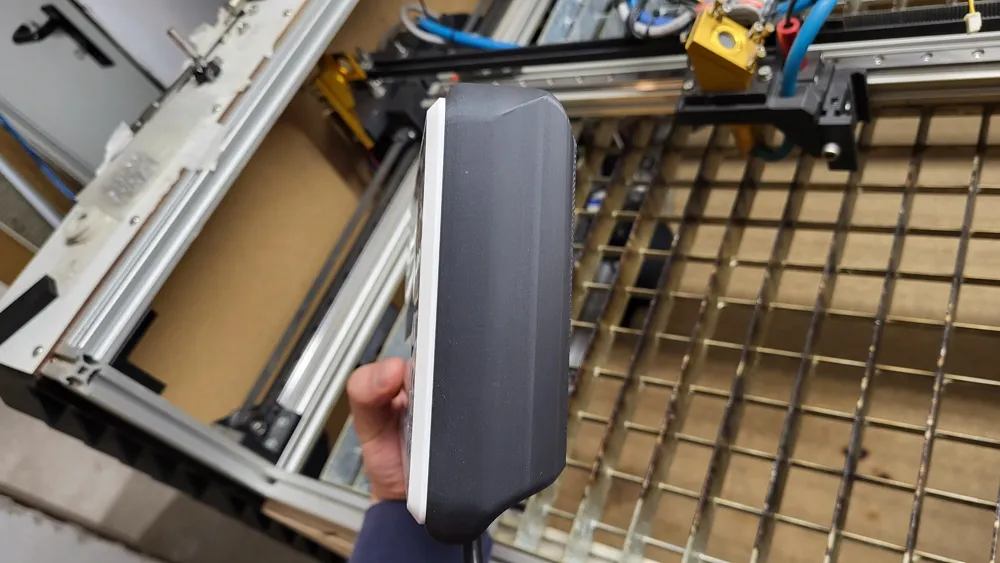
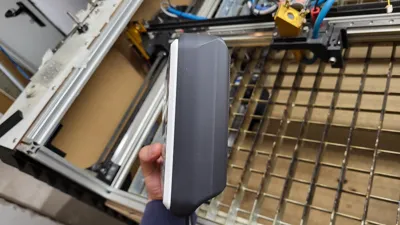
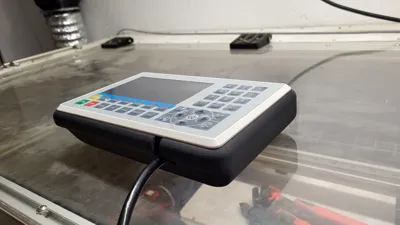
The enclosure also provides extra protection against accidental drops, ensuring durability in everyday use.
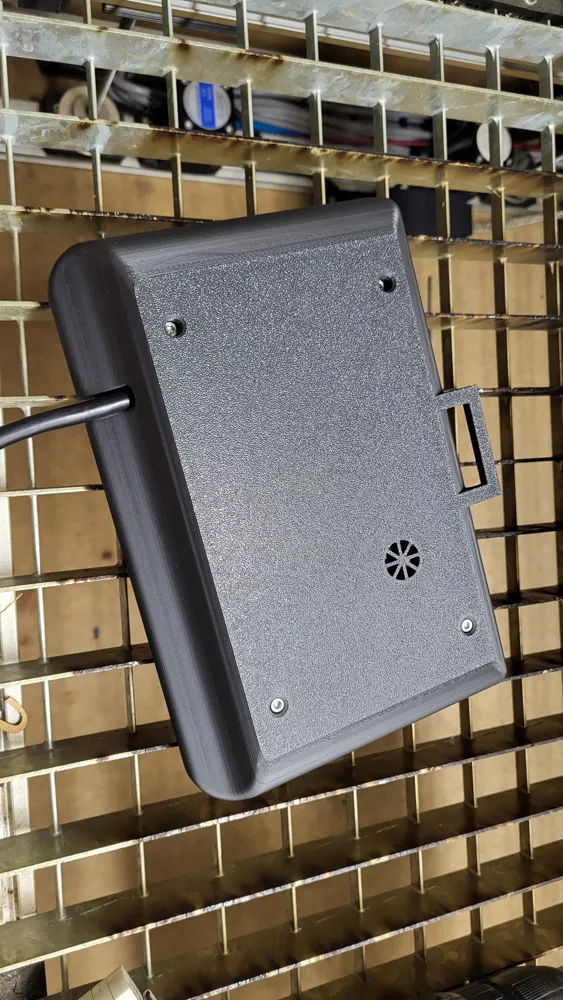
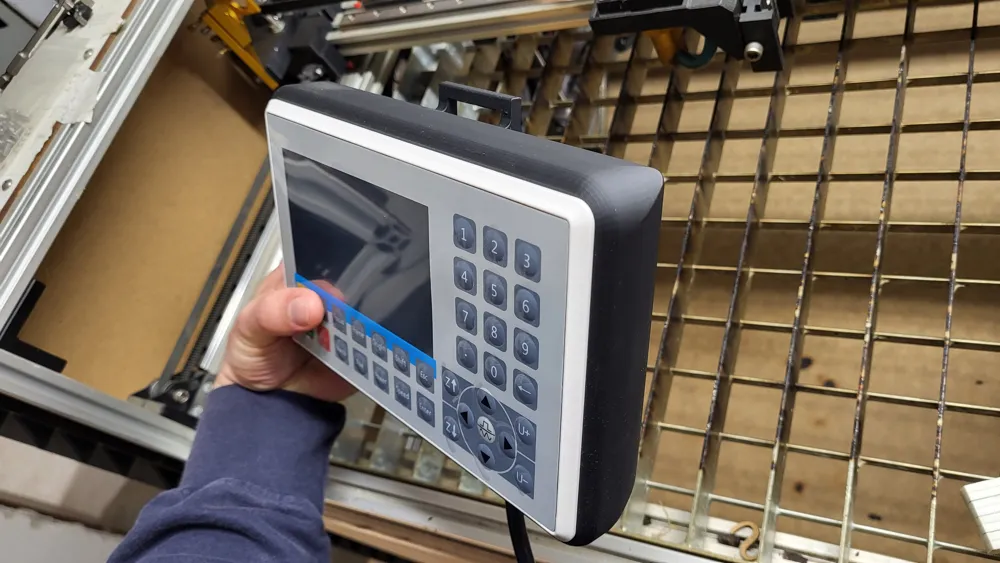
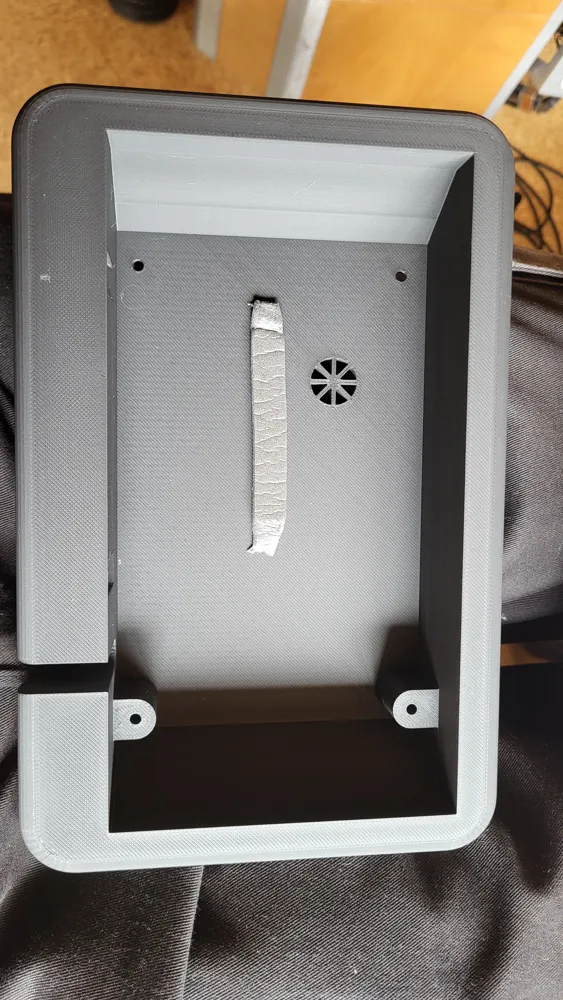
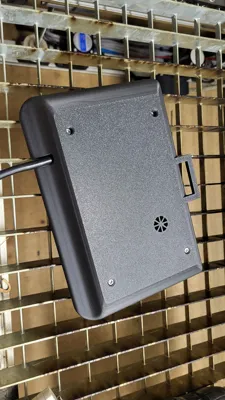
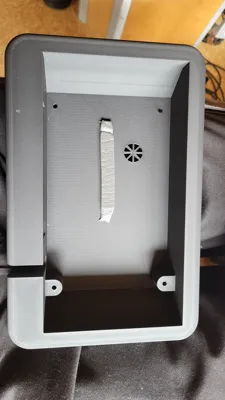
To enhance functionality, a mounting option is currently provided to allow the handheld controller to be hung or securely attached when not in use. Future enhancements may include a magnetic mounting system to easily reattach the controller to the laser housing when needed. Additionally, the design includes a dedicated cutout for the Beep output of the Ruida controller.
I printed it with Sunlu PLC Matte Black and it came out nice.
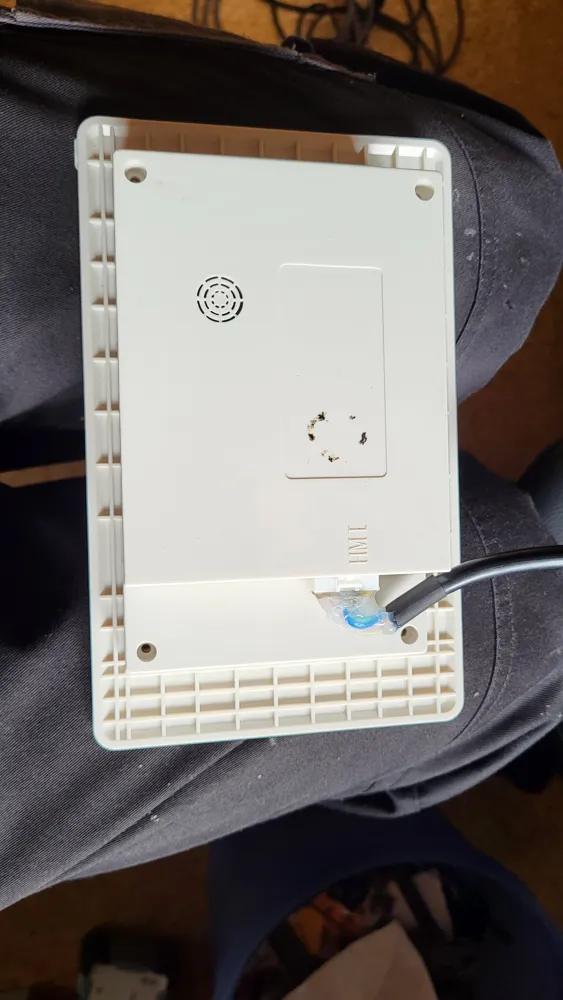
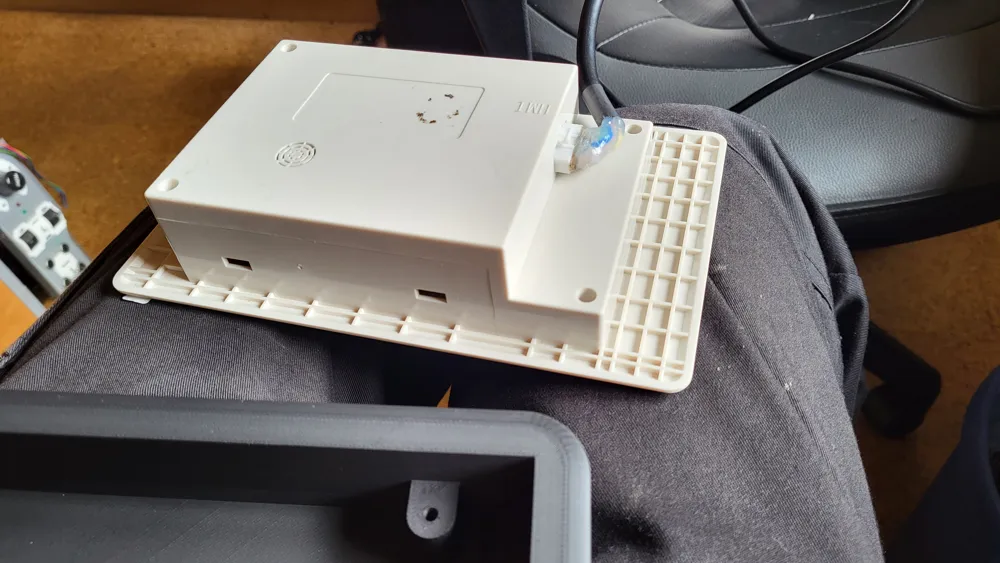
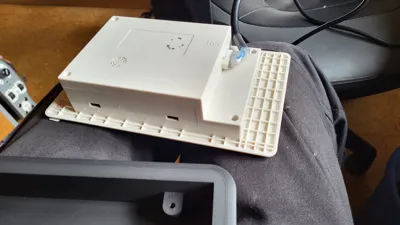
The Ruida controller is secured in place using a clip mechanism. Installation is simple:
- Unscrew the back panel of the Ruida controller.
- Insert the controller and slide it downward until it gently clips into place.
- From the rear, secure it using two M3x14 screws and two M3x30 screws (DIN912, cylindrical head) into the existing threads of the Ruida controller.
⚠️ Caution: Only tighten the screws lightly, as the Ruida’s threads are delicate and may break if over-tightened.
🛠️ No modifications to the original Ruida controller are required. The installation method ensures that the device remains intact while securely housed in the handheld unit.
🔄 The handheld add-on can be removed at any time, allowing the Ruida controller to be used as before. No adhesive or permanent modifications are necessary.
⚠️ Disclaimer: No liability is assumed for damages. Use at your own discretion.
🔩 Magnetic Mount Add-on
Meanwhile I've designed a magnetic mount that allows the handheld to be easily attached to the laser — and just as easily removed 💨. You can snap it on with one hand in under a second! 🧲
👉 Here’s the link to the design.
This magnetic mount is a simple add-on that can be glued onto the handheld afterwards. If your laser setup is different, feel free to use this as inspiration for your own mounting solutions. And if you come up with something cool, don’t hesitate to upload and share it with the community! 💡🔧
General Safety Guidelines for Laser Use:
- Always wear appropriate laser safety goggles when operating the CO2 laser.
- Ensure proper ventilation to avoid inhaling harmful fumes.
- Keep flammable materials away from the laser work area.
- Never leave the laser unattended while in operation.
- Maintain regular checks on the cooling system to prevent overheating.
If you like this project, boost me and leave a like! 🛠️ If you have suggestions for improvements, feel free to drop a comment. 🚀
Let me know if you’d like any adjustments! 😊
License



Comment & Rating (2)