
Print-n-Play Sequence Coin (Jumbo Edition!)
Print Profile(4)





Description
Boost Me (for free)
If you found this model helpful or fun, I'd really appreciate it if you could give it a boost — it means a lot and helps me grow. Thanks for checking it out!
✦•······················•✦•······················•✦✦•······················•✦•······················•✦✦•······················•✦•······················•✦
Sequence Game Coin (Jumbo Version Compatible)
V2 has arrived! Enjoy new colored print profiles!
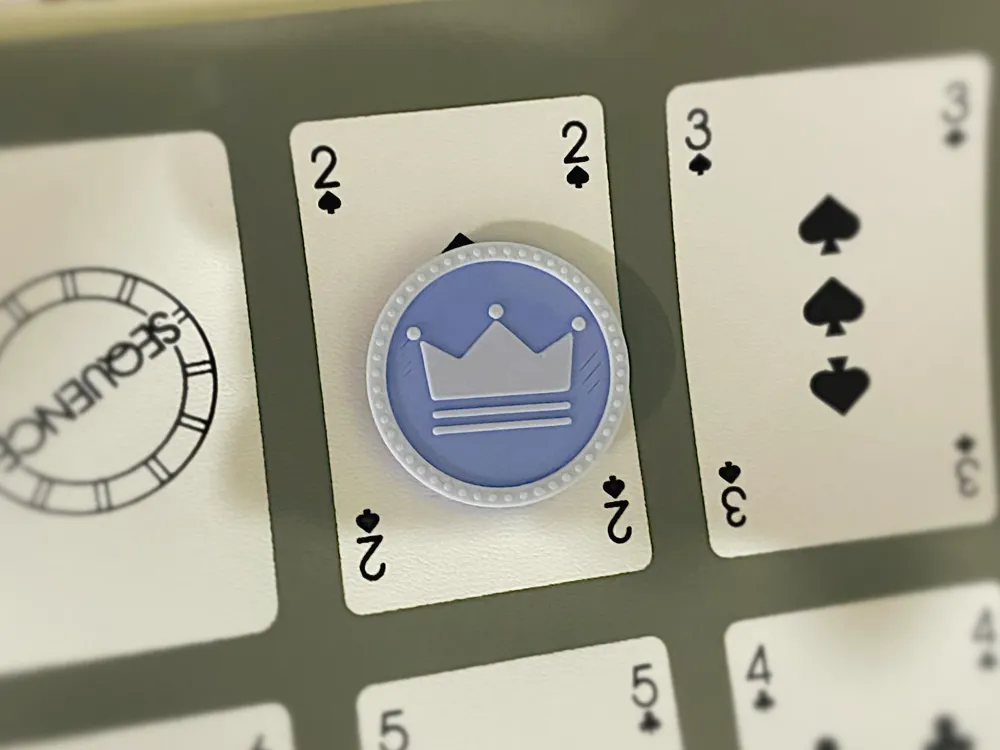
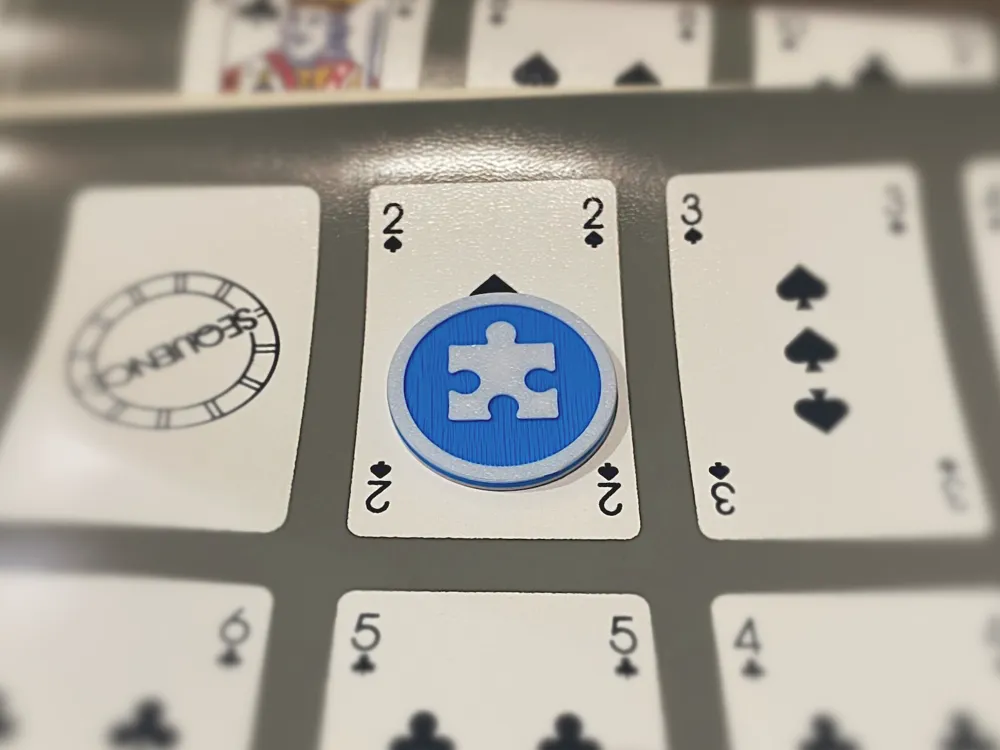
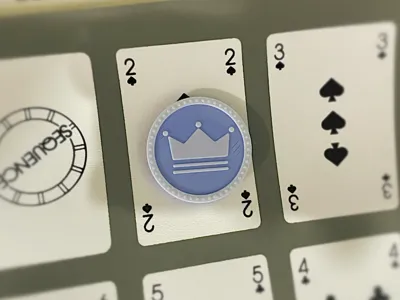
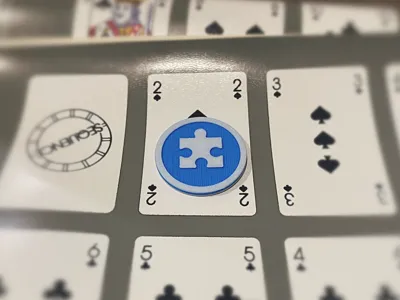
This coin is designed for use with the Sequence® card game, specifically the Jumbo Edition but will most likely work with other versions.

It’s a print-in-place model that requires no supports, making it quick and hassle-free to print. A single coin takes around 6 minutes, and a batch of 9 coins prints in just 53 minutes and 10 seconds.
This is my first 3D model, so I’d really appreciate any feedback especially regarding print quality settings and slicer optimizations!
🔄 How It Works
The coin has two sides to represent game states:
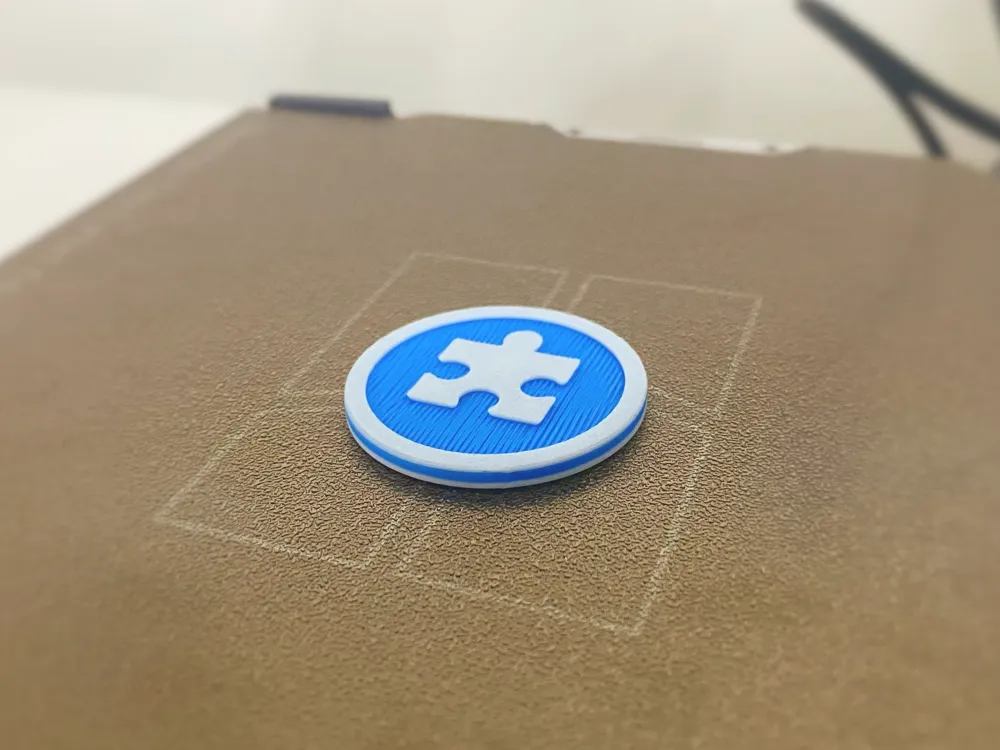
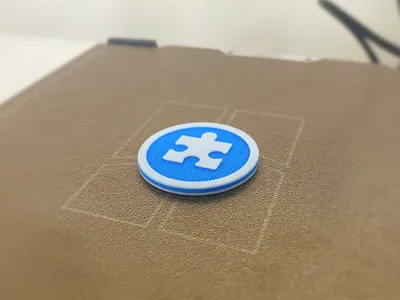
- 🧩 Puzzle Side (Face Up): The token is still in play; a sequence has not yet been made.
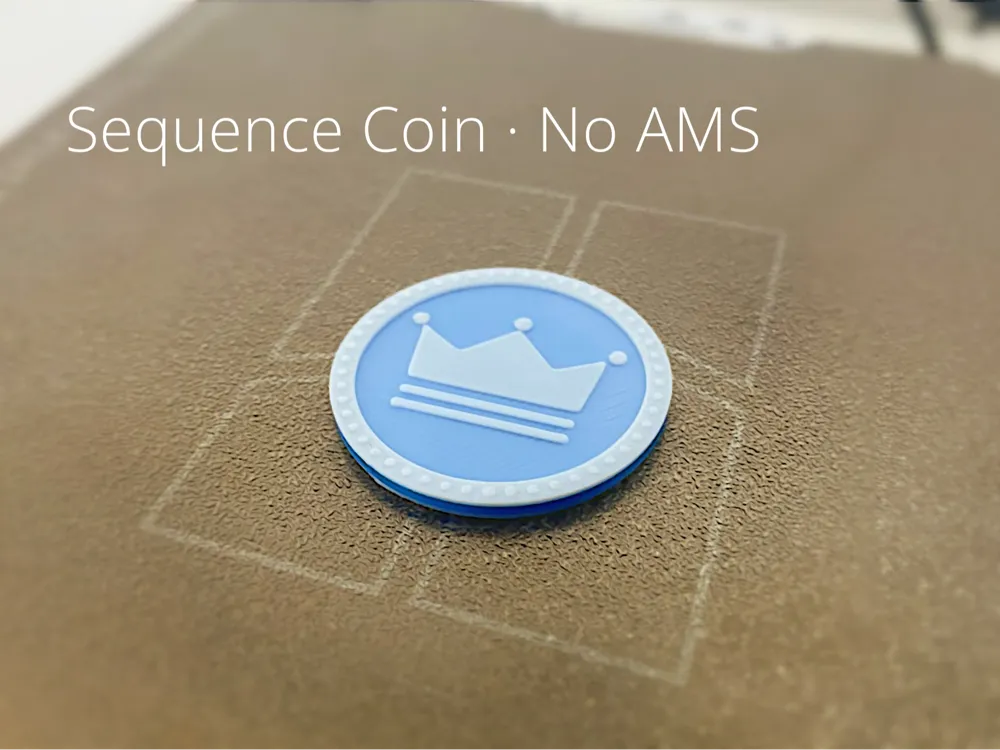
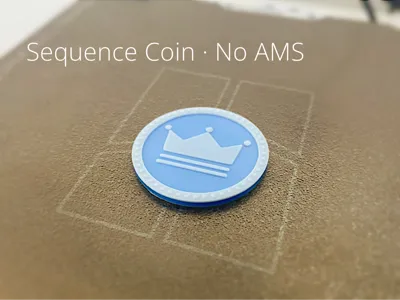
- 👑 Crown Side (Face Up): A sequence has been completed. This token is now locked and cannot be affected by Jack cards.
📜 Read the rules here: Sequence Rules PDF
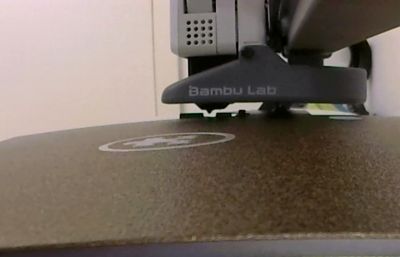
No AMS required.
Happy printing and playing!
How to print in multicolor:
First load up one of the multicolor print profiles then start the print using the filament color you want for the puzzle piece (in my case, white). The printer will then later automatically pause at layer 4. When it does, swap to the background color you want (I used cyan). Let the print continue until it pauses again at layer 11, then switch back to the puzzle piece color filament (white, in my case).
Following these steps should give you a sequence coin similar to mine. I recommend printing larger batches at once, as constantly changing filament for a single coin can be quite tedious.
✦•······················•✦•······················•✦✦•······················•✦•······················•✦✦•······················•✦•······················•✦
Created by Aaryan_N on MakerWorld. https://makerworld.com/en/@Aaryan_N
✦•······················•✦•······················•✦✦•······················•✦•······················•✦✦•······················•✦•······················•✦
License

You shall not share, sub-license, sell, rent, host, transfer, or distribute in any way the digital or 3D printed versions of this object, nor any other derivative work of this object in its digital or physical format (including - but not limited to - remixes of this object, and hosting on other digital platforms). The objects may not be used without permission in any way whatsoever in which you charge money, or collect fees.


Comment & Rating (11)