
Simple Fully Customizable HSW Tile Generator


Print Profile(2)


Bill of Materials


.jpg)

Description
Update: V 1.1 Adds the ability to have double thickness borders. It works well on left and right borders, but onn top and bottom borders it only doubles the thickness of odd columns. Would like feedback if this does not meet user needs.
V 1.2: By popular demand, added double thickness walls to the top and bottom borders!
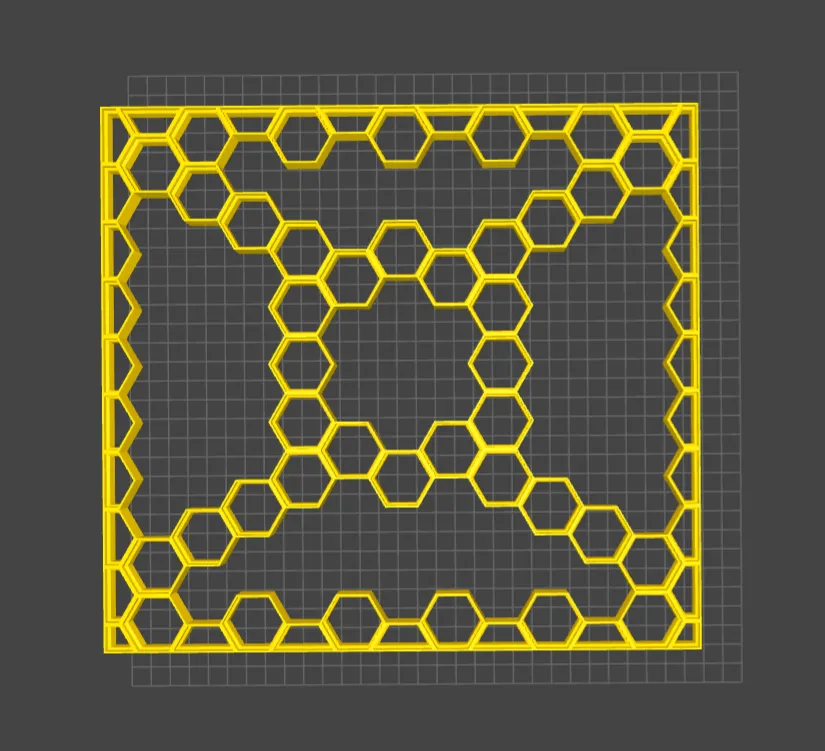
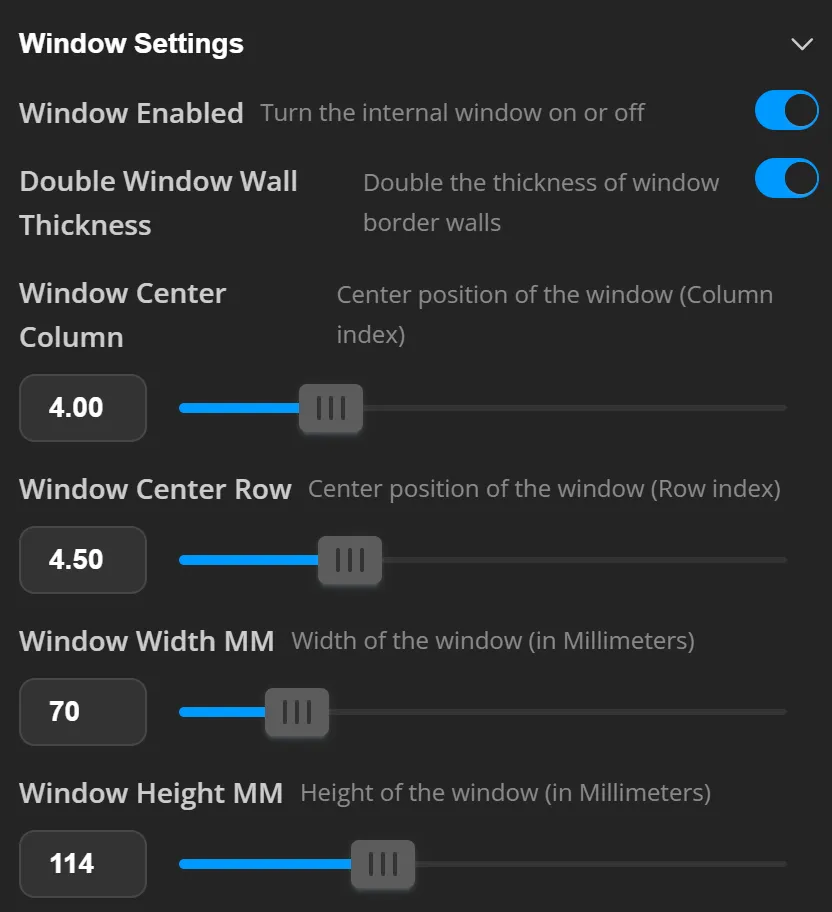
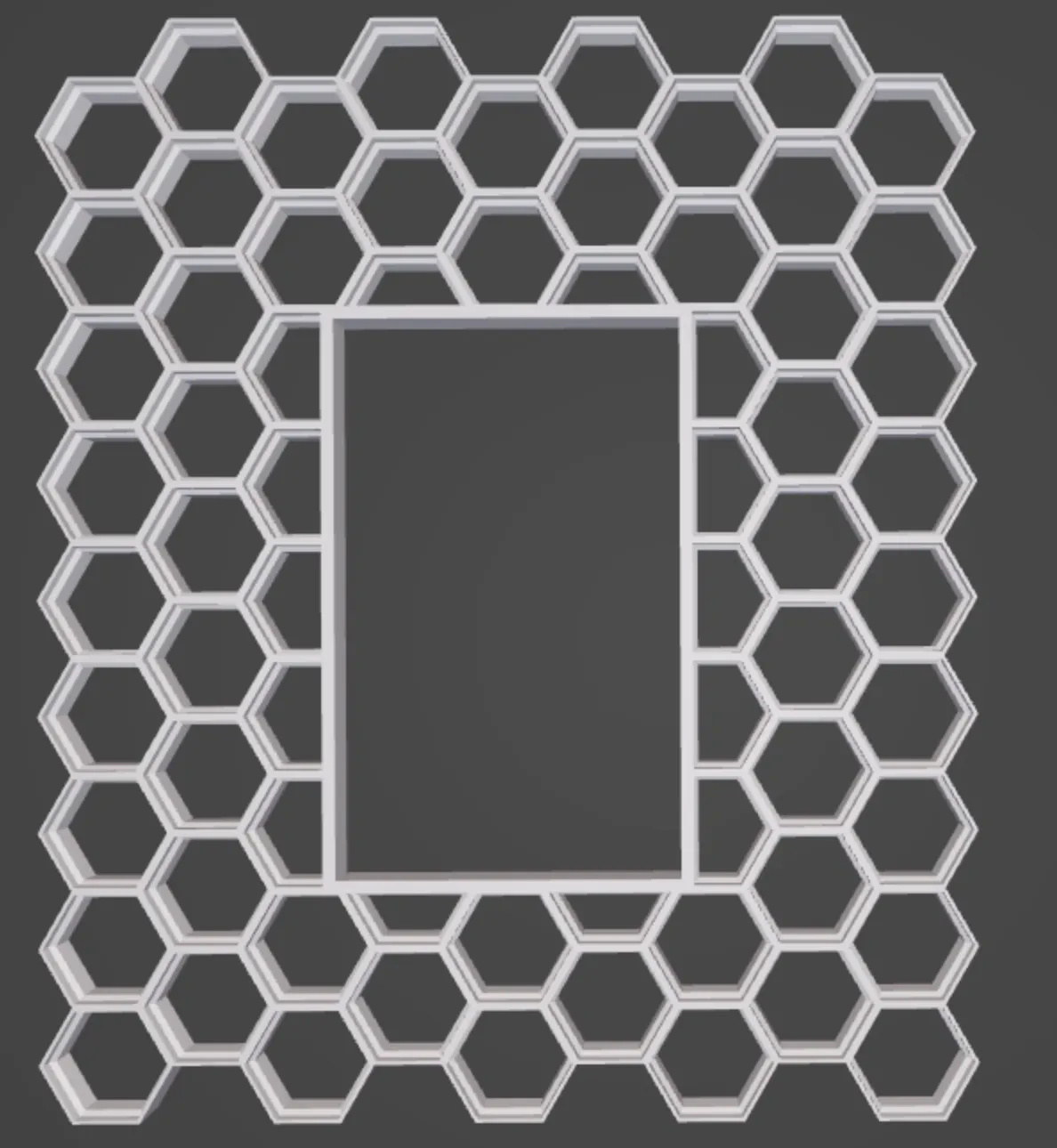
V1.3: Added Honeycomb sizes for larger printer beds (H2C etc). Added a window functionality so you can have a cut out with borders in the middle of your HSW
V1.4: Added Flip Orientation. This is not an intended print orientation, however, it can make it make more sense when looking at the HSW wall in this orientation due to how the connectors fit into the wall.
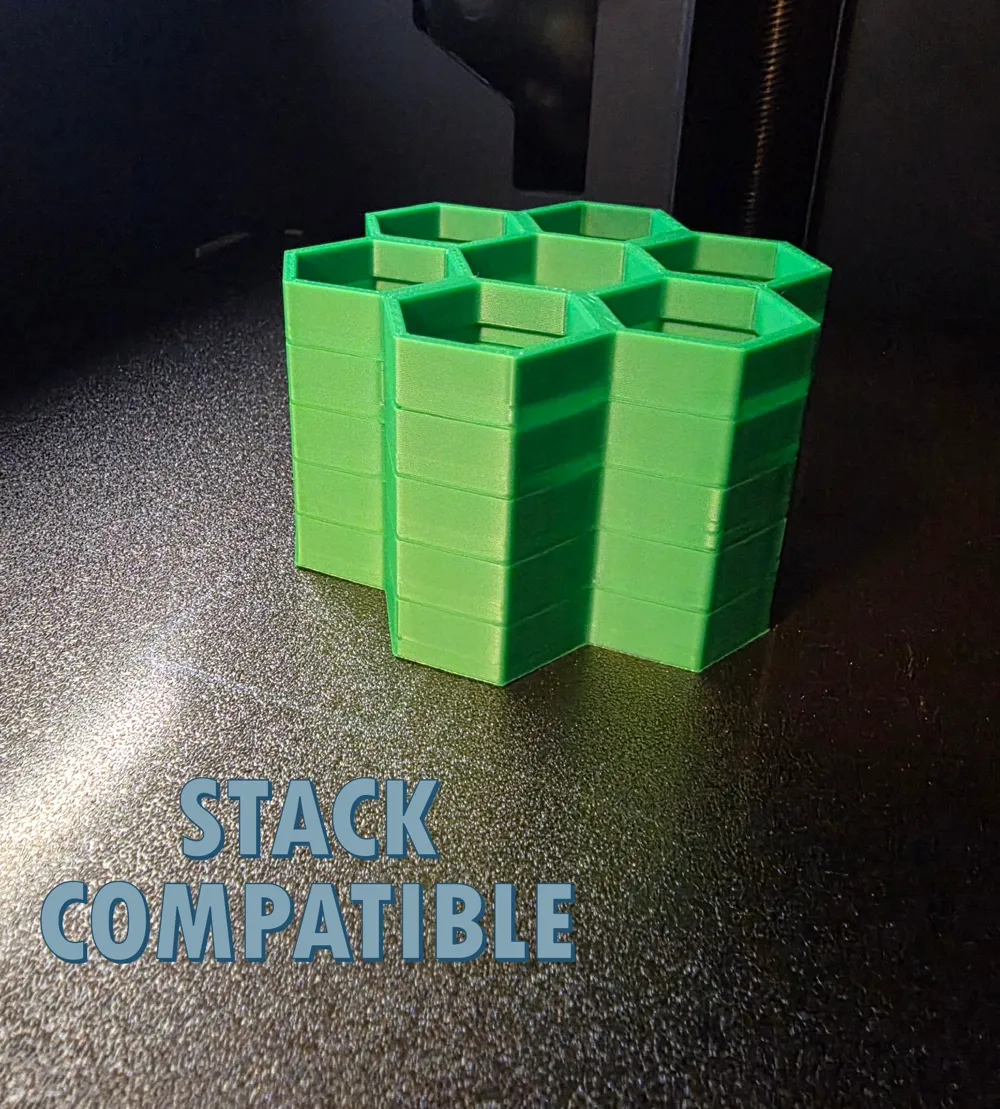
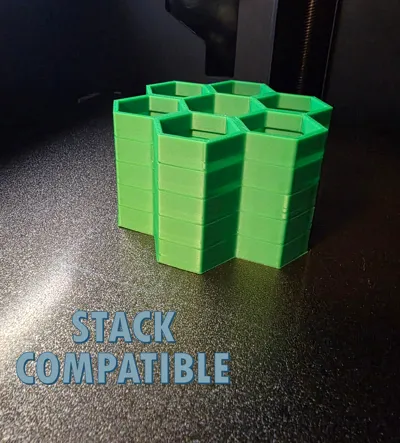
V1.5: Added the ability to stack HSW prints. Print more HSW stacks quicker.
Description
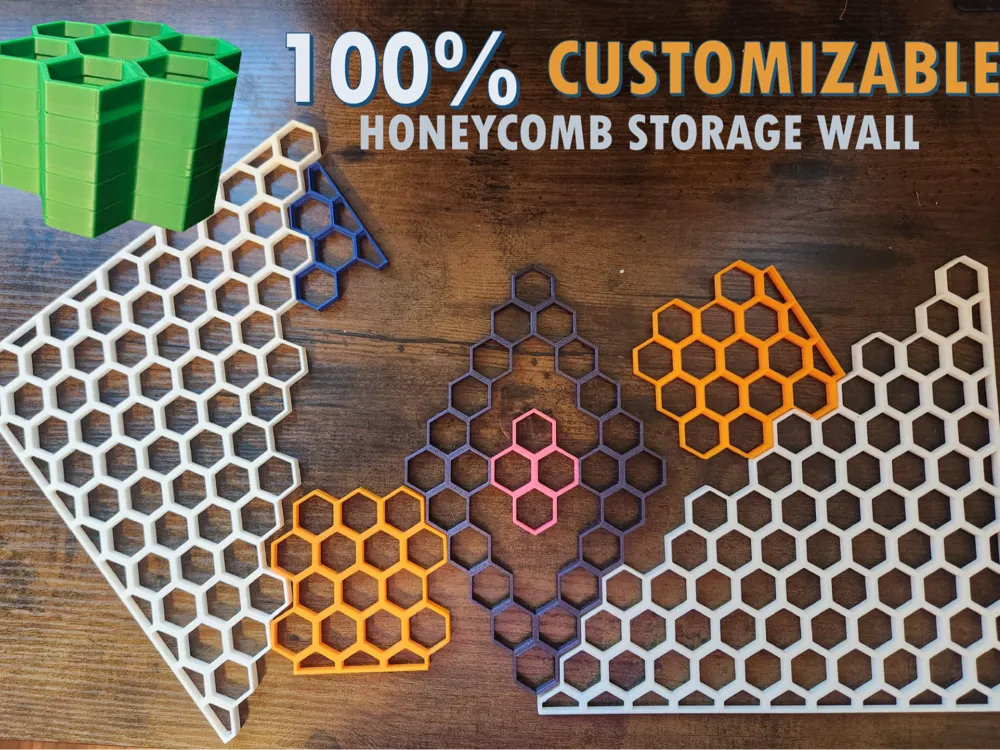

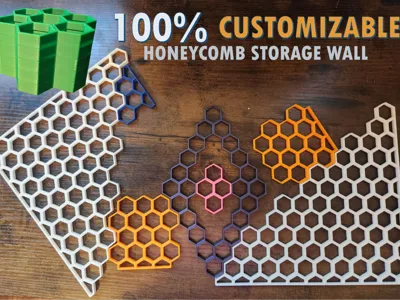
This Honeycomb Storage Wall (HSW) generator creates unique, beautiful and fully customizable HSW grids to suit your space. I had three objectives while creating this project:
- Design a HSW generator that was simple to use for appeal to the widest audience;
- Give users the power to fully customize their HSW grid to fit their space; and
- Give users the power to reduce wasted filament and save money through customization while maintaining functionality.
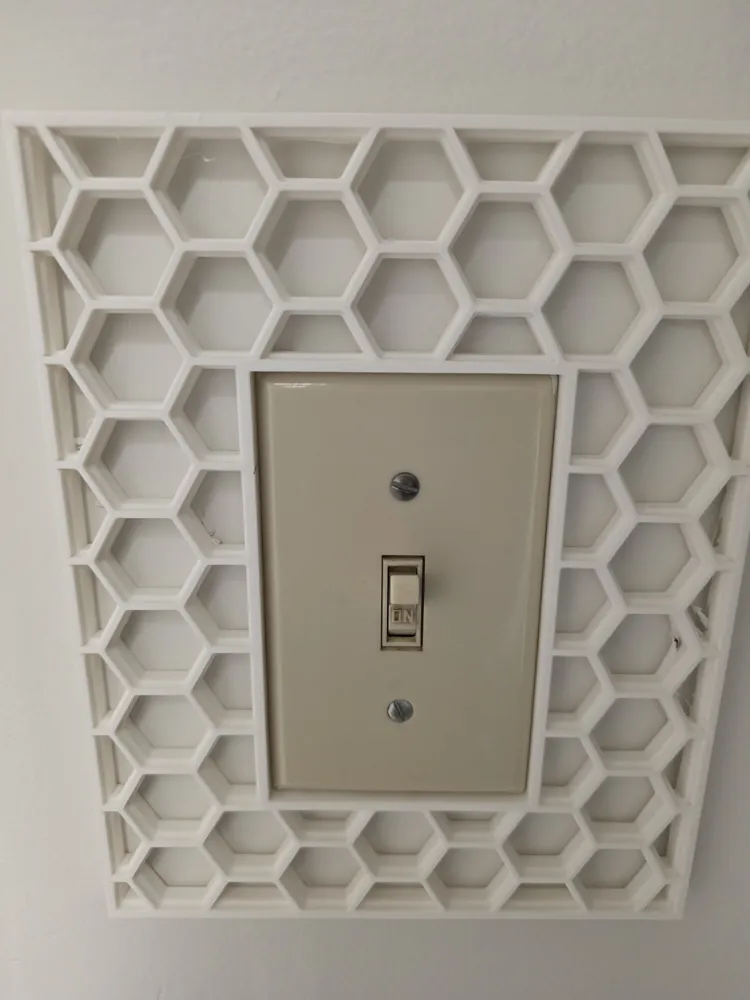
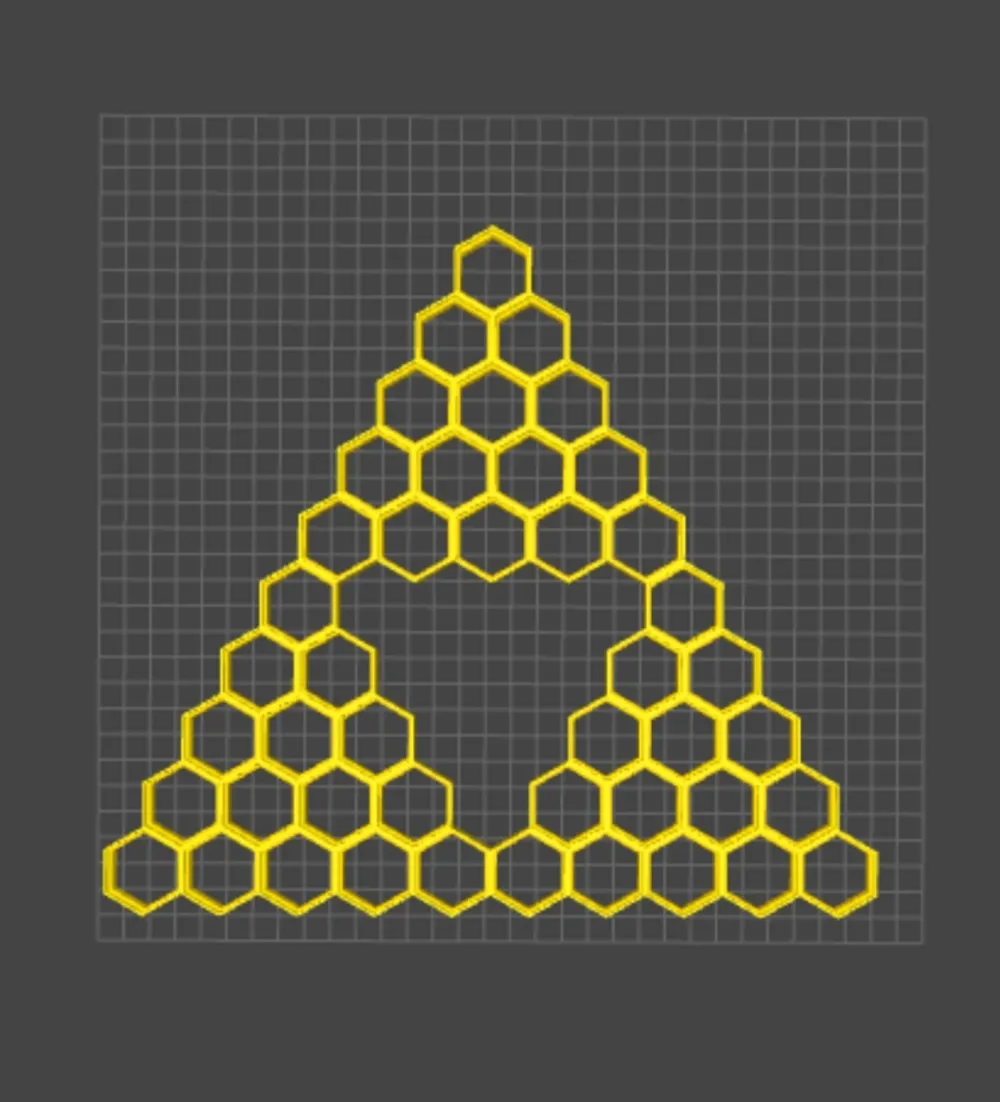
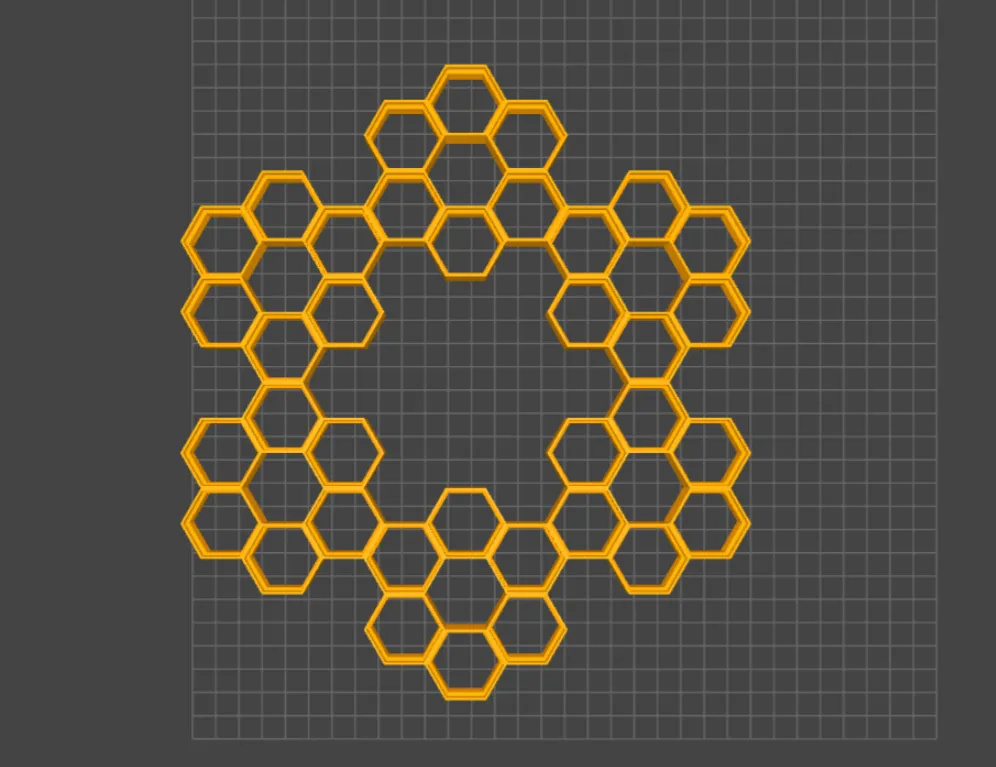
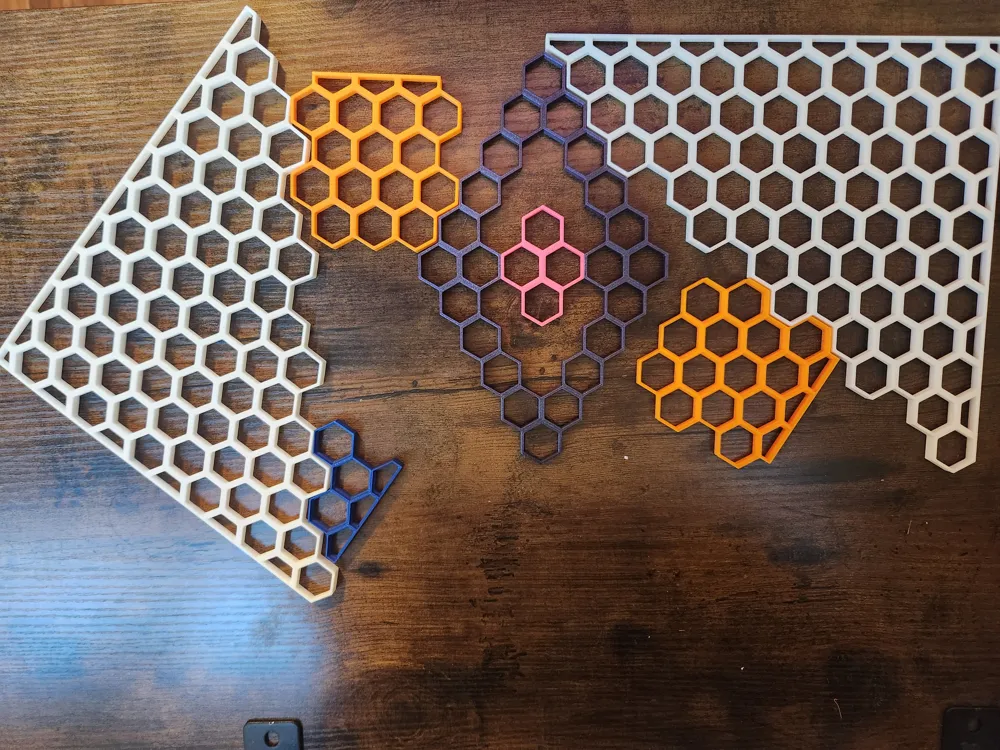
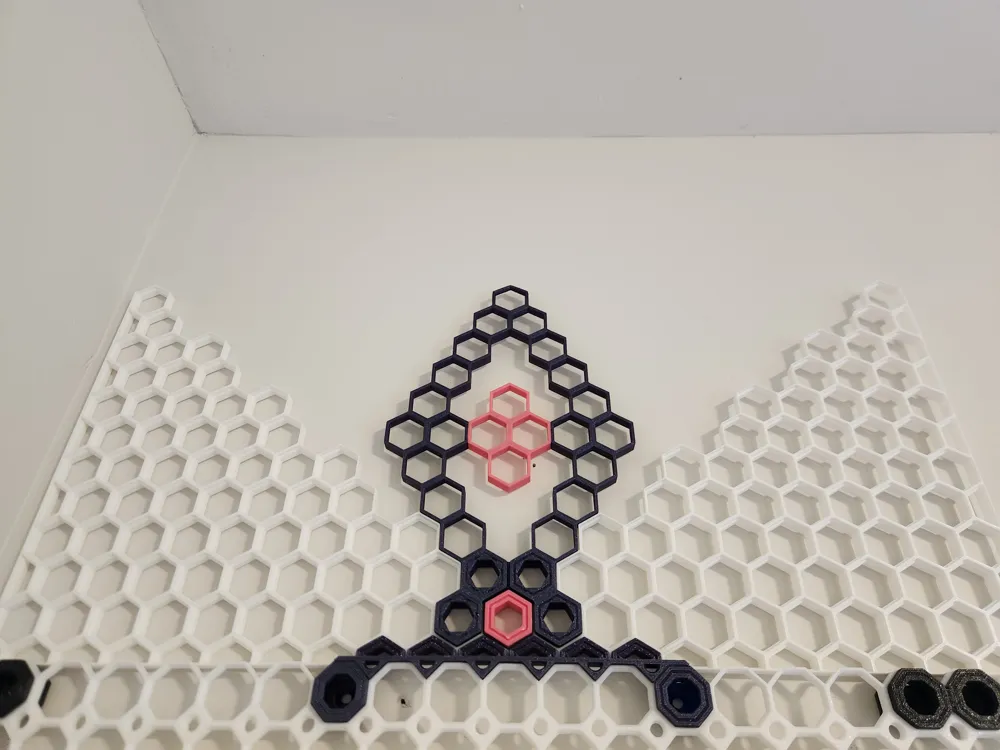
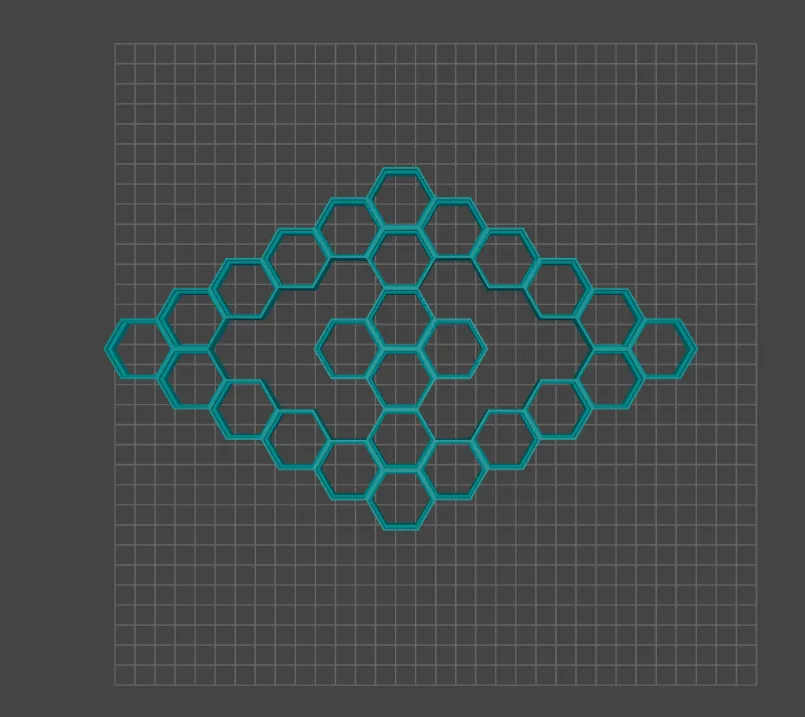
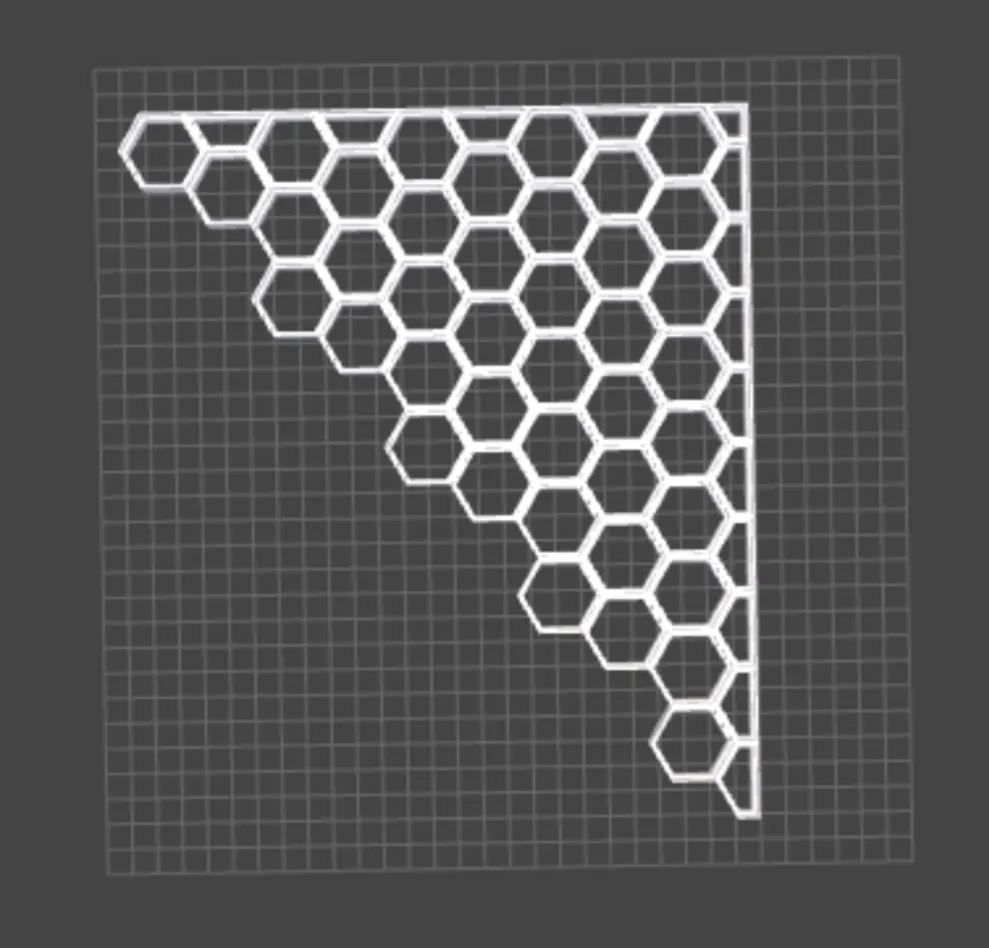
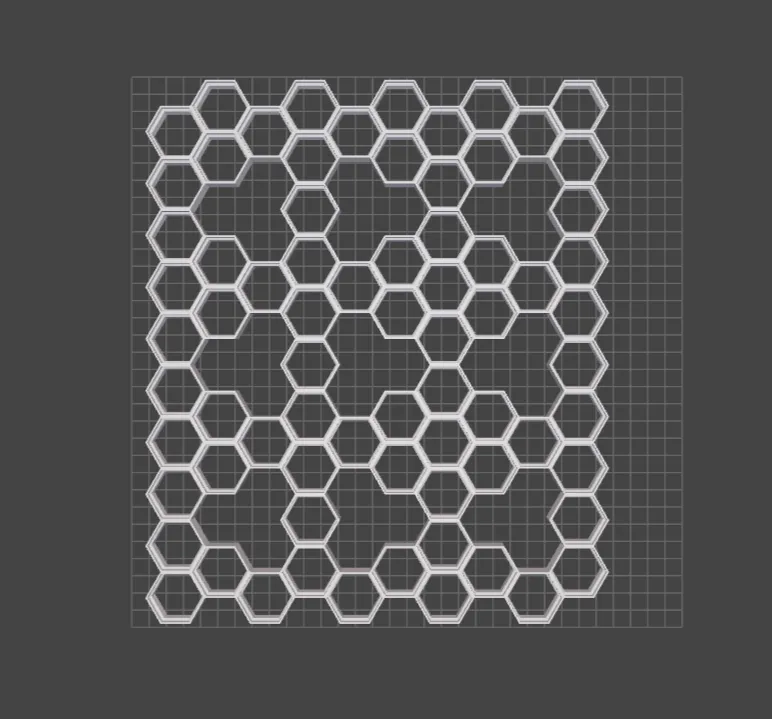
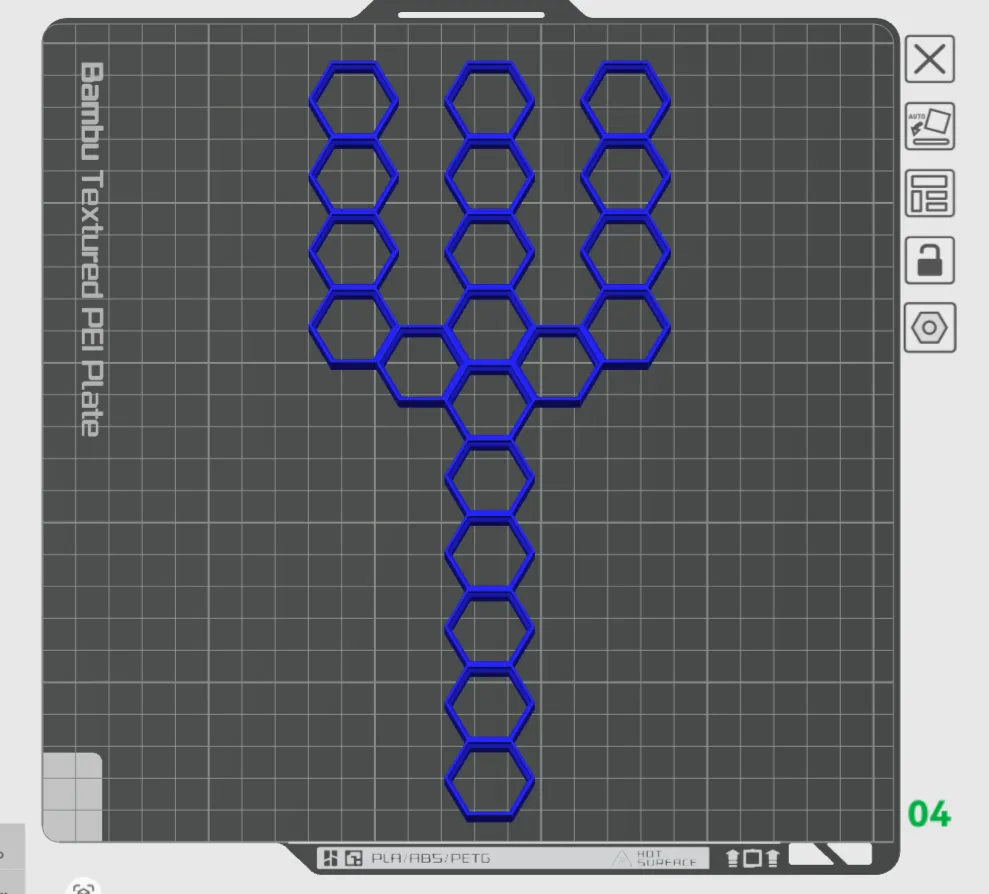
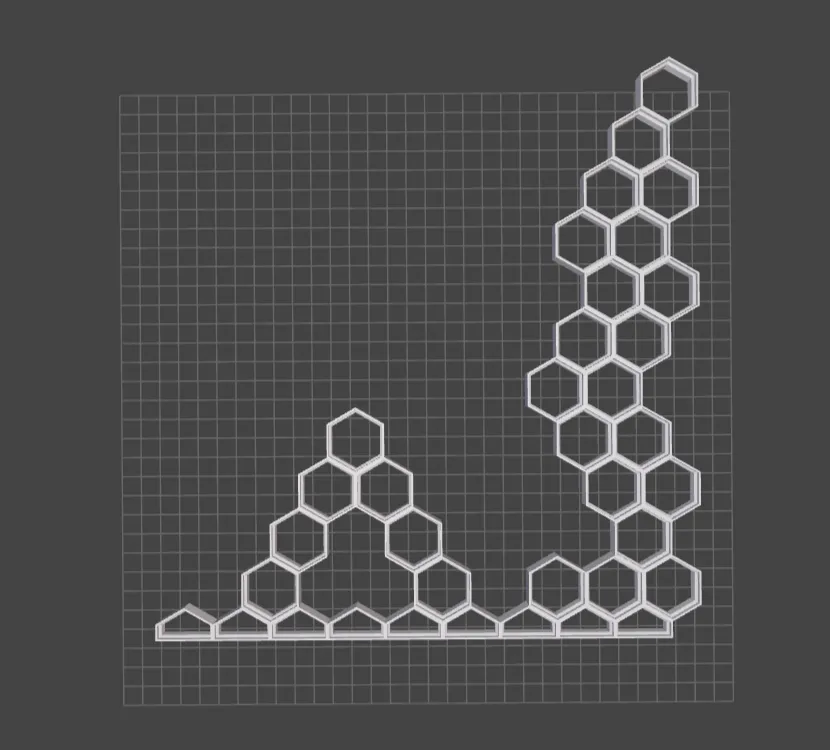
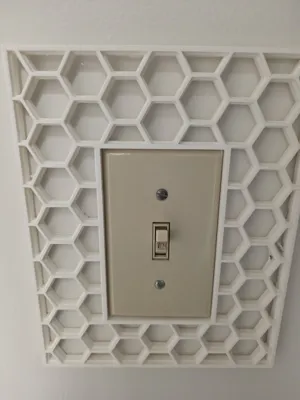
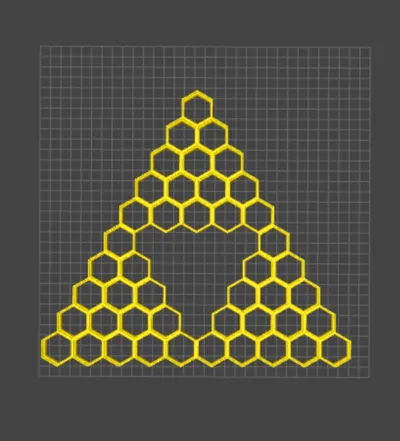
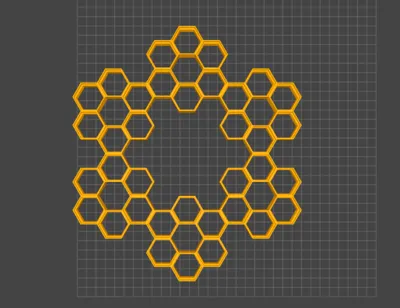
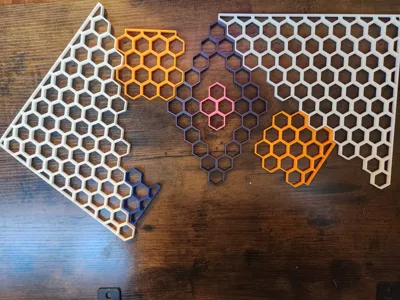
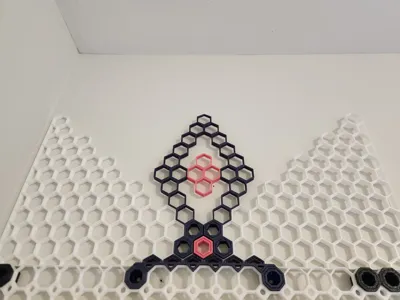
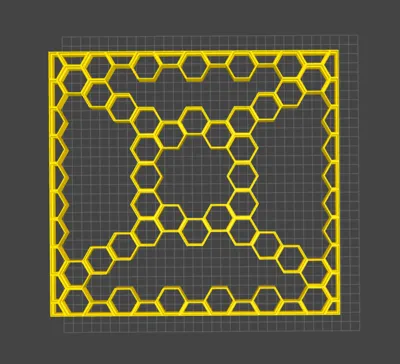
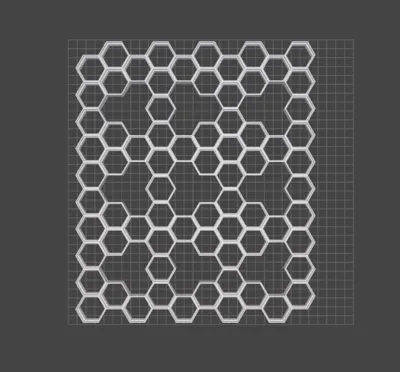
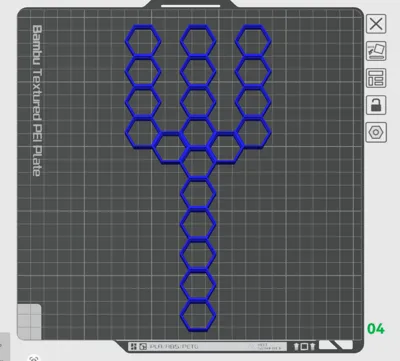
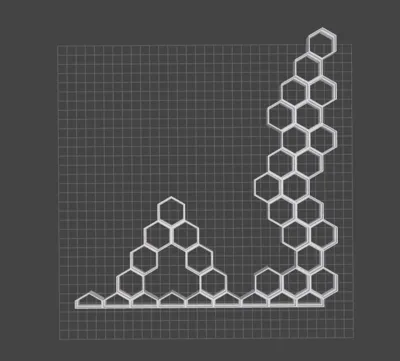
This generator can create wall designs that can be used as an organizer, or simply just for some cool artwork. Check out some of the designs I came up with and uploaded as examples.
Use Cases:
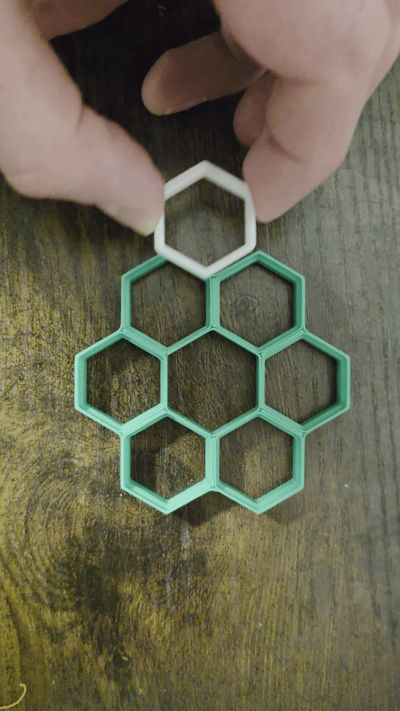
HSW is a hexagonal grid system designed by rostap that can be used for hanging things on your walls. This HSW Generator can help you accomplish the following:
- Design and create a HSW to fit in an area with undefined dimensions;
- Reduce wasted filament through customization; and
- Create cool hexagonal wall artwork!
Customizable Features:
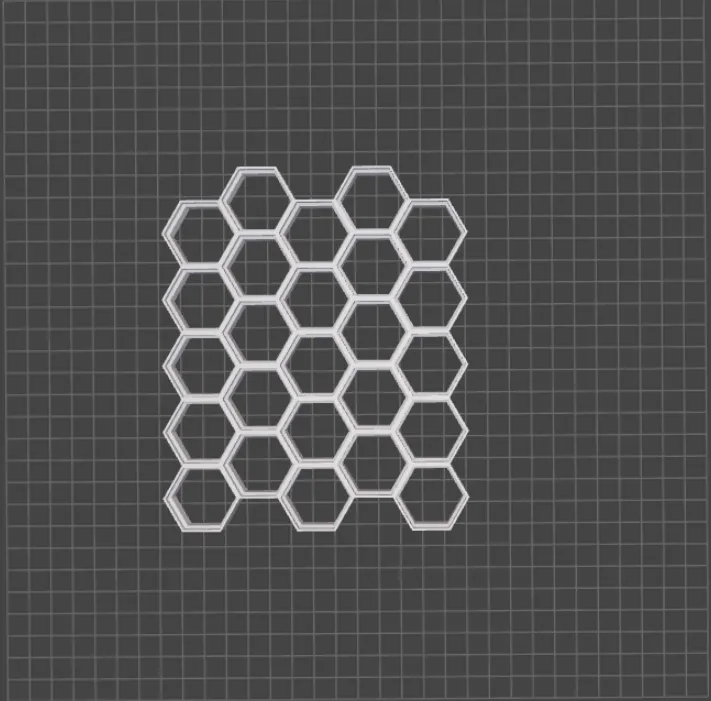
- Change the length and width of the HSW grid by adding or removing columns and hexagons
- Add stacks to reduce print time
- Create customizable gaps in your HSW grid
- Create offsets amongst columns
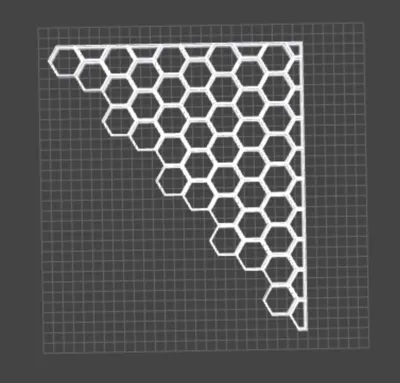
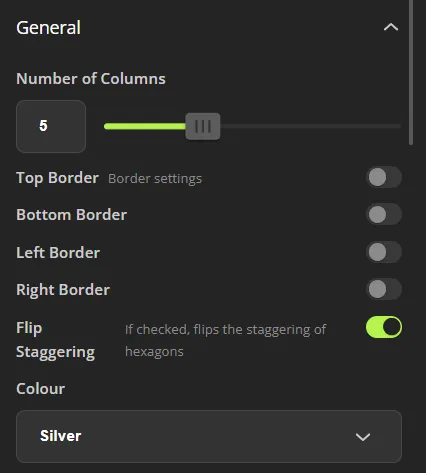
- Create border walls to put your wall up against a flat edge
- Flip the staggering of your grid to suit your needs
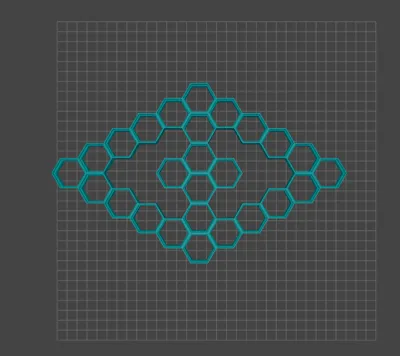
- Add a Window in the center of your HSW
How to Guide:
The following 4 step guide is sequential, ie each design builds upon the previous one.
Step 1: General Settings:
 |  |
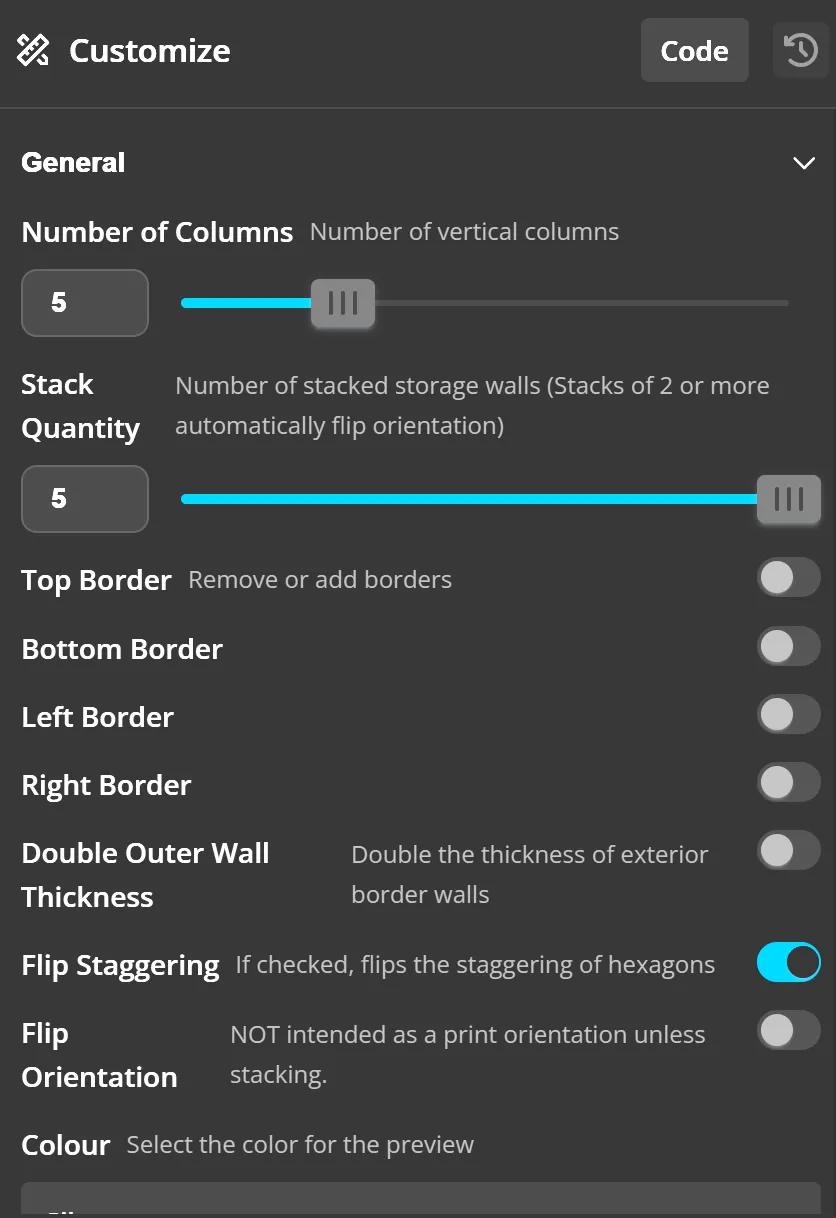 | 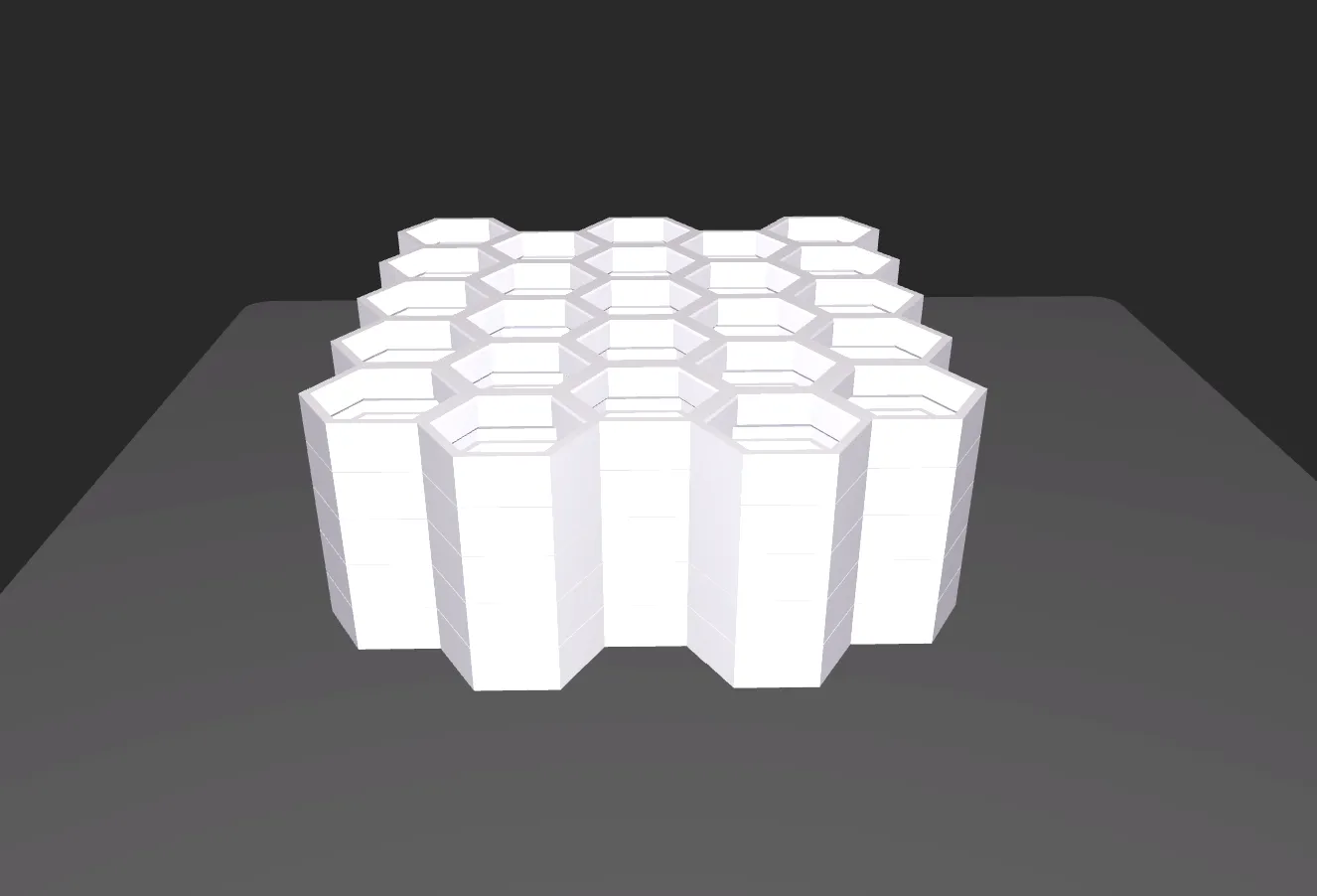 |
Step 2: Customize your Rows:
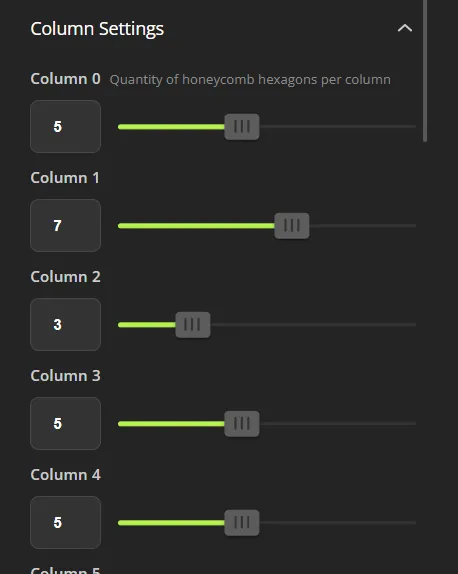 | 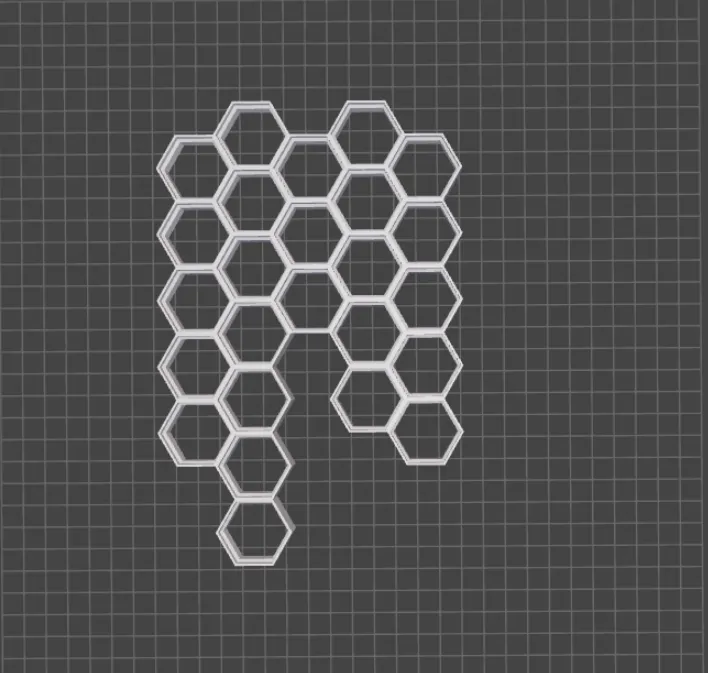 |
Step 3: Add Gaps (Optional):
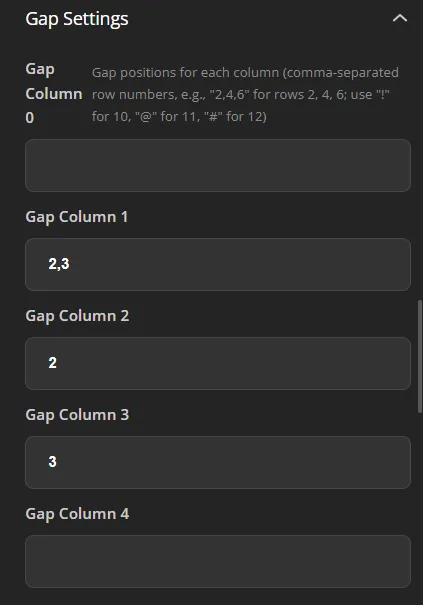 | 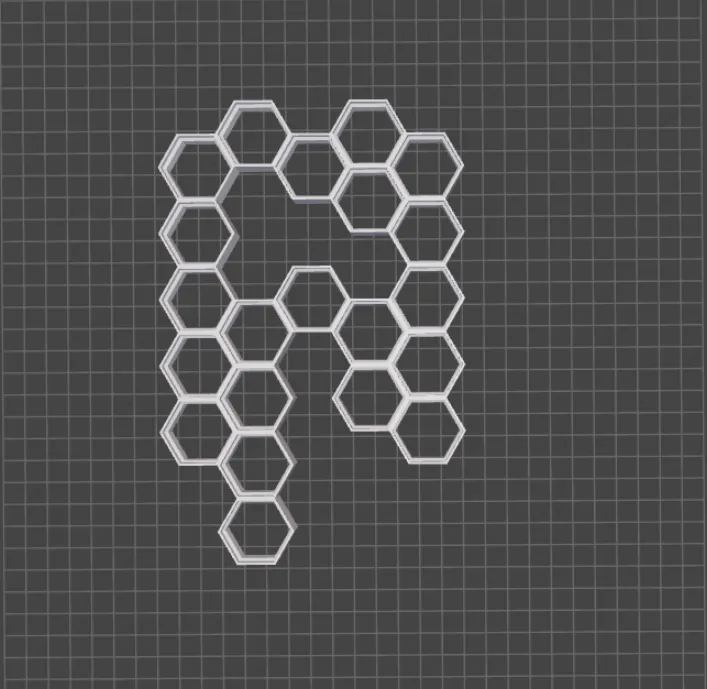 |
Step 4: Create Offsets (Optional):
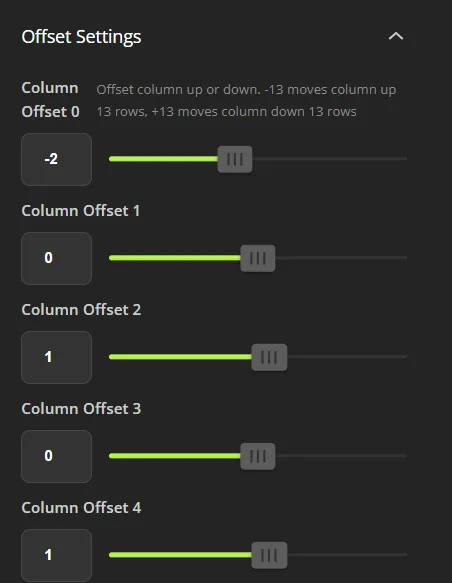 | 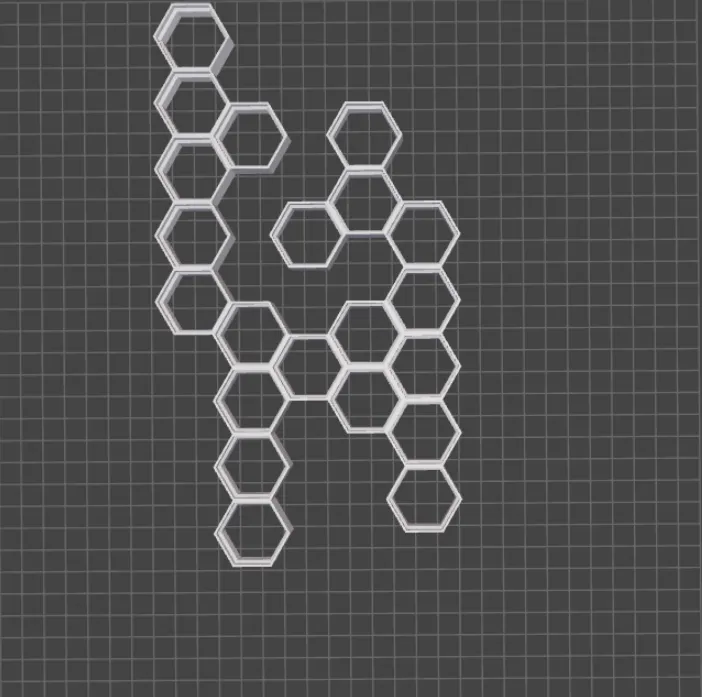 |
Step 5: Create Window (Optional):
 |  |
Notes:
- I had to use some janky symbols to represent 10 (!), 11 (@) and 12 (#) for gaps because I couldn't figure out the correct coding :(
- Know the size of your build plate and make sure your grid fits it!
Credits:
I'd like to give credit to following people for this idea:
Expand your HSW with these Add Ons:
- Got a corner that you need to work with or want your wall to rotate? Use this hinge I created
- Need a hinged HSW shelf?
- Need some connectors. I found these worked wel
Boost Me (for free)
Help support my 3D printing habit :)
License

You shall not share, sub-license, sell, rent, host, transfer, or distribute in any way the digital or 3D printed versions of this object, nor any other derivative work of this object in its digital or physical format (including - but not limited to - remixes of this object, and hosting on other digital platforms). The objects may not be used without permission in any way whatsoever in which you charge money, or collect fees.


Comment & Rating (100)