
Razer Leviathan Mount (UPGRADED VERSION)
Print Profile(1)

Description
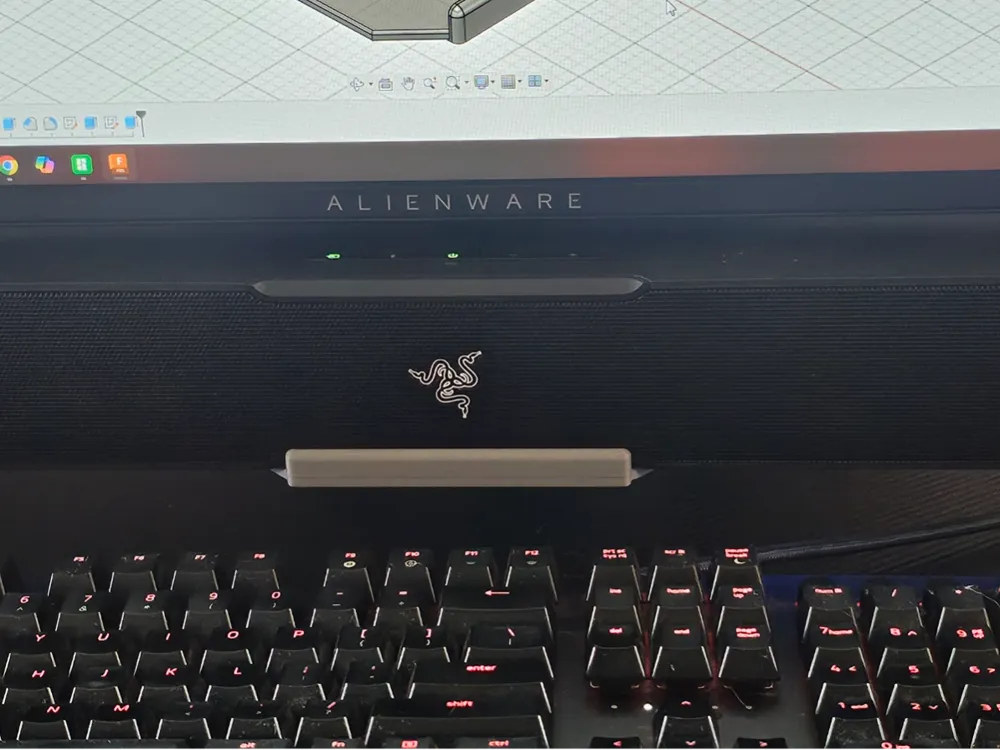
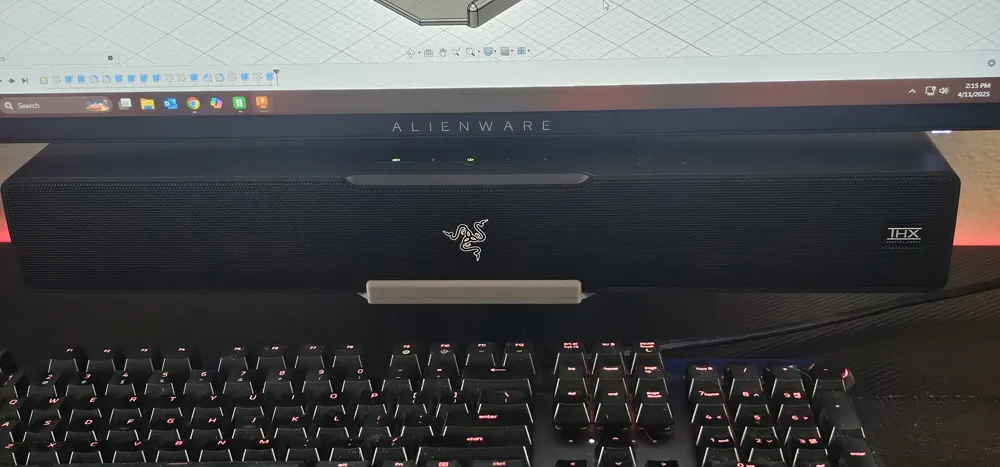
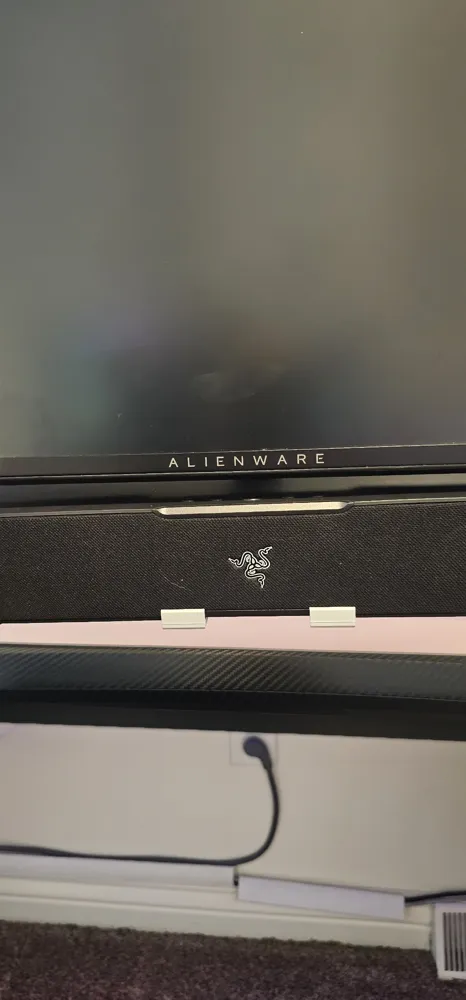
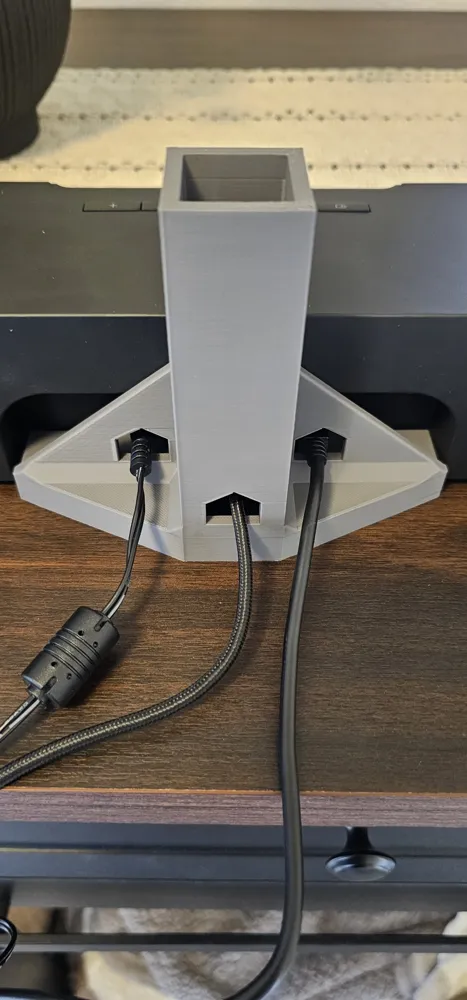
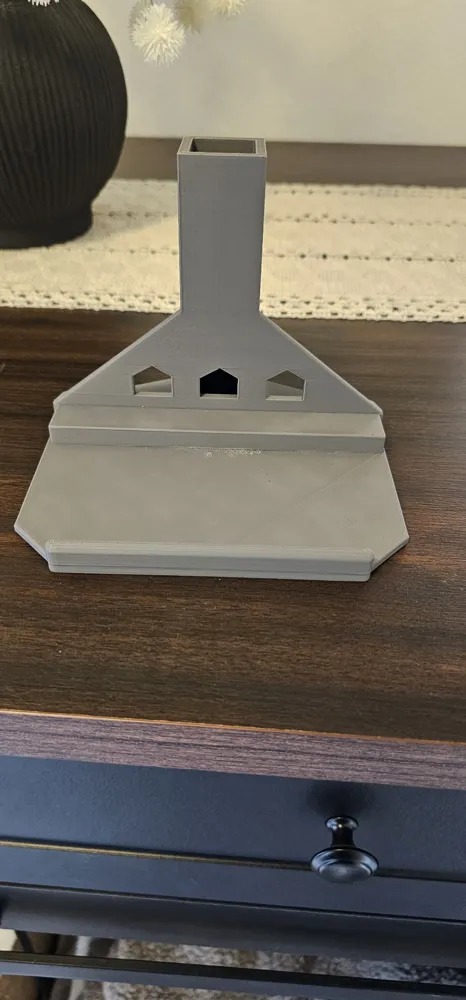
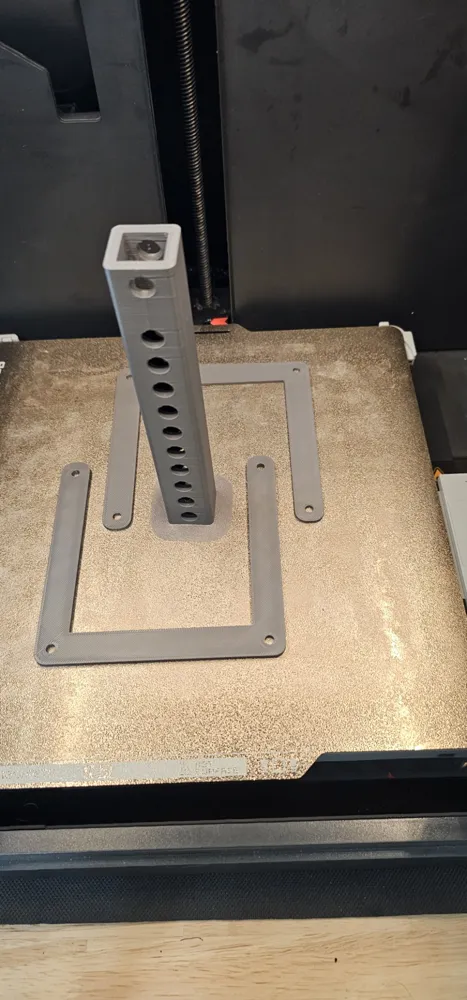
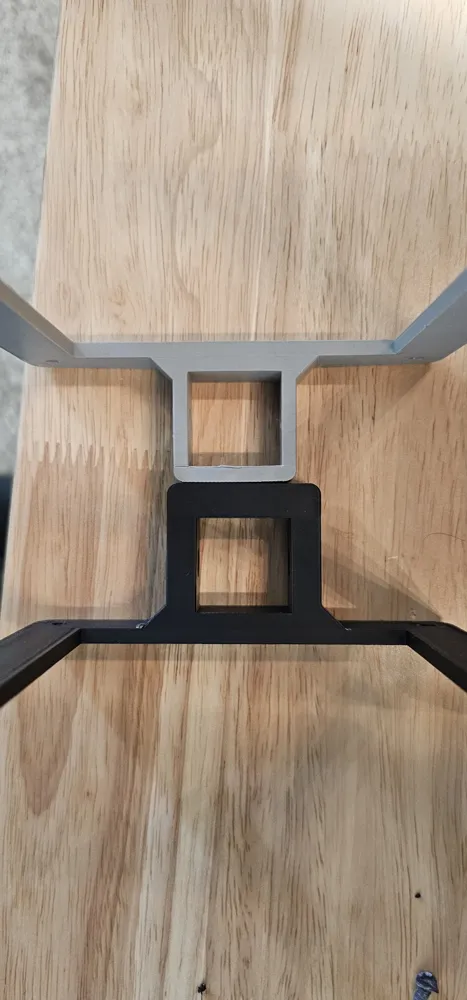
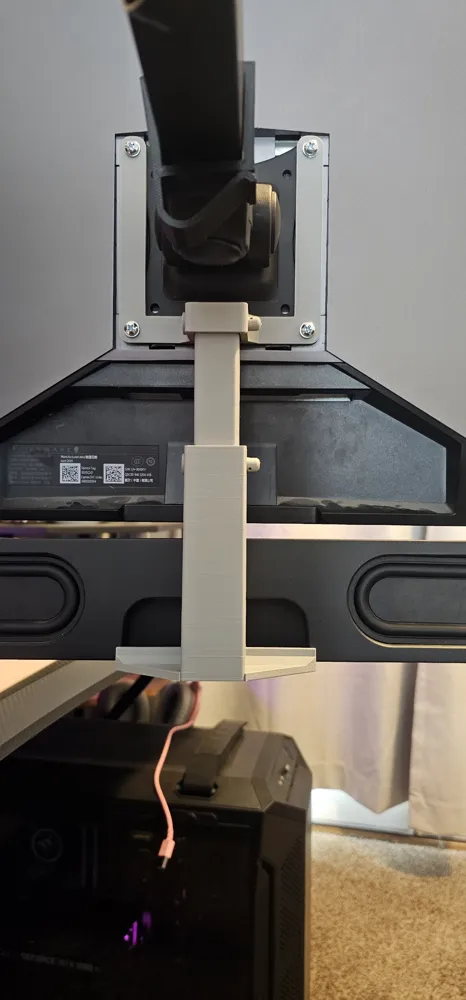
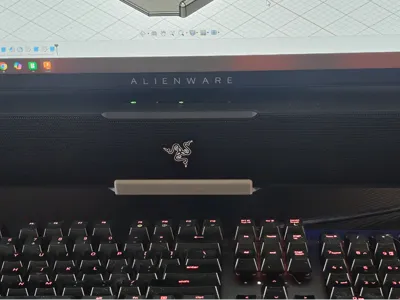
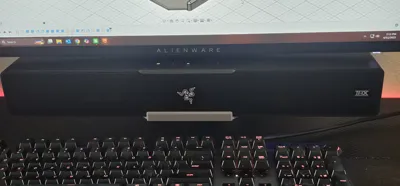
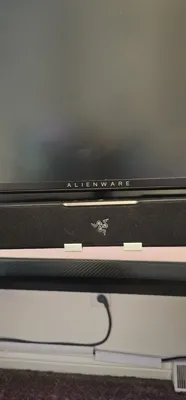
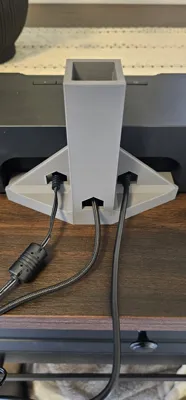
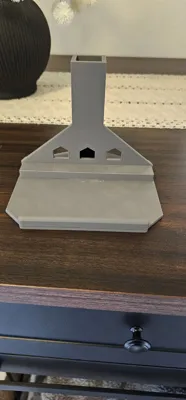
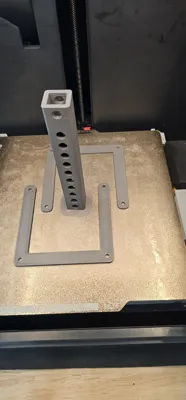
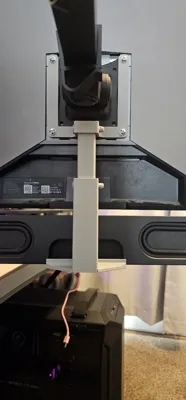
This is a 100mm X 100mm VESA adapter to mount a Razer Leviathan X V2 or a Razer Leviathan V2 speaker to the bottom of your monitor, holding it up off your desk for a cleaner appearance. Please look at the bottom of your speaker and choose the plate that matches which speaker you have. The Leviathan V2 X has a single USB-C connector on the back and the Leviathan V2 has 3 connections on the back (USB-C, Power, and Subwoofer out). I designed this mount to be adjustable to not only accommodate a wide range of monitors, but to also allow for clearance for the buttons on the speaker as well as monitor power and adjustment buttons.
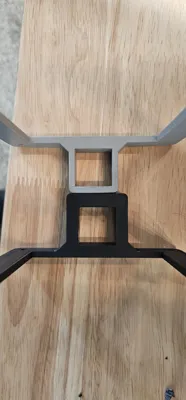
Note: I obviously cannot guarantee fitment on all monitors due to design choices by different manufacturers. However, I did do my best to offset the mount where it attaches to the monitor so that I could increase compatibility. I included 2 separate spacers on an additional plate in the event you need additional clearance. I also deliberately increased tolerances so that if your printer isn’t tuned the same as mine there will be some play to allow the parts to fit together. I included shims that can be slid into the connected parts to reduce the play and increase stability. I personally have successfully tested this model on the following monitors: MSI MPG 491CQP (49” Ultra Wide), ASUS VG247, Alienware AW2518HF, and Alienware 2523HF.
Warning: Do not use the same screws you are currently using to mount your monitor. This mount was designed to be 4mm thick, so you need to measure your current screws and replace them with new screws that are longer. I am not responsible for damage resulting from using incorrect screws. I found that M4 x 14 worked great for my 24" monitors and M4 x 16 worked for my 49" ultra wide monitor.
Additional warning. I do not personally use the spacers and if you need them I suggest printing them at 100% infill which should be enabled by default on my profiles as well as steel washers.
If your printer does not do well with verticle holes, please enable supports on the extension tube and mount.
Boost Me (for free)
If you like my models please consider a boost. It costs you nothing and gives me motivation to continue making useful models for the community.
Documentation (1)
License

You shall not share, sub-license, sell, rent, host, transfer, or distribute in any way the digital or 3D printed versions of this object, nor any other derivative work of this object in its digital or physical format (including - but not limited to - remixes of this object, and hosting on other digital platforms). The objects may not be used without permission in any way whatsoever in which you charge money, or collect fees.


Comment & Rating (22)