
AMS Lite Hub - 7-Way Filament Hub
Print Profile(2)


Description
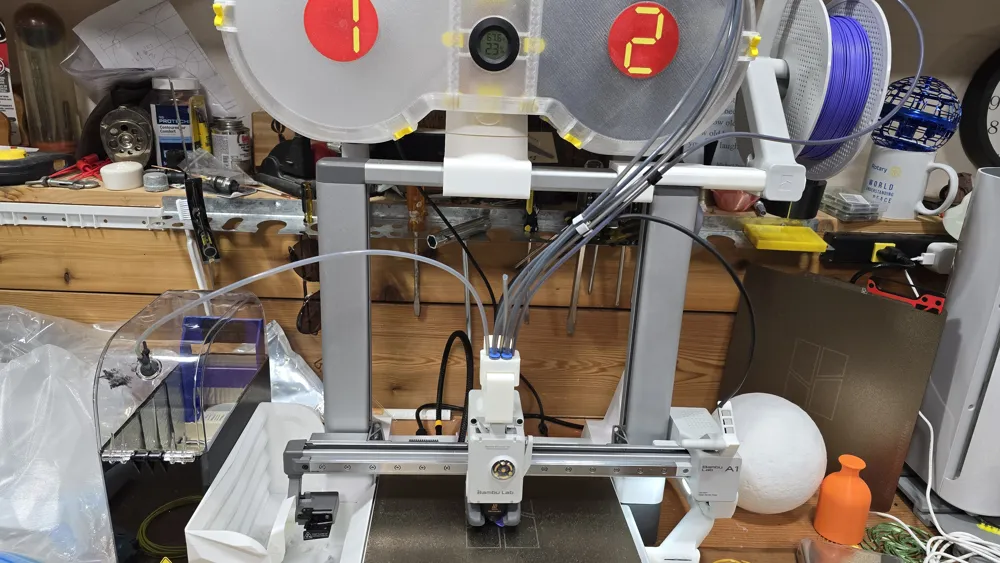
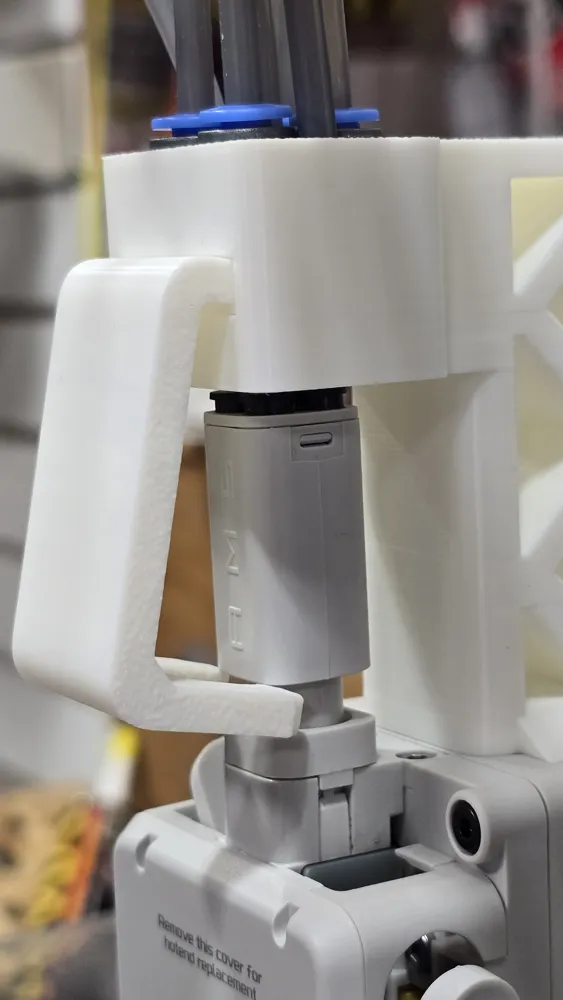
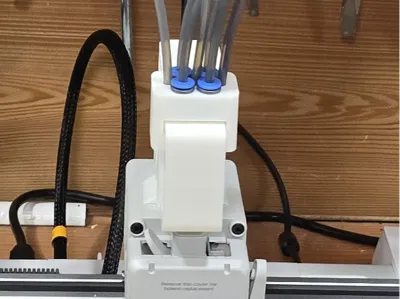
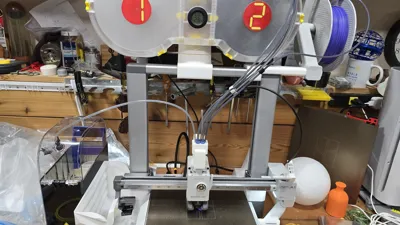
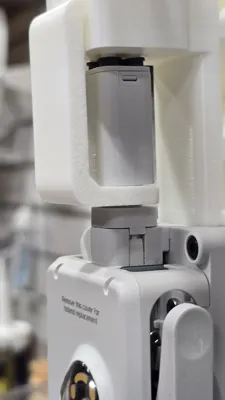
Works with A1 or A1 Mini and AMS-Lite to allow external filament to be fed into head without disconnecting PTFE tubes from the AMS-Lite.
As soon as I got my AMS-Lite, I wanted an easy way to feed filament into my A1 Mini without disconnecting a PTFE tube from the AMS-lite hub so that I could feed directly from a dryer or feed TPU or other filaments that are not AMS-friendly. It is very difficult to remove the tubes from the connectors on the hub and it usually ends up damaging the ends of the tubes so I had to cut off a little bit each time.
I tried a lot of other solutions, splitters, filament hub replacements, and front-ends to the filament hub, but found that each of them had both positives and negatives. Some put too much strain on the already fragile AMS-Lite Hub mounting mechanism, some had the PTFE tube push out during AMS filament changes, and some were very difficult to push the filament through. In the end I decided to design my own and after several iterations, this is what I came up with.
I am providing both a 7-way and an 8-way solution here, but I highly recommned the 7-way. I am only including the 8-way in case someone really needs that extra input and wants to give it a try, but I found that there was more drag on the filament passing through the 4 side entries than I liked.
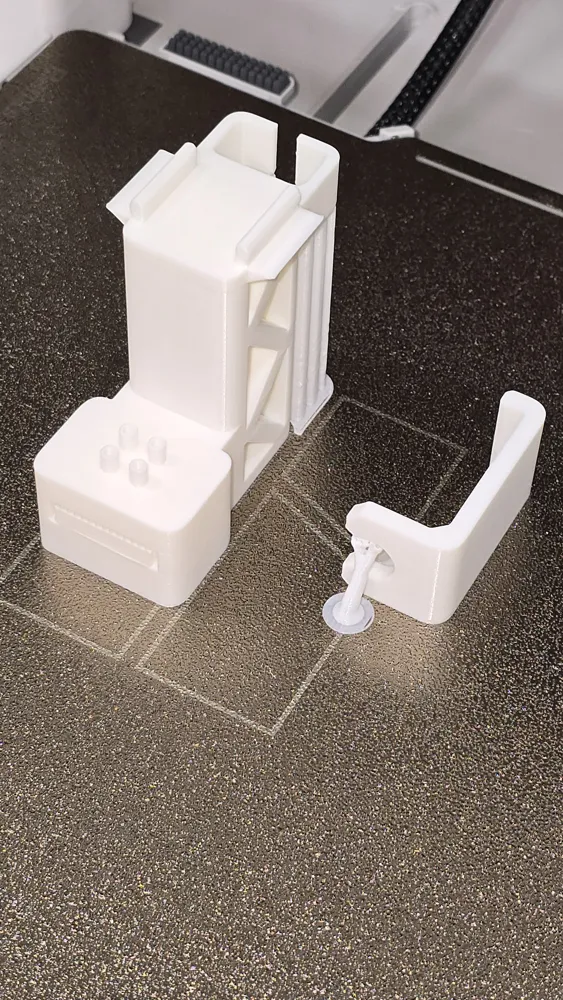
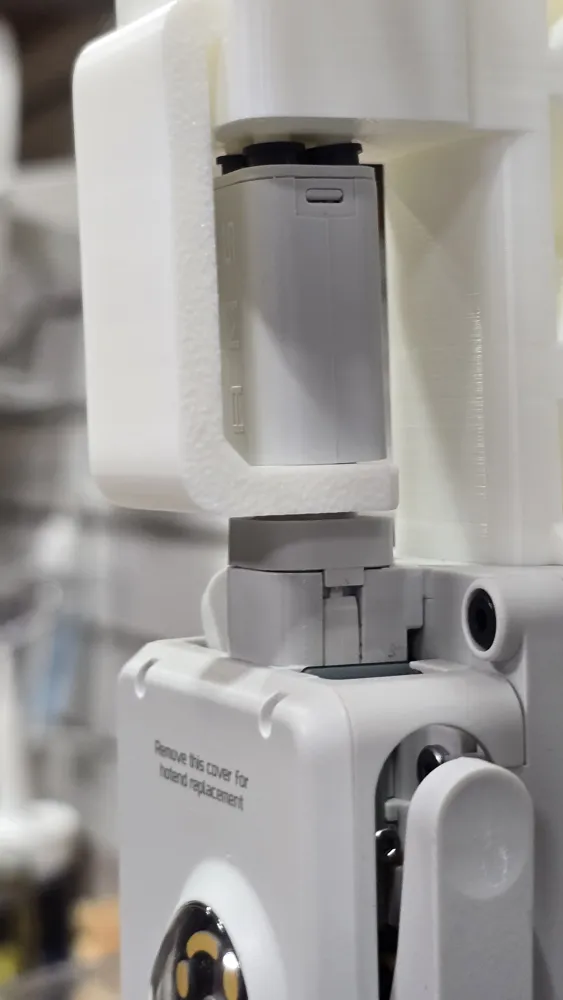
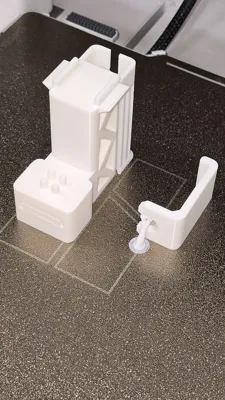
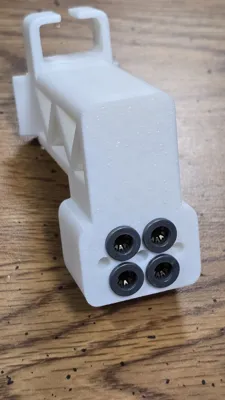
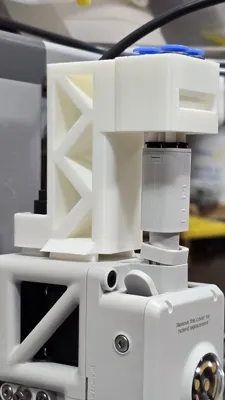
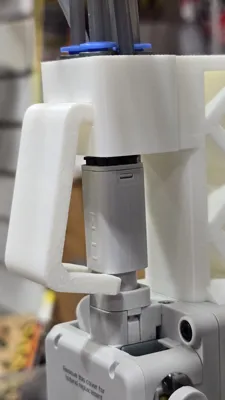
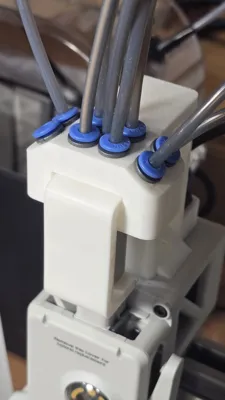
There are two parts to my design, a front-end to the AMS Lite Hub that feeds filament from 7 different PTFE tubes into the 4 inputs of the hub, and an optional clip to ensure that the front-end stays in place against the hub. I am not sure if it is really required but I like the way it makes everything feel very solid.
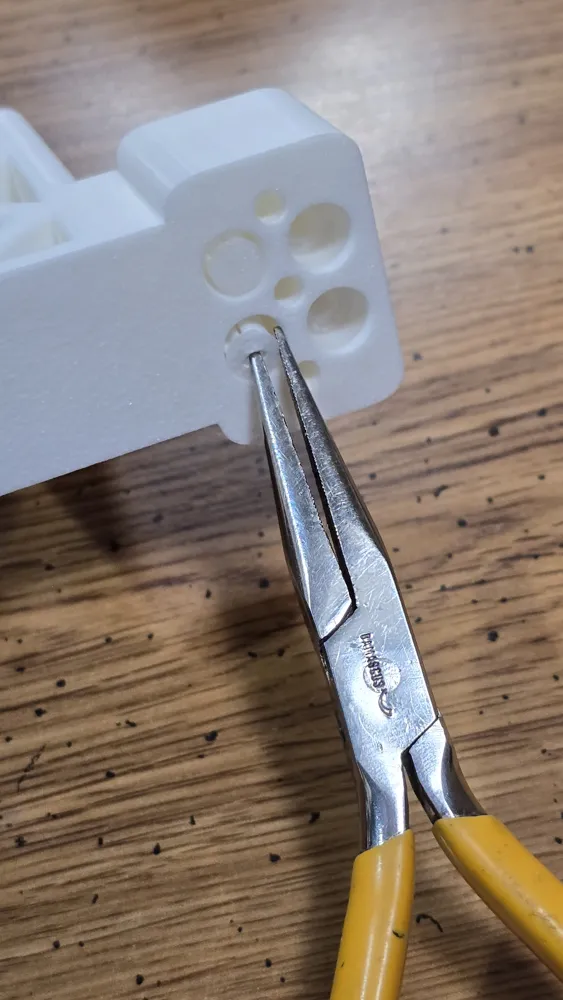
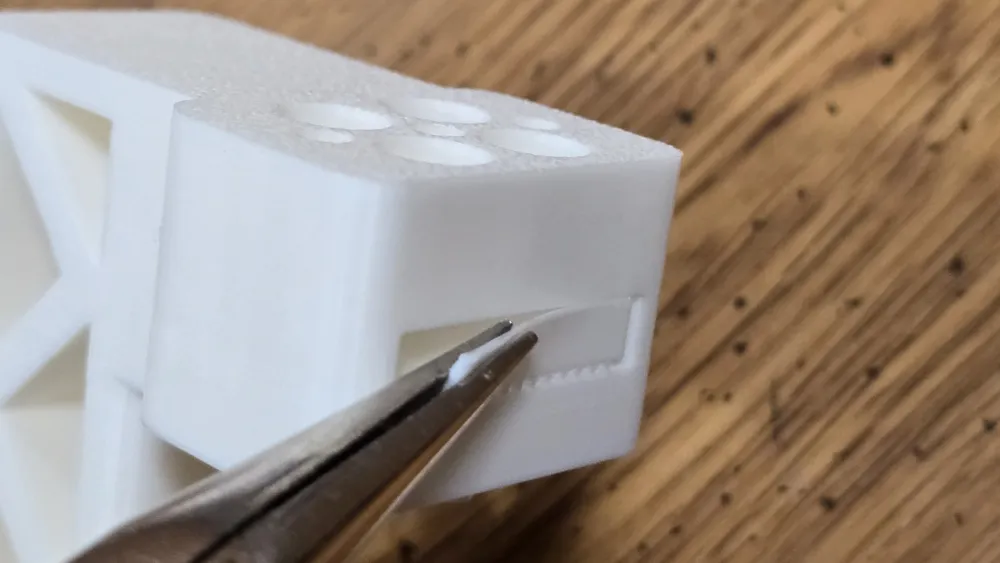
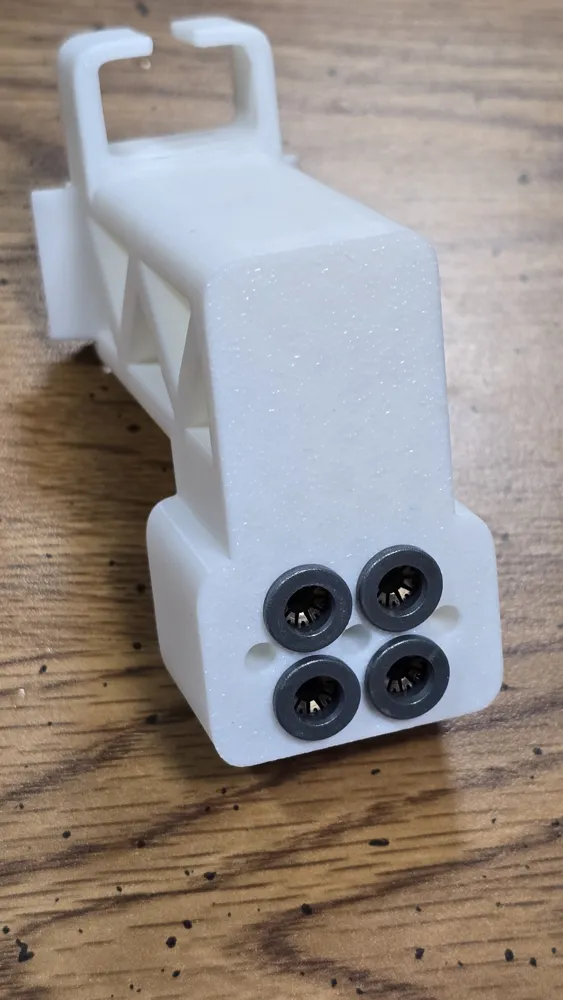
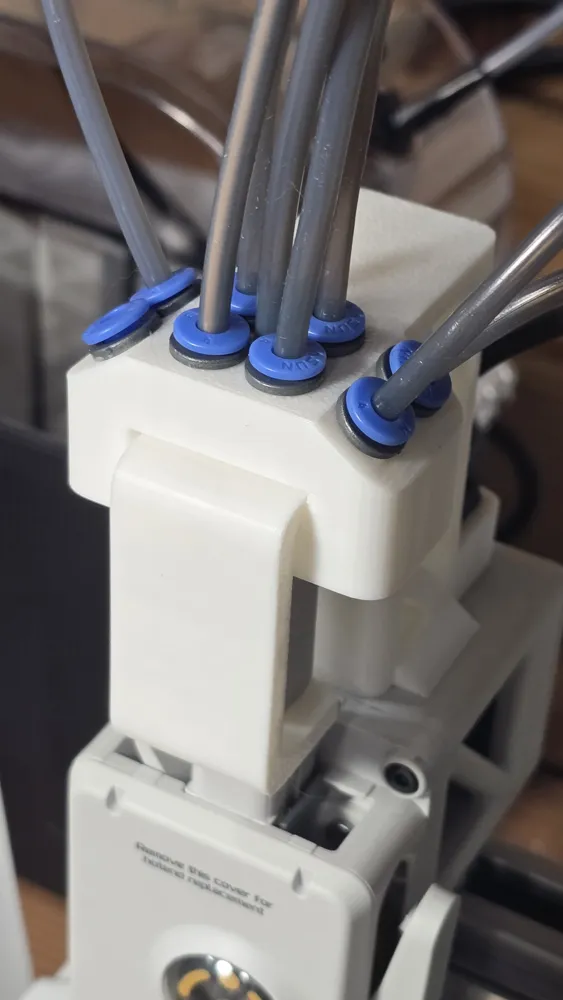
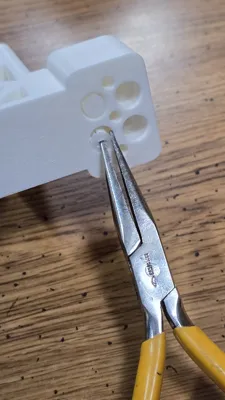
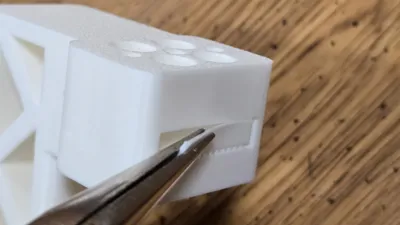
Once the parts are printed, you need to remove the supports, which I designed to be very easy to remove, and then insert 4 ECAS04 pneumatic valve connectors into the 4 large inputs on the top. These can be purchased at amazon.com (just search for ECAS04) or even more cheaply through Aliexpress.com. The holes are sized for a tight friction fit. I was able to press them into place by inserting them one at a time and the pushing against a solid flat surface such as a table top.
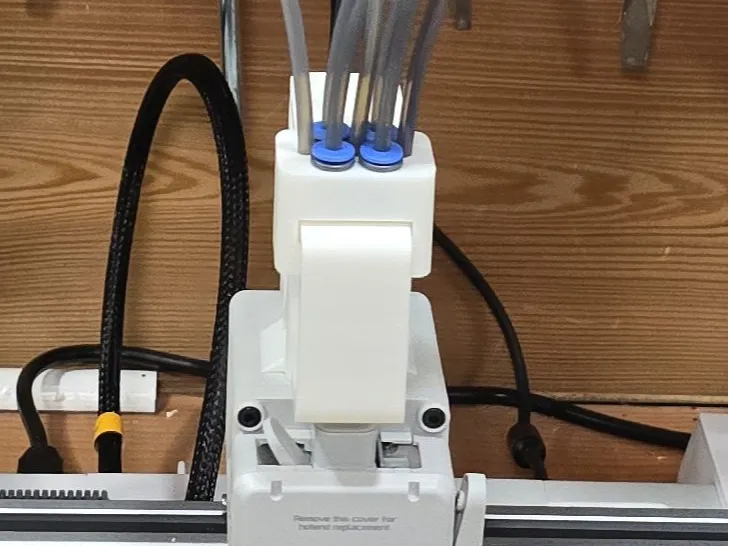
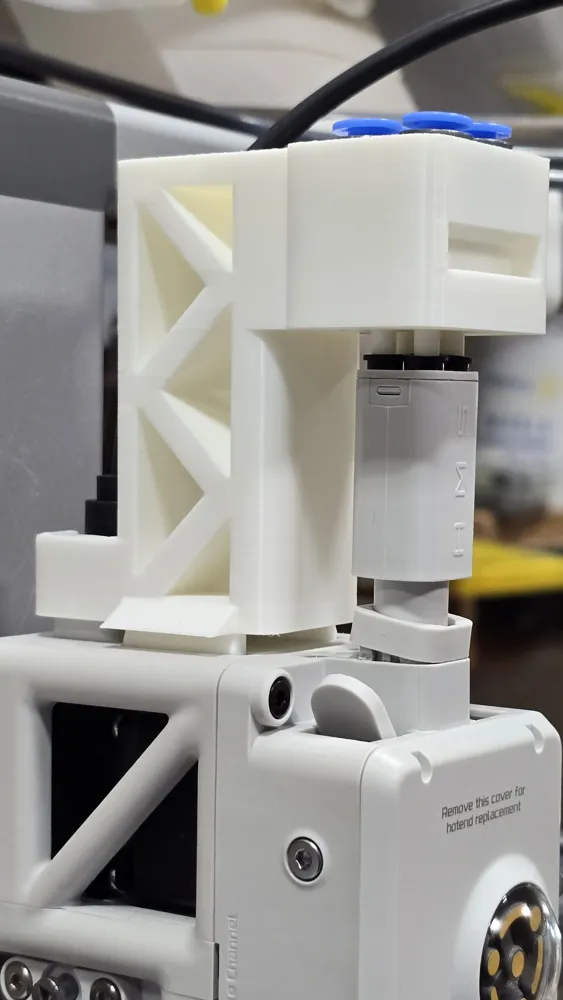
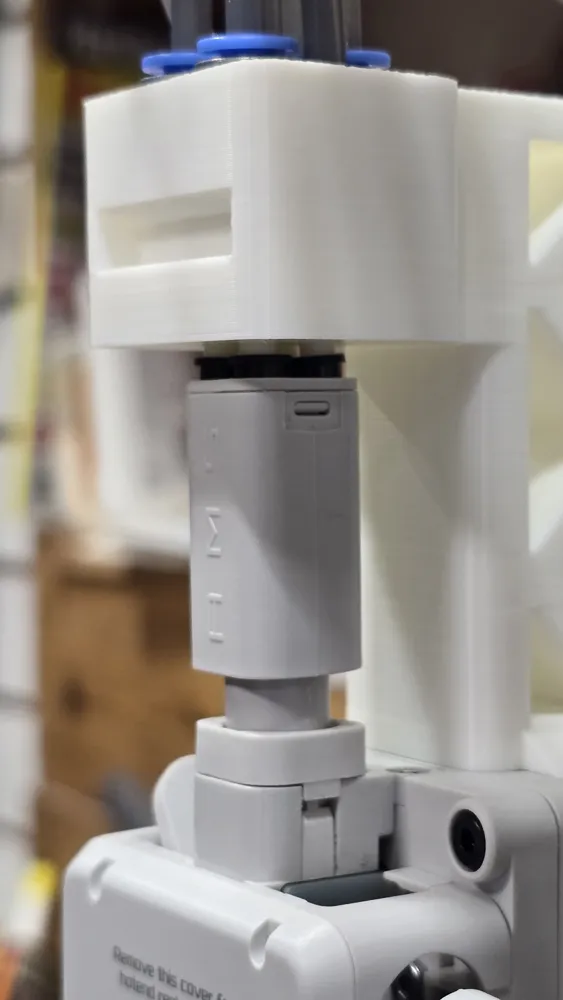
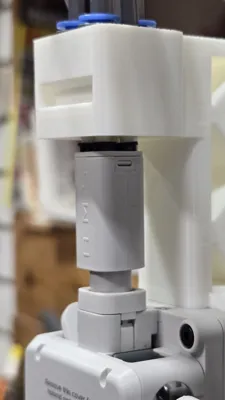
Once the ECAS04 connectors are in place, slide the head cable of you A1 or A1 mini through the slot in the back and press the tabs on the bottom of the front-end into the slots on the top of the head with the four tubes sticking out of the front-end into the 4 inputs of the AMS-Lite hub. The tabs will click into place and should be solidly attached to the head. To make it even more secure, slide the top of the clip into the slot in the front of the front-end and the click it into place around the base of the AMS-Lite hub.
Use the 4 ECAS04 connectors to attach the 4 PTFE tubes from the AMS-Lite. The other three inputs can be used for external filament such as from a filament dryer or the original A1/A1mini Spool holder. Note that if you have any trouble feeding filament through the outer two inputs, you can try the center instead as it has the straightest path to the AMS-Lite hub inputs.
To use one of the external filament inputs, make sure that none of the filaments from the AMS-Lite is loaded and then use the touch screen of the A1/A1mini to load external filament. Just push the external filament into the extruder when told to do so. When you are done using the external filament, remember to unload it manually before using filament from the AMS-Lite again. You don't need to completely remove the external filament, just make sure it is pulled out of the hub far enough that it won't get in the way of the AMS-Lite filament paths.
Hope this works for you.
Boost Me (for free)
Boosts are always welcome if you find this useful.
License

You shall not share, sub-license, sell, rent, host, transfer, or distribute in any way the digital or 3D printed versions of this object, nor any other derivative work of this object in its digital or physical format (including - but not limited to - remixes of this object, and hosting on other digital platforms). The objects may not be used without permission in any way whatsoever in which you charge money, or collect fees.


Comment & Rating (38)