Search models, users, collections, and posts

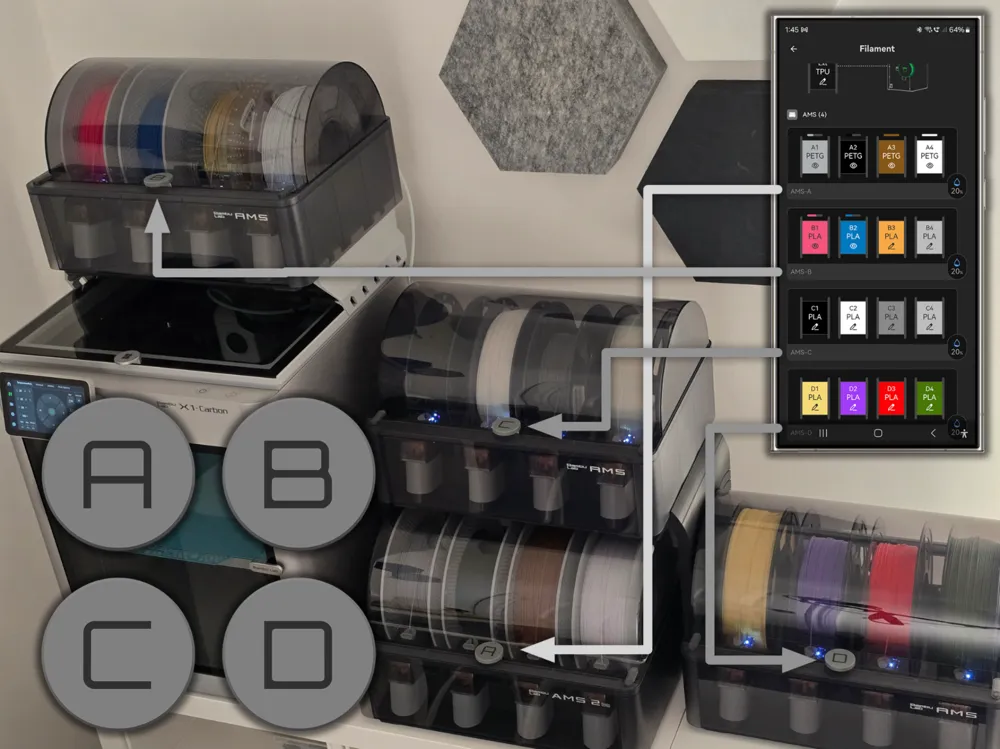
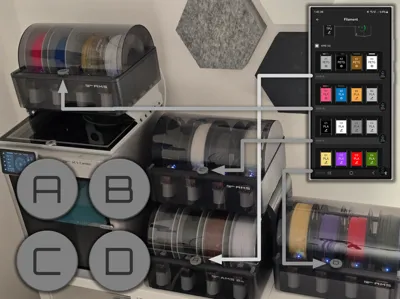
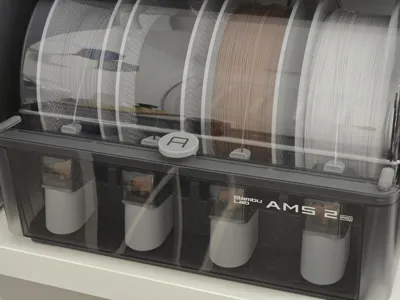
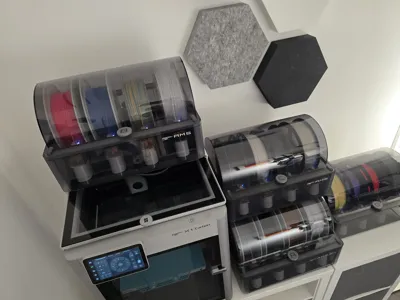
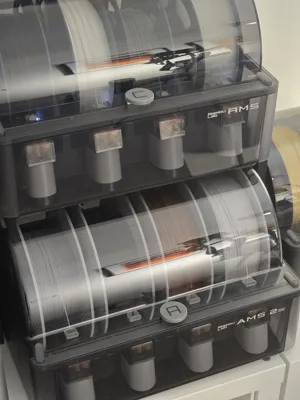
AMS/AMS 2 Pro labels (A, B, C, D) for daisy chain
IP Report
Print Profile(3)
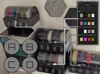
A/B/C/D labels with anti-slip lips
Designer
34 min
1 plate

'E' label for External / Extra / 5th AMS
Designer
20 min
1 plate

Original Ams Labels

33 min
1 plate
Open in Bambu Studio
Boost
93
307
73
10
253
209
Released
Description
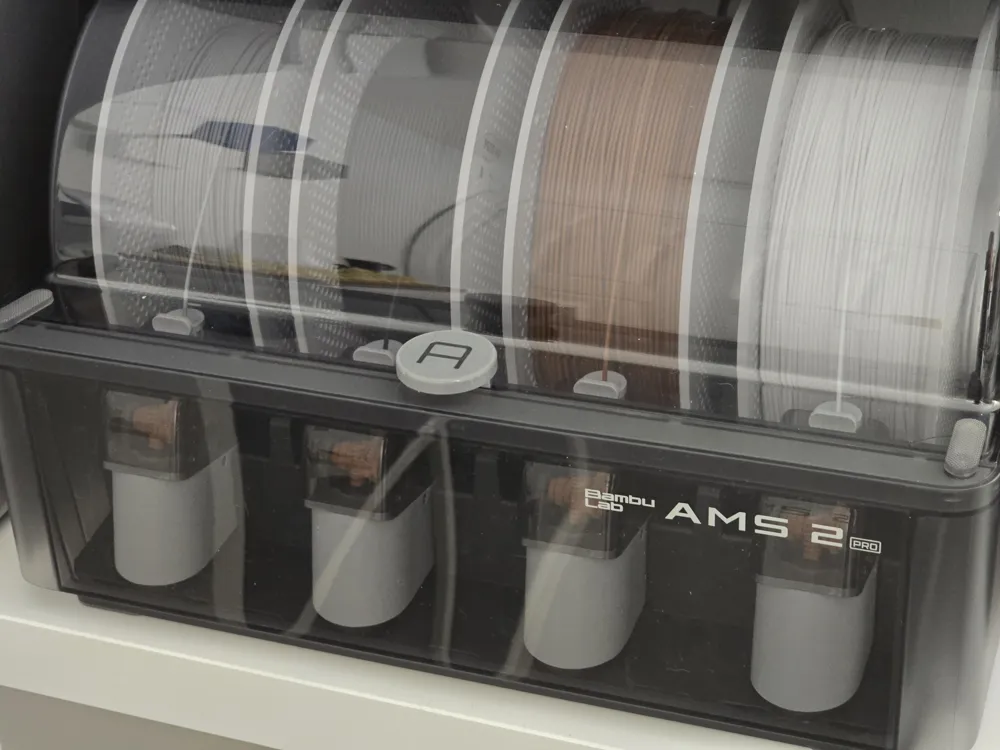
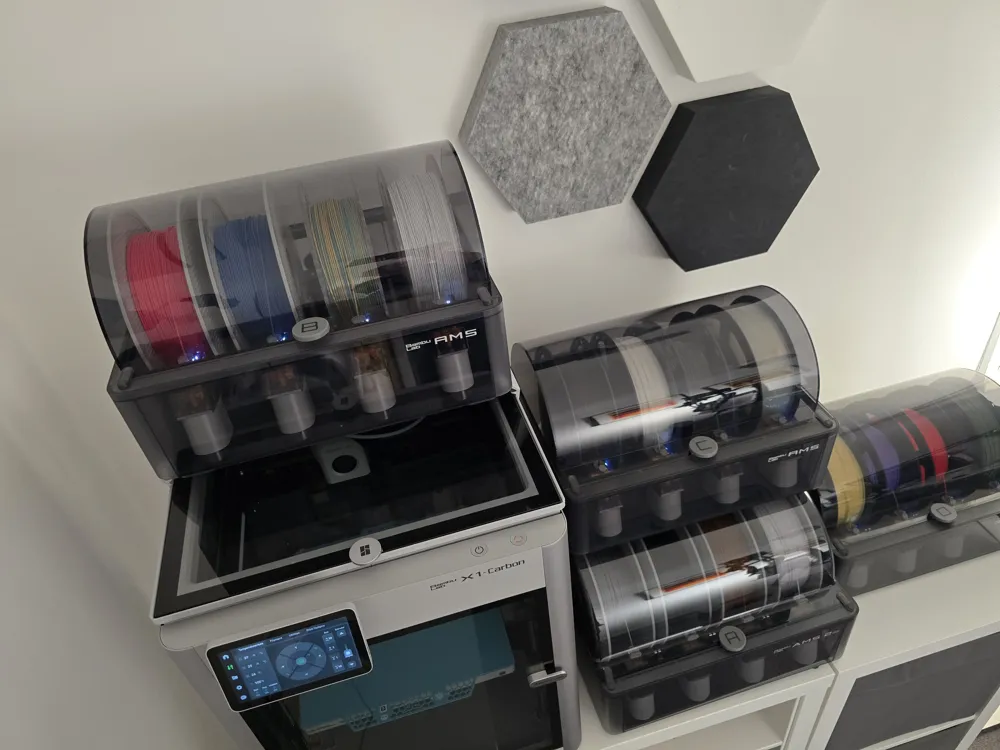
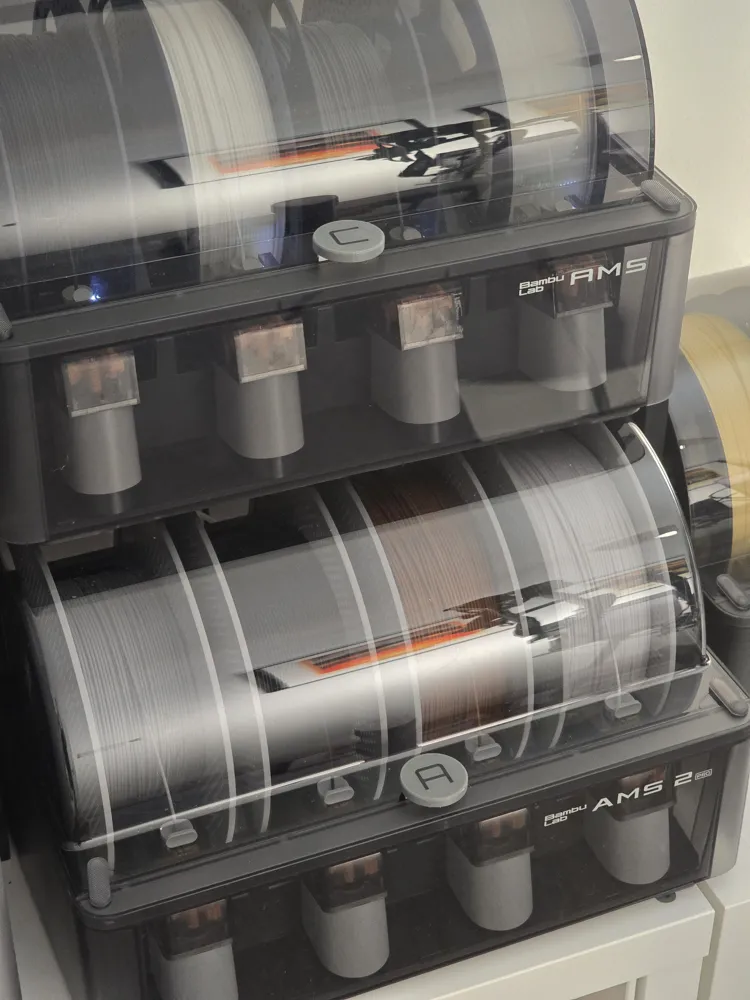
A, B, C, and D labels for your AMS or AMS 2 Pro units to make it easy to match the physical units to the software.
When you have more than one AMS attached to a printer, you need to be able to match it to the correct one in the software. Bambu Studio 2 and the new Handy app changed the order that AMS units show up (in some cases), so your AMS A might not be AMS A any more! It's super confusing to load filament when your AMS units are not arranged in the same order as they show up in the software.
The simple solution is to pop labels on the AMS units. These simple labels pop on or off the handles of each AMS or AMS 2 Pro. The styling matches the AMS styling. You can rearrange the labels in seconds.
License

This user content is licensed under a
Creative Commons Attribution-Noncommercial-Share Alike


Comment & Rating (73)