
Stool/Headrest Premium Traditional - PortableChair

Print Profile(4)



Description
Membership
Your support directly allows me to invest more time in creating the useful and innovative solutions we all enjoy. Love using my unique designs in your business or products? By subscribing to my Commercial License Membership, you get the legal right to sell prints of my models. Subscribe today and let's build the future of 3D printing together!
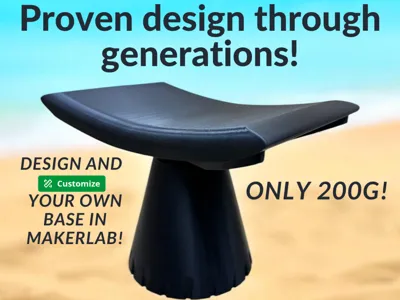
Why V2? V2 Is stronger and nicer looking!
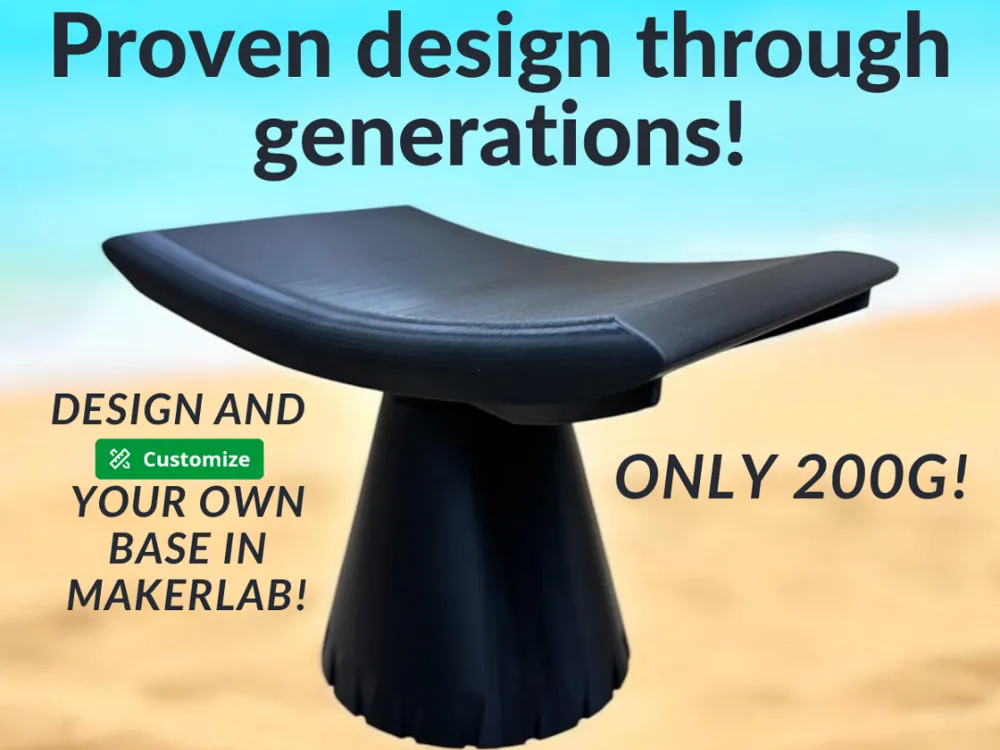
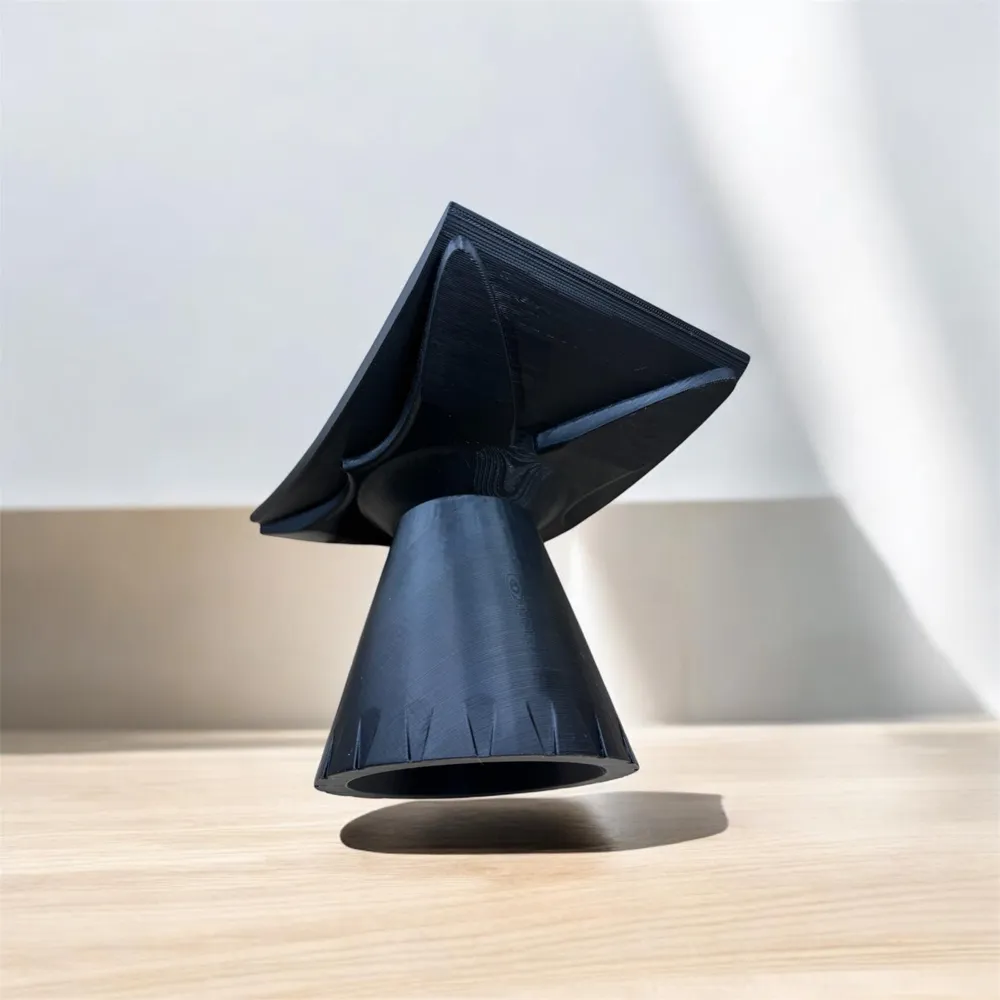
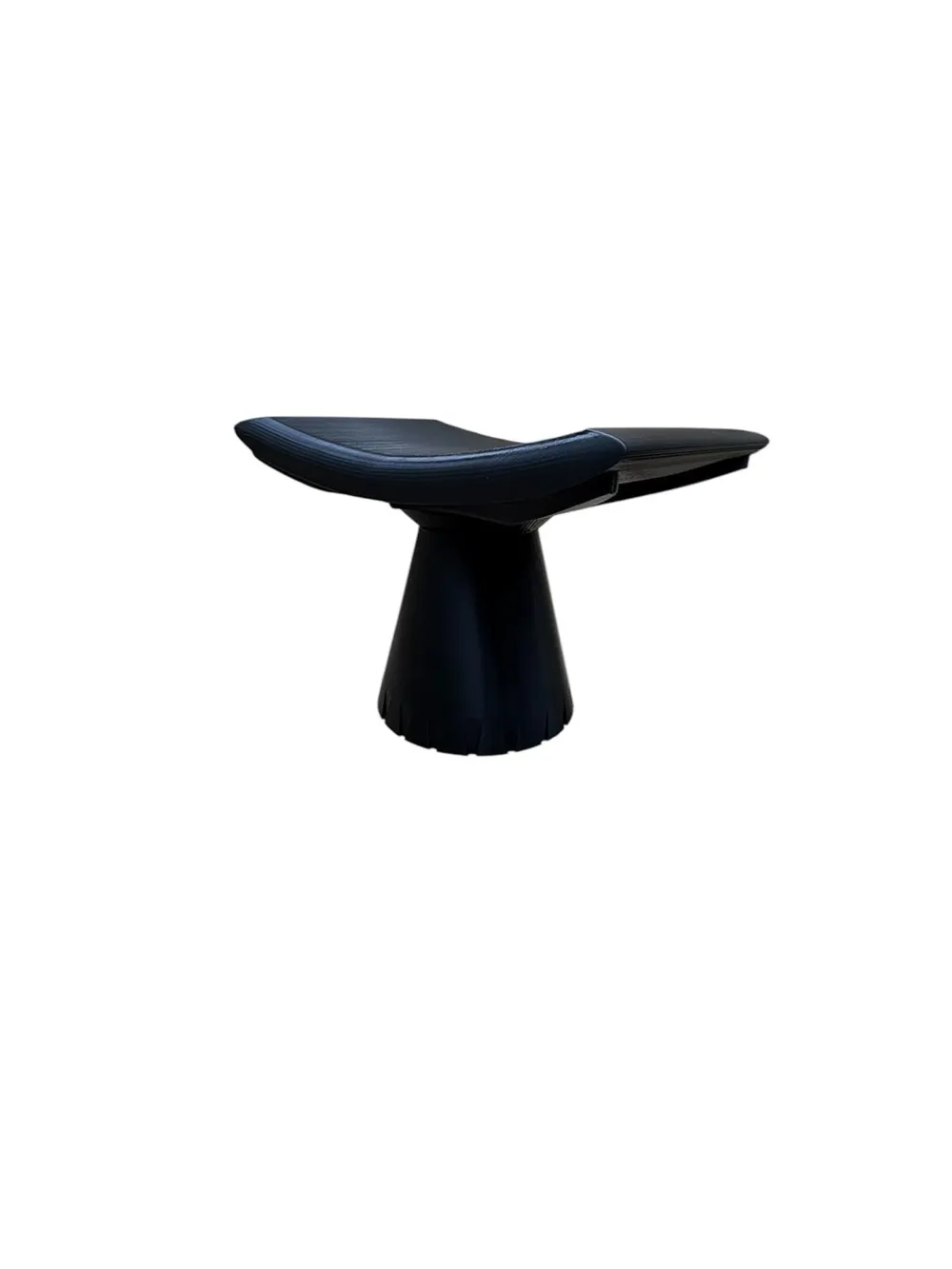
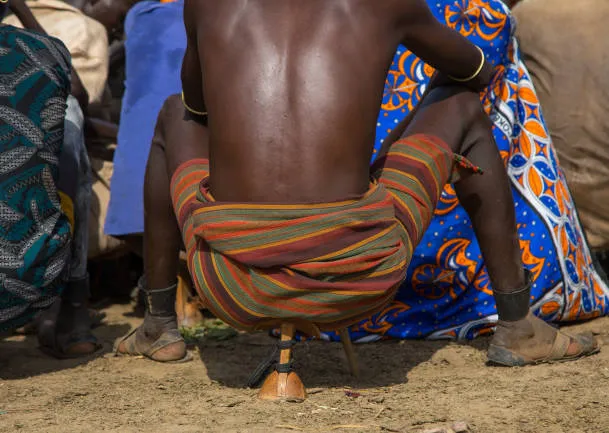
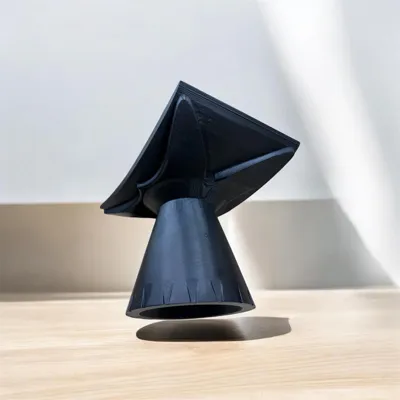
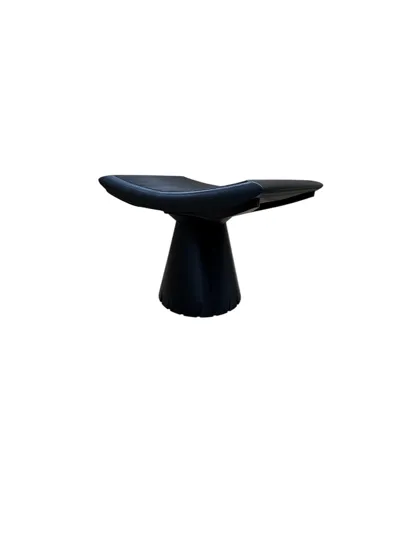
Inspired by centuries of African craftsmanship, this modernized version of the classic African stool and headrest has been designed in Fusion 360 to replicate the functional and portable solution that indigenous communities have relied on for generations.
A Seat That Adapts to Your Needs
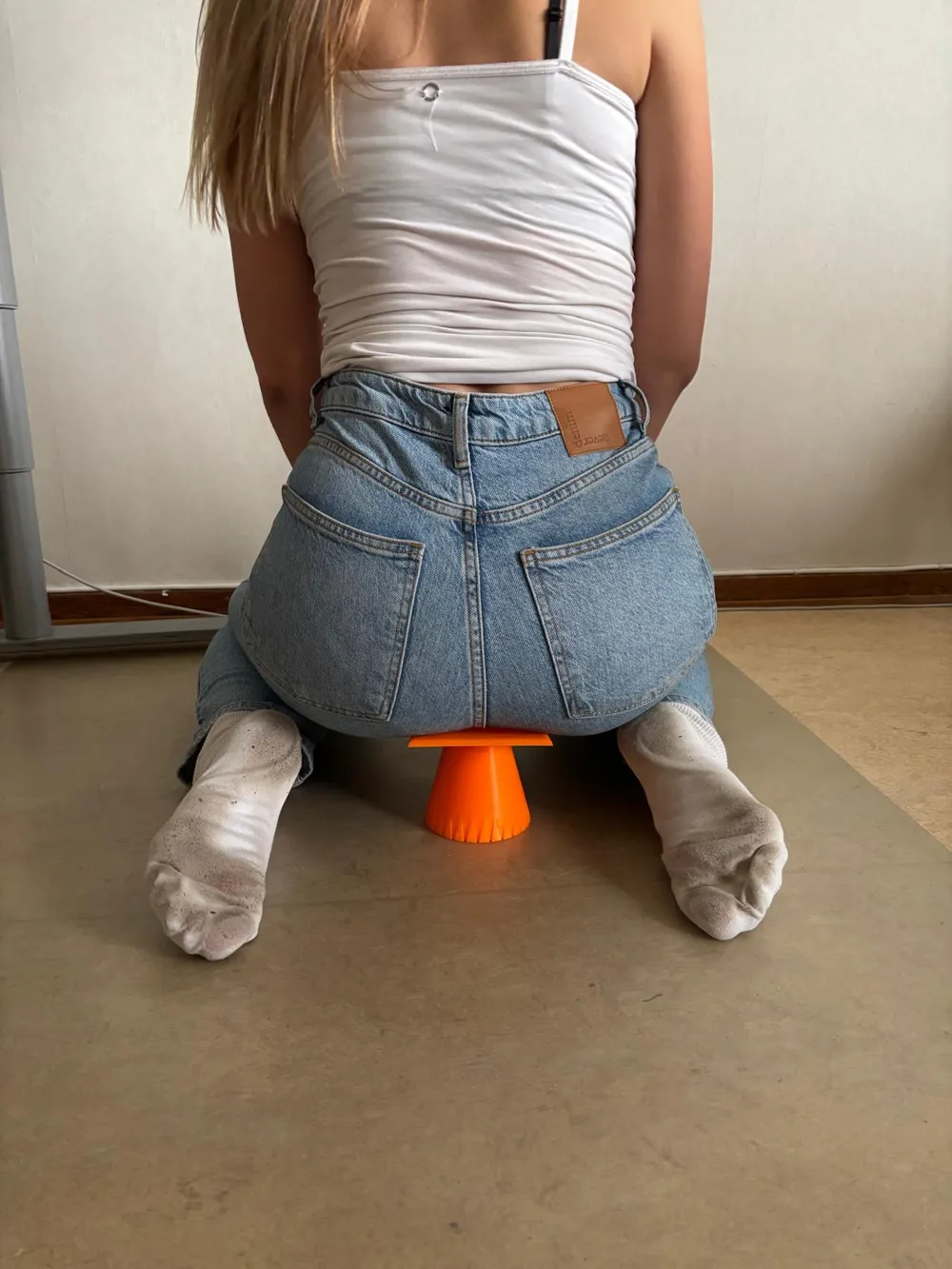
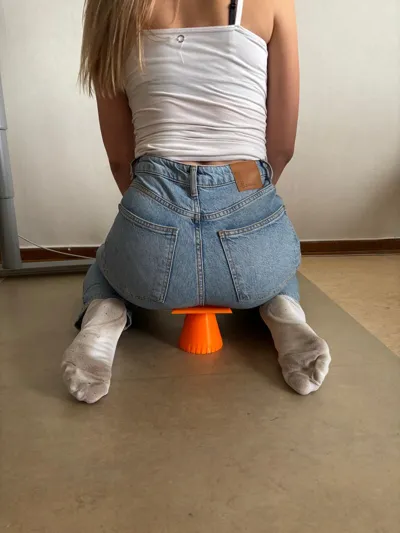
This versatile design serves as both a compact and portable stool and a comfortable headrest, a solution that has been used in African tribe cultures for generations. Whether you need a place to sit or a support to rest your head, this design is crafted to provide comfort, stability, and practicality in a single product.
Trust generations of use!
- Strong - Tested around 100kg
- Portable & Compact – Easy to carry, perfect for travel, camping, or outdoor events.
- Smart & Versatile – Functions as a stool when sitting and a headrest when resting.
- Ergonomic Design – Inspired by time-tested African craftsmanship for a natural and comfortable seating and resting position.
- 3D-Designed Precision and customizable – Digitally created in Fusion 360 to replicate the traditional shape using modern manufacturing techniques.
- Durable & Stable – Optimized for sturdy and secure use in both positions.
- Cultural & Aesthetic Elegance – A stylish piece of furniture with deep historical roots.
This unique combination of a stool and headrest is more than just a functional solution, it’s a tribute to a proven traditional design, adapted for modern needs.
Download the model and experience the best of both worlds! A timeless seating and resting solution in a contemporary form!
Boost Me (for free)
I’m deeply passionate about 3D printing and dedicated to improving my skills to help create useful, innovative solutions for everyone. With your support, I can continue to grow and bring new ideas to life. A Boost from you will make all the difference in this journey. Thank you so much for your encouragement and support!
Do you want to design your own base? Follow these instuctions and please read all before starting!
How to Customize your own African Stool – A Complete Guide
This guide will help you create and design your own base for a traditional African stool using MakerWorld’s Make My Vase feature and then combine it with my pre-made seat part in Bambu Studio.
Want to use my pre-made base? Simply download and print it – it works perfectly without modifications!
Want to create your own base? Follow this step-by-step guide:
Step 1 – Create Your Own Base in MakerWorld
- Open MakerWorld and go to MakerLab.
- Scroll down and select Make My Vase.
- Click Start → choose Create from Blank.
- Now you have a default vase to work with.
Important Settings
- Think upside down! The vase must be upside down because we want the open side to be the bottom of the stool and the flat part to be the top.
- You don’t have to use a cylindrical base! MakerLab offers multiple shape and design options – experiment and create a unique design!
- Adjust the size
- Top ring (will be the stool's bottom): 10 cm
- Bottom ring (will be the stool's top): 4.6 cm
- Total height: 10 cm (You can adjust this based on your preference).
- Design your base
- Use the two other rings to create a unique shape.
- Explore the Shape & Surface tabs to add your own style.
- Save your design by clicking the green Download button at the top left.
Step 2 – Import and Merge in Bambu Studio
- Open Bambu Studio and import your downloaded "vase" (we will now call this the base).
- Rotate the base 180° along the Y-axis (green axis).
- Click on the base.
- Select the Rotate (R) function at the top of the screen.
- Rotate 180° along the Y-axis (green axis).
- Center the base
- Right-click on the model → select Center (if the option is grayed out, it is already centered).
Add the Seat Part (download the printprofile customizable part to add)
- Right-click on the base → select Add Part → Load.
- Choose my seat part from your computer (the one you previously downloaded and saved).
- Change processing mode from "Global" to "Objects" (left panel).
- Center the seat part
- Right-click on asante stool → select Center.
- Rotate the seat part 180° along the Y-axis (green axis).
- Select the Rotate (R) function at the top of the screen.
- Rotate only the seat part 180° along the Y-axis (green axis).
- If done correctly, the base will move up, and the seat part will be placed directly on the build plate.
Adjust the Position
- Move the seat part upward until it merges with your base.
- Select the seat part in the Objects tab (ensure only the seat part is selected).
- Click Move (M) at the top of the screen.
- Use the blue arrow (Z-axis) to move the seat part upward.
Move it up until the base and seat part are physically connected without any gaps.
Step 3 – Prepare for 3D Printing
- Check in Preview Mode
- Ensure support material is enabled.
- Process → Global → Support → Enable Support.
- Choose Tree as the support type.
- Select the entire model → click Auto Arrange for the best print orientation.
Extra: Add a Carrying Hole for Easy Transport
Want to attach your stool to a carabiner or thread? Add a hole!
- Select only the stool (not the base).
- Right-click → Select Add Negative Part → Cylinder.
- Adjust only the cylinder:
- Go to the Objects tab and select only the negative cylinder.
- Click the Scale (S) function at the top of the screen.
- Resize the cylinder to your desired hole size.
- Place the cylinder where you want the attachment point using Move (M) and Rotate (R).
- Make sure the cylinder goes completely through the wall – otherwise, no hole will be created!
Final Check & Printing
- Ensure your base design doesn’t have extreme angles that could make printing difficult or unnecessarily long.
- Double-check in Preview Mode that the model looks good.
- If any warnings appear, follow Bambu Studio’s recommendations or reach out to me for help.
Now You’re Ready to Print Your Own Traditional African Stool!
If you are lost in any step or need help. Just message me!
With this process, you have not only designed a unique and functional seating solution but also learned how to create custom shapes and merge objects in Bambu Studio.
Boost Me (for free)
A Boost truly helps more than you might think. It’s a clear signal that you enjoy what I’m building and that this design is worth pushing even further. Every Boost supports my journey to improve every day, learn faster, and keep creating original, useful models for the community. If you also leave a like or a comment, it means a lot and helps more than you know. Thank you so much for the support!
License

You shall not share, sub-license, sell, rent, host, transfer, or distribute in any way the digital or 3D printed versions of this object, nor any other derivative work of this object in its digital or physical format (including - but not limited to - remixes of this object, and hosting on other digital platforms). The objects may not be used without permission in any way whatsoever in which you charge money, or collect fees.


Comment & Rating (8)