
Dual-Color Filament Creator
Print Profile(4)


Bill of Materials









Description
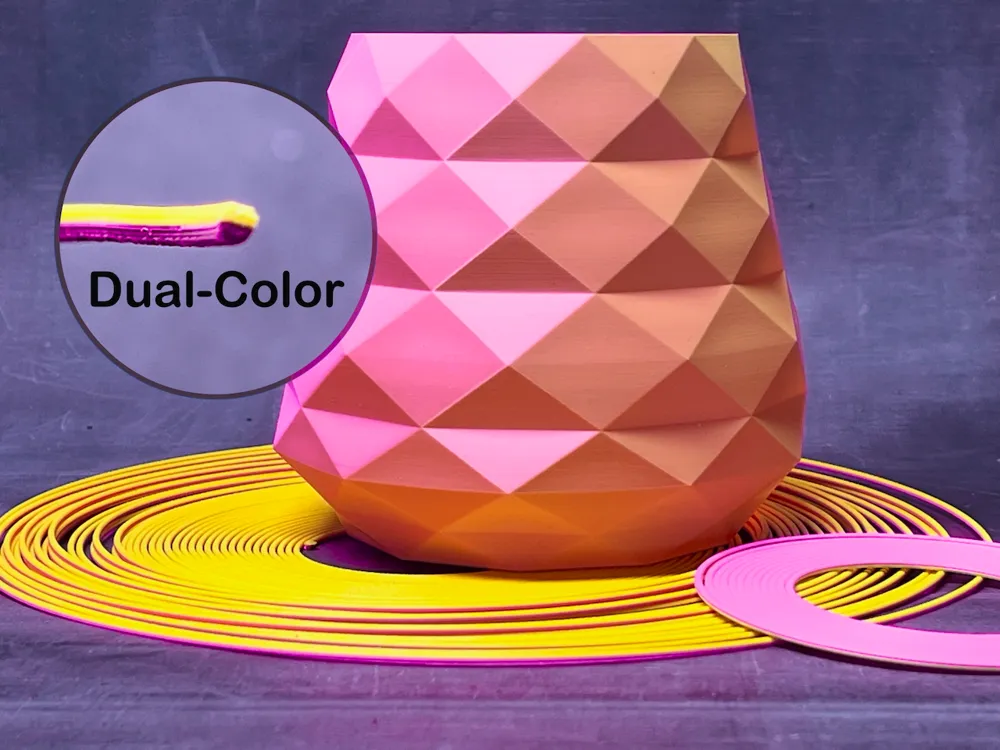
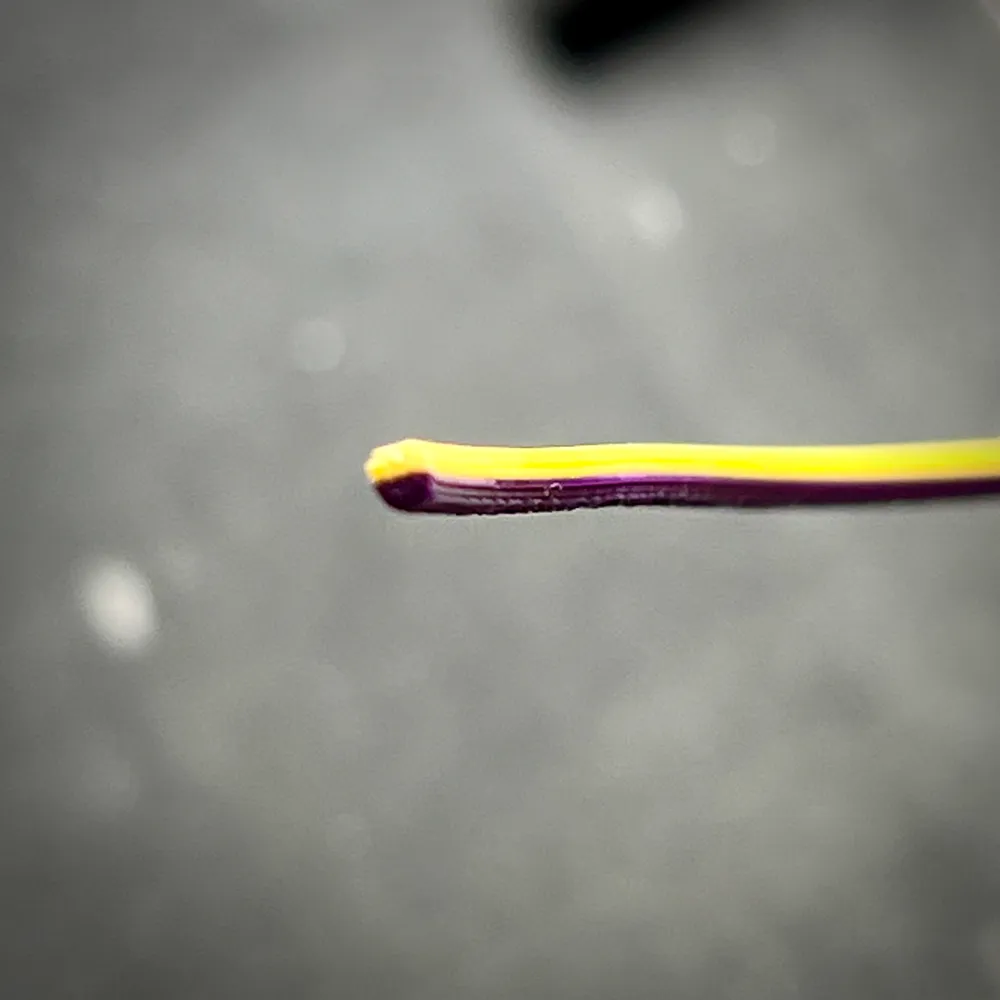
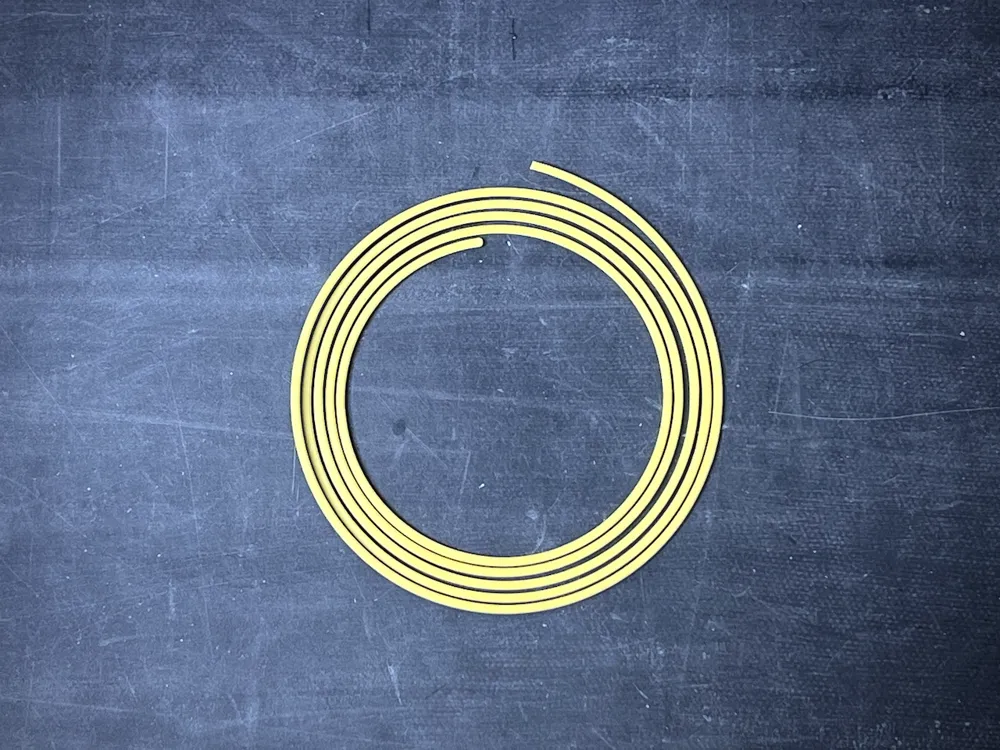
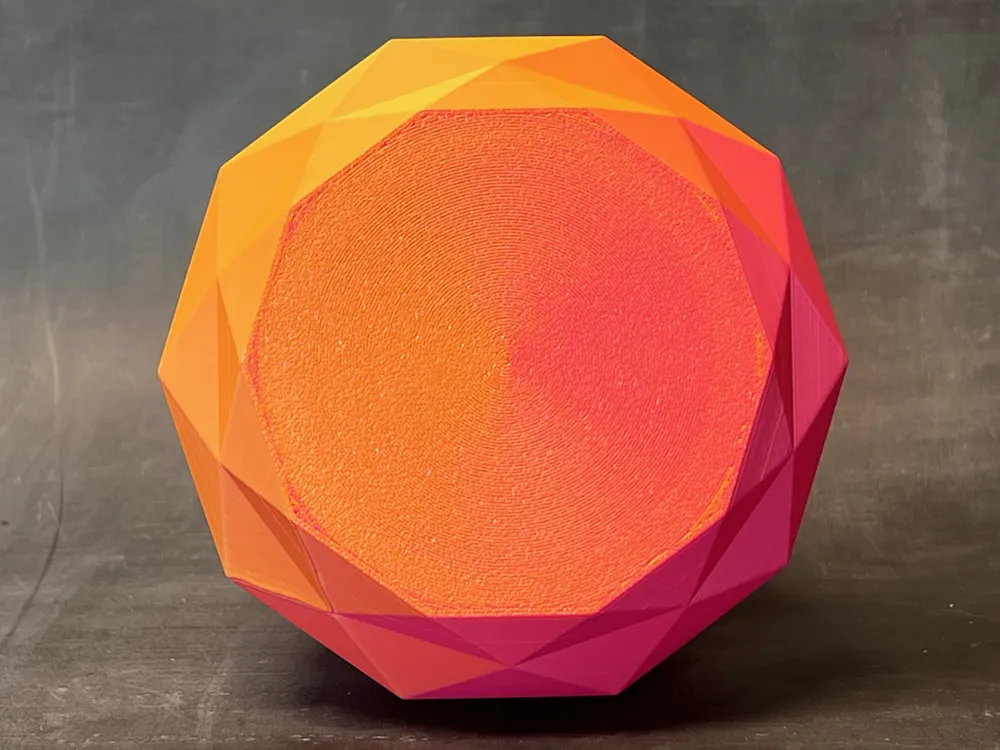
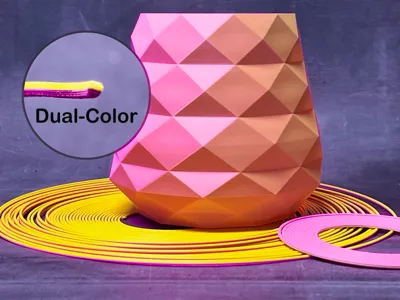
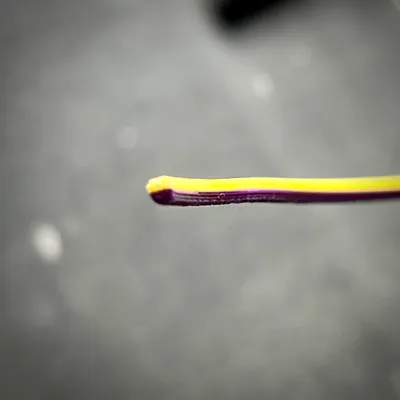
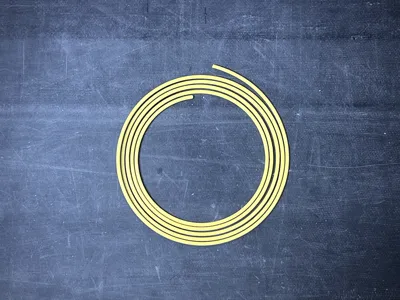
This model allows you to produce custom dual-color filament right from your 3D printer. The process involves printing a model that itself functions as filament, seamlessly fusing two colors into a continuous, multicolored strand. Once printed, this filament can be used just like standard filament, adding a unique and personalized touch to your 3D printing projects.
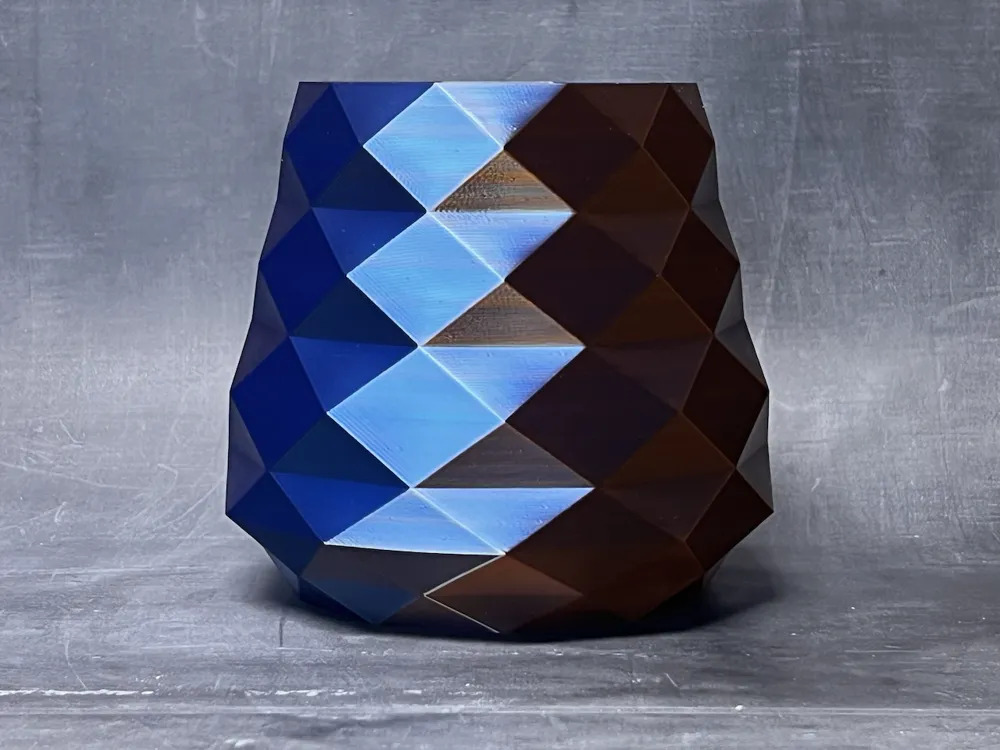
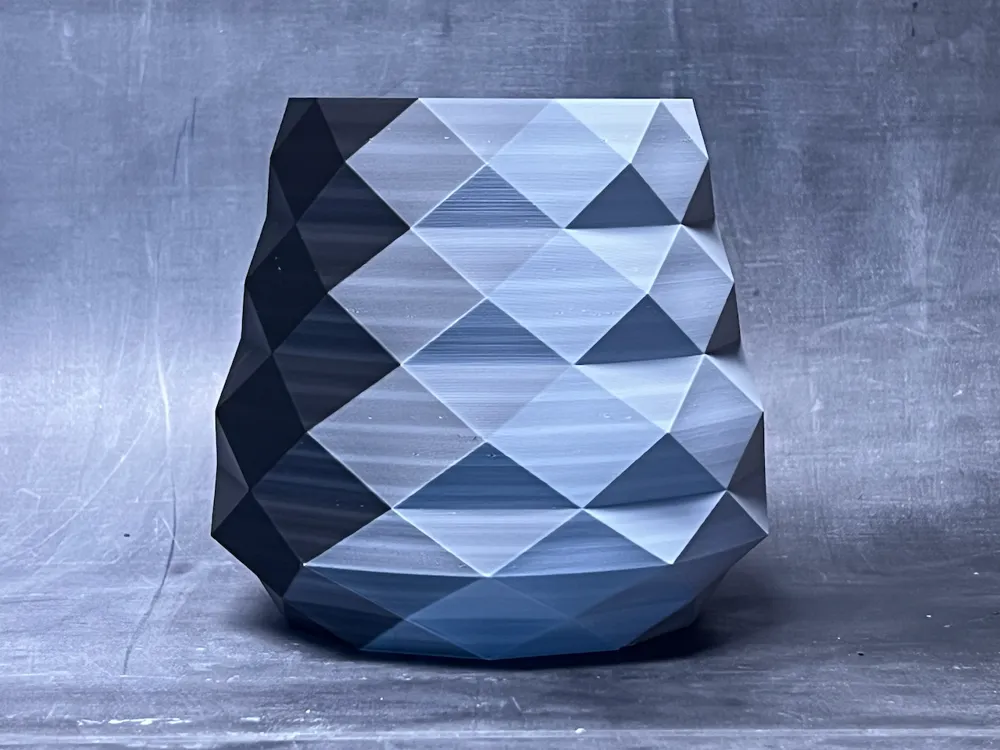
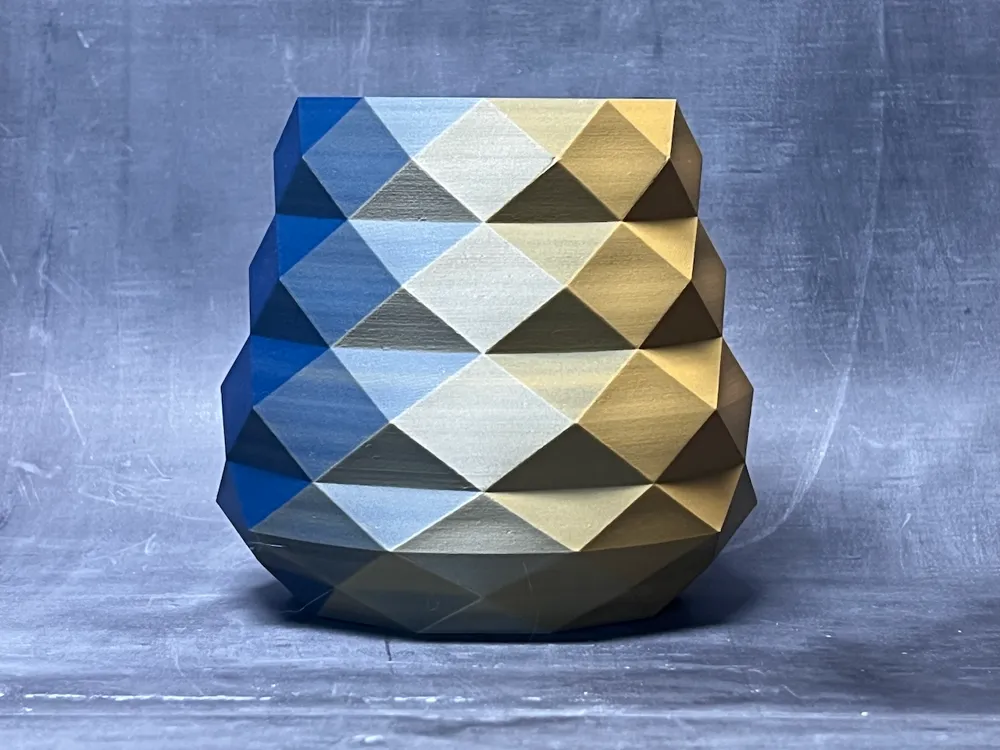
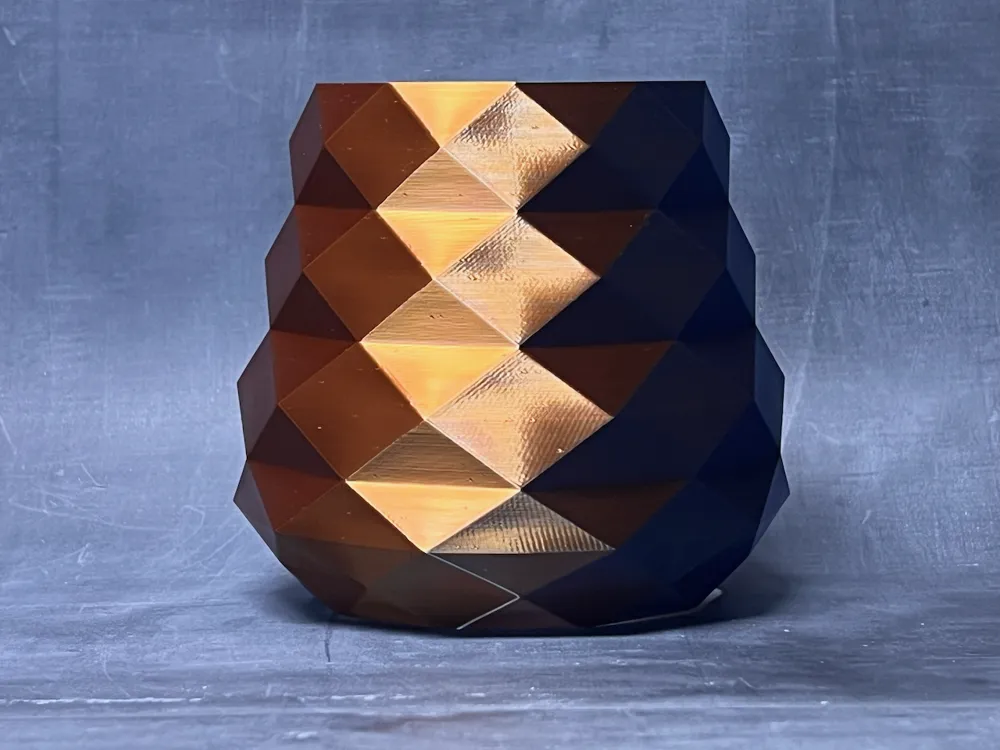
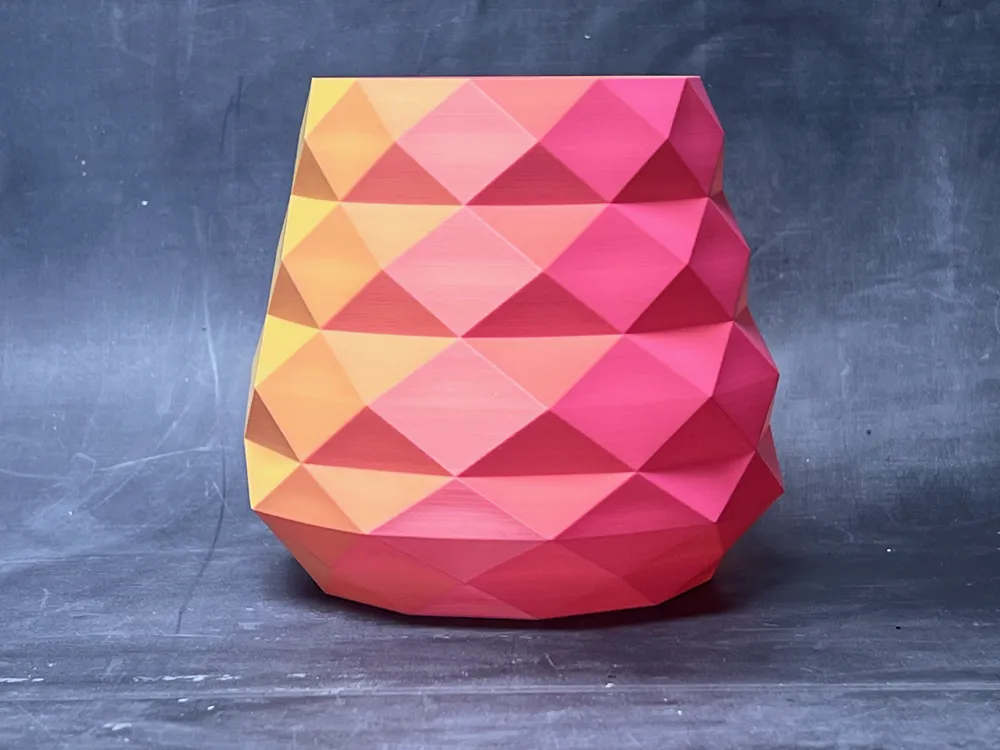
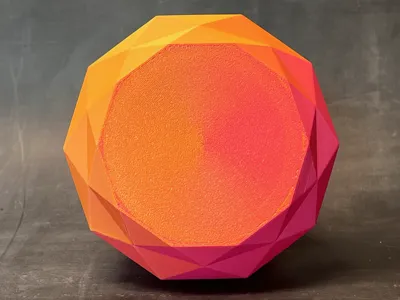
When used in your printer, the dual-color filament exhibits characteristics similar to commercial multi-color options. By controlling the arrangement of colors and the orientation of your print model, you can influence how the colors appear in your final print. For example, you can achieve consistent color bands across your model, with colors transitioning from front to back or side to side—allowing for creative and visually striking effects.
Printing the Dual-Color Filament
For best results, ensure your print bed is clean to prevent adhesion issues. A well-prepared surface can significantly improve the quality and consistency of your final product.
Printing with the Dual-Color Filament
When printing with dual-color filament, keep the coil’s orientation consistent throughout the print to maintain predictable color placement. If the filament twists during printing, the colors will shift on your model. However, you can also intentionally twist the filament to introduce more variety and unique effects in your print.
Filament Examples
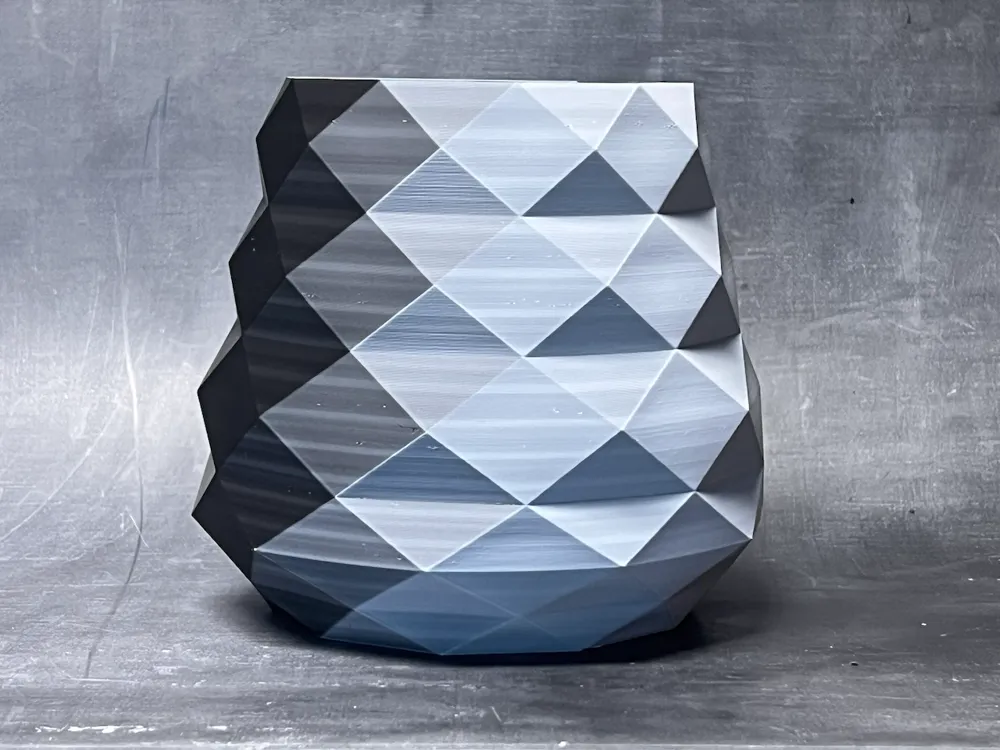
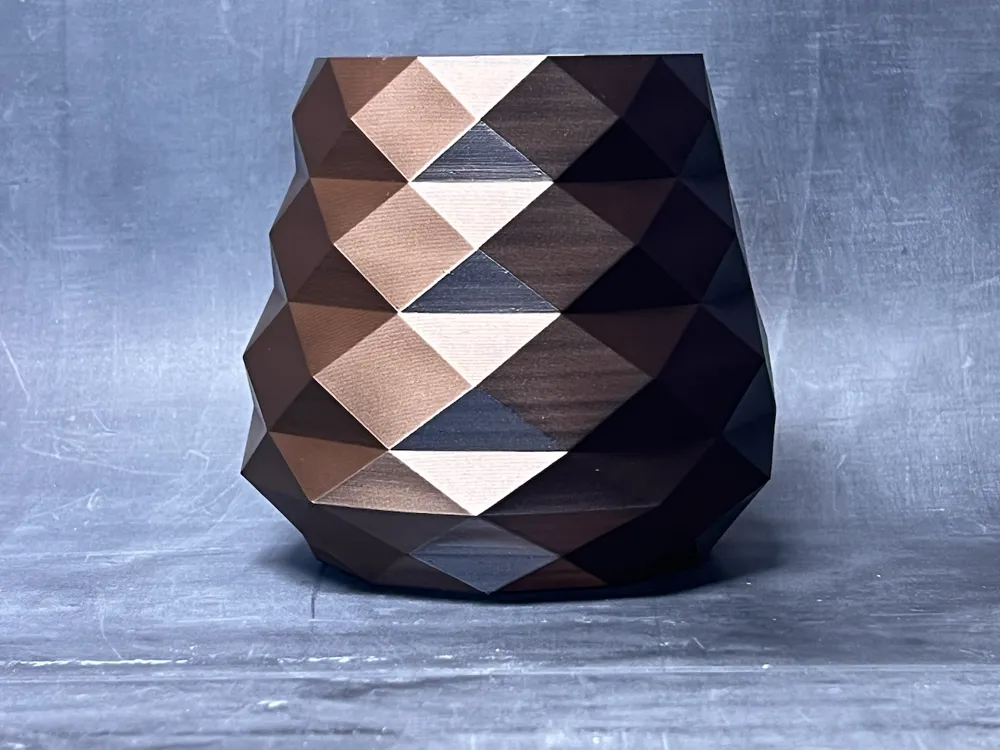
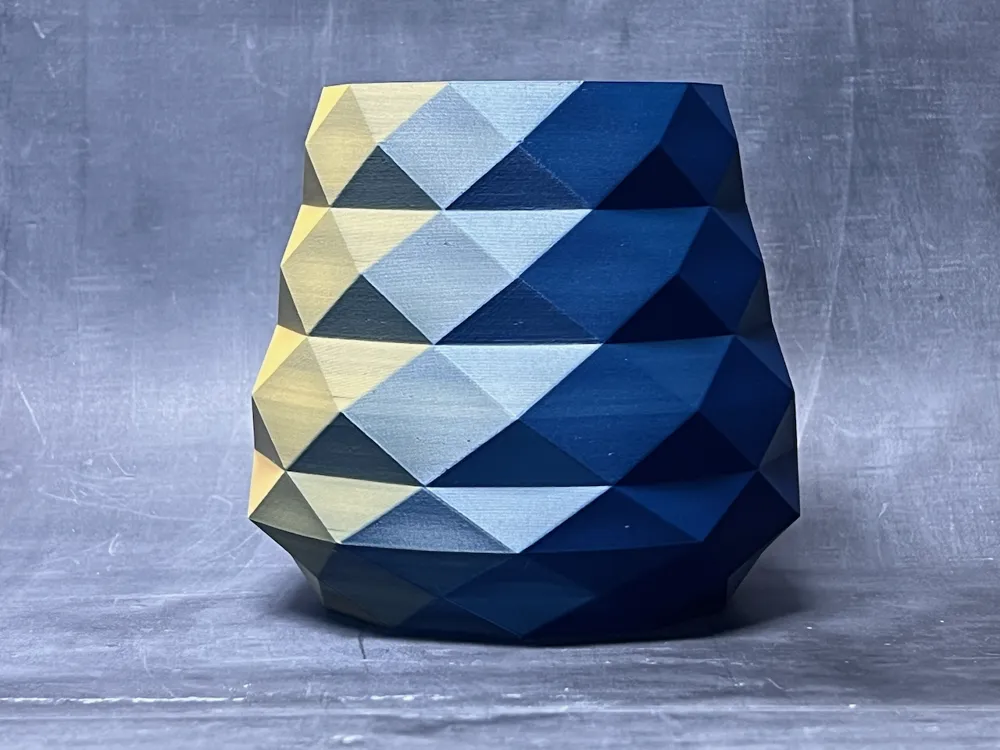
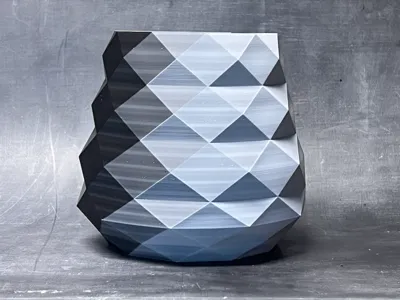
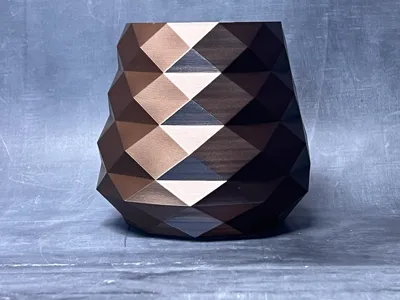
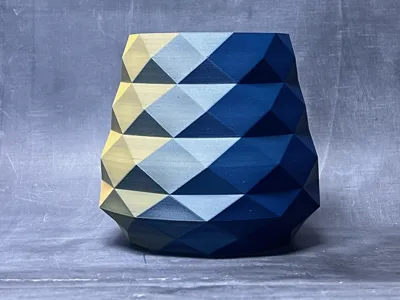
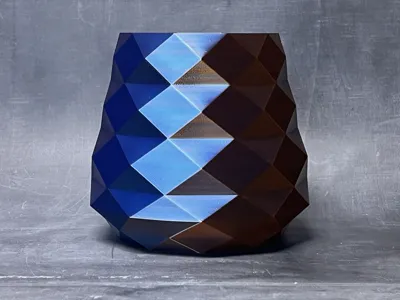
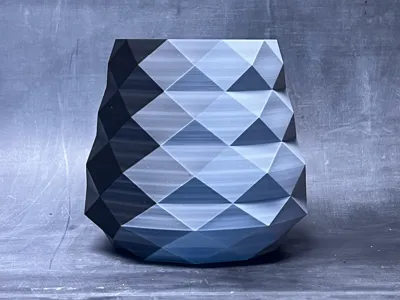
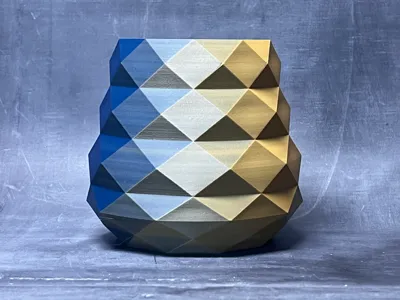
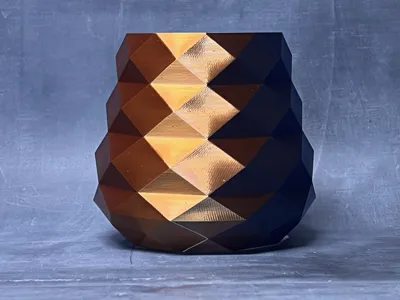
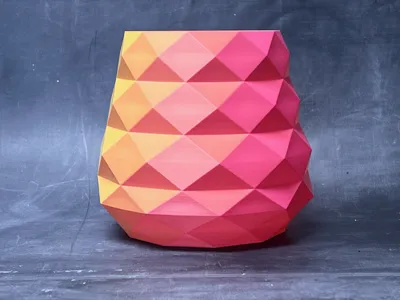
Here are the color combinations I used on the low-poly vase:
Bambu Lab PLA Galaxy Nebulae & Bambu Lab PLA Metal Copper Brown Metalic
Bambu Lab PLA Hot Pink & Sunflower Yellow
Bambu Lab PLA Matte Charcoal Black & Ivory White
Bambu Lab PLA Blue & Mandarin Orange
Bambu Lab PLA Bright Green & Indigo Purple
Bambu Lab PLA Silk+ Blue & Rose Gold
Check out these other custom filaments you can make: Tricolor, Quad-Color, Custom Colors, and Stratified.
Boost Me (for free)
Fuel the Filament Fund!
License

You shall not share, sub-license, sell, rent, host, transfer, or distribute in any way the digital or 3D printed versions of this object, nor any other derivative work of this object in its digital or physical format (including - but not limited to - remixes of this object, and hosting on other digital platforms). The objects may not be used without permission in any way whatsoever in which you charge money, or collect fees.


Comment & Rating (241)