
A1 Motherboard Cooling Fan Bracket 40mm Noctua fan
Print Profile(1)

Description
Hello! Lot's of details so read it all - I have included all the parts/links for this.
Like many others, I was trying to find an easy way to add a cooling fan to my Bambu Lab A1. I didn't want to make any alterations to the machine nor double-sided tape.
I came across this model and the mount bracket piece works perfectly. I printed it in PETG as the original designer did. (I used Voxel Lab PETG)
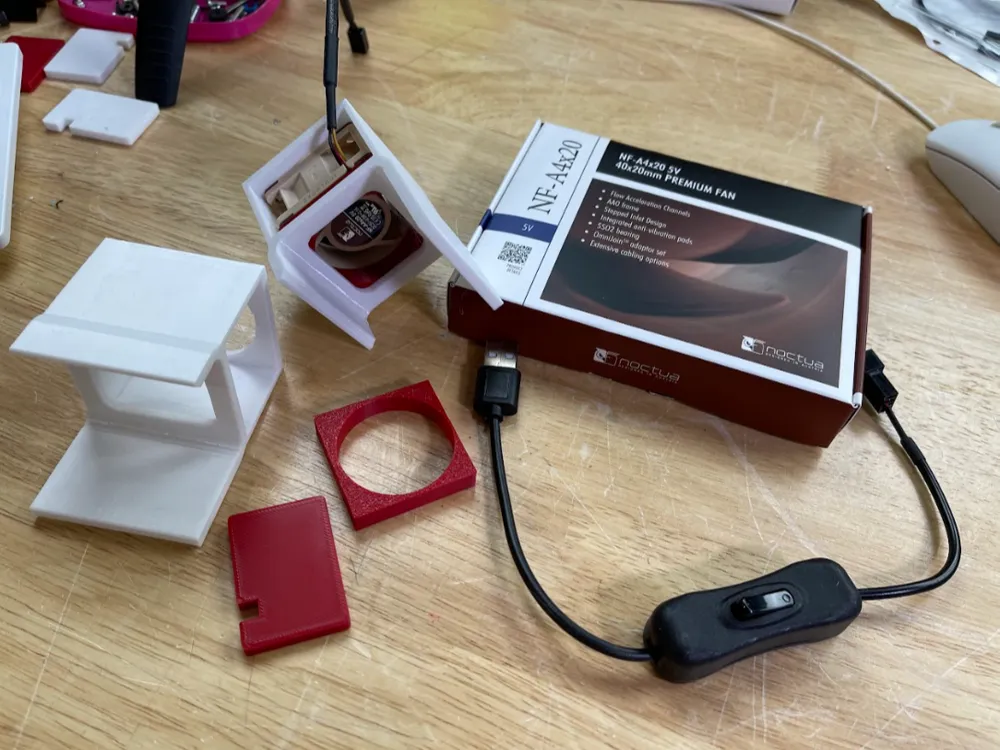
Like many of these cooling fan mods, it can be really hard to source a fan that will fit inside and be secure! I also wanted an easy way to power it via USB as well as have an OFF/ON switch.
The original model bracket is fine. I did find that the cap pieces wasn't quite a perfect fit. I found, with my material, I had to upscale it to 102%. You may need to experiment with this. I printed the cap in PLA Pro (Voxel Lab)
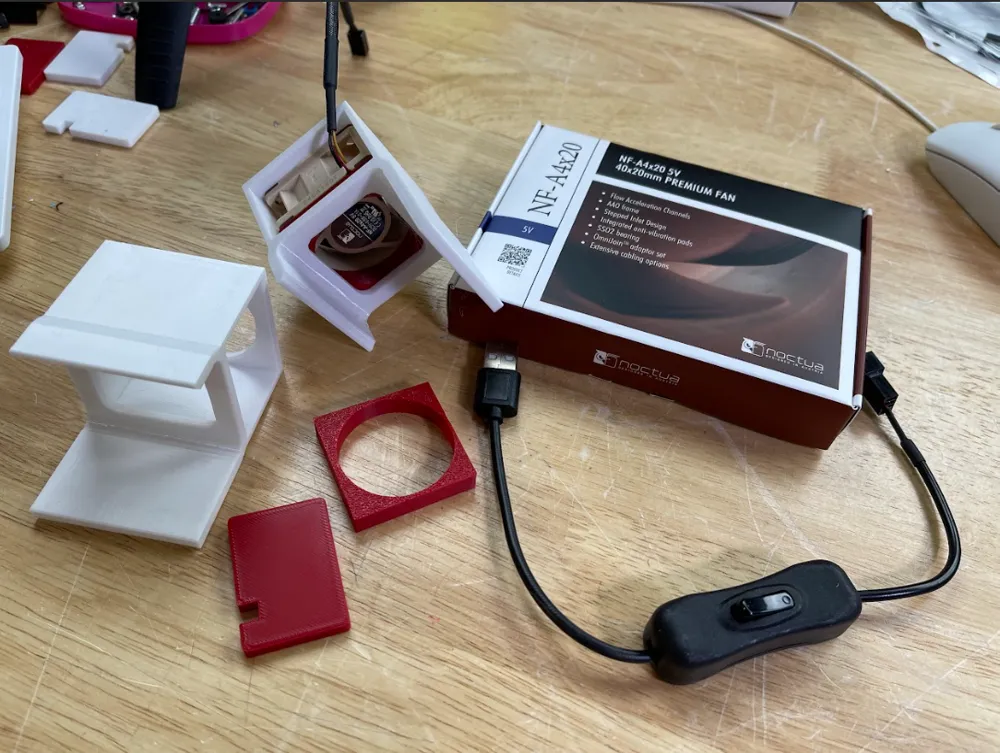
The Noctua Fan I used is the NF-A4x20 5V (Amazon Link). This is a 5V fan and this power adapter cable (Amazon Link), which is a 2-pack, will take the fan power lead into a USB connection. I'm using a 5 foot USB extension cable like this one to plug into a USB charger.
While the fan fits inside the mount, there's a lot of room, so I made this simple adapter/shim to give the fan a snug fit inside. I am including the SolidWorks file if anyone wants to do anything more creative with it. I printed this in PLA.
If you found this remix useful, feel free to Buy Me A Coffee!
Video for more info!
This remix is based on


License



Comment & Rating (113)