
Carolina Hurricanes Bookmarks
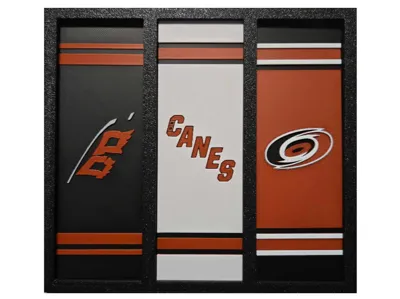
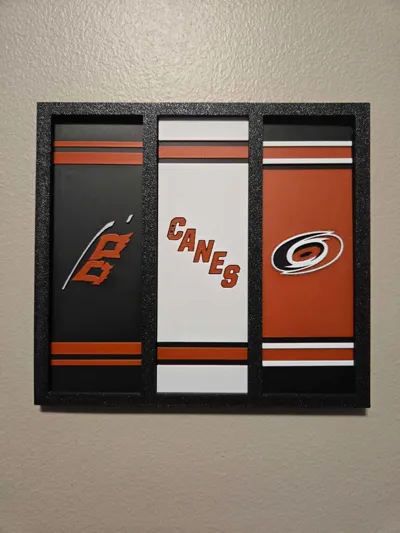
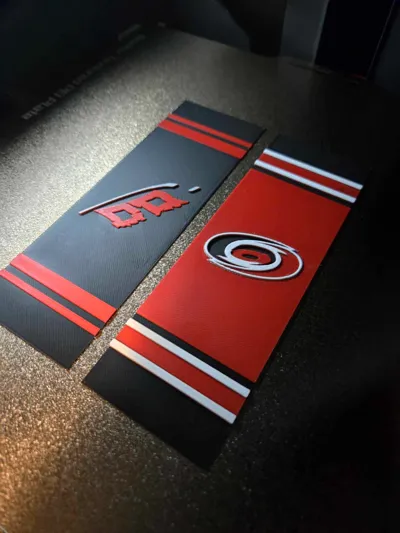
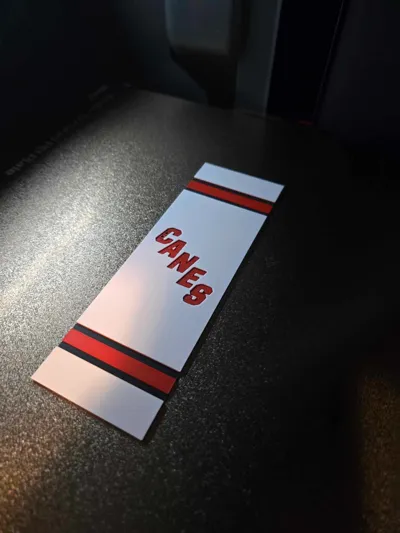
Print Profile(1)

Description
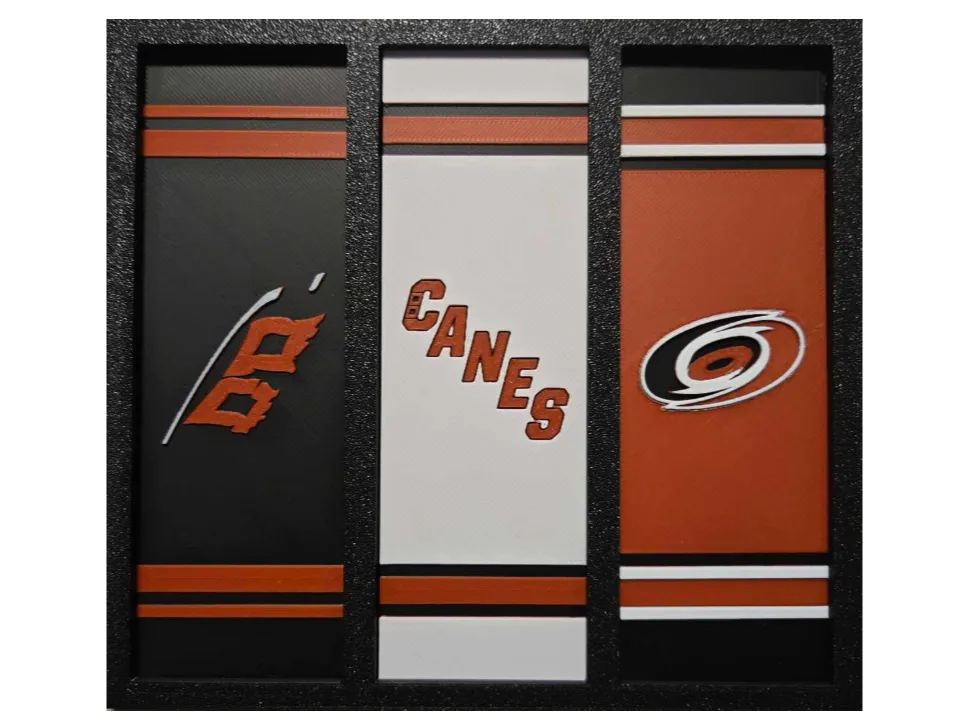
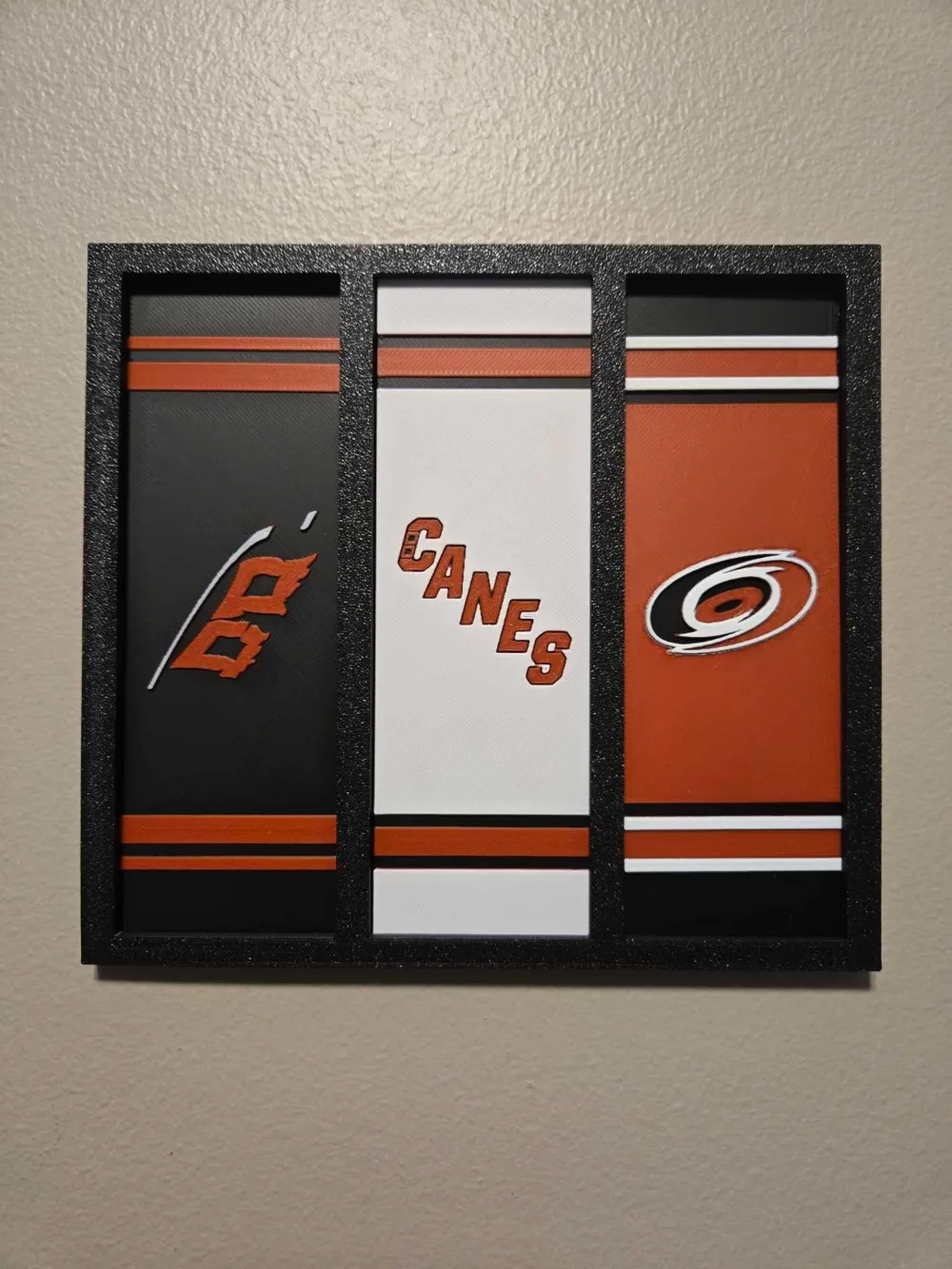
Carolina Hurricanes Bookmarks
SERIES 1 - SET OF 3
(HOME, AWAY, ALTERNATIVE)
Commercial License to sell my designs can be found here:
https://www.patreon.com/c/DoubleJDesigns3D
**Join Now for Early Bird Special Prices**
Frames used in the photos are perfect for displaying your team sets and can be found here:
https://makerworld.com/en/models/1110330#profileId-1106689
This bookmark designs series is inspired by my love of hockey and all things sports.
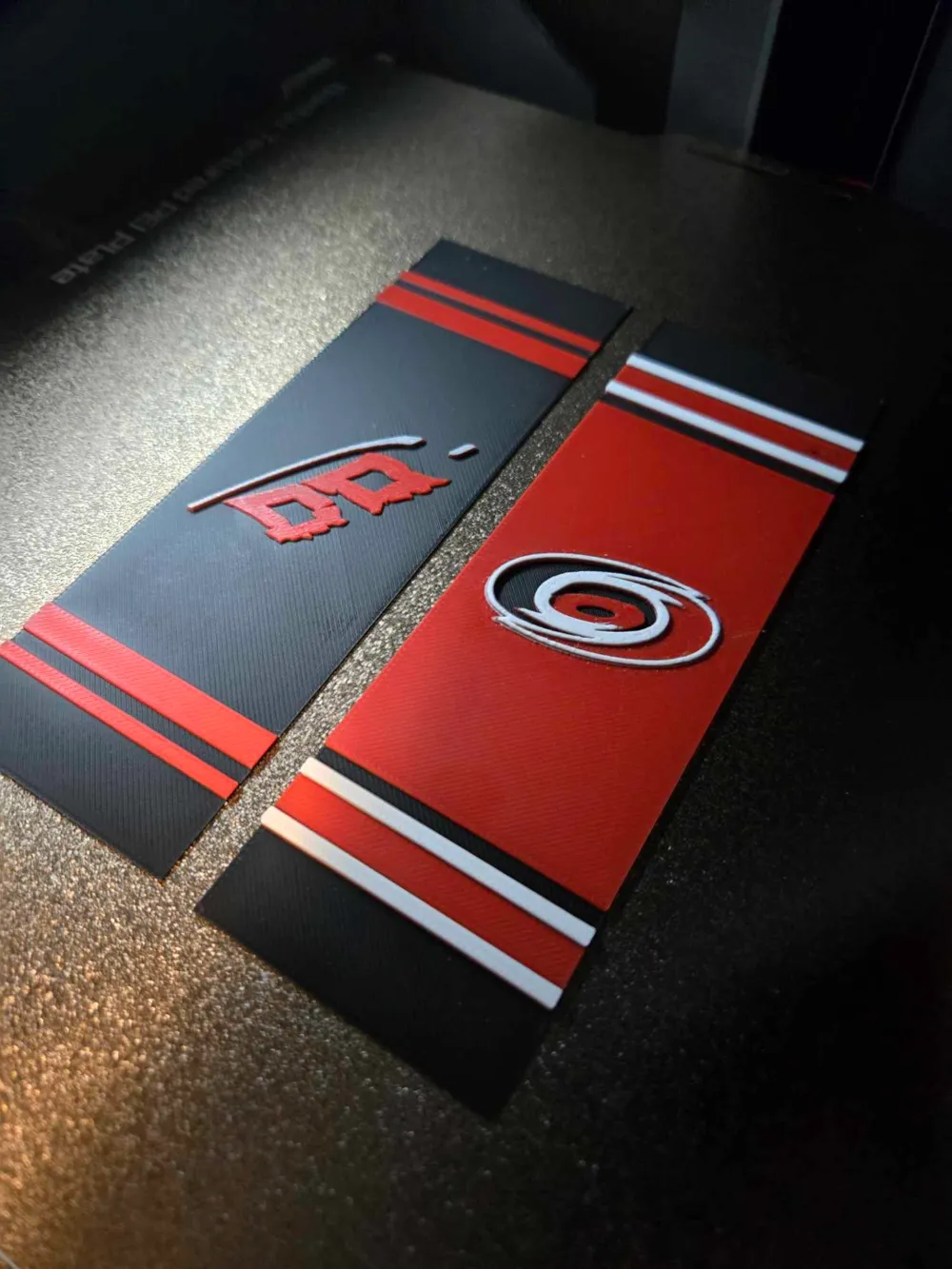
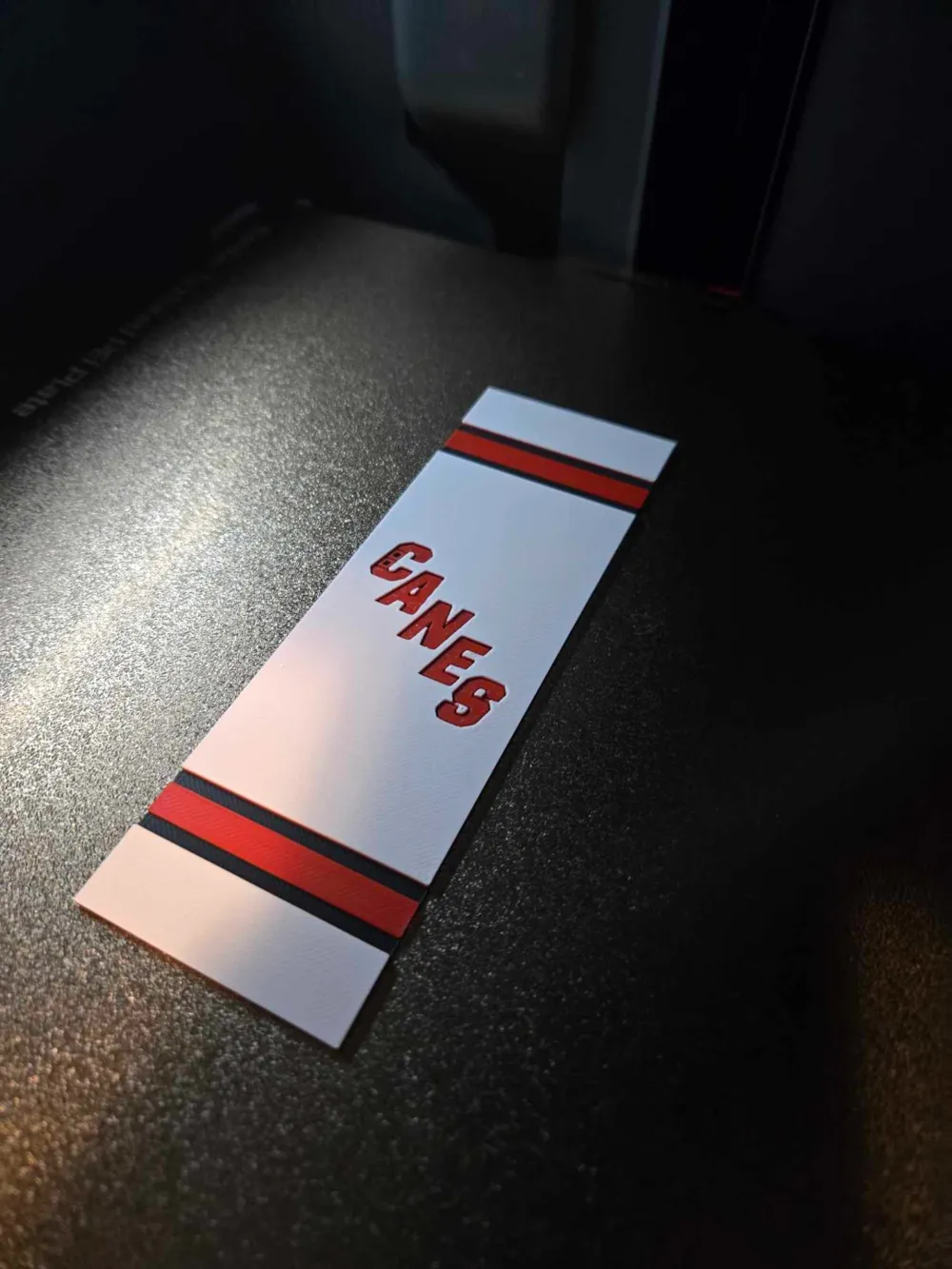
This model allows you to print both the home and alternate at the same time since they both have the exact same color order. You can chose the plate that has both, or you can select the plates that have them as individual so you can print multiple copies if you desire. The away plate does require different colors so DO NOT print at the same time. The file contains 4 print plates. requires the following colors:
HOME AND ALTERNATIVE:
PLA BambuLab Black
PLA BambuLab Basic Red
PLA BambuLab Basic Silver
PLA BambuLab Matte Ivory White
This print uses 4 unique filaments
Swap Instructions:
Start with Black
At layer #7 (0.64mm) swap to Red
At layer #13 (1.12mm) swap to Silver
At layer #16 (1.36mm) swap to Ivory White for the rest.
If you want to change the size make sure you do not change the Z Axis. This will change the color order and cause colors to be incorrect.
AWAY:
PLA BambuLab Black
PLA BambuLab Basic Red
PLA BambuLab Matte Ivory White
This print uses 3 unique filaments
Swap Instructions:
Start with Black
At layer #7 (0.64mm) swap to Red
At layer #13 (1.12mm) swap to Ivory White for the rest.
If you want to change the size make sure you do not change the Z Axis. This will change the color order and cause colors to be incorrect.
License

You shall not share, sub-license, sell, rent, host, transfer, or distribute in any way the digital or 3D printed versions of this object, nor any other derivative work of this object in its digital or physical format (including - but not limited to - remixes of this object, and hosting on other digital platforms). The objects may not be used without permission in any way whatsoever in which you charge money, or collect fees.


Comment & Rating (6)