Search models, users, collections, and posts

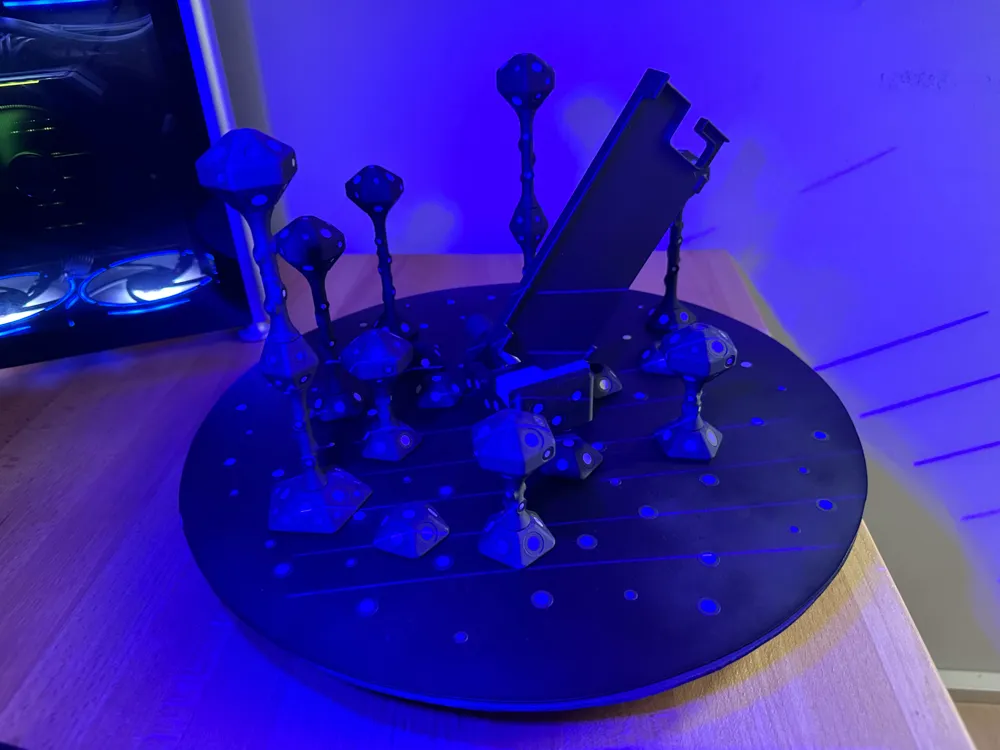
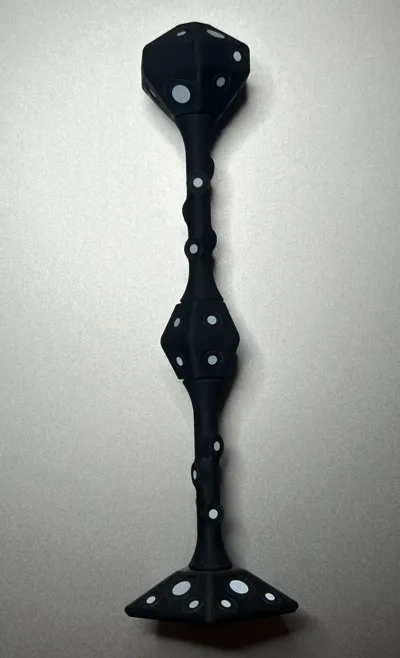
various Modular magnetic 3D Scanning Markers
Print Profile(5)

All
X1 Carbon
P1S
P1P
X1
X1E
A1
A1 mini
H2D
H2D Pro
H2S
P2S
H2C
X2D
A2L

Tall
Tall
Designer
2.7 h
1 plate
4.9(21)

Mini
Mini
Designer
24 min
1 plate
5.0(11)

MEDIUM
MEDIUM
Designer
2 h
1 plate
5.0(10)

Small
Small
Designer
1.5 h
1 plate
5.0(8)
Click to see more

Open in Bambu Studio
Boost
275
612
96
32
821
407
Released 

Bill of Materials

Bambu Filaments
Select all
Matte Charcoal (11101) / Refill / 1kg
List other parts
  • 10mm.Scanning.Markers x 1: https://amzn.eu/d/7GRiIU8
  • 6mm.Scanning.Markers x 1: https://amzn.eu/d/eeOaJ9K

Description

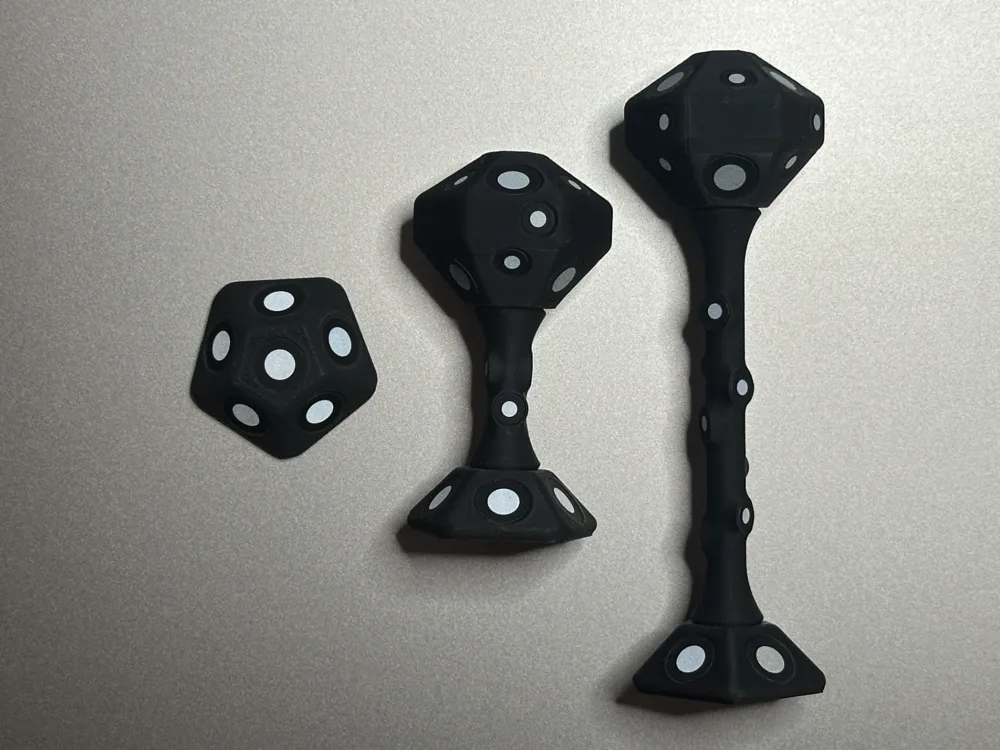
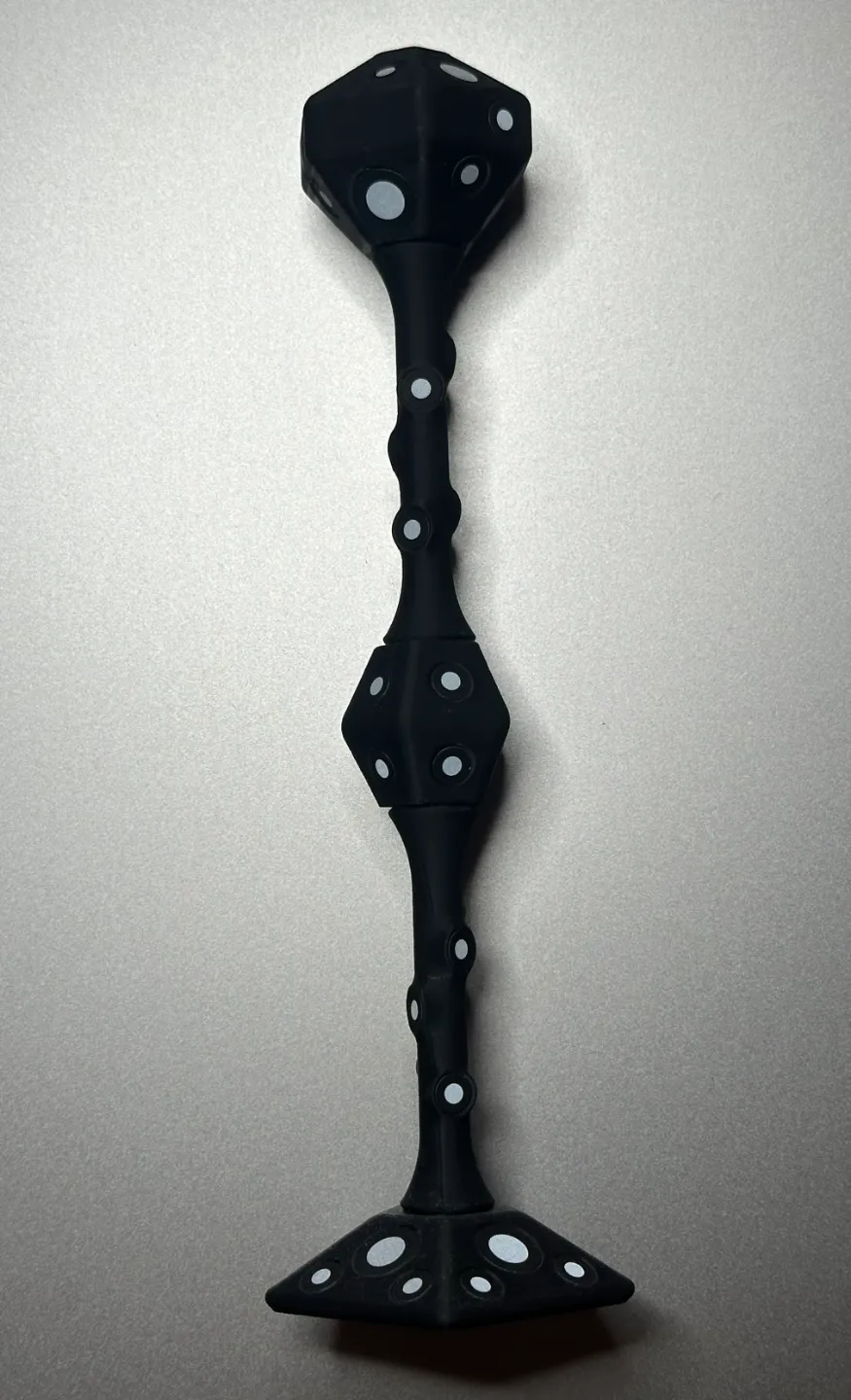
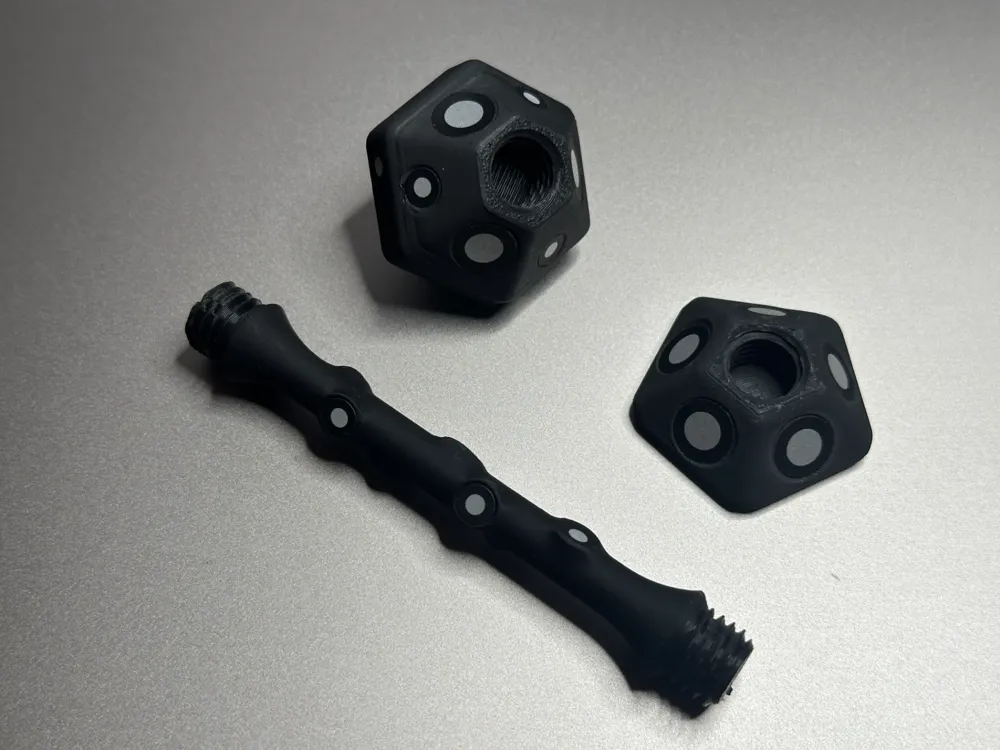
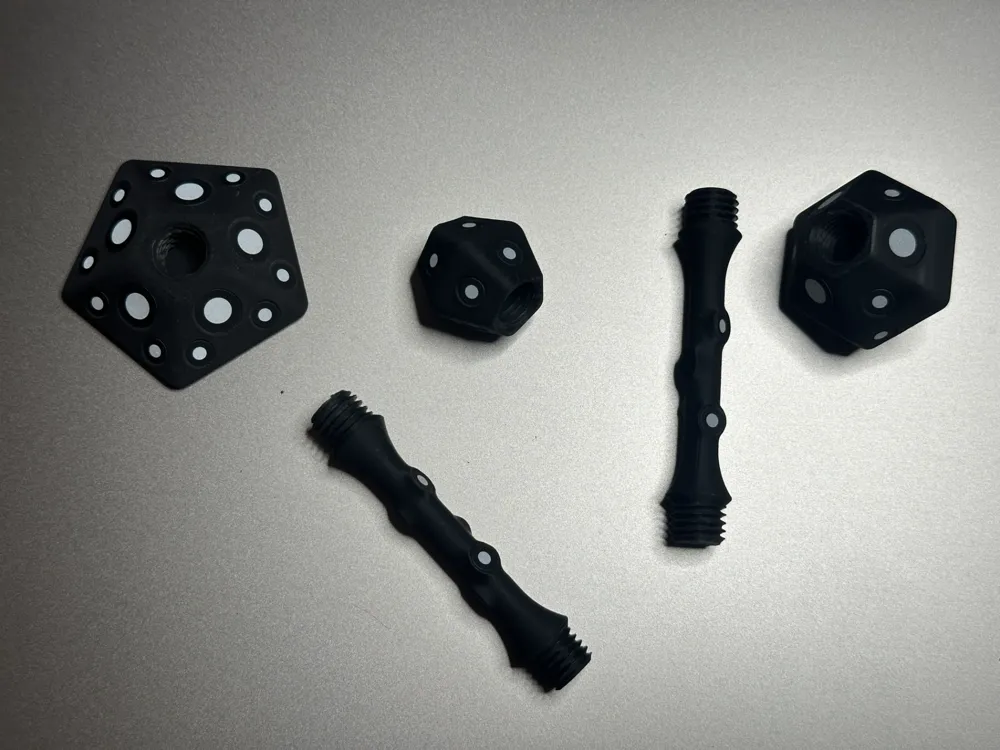
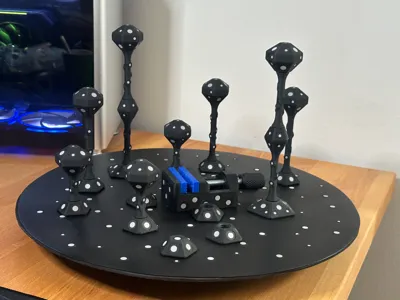
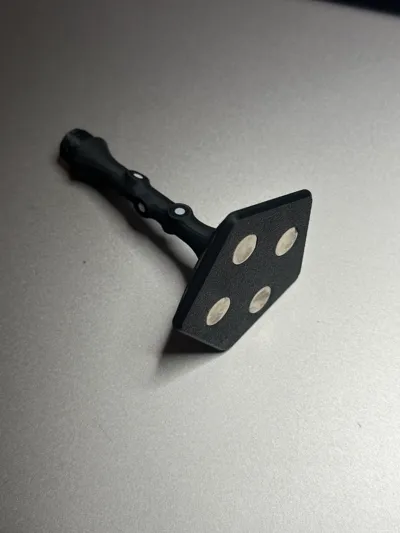
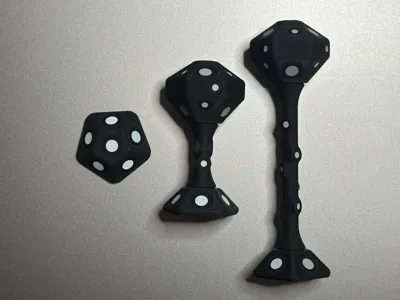
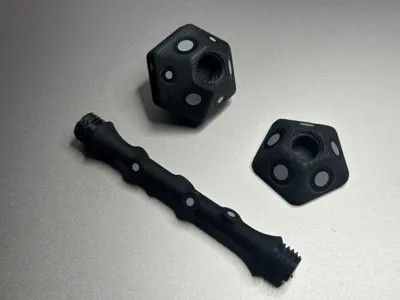
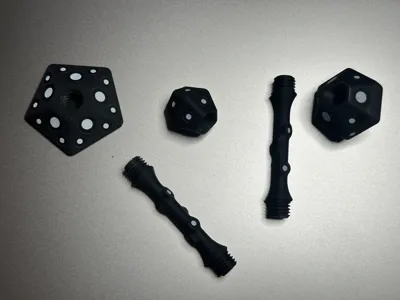
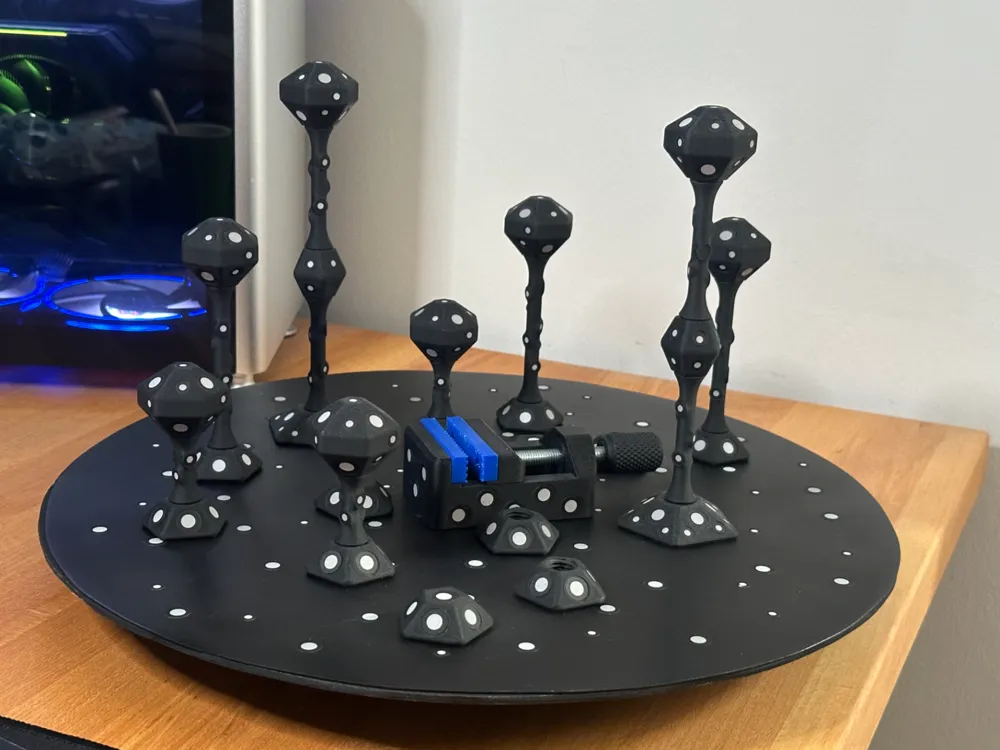
I designed these modular marker towers to stick 10mm and 6mm 3D scanning markers on them. 


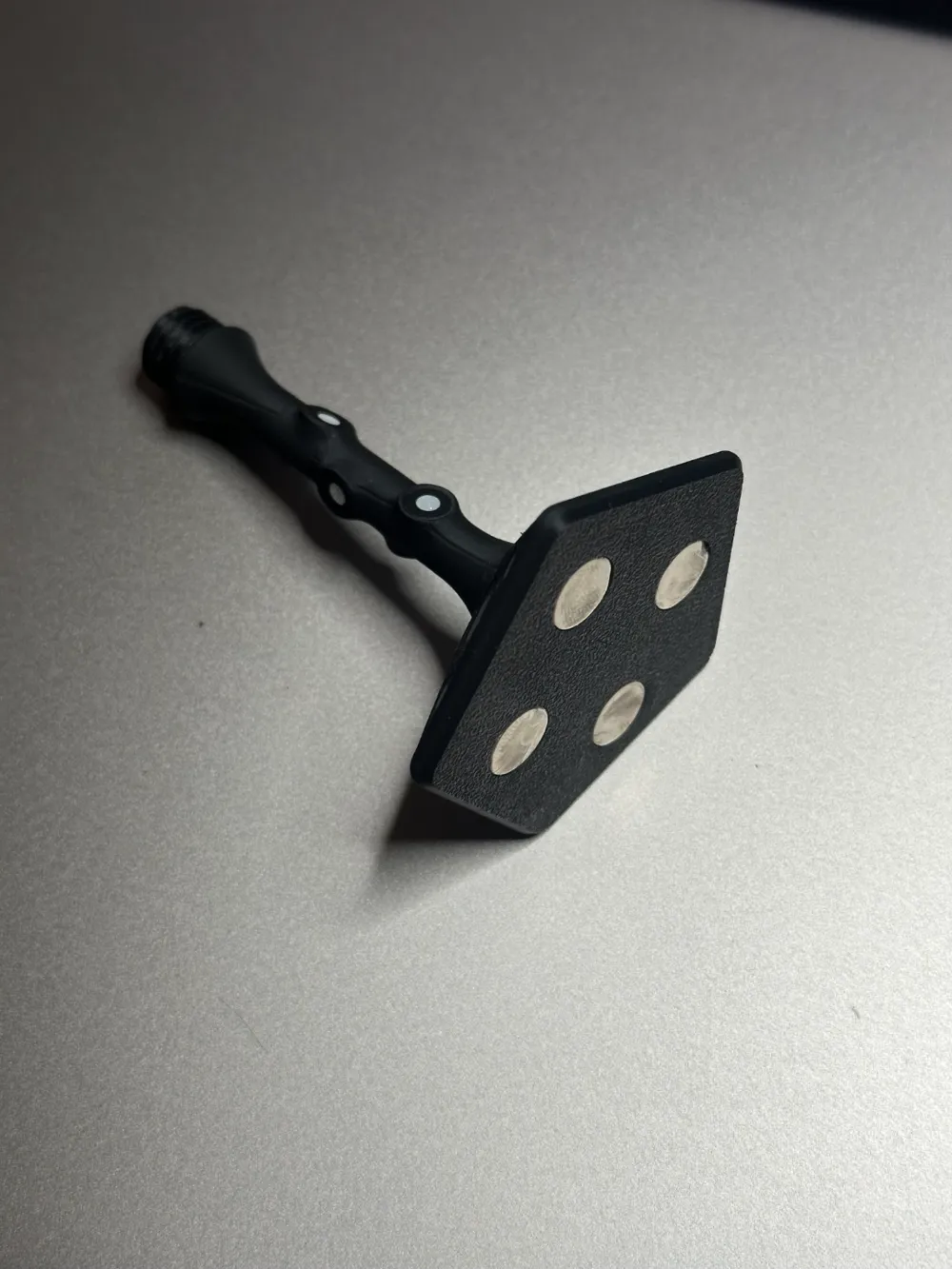
The bases are designed to fit 10mm diameter, 2mm thickness magnets


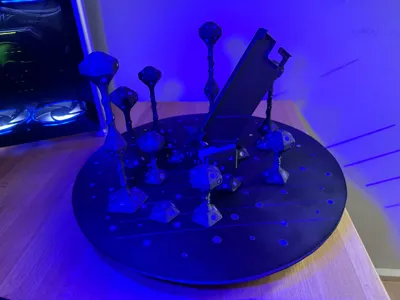
I use them on my magnetic 3D Scanning turntable (Spinning base will be uploaded soon too).


I rarely loose tracking when using them. 


The modular system allows you to put together a marker tower that suits your needs in terms of height. 


The really slim posts work very well and don't block the scanners view on the model as much as other designs i found online. 


The small magnetic vise that can be seen in the pictures is also available on my makerworld profile. 


I recommend printing this at 0.12mm layer height because the threads in this model have pretty aggressive overhangs. 


You can of course try to use more rough slicing settings at your own risk. 


Kind regards, 


Simon from M.I.M

Comment & Rating (96)

(0/1000)

Boosted
Print Profile
Tall
Makes a good addition to my collection!!! Many thanks
The profile uploader has replied
Show original
profile
2
Reply
Thank you very much The photo immediately makes me feel right at home, I also have the Wera Micro and the small Bosch angle grinder lying around at home :D I really like the holder with the markings
Show original
0
Reply
Print Profile
MEDIUM
since my 3D scanner hasn't arrived yet, I haven't been able to test the whole thing. It definitely looks well thought out and I'm looking forward to my first scans with the table. (by the way, I significantly underestimated how many points the whole thing needs.)
The profile uploader has replied
Show original
profile
1
Reply
:D order a whole bunch of them right away, I've probably used 3000-5000 pieces of them in the last few years 😅
(Edited)
Show original
1
Reply
Boosted
Thanks for the great design. I love them. I added a print profile with a cap for the bases so you can screw a dot whenever you don't need a tower. I know that people just stick a dot over there but I think a removable solution works better.
(Edited)
The designer has replied
designer
1
Reply
thanks for boosting and your contribution to my system, i really like the idea! i‘ll print one tonight and leave you a good rating :)
0
Reply
Print Profile
Tall
Printed out quite a few of these, but I have only used 3 of them so far. Printed great, just don't want to use up all my dots. Scanned with the Einstar Vega, and they worked as intended. Thank you for sharing these. I will be posting a video on my socials, tagging your model. 😊
The profile uploader has replied
profile
1
Reply
great! glad to see that they‘re working well for you. i think the slim design of the post helps a lot because it‘s not blocking the scanners view so much. also, your part looks very good! thanks for sharing it, i appreciate it :)
(Edited)
1
Reply
nice
The designer has replied
1
Reply
thanks mate!
0
Reply
Print Profile
Mini
I had a great experience, excellent print
The profile uploader has replied
Show original
profile
1
Reply
thank you, happy to hear that! :))
0
Reply
Print Profile
Tall
Comfortable and very well made
Show original
profile
1
Reply
Print Profile
Tall
Highly practical and a great print
Show original
profile
1
Reply
Could you post a video of these in use? I’m curious as to whether they are placed so that they don’t pass between the scanner and the target, or if they do pass between and it doesn’t effect the scans. Also, what scanner are you using, if you don’t mind sharing?
The designer has replied
designer
1
Reply
hey! i will try to upload a video but the answer to your question is really simple: you can place the markers all around your target and it will not effect the scan. the whole idea behind 3d scanning is to cat h your object from all different angles, no matter how the markers are positioned, as long as it is not too many of them, you will always have angles with „clear sight“ to the object - does that make sense to you? i am using the creality raptor! (not raptor pro, just the regular raptor).
0
Reply
but you can also get good results with more affordable sanncers though!
0
Reply
Replying to @MadeInMeidling :
Ok cool. I purchased the creality Ferret pro, but have only used it freehand so far.
0
Reply
Print Profile
Mini
The system is very flexible in its application, all parts fit together well and can be easily combined. Thus, countless variations are possible. Thanks for this
The profile uploader has replied
Show original
profile
1
Reply
thank you very much for the super feedback! lg from Vienna
Show original
0
Reply

License

This user content is licensed under a Standard Digital File License.

You shall not share, sub-license, sell, rent, host, transfer, or distribute in any way the digital or 3D printed versions of this object, nor any other derivative work of this object in its digital or physical format (including - but not limited to - remixes of this object, and hosting on other digital platforms). The objects may not be used without permission in any way whatsoever in which you charge money, or collect fees.