Search models, users, collections, and posts

Padlock

Print Profile(2)

All
A1 mini
P1S
P1P
X1
X1 Carbon
X1E
A1
H2D
H2D Pro
H2S
P2S
H2C
X2D
A2L

0.2mm layer, 3 walls, 30% infill
Designer
30 min
1 plate
3.5(102)

130% 0.2mm layer, 3 walls, 30% infill
Designer
50 min
1 plate
3.5(30)

Open in Bambu Studio
Boost
558
1054
212
31
2 k
1.3 k
Released 

Description


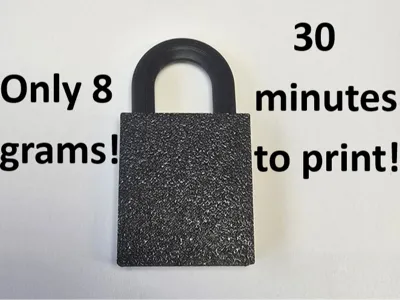
-------This is my third and best padlock: https://makerworld.com/en/models/1467535-durable-padlock#profileId-1531140


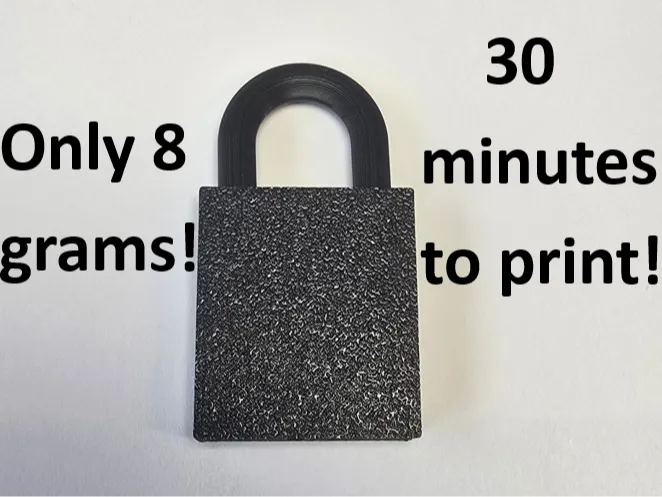
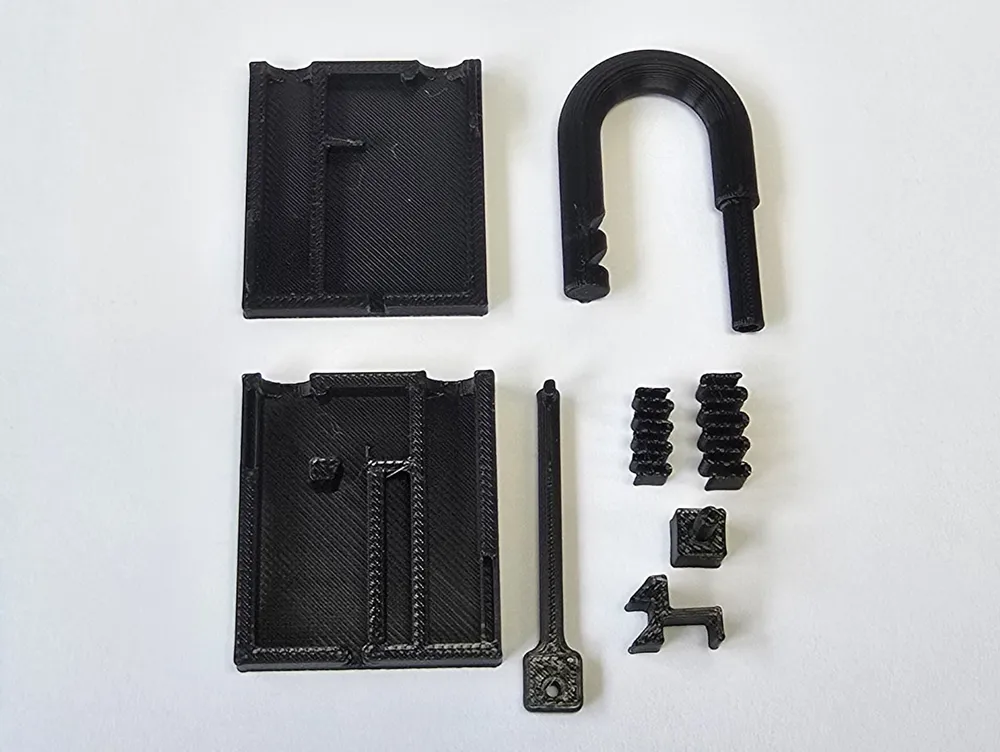
My goal was to design a padlock that is realistic and stable, but on the other side it should be quick to print with a small amount of filament. 


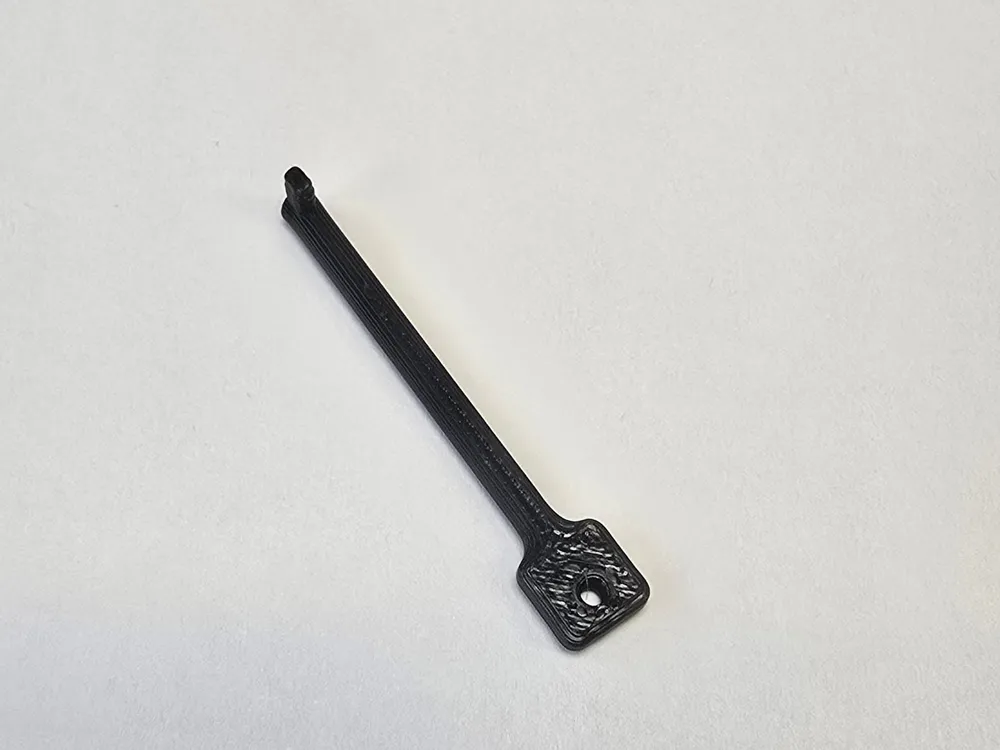
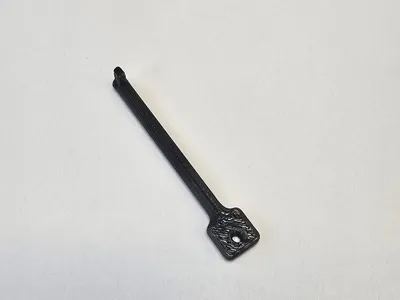
To open it insert the key and turn it to the right


It is important that you use good filament such as PLA+ to make the key, otherwise it will break very quickly.


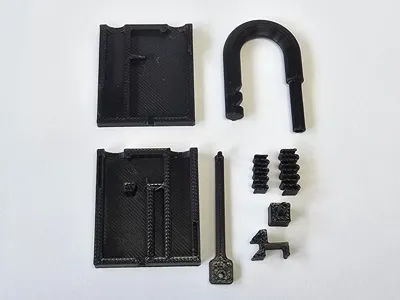
I have uploaded a 130% version where the parts are a bit thicker because the parts of the 100% version are a bit thin.


Documentation (1)

Other Files (1)
Assembly.pdf

Comment & Rating (212)

(0/1000)

Print Profile
0.2mm layer, 3 walls, 30% infill
good
0
Reply
Why is it blurry?
(Edited)
1
Reply
I have no idea. the pic is not blurry for me
0
Reply
Replying to @Tinkercad_PRO :
his phone is a Potato that’s why
(Edited)
3
Reply
made two one in PLA and one in PETG but still with both the key broke still a good lock model just wish the key was stronger.
2
Reply
my key broke two and my spring is snapped
0
Reply
have you tried changing the infill pattern to gyroid i will take longer but it will be stronger
0
Reply
It's actually quite a good lock The key holds perfectly for me A very cool file
The designer has replied
Show original
0
Reply
danke :)
0
Reply
I completely understand your description on Maker World haha
Show original
0
Reply
Hello. I am unable to print the 2 springs. Getting the error "The following objects have empty initial layer and can't be printed. Please cut the bottom or enable supports." Have never seen it before. Objects seems to be nicely oriented on the plate. Enabling the supports doesn't help. Can anyone help? Thank You.
The designer has replied
0
Reply
Maybe the function to detect thin walls is not activated
0
Reply
Replying to @manu_3 :
Thank You. Seems to be working. Never had it before… 👍🏻
0
Reply
Print Profile
0.2mm layer, 3 walls, 30% infill
The profile uploader has replied
1
Reply
thank you :)
0
Reply
please tell me how do you build it?
0
Reply
how did you unlock it?
0
Reply
worked wondering if there’s any way you can post just the key mine messed up 🫠
(Edited)
0
Reply
just delete the other objects in the app instead of making a whole other file that's just the key
0
Reply
Print Profile
0.2mm layer, 3 walls, 30% infill
my only problems are: some tolerances are off, and the key! it feels so much better when the tip is aligned with the handle! (easier to print, too.)
0
Reply
broke
0
Reply
Perhaps if the key's "tooth" were printed on the BED with 4 Walls it could be more Robust ;)
Show original
0
Reply
Print Profile
130% 0.2mm layer, 3 walls, 30% infill
failed slightly, probably my fault.
0
Reply

License

This user content is licensed under a Standard Digital File License.

You shall not share, sub-license, sell, rent, host, transfer, or distribute in any way the digital or 3D printed versions of this object, nor any other derivative work of this object in its digital or physical format (including - but not limited to - remixes of this object, and hosting on other digital platforms). The objects may not be used without permission in any way whatsoever in which you charge money, or collect fees.