
Need For Speed Underground 2 PS2 Disc - HueForge
Print Profile(1)

Description
Boost Me (for free)
For you it's free, for me it's a lot
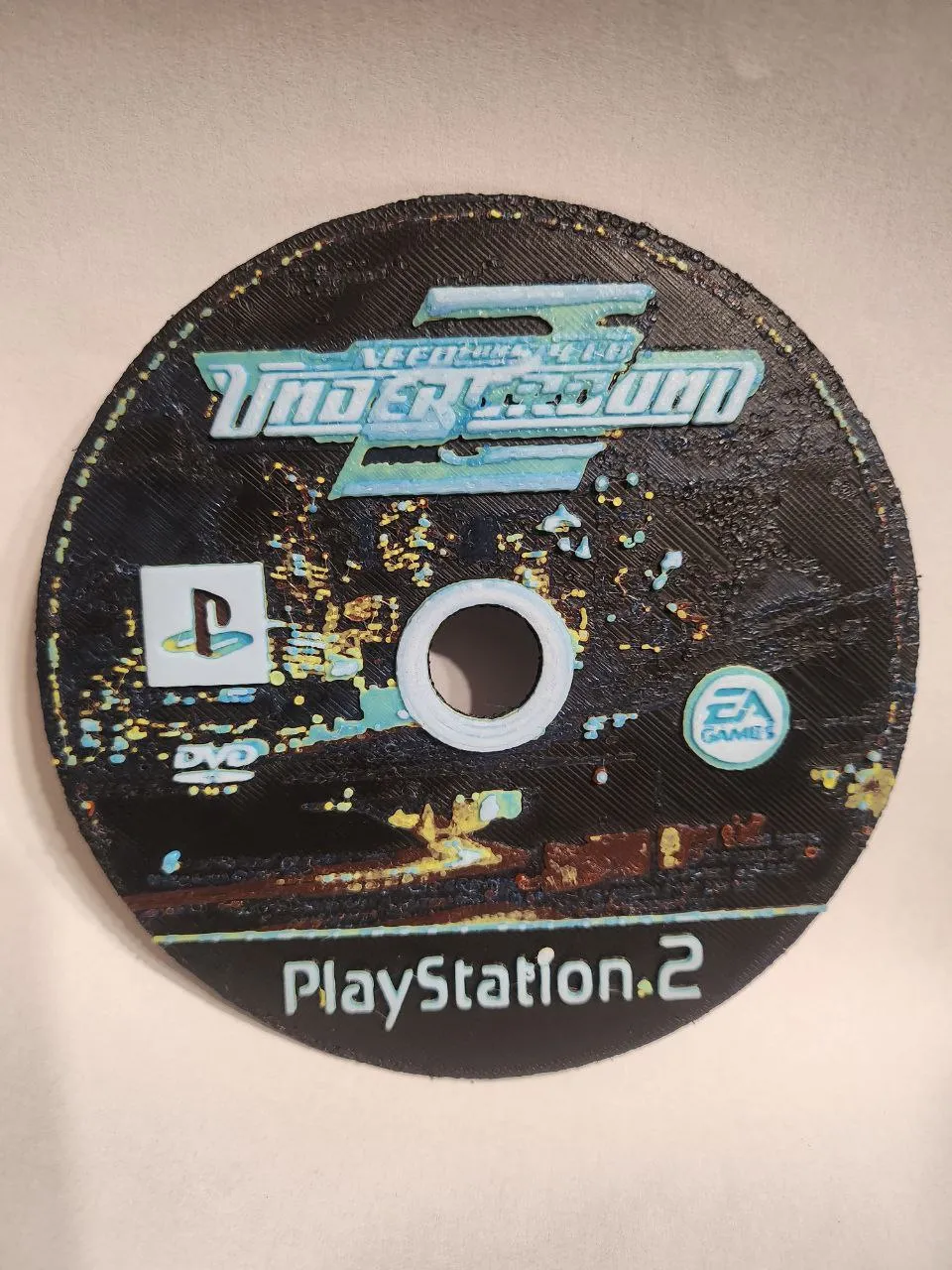
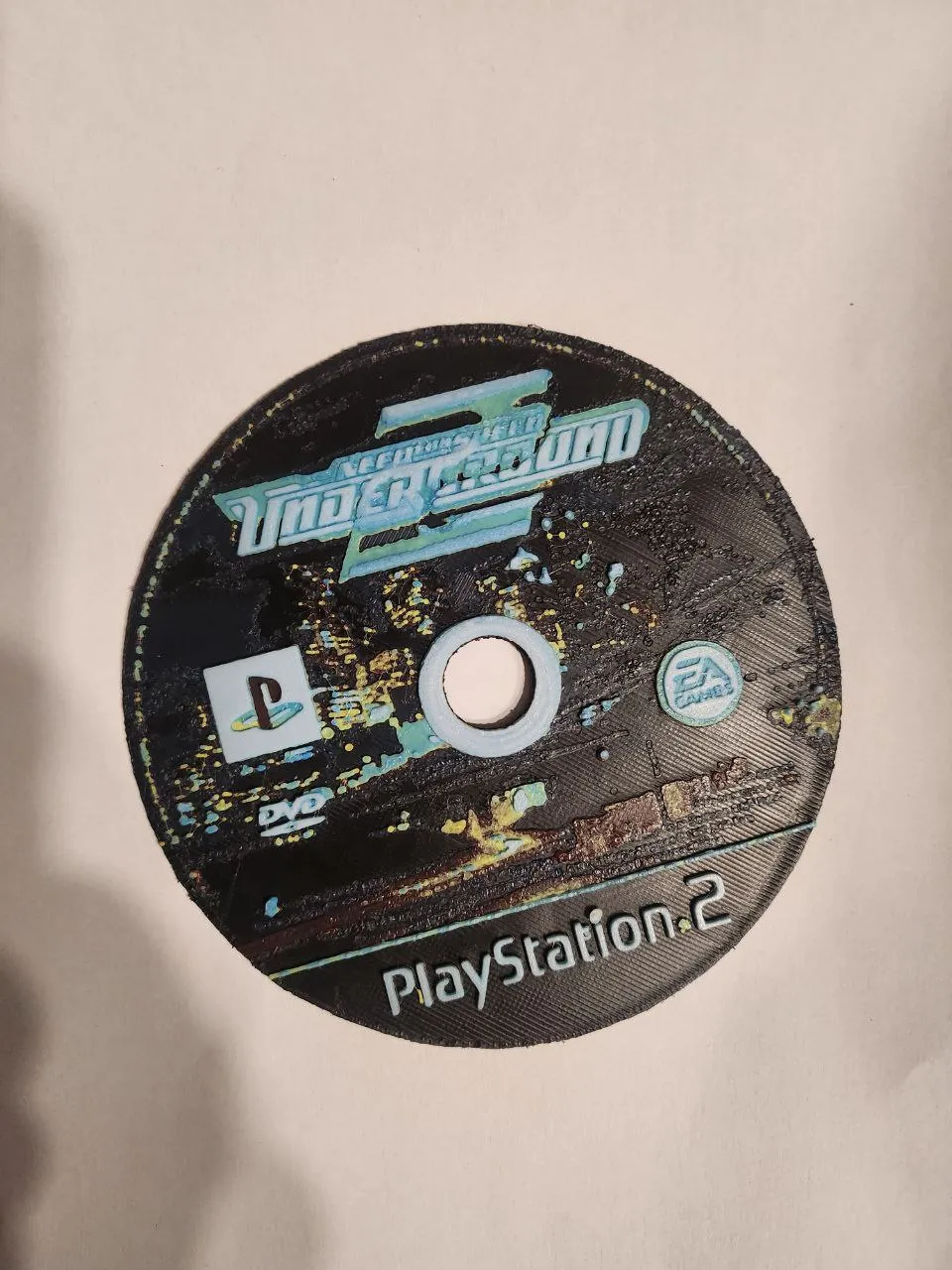
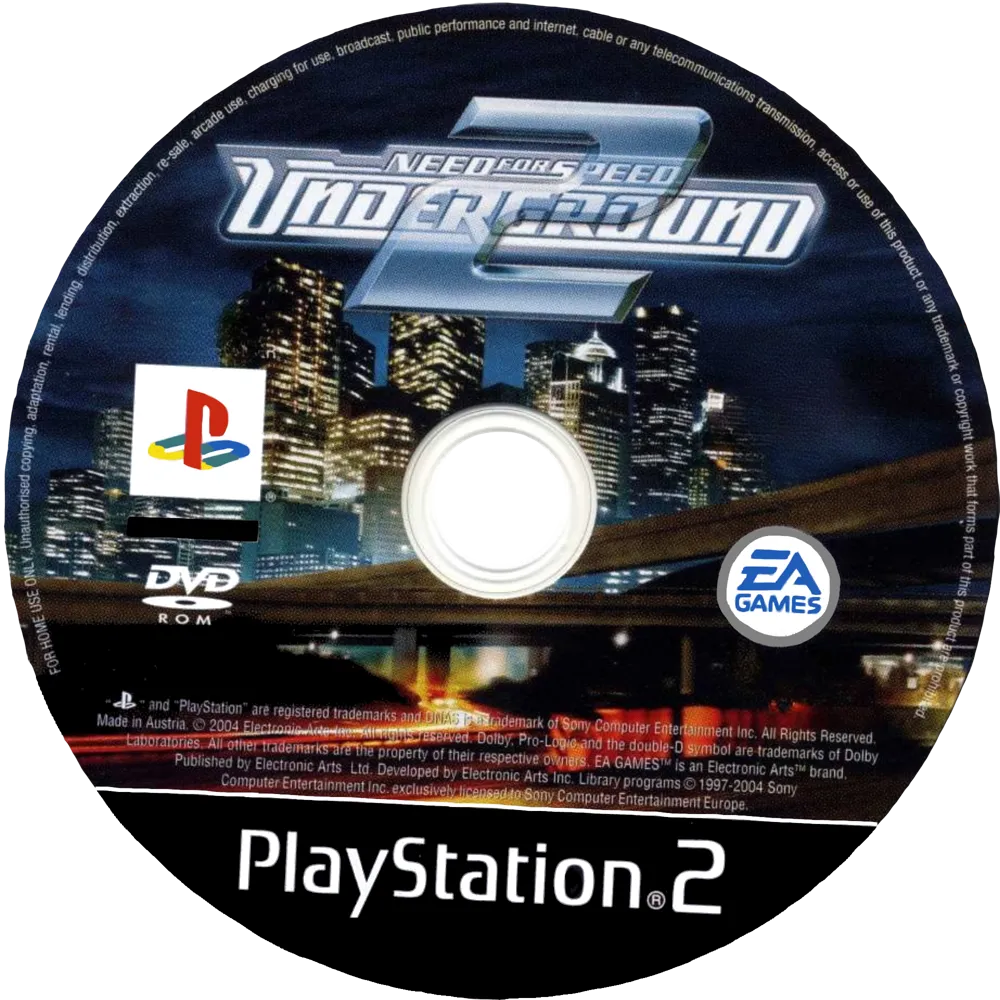
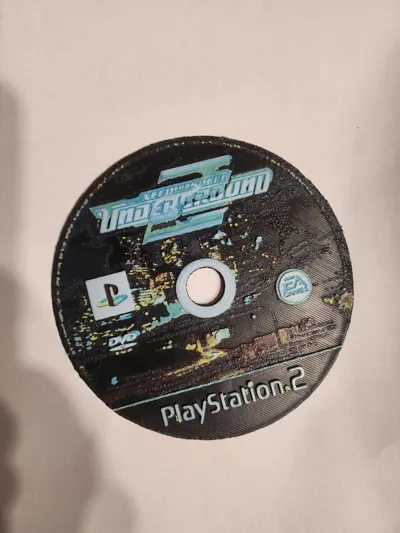
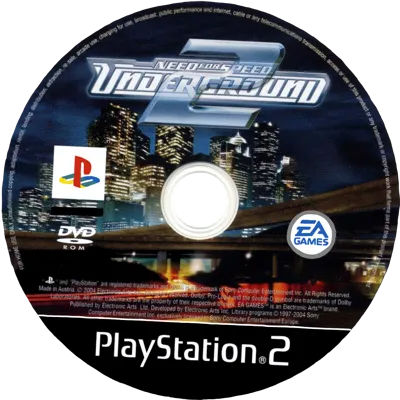
For all the nostalgic people (like me), I created a copy of the NFS Underground 2 Playstation 2 disc with HueForge!
If you want to resize the print, do not modify the Z axis, otherwise the filament changes will be altered and the print will not turn out well.
You can find more games here: PS1 and 2 Disk
If you have a particular game you'd like to see made, feel free to ask! I'll do my best to fulfill your requests, although I can't guarantee anything as it's not always easy to find the games, and they don't always turn out well. But I'll do my best.
-------------------------------------------------------------------------------------------------------------
Per tutti i nostalgici (come me), ho creato con HueForge una copia del disco per la playstation 2 di NFS Underground 2!
Se volete ridimensionare la stampa, non modificate l'asse Z, altrimenti si alterano i cambi filamento e la stampa non verrà bene.
Potete trovare altri giochi qua: PS1 and 2 Disk
Se avete un gioco in particolare che vi piacerebbe vedere realizzato, chiedete pure! Farò il possibile per accontentarvi, anche se non vi assicuro niente perché non è sempre facile trovarli e non sempre vengono bene, ma farò il possibile.
-------------------------------------------------------------------------------------------------------------
Print at 100% infill with a layer height of 0.08mm with a base layer of 0.16mm
The Model is 120x120mm in size
Filaments Used:
PLA+ Sunlu Black
PLA+ Sunlu Blue
PLA+ Sunlu Red
PLA Anycubic Vibrant Yellow
PLA+ Sunlu Sky Blue
PLA+ Sunlu White
This print uses 6 unique filaments
Swap Instructions:
Start with Black
At layer #10 (0.88mm) swap to Blue
At layer #12 (1.04mm) swap to Red
At layer #15 (1.28mm) swap to Vibrant Yellow
At layer #18 (1.52mm) swap to Sky Blue
At layer #20 (1.68mm) swap to Blue
At layer #22 (1.84mm) swap to Sky Blue
At layer #24 (2mm) swap to White for the rest.
For those who don't have an AMS or only have one, and the project uses more than four colors, you just need to replace the color changes with pauses and switch the filament manually.
Boost Me (for free)
For you it's free, for me it's a lot

☕ Support my projects. A small gesture to help me create and test new models every day.
License



Comment & Rating (3)