
Parametric Noise Reduction / Anti-Vibration Mat
Print Profile(1)

Bill of Materials

Description
Overview
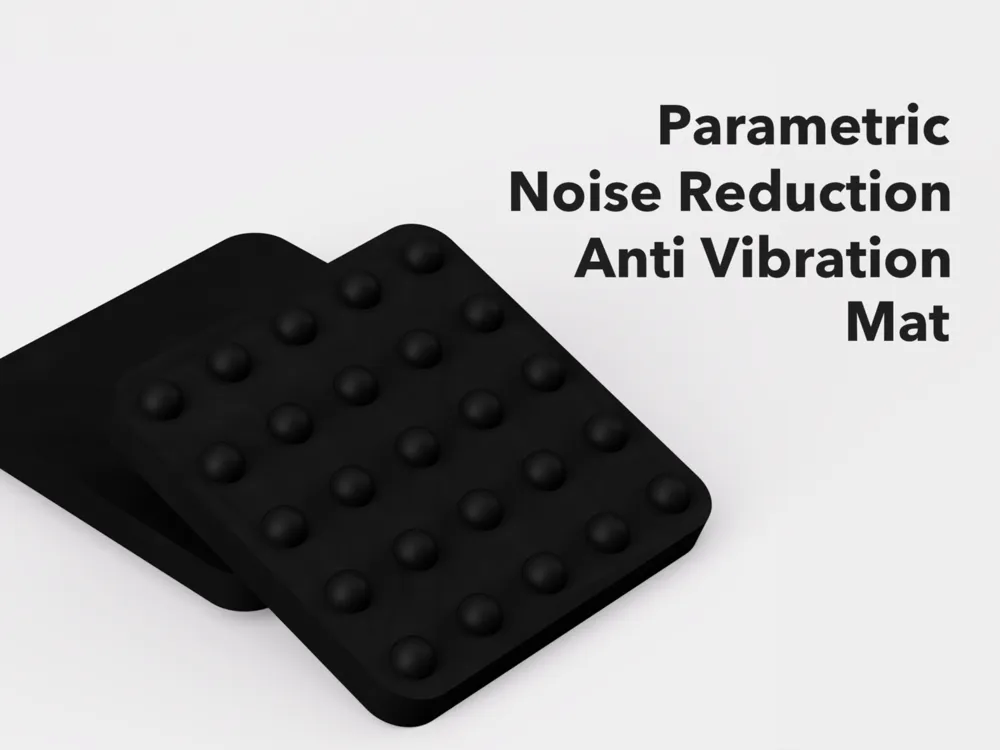
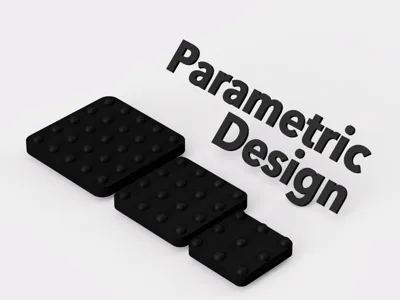
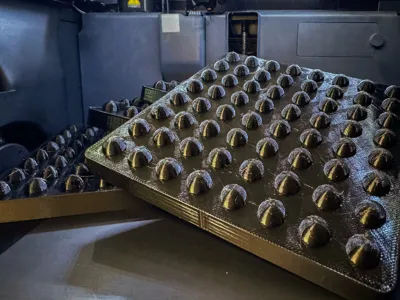
This is a versatile TPU-made mat designed for noise reduction and anti-vibration.
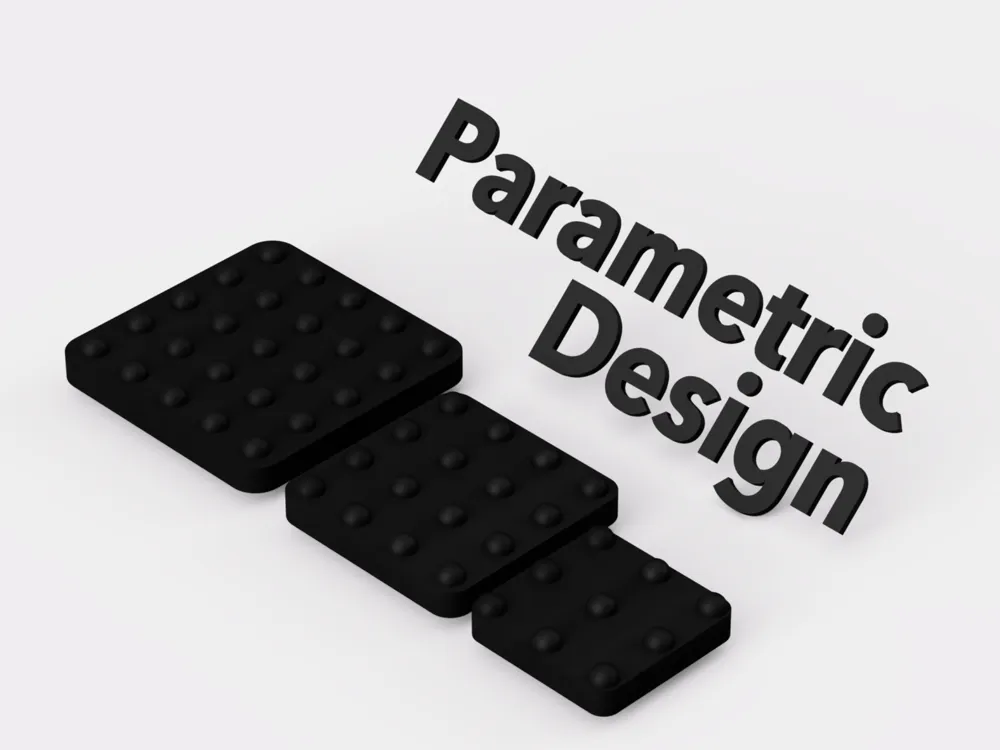
Using OpenSCAD, you can customize it to the size you need.
Important Notes
This mat is not intended for use with 3D printers.
It is designed for household appliances and machines such as air conditioner outdoor units, washing machines, generators, and speakers.
If you need an anti-vibration mat for Bambu Lab 3D printers, please refer to my SIS project.
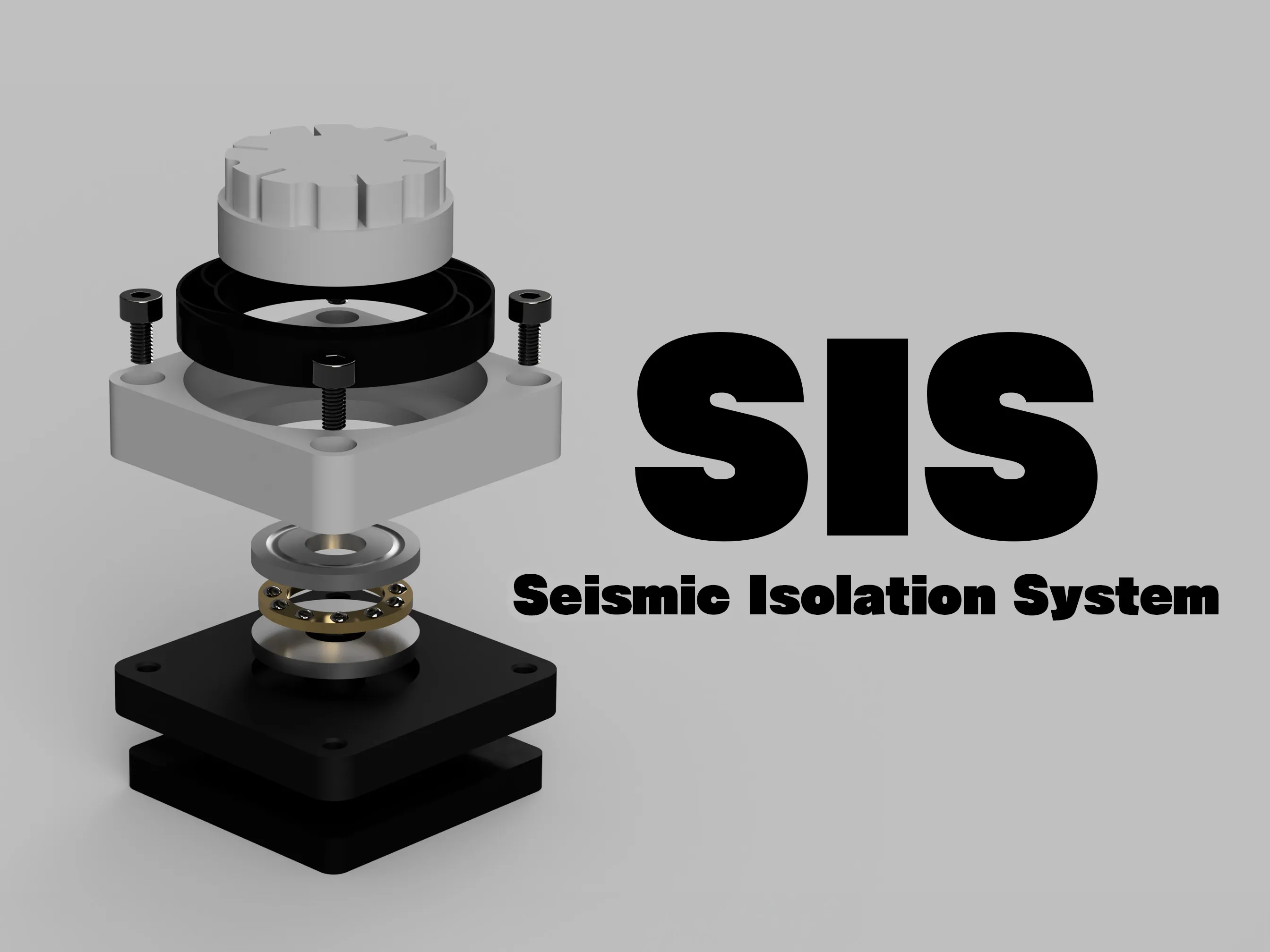
for X1/P1 Series : https://makerworld.com/en/models/915508
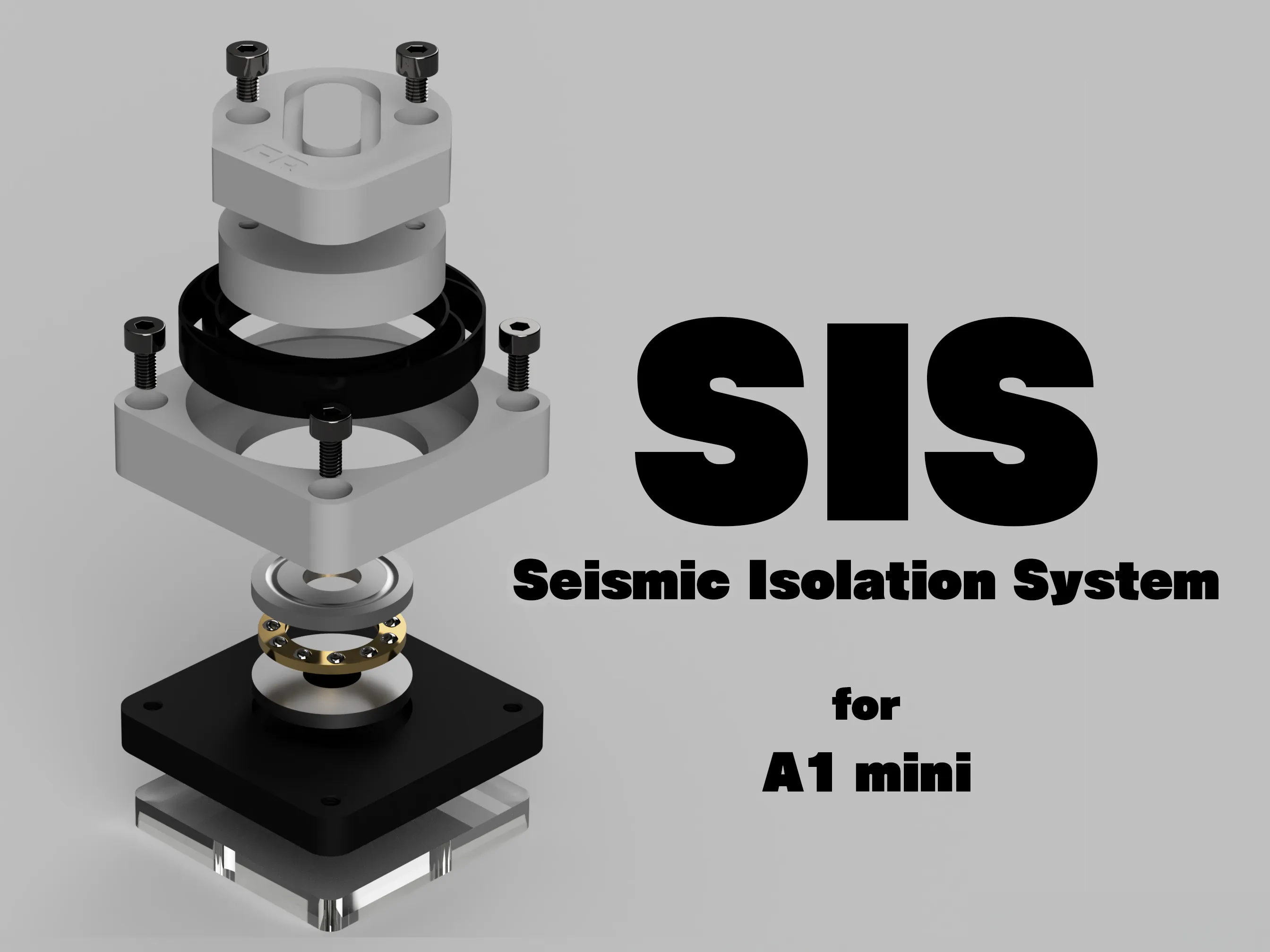
for A1 mini : https://makerworld.com/en/models/1015794
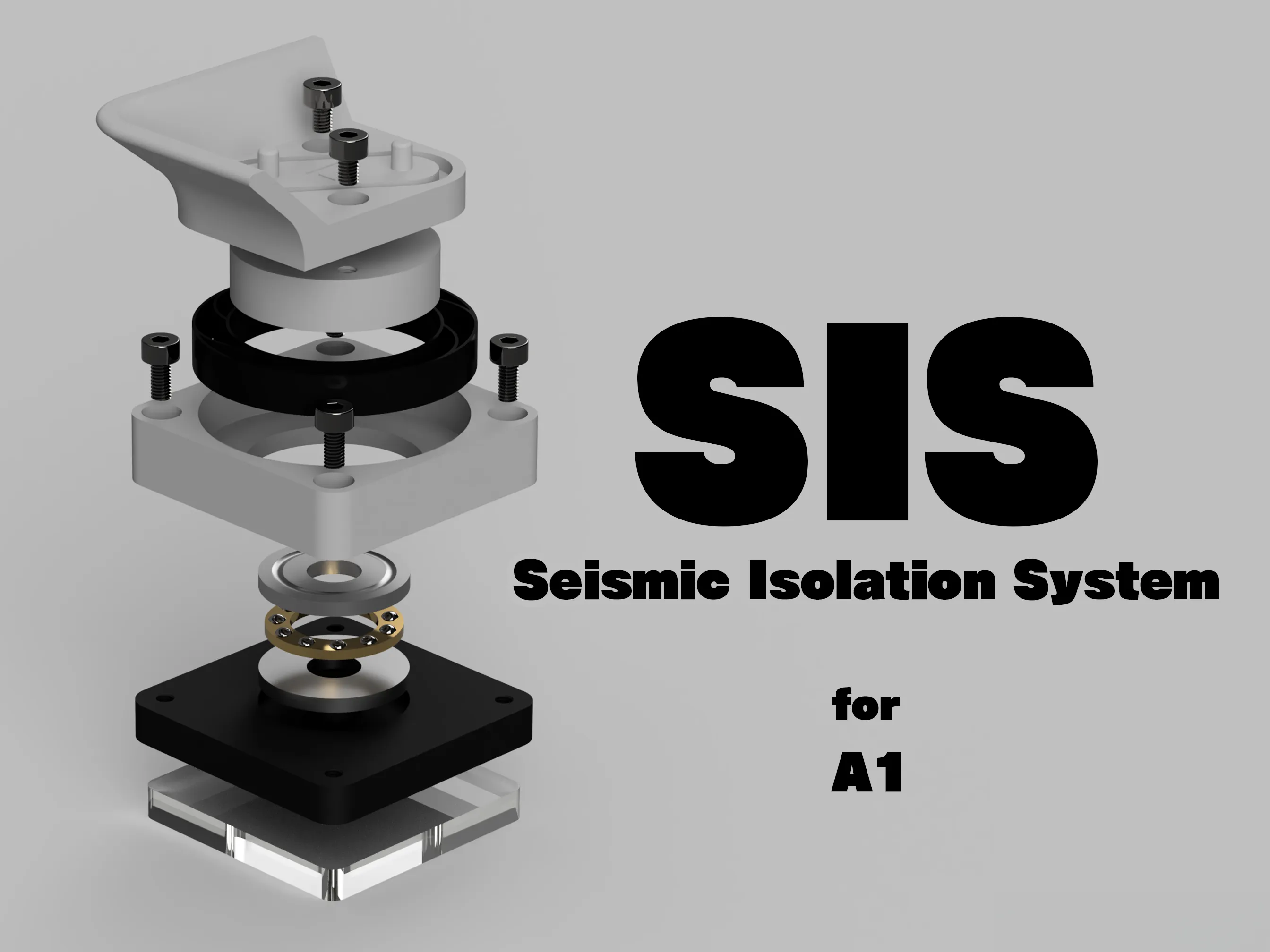
for A1 : https://makerworld.com/en/models/1081524
Parametric Model
This mat can be customized using OpenSCAD.
Please click the customization button as needed.
The following parameters can be customized for this model:
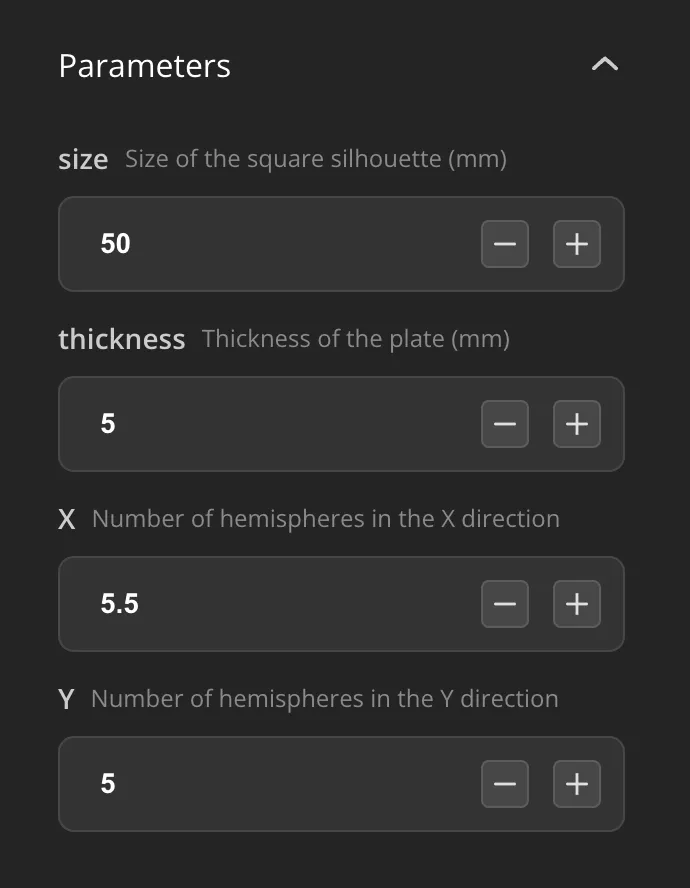
Size
You can specify the mat’s size in millimeters.
The mat will generate a rounded square based on the specified parameters.
Adjust the size to match the dimensions of appliances or objects you want to place on it.
Thickness
Specify the thickness of the mat in millimeters.
This thickness does not include the hemispheres used for noise reduction and anti-vibration.
Note that the thickness with the hemispheres will be twice the specified value (thickness * 1.5).
If the mat is too thin, it may affect the noise reduction and anti-vibration performance.
Customize with load-bearing capacity in mind.
X & Y
Specify the number of hemispheres for noise reduction and anti-vibration to be placed on the mat.
Adjust these values based on the size of the mat.
Print Profile
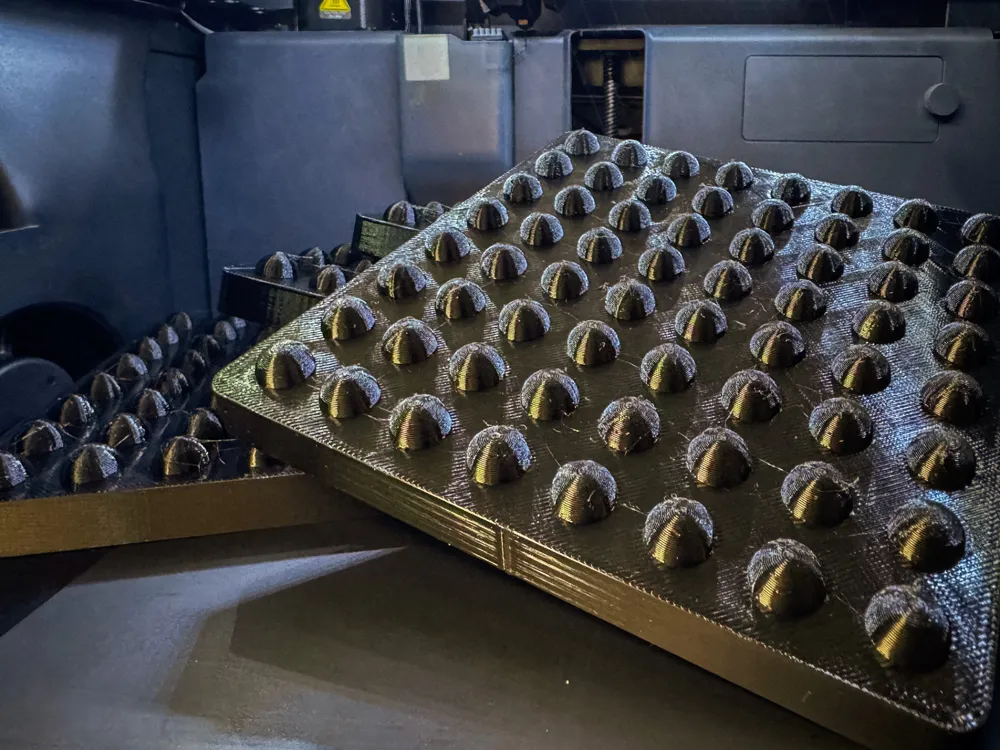
Print this mat using TPU95A.
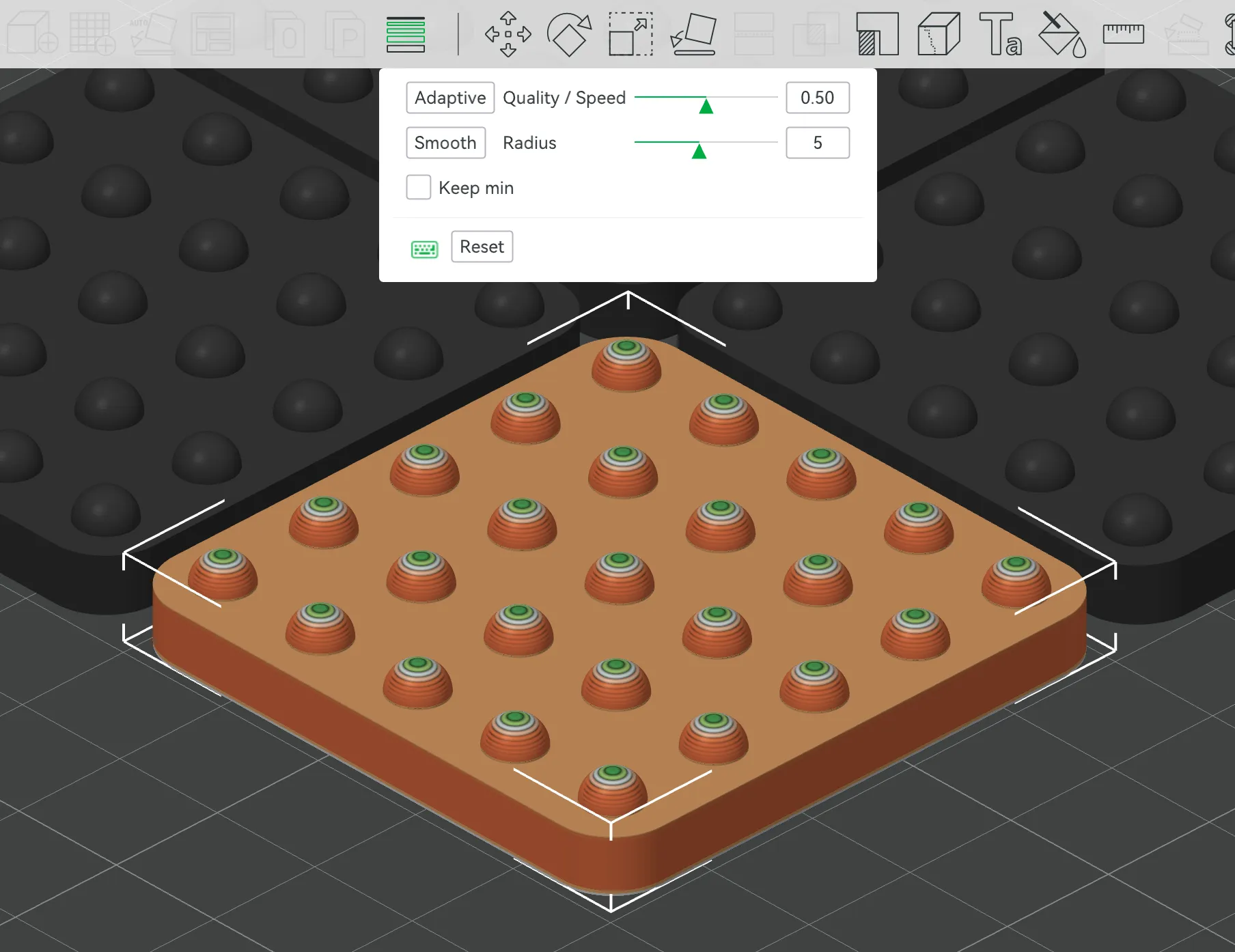
For better print quality, set the mat to use Variable Layer Height.
Select the model, click Variable Layer Height, and then click Adaptive.
There are no particular issues with the print profile.
It will work well with basic profile settings, but if you modify it, adjusting the wall count and infill density when increasing the mat size can improve load-bearing capacity.
Installation Instructions
During printing, the hemispheres will face upwards, but they should actually face downwards when installed.
Place the hemispherical side facing the ground or table, and set your machine or other equipment on the flat surface of the mat.
If installed in the opposite orientation, stability will be reduced.
Example
I use this mat as a base for the outdoor unit of my air conditioner.
Before using it, the noise from the air conditioner at night was bothersome, but after placing the mat, the noise level has significantly reduced and feels much quieter.
If you have machines in your home that produce loud operational sounds or vibrations, this mat could be an effective solution.
License

You shall not share, sub-license, sell, rent, host, transfer, or distribute in any way the digital or 3D printed versions of this object, nor any other derivative work of this object in its digital or physical format (including - but not limited to - remixes of this object, and hosting on other digital platforms). The objects may not be used without permission in any way whatsoever in which you charge money, or collect fees.


Comment & Rating (5)