
Manual Material System PC4M6


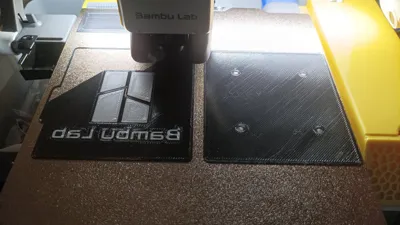
Print Profile(4)


Bill of Materials



Description
Membership
Get License / Support
Boost Me (for free)
Manual Material System M6 Version
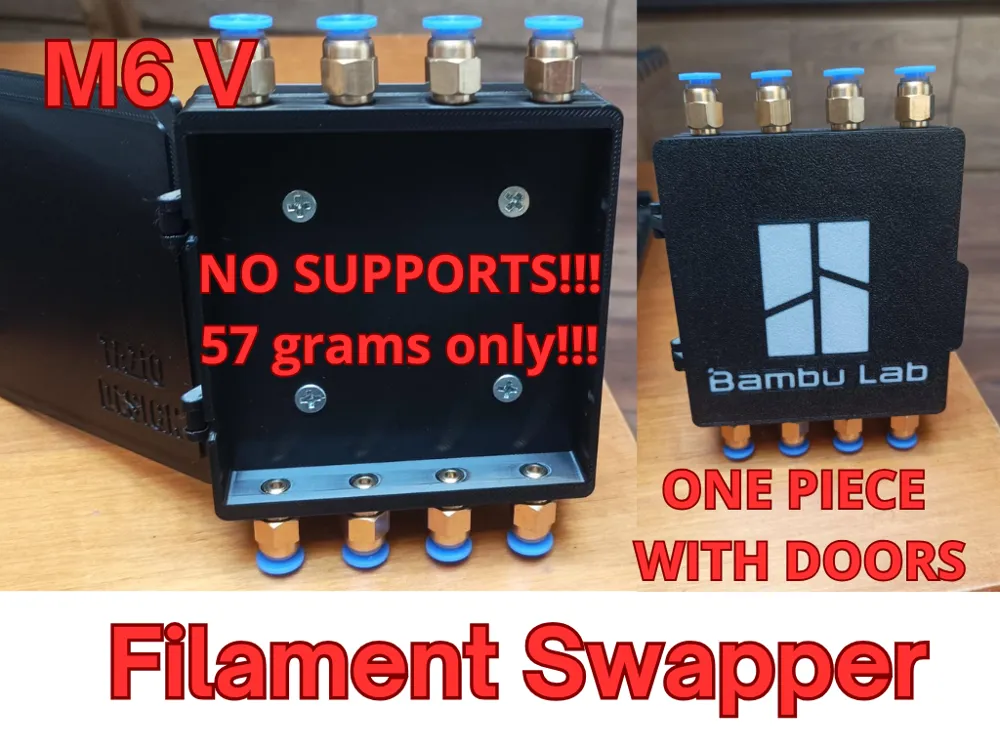
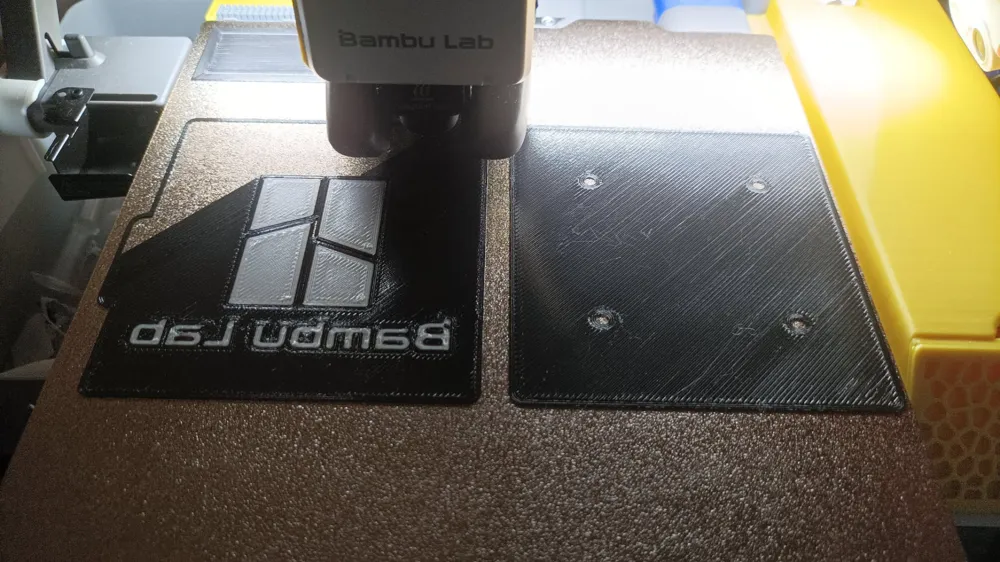
The Manual Material System is a simple and effective way to manage multiple filaments without the need for an automatic AMS unit. This system allows you to manually switch filaments during printing, enabling multi-color prints or material changes without interrupting the print job.
✅ Printing Specifications:
- Recommended material: PLA (other materials possible)
- Walls: 3
- Infill: 15% (grid)
- Filament usage: 57g
- Supports: Not required
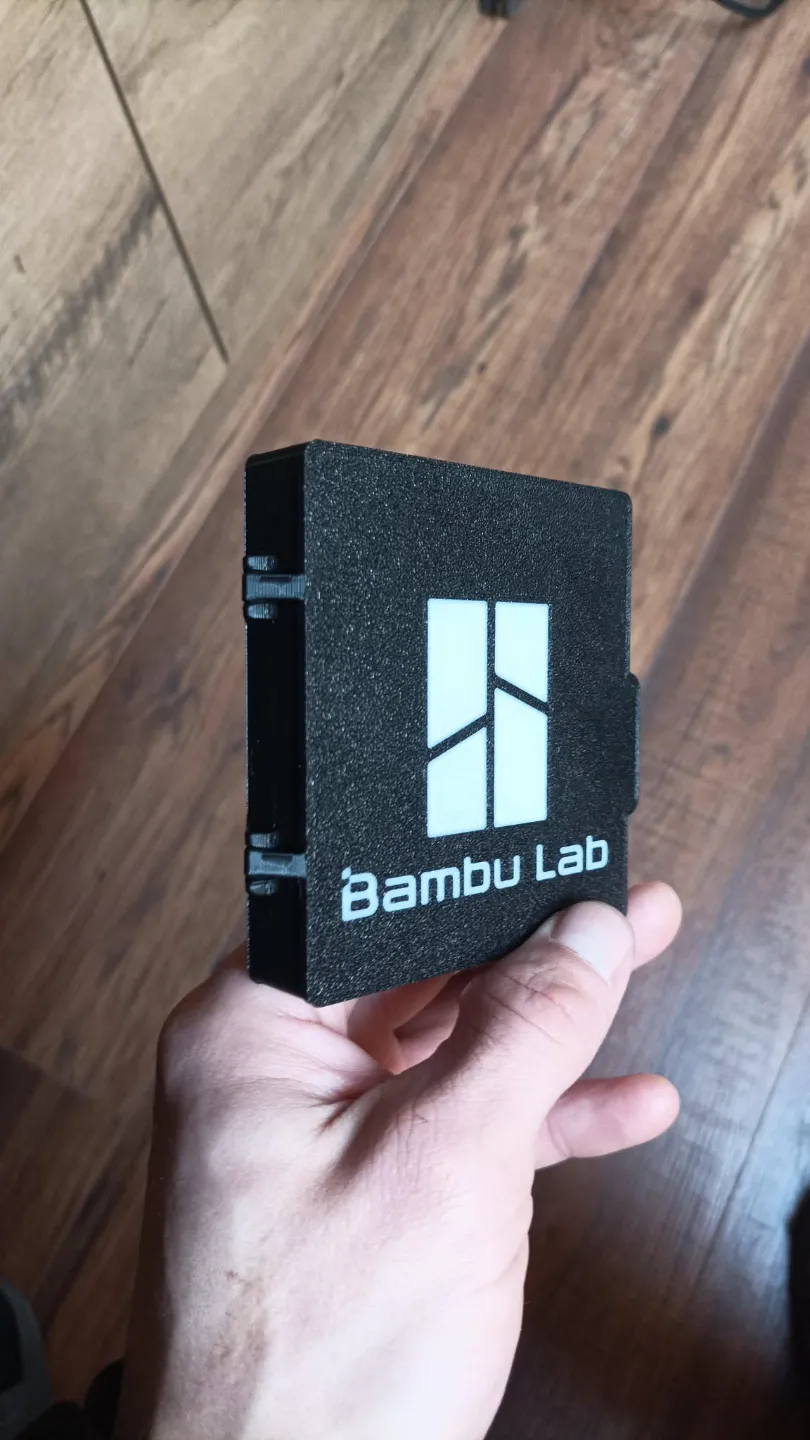
- Size: Fits even on smaller printers like the Bambu Lab A1 Mini
✅ Features:
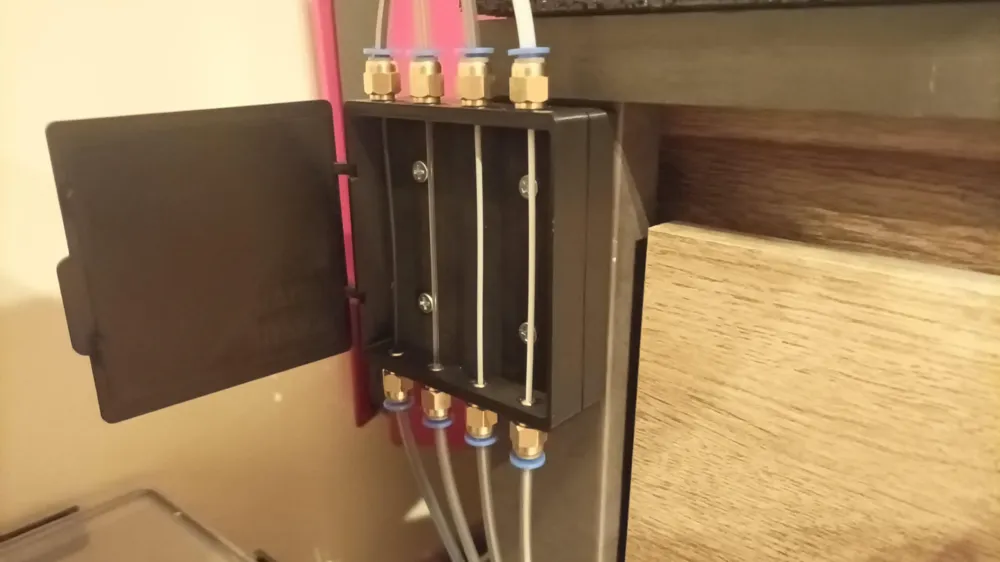
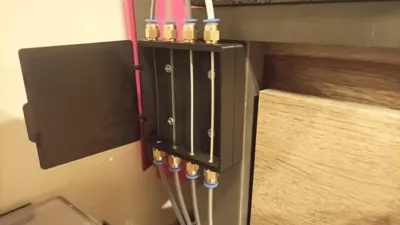
- Can be used as a filament switching system without opening dry boxes.
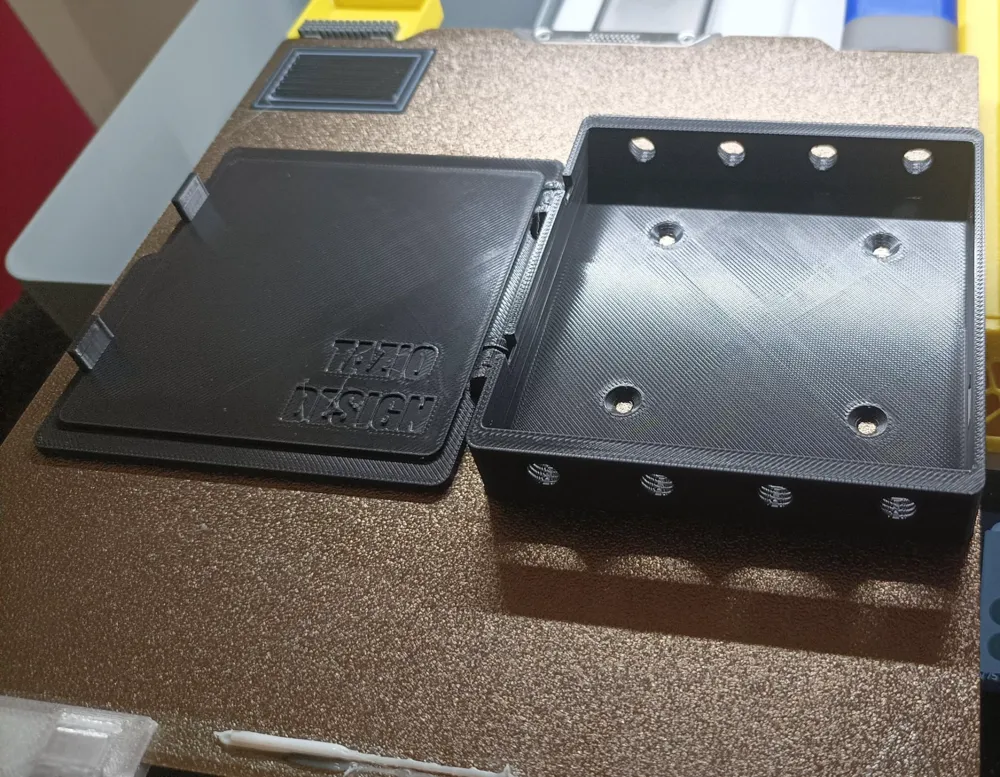
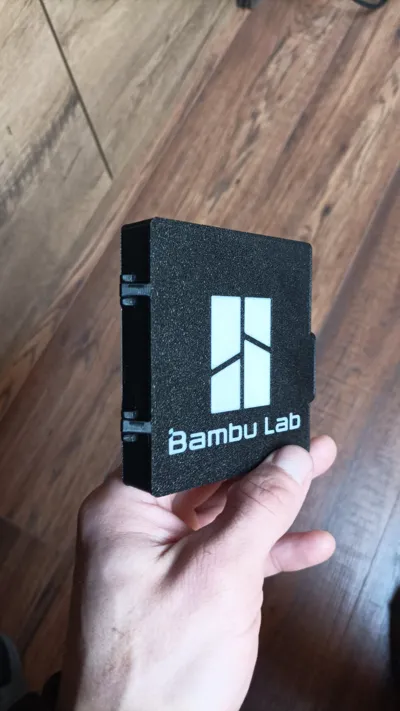
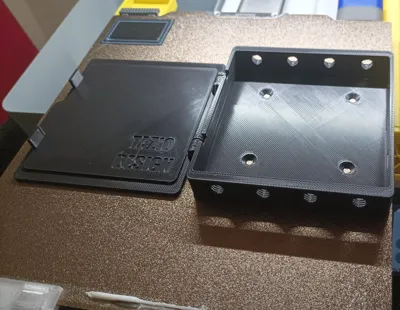
- Includes a built-in door, printed as a single piece with the main box using a functional hinge.
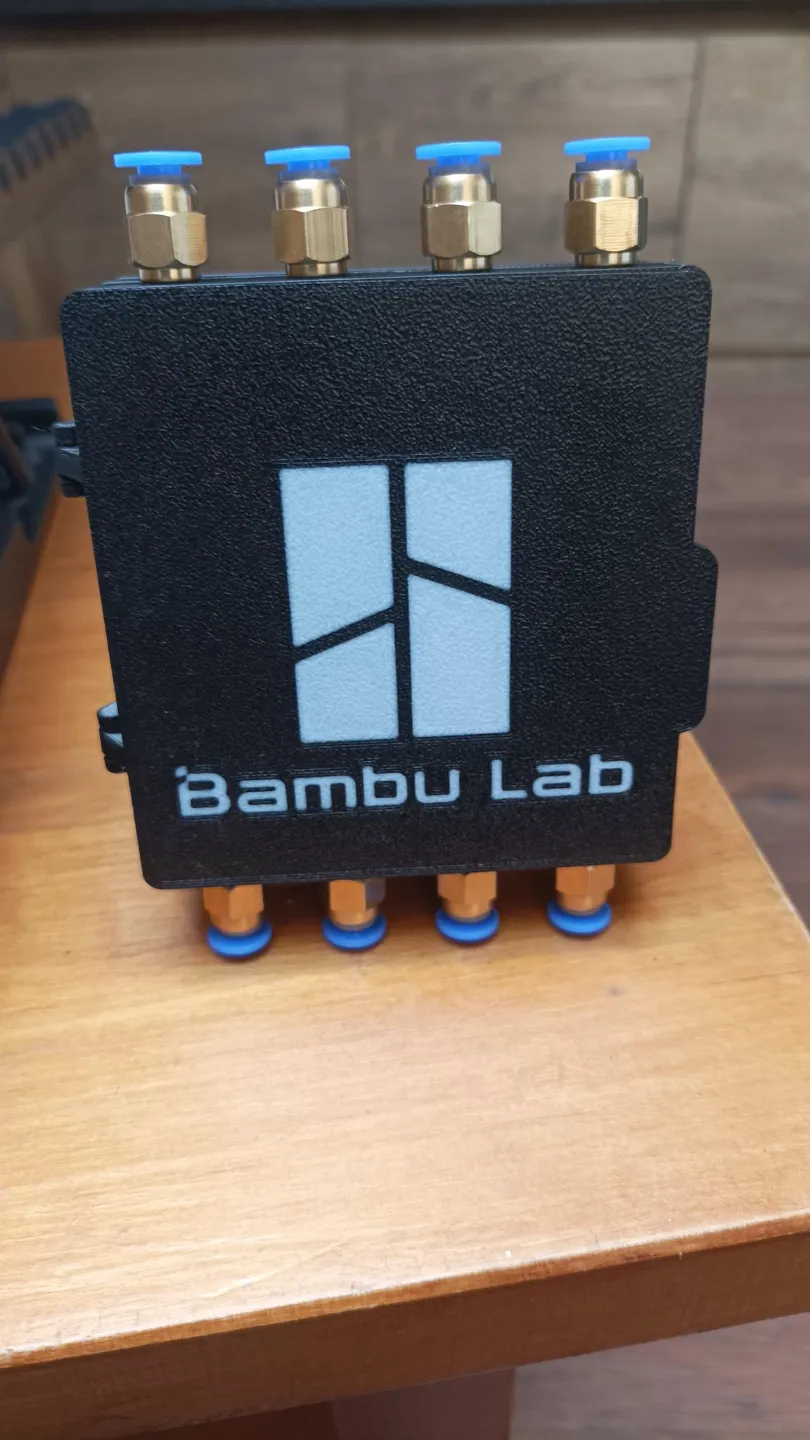
- Compatible with M6 thread pneumatic quick connectors.
- A separate profile includes an adapter for corner mounting.
- M10 version --→ https://makerworld.com/en/models/1129906#profileId-1129969
✅ Manual Filament Change Procedure During Printing:
- In Bambu Studio, enable the purge tower.
- During printing, when the nozzle moves to the purge tower, press pause.
- Manually swap the filament and resume printing.
- The printer will automatically continue with the new material.
This solution is perfect for users who want to experiment with multi-color prints or different filament types without investing in a full AMS system!
Membership
Get License / Support
License

You shall not share, sub-license, sell, rent, host, transfer, or distribute in any way the digital or 3D printed versions of this object, nor any other derivative work of this object in its digital or physical format (including - but not limited to - remixes of this object, and hosting on other digital platforms). The objects may not be used without permission in any way whatsoever in which you charge money, or collect fees.


Comment & Rating (11)