
Fully Calibrated Profile - Elegoo Rapid PLA+ Black
Print Profile(1)
Description
I've spent a lot of time looking around for the best print settings for various filaments and there aren't many out there listed, so I decided to share mine as I make them.
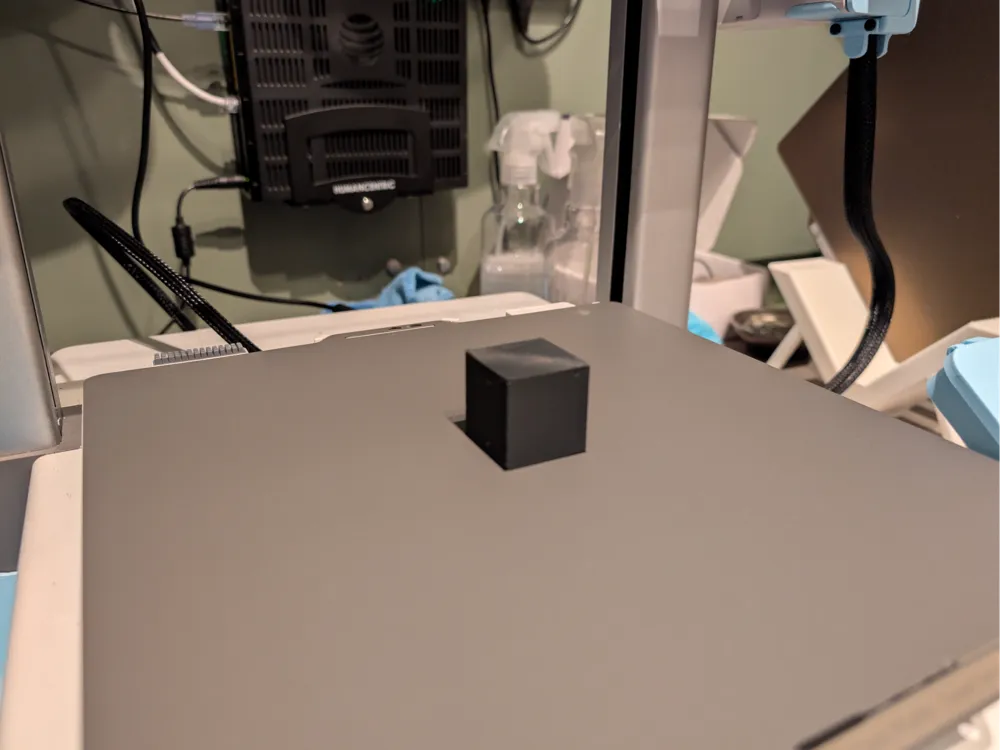
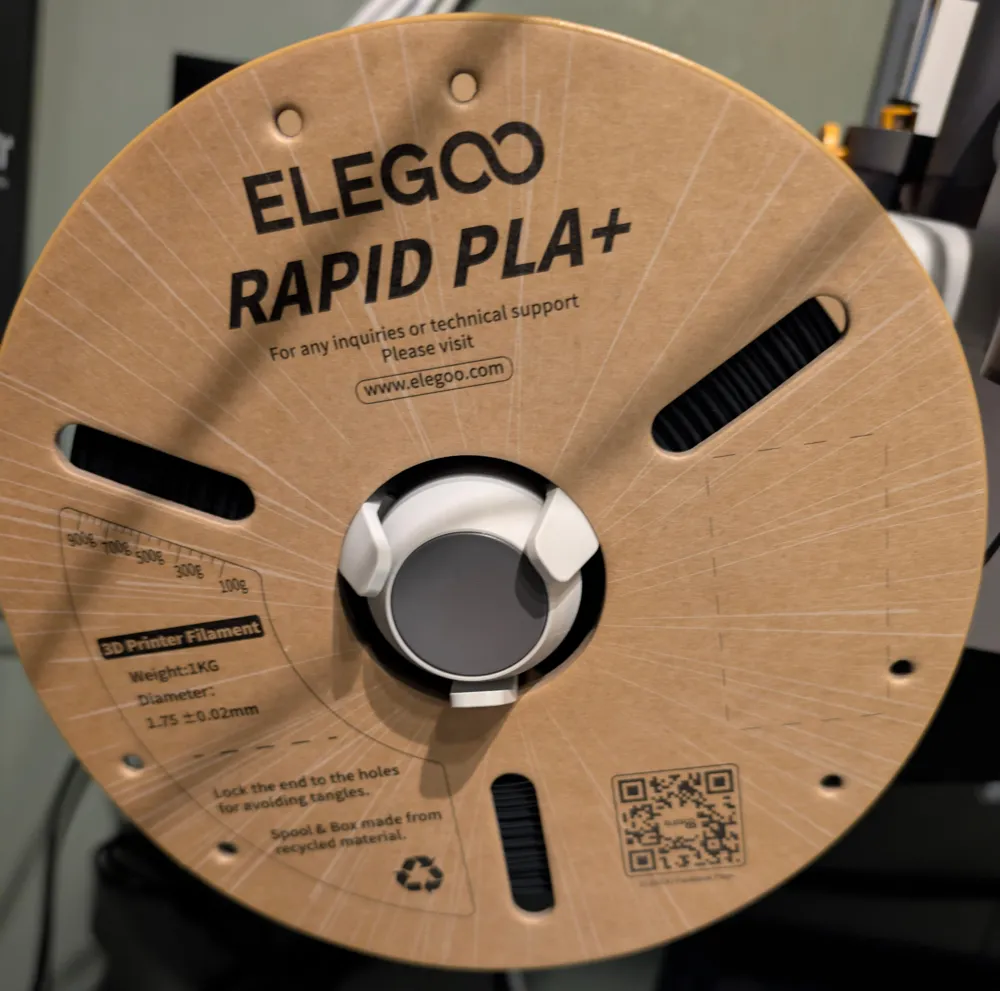
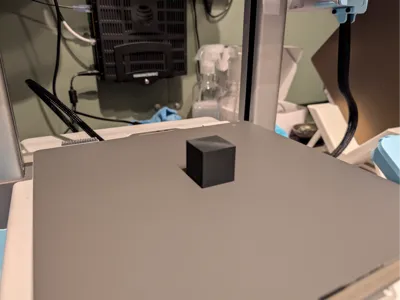
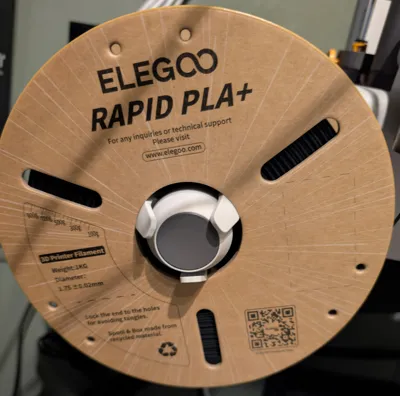
This is a fully calibrated profile for Elegoo Rapid PLA+ filament, black, done on a Bambu A1 with the 0.4 hardened steel nozzle using Orca Slicer. I used a basic cube as a model for this because it is quick and easy to print for a test, but I have been printing with these settings on various models of various shapes and sizes and its been working great.
I highly recommend using OrcaSlicer over Bambu Studio for this, but it should work pretty good for both.
Directions for use (there are screenshots to help if you are new to this method):
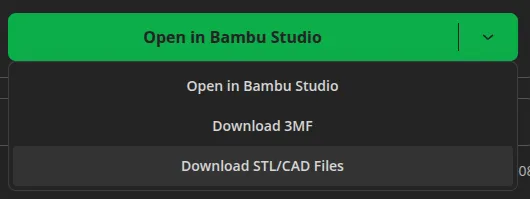
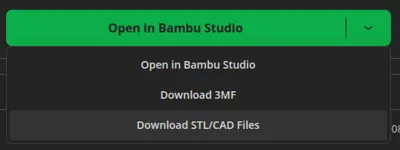
- Click “Download STL/CAD Files”
- Choose “Download All”
- Open OrcaSlicer or Bambu Studio
- Click File → Open Project
- Choose either the .3mf file with Orca in the name or Bambu in the name, depending on your slicer (Orca Slicer is highly recommended)
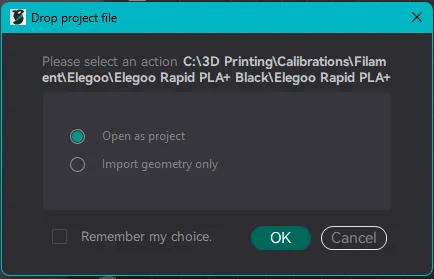
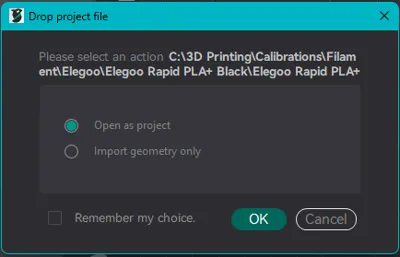
- If it prompts you to choose between open as project, or open as geometry only, choose open as project (pictured)
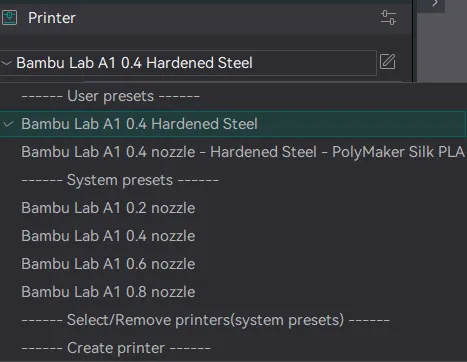
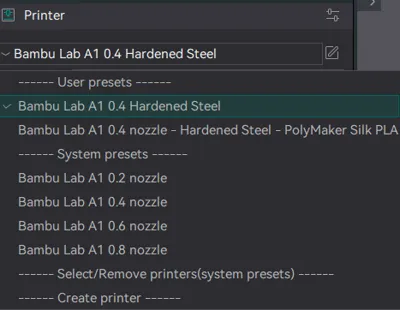
- Make sure you select the Bambu A1 0.4mm nozzle in your Printer at the top left of the slicer (pictured)
- If you use a different printer, it may transfer over just fine, but if you use a different nozzle size, it will not work
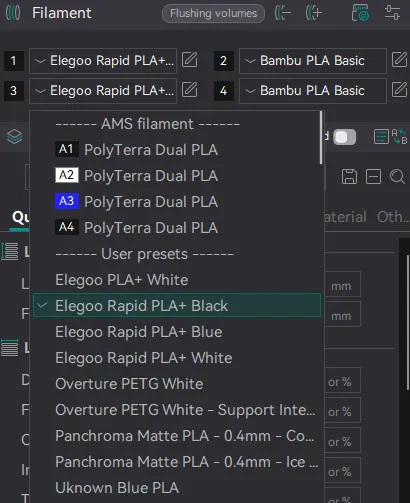
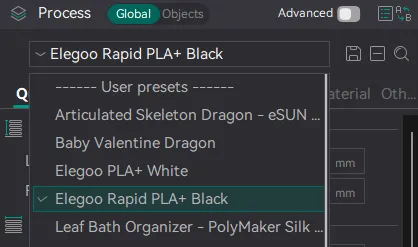
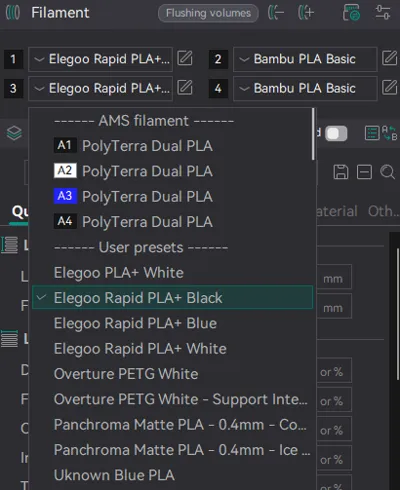
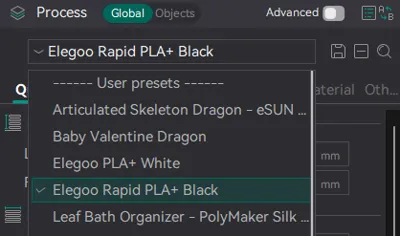
- Make sure you select “Elegoo Rapid PLA+ Black” in both the filament dropdowns (pictured) and the process dropdowns (pictured)
- It should select these by default, but sometimes it does what it does
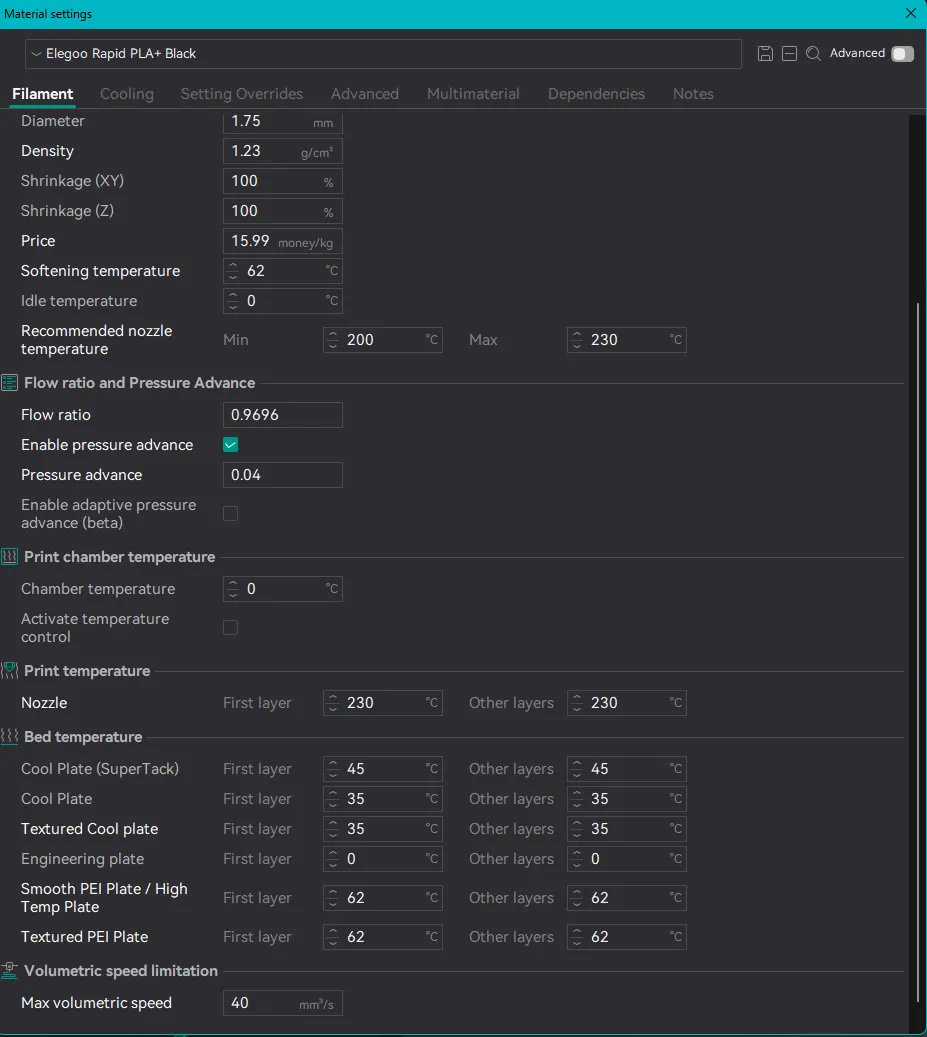
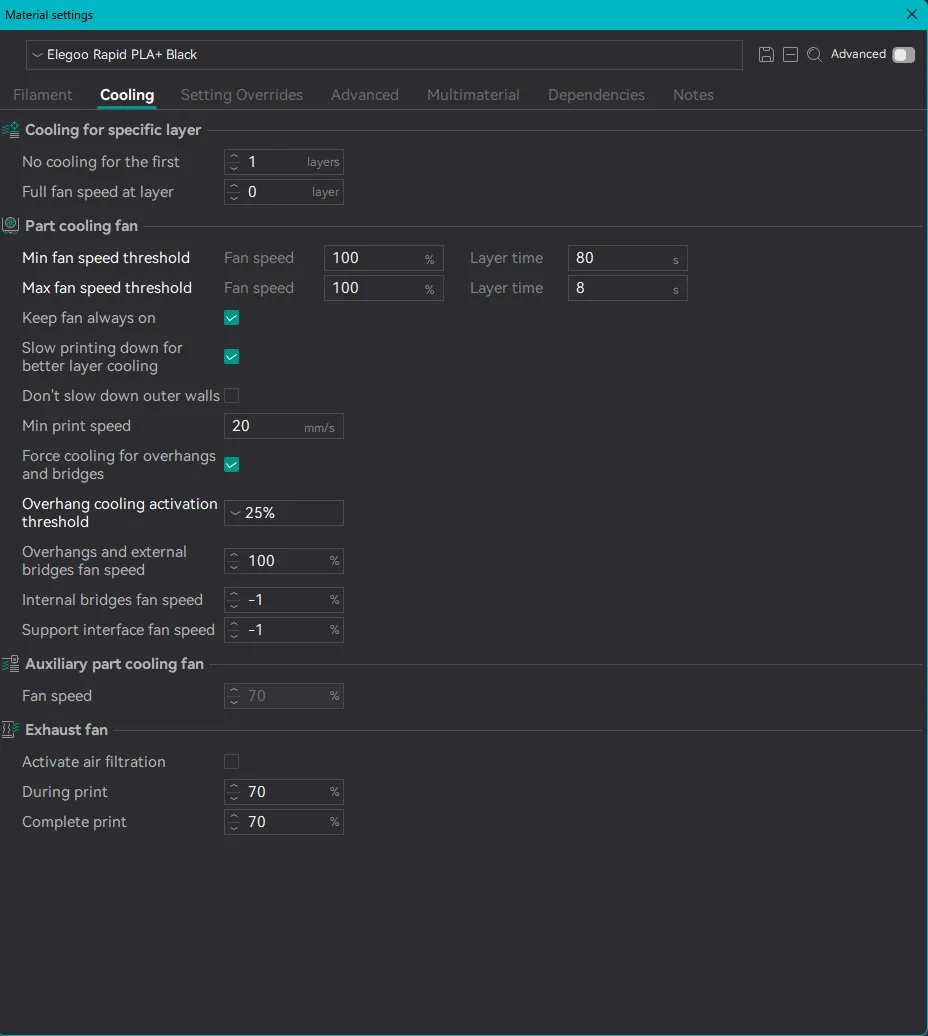
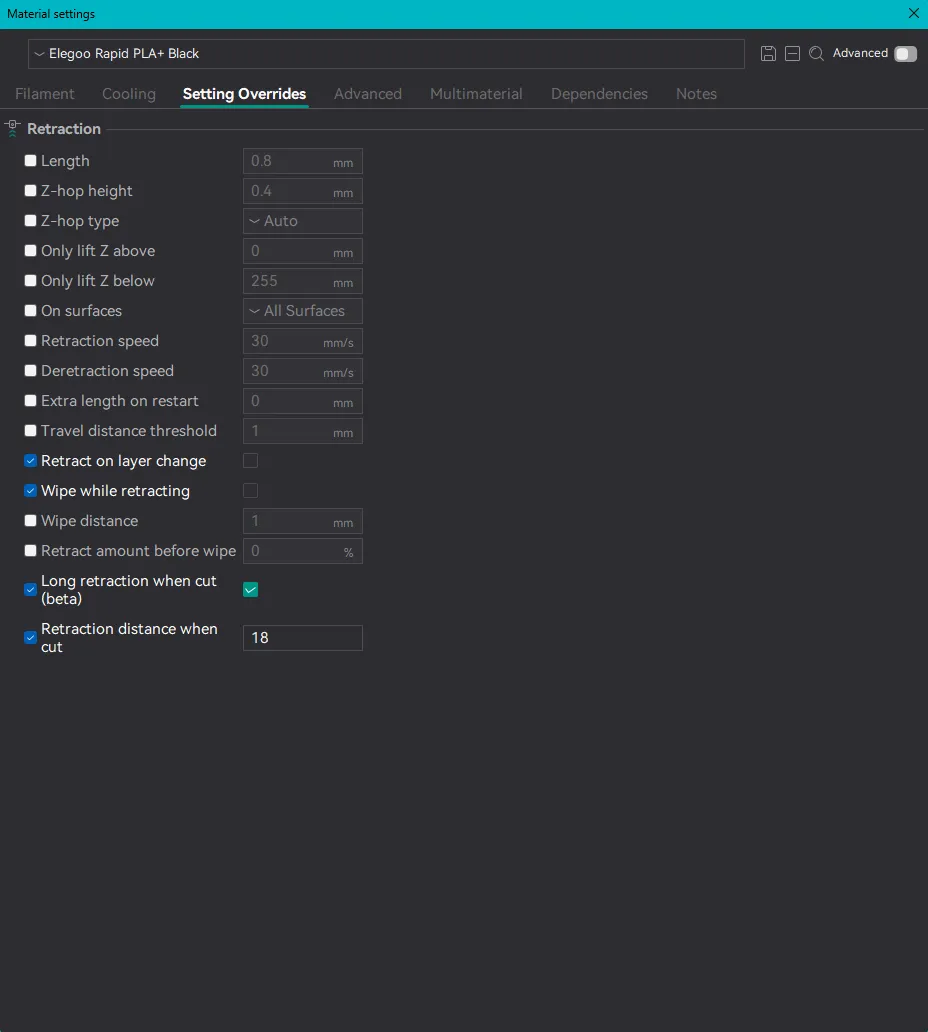
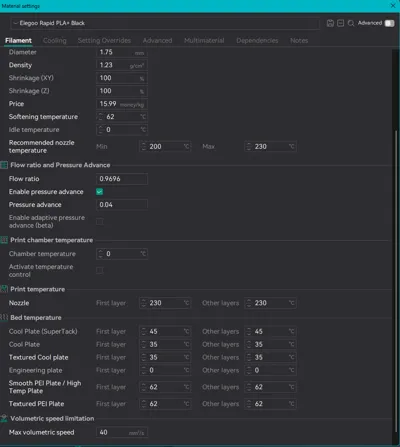
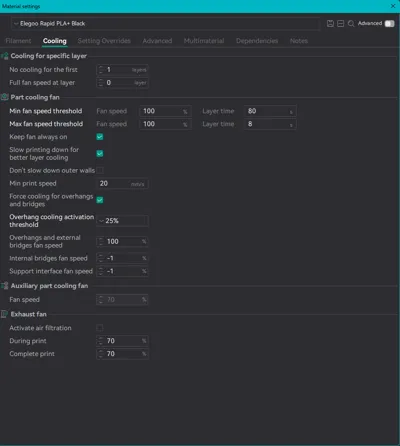
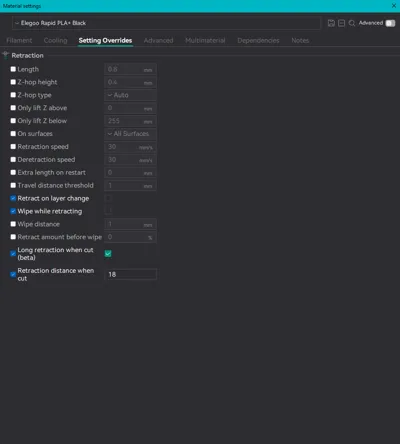
I also attached screenshots of the filament settings so you can do this manually if you are only looking for the calibrations and don't want to also use my process settings (print settings). It does help me with Bambu points if you download the model though, so I'd certainly appreciate it if you did that regardless of whether you actually use it or not =)
I calibrated the following:
- Nozzle temperature for the hardened steel 0.4mm nozzle (this should be the same for the stainless steel 0.4mm nozzle)
- Bed temperature for the Bambu Supertack and the Bambu PEI textured plate
- Flow ratio (overall)
- Flow ratio (first layer)
- Pressure advance
- Ironing for surface quality
- Max volumetric speed
Print settings optimized for the following:
- Speed
- Layer adhesion
- Wall strength
- Surface Quality
- Supports to be easy to remove
- Cooling
I have the speed cranked up pretty high and still got fantastic results, but you can definitely lower the outer wall speed from 400mm/s to 50mm/s, and the inner wall speed from 500mm/s to 100mm/s if you see any issues and want pristine surfaces - the slower the print, the nicer the surface. But its a trade off for speed and this works very good at high speeds. Elegoo claims this filament can hit 600mm/s but when I tried it I got some inconsistent results, I found 400mm/s for surfaces and 500mm/s for internals to be the sweet spot.
Please feel free to ask any questions and I'll do my best to answer. Also feel free to boost if this was of help to you. I plan to post a few of these per week as time allows me to calibrate more filaments and colors. The more well received they are, the more motivated I'll be =)
License



Comment & Rating (30)