
Superhero Stackable Coasters (AMS Only)
Print Profile(6)


Description

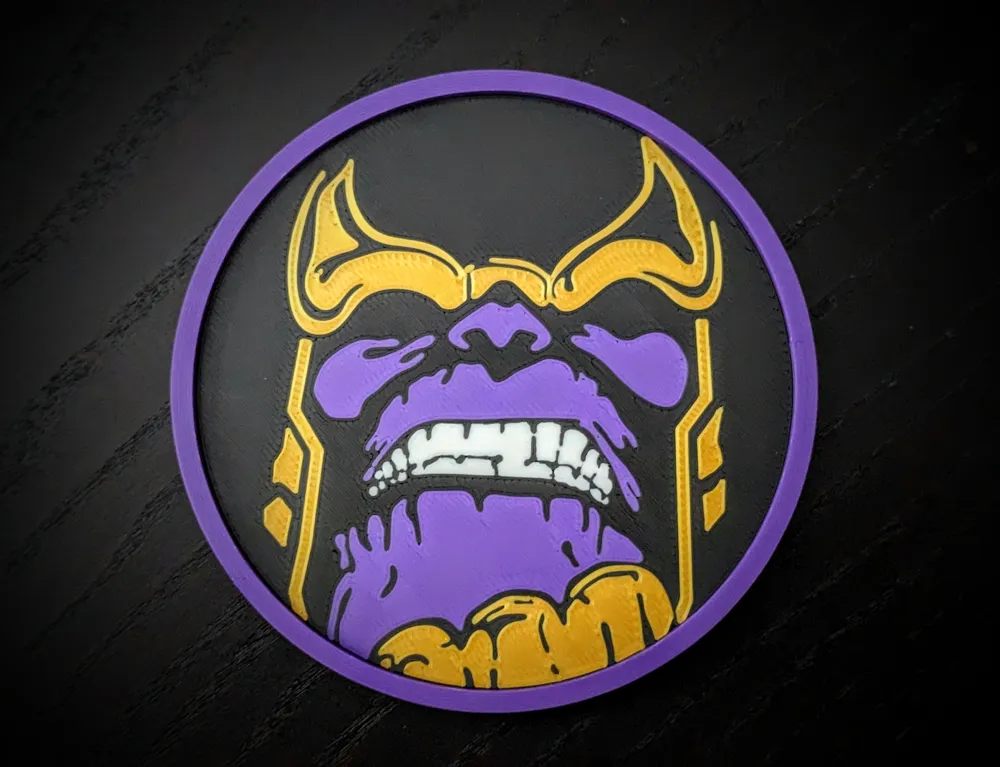
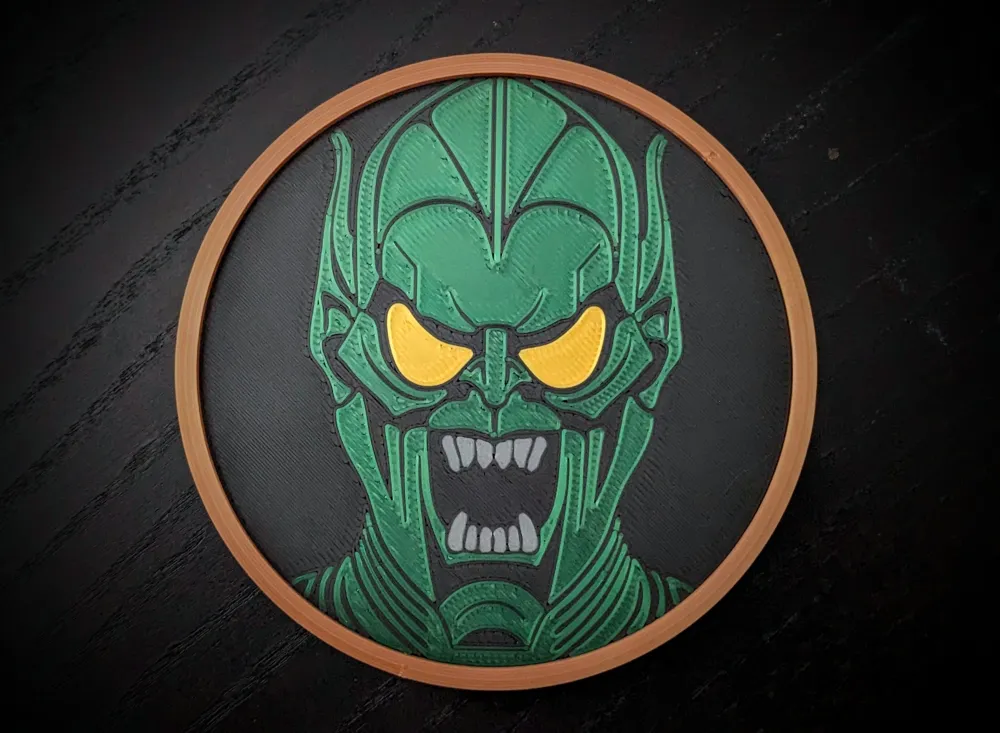
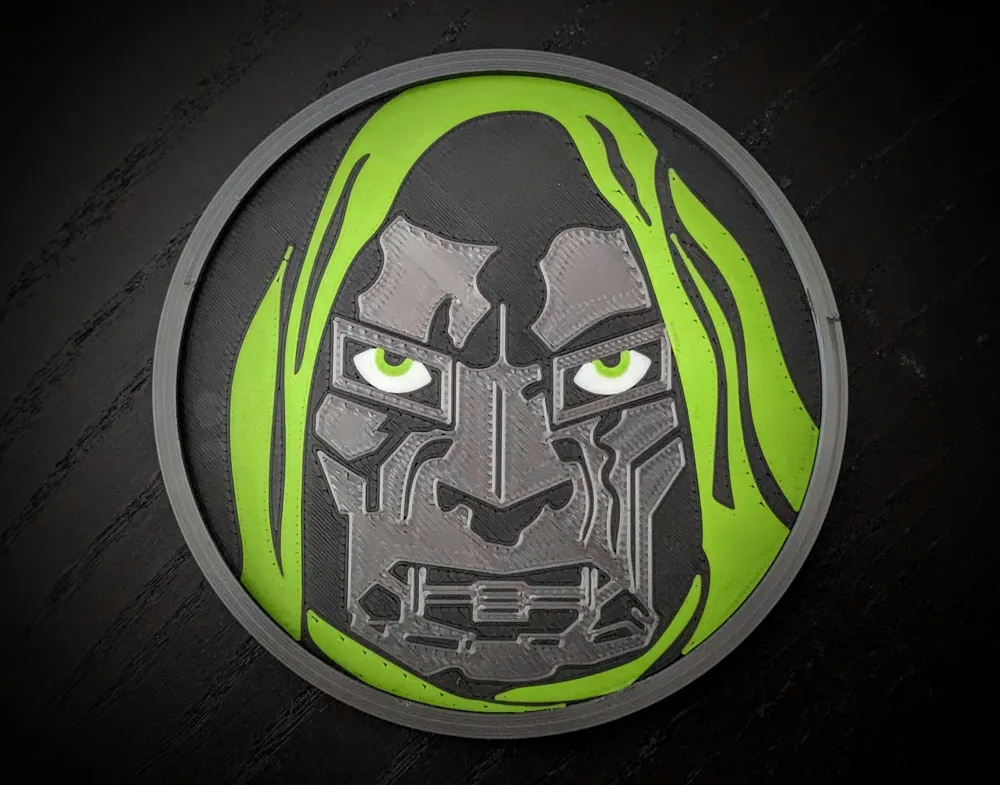
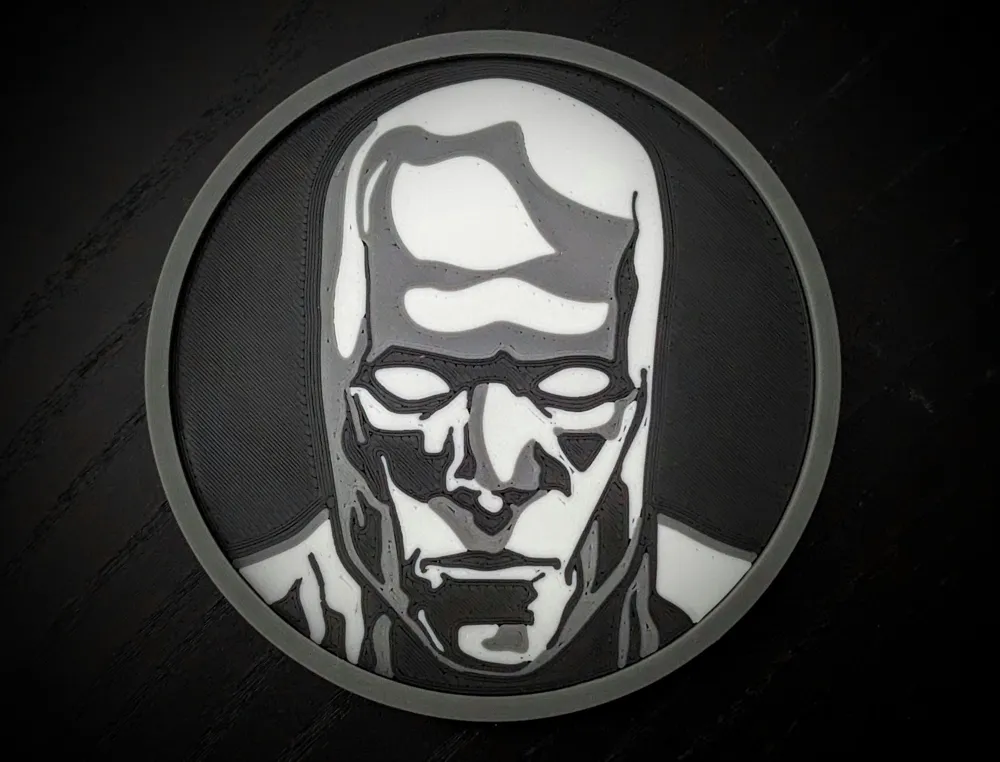
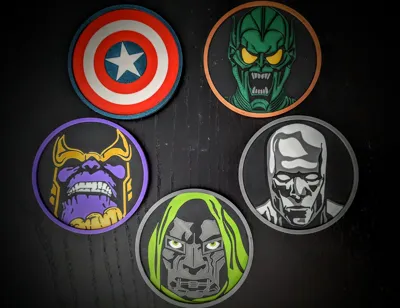
Please note the coaster models seen here are only possible by using an AMS. The colored sections are separate bodies and always on the same layer, so you cannot manually swap colors at different layer heights. Even if you turn the model over, it cannot be printed with multi-color without the AMS. The best print quality will be given with the smooth plate and not the textured.
While these are a little restrictive to make, if you have an AMS and smooth plate, the payoff is really cool and something a marvel fan should love.
Print Instructions / Tips:
It is easiest to just follow the print profiles:
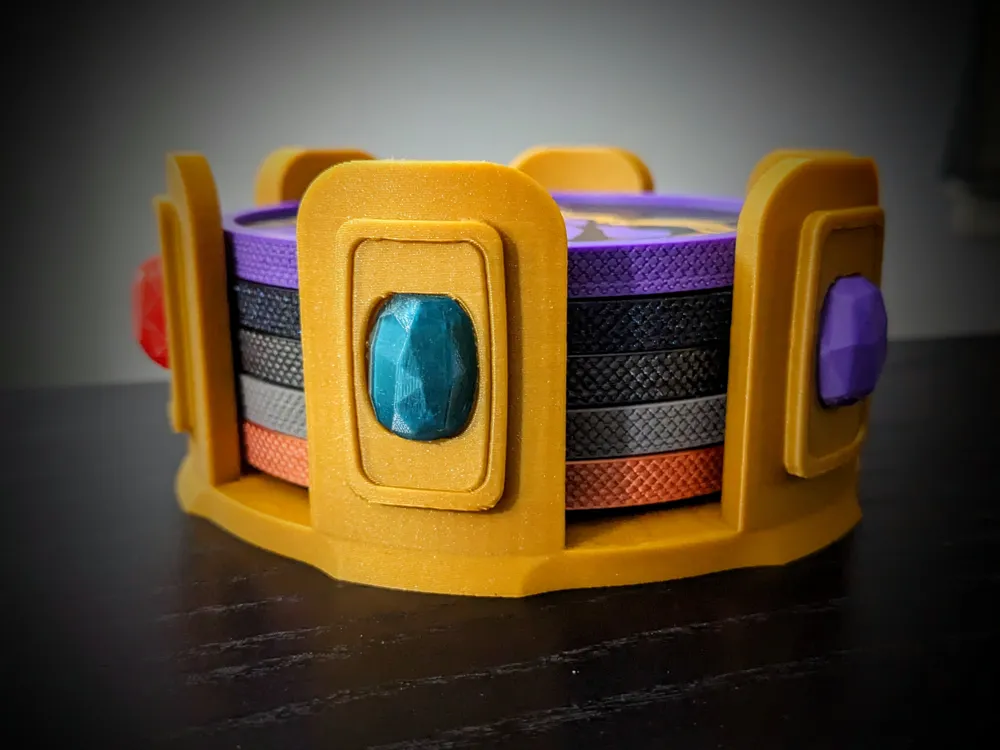
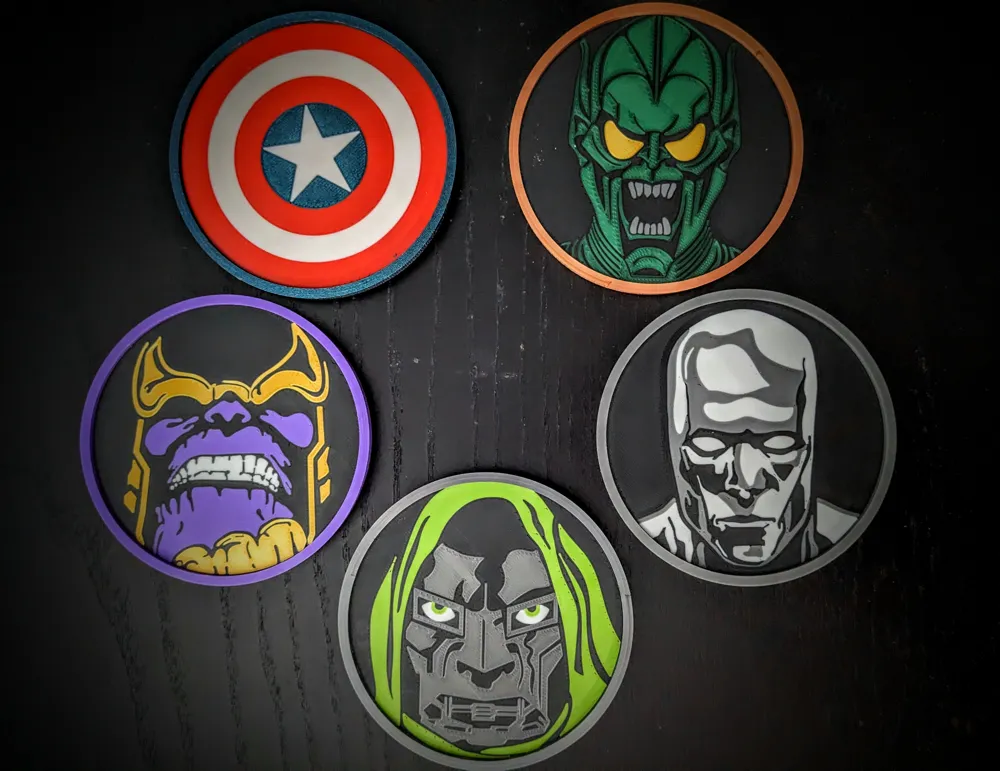
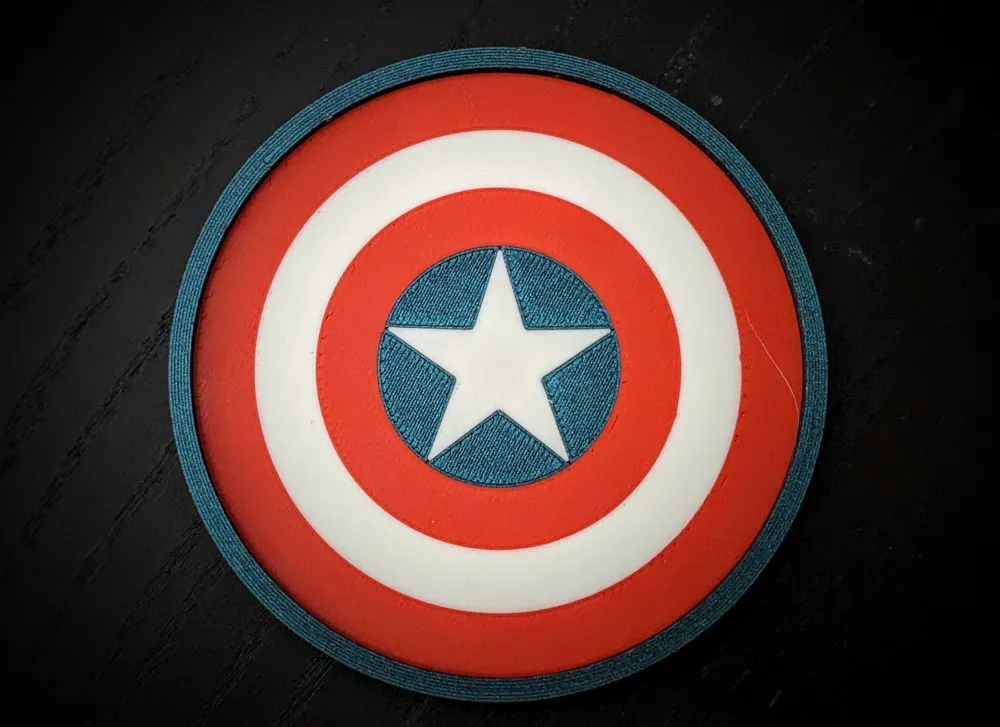

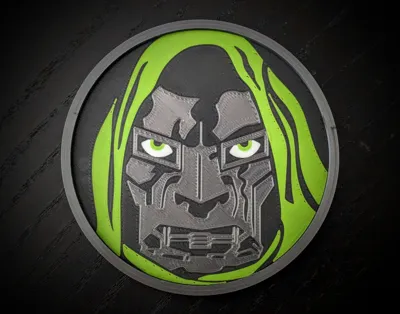
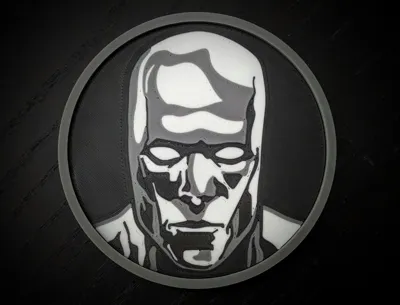
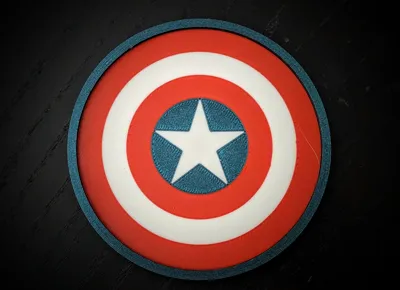
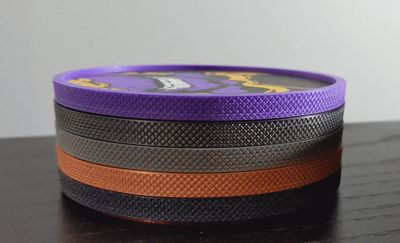
The coasters are a three piece design. Both the A1 mini and larger printer print profiles contain the files to print the outer ring, the bottom piece, and the main coaster (containing 6 marvel characters)
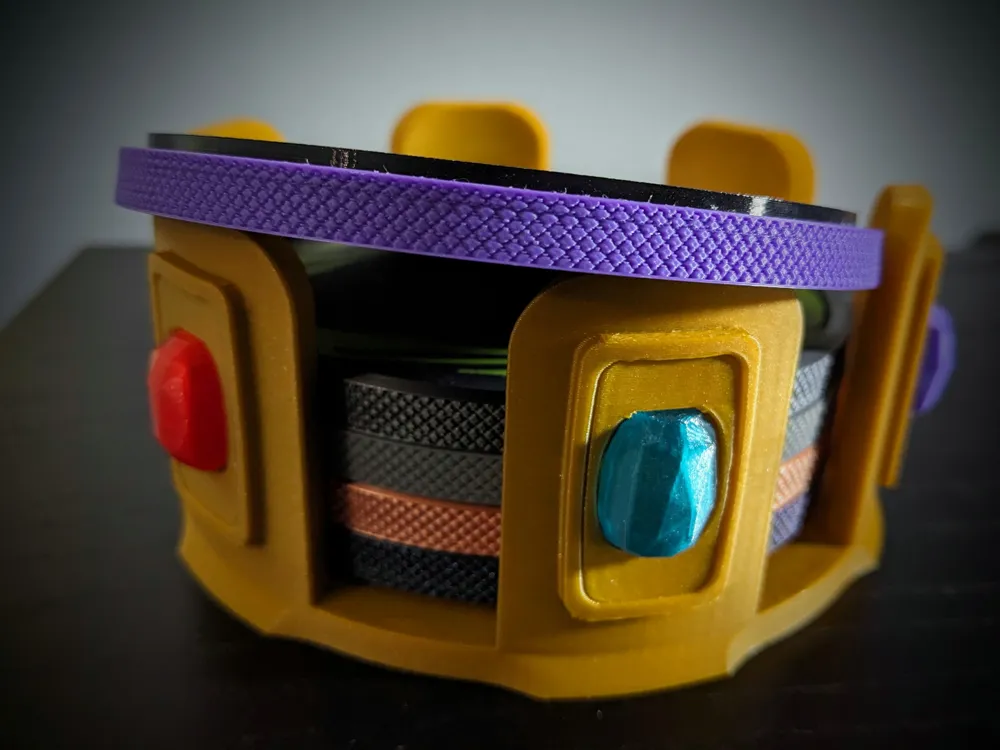
The outer ring requires supports and tree supports (slim) are enabled to make it as easy as possible to get them off. The scaring won't matter too much as the overhang ring is covered and will not bee seen. Just make sure all of the small tree interfaces are removed. The textured pattern does make the print time quite long. This is printed with solid walls to ensure it is sturdy. Color is set to black, but you can print this in any color.
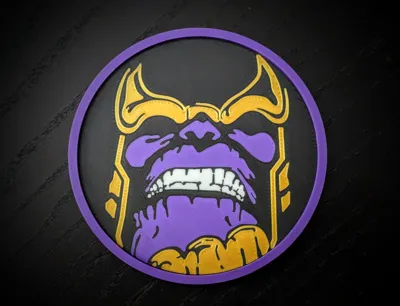
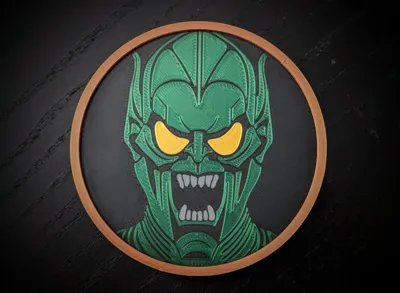
The main coaster portions are printed face down on the smooth plate. If you are going to use the textured plate, please adjust this in the slicer settings before printing. Do not move the the character models unless you select all of the bodies. Each character has a different amount of bodies. It is best to leave them alone and just print one at a time as is. The color swaps have been reduced to as few as possible. Three layers are set up for all colors except for the base color (most are black base color) and white (which requires 6 layers or it turns out a light grey). The weight has been optimized, but you can print these more robust by adding more top/bottom layers. Each is optimized to only require four colors. I have set the profiles up with the needed colors to print them like seen in the pictures.
- The bottom piece I mainly printed in TPU using the textured bed to give a softer bottom with a little more grip. There is a separate print profile for a TPU base using a large format printer. I do not print TPU with my A1 mini, so I didn't want to make a profile that didn't work well. Good news is that the base can easily be printed in PLA as well. Color is set to black in the main print profiles, but you can make this any color you want.
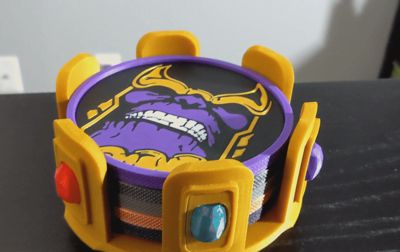
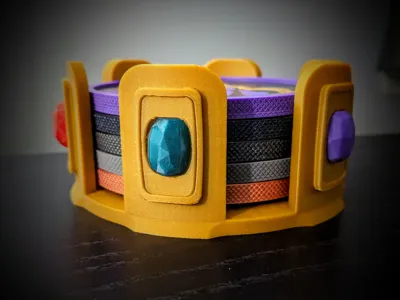
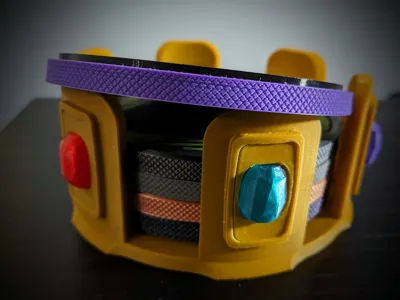
- The Gauntlet Holder is set up to be printed in PLA and with manual tree supports added. There are also 6 gems (colored appropriately in the slicer). While they do look similar, each one is technically unique. However, they all fit in each slot, so you can choose one and print it 6 times if you want. Profiles are available for both the large format printers and the A1 mini. These are set up for the textured plate, so be sure to swap to the appropriate plate if necessary.
Assembly
To assemble the coasters:
Remove the supports from the outer ring. With my settings I am able to remove them without using tools. Easiest way I have found is hold the model so tree supports are upside down. The place your thumb pad on a section of the tree support only and pull down and in toward the center. With some force, these should snap right out. If necessary use flush cutters to ensure all the tree interfaces are removed.
Dry fit all pieces to ensure clearance (main coaster part sits into the deeper pocket of the outer ring and the bottom piece sits in the more shallower pocket; with the stub of the coaster fitting into the cutout of the bottom piece.
Add a small amount of CA glue to the top of the deeper pocket ring. Place the coaster body faceup into the pocket and twist it from side to side to spread the glue a little. Hold in place and let set for a few seconds.
Turn upside down and place a small amount of CA glue around the shallower pockets inner ring. Place additional glue in the cutout of the bottom piece
Press the bottom piece into place and squeeze the the coaster top and bottom piece together. Ensure the edges are pushed as this is where the connection must be solid.
Place coaster on a flat surface and place a small weighed object on top of the coaster to press the pieces together while they cure.
- For the gauntlet, the gems shouldn't be too snug, so they will need to be glued into place. I used a small clamp to clamp one after gluing for a few minutes and then switched as I glued the next.
General Tips
When using the smooth plate make sure it is cleaned between each print. Best way to clean a smooth plate, in my opinion, is to first use windex (ammonia based glass cleaner) and wipe with a clean paper towel until dry and then use isopropyl alcohol with a different clean paper towel until dry. This will ensure no residue is left behind and end up on the face of your next print.
Total filament including supports and purge for a full set of 6 coasters is approximately 350 grams.
- Gauntlet adds another ~100 grams
If you want more simplicity, the character part of the coaster can serve as its own coaster without the need for the ring or the base. By itself, it feels a little light, but printing it with 5 mm top and bottom layers to make it solid makes them decently weighted. Be advised these won't stack without being assembled.
- For the gauntlet, if support settings are not dialed in the overhang area might droop and cause the gem to be too tight to fit due to the. Do a dry run first to make sure they all fit. Sand or use flush cutters to make sure the overhang area is flat.
License

You shall not share, sub-license, sell, rent, host, transfer, or distribute in any way the digital or 3D printed versions of this object, nor any other derivative work of this object in its digital or physical format (including - but not limited to - remixes of this object, and hosting on other digital platforms). The objects may not be used without permission in any way whatsoever in which you charge money, or collect fees.


Comment & Rating (13)