
Support Removal/ Detailing Tool
Print Profile(6)


Bill of Materials


Description
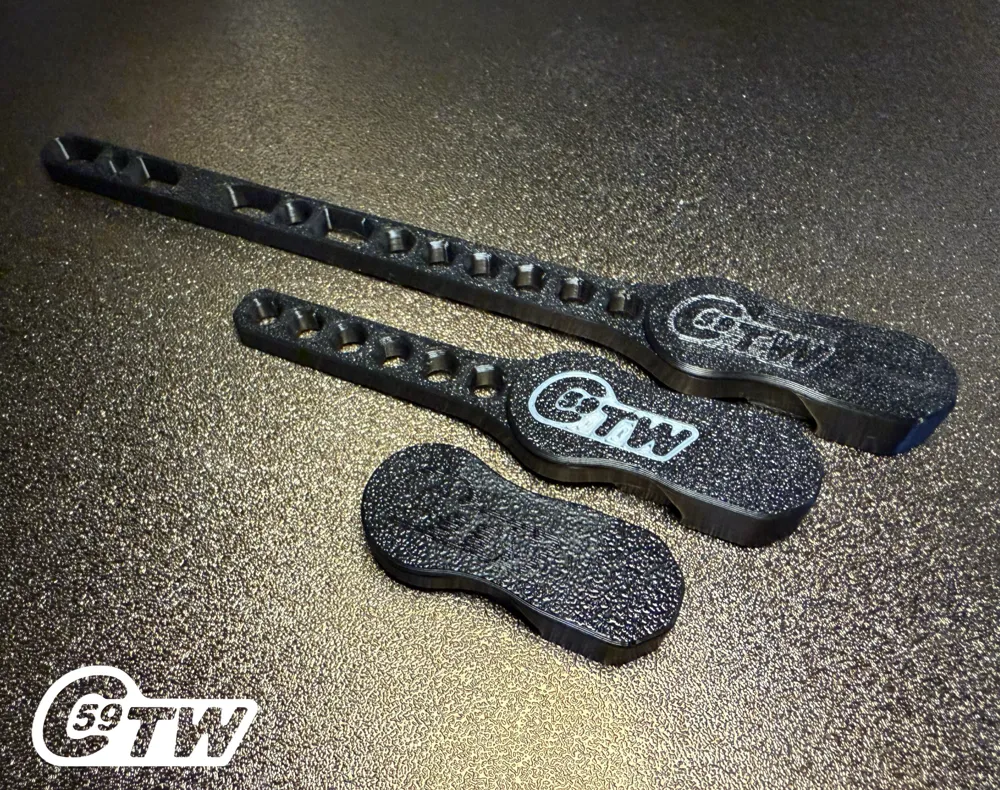
Support Removal Tool CSRT
C59 ToolWorks – High-Performance Printable Tools
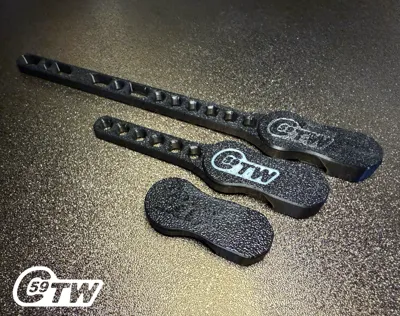
Filament Cutter Handle
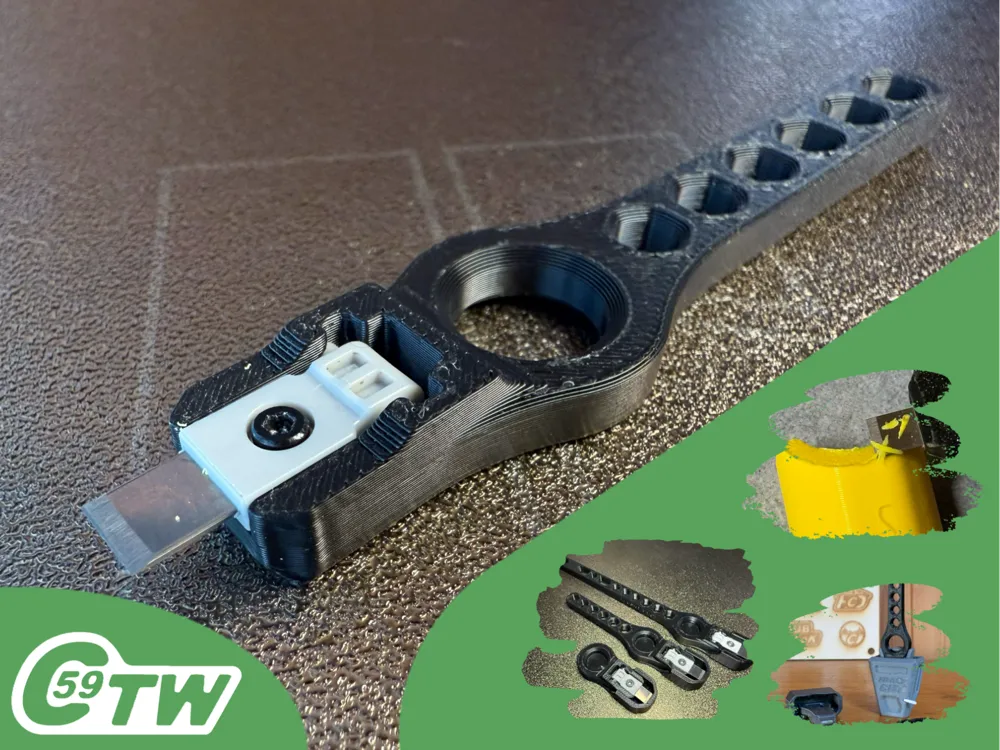
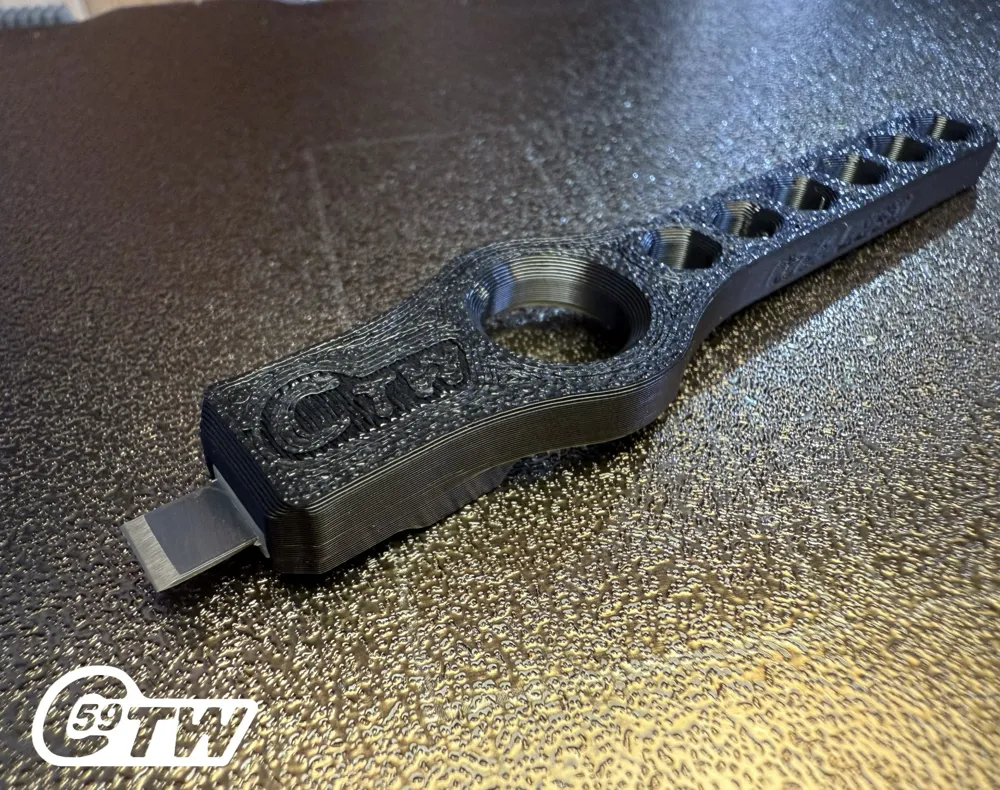
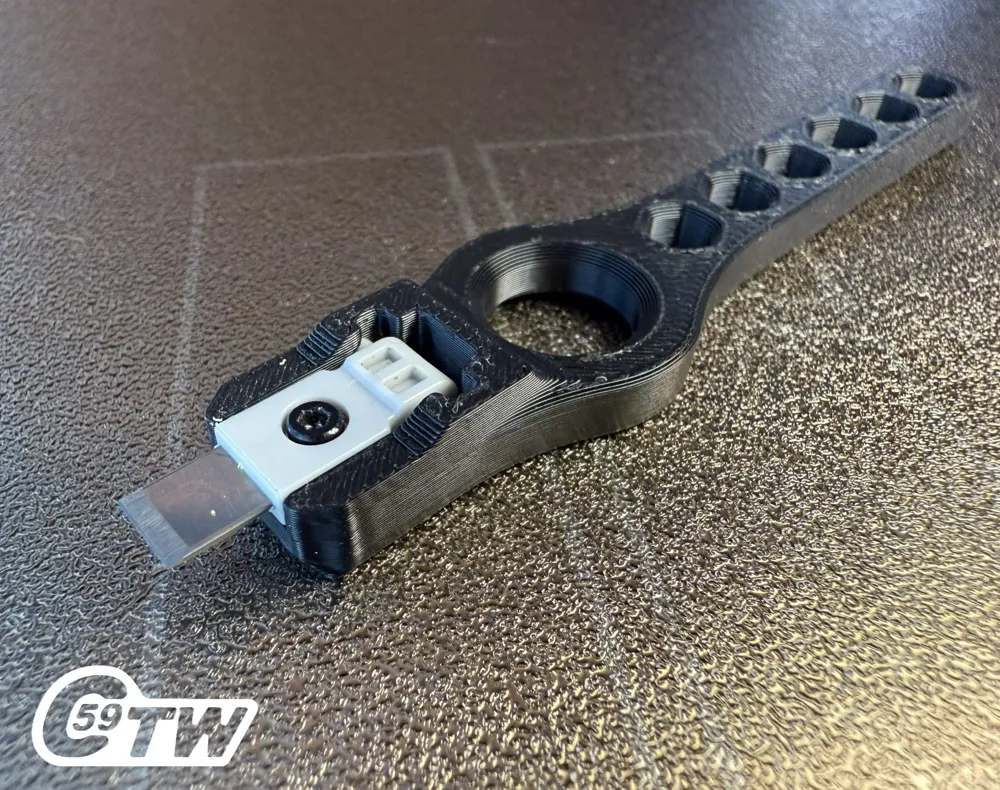
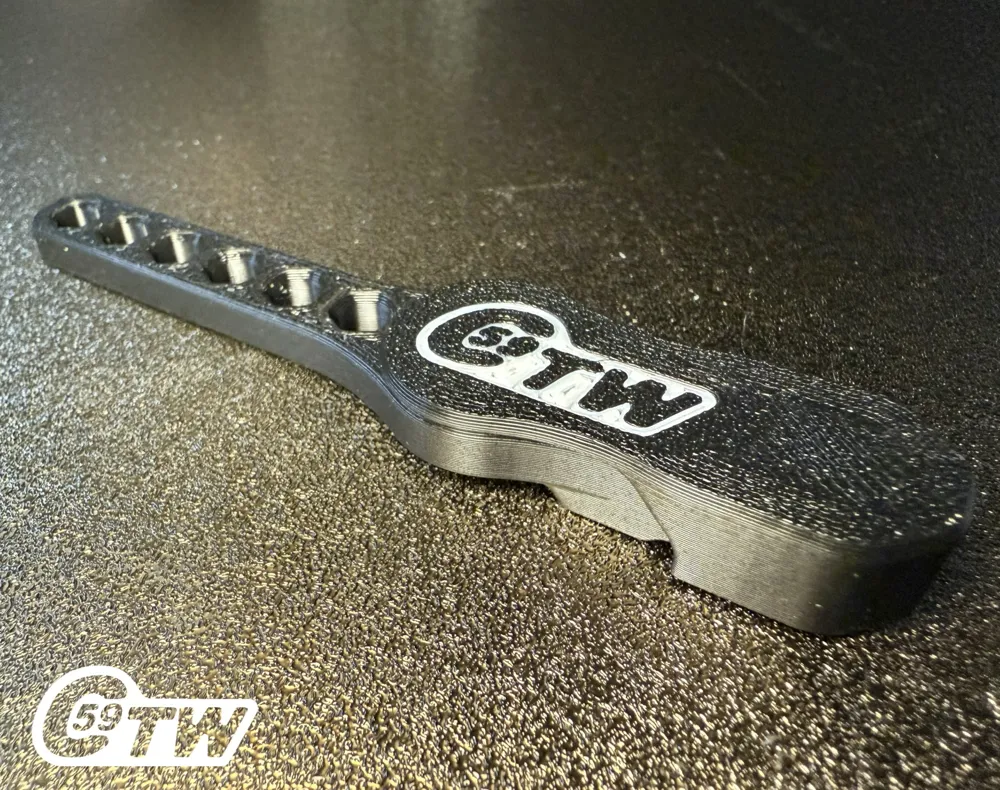
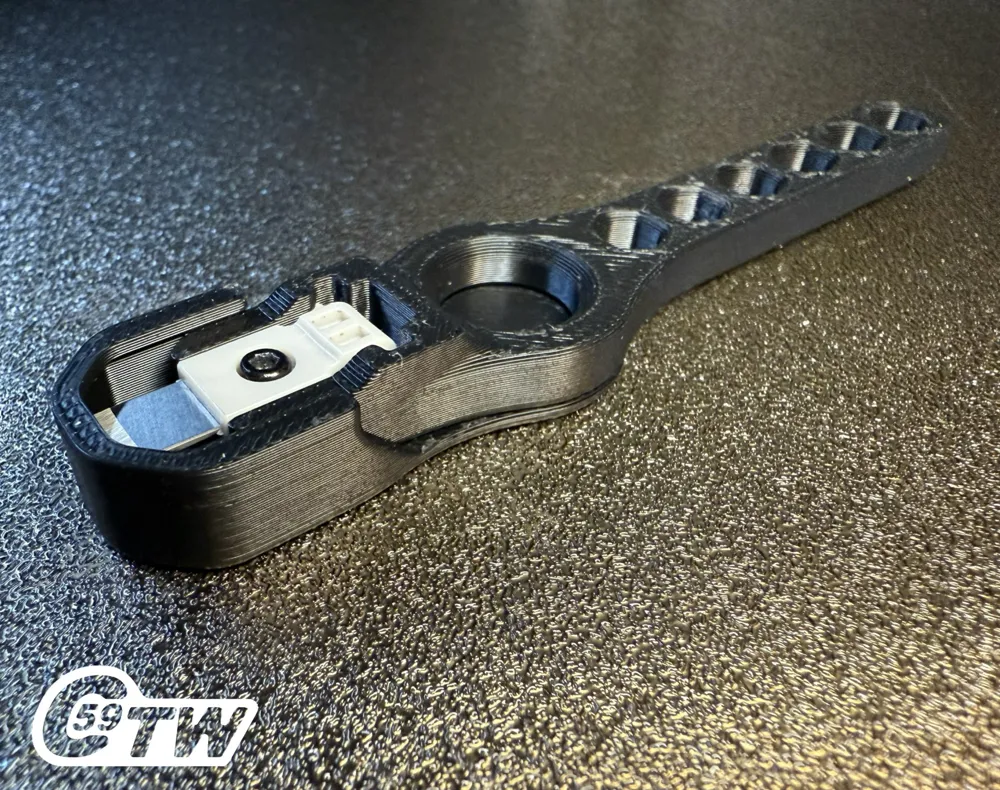
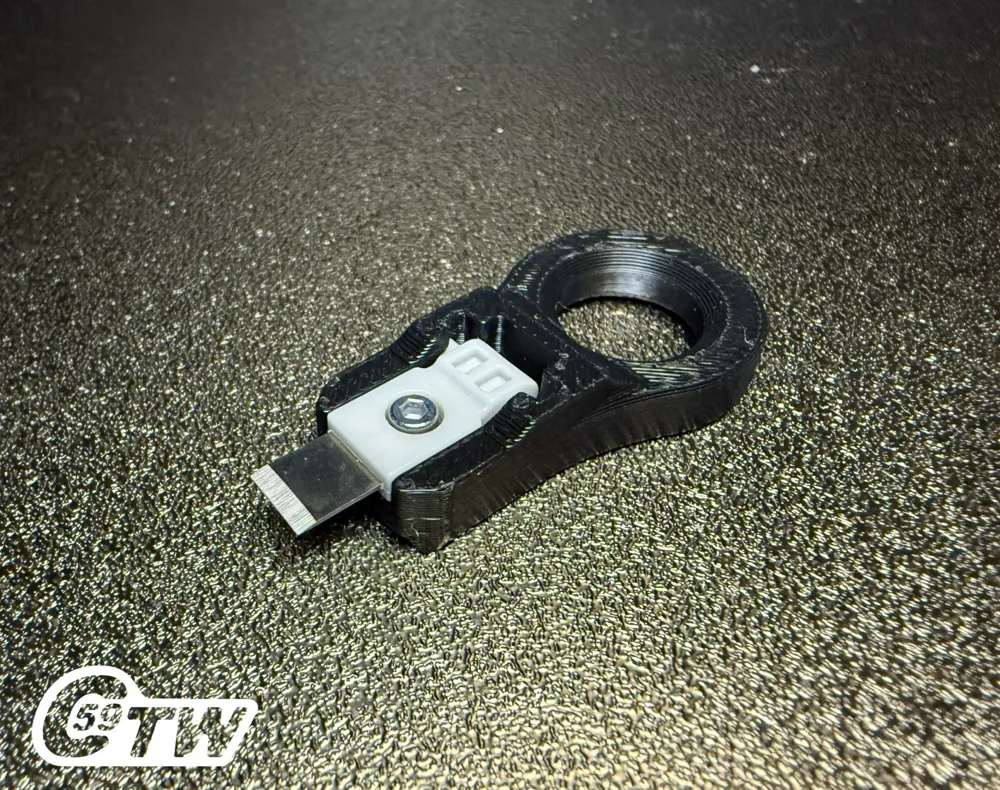
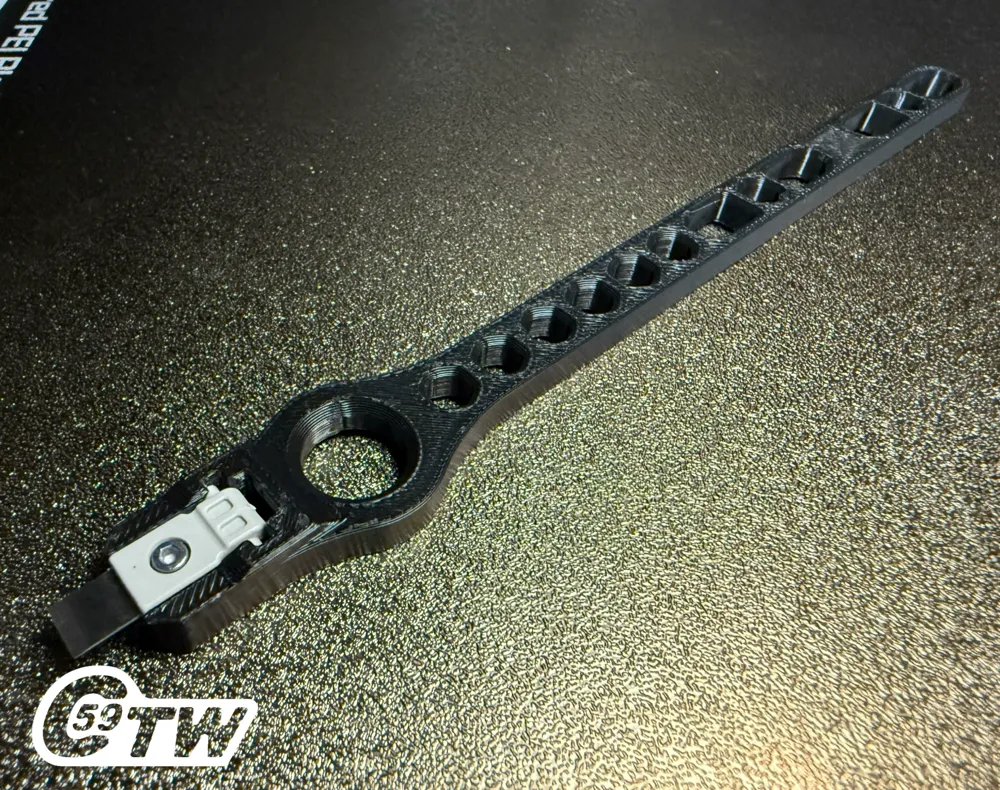
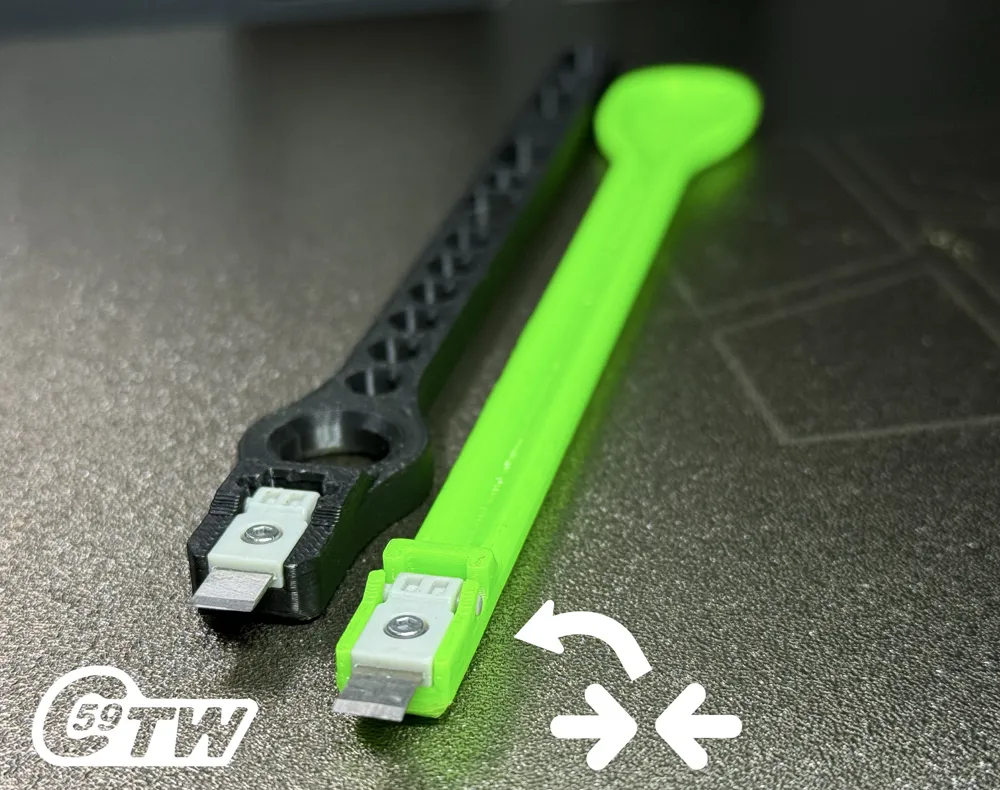
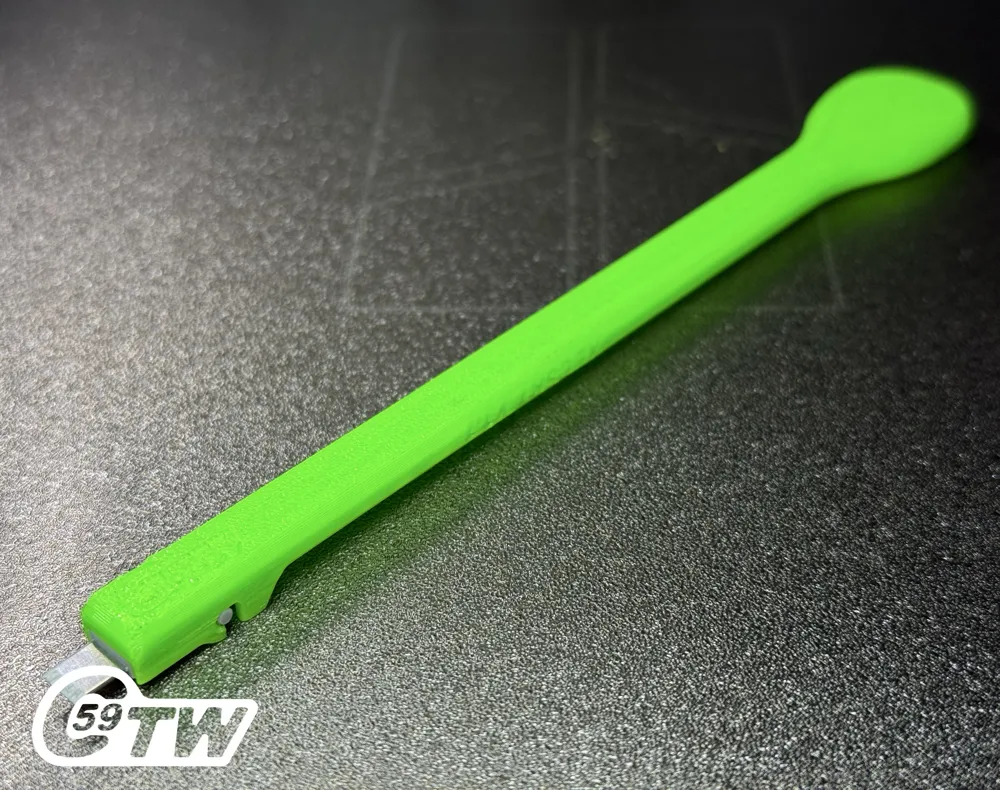
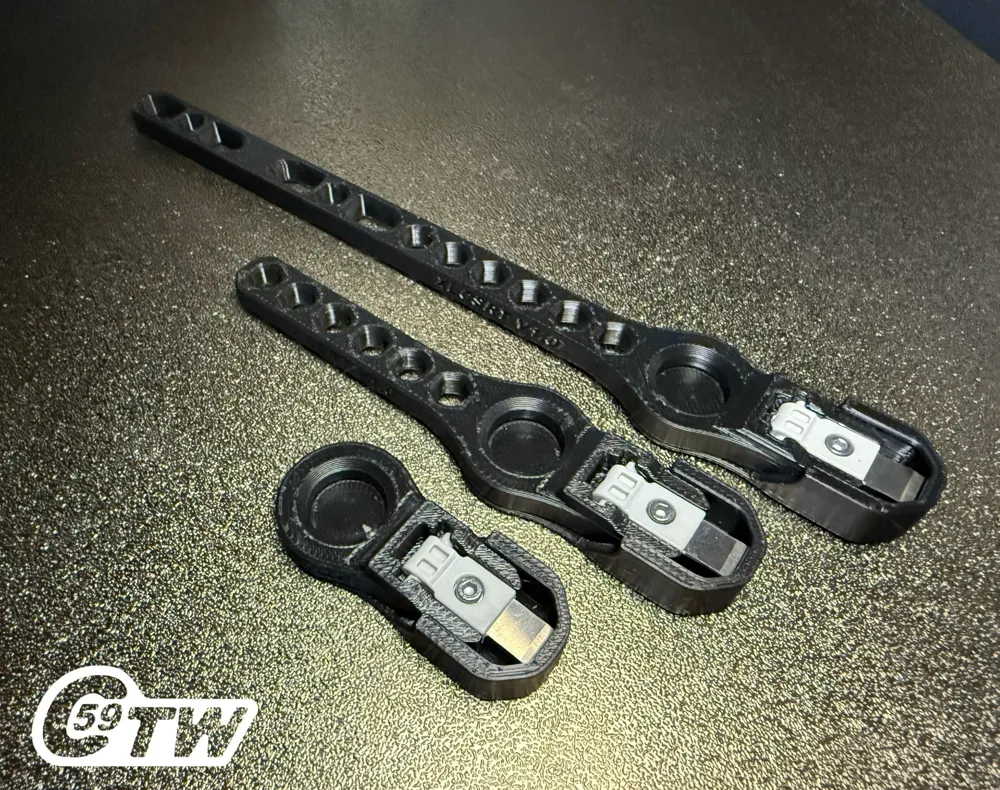
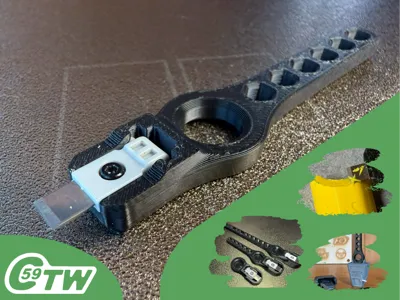
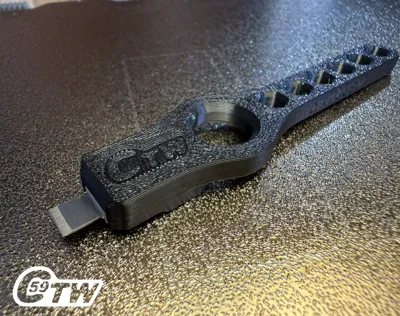
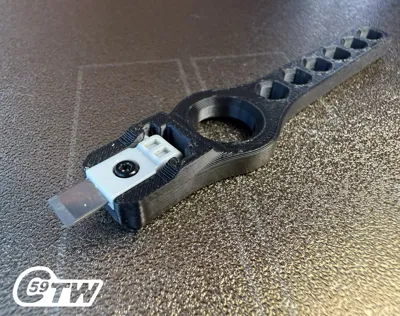
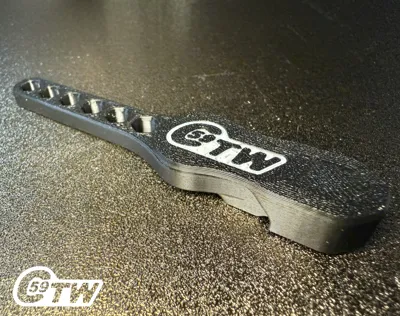
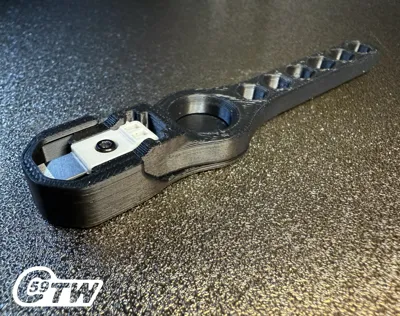
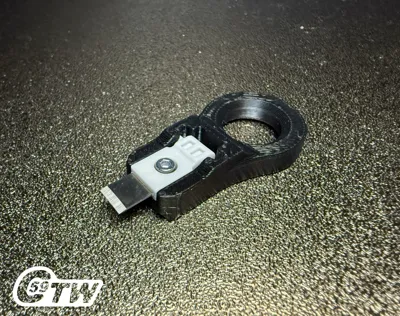
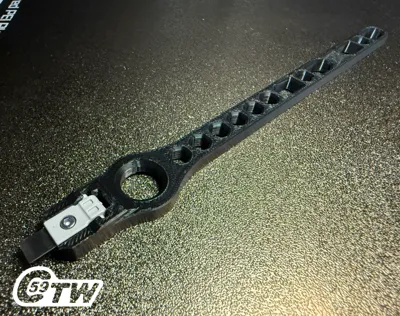
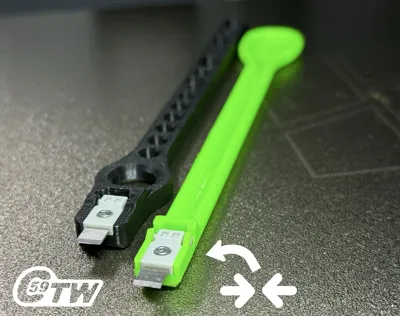
This clever little handle allows you to attach a filament cutter from a Bambu printer, one that you likely already have in your spare parts. The design incorporates a hole near the cutting edge, enabling you to rotate and maneuver it comfortably.
The cutter from P2S currently does not work and will need to be adapted. As for the H2D, it is not compatible.
Cutter compatibility: X1C, P1S, A1, A1 Mini
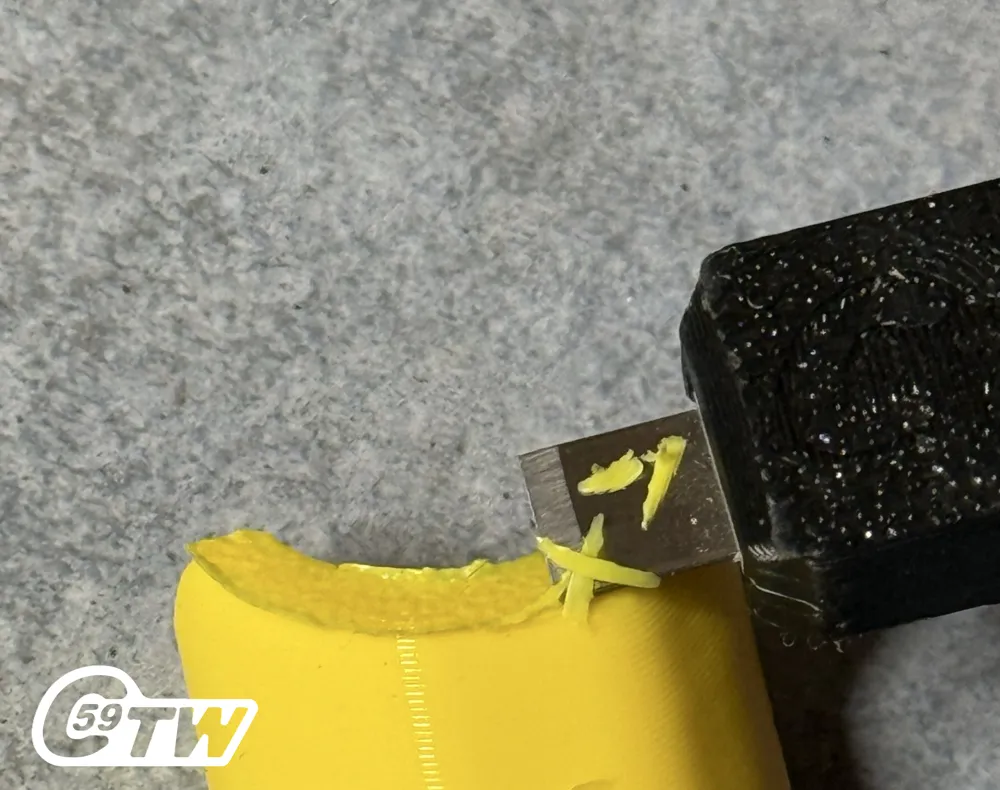
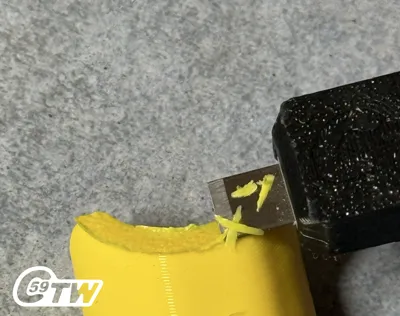
This handle is perfect for removing brims, supports, and small imperfections. Its compact size makes it a great alternative to a scraper for detailed work!
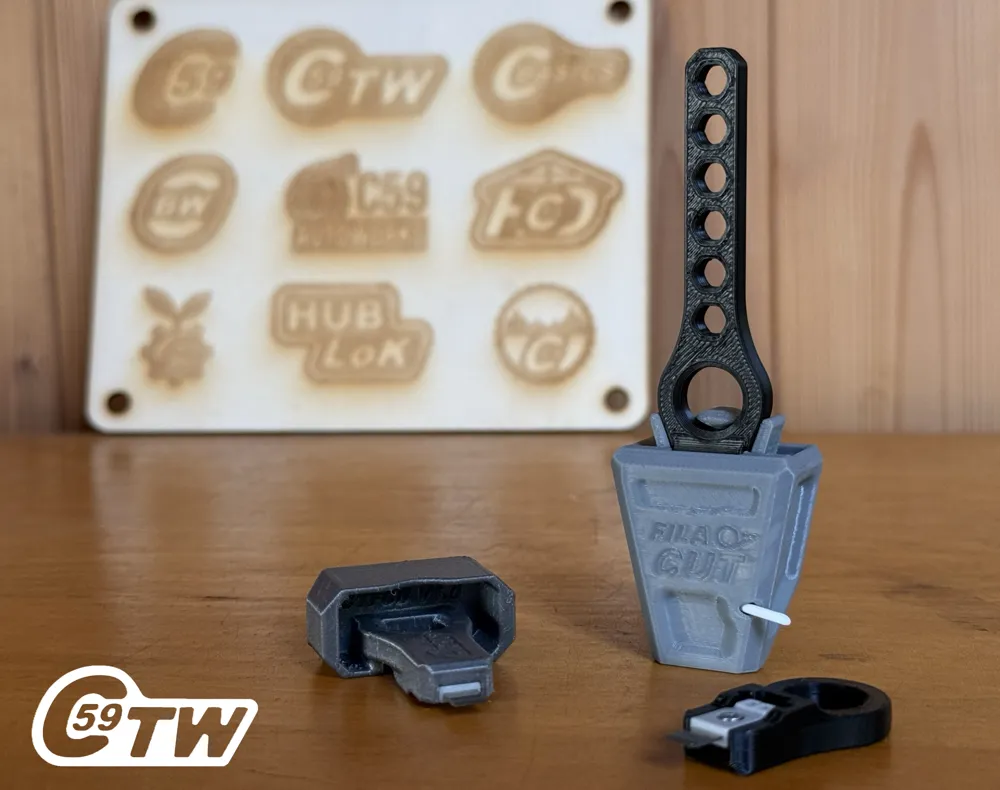
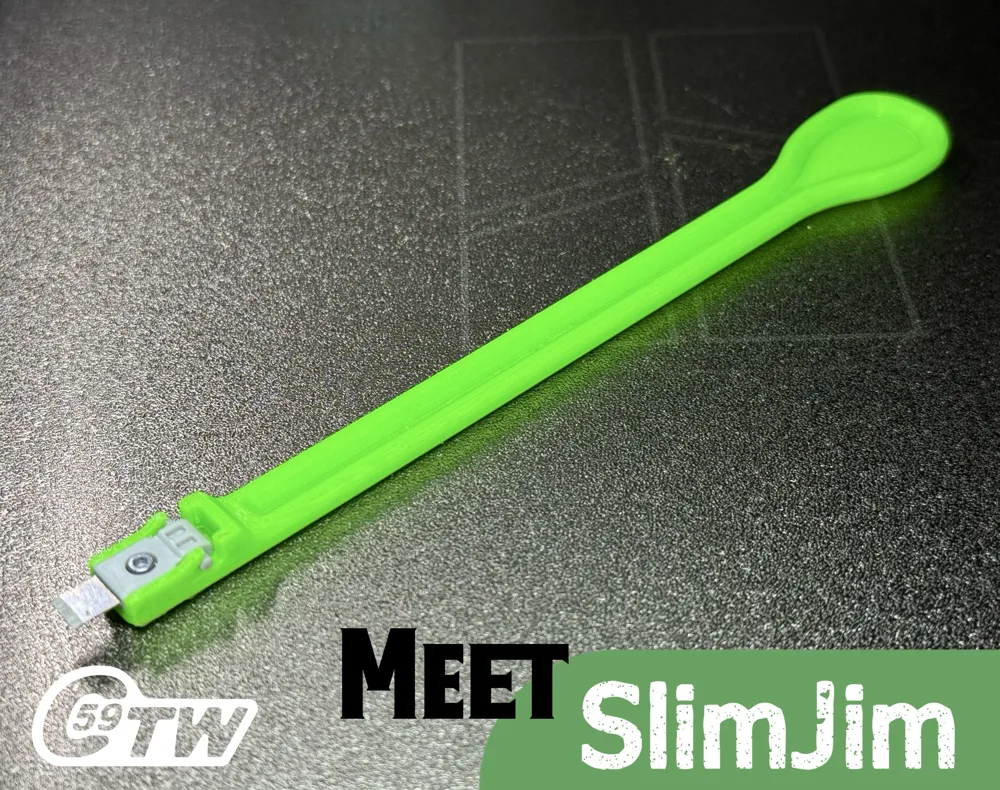
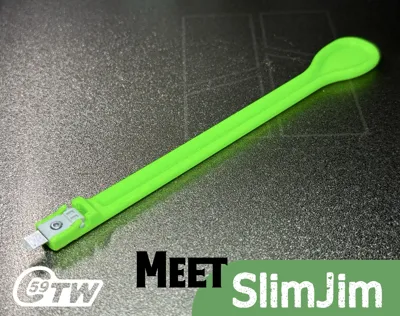
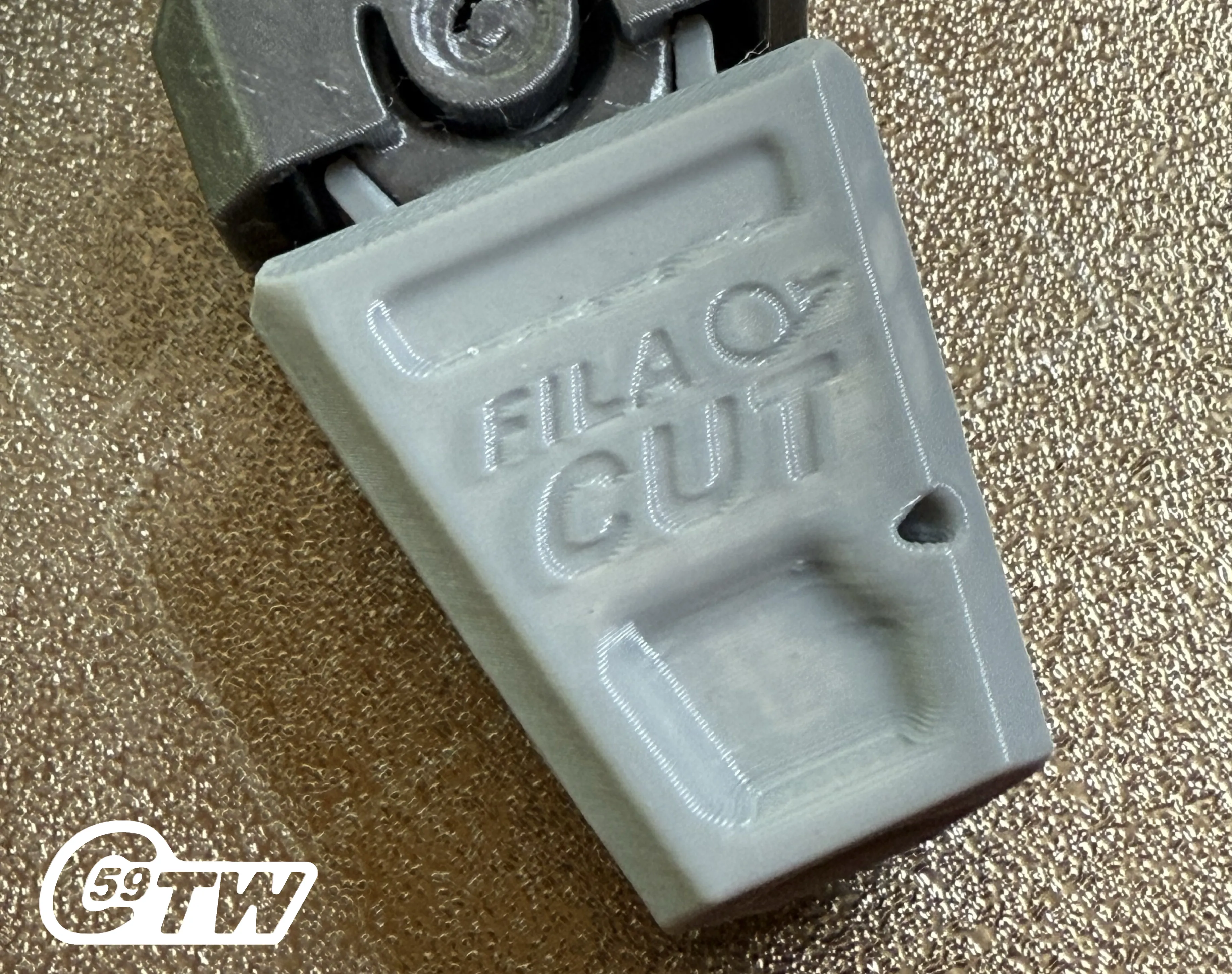
Introducing Fila-Cut Filament Cutter and SlimJim, the narrowest of them all! (Profile available Soon here)
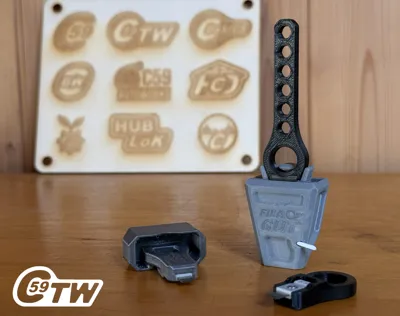
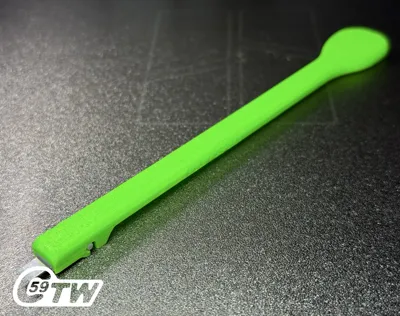
A filament cutter compatible with all CSRT handles (Except SlimJim. Also available as a standalone tool.
This clever accessory is perfect for trimming filament before feeding. Its angled cut ensures smoother, easier loading into your printer.
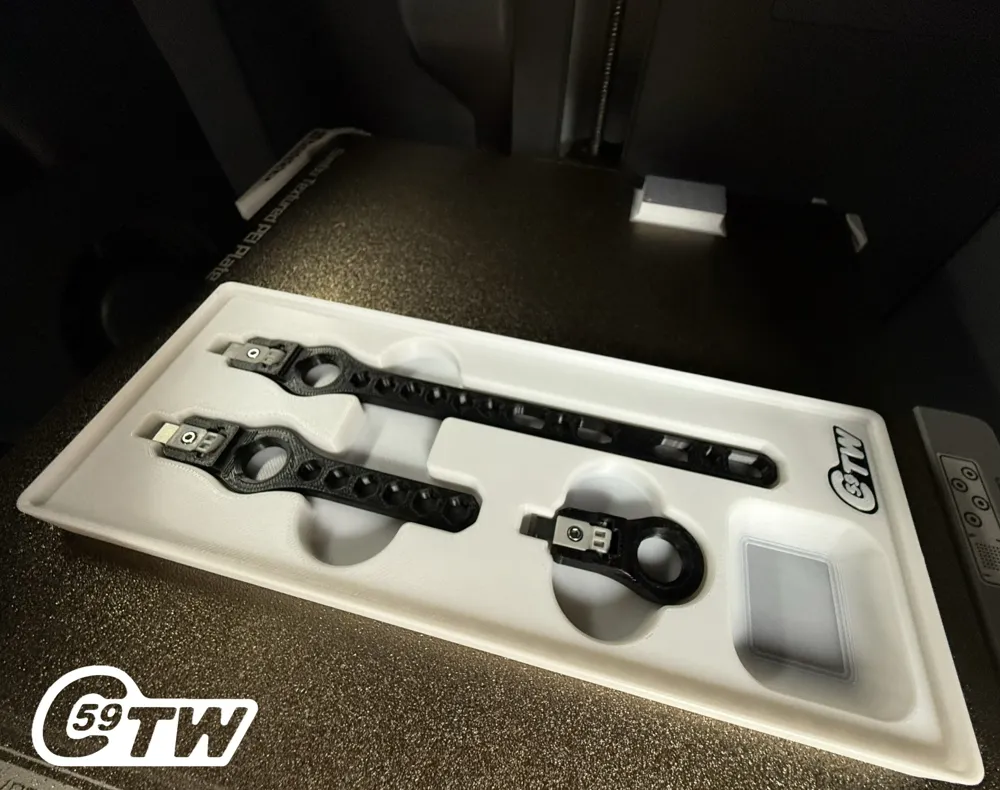
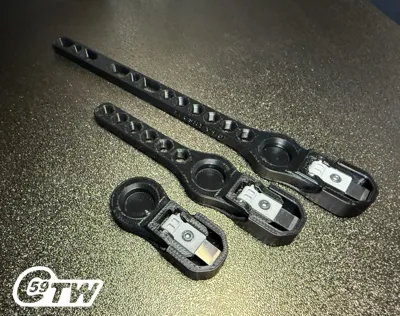
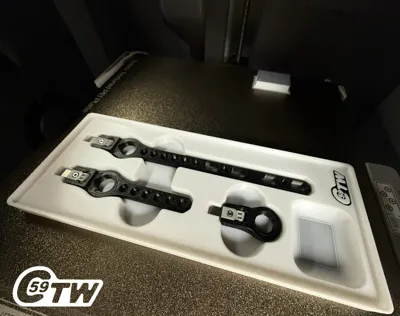
Storage Trays
- T1 Tray: A flat-bottom storage tray with three tool slots. It does not have space to store the optional guard on the tool. The small compartment is designed for a spare cutter or other small accessories. (Not A1 MINI Compatible)
Assembly Instructions
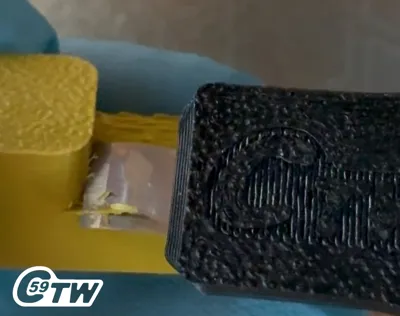
1. Insert the Cutter:
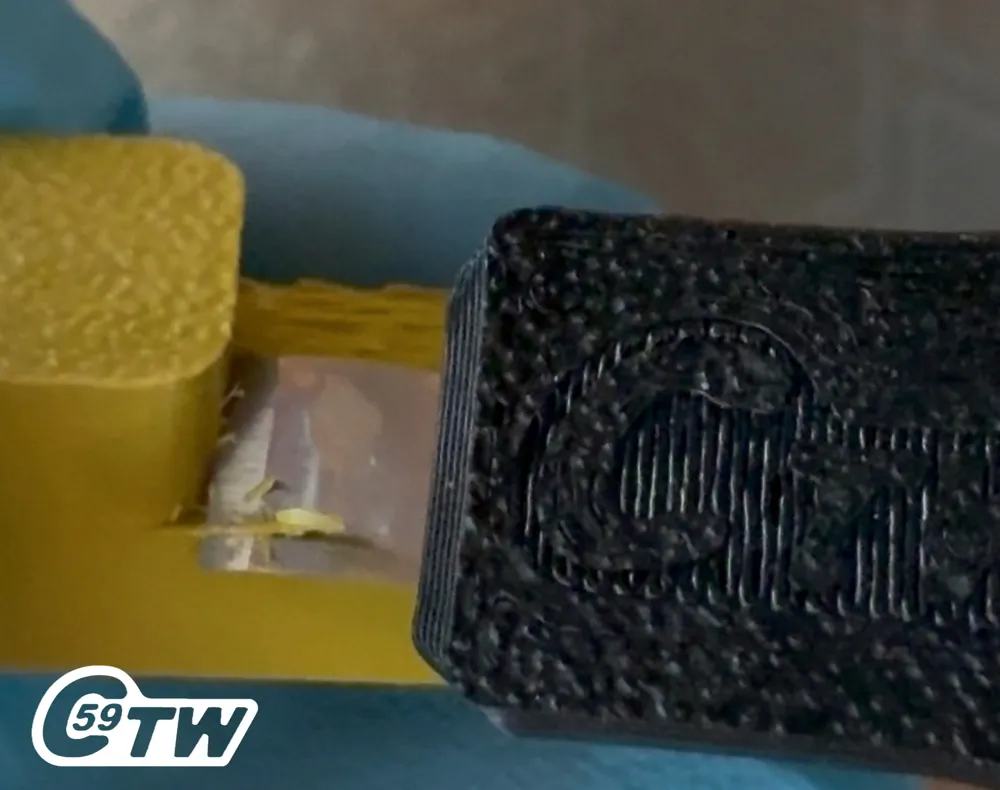
- Place the cutter into the matching groove. One side has a larger screw hole than the other, so be sure to check.
- Push it down while holding the plastic part—never the blade. Watch your fingers!
- Rotate the blade 90 degrees into its groove.
- To lock it in place, move the blade forward until the two round pins engage. You can use a screwdriver or hex wrench (which you'll need for the screw anyway).
2. Secure with the Screw:
- Insert the screw, allowing it to self-tap into the hole.
Cutting Instructions
Use your creativity, but always put safety first. Wear safety glasses, and never cut or clean with the blade facing toward yourself (body vs. fingers, you know the drill).
Take your time.. at least you didn’t have to wait on a courier for your new printed toy or utility part.
Welcome to 2025.
Enjoy precise and effortless support removal!
Action HD Shorts Video:
https://youtube.com/shorts/OEipDFyTyus?si=AKyg5P2Zpr_EUhv0
v1.0 Print Specifications (MINI Version)
Material: Whatever you like !
Printer Settings:
- Profile: Strength
- Layer Height: 0.20 mm
- Material used: PETG
- Mode: CERTIFIED LUDICROUS
- Infill: 25%
- Walls: 6
- Bottom Layers: 3
- Top Layers: 5
Printing Details:
- Supports: Not required
- Print Time: 00:20:52 (00:12:00 -/+ Ludicrous)
- Filament Usage: 0.17 oz
- Estimated Cost: ~$0.15 (based on a $26 PETG spool)
Boost Me (for free)
🚀 Boost Your Project! 🚀
If you love what I'm working on, hit the Boost button! Your support helps me continue to create, improve, and share even more exciting designs. Thank you for being part of this journey!
Enjoy your printing journey, and remember—keep your fingers away from the poop chute, she's angry!
"I’ll be sure to keep you updated with any future developments. If you come across any issues or need assistance, don’t hesitate to reach out—I’m here to help!"
You shall not share, sub-license, sell, rent, host, transfer, or distribute in any way the digital or 3D printed versions of this object, nor any other derivative work of this object in its digital or physical format (including - but not limited to - remixes of this object, and hosting on other digital platforms). The objects may not be used without permission in any way whatsoever in which you charge money, or collect fees.
Current ver.1.1_05/14/2026
© 2026 C59 Design Lab. All rights reserved.
License

You shall not share, sub-license, sell, rent, host, transfer, or distribute in any way the digital or 3D printed versions of this object, nor any other derivative work of this object in its digital or physical format (including - but not limited to - remixes of this object, and hosting on other digital platforms). The objects may not be used without permission in any way whatsoever in which you charge money, or collect fees.


Comment & Rating (354)