
Push Button Filament Cutter
Print Profile(2)

Bill of Materials


Description
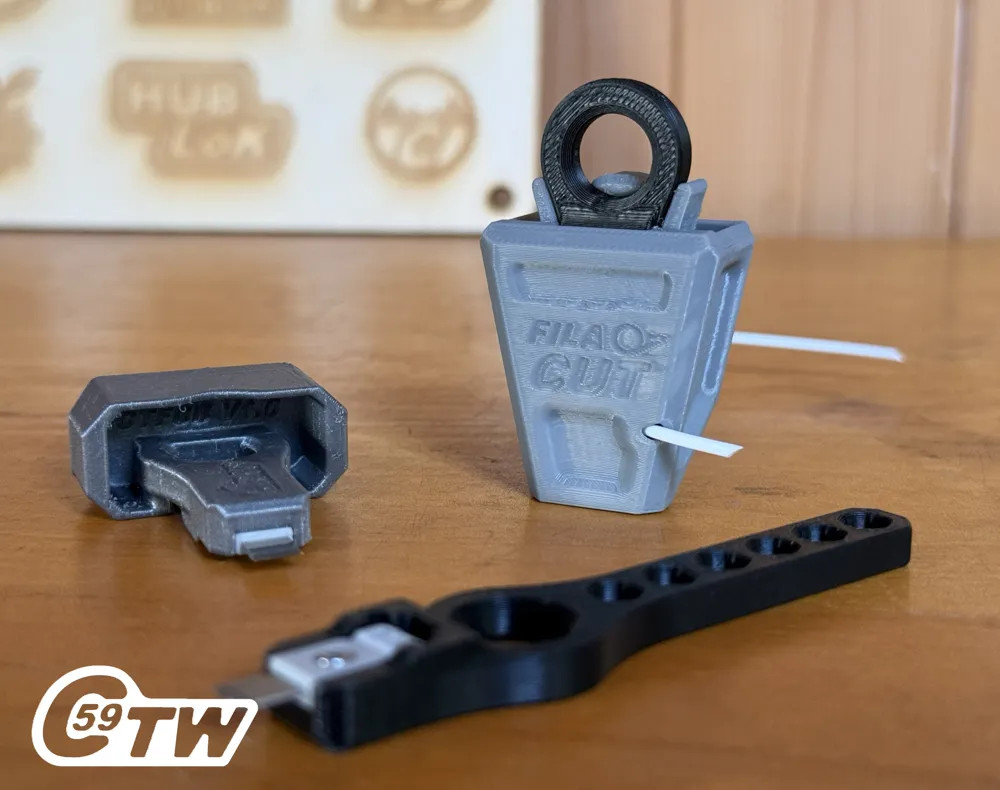
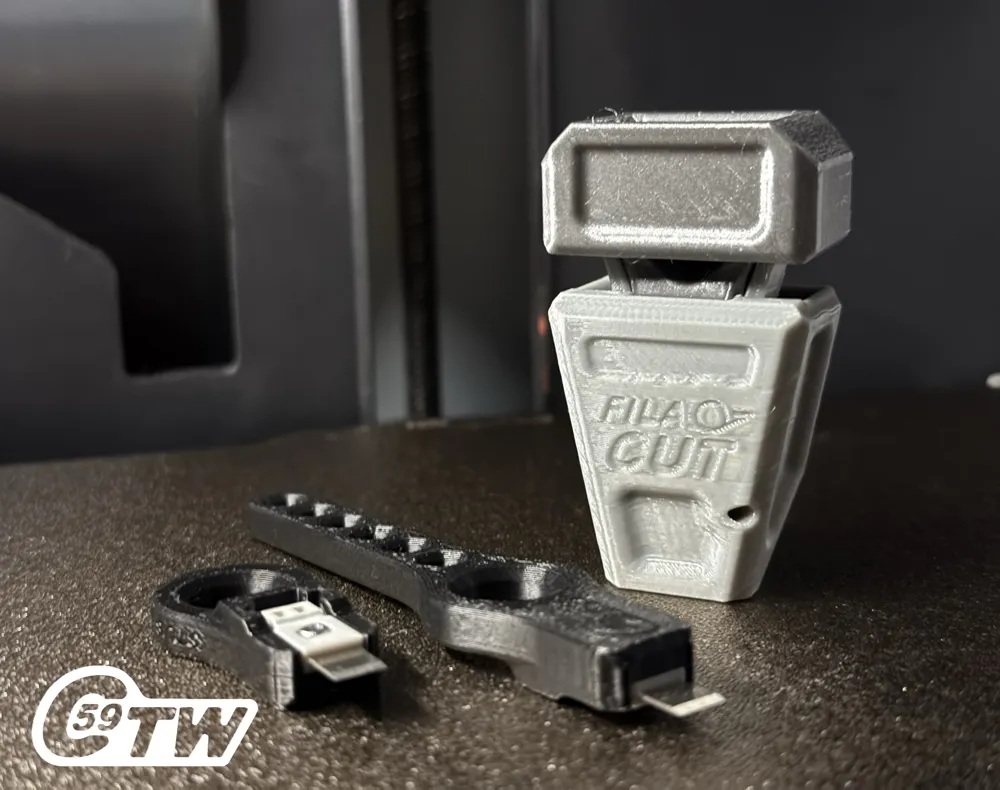
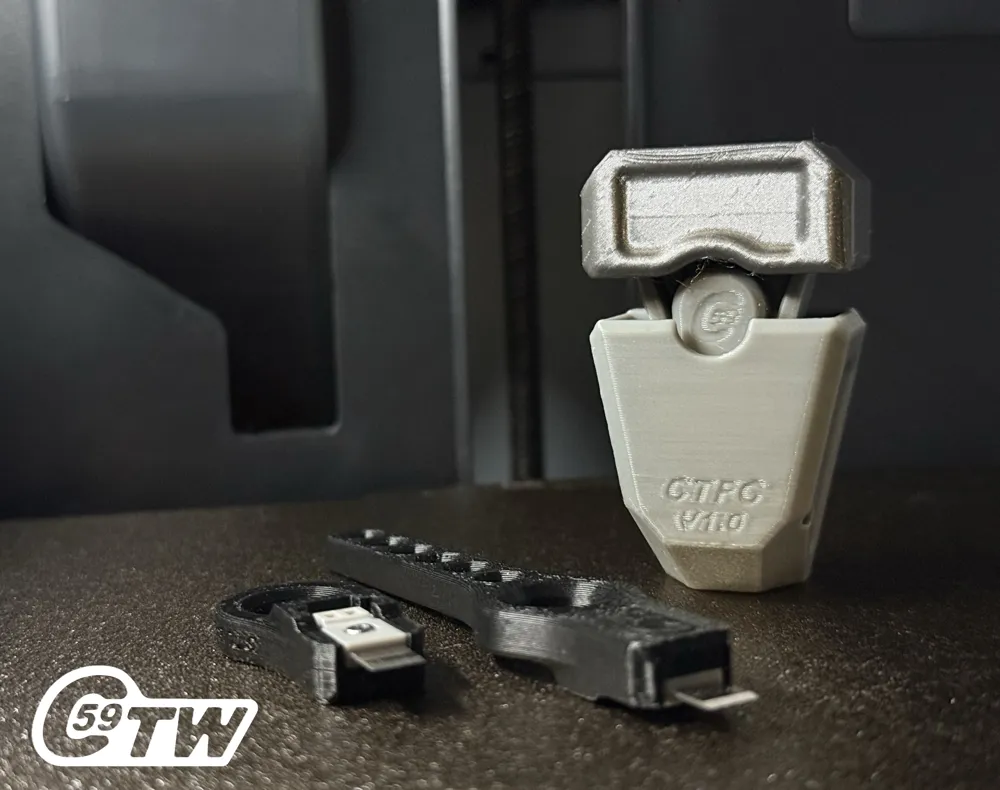
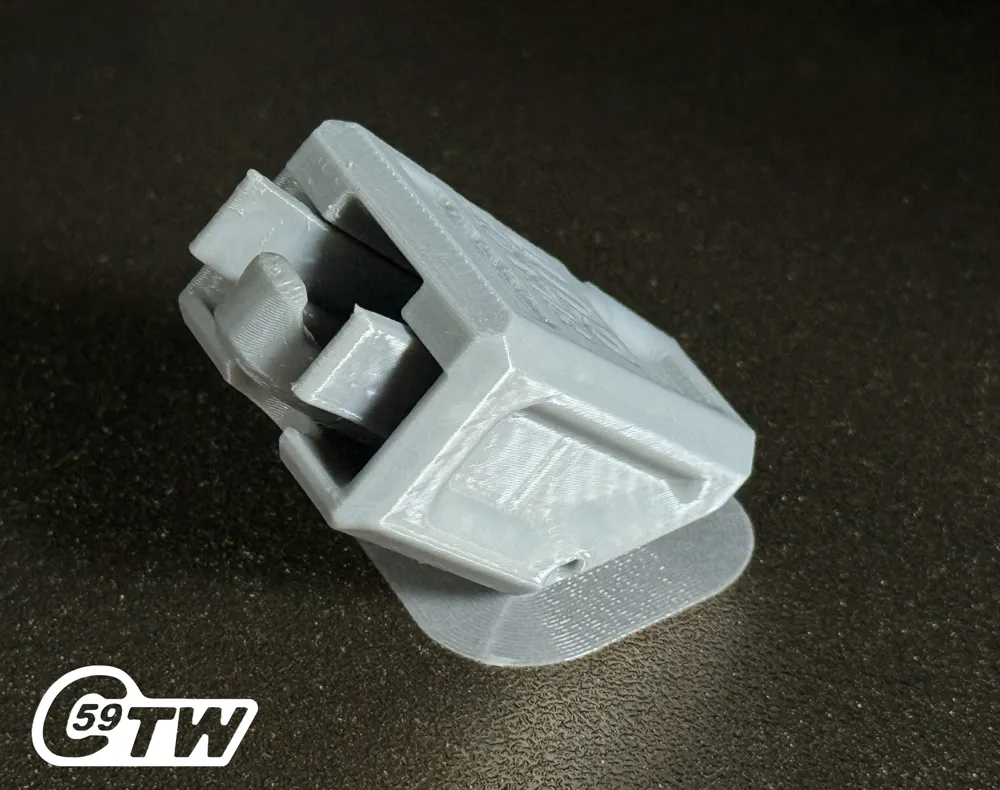
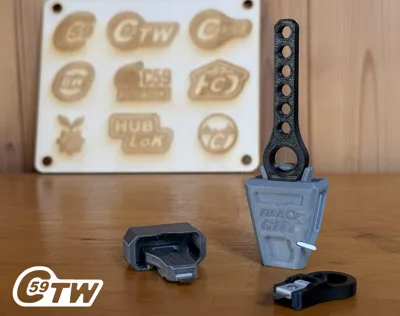
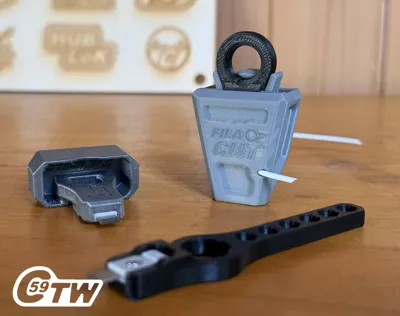
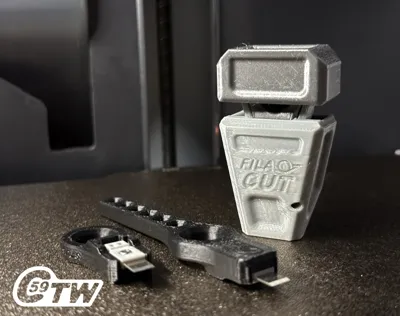
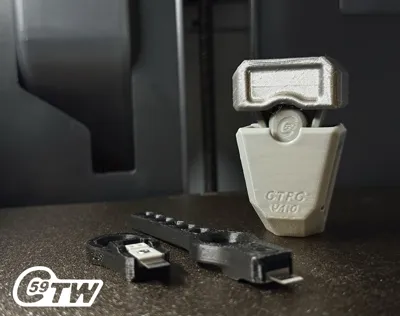
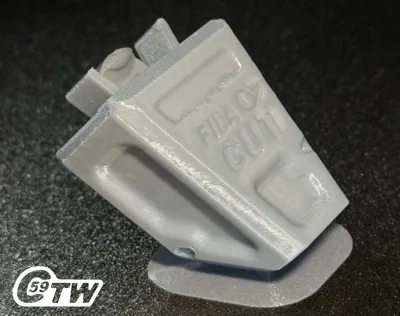
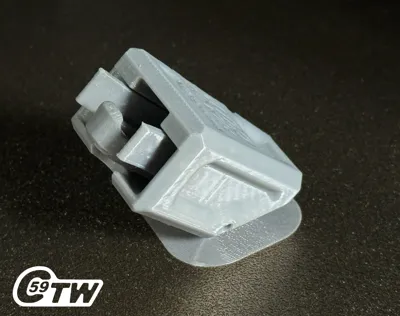
Fila-Cut – Filament Cutter CTFC
C59 ToolWorks – High-Performance Printable Tools
An Essential Tool for Clean Cuts
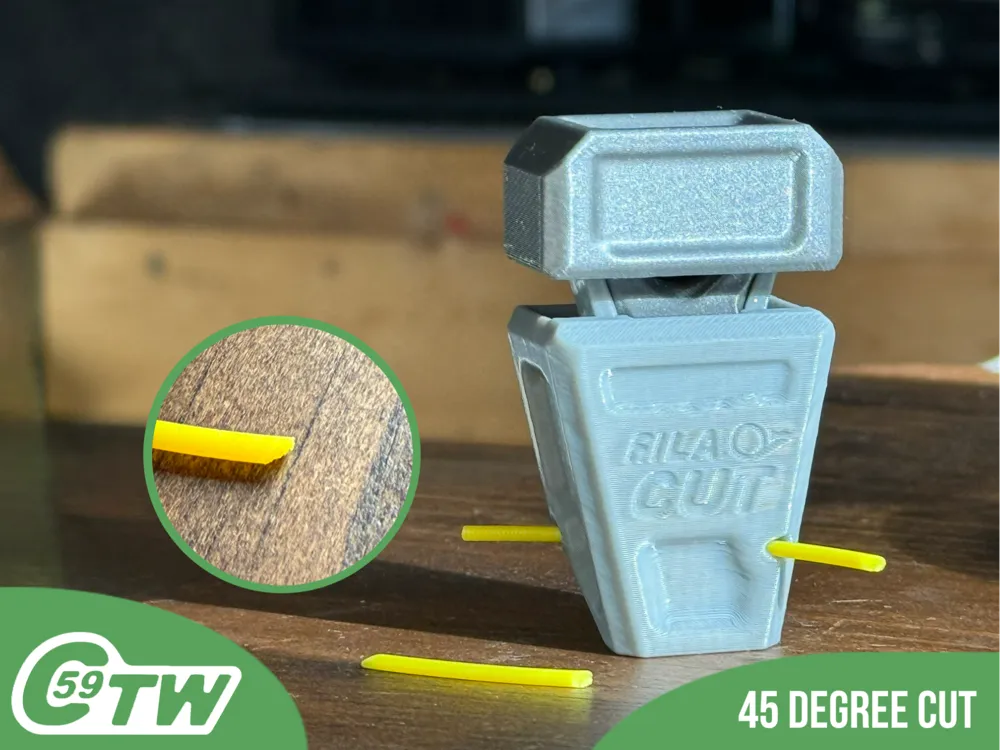
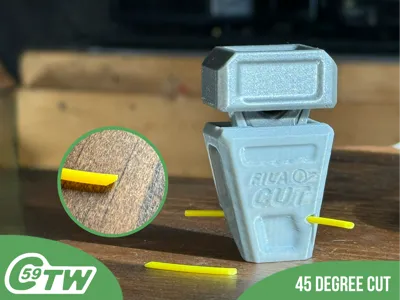
The Fila-Cut CTFC is designed to make cutting filament easy and efficient. Whether you're trimming to size or preparing for feeding, the angled cut ensures smooth insertion into extruders.
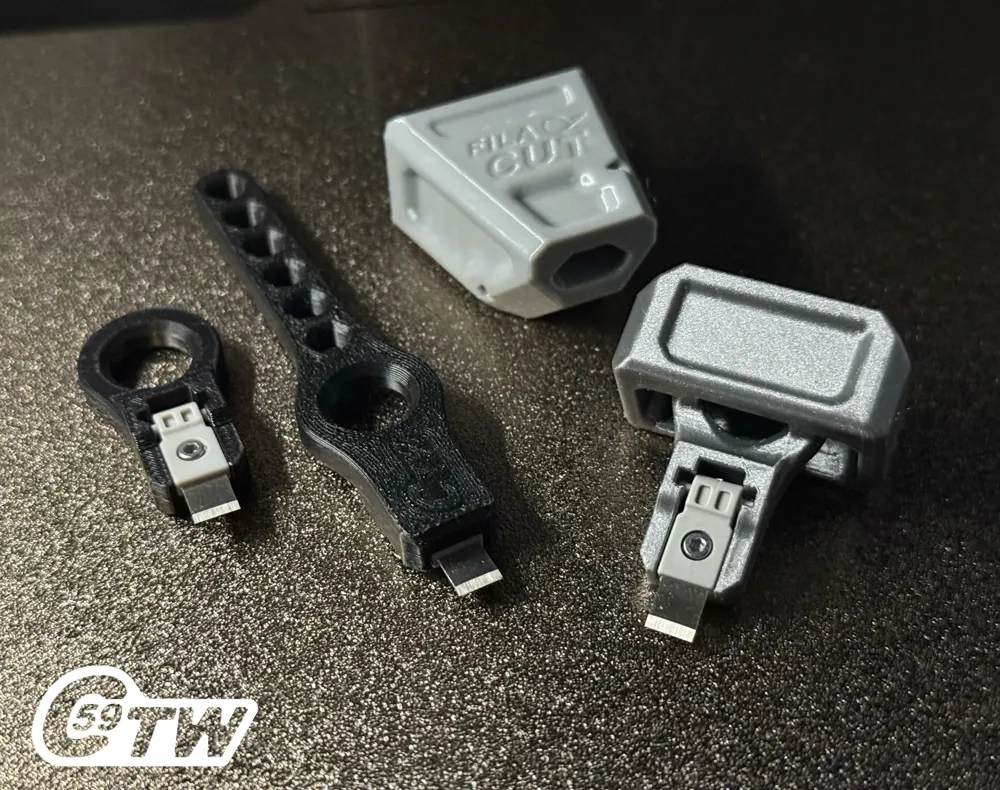
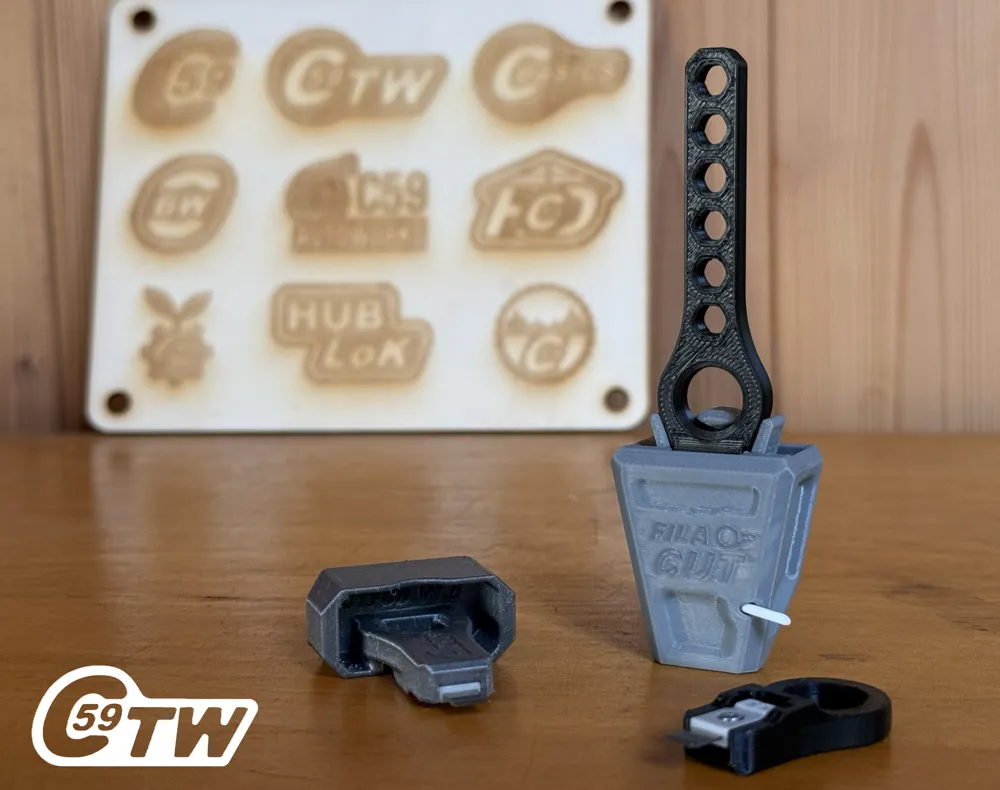
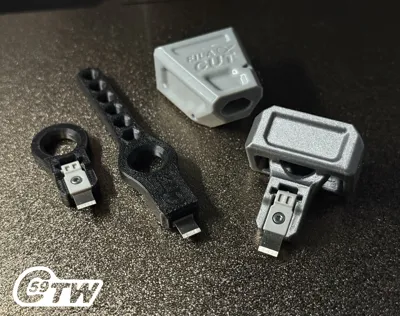
Want more? It's compatible with the C59 CSRT Support Removal Tool or can be used standalone thanks to its push button, eliminating the need for the CSRT if desired.
Features
- Angled Cutting Blade: Enables easier filament feeding
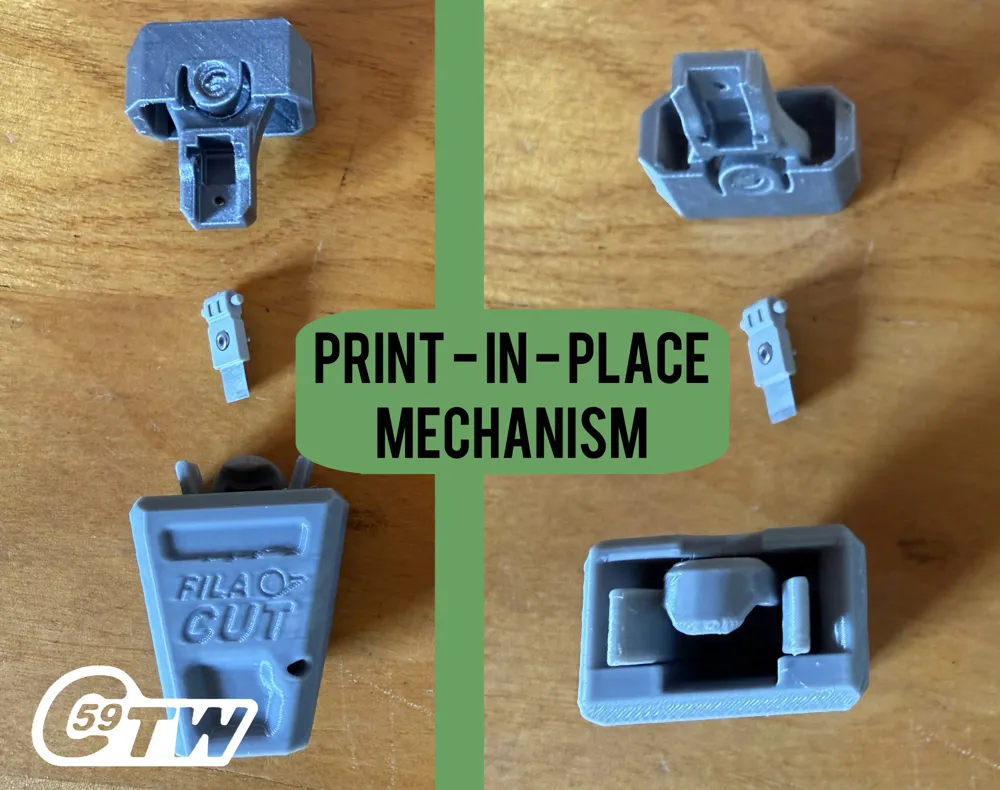
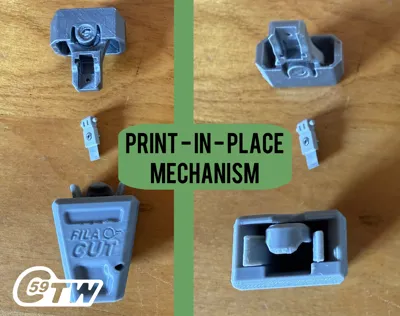
- Print-in-Place Spring Mechanism: Fully Support-Free (Except for Push Button, Which Requires Minimal Support)
- Push Button Option: No need for CSRT when used independently
- Compact Models: Stubby ideal for keeping inserted at all times
- The filament cutter: also doubles as a convenient storage case for the CSRT tool when not in use.
Requirements
- A single screw (Specifications for screw details is available in the BOM.)
- A Bambu Lab filament cutter: X1C, P1S, A1, A1 Mini (except P2S, H2D)
- Or P2S Cutter compatible Push-button now available!
Printing Instructions
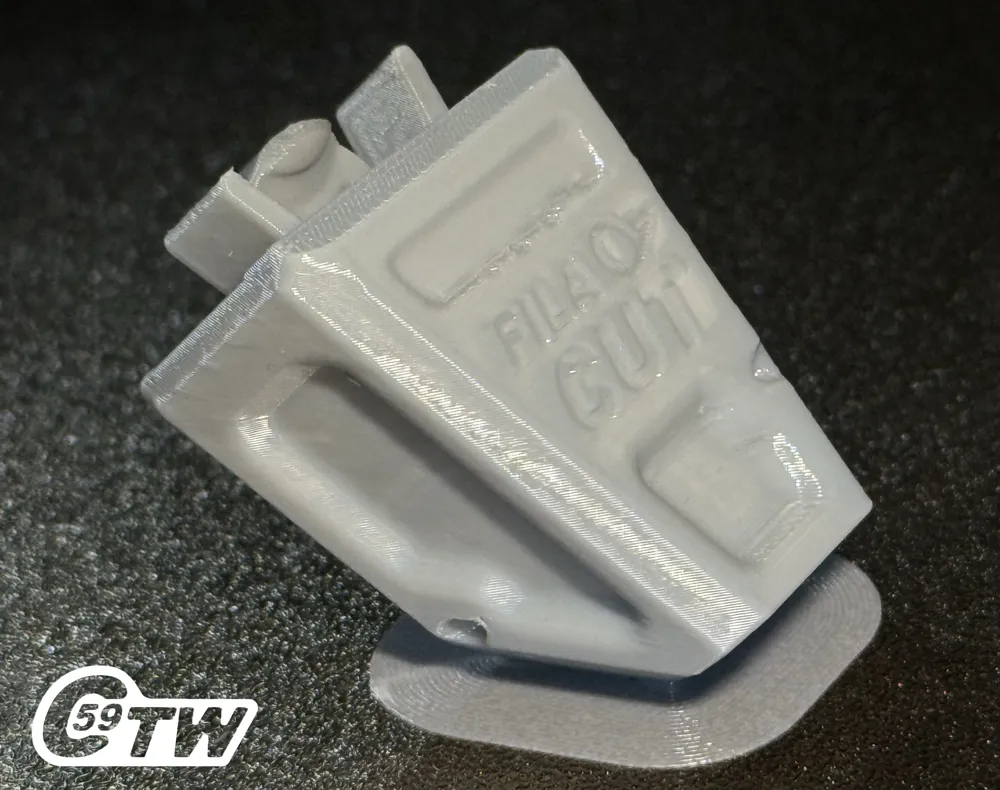
- Print at an angle
- Ensure adequate chamber cooling with PETG.
Assembly Instructions
- Remove the Brim: Trim using a support removal
- Insert CSRT Blade: Blade should align with the Fila-Cut logo side
- Push it in: usage will wear in the plastic for smoother push function !
⚠️ Safety Warning:
- Keep your fingers safe when inserting or using the blade
- Keep your eyes protected! Filament can shoot out unexpectedly when cut – wear safety glasses or shield your face
Cutting Instructions
- Insert filament from either the front or back
- For in-hand use, the Push Button or Stubby options are ideal
- Using MINI or XL handles? You might find it easier and safer to use on a table or flat surface. Test and find your preferred method!
Enjoy effortless, precise filament cutting – every time.
Seen it in Action HD Shorts Video: Fila-Cut Cuddle and cut
V1.0 Print Specifications (Base + Push)
Material: PETG for durability, works in PLA!
Printer Settings:
- Profile: High Quality
- Layer Height: 0.16 mm
- Material used: PETG
- Mode: CERTIFIED LUDICROUS
- Infill: 15%
- Walls: 3
- Bottom Layers: 3
- Top Layers: 5
Printing Details:
- Supports: Required (Button Only)
- Print Time: 01:56:00s
- Filament Usage: 0.79 oz
- Estimated Cost: ~$0.67 (based on a $26 PETG spool)
Boost Me (for free)
🚀 Boost Your Project! 🚀
If you love what I'm working on, hit the Boost button! Your support helps me continue to create, improve, and share even more exciting designs. Thank you for being part of this journey!
Enjoy your printing journey, and remember—keep your fingers away from the poop chute, she's angry!
“I’ll be sure to keep you updated with any future developments. If you come across any issues or need assistance, don’t hesitate to reach out—I’m here to help!”
You shall not share, sub-license, sell, rent, host, transfer, or distribute in any way the digital or 3D printed versions of this object, nor any other derivative work of this object in its digital or physical format (including - but not limited to - remixes of this object, and hosting on other digital platforms). The objects may not be used without permission in any way whatsoever in which you charge money, or collect fees.
Current ver.1.0_02/18/2026
© 2026 C59 Design Lab. All rights reserved.
License

You shall not share, sub-license, sell, rent, host, transfer, or distribute in any way the digital or 3D printed versions of this object, nor any other derivative work of this object in its digital or physical format (including - but not limited to - remixes of this object, and hosting on other digital platforms). The objects may not be used without permission in any way whatsoever in which you charge money, or collect fees.


Comment & Rating (47)