
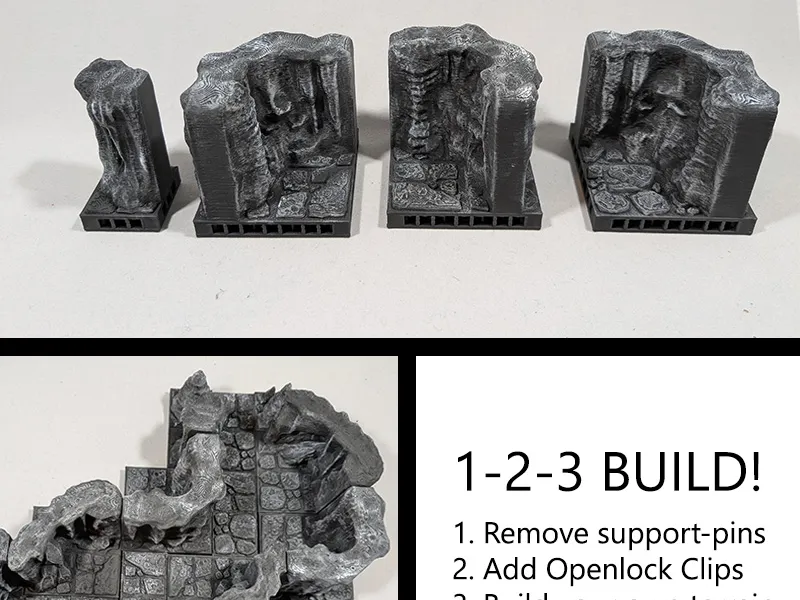
Cave corners (OpenLOCK system)
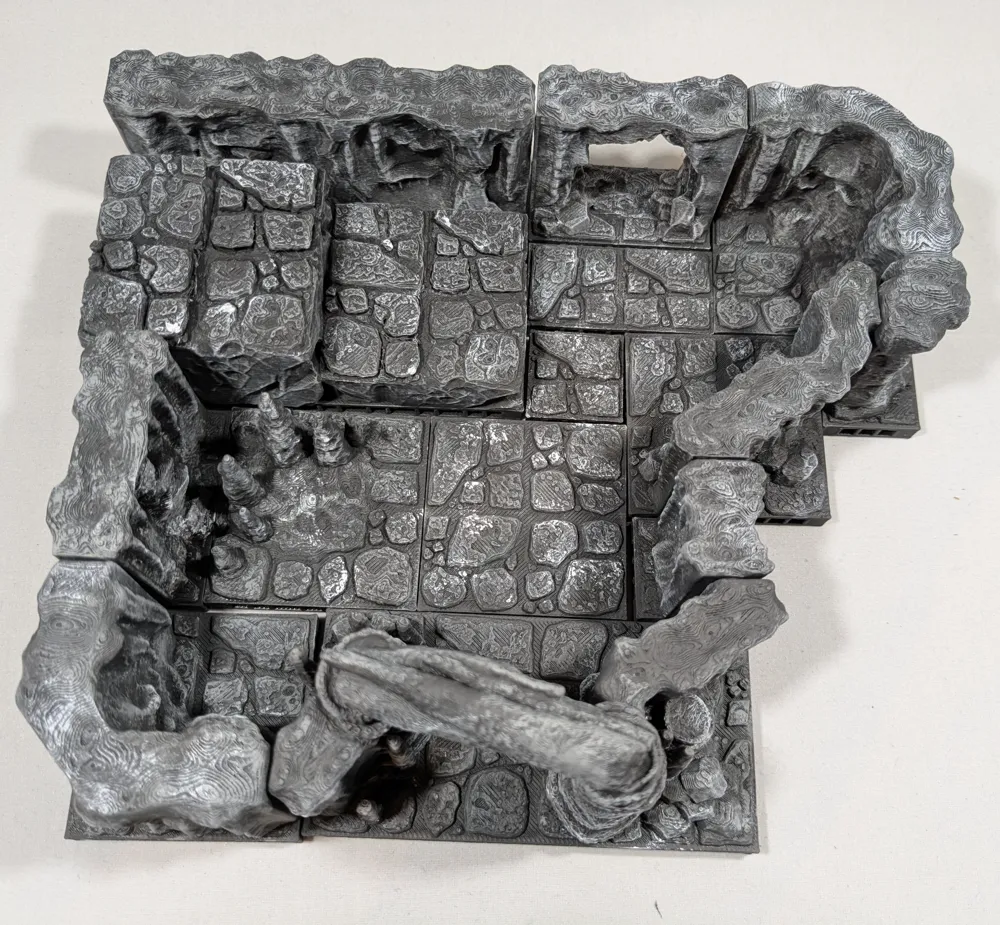
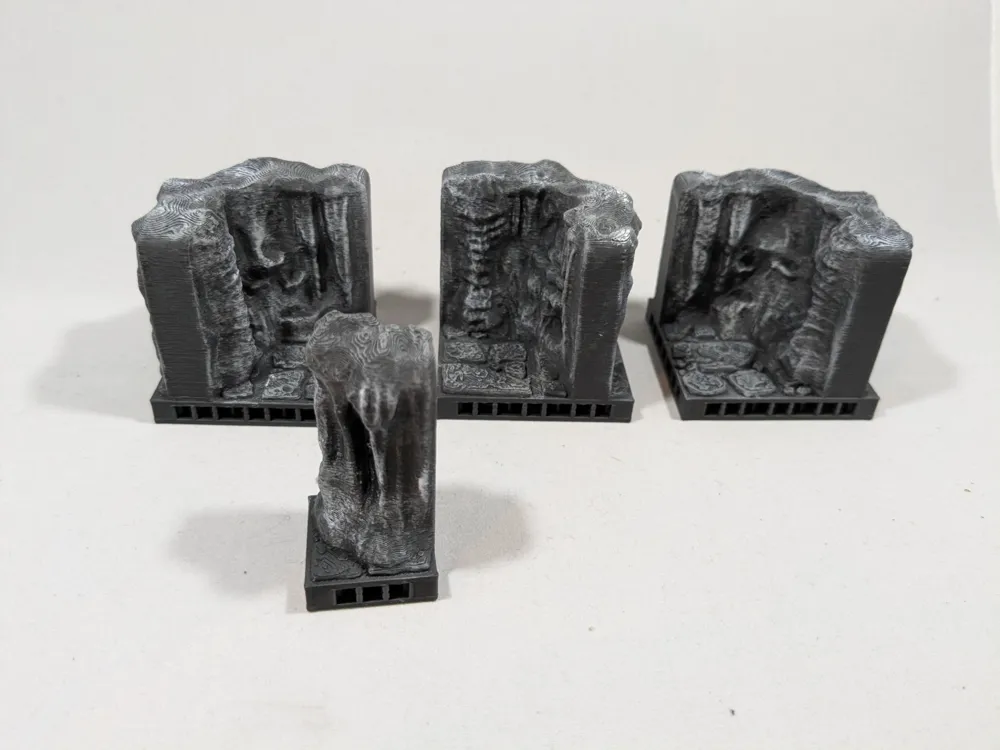
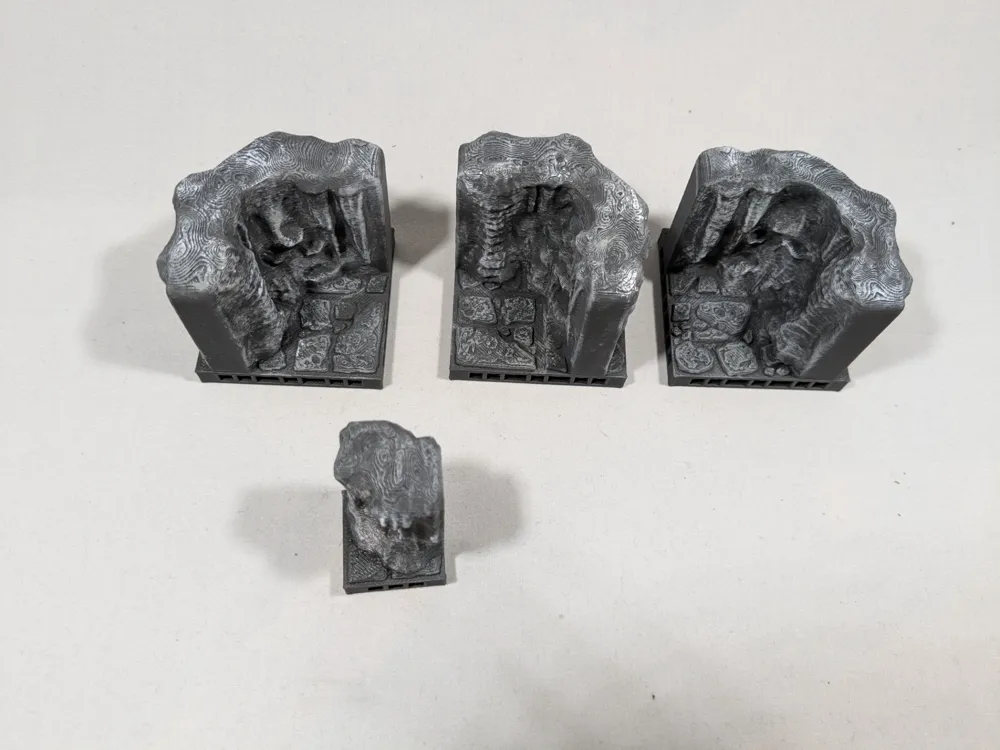
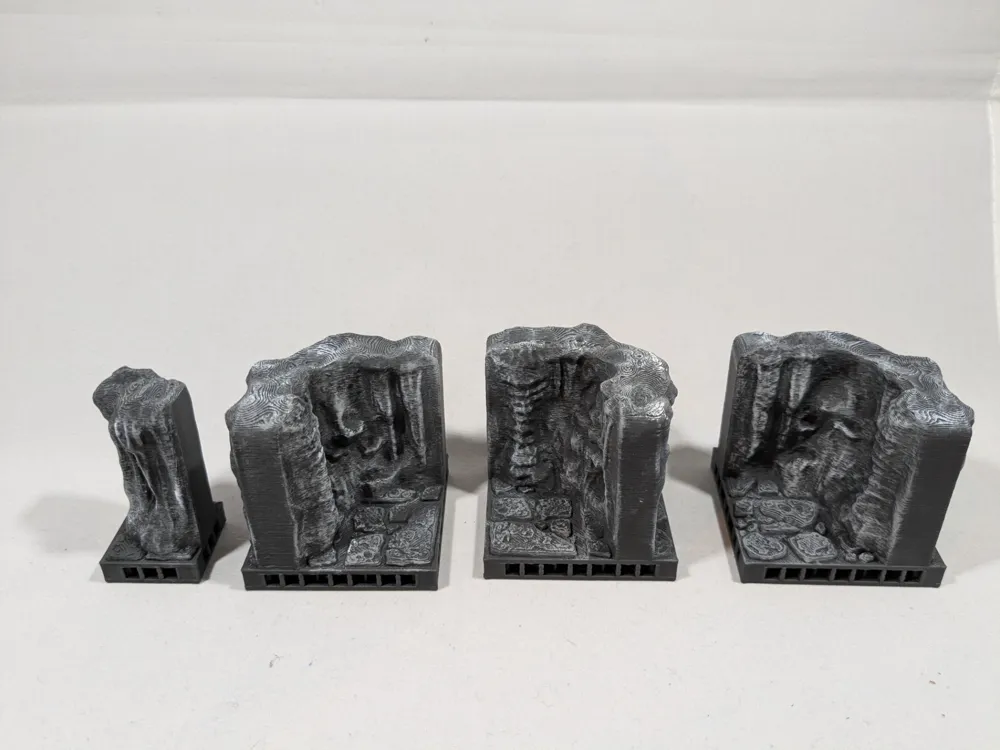
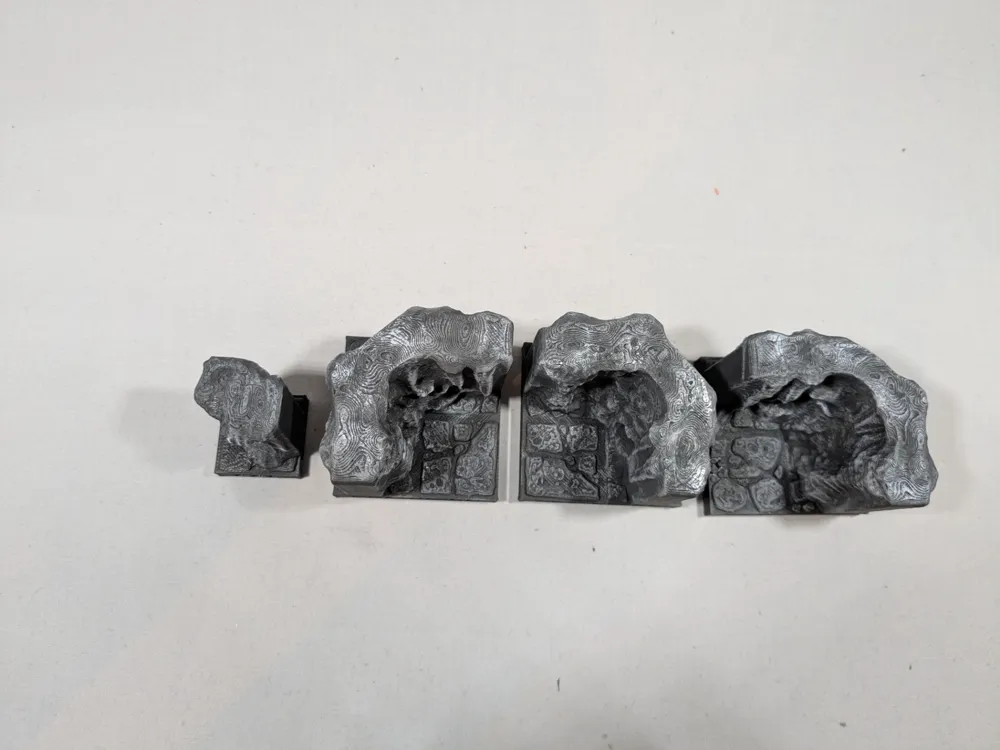

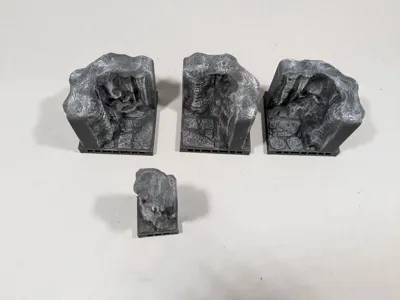
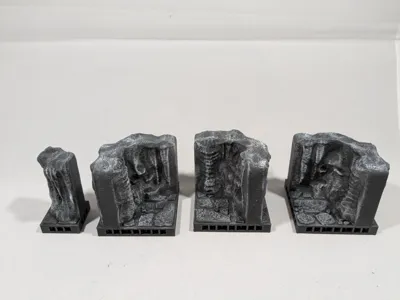
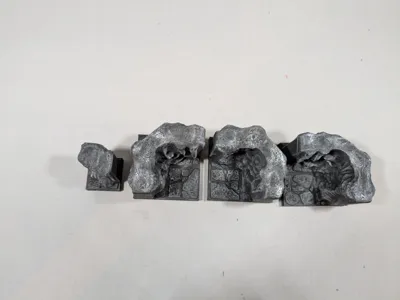
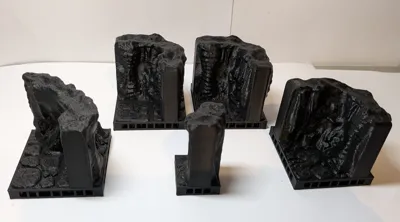

Print Profile(1)

Description

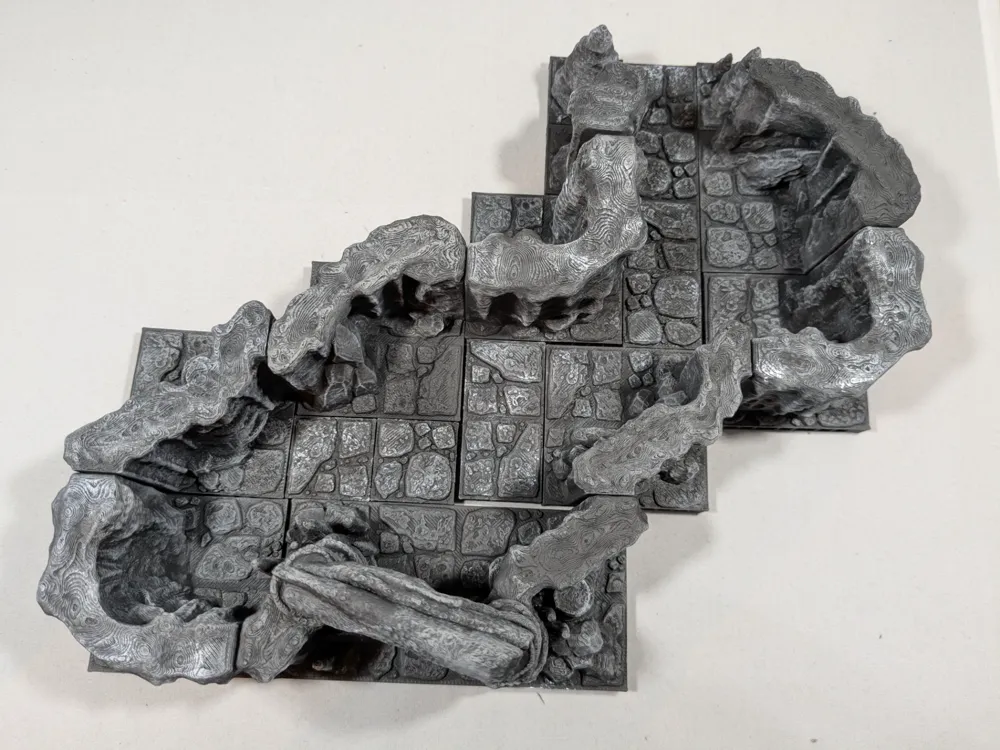
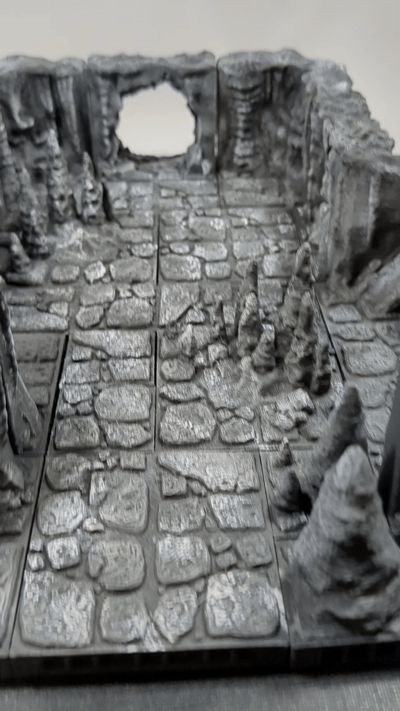
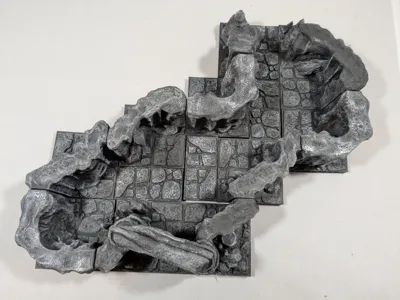
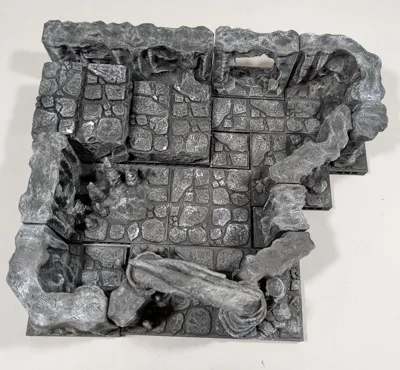
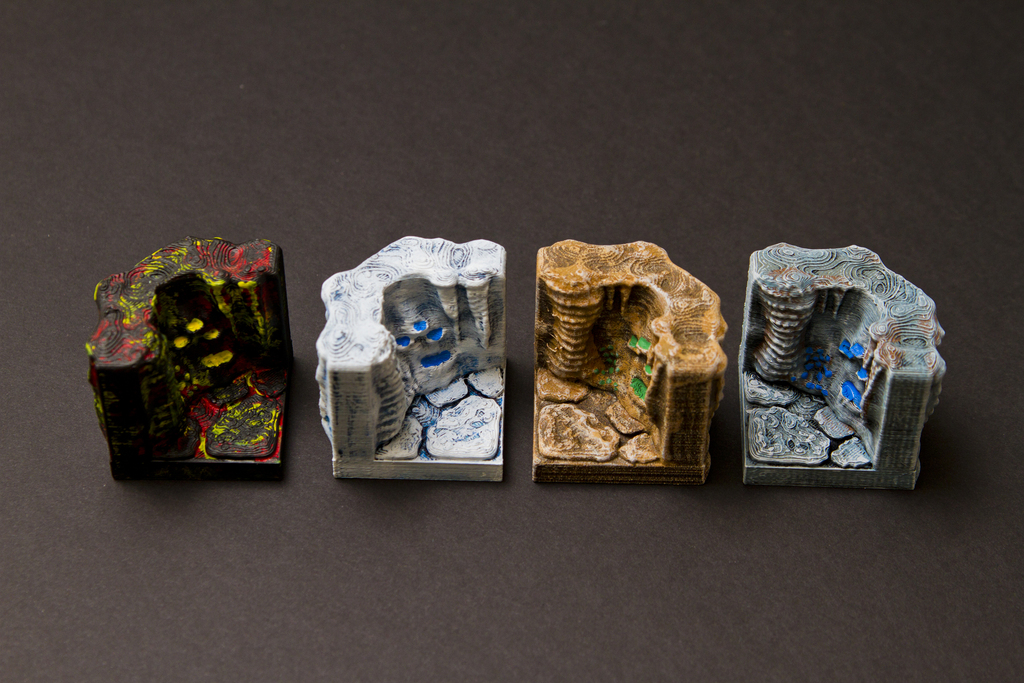
The key to a good cave/cavern map is all sorts of curves making the path interesting. What will we find behind the next corner? Treassure? Or mayhem?
I remixed the original tiles adding an Openlock triplex base you can click the tiles together in a limitless configuration of your choice. This way you can build the terrain easily and don't have to be scared the tiles get pushed around.
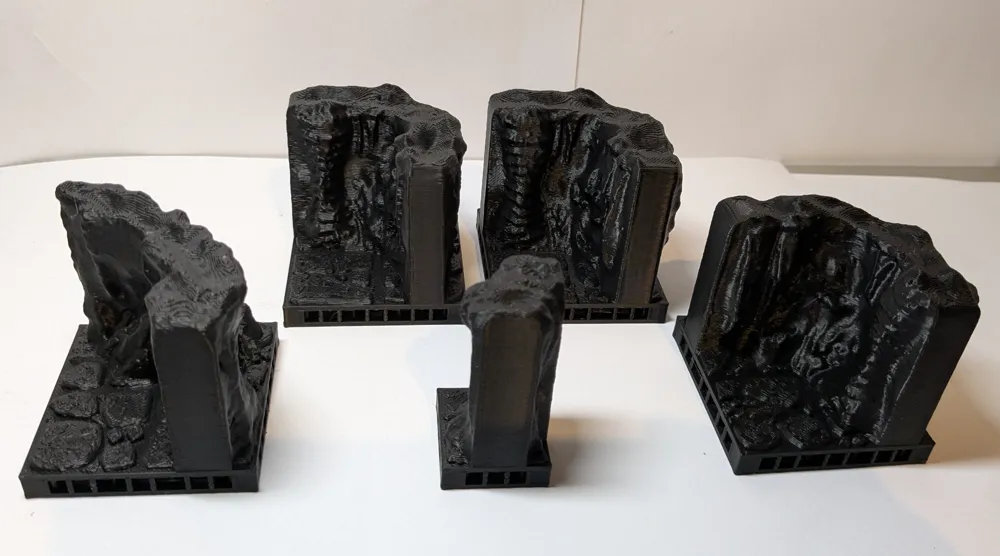
I added aditional beams, because I found that printing the big ones without them gives a very bad texture at the bottom. And if I put the time and money in tiles, I want them to be pretty and sturdy.

Instructions:
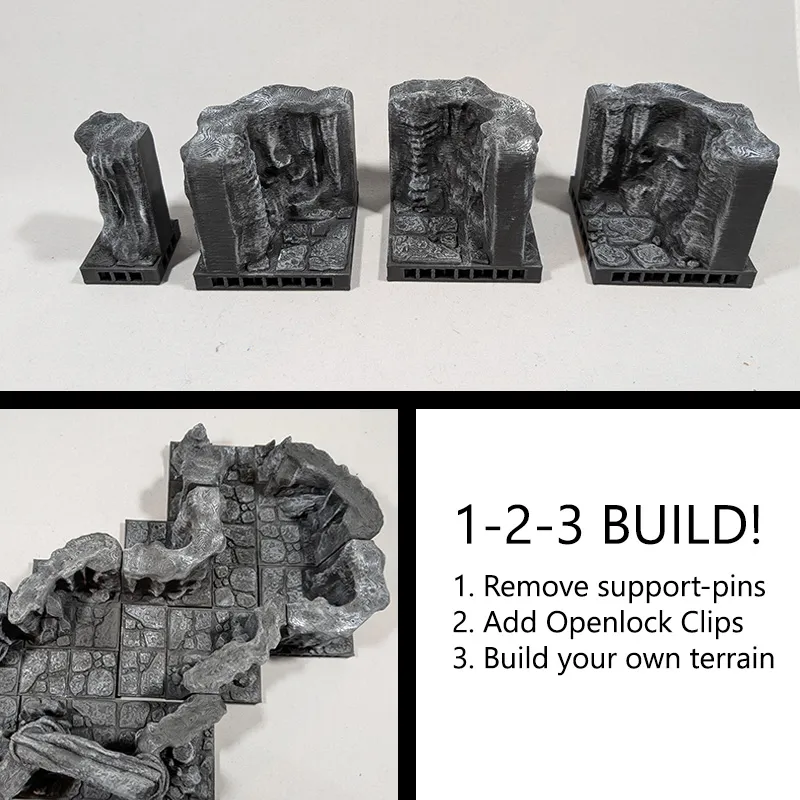
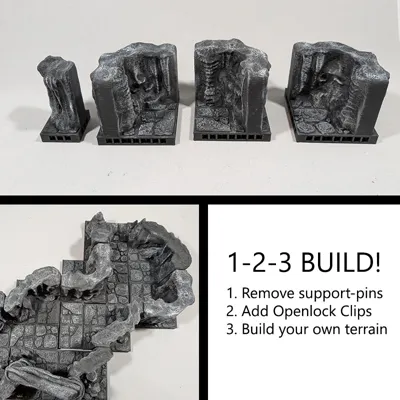
- Print the tiles of your choice.
- Remove the small supporting pins on the sides.
- Print Openlock clips to connect the tiles.
- Push one or more Openlock clips into the tiles (depending on the size of the tile 1 can be enough, 2 works best with big tiles).
- Connect the tiles together.

Building your own cave? Use these components:
- Tiles
- River tiles
- Cave opening
- Stairs
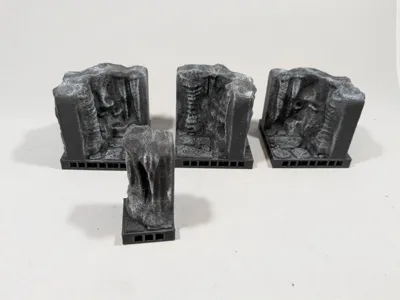
- Corners
- Diagonals
- Stalagmites
- Wall with hole
- Walls
- Wall ending
- Elevated wall
- Elevated blocks
- Elevated corner
Together 3D has a commercial license for using the OpenLOCK system. More info can be found on www.printablescenery.com
Boost Me (for free)
Spread some Makerworld magic — boost what you love! ❤️
Membership
Interested in selling our original designs? Join our commercial membership!
This remix is based on
License



Comment & Rating (66)