
ESP32-C3 SuperMini Case | Options
Print Profile(3)
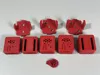
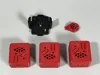
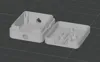

Description
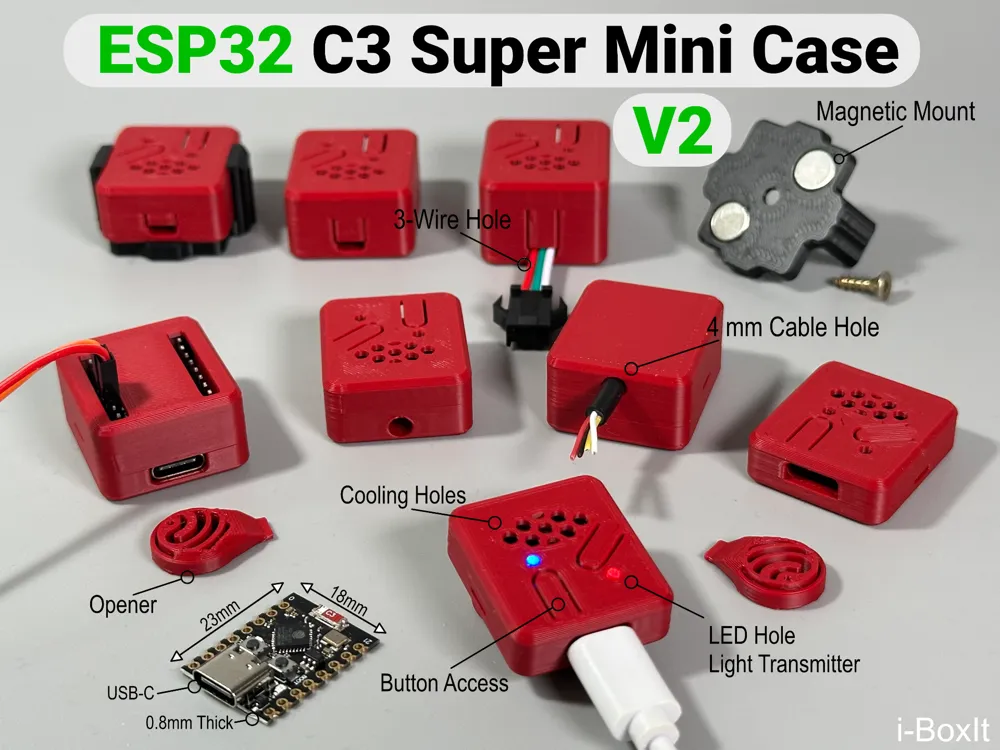
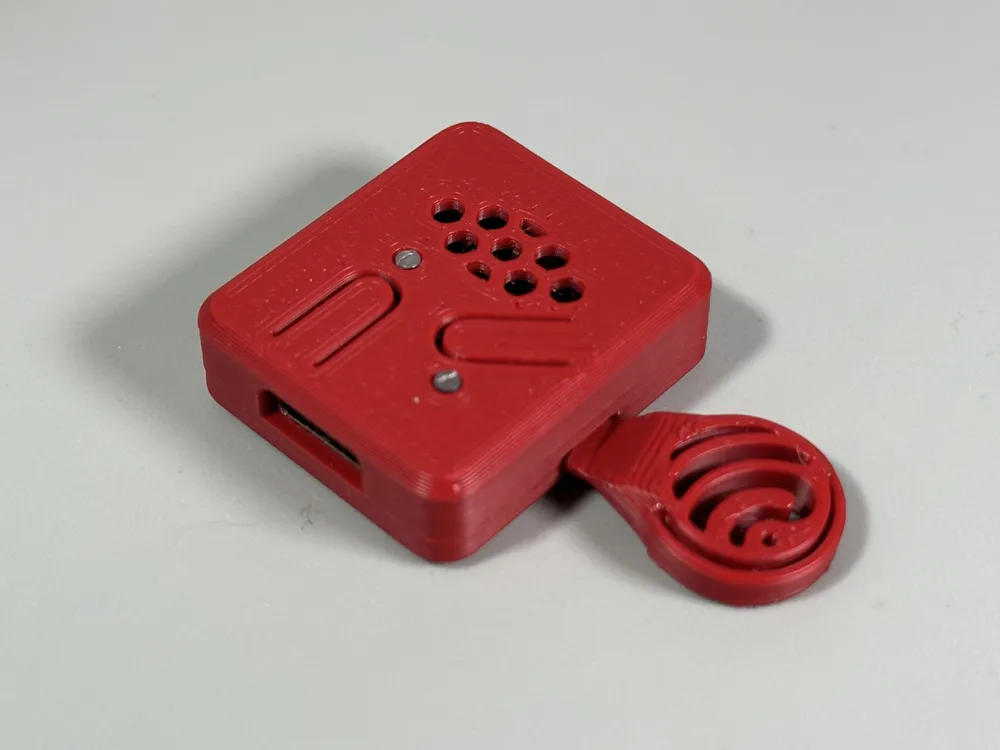
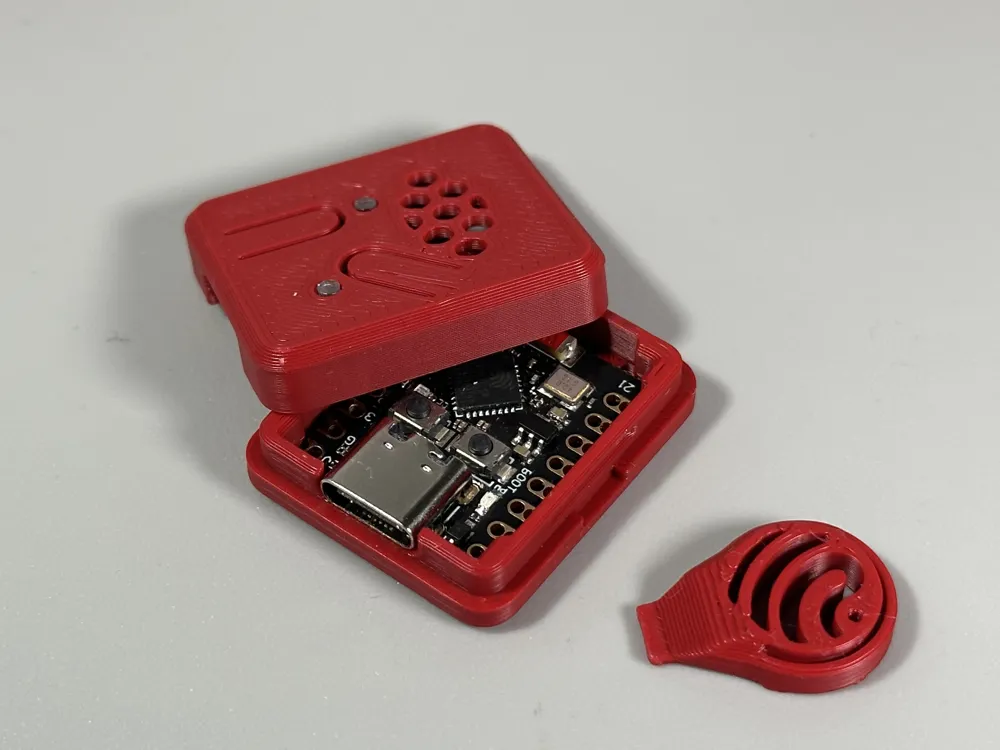
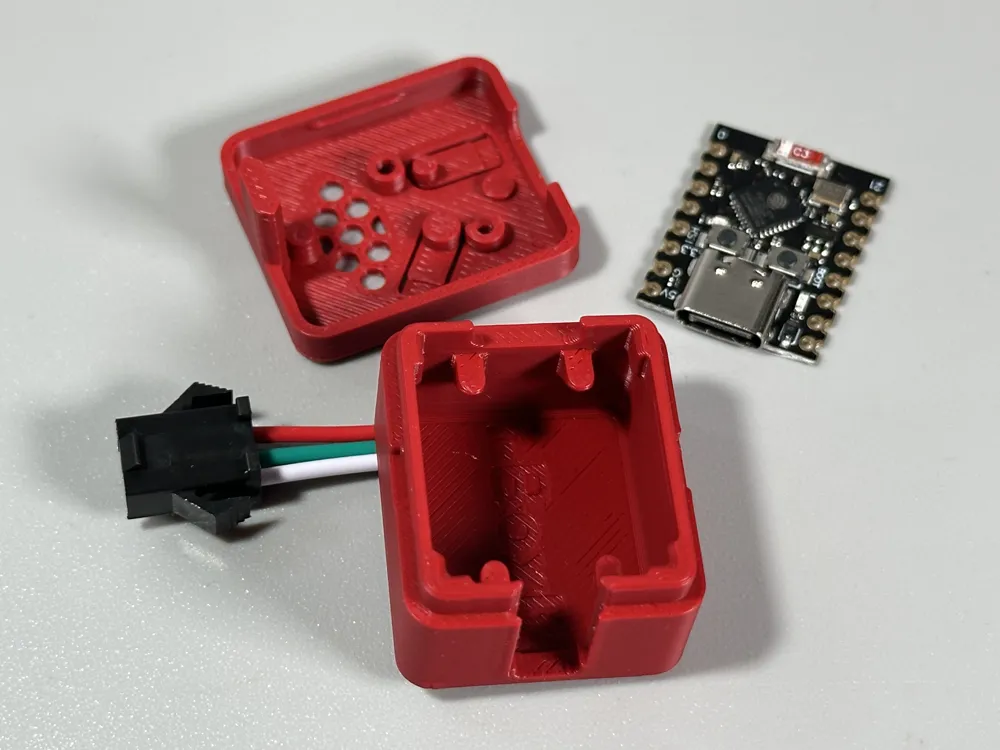
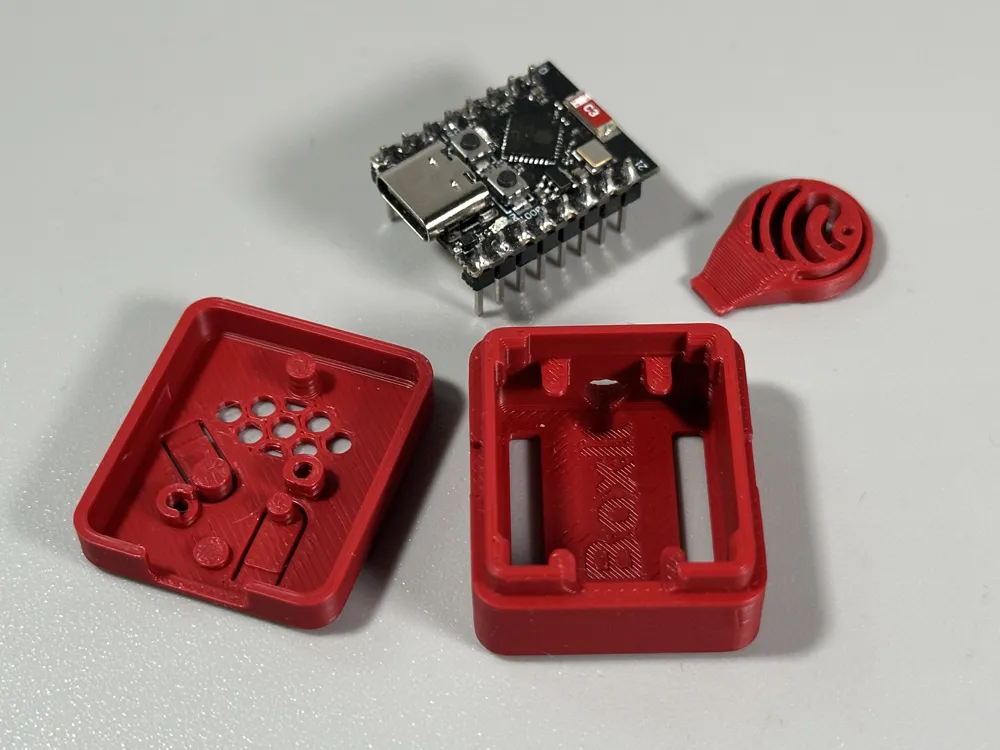
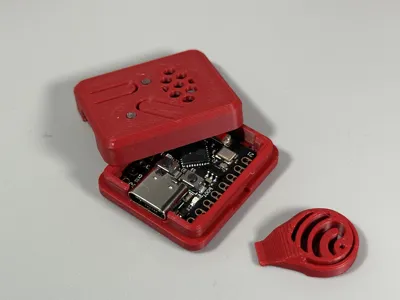
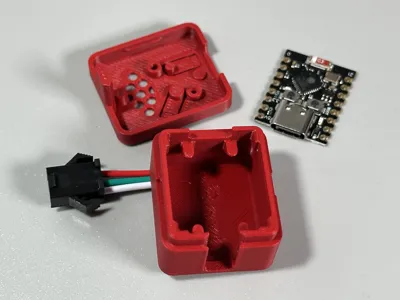
This case is designed to protect your ESP32-C3 Super Mini board without any hassle.
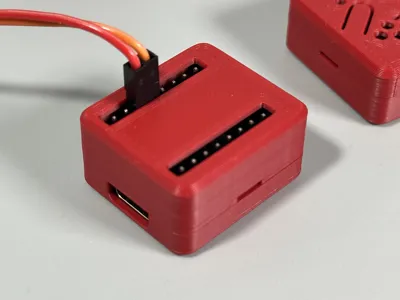
It comes in multiple variants to accommodate different header setups, making it easy to tailor the design to your needs.
🔧Key Features
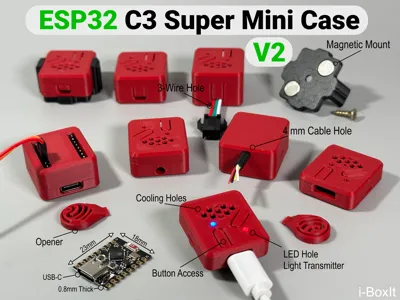
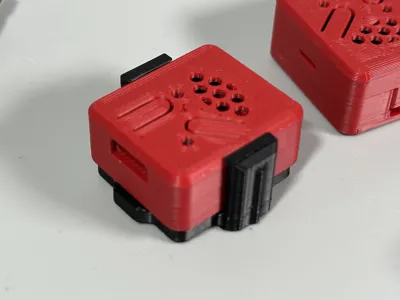
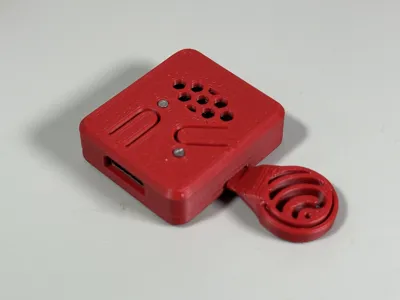
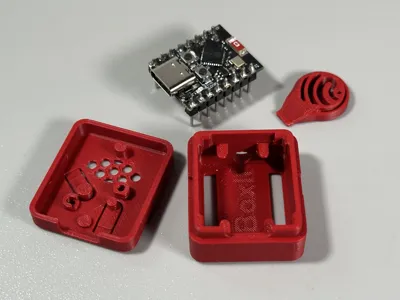
- Snap-Fit Closure: Locks securely yet opens easily with the built-in opener
- Cooling Holes: To keep your board cool
- Accessible Buttons: Boot and reset buttons can be pressed from outside
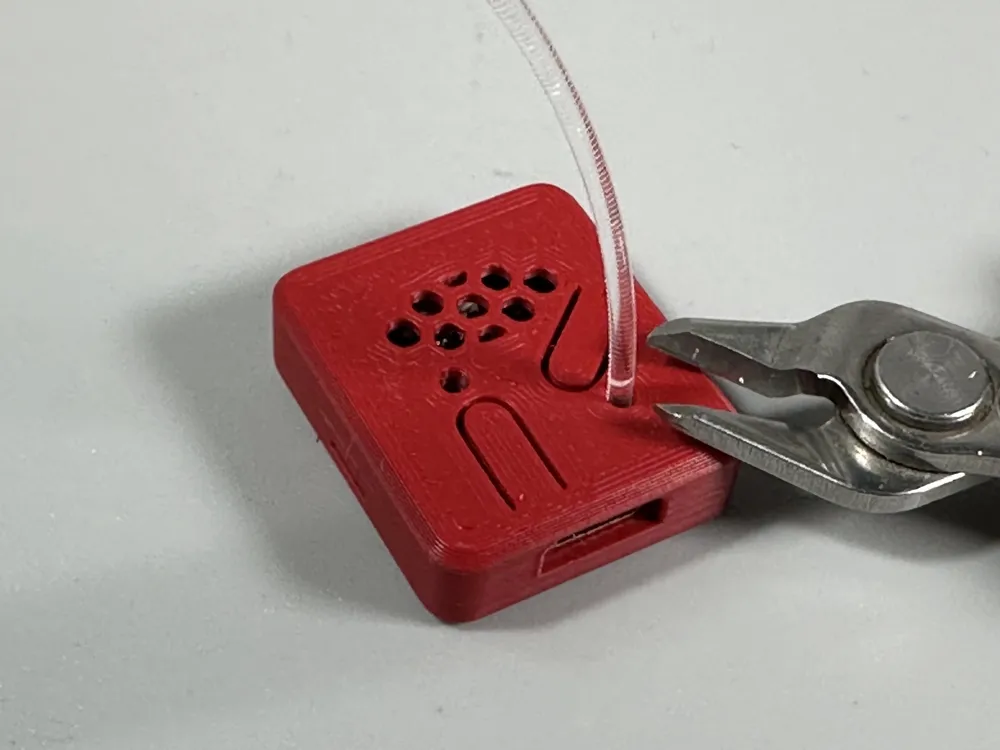
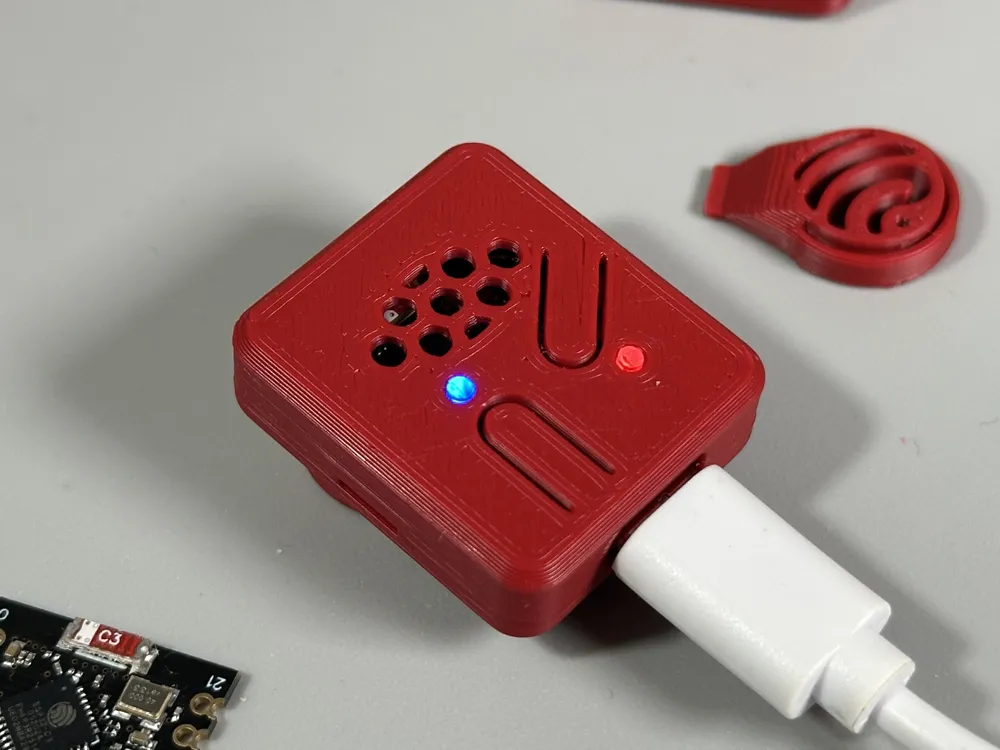
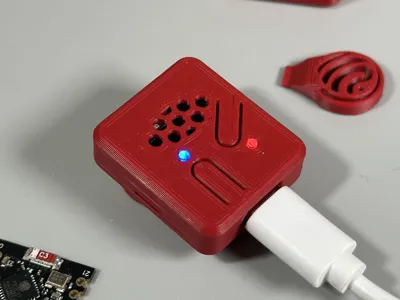
- LED Openings: Clearly visible indicator LEDs through dedicated holes.
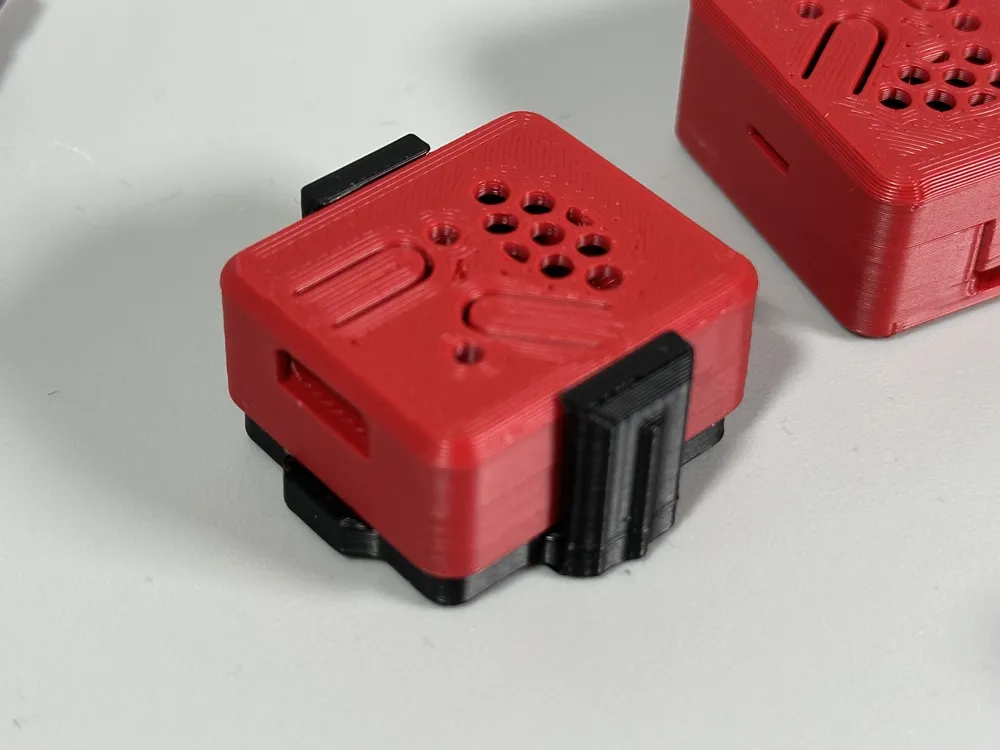
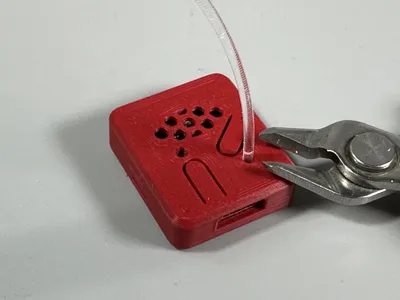
You can insert a peace of transparent PLA as a light transmitter (See picture). - Wall Mount: Screw or Magnetic mount
Press in a 8x2mm Super Magnet (No glue needed)
Changes
- 2025-06-05 Added Wall Mounts for all cases
- 2026-06-11 Redesign
- Added cooling holes
- Added magnetic mount
- Several improvements
🖨️ Printing Recommendations
- Material: PLA
- Layer Height: 0.16 mm
- No Supports
- Variants (All on one Printing Plate. Remove what you do not need!):
- Slim Case: No Header Holes
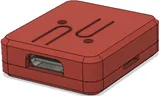
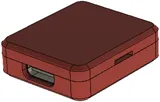
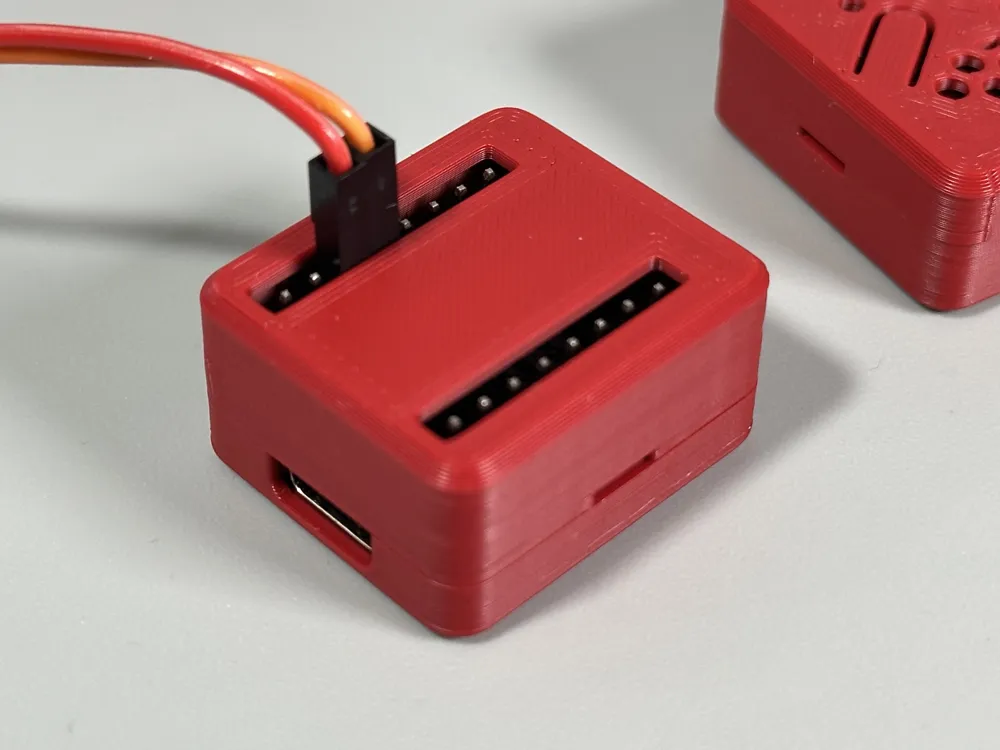
- Slim Case: Headers Holes
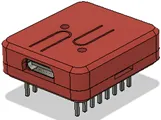
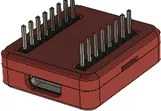
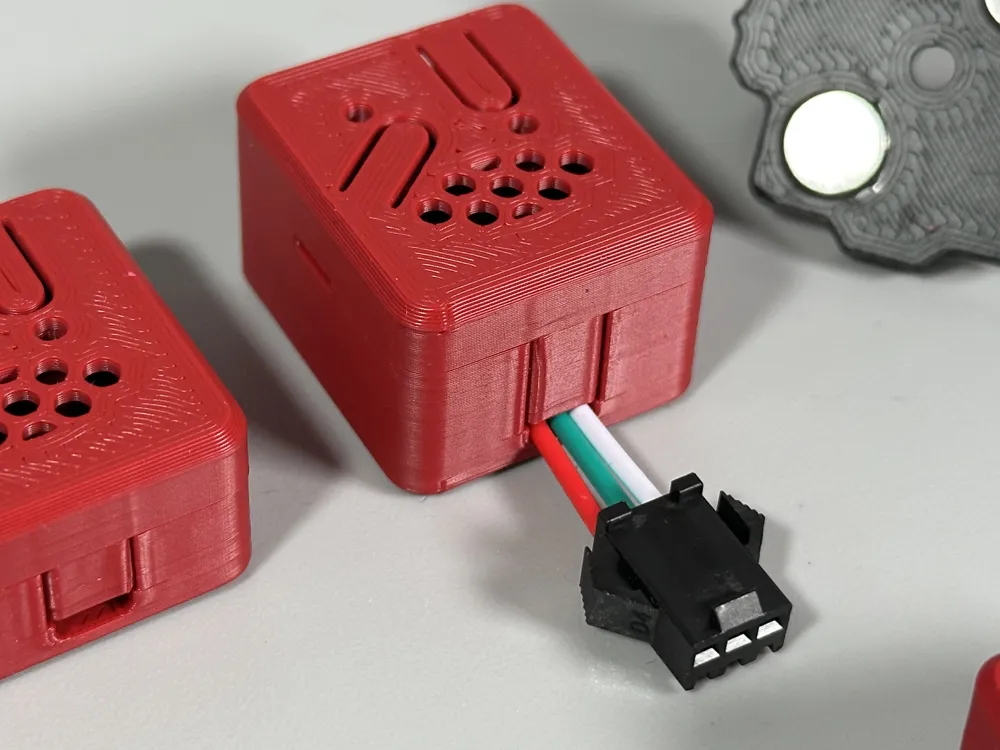
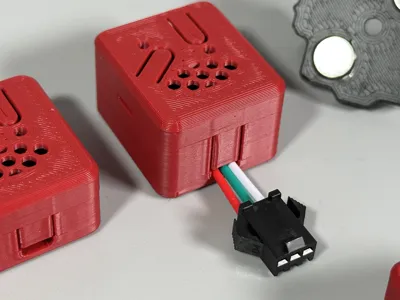
- Middle Size: No Header Holes. Cable Hole for direct wiring.
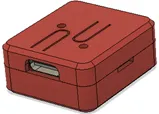
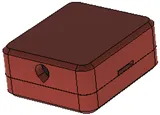
- Big: Header is enclosed but still accessible, with an additional cable hole
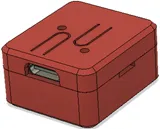
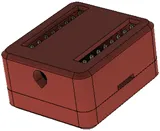
- Big: No Header holes. For direct wiring of the ESP32-C3 board via cables (3.8mm Hole)
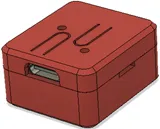
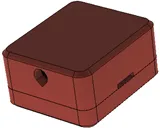
- Middle: No Header holes. Cable Hole 2.0 x 5.5 mm
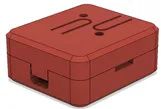
- Big: No Header holes. Cable Hole 2.0 x 5.5 mm
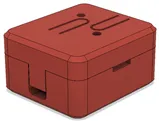
- Super Big: No Header holes. Cable Hole 2.0 x 5.5 mm
- Slim Case: No Header Holes
Programming
I'm a great fan of MicroPython.
Using Thonny! It is pretty easy to run your first program.
import time
from machine import Pin
led = Pin(8, Pin.OUT)
while True:
led.value(not led.value())
time.sleep(1)
🔗 Links
- ESP32 C3 Super Mini board: https://de.aliexpress.com/item/1005007205044247.html
- Thonny
- MicroPython For installing MicroPython on the board use Thonny (Options… Install or Update Micropython)
See also:
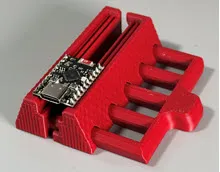
Like this design?
Consider buying me a coffee to support future projects: Buy me a coffee
Boost Me (for free)
🚀 Love this print? Smash that Boost button and help it reach more makers! Every boost = more awesome designs.
Membership
Keep the printer running — become a member! 🖨️
License

You shall not share, sub-license, sell, rent, host, transfer, or distribute in any way the digital or 3D printed versions of this object, nor any other derivative work of this object in its digital or physical format (including - but not limited to - remixes of this object, and hosting on other digital platforms). The objects may not be used without permission in any way whatsoever in which you charge money, or collect fees.


Comment & Rating (147)