
Ruler Maker - Customizable Rulers
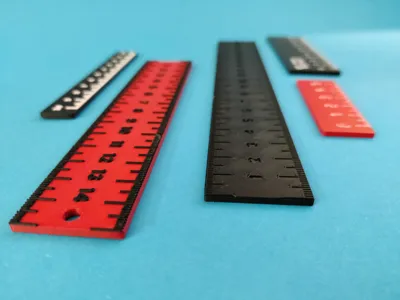
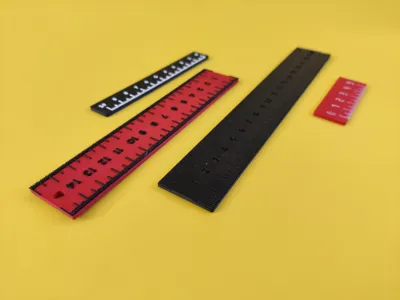
Print Profile(2)

Description
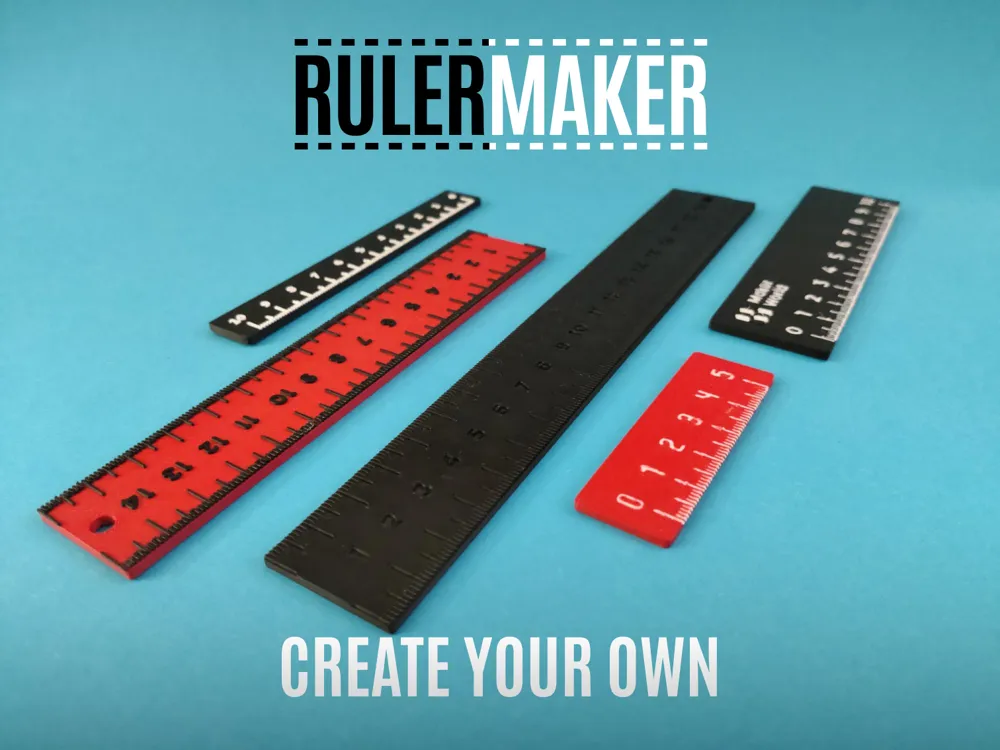
Design Your Ruler, Your Way.
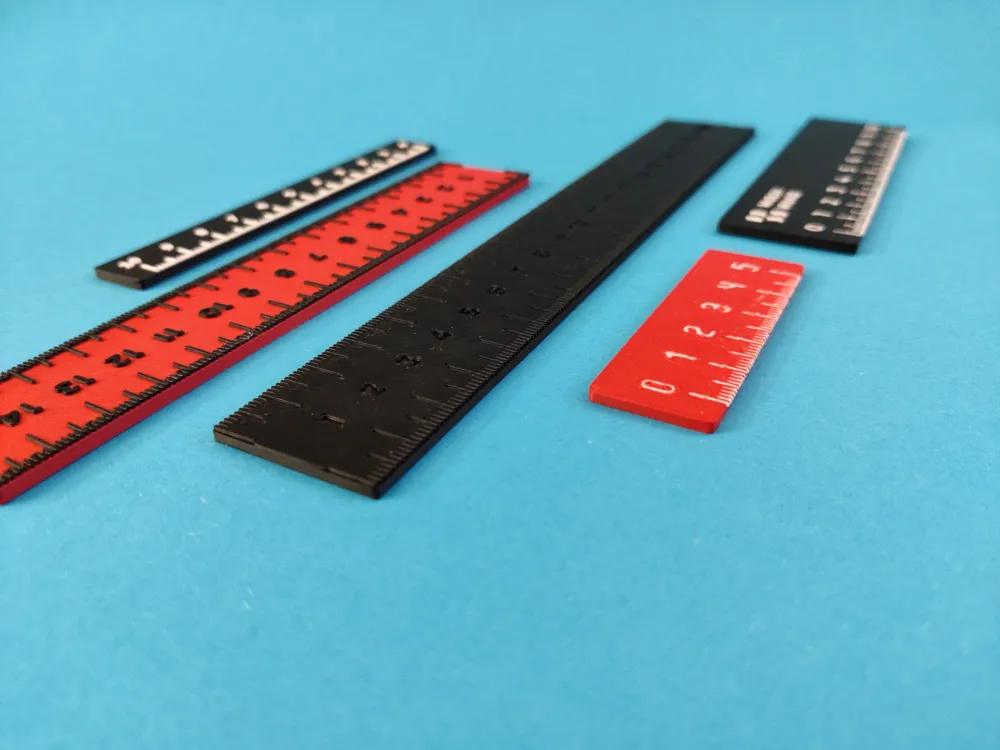
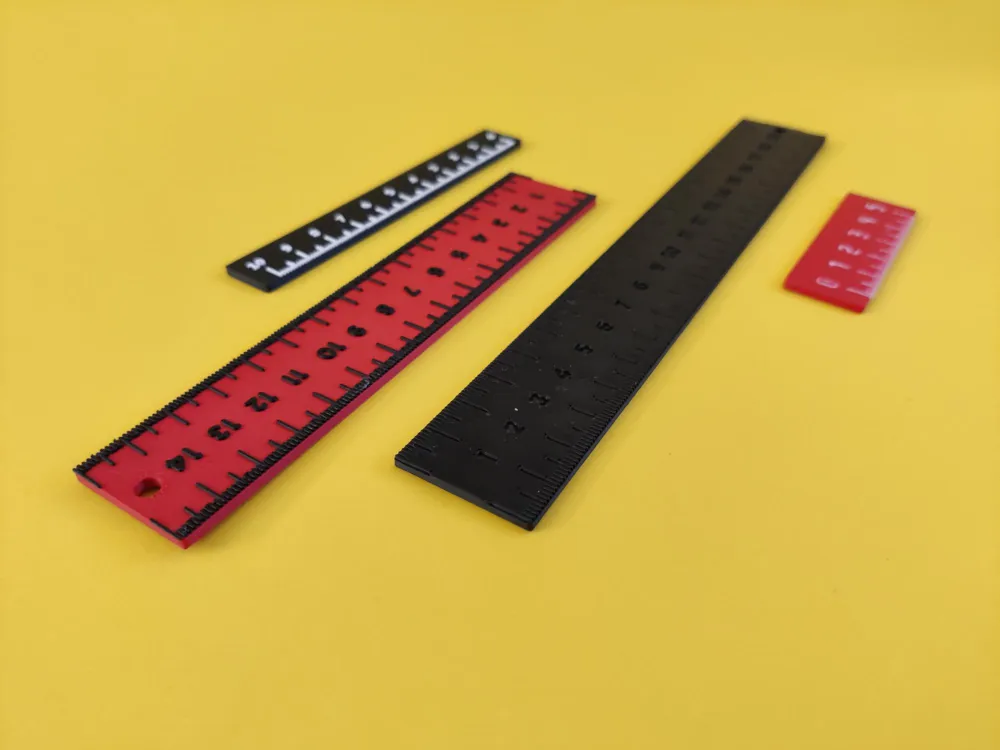
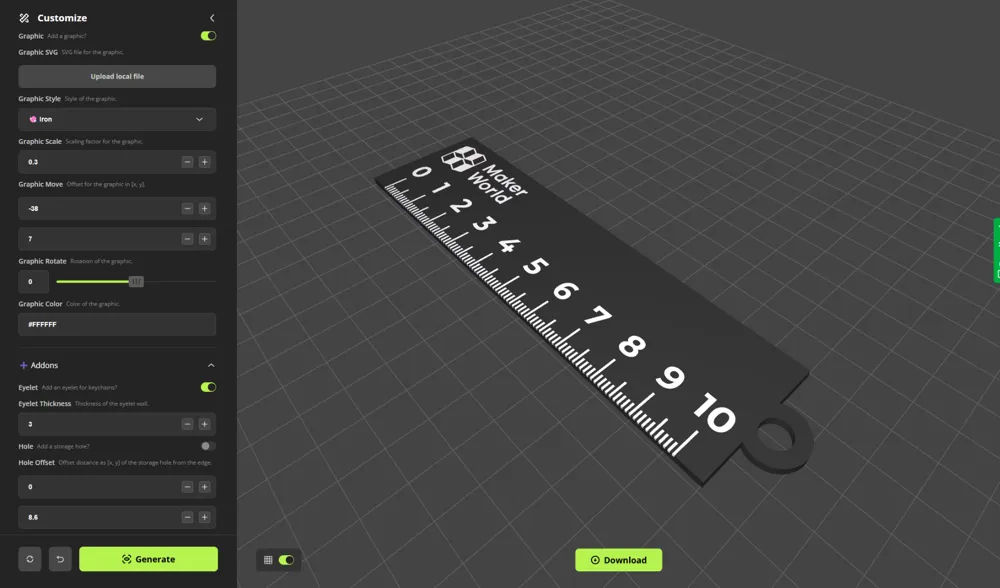
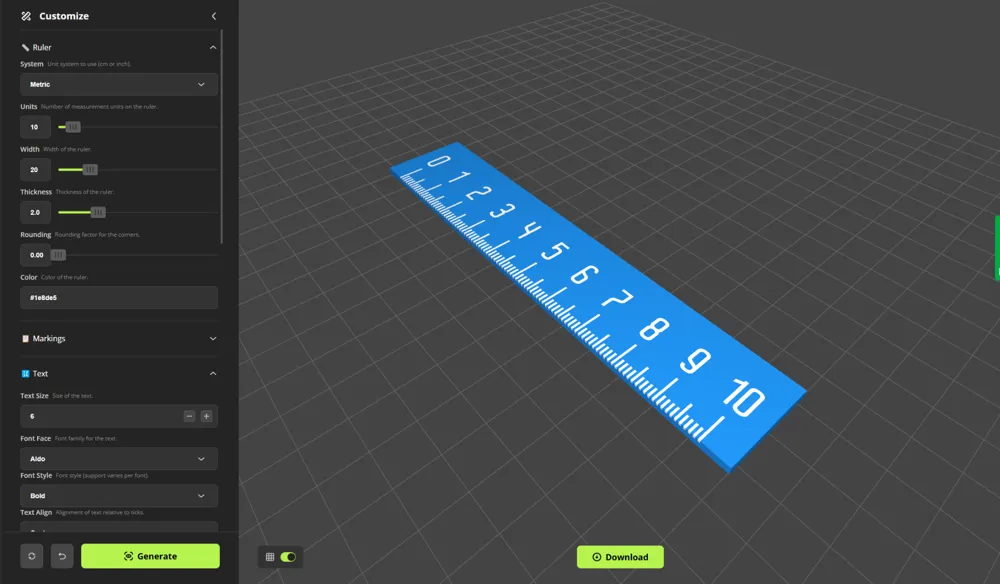
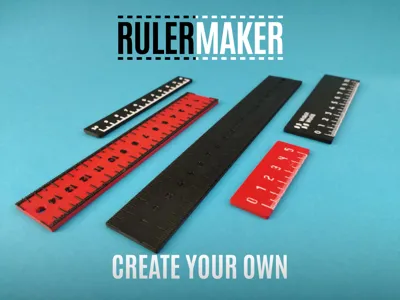
Define the dimensions, select metric or imperial units, customize tick marks, and choose from multiple marking styles and placements. Personalize further by adding graphics, logos, or functional elements like keychain holes. Whether for practical use, branding, or customization, this script offers flexibility to create the perfect ruler.
🚀 Quick Start
- Customize Your Design
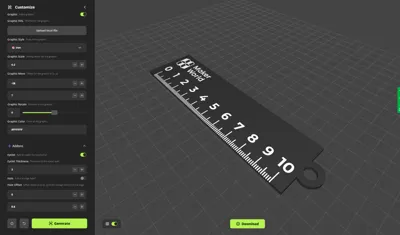
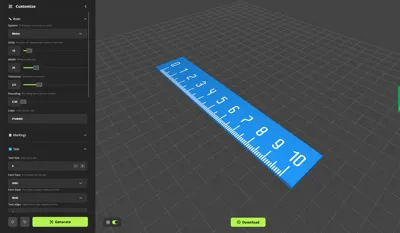
Click on Customize to open RulerMaker. Set up the dimensions and choose between metric or imperial units. - Personalize Your Ruler
Adjust the markings, text, and layout to fit your needs. Add logos, graphics, or functional elements for extra customization. - Export & Print
Once satisfied, export the model and load it into your slicer. Before printing, check the section below for tips on print quality and readability. Then, print your ruler and start measuring!
🖋️ Improving Readability & Print Quality
Printing small, detailed elements like ruler markings can be challenging. Here’s how to get the best results:
- Use a Fine Nozzle
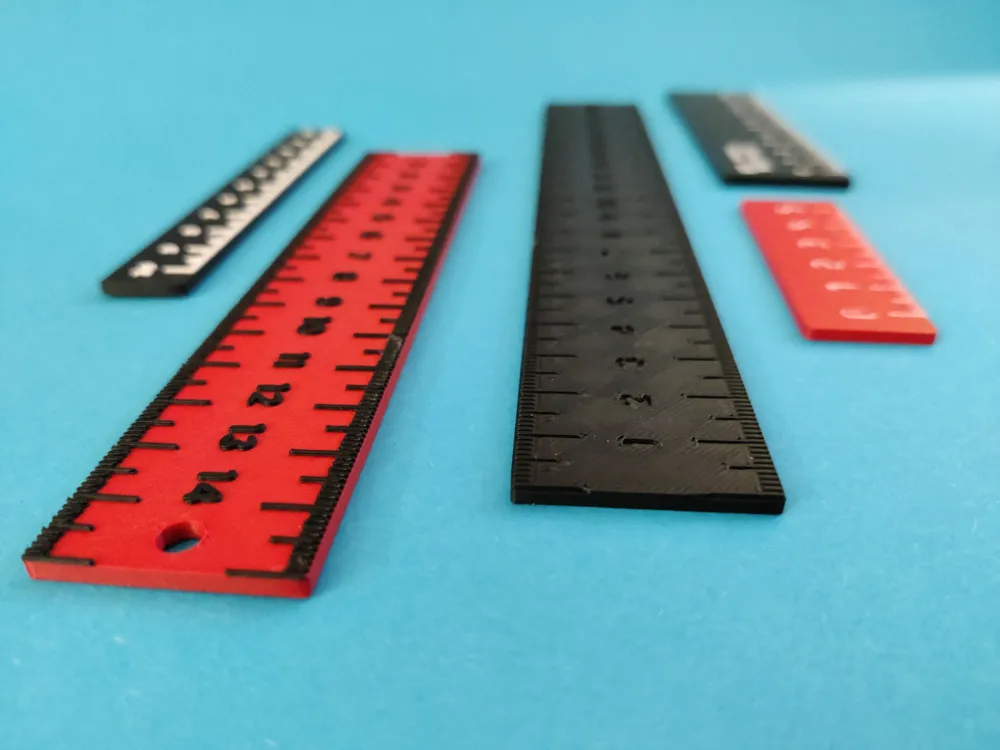
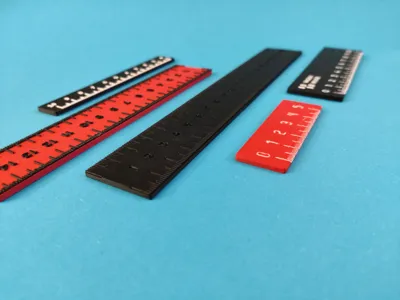
A 0.2mm nozzle is recommended for sharper text and tick marks. The example images were printed with a 0.4mm nozzle. - Optimize Layer Heights
Use a fine layer height or enable variable layer height for a good balance between print speed and detail quality. - Prevent Color Blending
If using multi-color markings on the same layer, be aware that filaments may mix, especially high-contrast colors like black and white, reducing text clarity. Set Ironing to “Top Surface” in your slicer to get the best results.
⭐ Features
- Customizable Dimensions
Adjust length, width, thickness, and corner rounding. - Marking Options
Control tick visibility, numbering style, font settings, and text alignment. - Placement Modes
Place markings on one side, two sides, or centered for a mirrored layout. - Graphics & Logos
Import custom SVGs, and modify scale, position, rotation, and style. - Functional Add-ons
Add a keychain hole, storage perforation, or other useful features.
📜 Maker Scripts
Boost Me (for free)
Your support helps me maintain and create new Maker Scripts. Thank you!
License

You shall not share, sub-license, sell, rent, host, transfer, or distribute in any way the digital or 3D printed versions of this object, nor any other derivative work of this object in its digital or physical format (including - but not limited to - remixes of this object, and hosting on other digital platforms). The objects may not be used without permission in any way whatsoever in which you charge money, or collect fees.


Comment & Rating (159)