
Arrma Firma 35mm ESC Fan Grill Cover Guard Screen

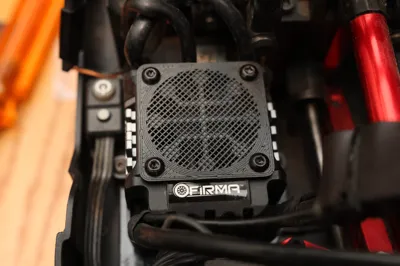
Print Profile(1)

Description
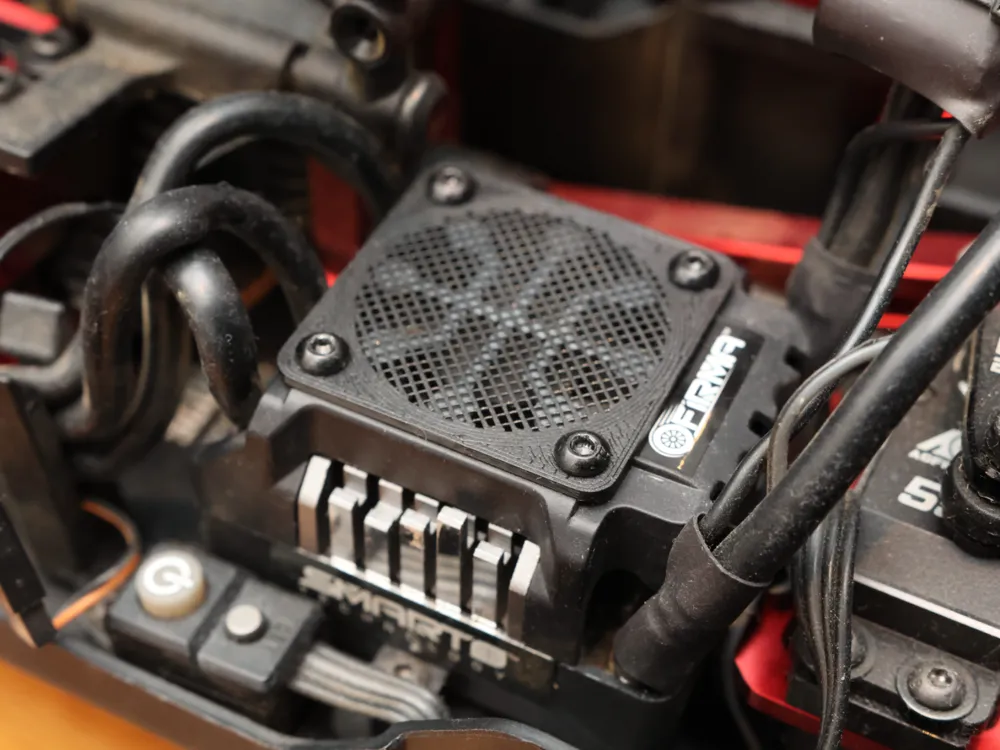
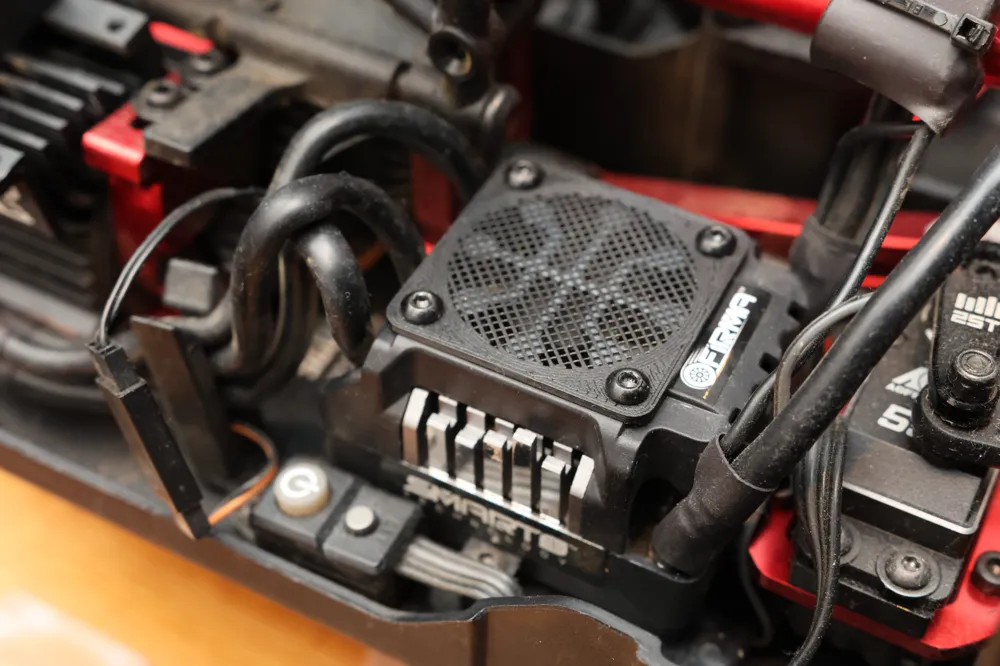
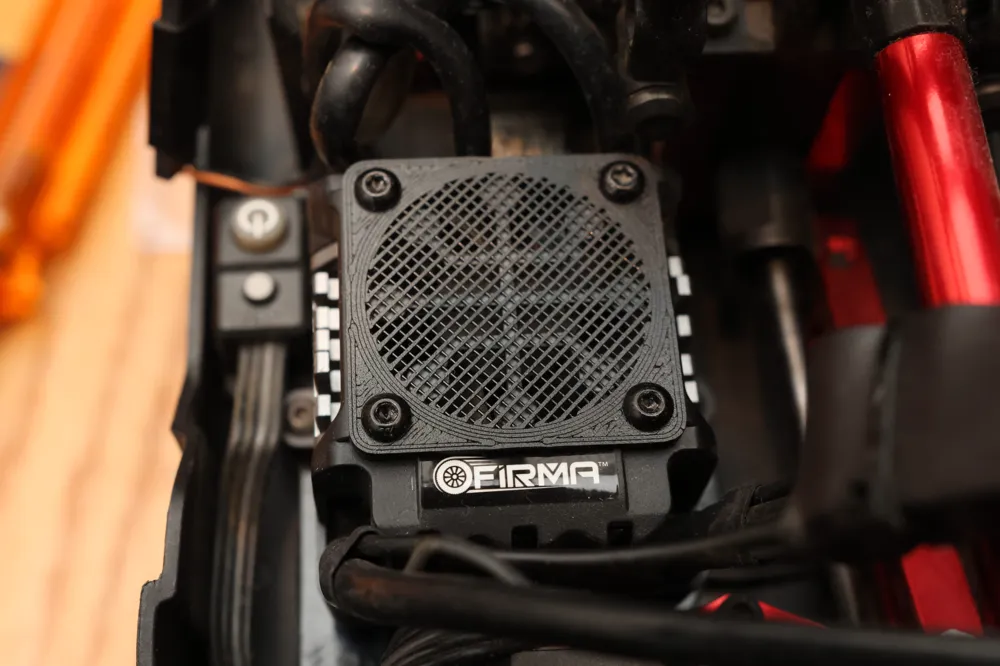
Fan grill custom-made for Arrma/Spektrum/Firma's 35mm ESC Fan. Prevents pebbles from impacting your fan blades. Quick and easy printing (less than 5 minutes!).
Goes well with the 35mm Motor Fan Grill: https://makerworld.com/en/models/1042994
Installation
Remove the four (4) screws from the ESC cover.
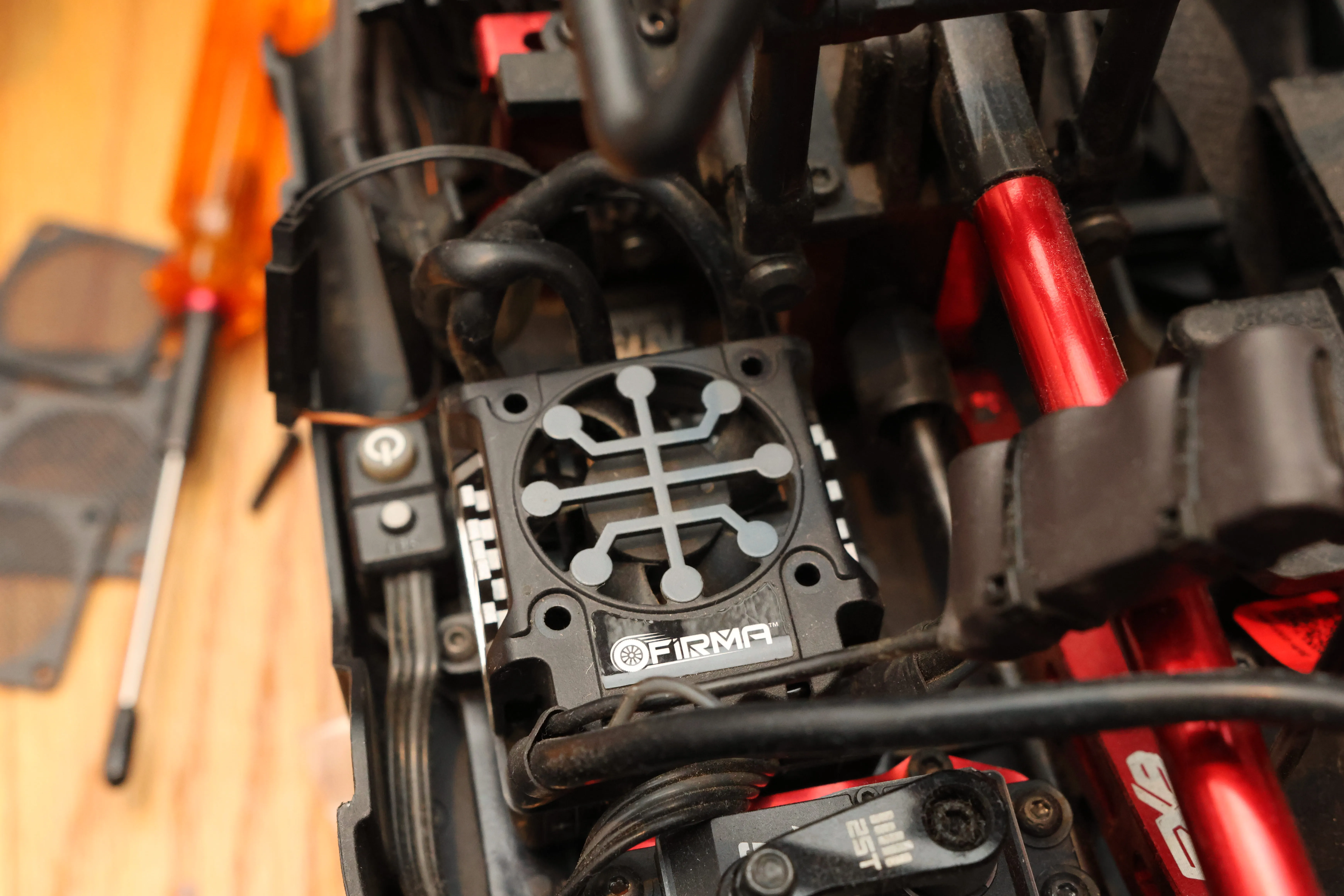
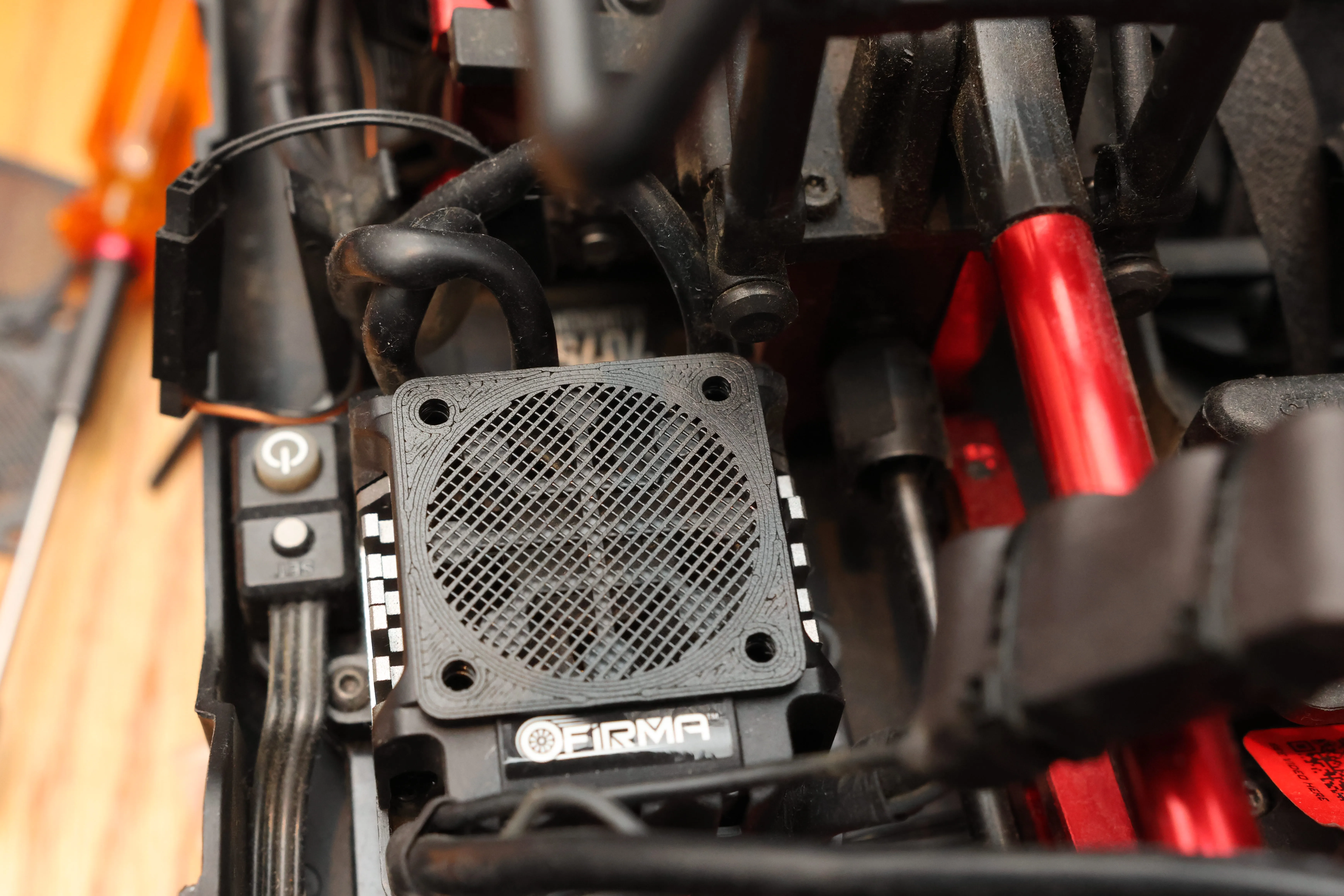
Place fan grill over the stock grill. Make sure orientation is correct – If not, rotate 90° and/or flip it over.
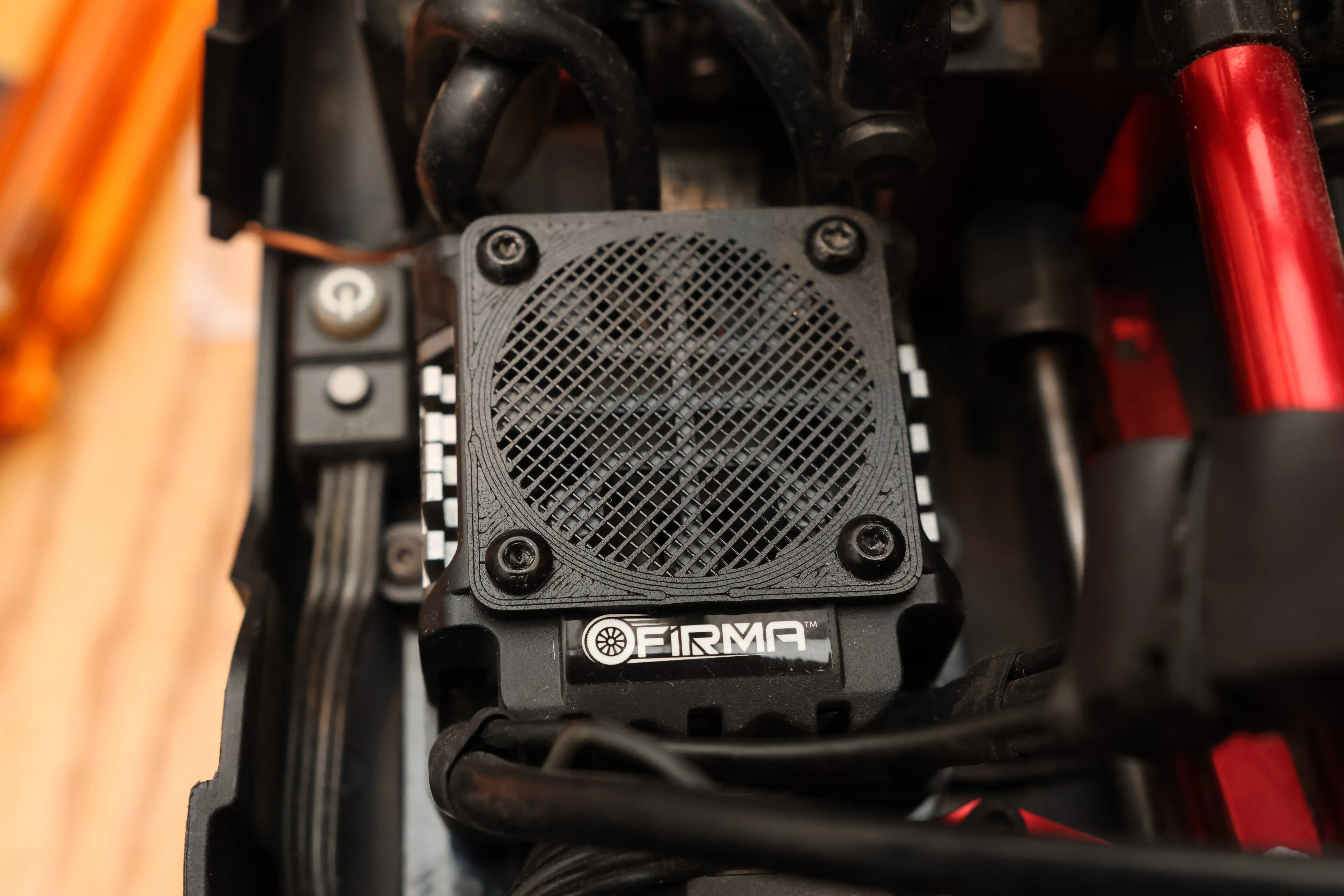
Secure by re-installing the four (4) screws.
Adjusting the Mesh Density
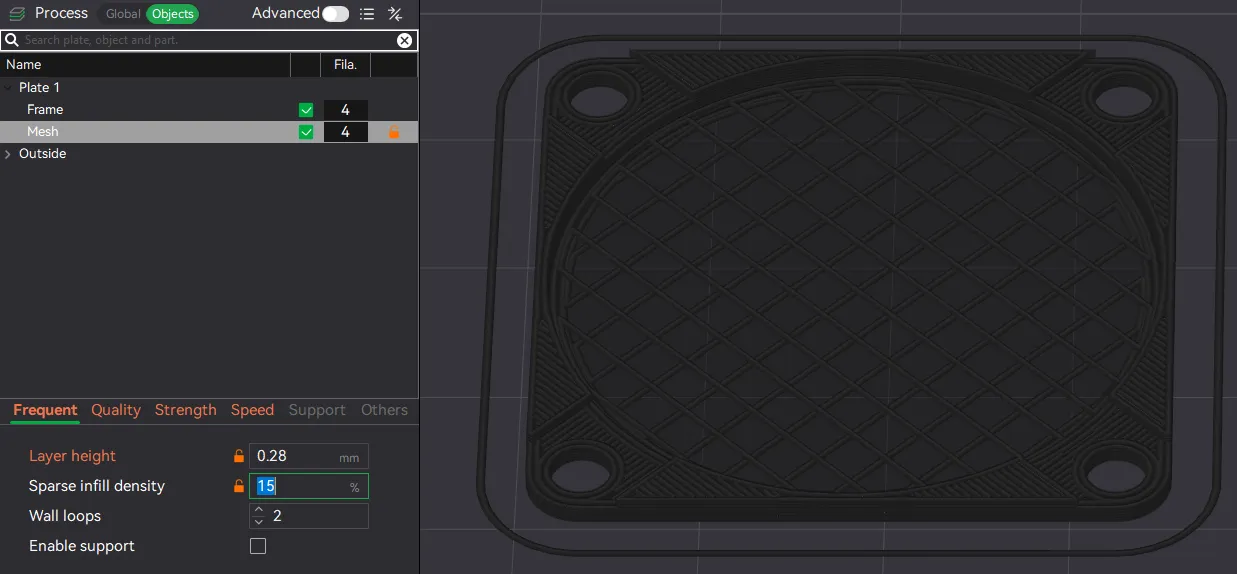
If you find the mesh is too dense and impeding too much airflow, you can lower the impedance by decreasing the mesh/screen density by adjusting the "Sparse infill density" of the "Mesh" object. This will obviously give you less protection from smaller debris, but that's the trade-off. To do this in Bambu studio:
- Switch to Objects view
- Click on the object named, “Mesh.”
- In the Frequent or Strength tab, you can change the “Sparse infill density” to whatever you like. I selected 30% by default, but you can go lower to 15% (or even higher if you like).
- Re-slice and you'll see the new mesh in the preview page
License

You shall not share, sub-license, sell, rent, host, transfer, or distribute in any way the digital or 3D printed versions of this object, nor any other derivative work of this object in its digital or physical format (including - but not limited to - remixes of this object, and hosting on other digital platforms). The objects may not be used without permission in any way whatsoever in which you charge money, or collect fees.


Comment & Rating (33)