
Display cover for Bambulab A1


Print Profile(1)

Description
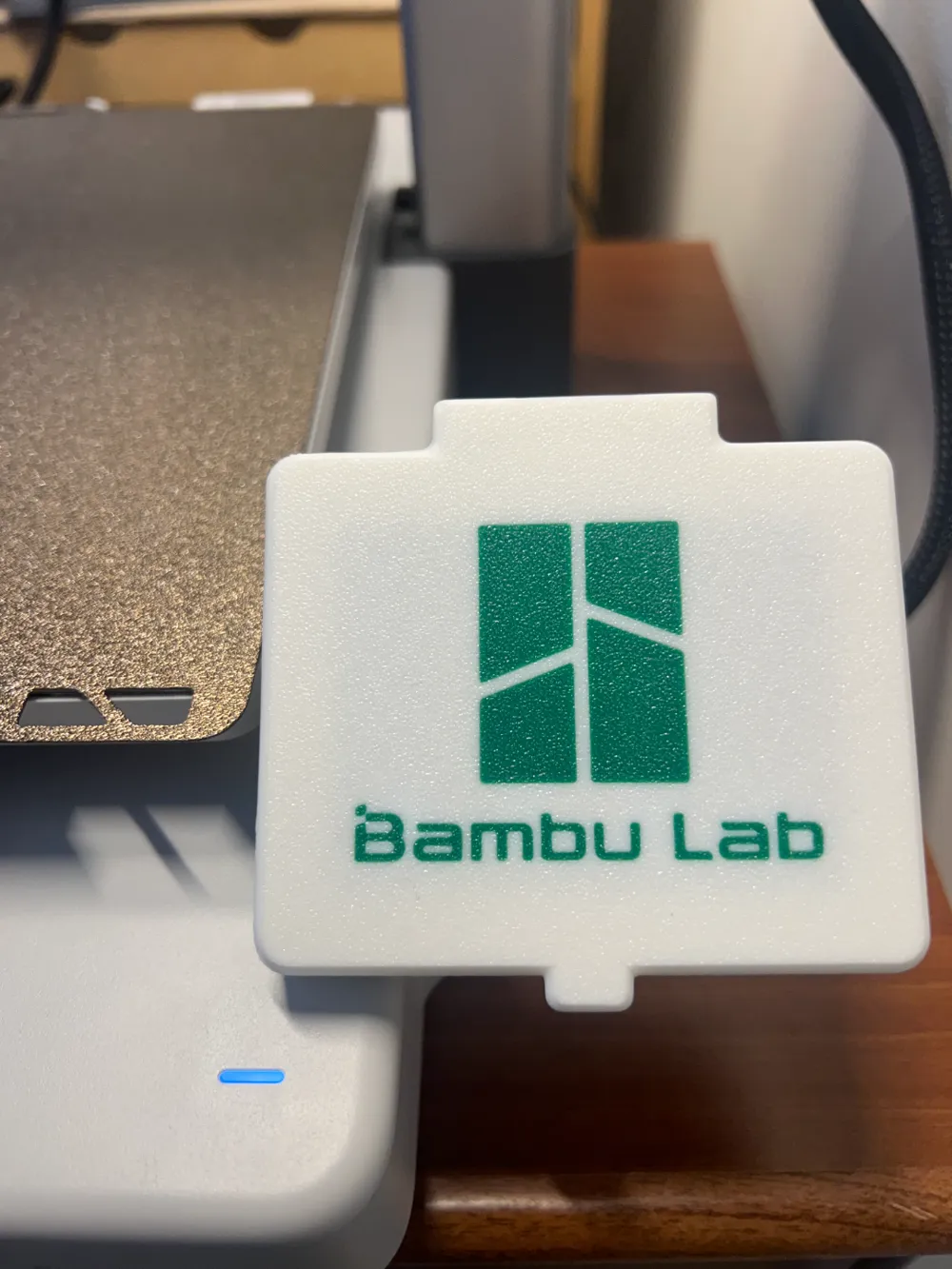
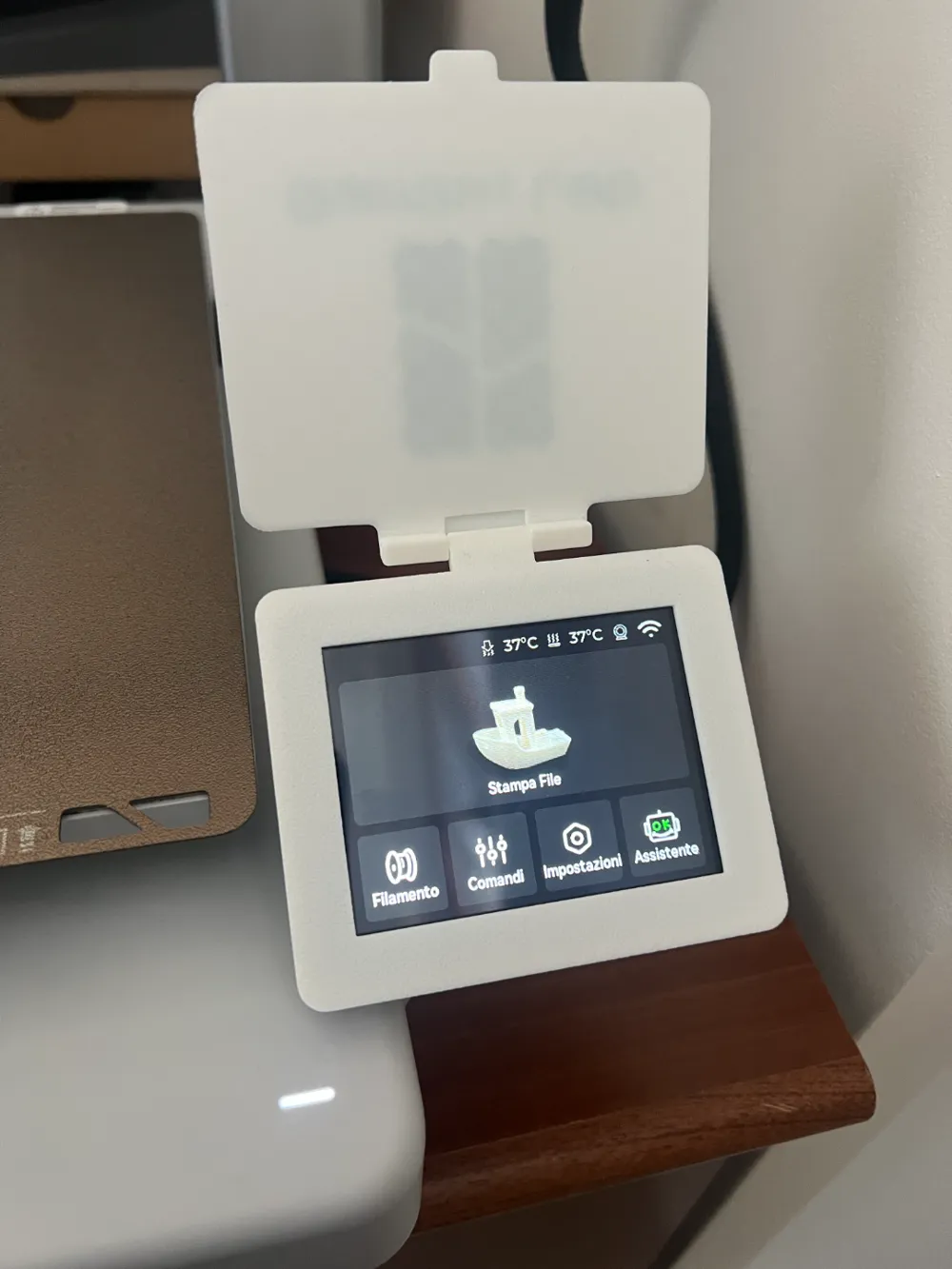
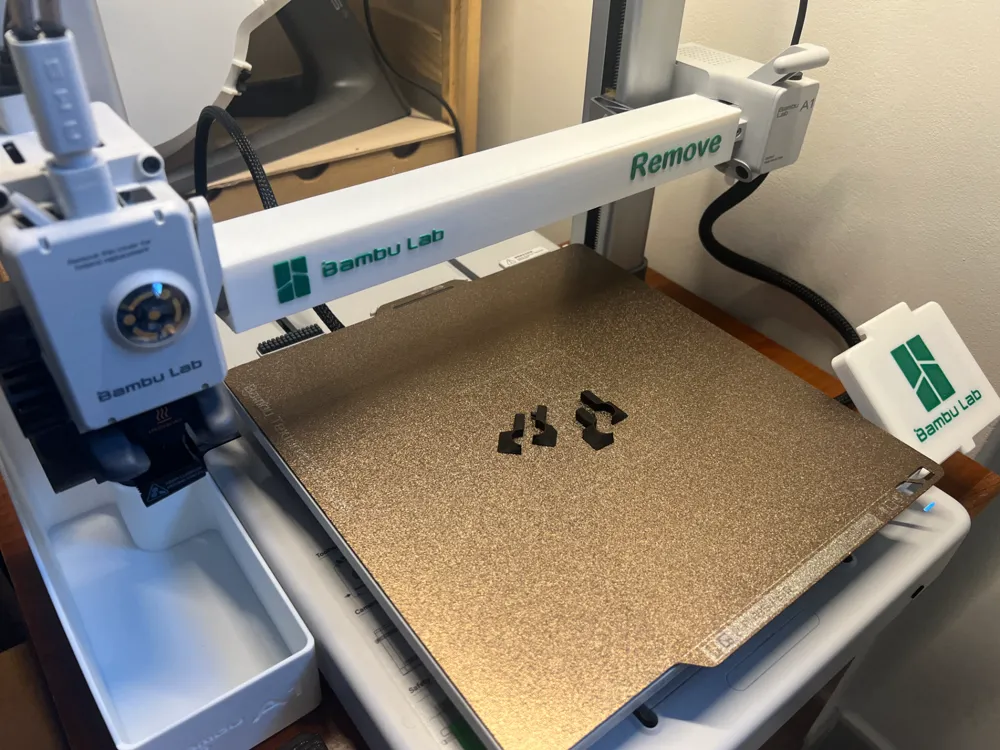
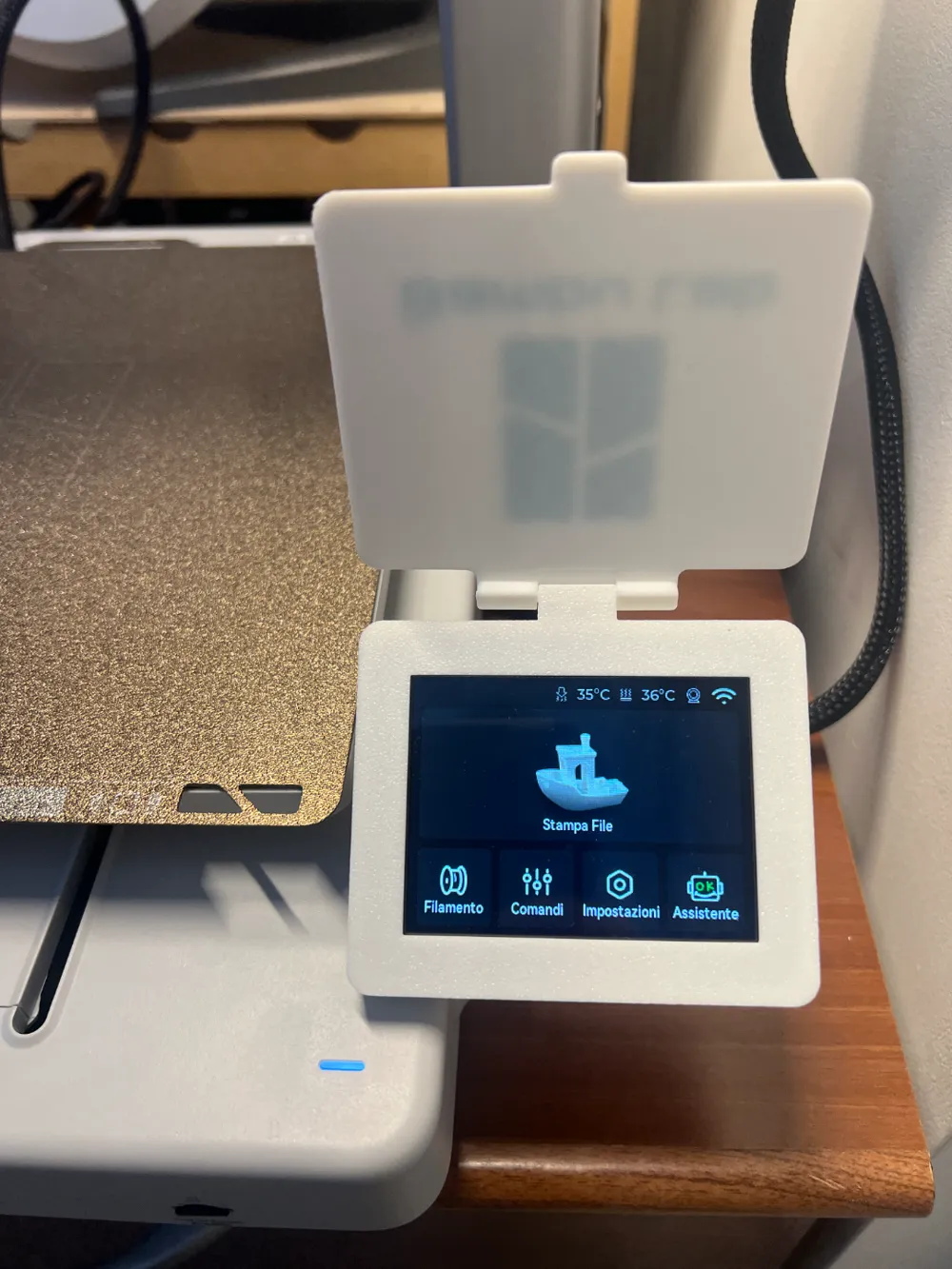
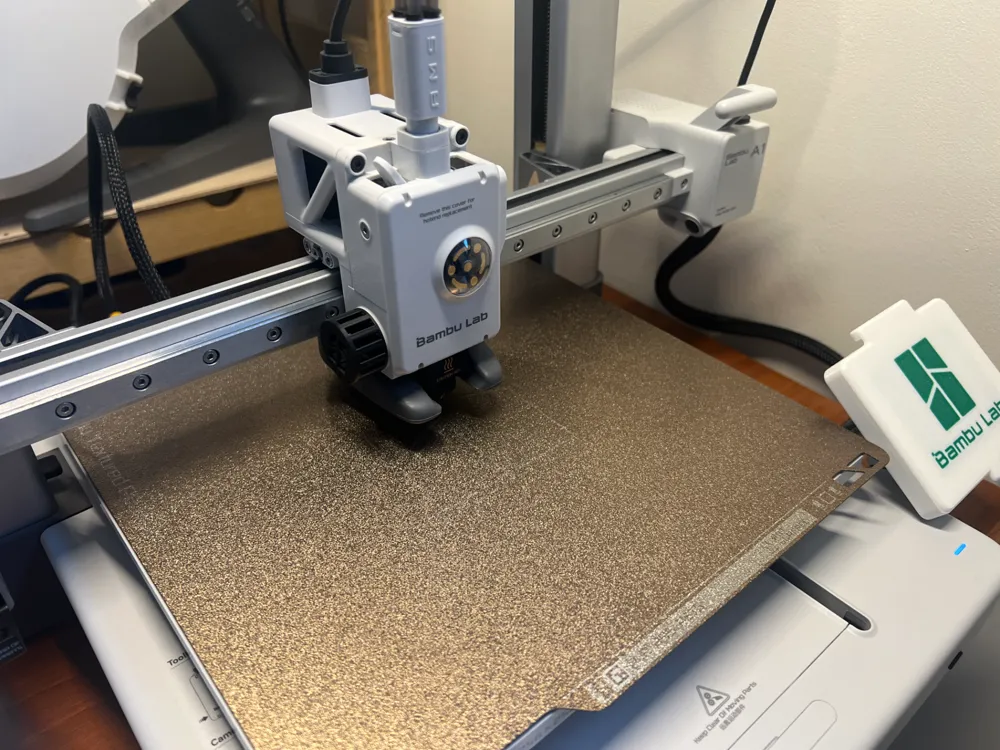
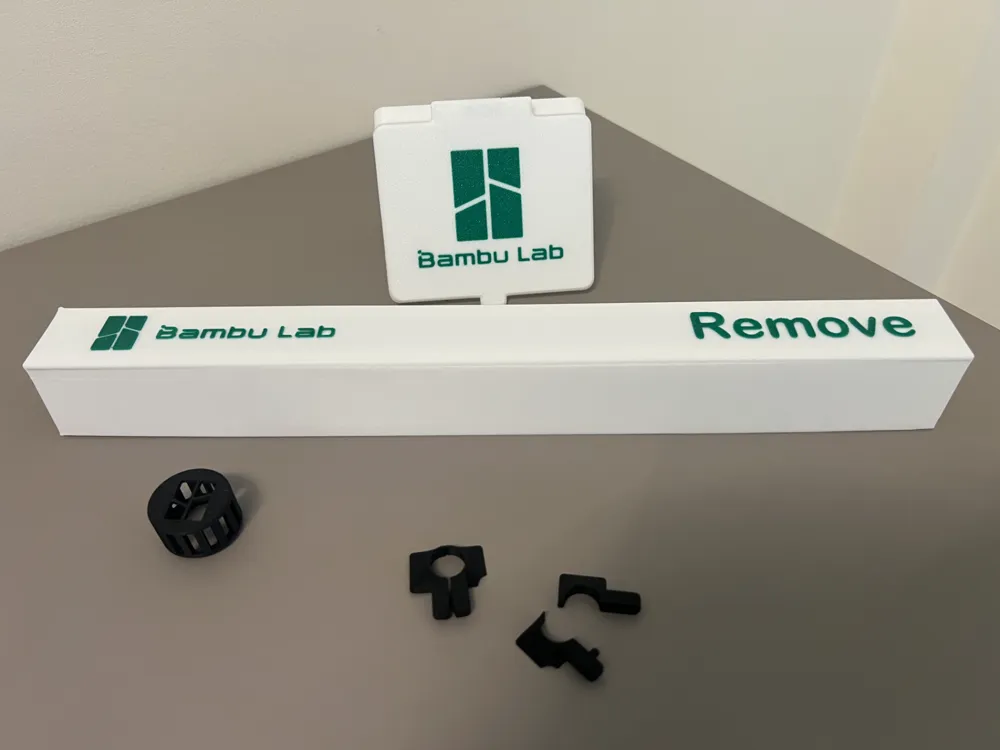
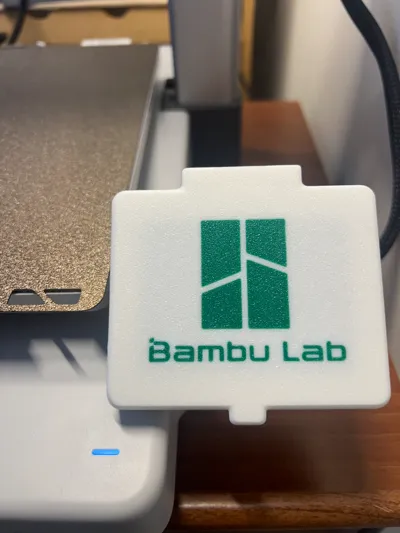
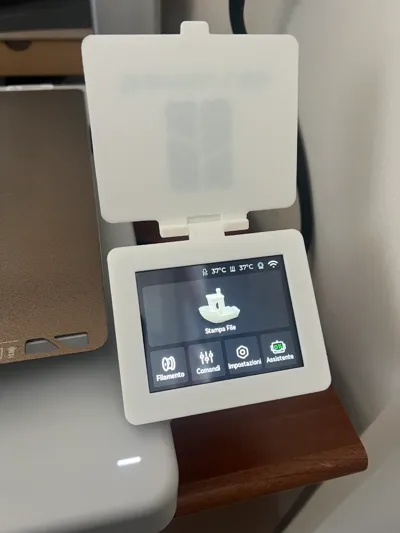
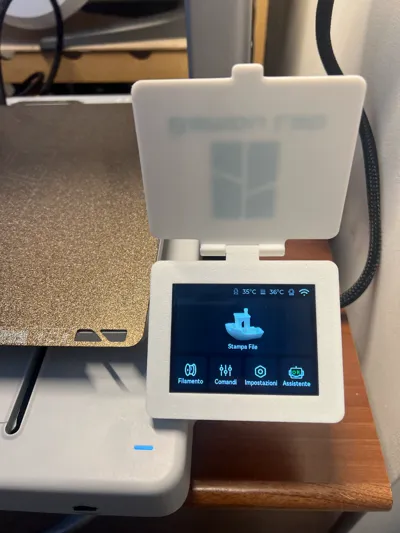
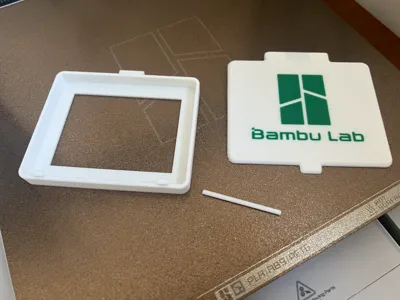
Dust cover for Bambulab A1 display.
This will help keep dust out of the display.
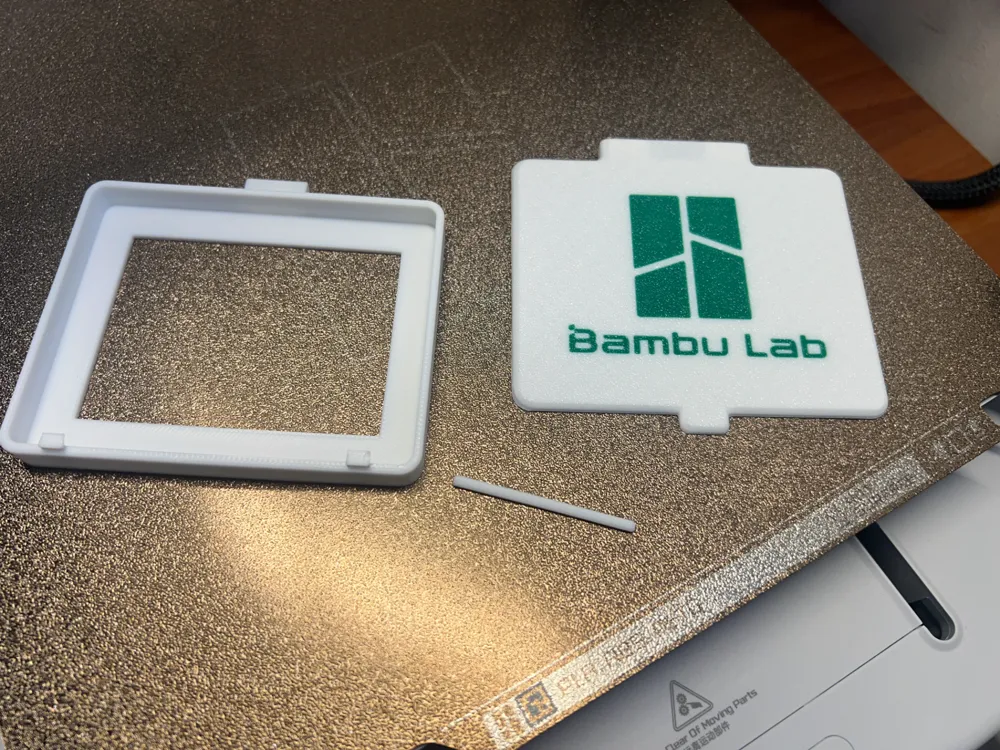
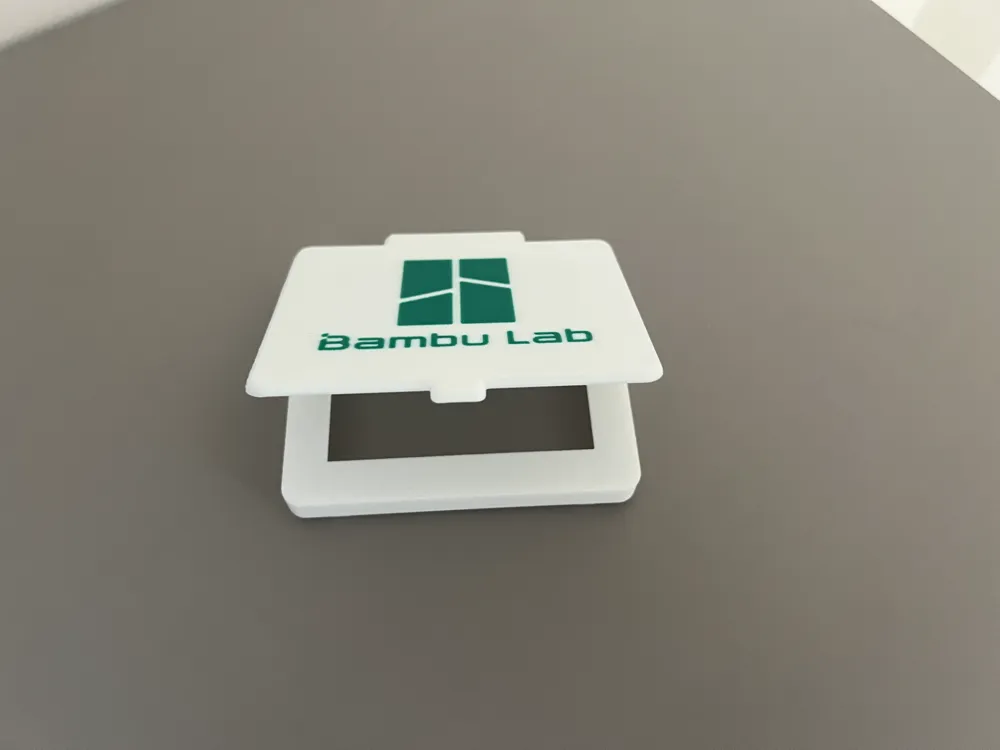
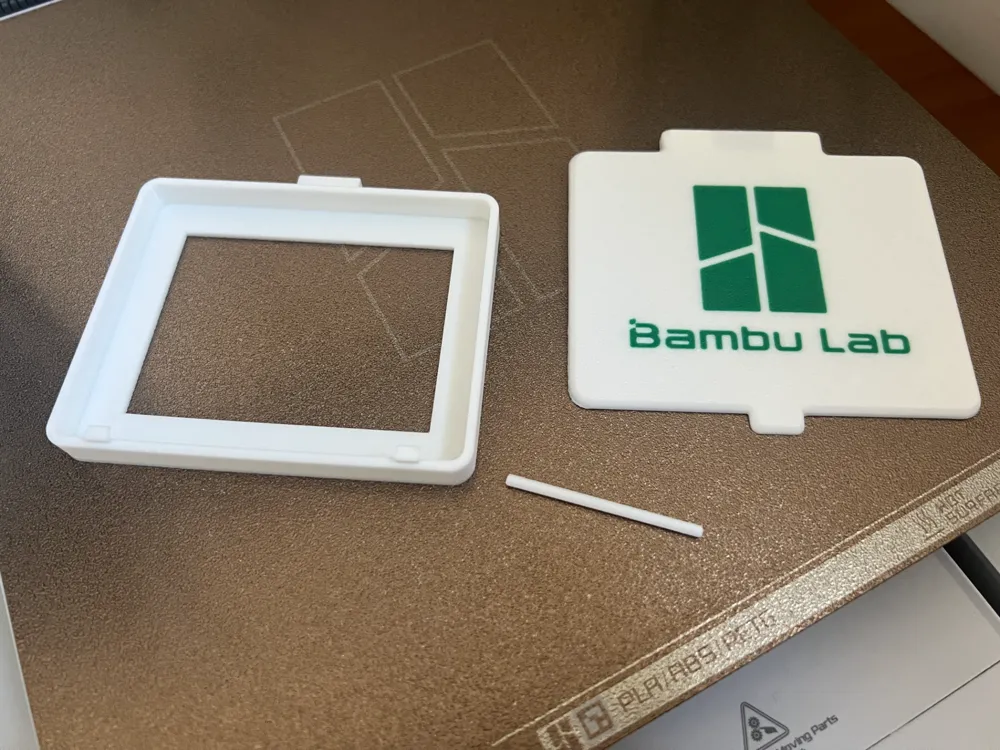
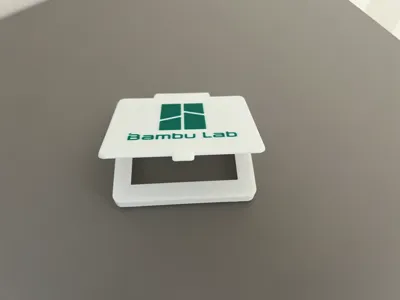
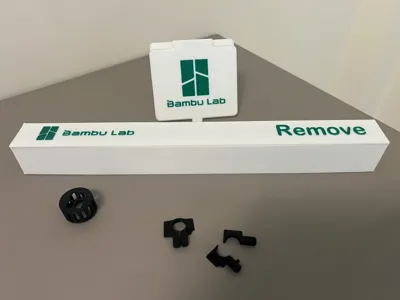
The model contains cover display with logo BambuLab.
Assembly instructions:
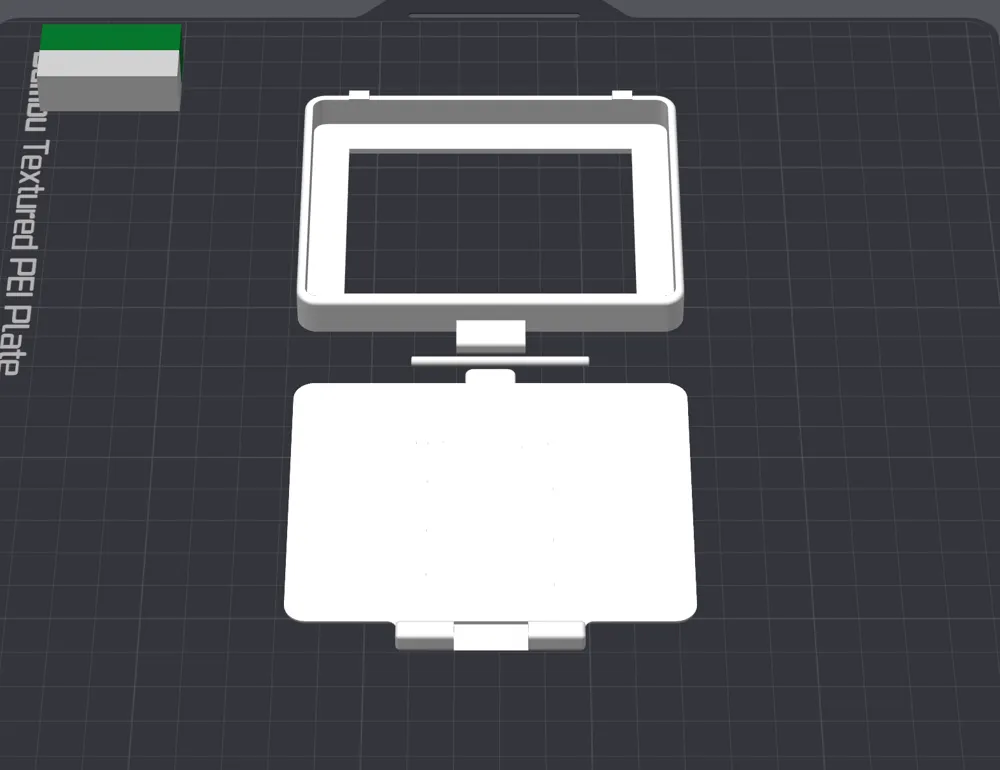
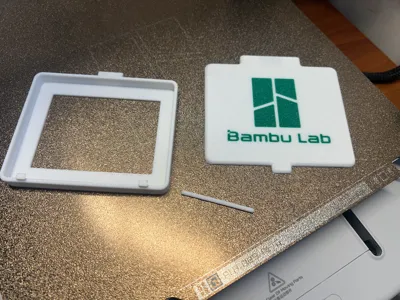
- Apply the cover to the main body
- Insert the joint into the slot provided above, until the joint is fully inserted (it is advisable to use a tool to push the joint into place)
- Once applied, test the movement to ensure correct functioning and remove imperfections.
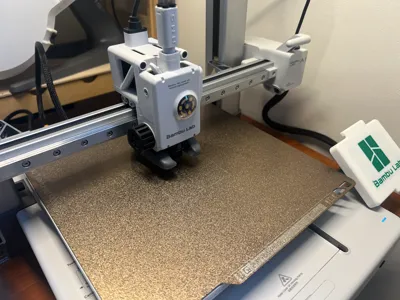
- Apply to the printer display, taking care to first insert the lower part where there are 2 small hooks that hold it in place at the bottom and then insert the upper part.
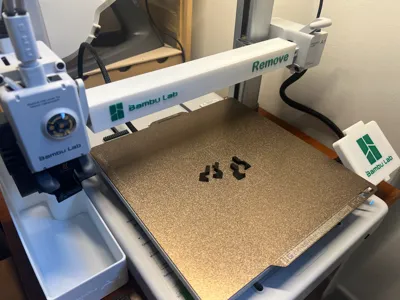
Also take a look at the other accessories I made for the Bambulab A1 printer.
Cover X-axis for Bambulab A1:
https://makerworld.com/it/models/1029370#profileId-1011819
Cover Z-axis for Bambulab A1:
https://makerworld.com/it/models/1029420#profileId-1011883
Cover fan for Bambulab A1:
https://makerworld.com/it/models/1029394#profileId-1011849
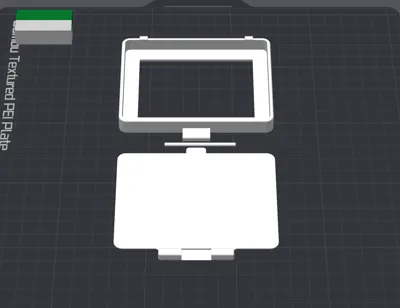
Printed without supports.
Printed with BambuLab PLA Basic Jade White and Bambulab PLA Basic Mistletoe Green.
License

You shall not share, sub-license, sell, rent, host, transfer, or distribute in any way the digital or 3D printed versions of this object, nor any other derivative work of this object in its digital or physical format (including - but not limited to - remixes of this object, and hosting on other digital platforms). The objects may not be used without permission in any way whatsoever in which you charge money, or collect fees.


Comment & Rating (187)