Search models, users, collections, and posts

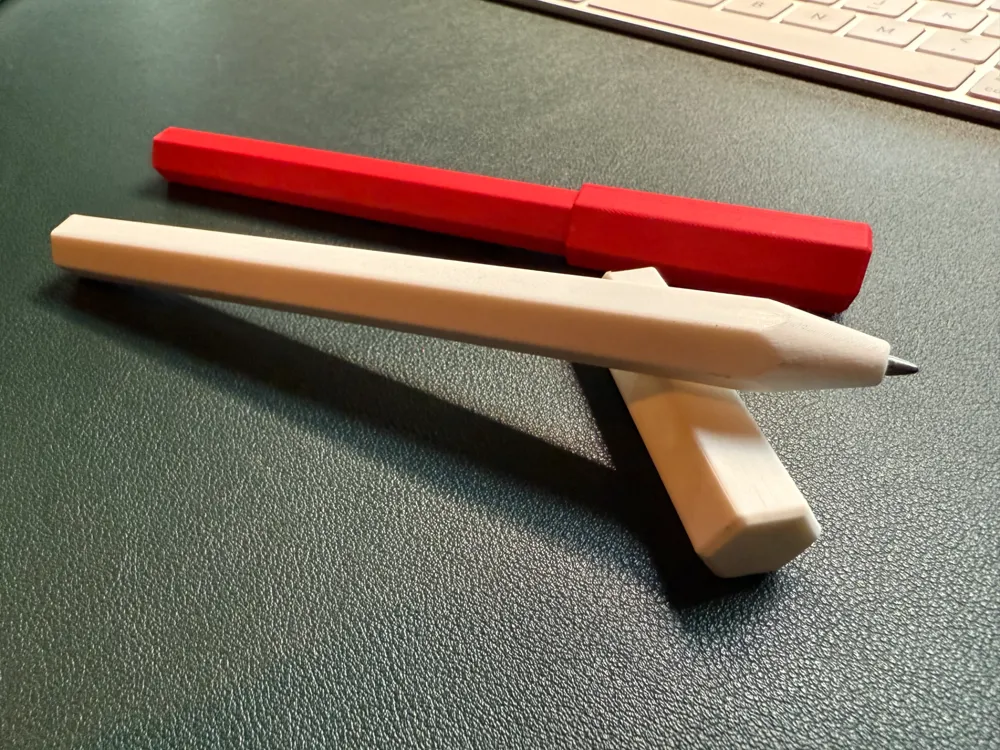
Print Profile(1)

0.08mm layer, 4 walls, 50% infill
Designer
1.1 h
1 plate
Open in Bambu Studio
Boost
35
107
10
3
198
86
Released
Description
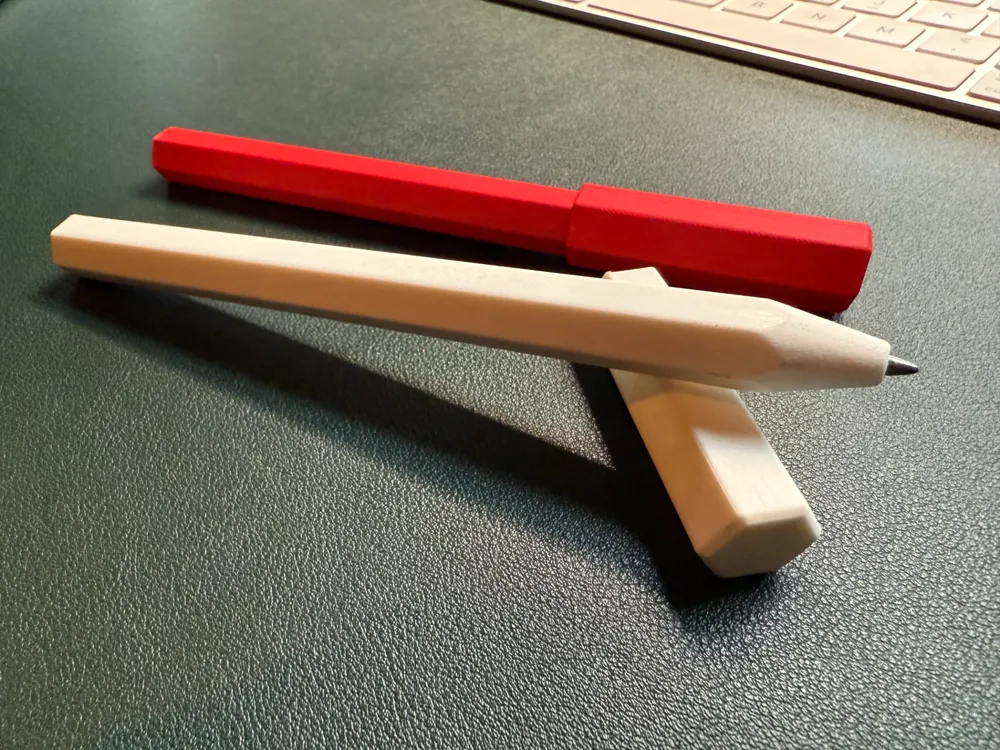
This is an easy pen to print for Parker Quink Flow ballpoint refills.
Printing instructions:
- PLA is fine and probably preferred for accuracy. Matte gives a nice grip.
- Print at a 0.12 layer height (the provided profile is at 0.08 for a better finish)
- 4 walls
- 15 - 50% gyroid infill
- Print orientation: all parts flat on the bed (not upright)
- Supports: pen body and cap: tree (auto), on bed only
- Brim: no
- Textured PEI bed for a nice texture
- Silent mode recommended
Assembly instruction:
- Let the bed cool fully
- Remove the supports (should fall off easy)
- Check inside of the cap if the bridging was clean. Otherwise remove the loose bits before posting the cap, otherwise the cap might split.
- Remove the left over bits on both ends of the pen body
- Slide in the refill and check if the nib protrudes
- Check if the two half round ‘plugs’ have elephant foot. If so, sand or scrape them away (X1C standard doesn't have elephant foot, but my A1 Mini does due to the higher bed temperature set automatically. If you experience this, play around with the elephant foot compensation in Bambu Studio 0.1 goes a long way)
- Slide in the two half round ‘plugs’ in the end and push them in on a hard surface.
- No additional hard wear needed.
- Refill empty? Push hard on the tip of the pen and grap the two plugs with some pliers and refill.
Note that the cap is friction fit, so how well in fits and stays on depends on the accuracy of your printer.
You can reprint the cap scaled up or down if needed. A single % up or down goes a long way.
If the cap is really tight it might snap, so be careful.
I hope you enjoy it as much as I do.
Please let me know your feedback.
License

This user content is licensed under a
Creative Commons Attribution-Noncommercial


Comment & Rating (10)