
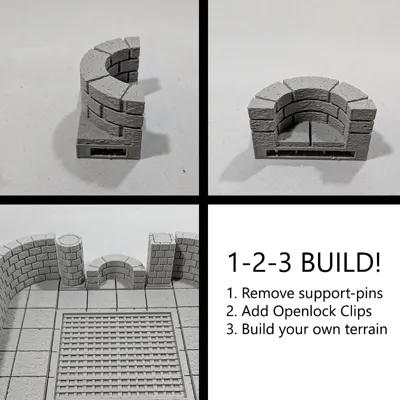
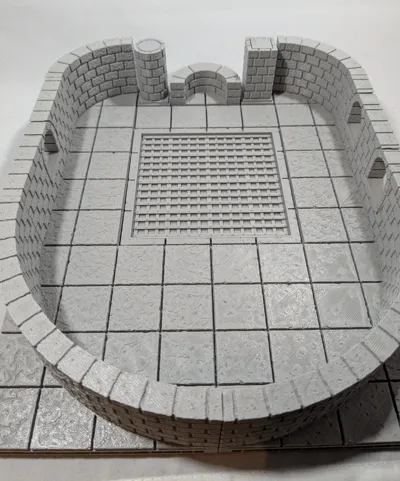
Cut Stone Alcove (OpenLOCK system)


Print Profile(1)

Description
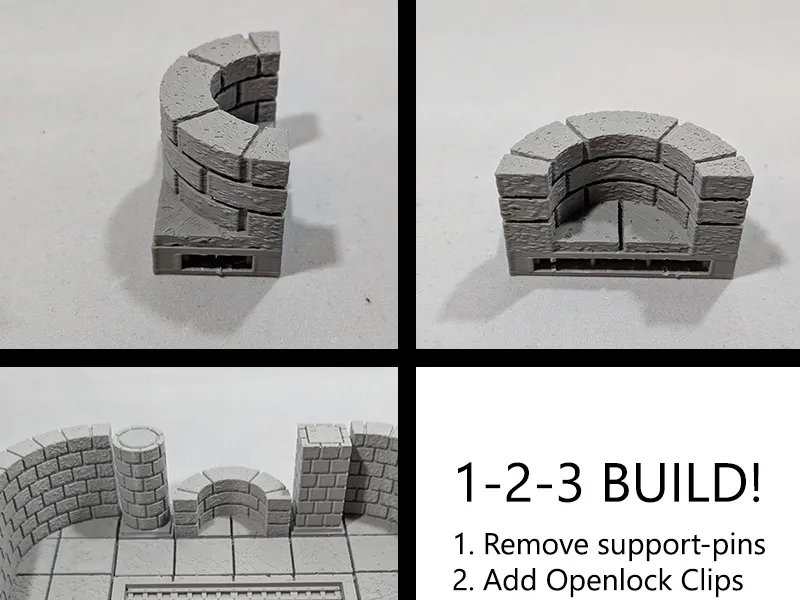
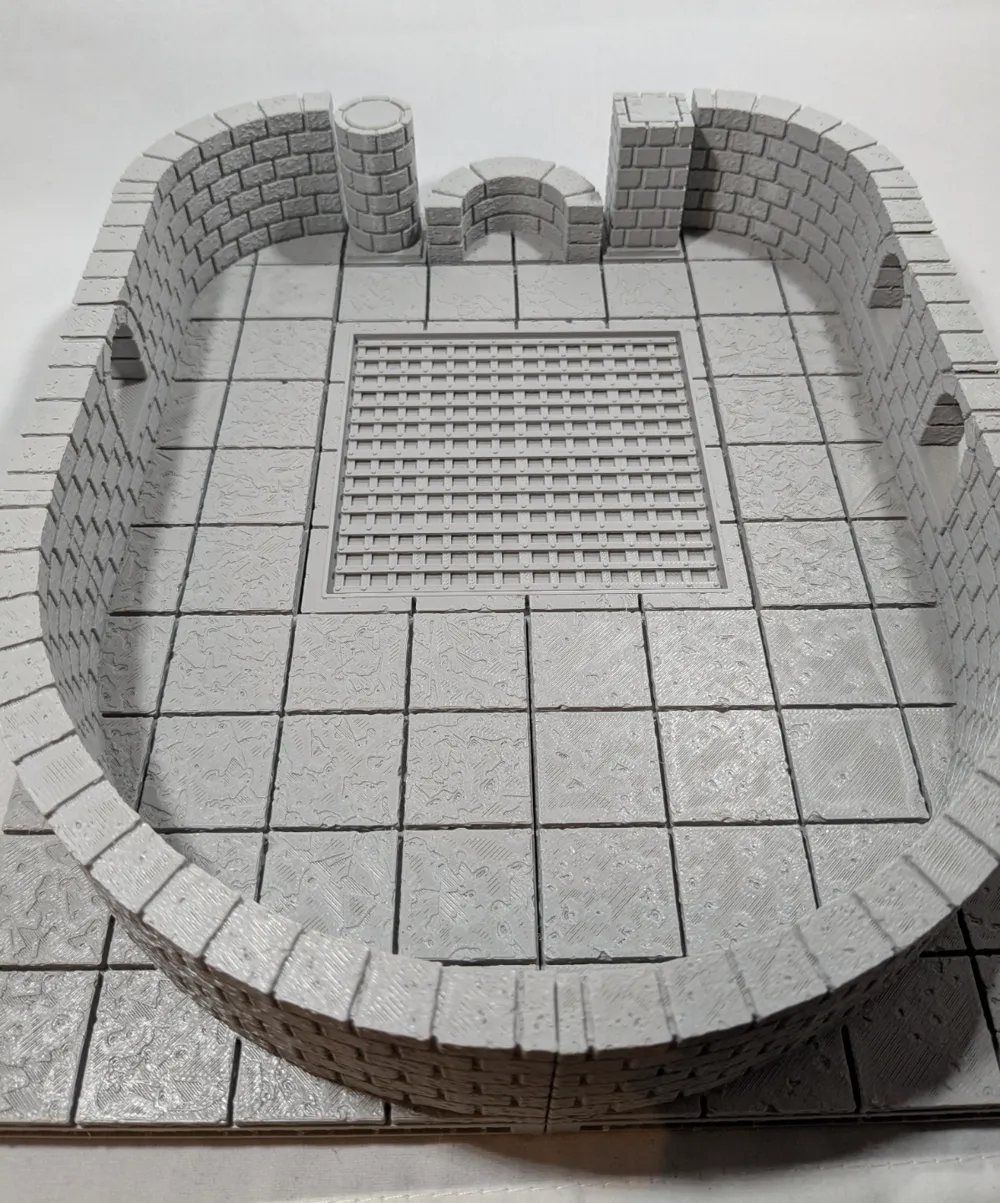
Every castle/dungeon needs little nooks and crannies to hide treassure? enemies? traps? let's find out!
Remix of Kivinorion's take on the Cut Stone Openforge 2.0. from Devon Jones.

With the Openlock triplex base you can click the tiles together in a limitless configuration of your choice.
I added aditional beams, because I found that printing the big ones without them gives a very bad texture at the bottom. And if I put the time and money in tiles, I want them to be pretty and sturdy.
Instructions:
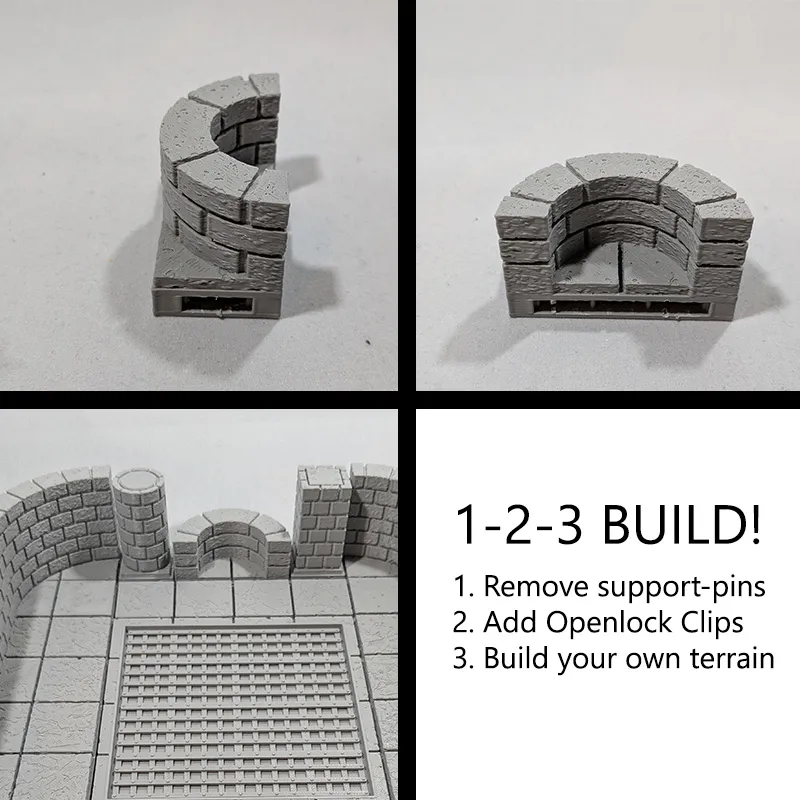
- Print the tiles of your choice.

- Remove the small supporting pins on the sides.
- Print Openlock clips to connect the tiles.
- Push one or more Openlock clips into the tiles (depending on the size of the tile 1 can be enough, 2 works best with big tiles).
- Connect the tiles together.
Making your own (Cut Stone) castle/dungeon/map? Try these components
Yandalf posted some of the other parts already.
Together 3D has a commercial license for using the OpenLOCK system. More info can be found on www.printablescenery.com
Boost Me (for free)
Spread some Makerworld magic — boost what you love! ❤️
Membership
Interested in selling our original designs? Join our commercial membership!
This remix is based on

License



Comment & Rating (0)