
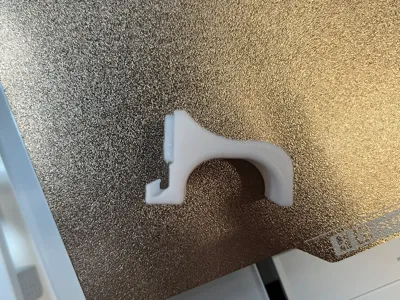
A1 Hotend / printhead cover remover tool

Print Profile(6)


Description
A new version with a printed TPU pad instead of the felt pad is available here:
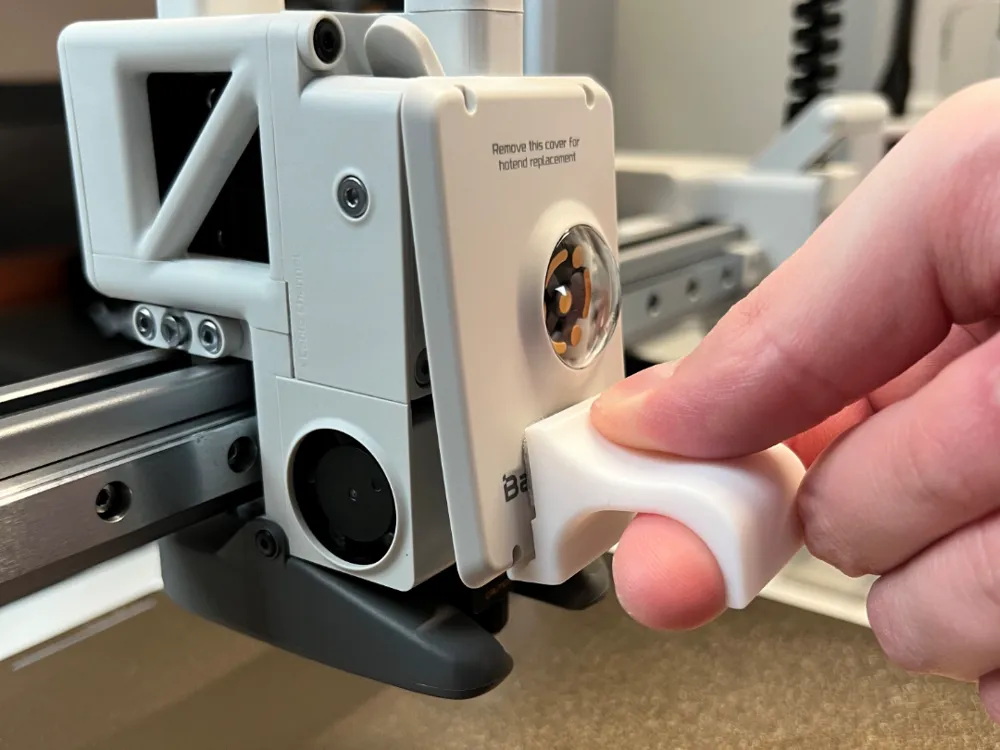
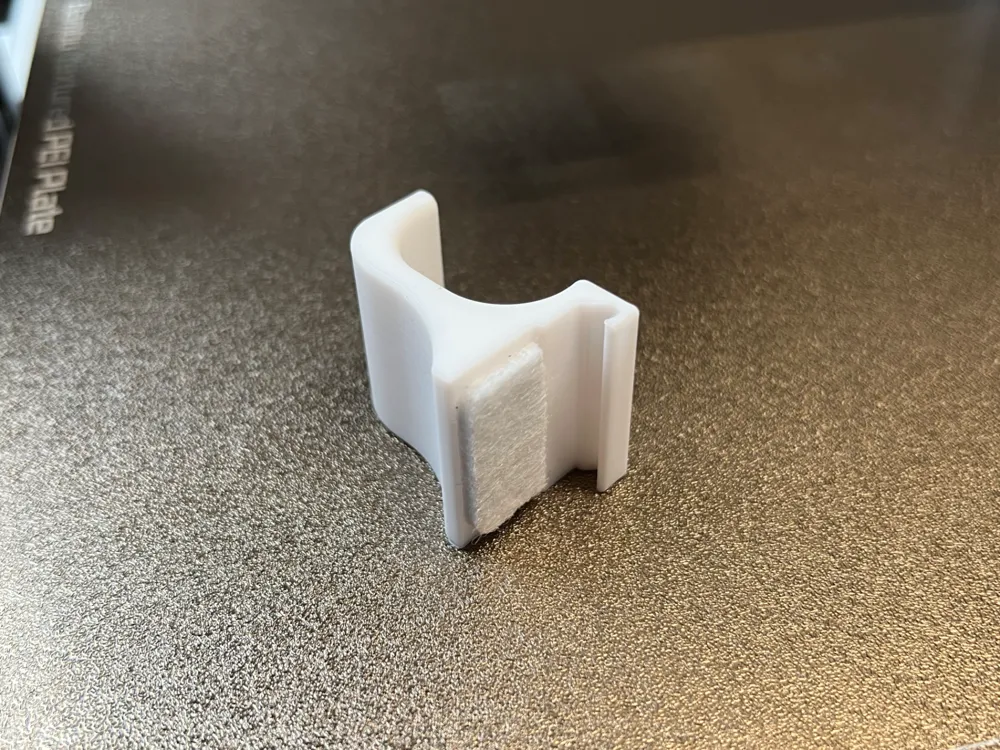
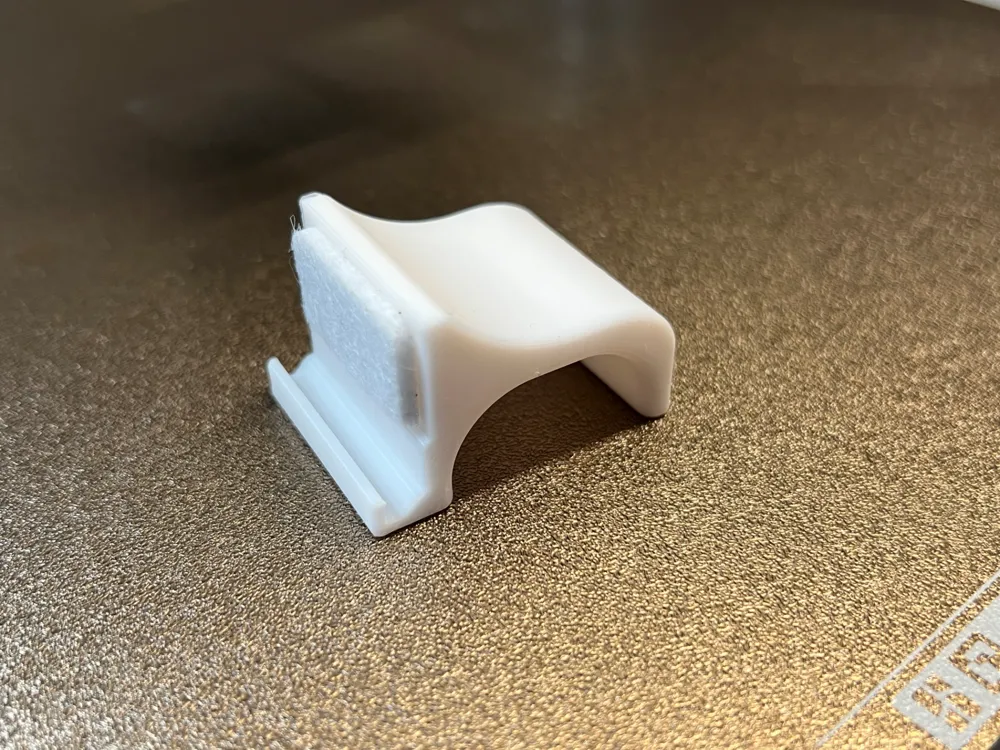
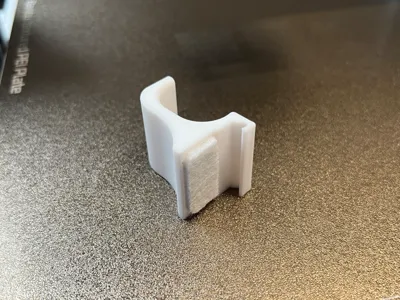
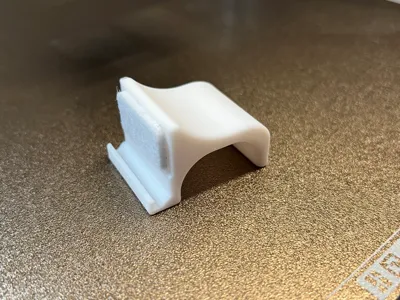
Simple tool to help remove the cover plate on the printhead when you need too change the hotend or do maintenance.
A small piece of felt pad protects the cover against scratches. The tool can be safely used without damaging the cover plate.
Bill of materials:
- Felt pad between 2 - 3 mm in thickness (It must be thicker then the edge on the tool, this way the cover only touches the felt pad)
How to use:
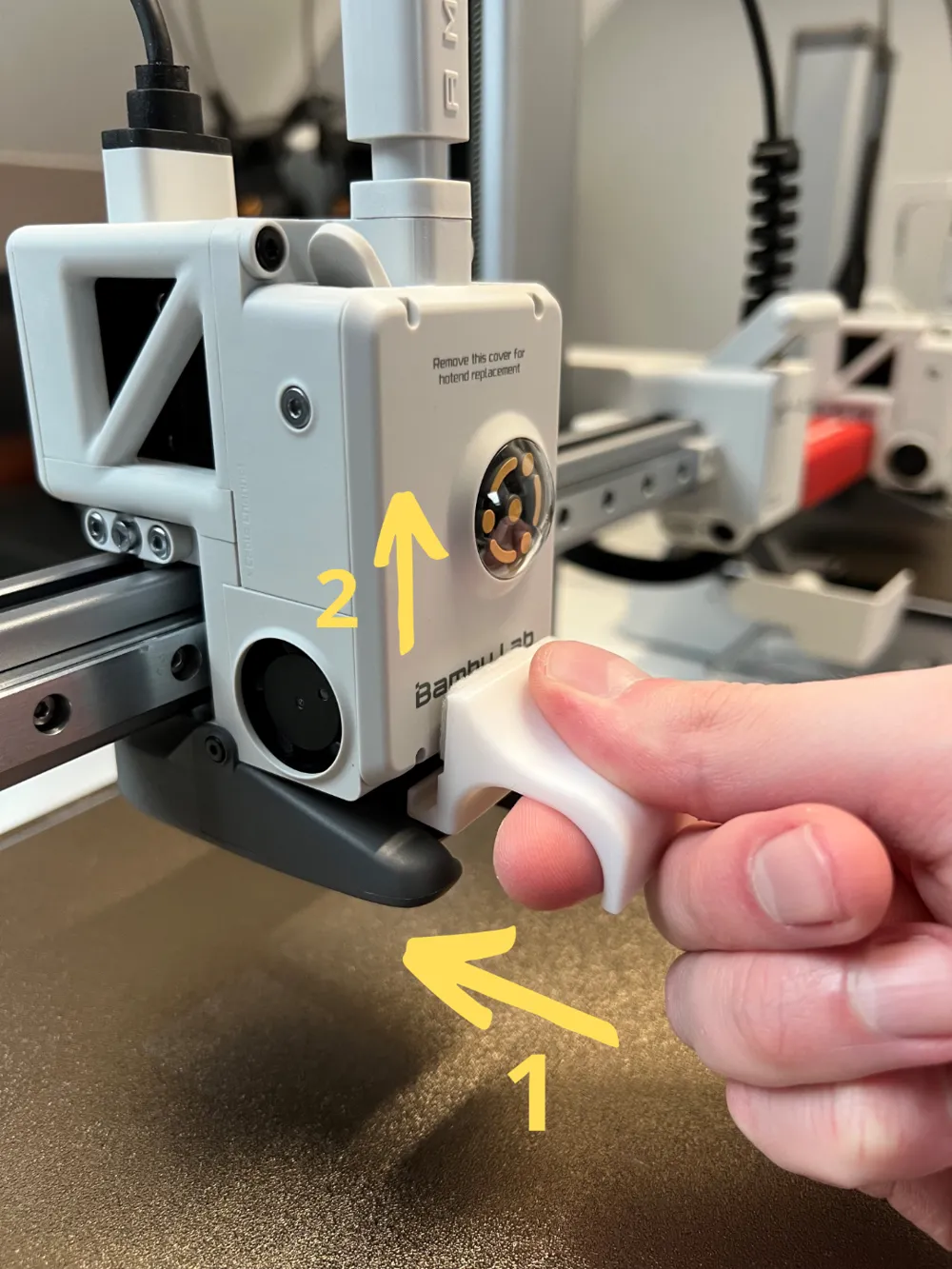
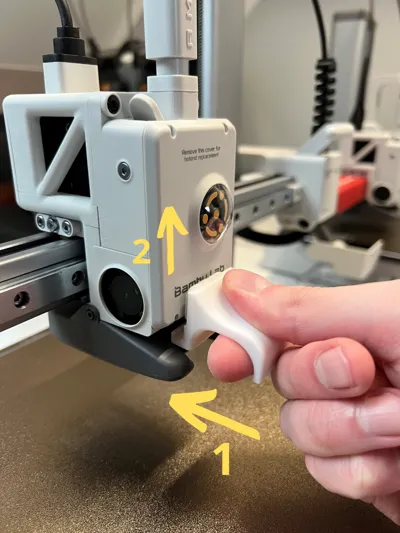
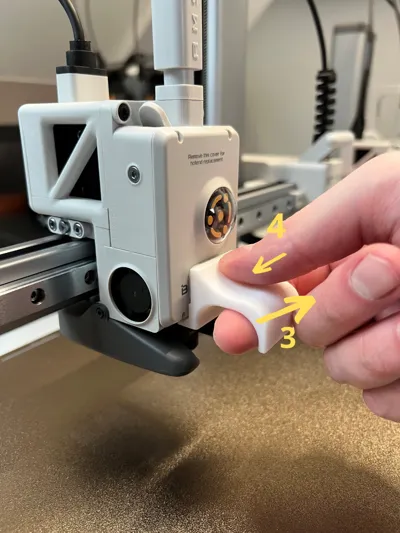
- Carefully push the tool between the silcon sock and the hotend cover
- Push the tool all the way too the left so it touches the fan
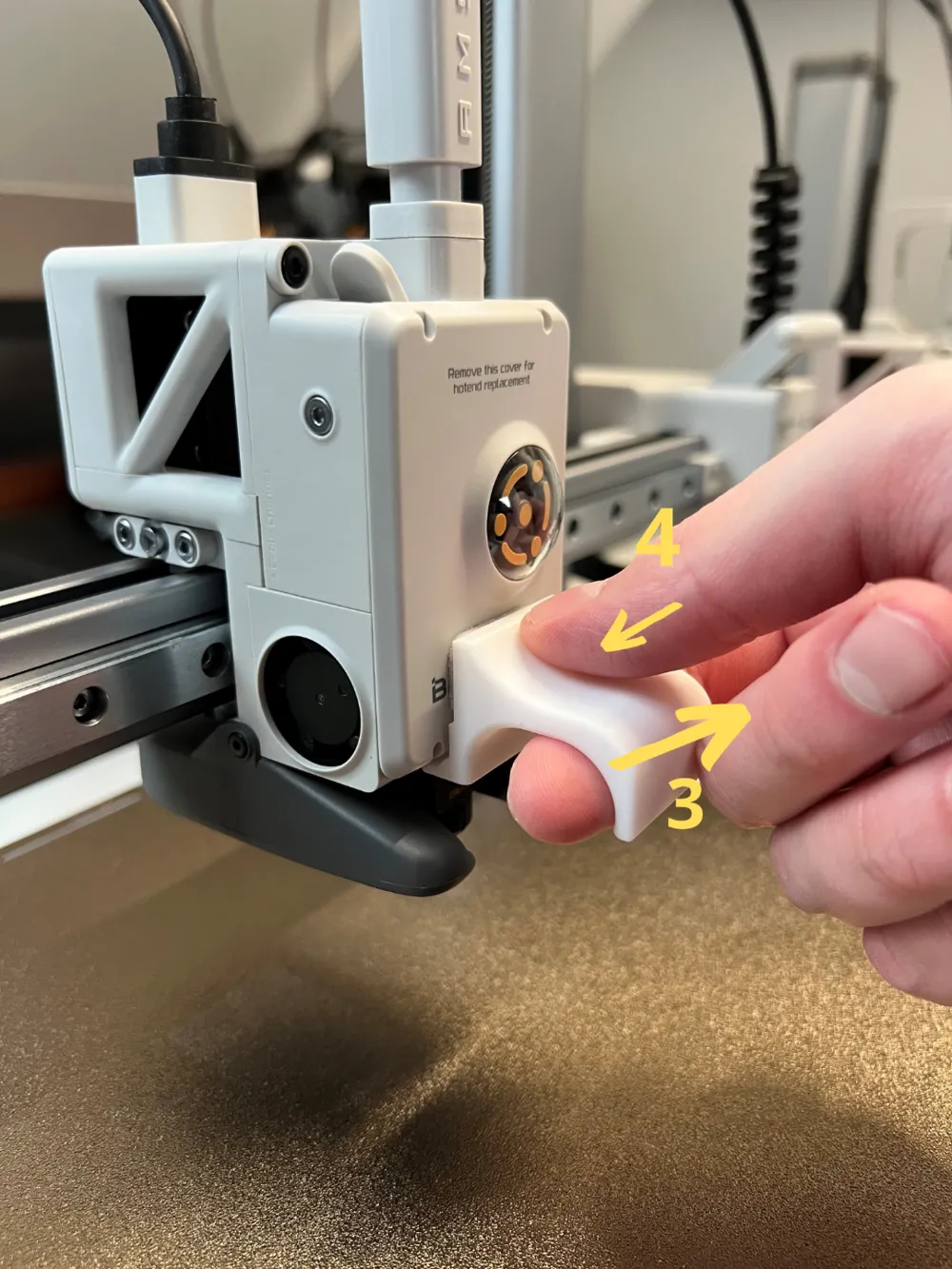
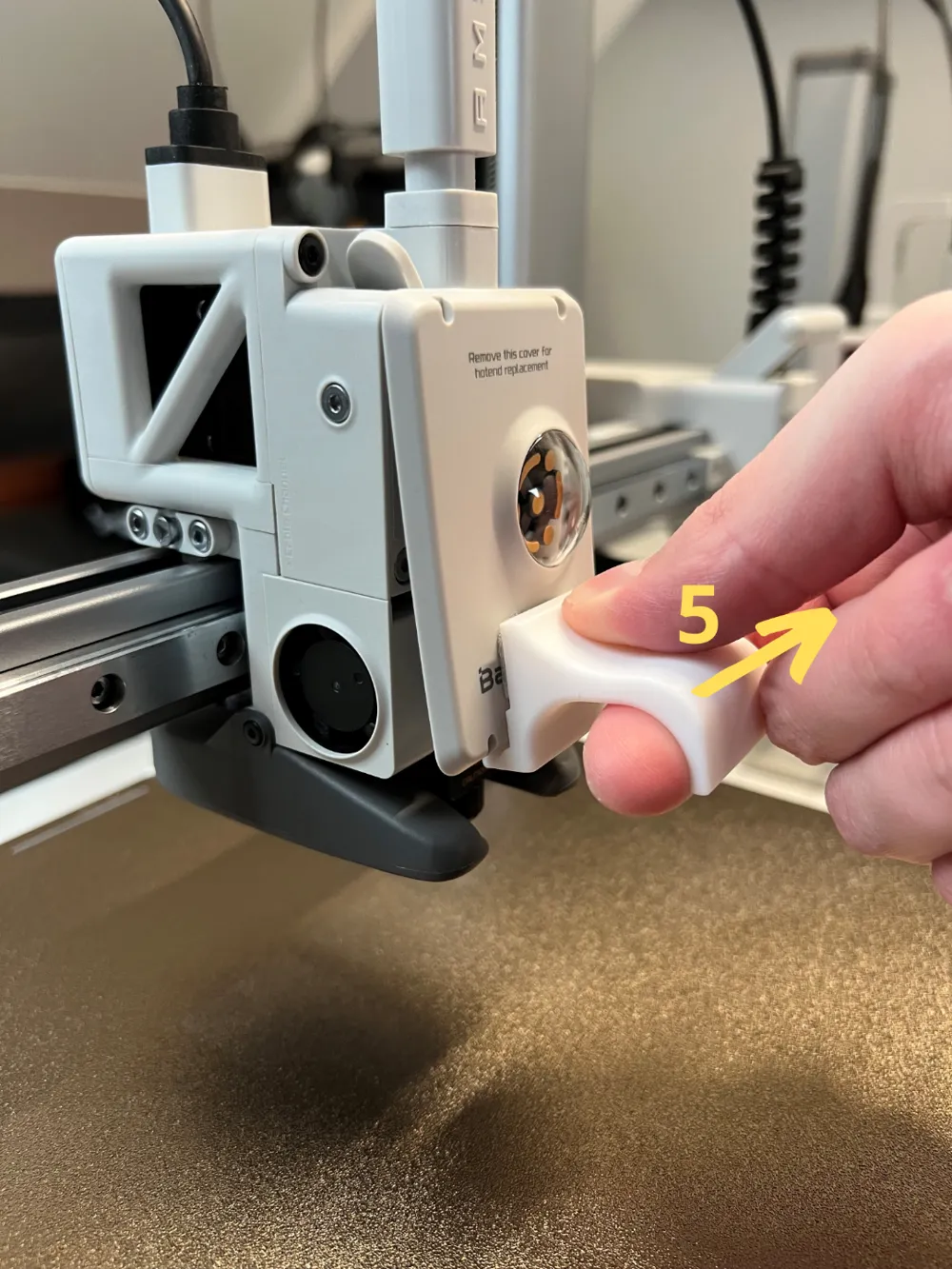
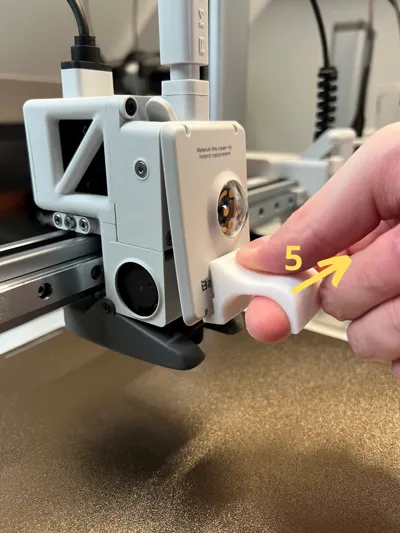
- Gently push with your thumb and pull with your finger. The cover will bend a little.
- The cover is now removed. You can do the same when installing it back.
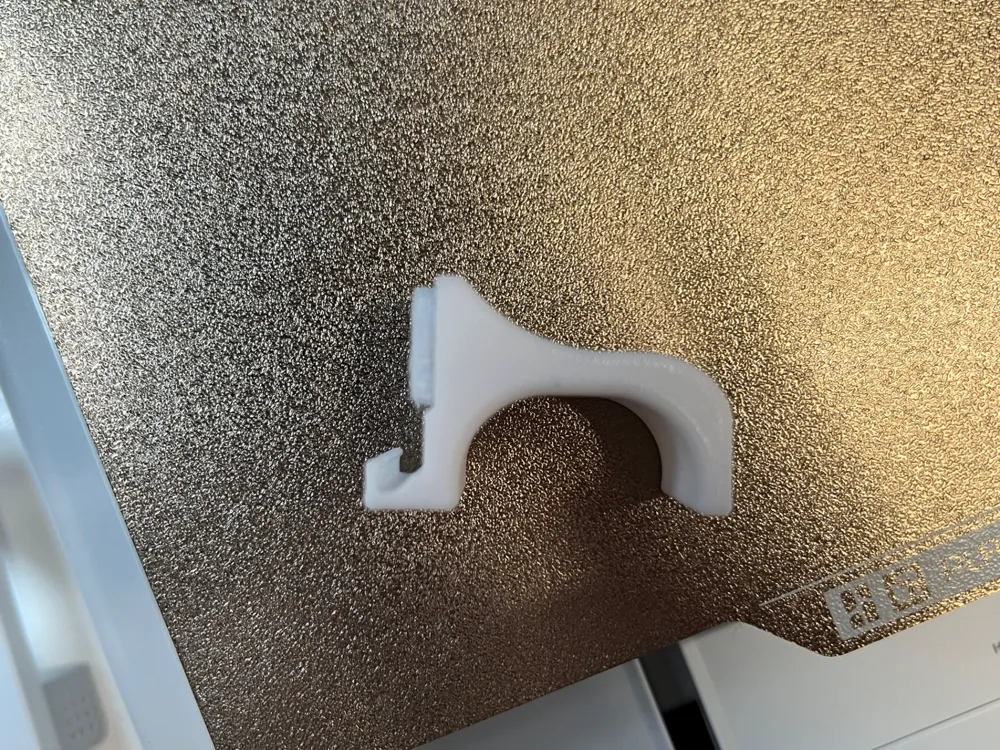
The cover must be printed on its side and with the arachne wall generator. No supports are needed.
Boost Me (for free)
Enjoy! Don't forget to like. A boost 🚀 is also highly appreciated. Thank you! 😊
License

You shall not share, sub-license, sell, rent, host, transfer, or distribute in any way the digital or 3D printed versions of this object, nor any other derivative work of this object in its digital or physical format (including - but not limited to - remixes of this object, and hosting on other digital platforms). The objects may not be used without permission in any way whatsoever in which you charge money, or collect fees.


Comment & Rating (624)