
Right-angle cable bender / strain relief, any size

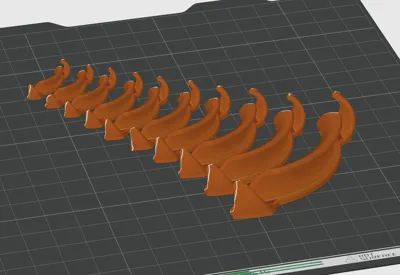
Print Profile(3)


Description
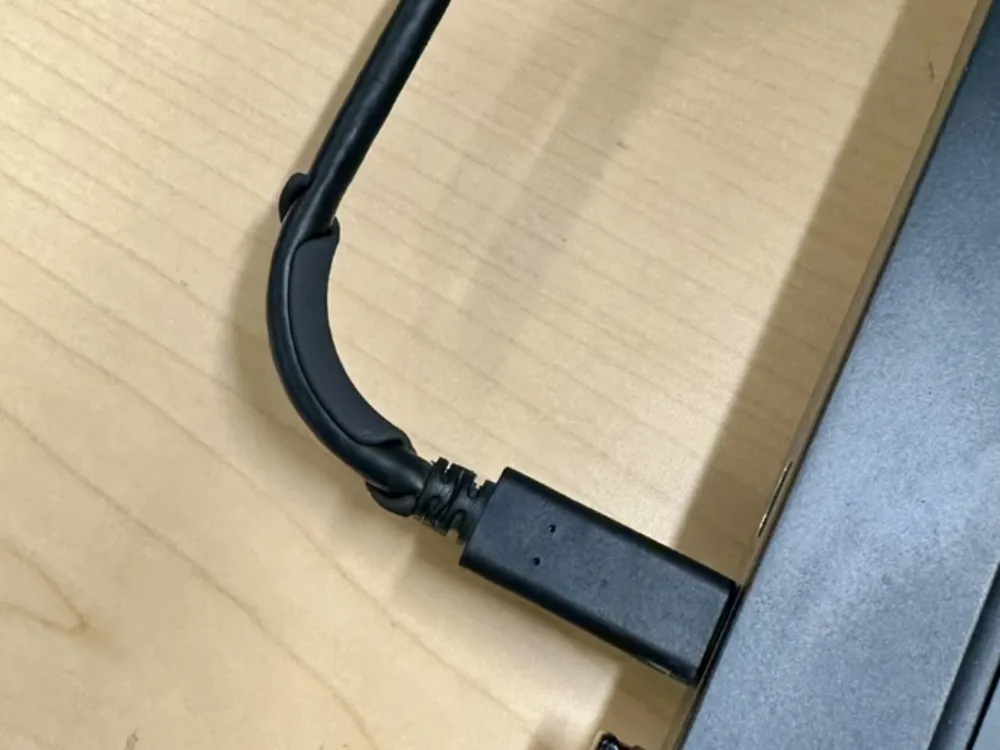
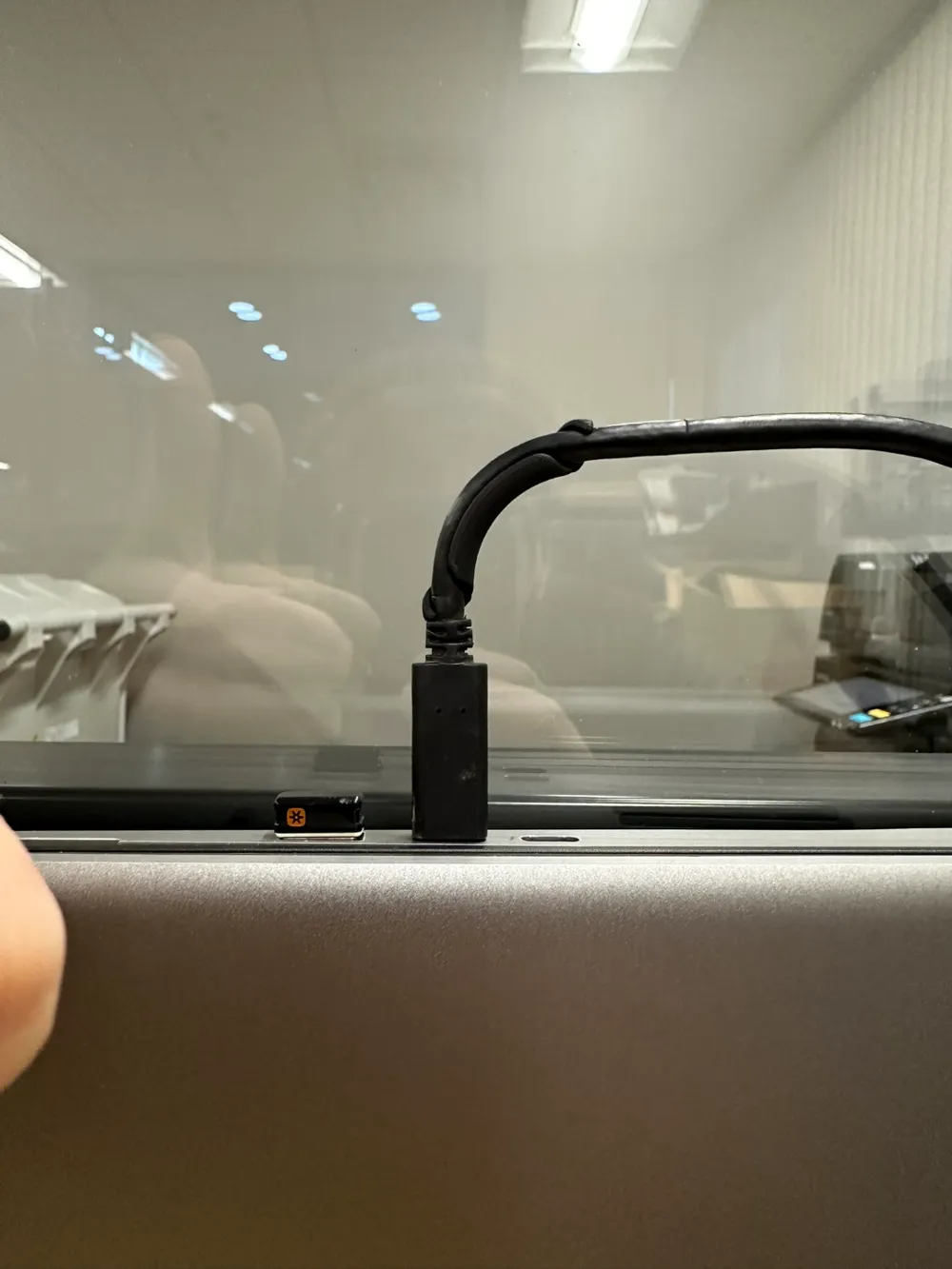
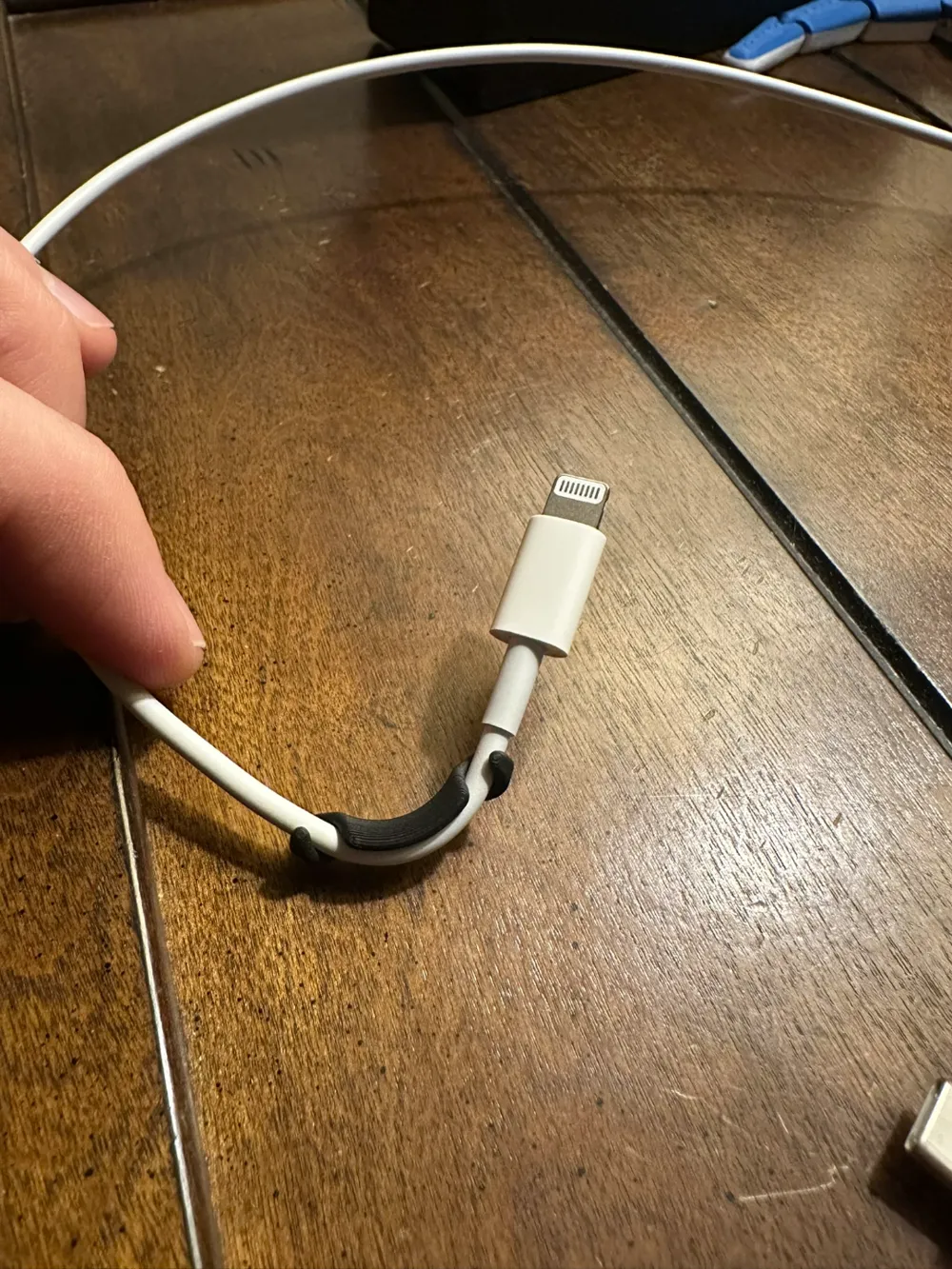
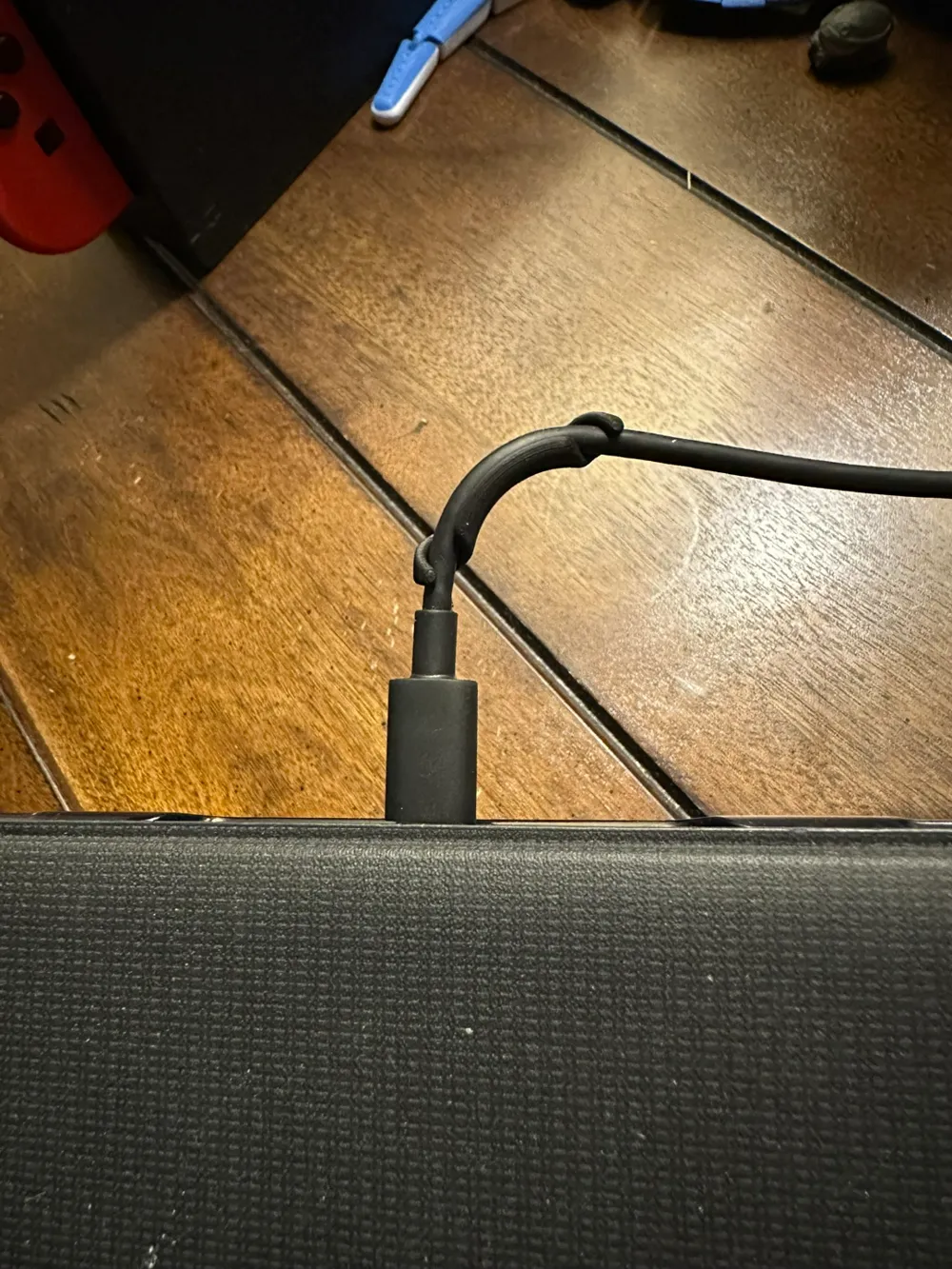
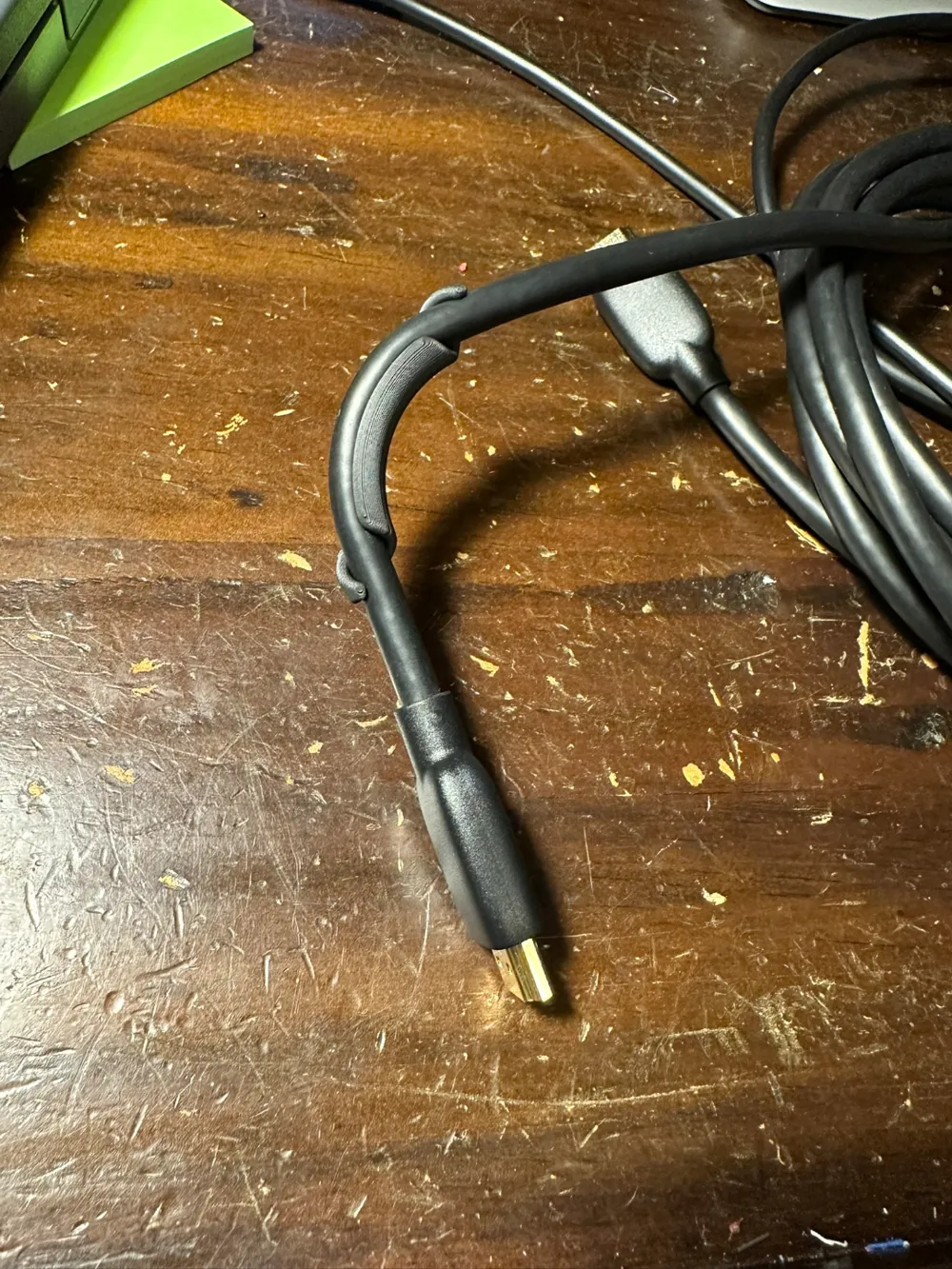
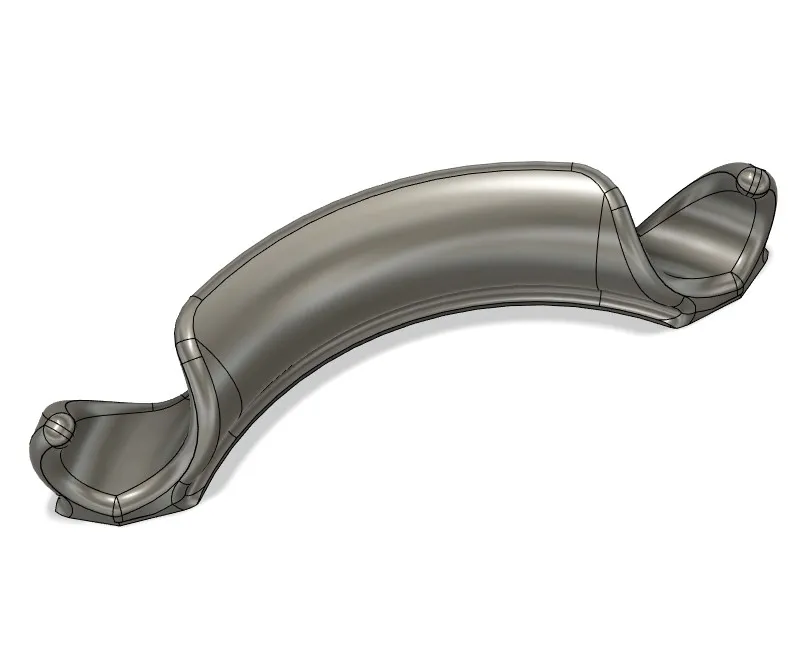
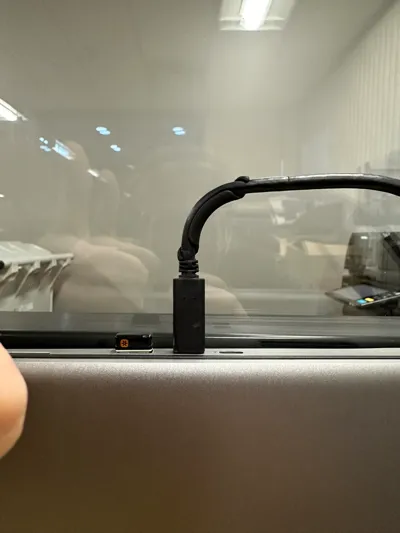
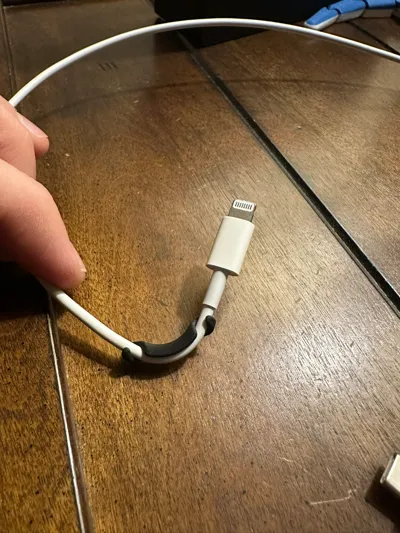
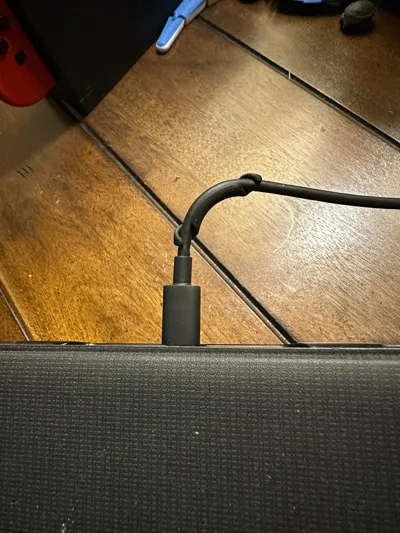
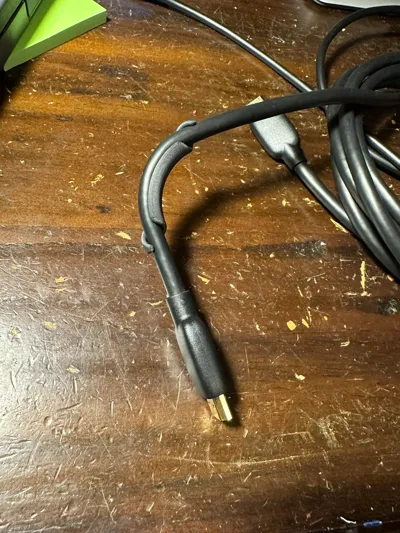
A simple widget to force cables or tubes into a 90-degree bend for aesthetic or routing purposes.
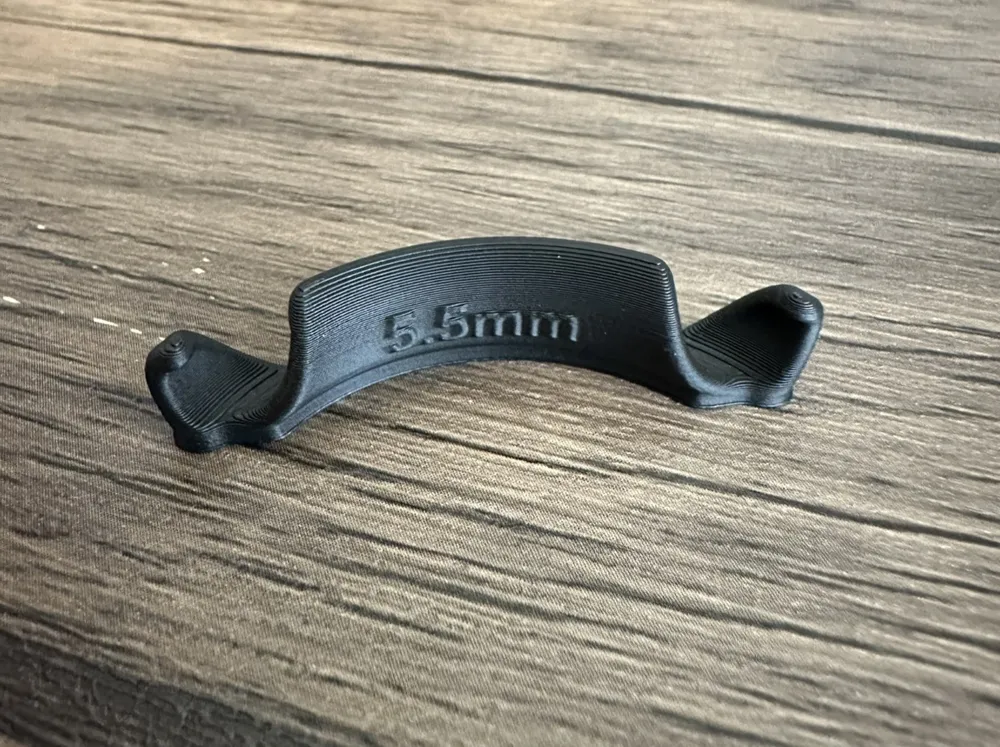
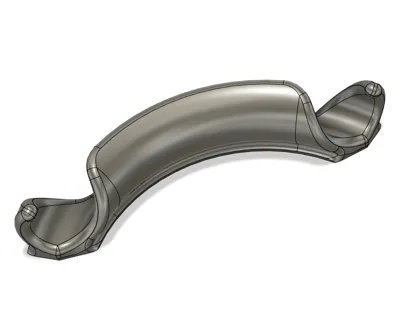
The ends are coiled making them easy to install and remove. Bend radius is 4x the cable diameter, which is gentle enough for sensitive cables but not recommended for PEX or PTFE Bowden tubes (for those, check out my PEX and PTFE variants).
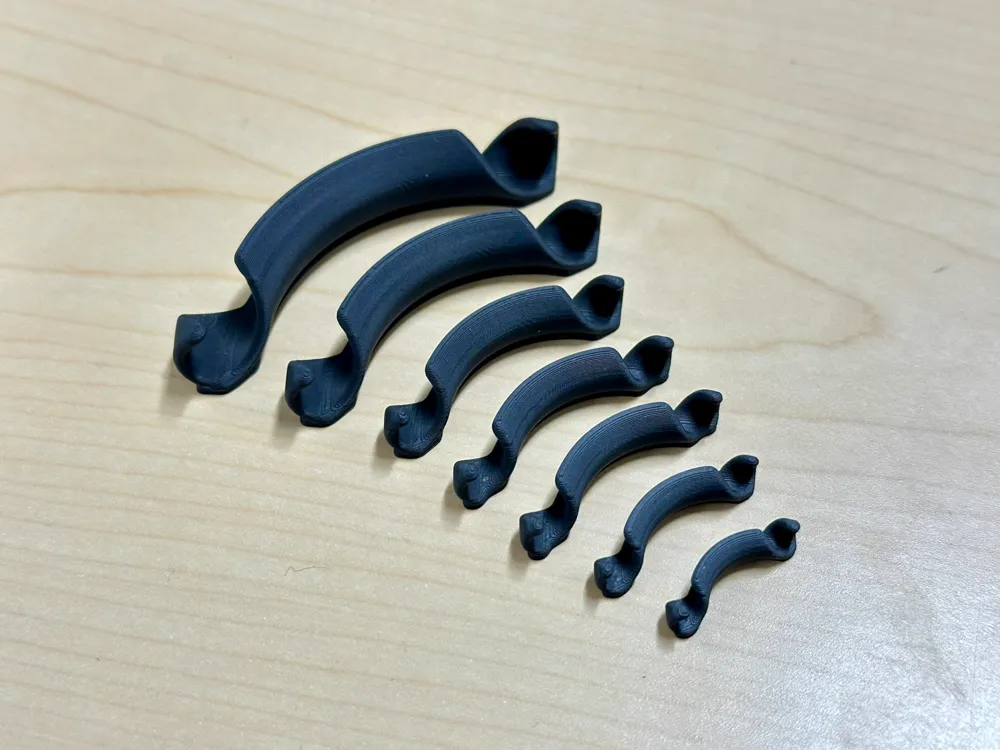
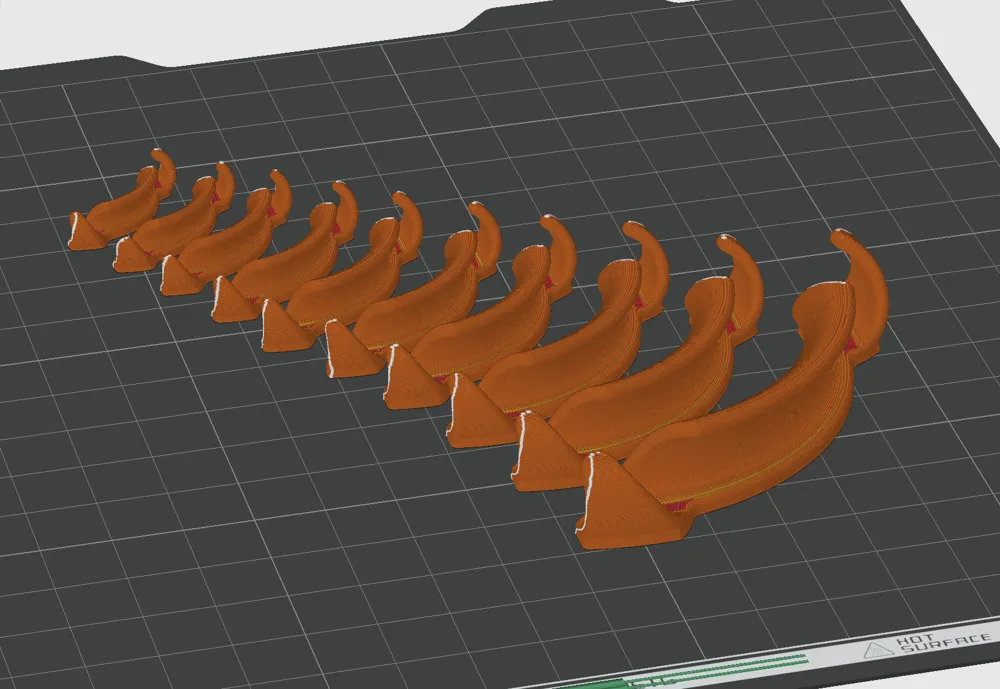
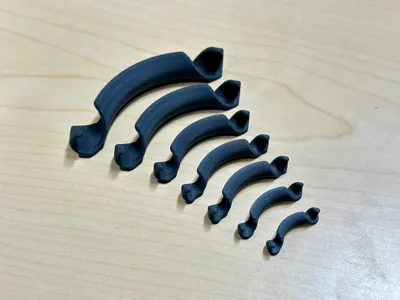
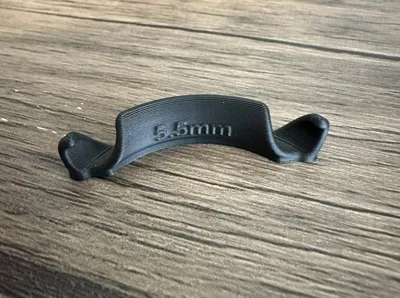
The print profile contains every size on a single plate, so make sure to select the one you want! If you're printing multiple sizes, the “labeled” profile has the cable diameters embossed so you don't mix them up.
For 180-degree bends, check out my 180-degree cable bender!
Update 2025.03.17: Added versions for a larger 5x bend radius, if 4x is a little too tight for your application (for example solid-core wire). This version is untested, so it's labeled DRAFT for now.
How to Use:
- Measure your cable diameter (use a caliper or print one)
- Print the appropriate size bender
- Tap Prepare to Print then Next
- Tap Select parts to print
- Uncheck Select All on the bottom
- Select your cable diameter and tap Confirm
- Always round up (or see below for resizing tips)
- Scroll down to Copies in a plate and increase to the desired amount
- Tap Start Print
- Hook one end of the bender onto the cable
- Bend the cable through the other end, then straighten
- Enjoy your bent cable!
Resizing Tips (for Bambu Studio):
- Always size UP, not DOWN (walls will become too thin)
- Choose the next size down and delete the other parts
- Use a calculator to determine and apply the scale factor:
- (desired diameter) / (part diameter) * 100%
- Example: for 6.7 mm cable, 6.7/6*100 = 111.6%
- Don't change the orientation of the part
- The seams will be non-optimal and layer lines might show up
- Use Clone (Ctrl-K) to generate more copies
Other Notes:
- Designed for PLA as it's very stiff - more flexible materials might not hold shape
- But let me know if you try!
- If the bend comes out sharper than 90 degrees, try the next size up
- Modeled in Fusion, STEP files are available for download
- Source model is parametric and easy to tweak, so feel free to leave requests in the comments!
License



Comment & Rating (181)