
Mechanical Calculator
Print Profile(3)


Description
Want the same results? Click here to find the filament I use for results like these.
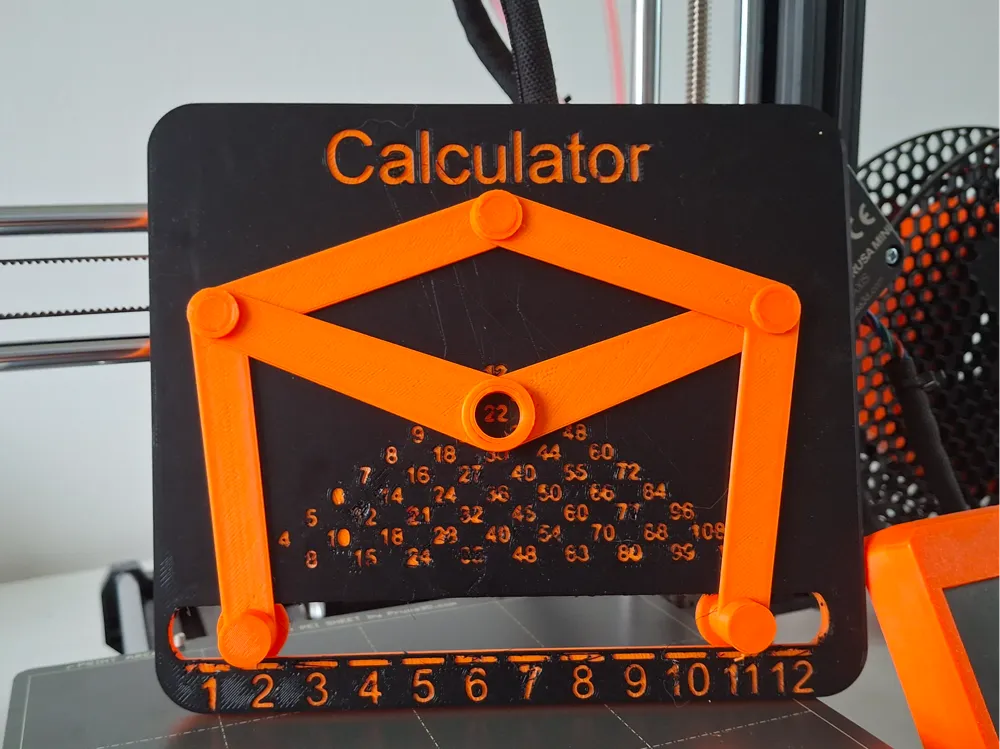

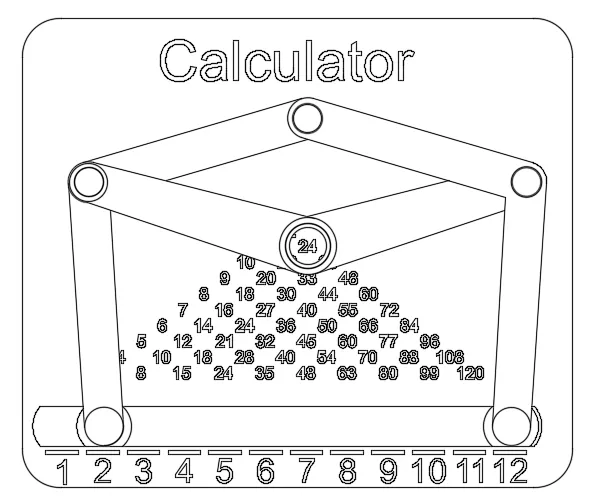
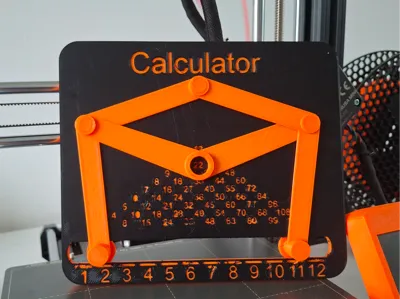
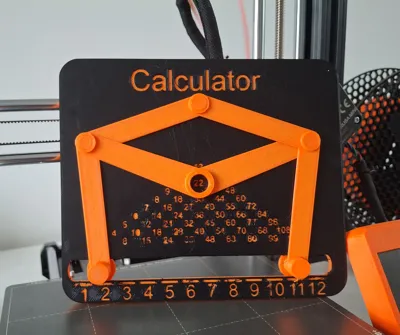
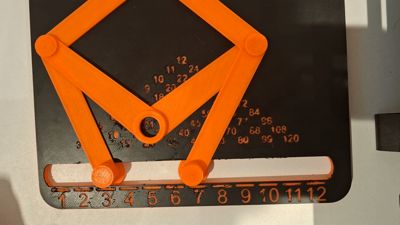
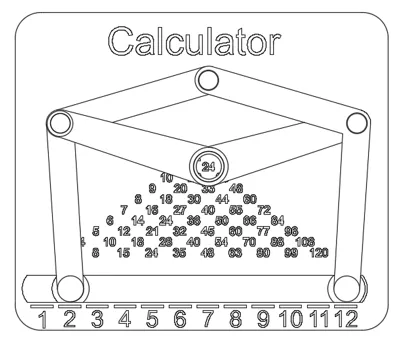
This fully mechanical calculator is designed to solve times tables in seconds. Entirely 3D-printed, it requires no glue, screws, or additional hardware for assembly, making it both innovative and accessible.
Assembly:
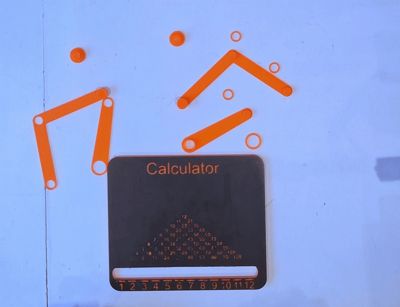
The calculator is designed for straightforward assembly, with all parts snapping or interlocking securely. No adhesives or special tools are needed, ensuring a seamless building experience. 
For assembly I have provided a fully assembled model for reference to help you assemble your calculator
3D Printing:
The base model presents a unique challenge, particularly for users who struggle with bed adhesion. To ensure success, using a raft is highly recommended. The base is compatible with printers featuring a build plate of at least 180 x 180 mm.
Recommended Print Settings for All Parts:
- Supports: None
- Raft: Yes (recommended for the base)
- Print Speed:
- Max 120 mm/s
- First Layer: 20 mm/s
- Layer Height: 0.2 mm
- Infill: 15-20% (Grid or Gyroid recommended)
- Material: PLA
- Nozzle Temperature: 200-220°C (depending on filament)
- Bed Temperature: 50-60°C (if your printer supports it)
- Cooling Fan: Enabled (100% after the first few layers)
- Retraction Settings:
- Retraction Distance: 4-6 mm (for Bowden extruders) or 1-2 mm (for direct-drive extruders)
- Retraction Speed: 25-40 mm/s
- Color Change: At layer 3 (optional, for aesthetic details)
This project offers an exciting opportunity for makers to test their 3D printing skills while creating a functional and engaging tool. With attention to detail and the right settings, your calculator will be both precise and durable.
License



Comment & Rating (136)