
Foldable Ring Toss Game
Print Profile(1)

Description
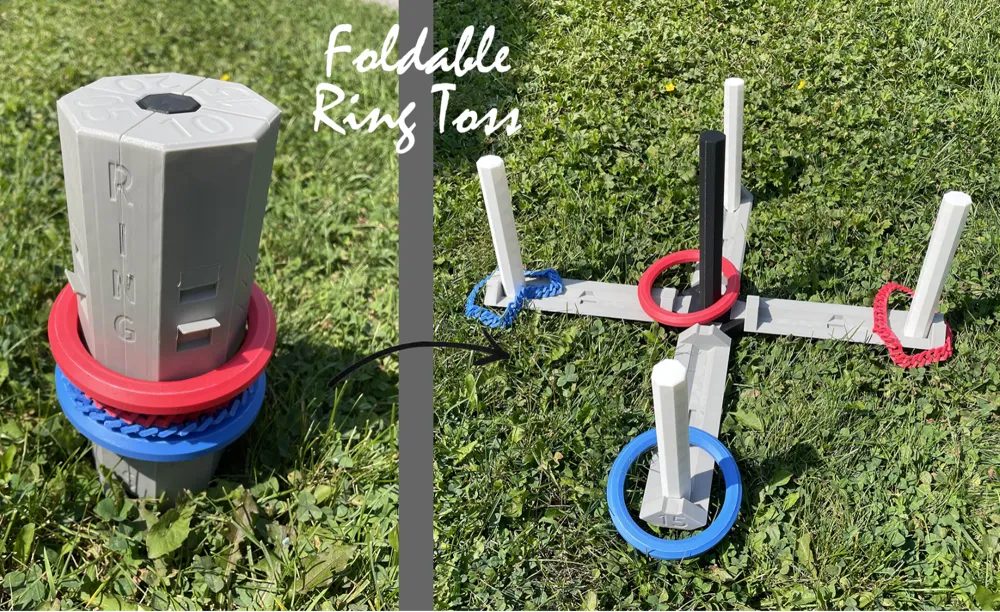
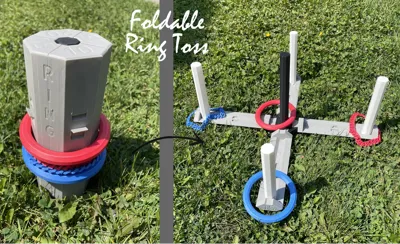
Outdoor games are indispensable for any camping trip, and the Foldable Ring Toss Game is crafted with convenience in mind. This compact, portable game is perfect for camping, backyard gatherings, or beach outings, providing endless fun for all ages.
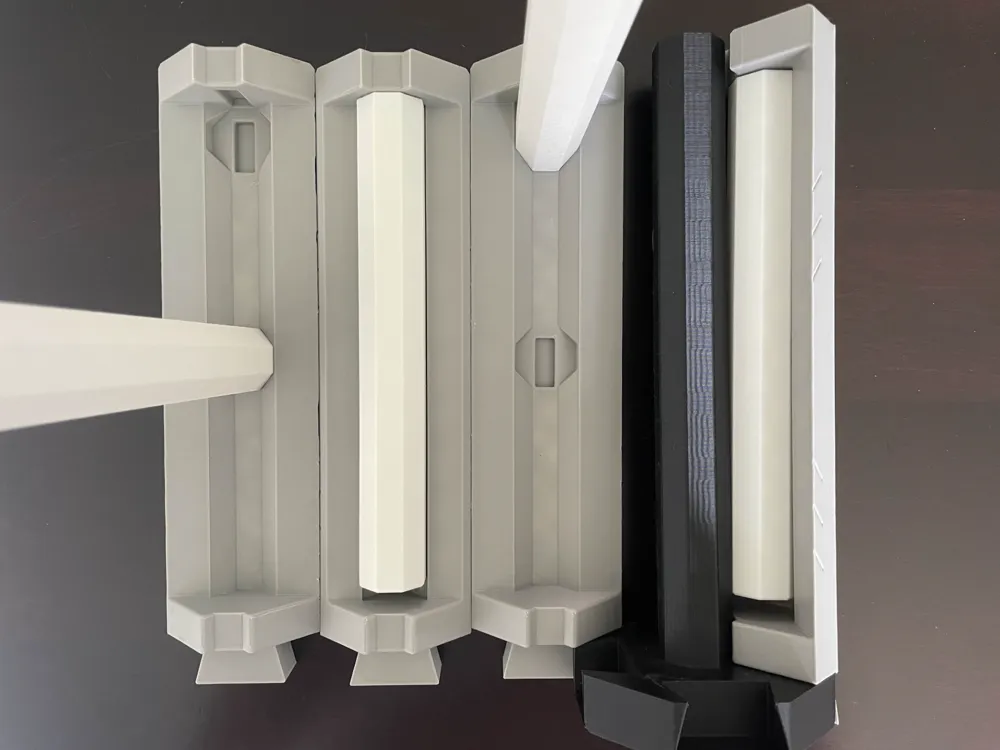
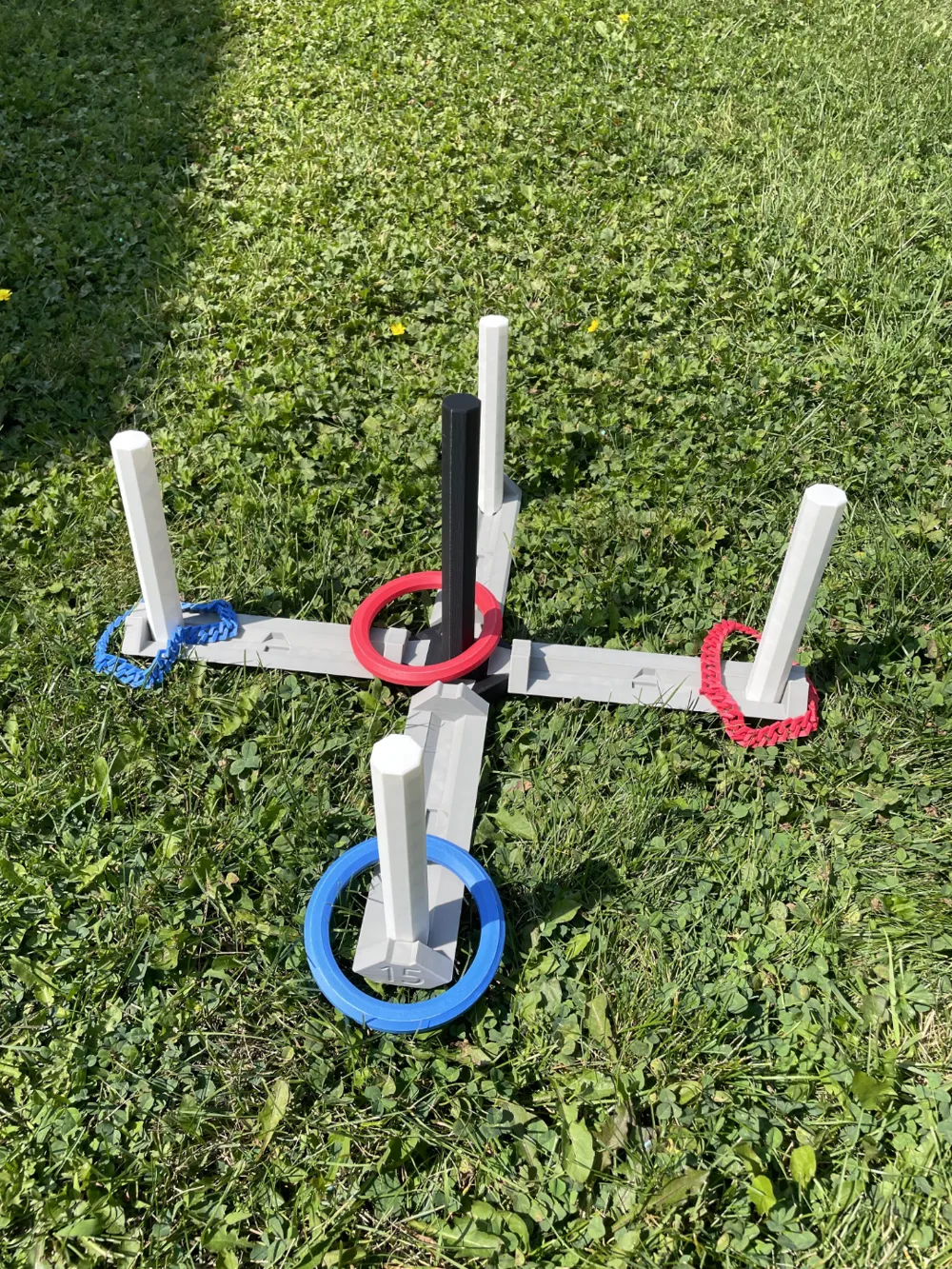
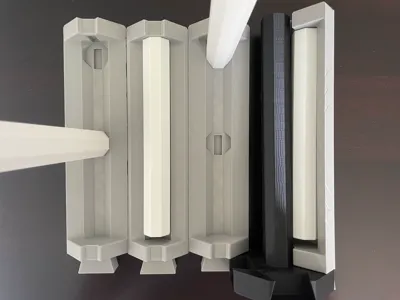
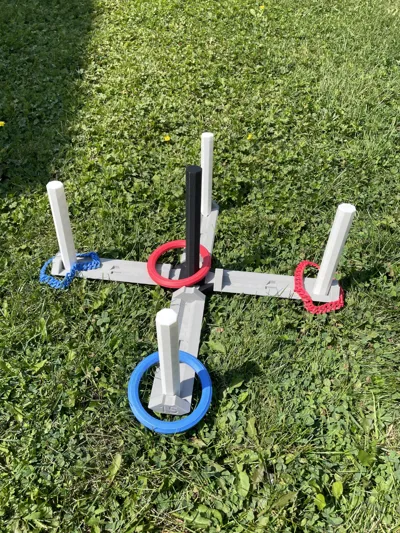
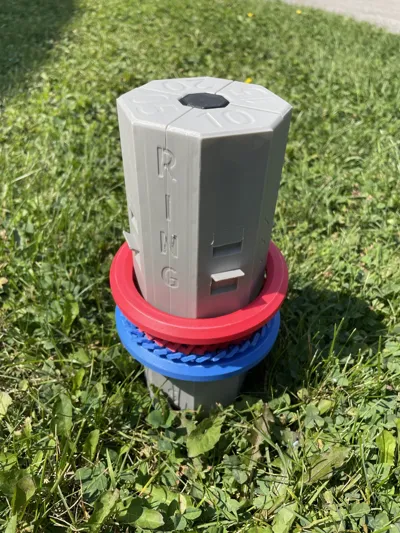
The game consists of three key components: sturdy pegs for tossing rings onto, durable arms with two slots for securing the pegs, and a cleverly designed central hub with four slots to hold the arms in place. When it's time to pack up, the entire game folds down easily, saving valuable space in your gear or storage.
Ring Options:
- Rigid Rings: Durable and classic for precise tossing.
- Flexible Rings: Chain-like and bendable for a unique throwing experience.
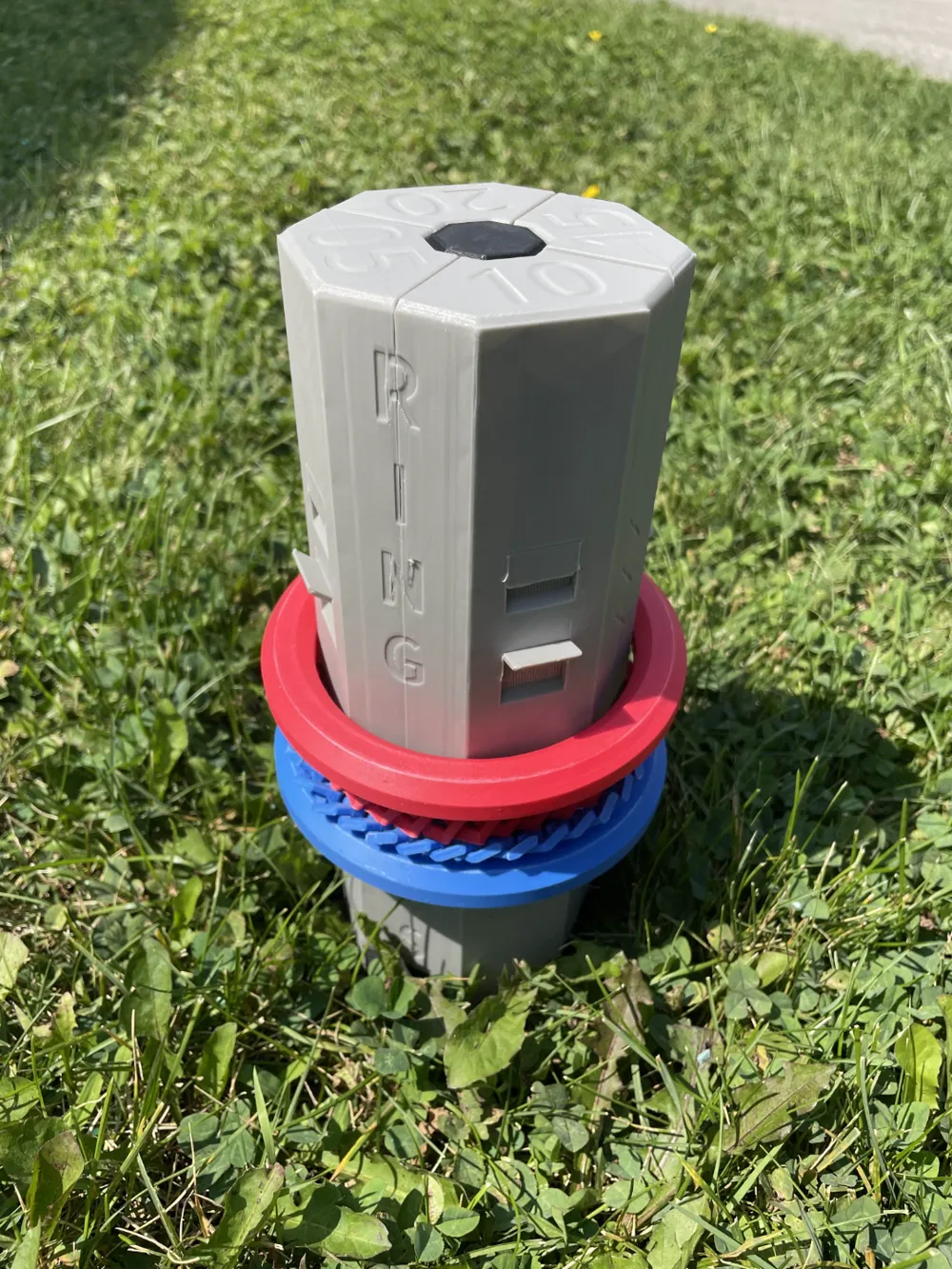
Print 4 or 8 rings total in either version if you like. Both types fit a locking mechanism for secure, compact storage. Just flip up the lip around the body when assembled, might be hard for the first time, Use a tool. (Works only for 4, 6, or 8 rings.)
Available Versions:
Plain Version: A clean, minimalist design.
- Folder: Ring Toss - Plain
Patterned Version: Featuring lined patterns on the body.
- Folder: Ring Toss - Patterned
Patterned with Name Version: Decorated with patterns and the "Ring Toss" name on the body.
- Folder: Ring Toss - Patterned & Named
Print Setting:
- Brim: suggested for flexible rings
- Infill: 10% and adaptive cubic to save filament
- Support: not needed
- Wall loops: 2
CAUTION!!!
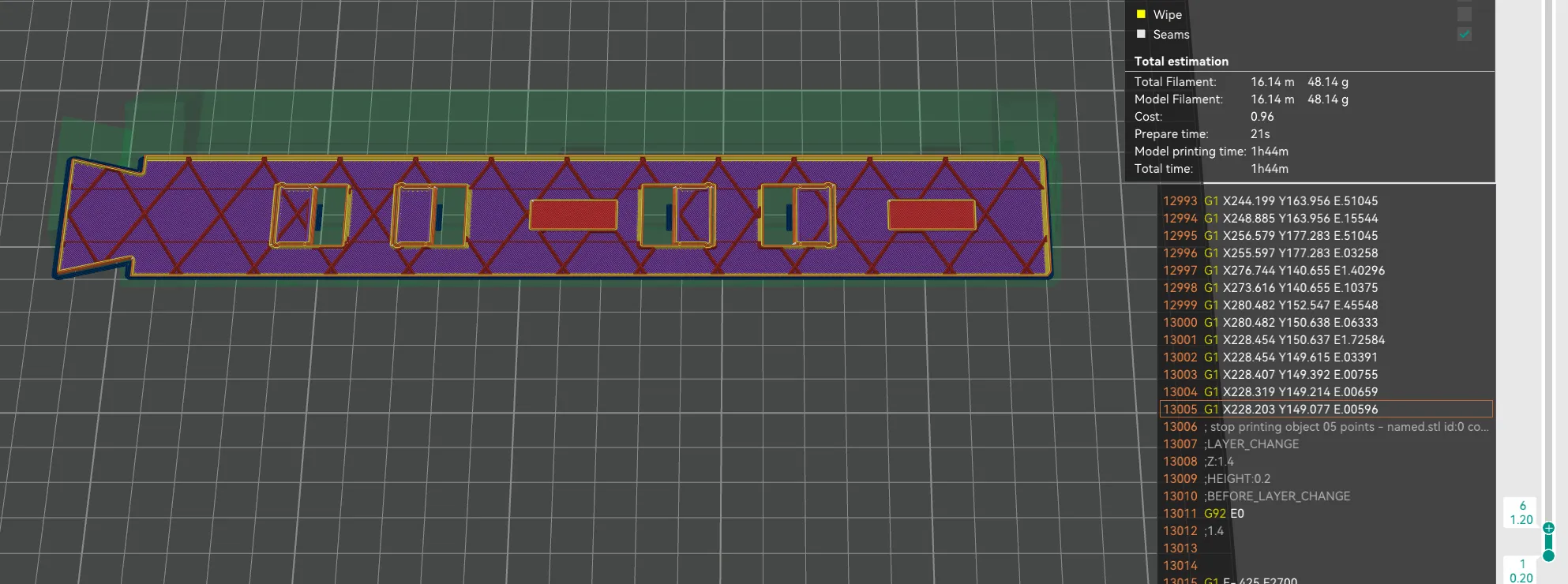
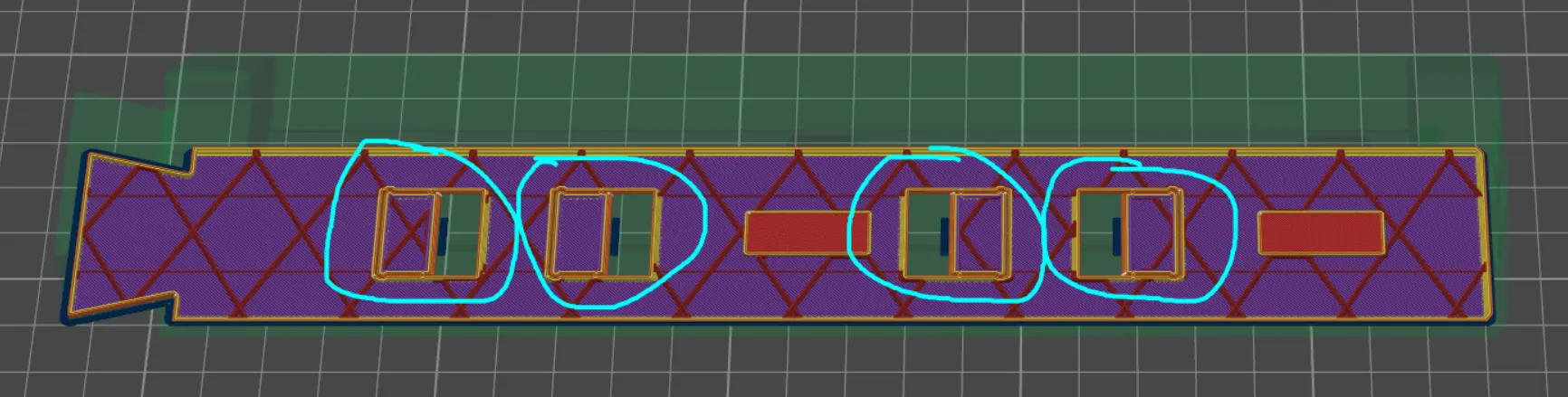
- When slicing the arm, view the layer at 1.2 mm height like this:
- Zoom in on any of these circled parts.
- See if the circled parts are connected. Connected Not Connected
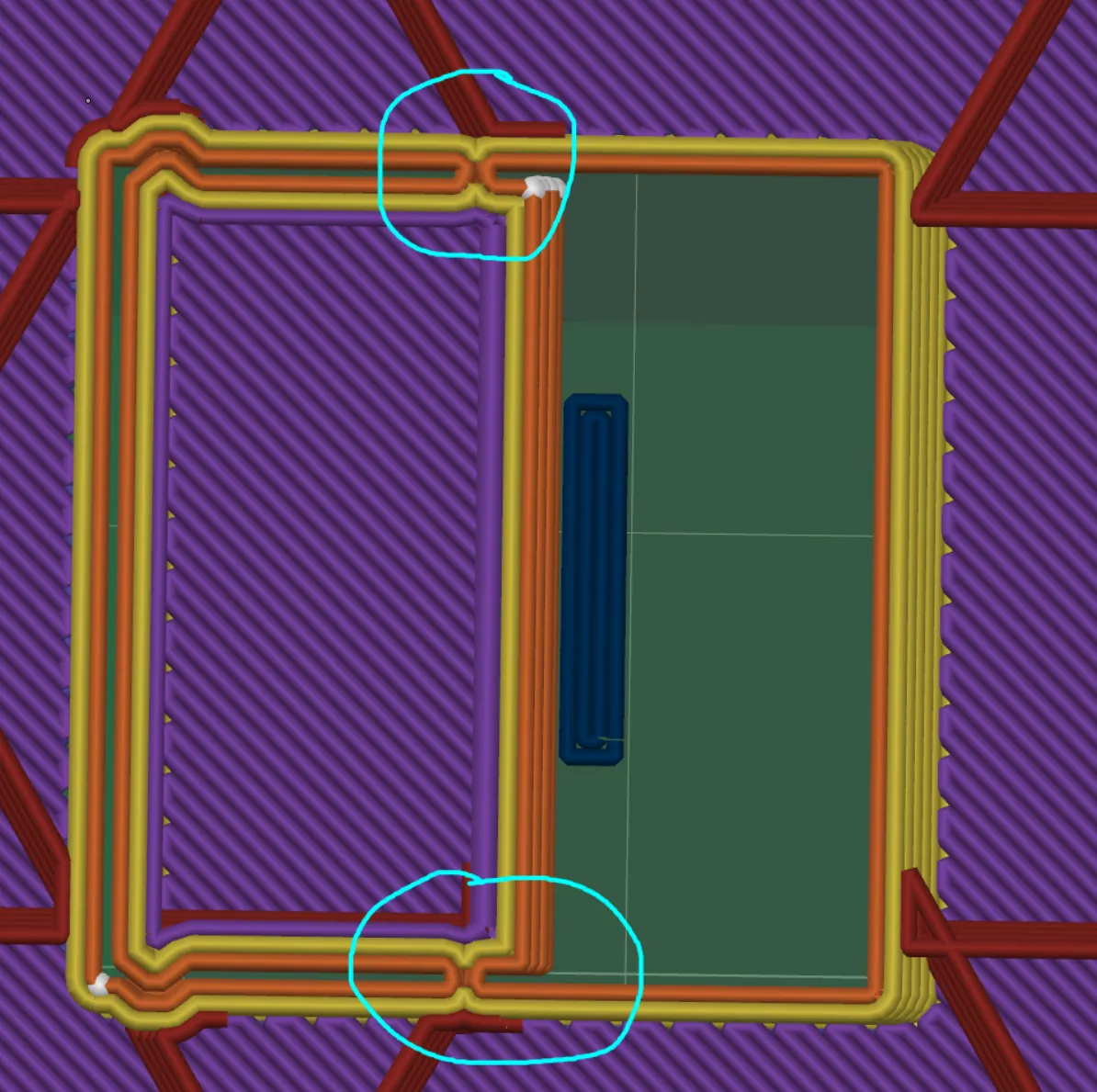
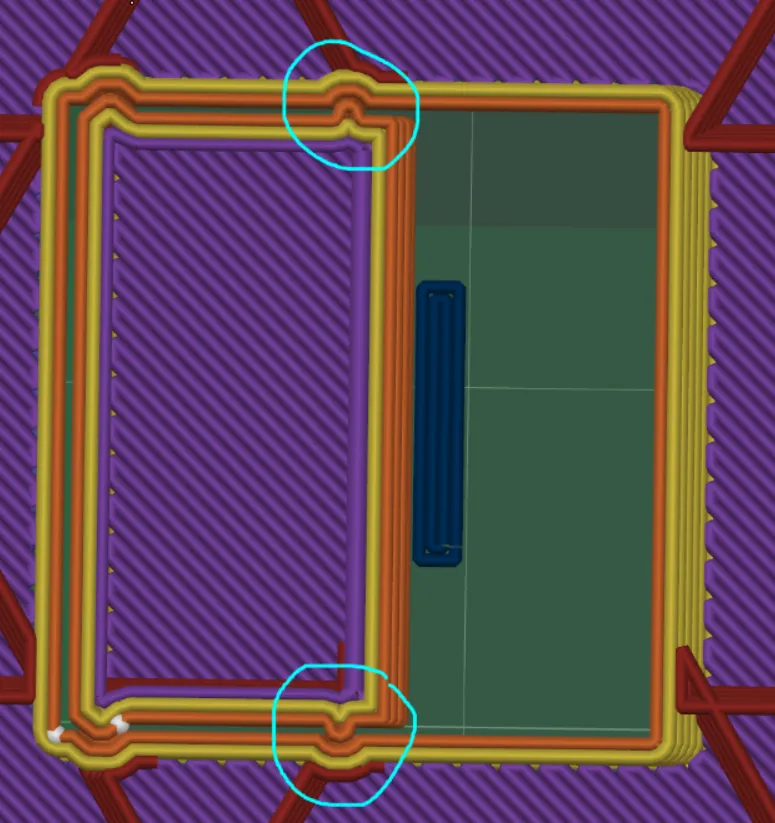
- If it's not connected, you are good to go, but here's the solution if it's not connected:
- I'm using OrcaSlicer, and in global settings, turn on Advanced.
- Go to the Quality tab and search for Precision

- Change the number below 0.03 and it should solve the problem
- If you are NOT using OrcaSlicer, just search for Slice Gap Closing Radius and change the number below 0.03, OR turn off Filter Out Tiny Gap.
Have fun printing and playing!
License



Comment & Rating (4)