
NFC Spinner
Print Profile(3)
Bill of Materials

Description
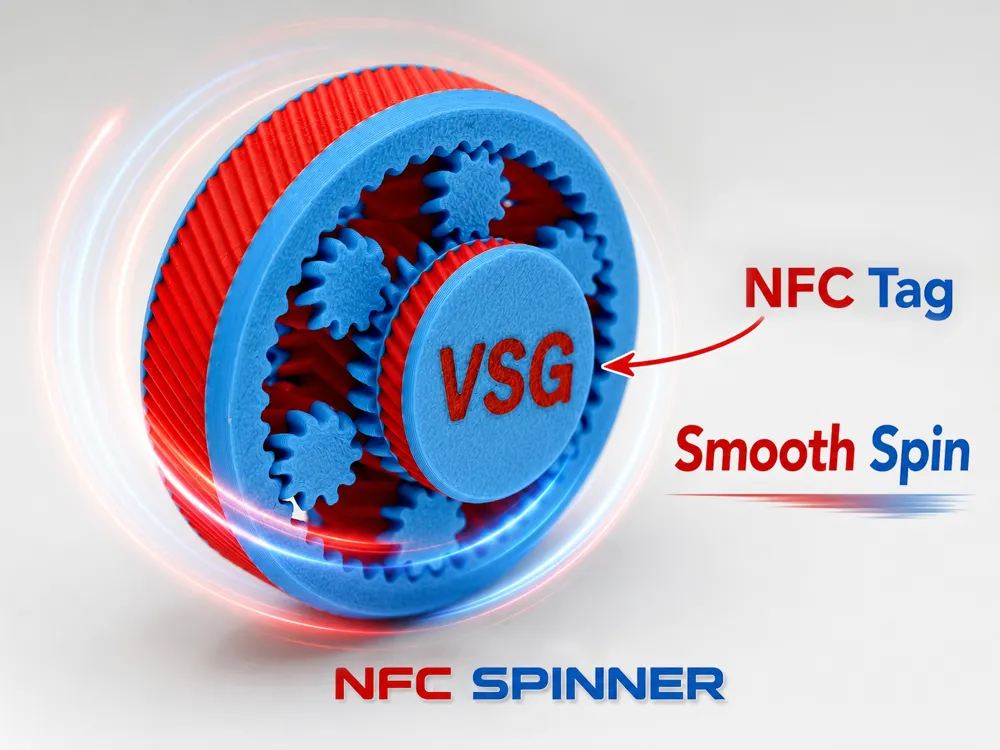
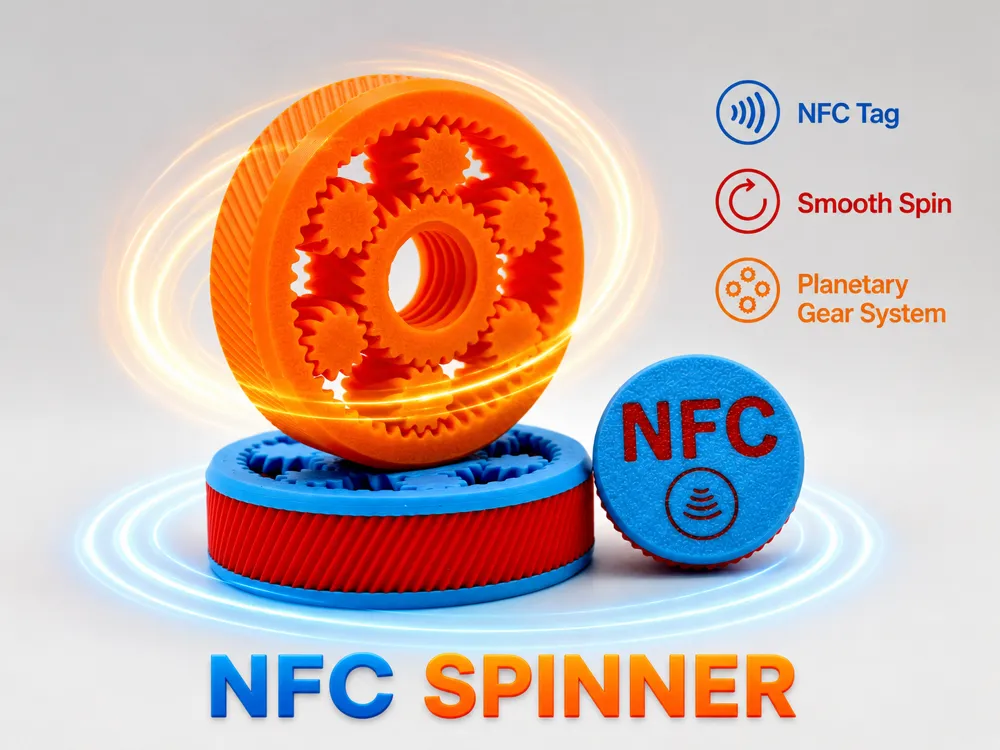
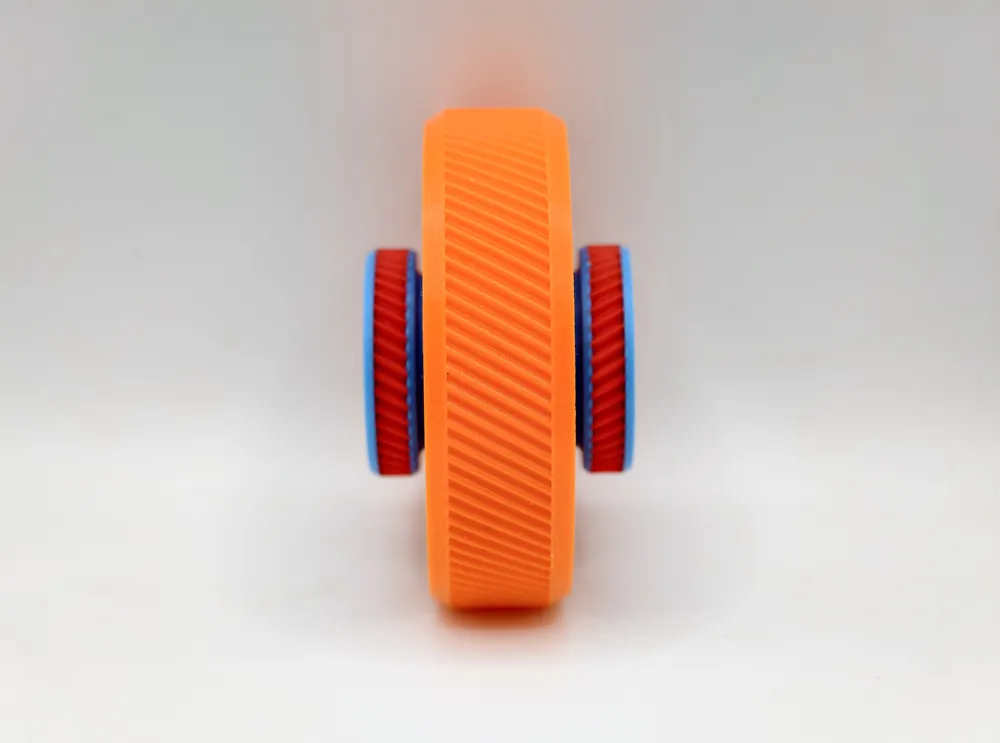
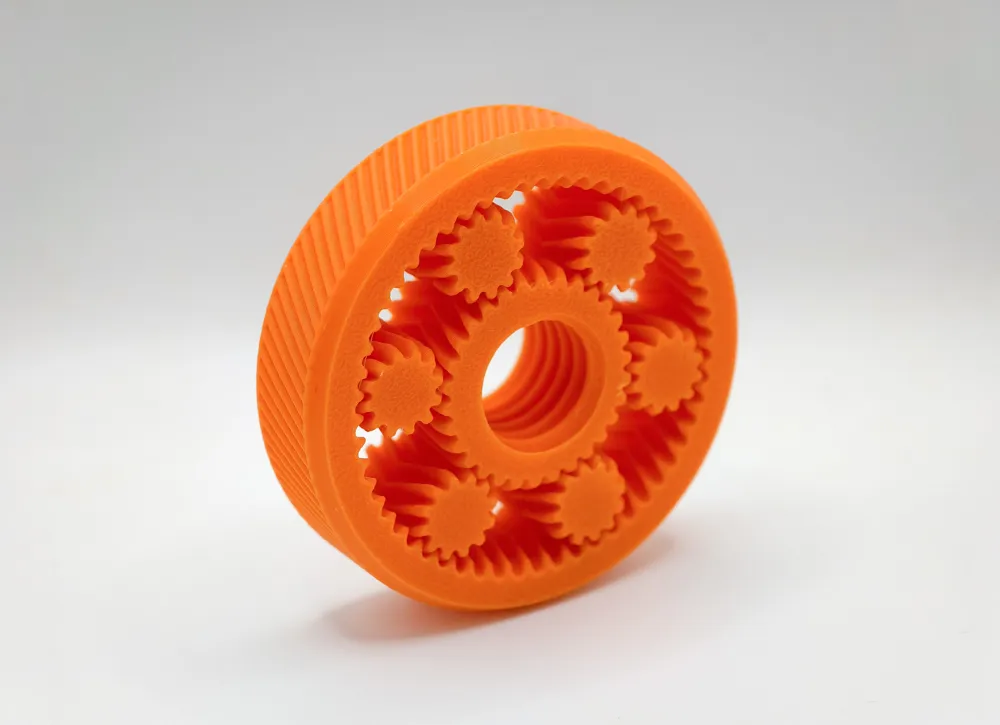
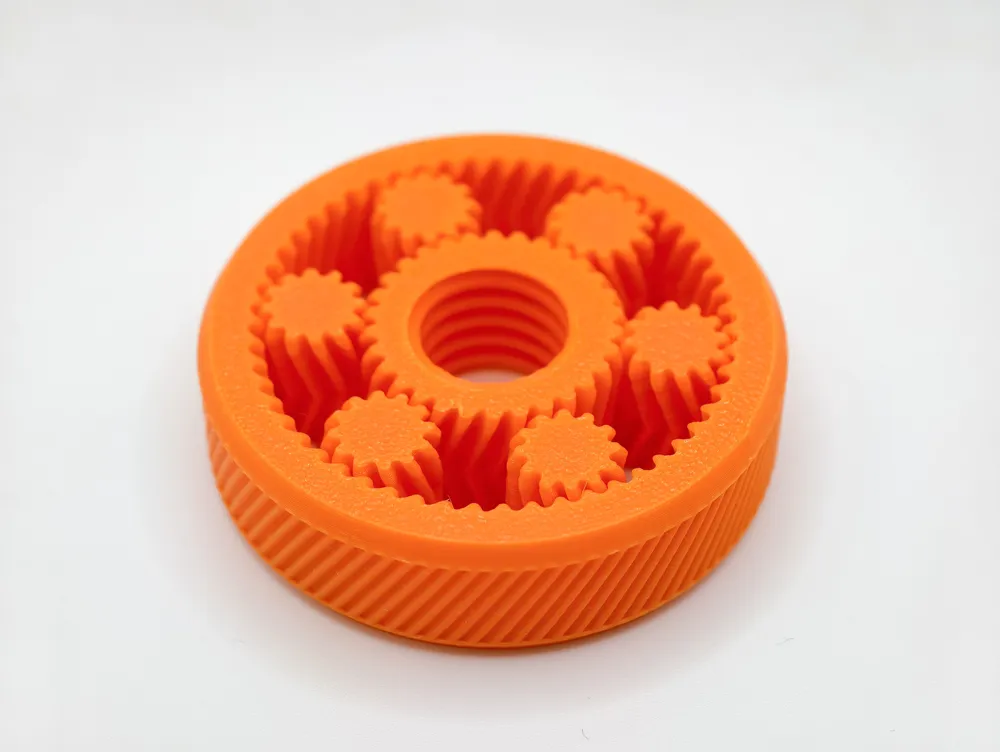
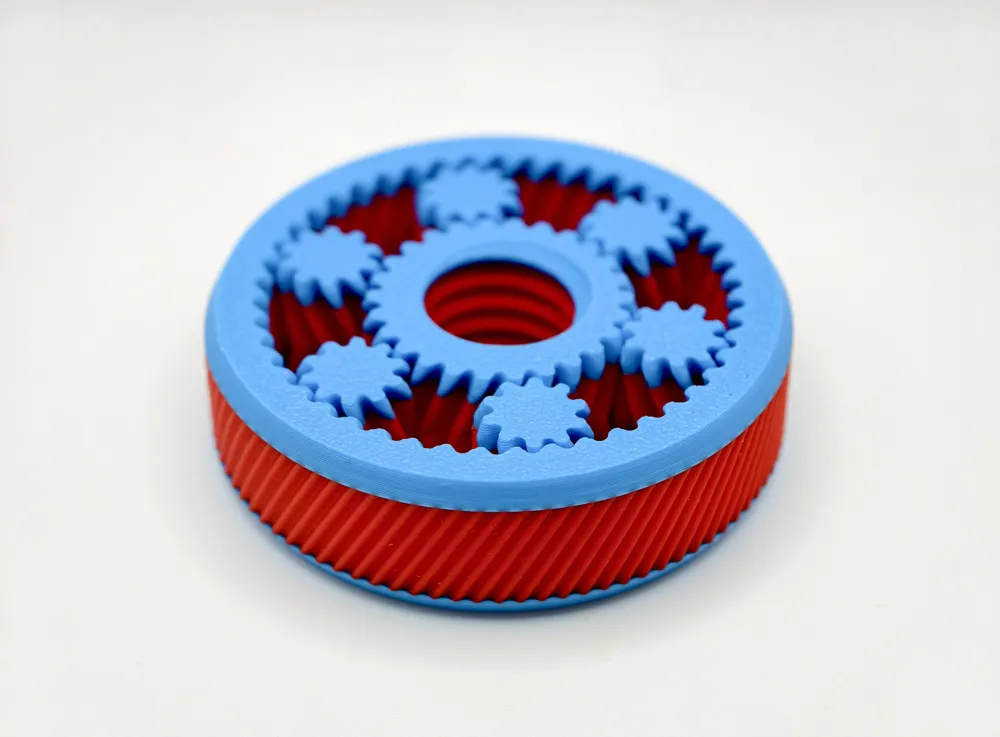
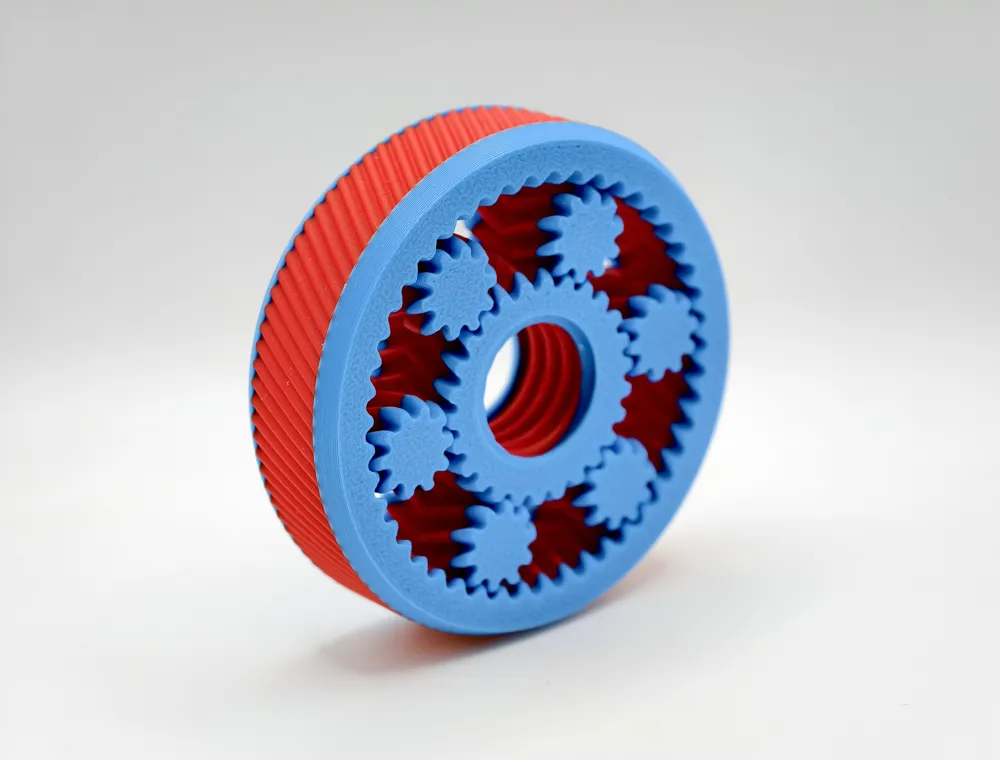
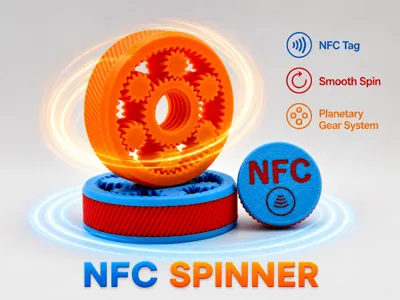
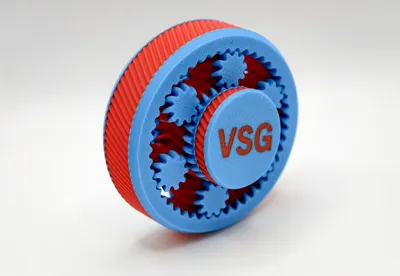
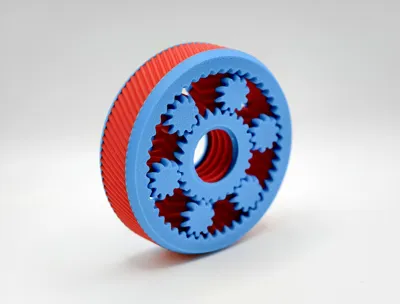
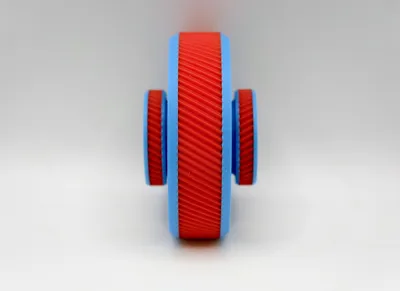
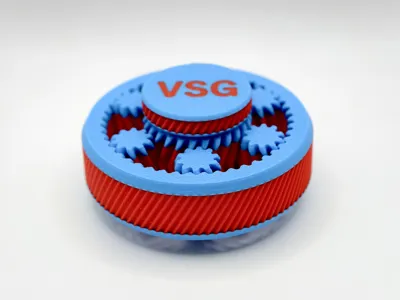
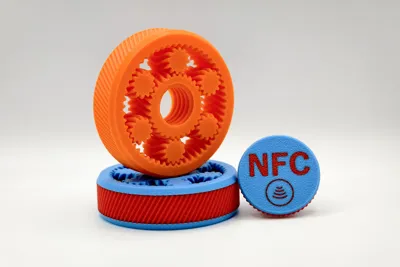
Introducing the NFC Spinner!
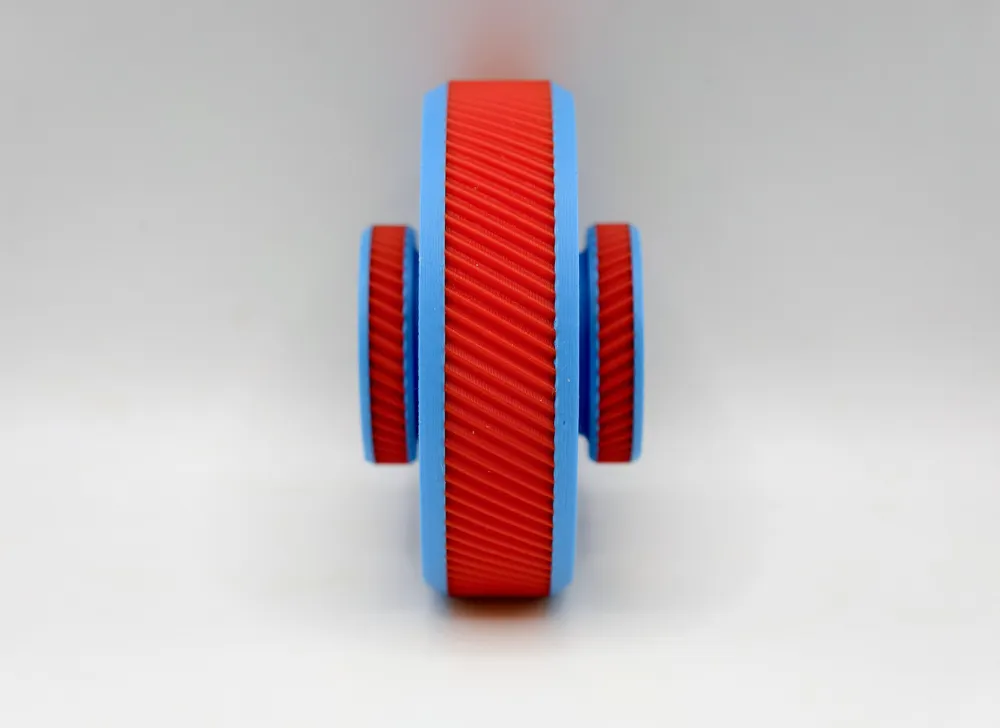
It's visually impressive and mechanically satisfying.
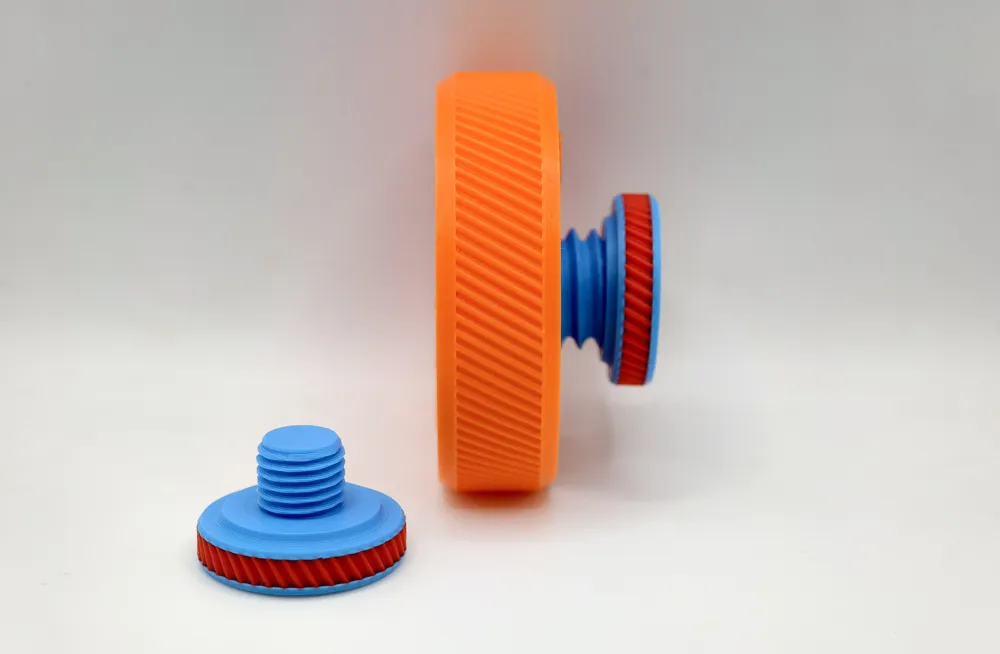
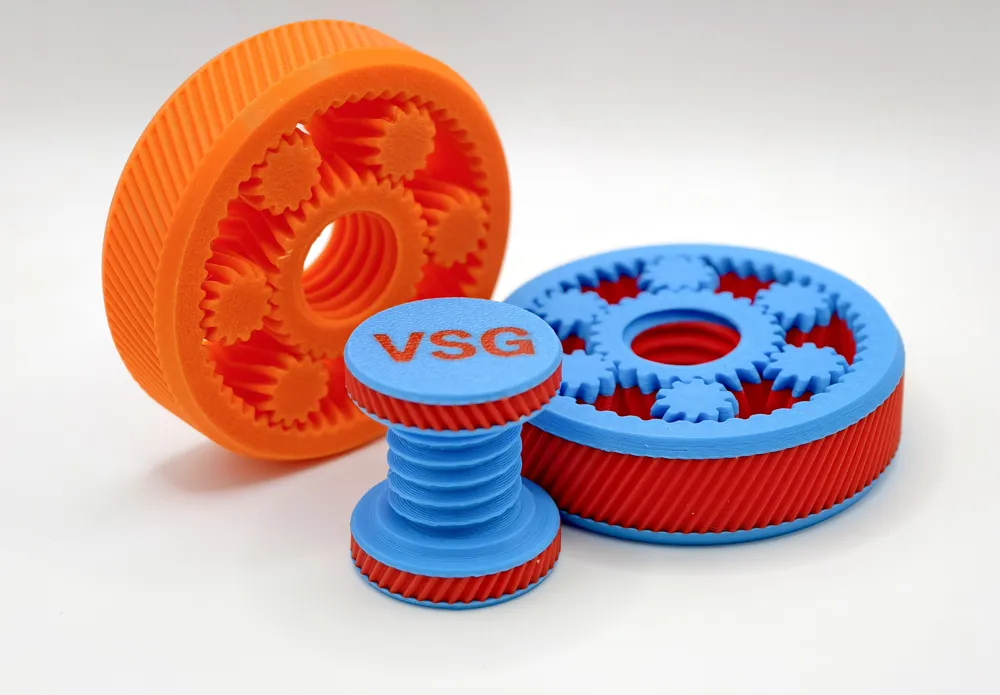
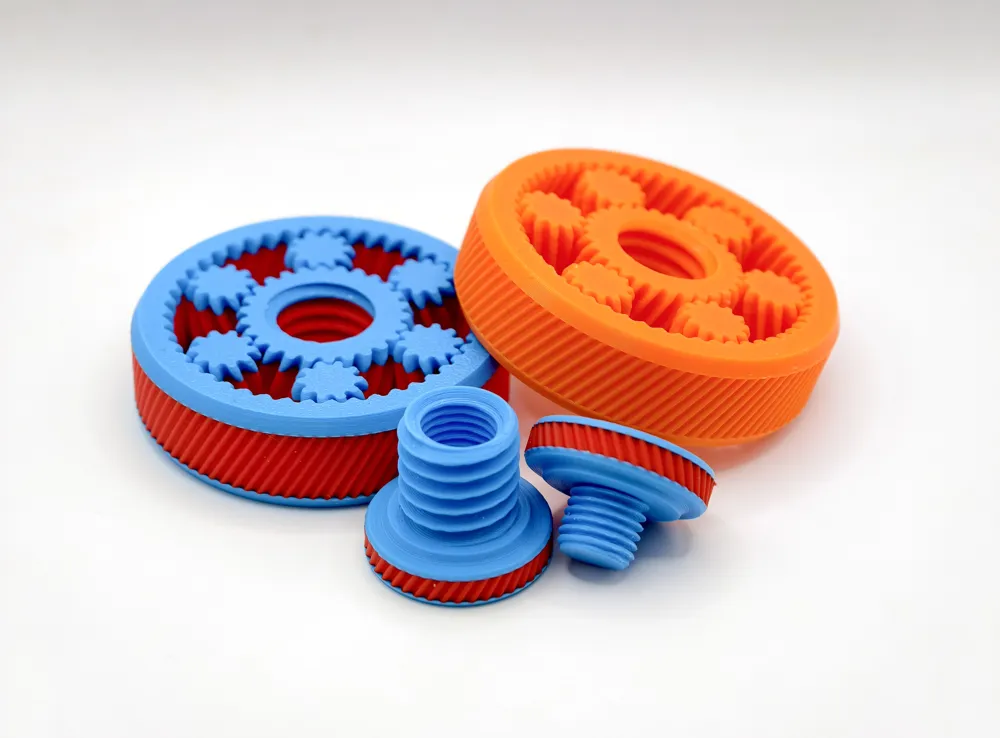
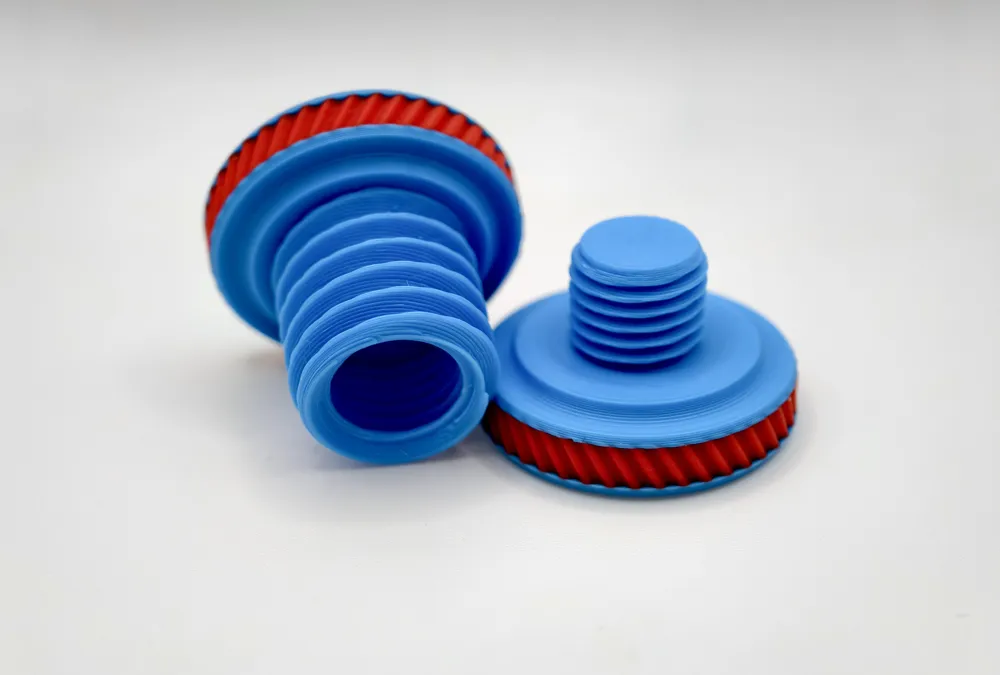
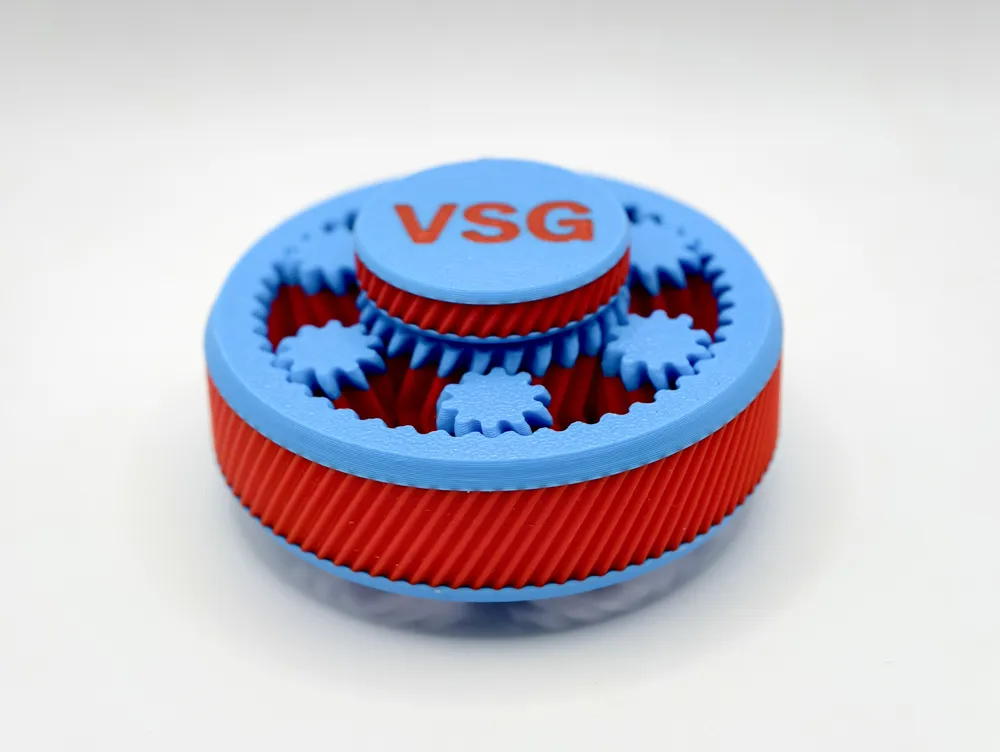
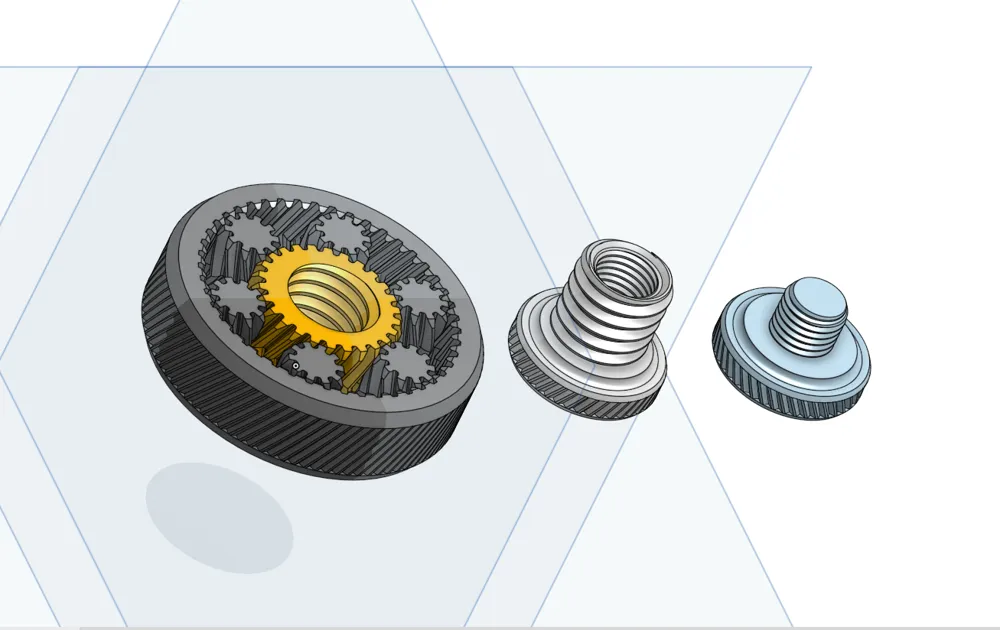
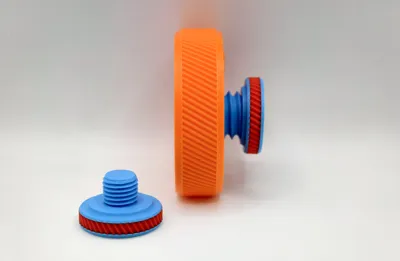
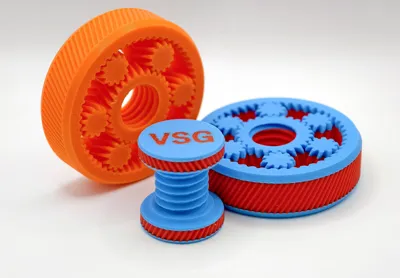
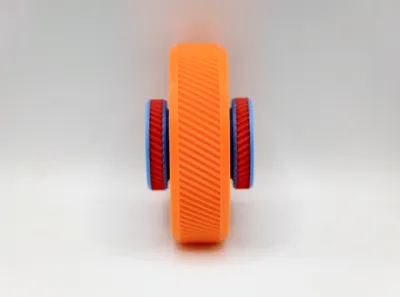
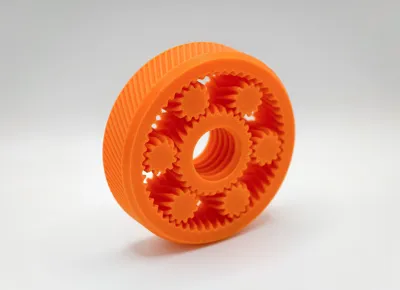
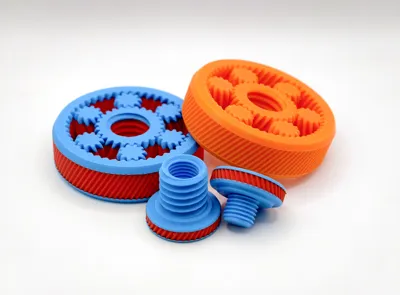
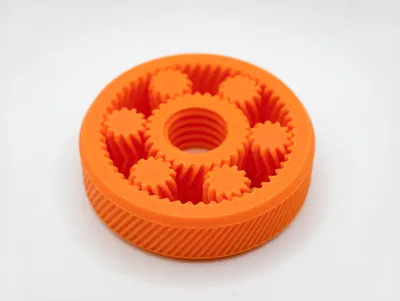
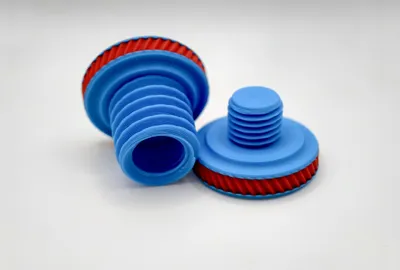
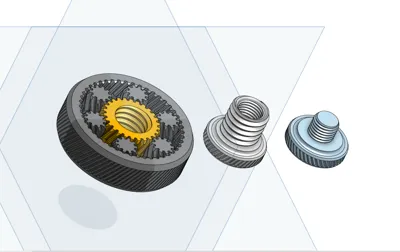
Unlike standard spinners, the central gear includes an integrated internal thread, allowing you to attach custom Knurled Screws (caps).
This provides a much better grip and makes the spinner easier to hold while the gears rotate smoothly around the center.
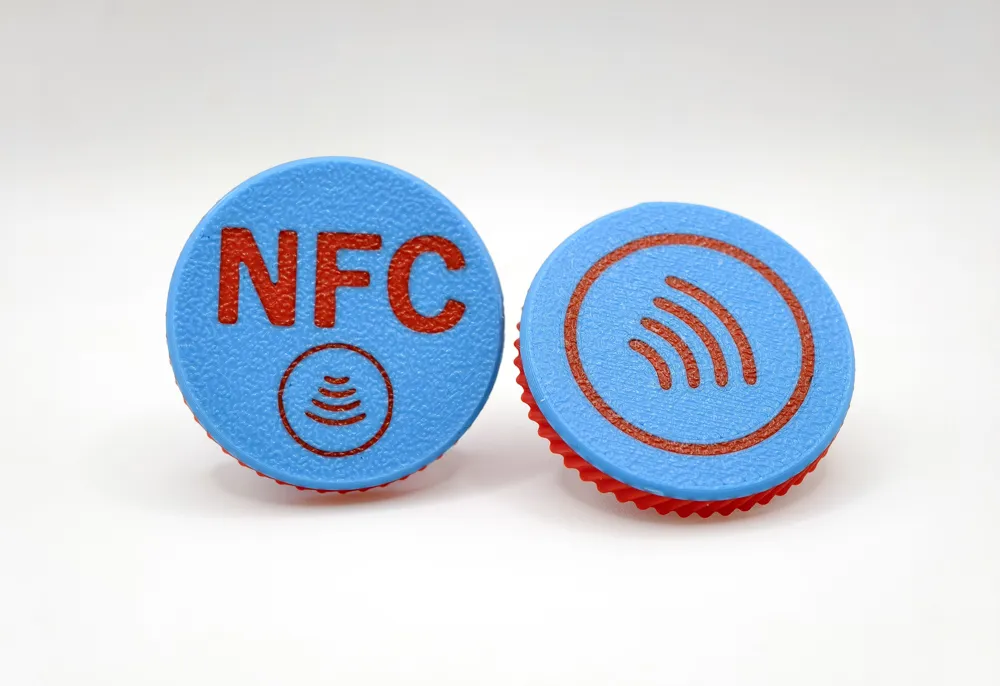
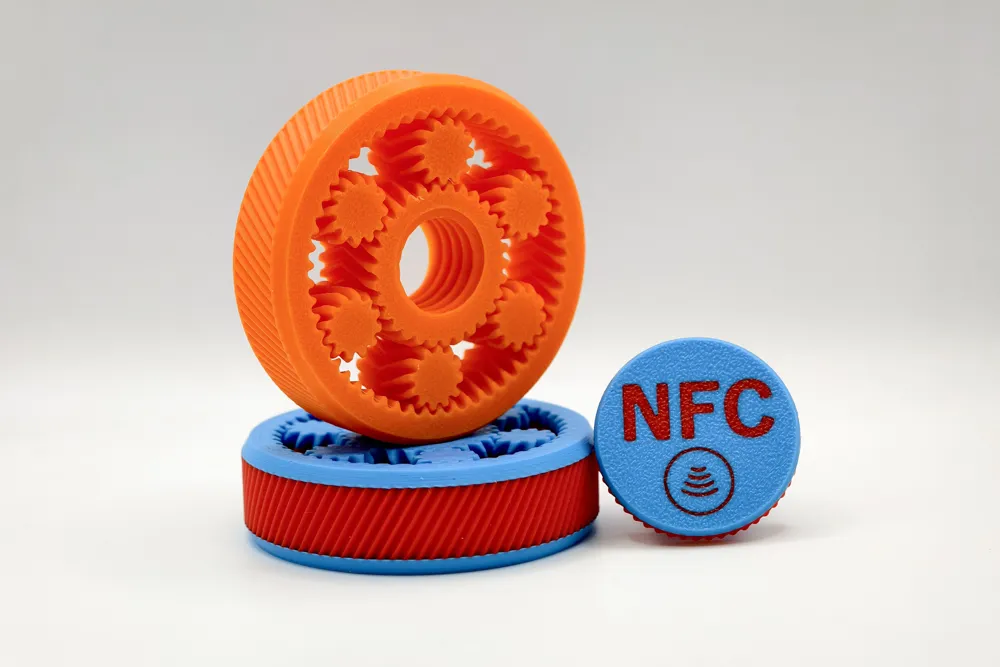
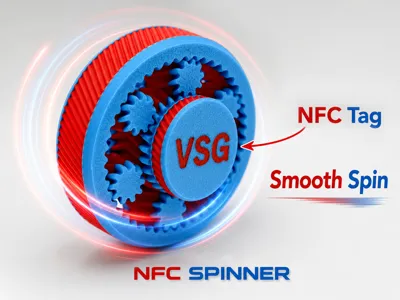
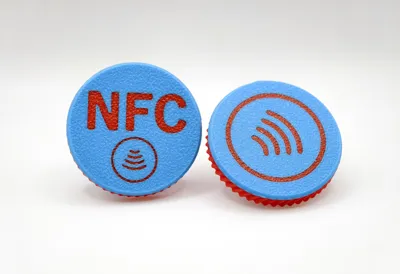
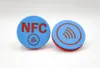
An NFC tag can be placed inside the Knurled Screws.
(because why not add a little smart tech to your spinner? 😄)
NFC Spinner Features
- Compatible with NTAG215 or NTAG216 NFC tags (25mm) — NTAG216 offers more memory.
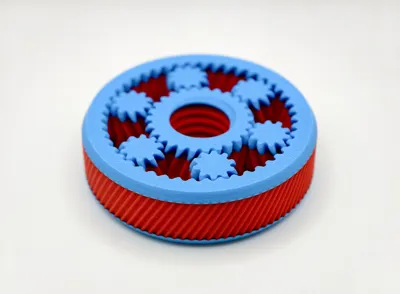
Three Print Profiles
Single Color
The print sequence is set to Print-by-object for easy color separation between parts.
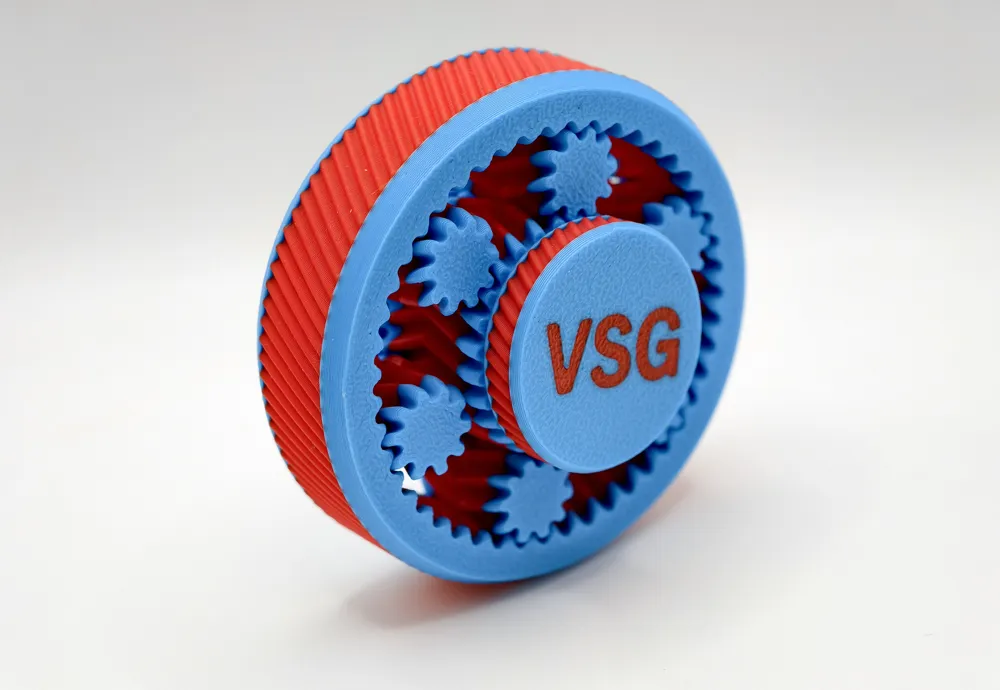
Dual Color
For easy color customization, each part can be recolored in the Object menu.
NFC Knurled Screws (Caps) for easy NFC tag insertion.
The print profile includes a pause for easy NFC tag insertion.
Customization Options
You can add text, SVG logos, or QR codes to the Knurled Screw caps.
Add Your SVG Logo or QR Code
- Personalize the spinner with your own brand or design.
- Just import an SVG file, merge it into the model, and set the height to match.
How to Edit the Text
- Go to the Objects menu.
- Select the “the text” object.
- Click Text Shape at the top to edit it.
Tips for Using NFC Chips in Your Projects
What is an NFC Chip?
-It can share contact info, websites, social media, app links, or be programmed to open URLs, send texts, launch apps, or trigger phone actions like enabling Wi-Fi or Bluetooth.How to Program an NFC Chip?
-Use the ‘NFC Tools’ app on Android to write, read, and edit NFC chips with ease.
-or use ‘NFC Writing App’ for iOS
- Where to Buy:
-NFC chips are available on Temu, Amazon, AliExpress, or the Bambu Store — typically 10 for $2–3.
Revolutionize networking with the power of NFC!
*Good bed adhesion is recommended. You can use a glue stick or 3DLAC spray for the best results.
Hit that boost button before it overheats from pure awesomeness! 😎🔥
Boost Me (for free)
🚀 Follow for more awesome designs!
Membership
Enjoying this? Support me or get a Commercial License here ➡️ ➡️ ➡️
Stay Аwesome!
License

You shall not share, sub-license, sell, rent, host, transfer, or distribute in any way the digital or 3D printed versions of this object, nor any other derivative work of this object in its digital or physical format (including - but not limited to - remixes of this object, and hosting on other digital platforms). The objects may not be used without permission in any way whatsoever in which you charge money, or collect fees.


Comment & Rating (0)