
Universal Parametric Split Ring Generator
Print Profile(1)

Bill of Materials


Description
Universal parametric split ring generator
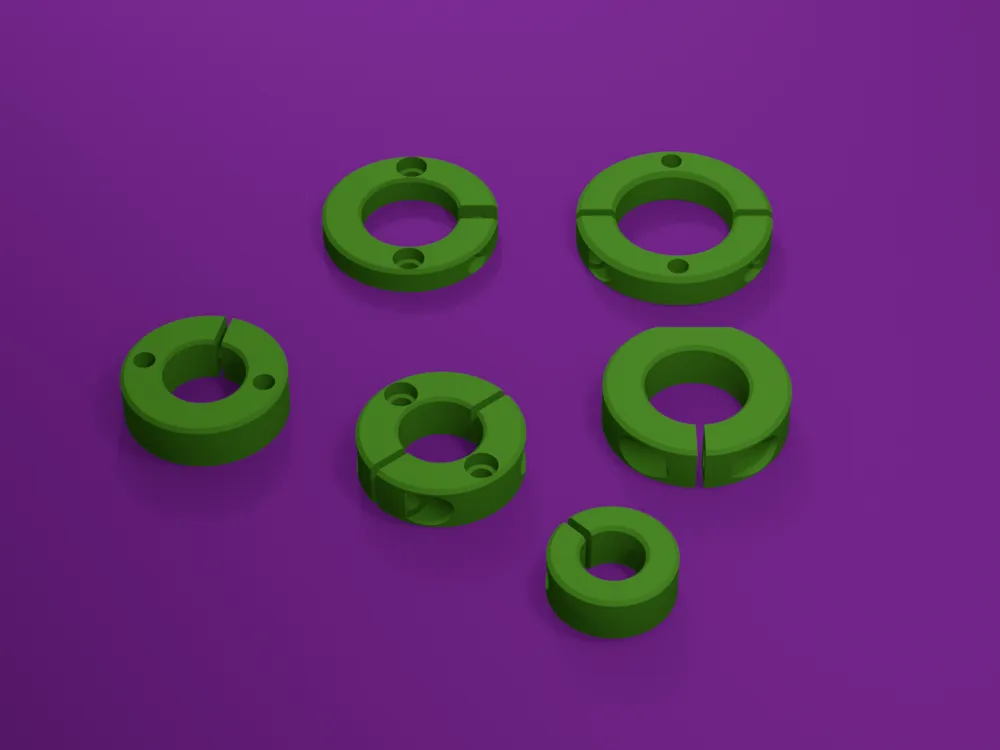
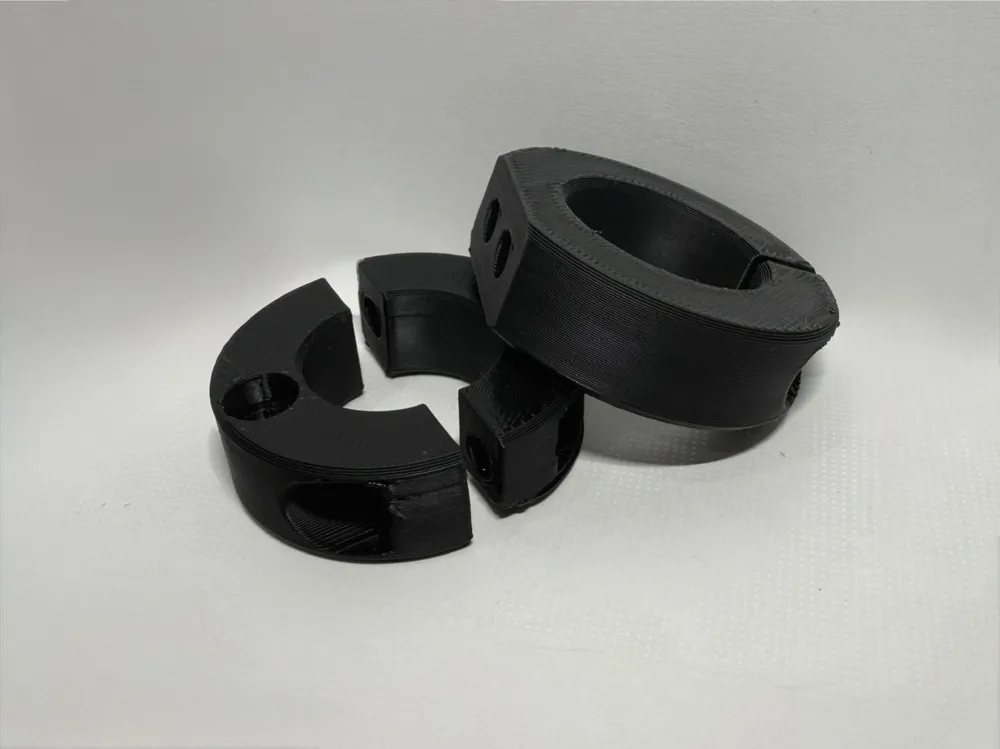
This professional OpenSCAD tool allows you to instantly generate high-quality Split Rings and Clamping Collars optimized for 3D printing. Whether you need a single-piece C-ring for adjustable tension or a two-part split collar for installation around a shaft without disassembly, this generator creates the exact engineering geometry you need.
Key Features
- Dual Split Configurations:
- Single-Split (C-Ring): A flexible collar with a precision clamping gap.
- Double-Split (Two-Part): A fully bisected split ring for installation where shaft ends are inaccessible.
- Mounting Interface Options:
- End Face Mounting: Adds two mounting points on the ring's face (aligned at 90°/270°).
- Side Flat Interface: (C-Ring mode) Provides a flat reference surface on the outer diameter for specific mounting conditions.
- Mounting Hole Types:
- Counterbore: A through-hole with a recessed seat for the screw head.
- Blind Hole: A standard mounting hole with adjustable depth.
- Simple Through-Hole: A basic clear bore for pins or long fasteners.
- Integrated Clamping System: Dedicated parametric holes and counterbores for the bolts that tighten the collar around the shaft. These are positioned to ensure no interference with the mounting hardware.
Technical Guidelines for 3D Printing
- Measurement: Use calipers to measure the exact outer diameter of your shaft or pipe.
- The Clamping Gap (s): For effective tightening, the Split_Gap_Width is restricted to 2mm to 5mm.
- Tuning the Fit: * For a sliding fit (easy to move), set the Internal_Diameter 0.1mm–0.2mm larger than the shaft.
- For a tight grip (clamping), use the exact measured diameter of the shaft.
- Print Orientation: For maximum structural integrity, print the ring lying flat on its end face. This ensures the clamping force acts across the layers, preventing the tensioning ears from snapping under load.
How to Use:
- Open the MakerWorld Customizer.
- Select Construction_variant and enter your Internal_Diameter.
- Set the Split_Gap_Width (s) between 2mm and 5mm.
- Choose End face or Side flat in the Mounting Interface section if required.
- Select the Mounting Hole Type.
- Configure the Clamping Bolt dimensions to match your hardware (M3, M4, M5, etc.).
- Download the STL and print!
If you find this tool useful, please consider leaving a rating and sharing your makes!
License

You may create derivative works based on this object, provided that all such derivative works are published exclusively on the MakerWorld platform and include proper attribution to the original creator. You may not share, upload, host, distribute, or publish this object—or any derivative work of this object—on any other digital platform, marketplace, or distribution channel. Commercial use of this object and any derivative works is strictly prohibited. This includes, but is not limited to, selling, renting, sublicensing, or using the object in any context in which you receive monetary compensation or other financial benefits.


Comment & Rating (0)