Search models, users, collections, and posts
Contest Winner
Torch

Print Profile(1)

All
X1 Carbon
X1
H2D
H2S
P1S
P2S
X1E
P1P
H2C
H2D Pro
A1
X2D
A2L

Dragon Torch: 0.2mm layer, 2 walls, 15% infill
Designer
10.5 h
3 plates
4.9(10)

Open in Bambu Studio
Boost
671
1387
29
22
247
65
Released 

Bill of Materials

Maker's Supply Kits and Parts
Select all
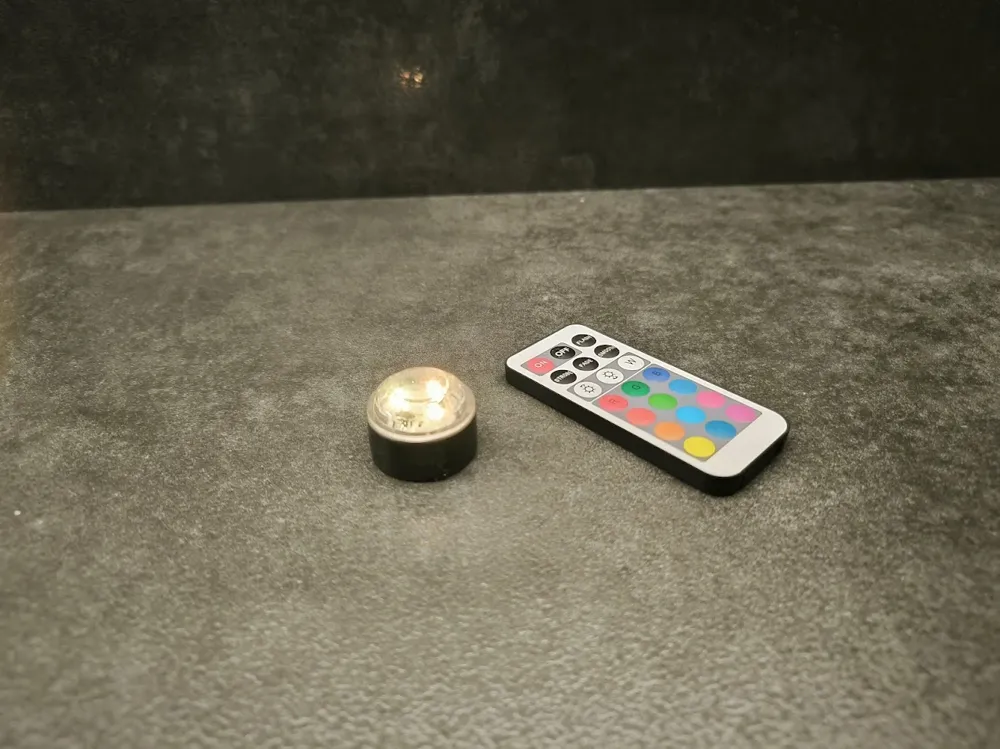
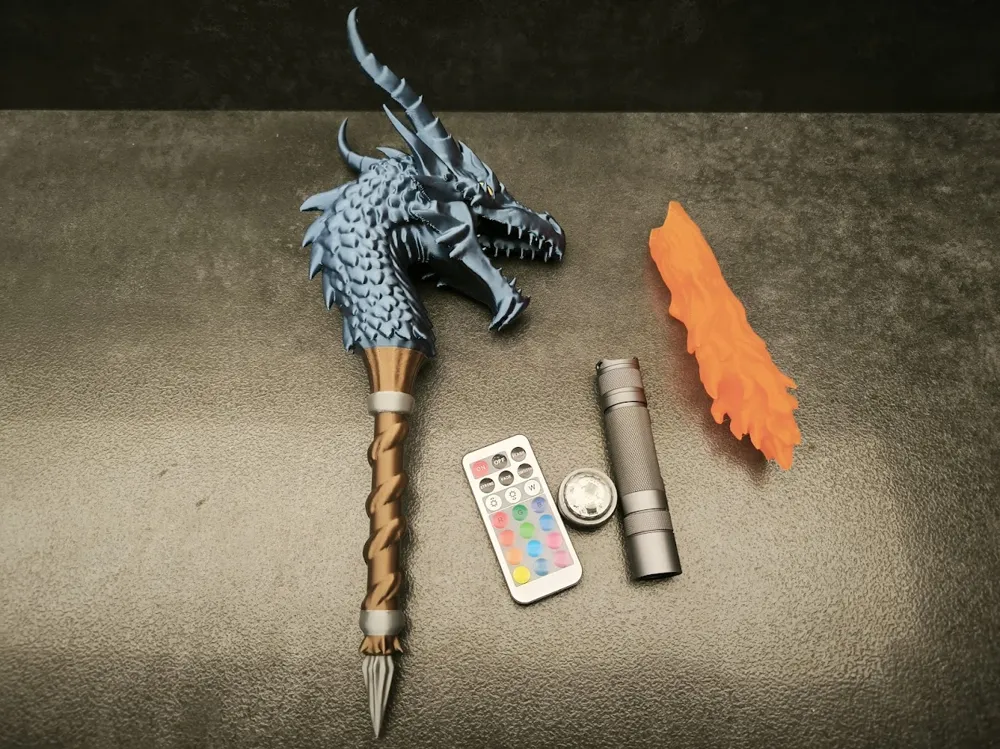
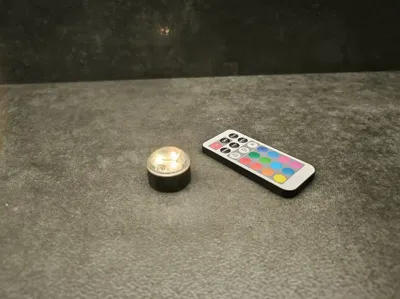
Waterproof RGB LED Light & Remote Control (6PCS) - KC020
Bambu Filaments
Select all
Cobalt Blue Metallic (13600) / Filament with spool / 1 kg
Copper Brown Metallic (13800) / Filament with spool / 1 kg
Matte Lemon Yellow (11400) / Refill / 1kg
Silver (10102) / Refill / 1kg
Orange (13301) / Filament with spool / 1 kg

Description

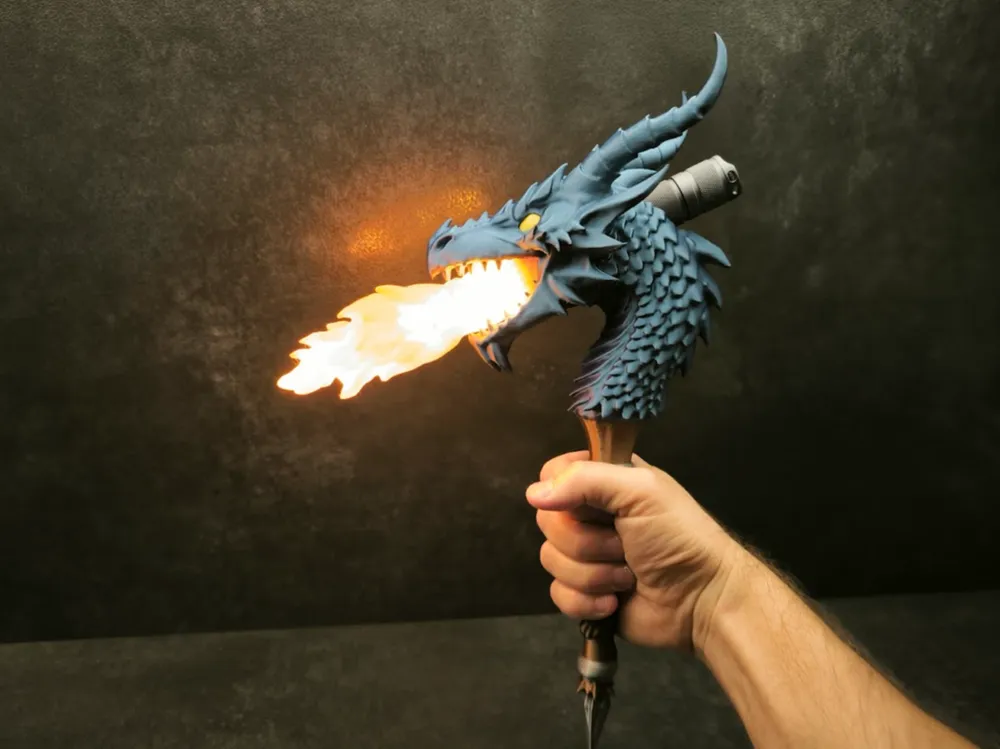
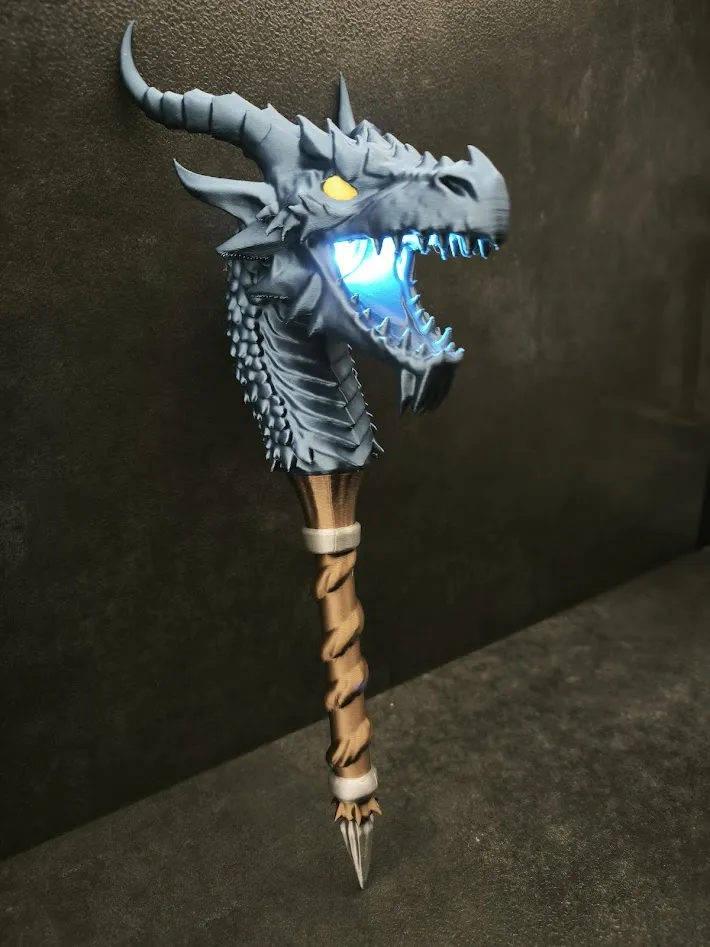
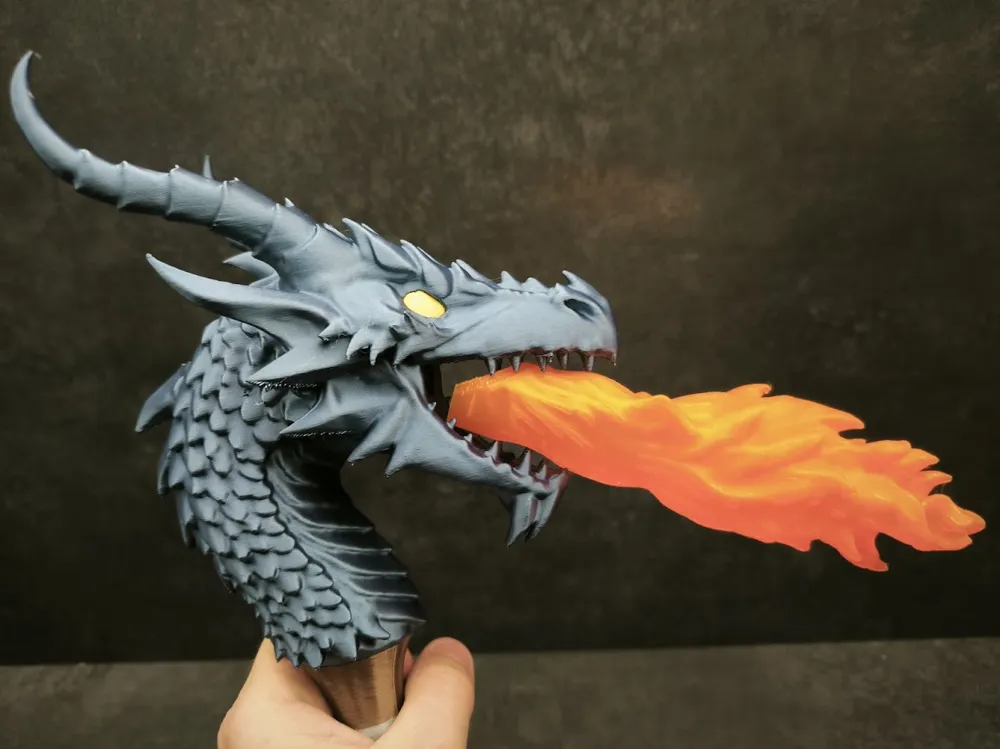
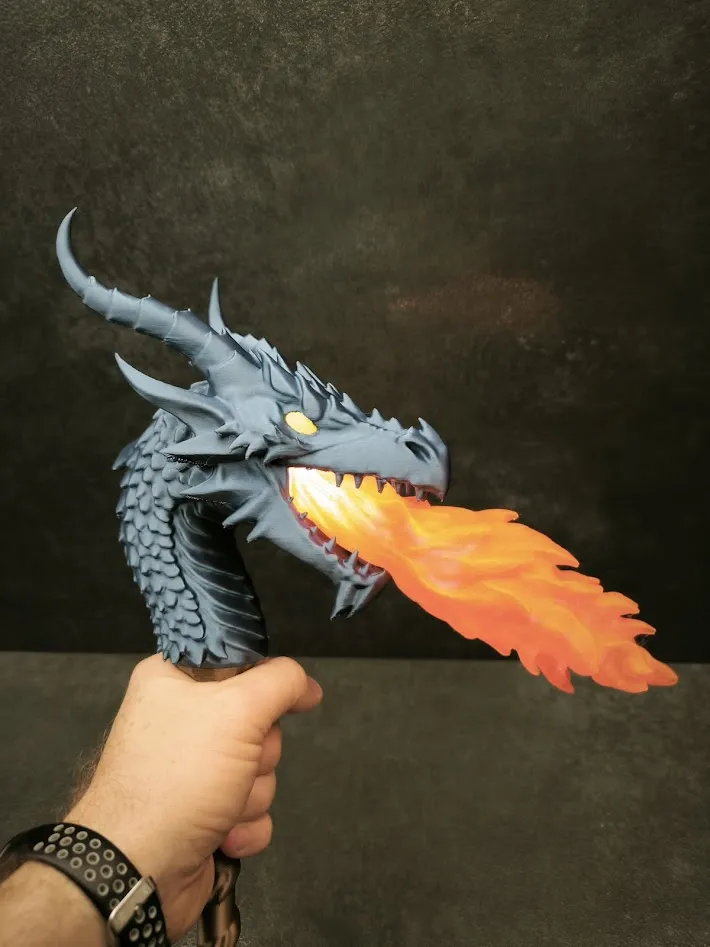
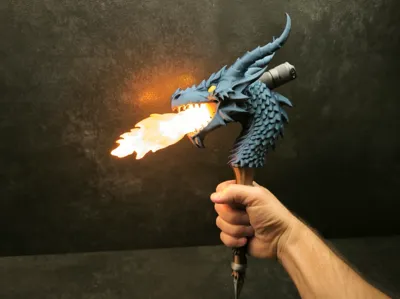
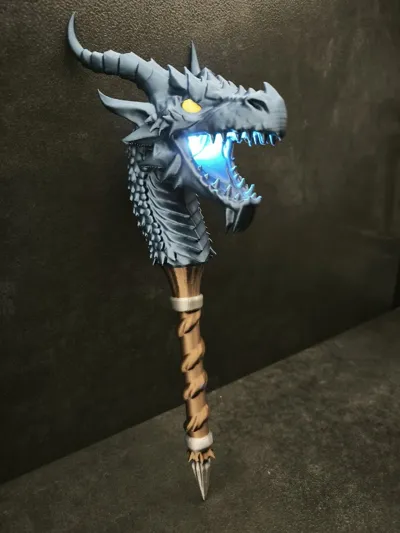
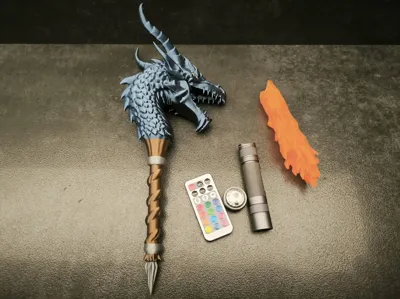
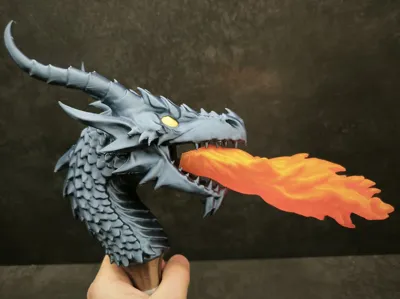
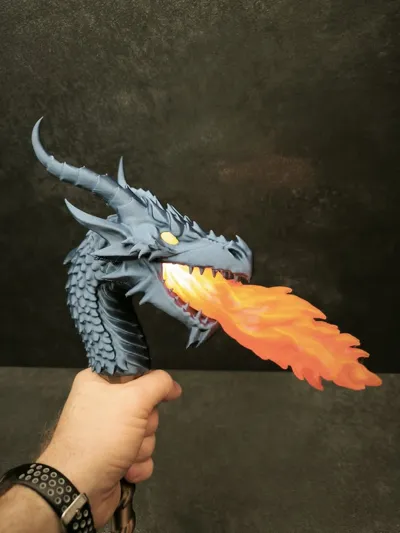
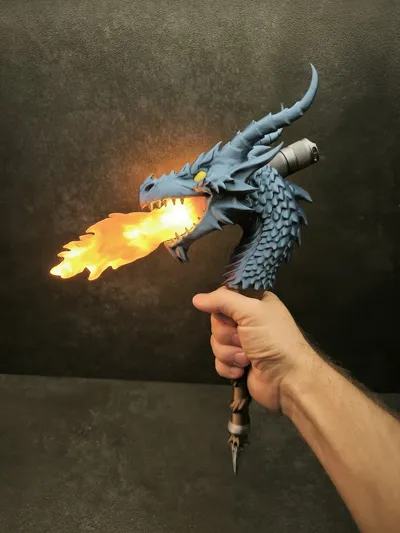
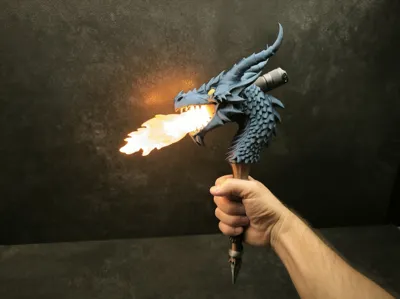
Dragon torch. My entry for the torch design contest.


Print profile
The print profile is slightly non standard. Each part uses different settings.
The dragon head is printed with gyroid infill and uses a minimal amount of supports. I enabled only critical supports and manually added a few extra ones. If you experience issues you can disable critical supports which will result in more supports being generated automatically. In the photos the model was printed using only critical supports and some spikes show small imperfections due to insufficient support, which is why I later added more supports manually.


The handle is printed with a higher layer height of 0.28 for faster printing. When printing the handle you can disable the prime tower. It is not needed, but unfortunately this option cannot be set per plate as it is a global setting.

The flame is also printed with a 0.28 layer height using translucent PLA. I added custom supports to ensure stability during printing.


Assembly instructions
After printing the head insert the pin into the hole and glue it to the handle. The flame does not need to be glued. It is press fit and can be inserted and removed. Insert it as shown in the photo with the notch facing upwards. 
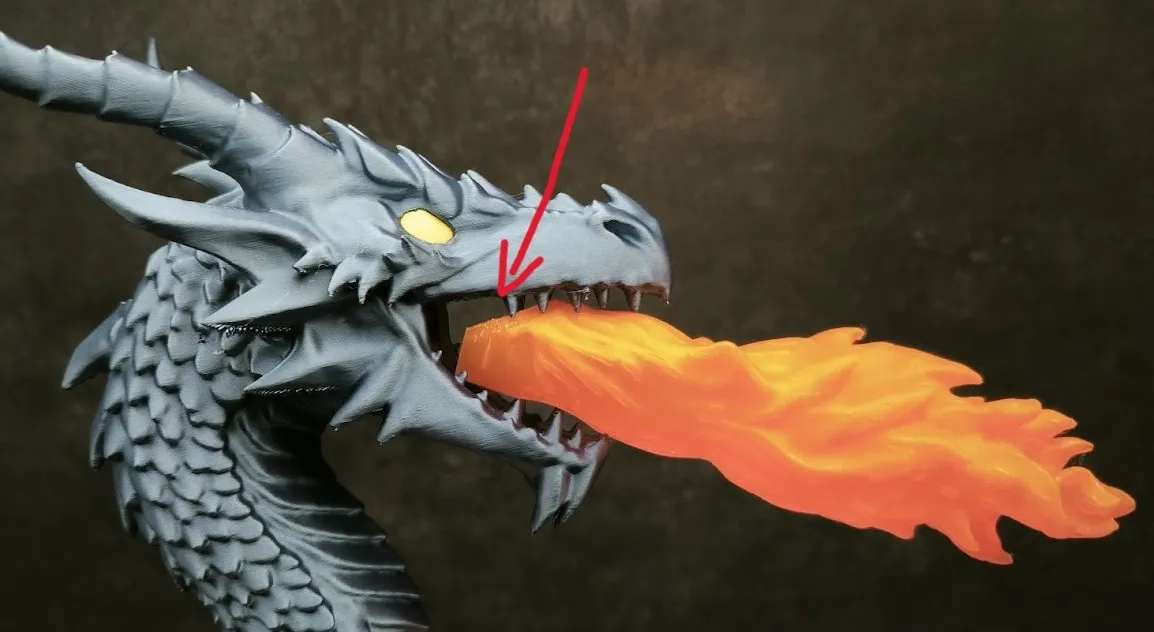
 

To fully insert the flame you need to overcome initial resistance and push it firmly into the mouth.


Lighting
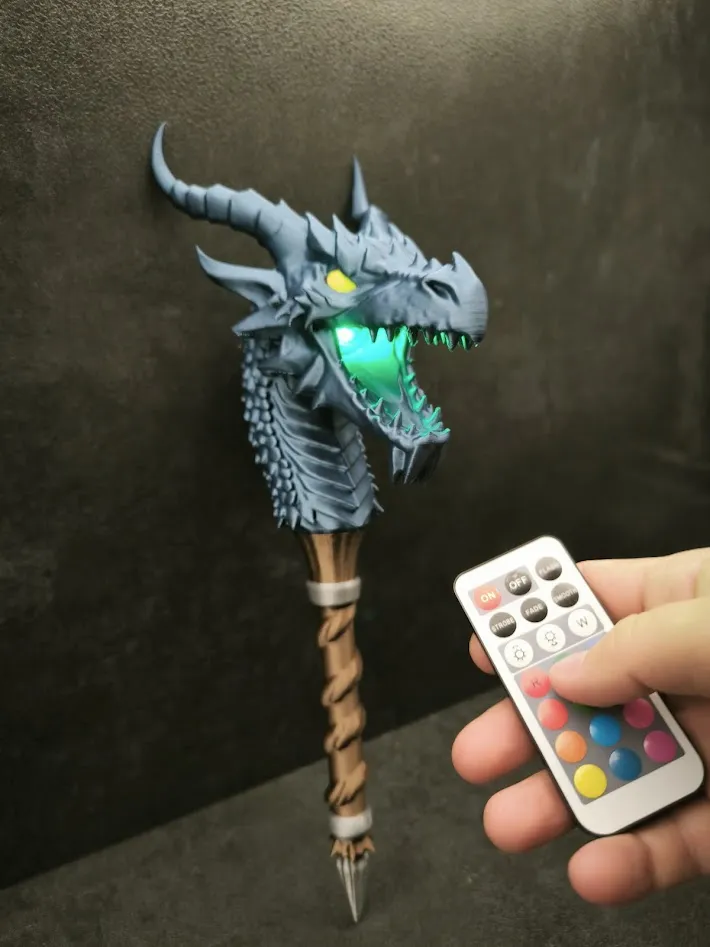
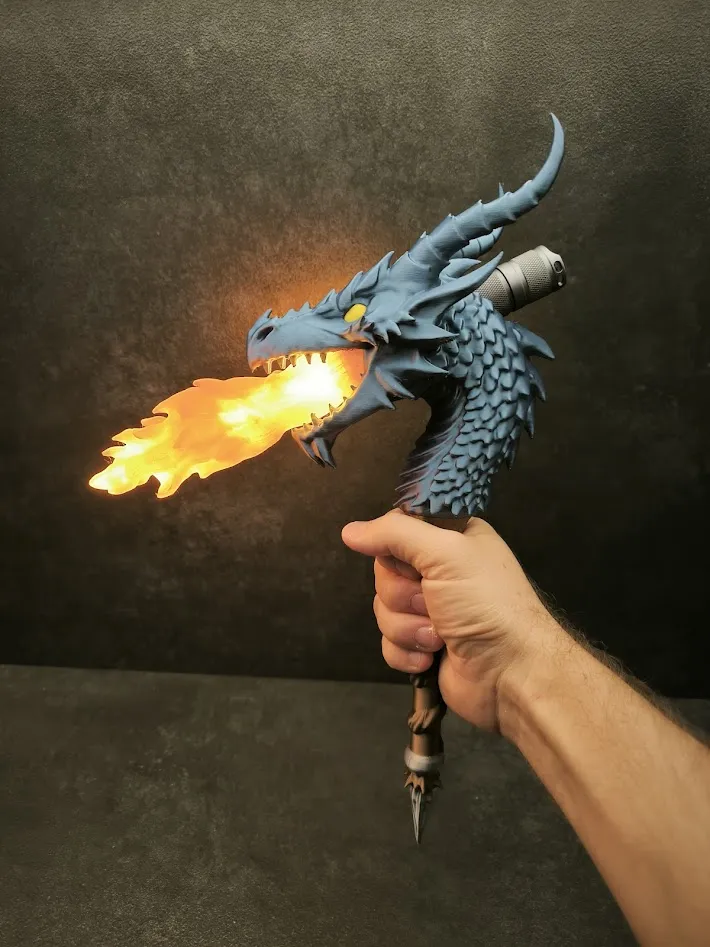
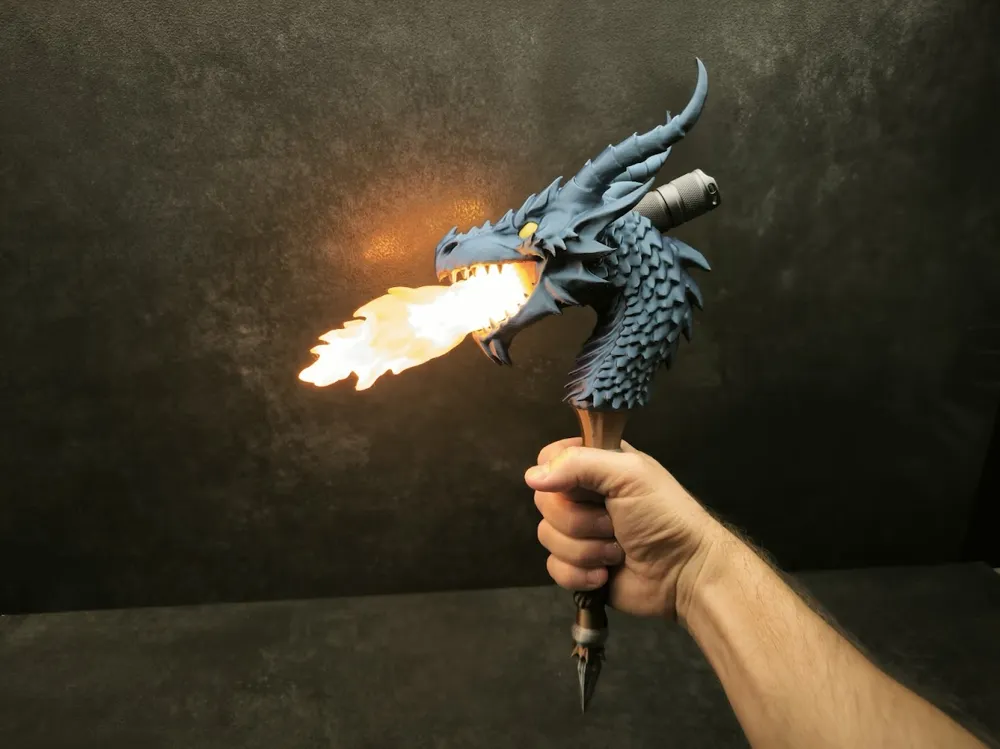
The torch works with two light sources.

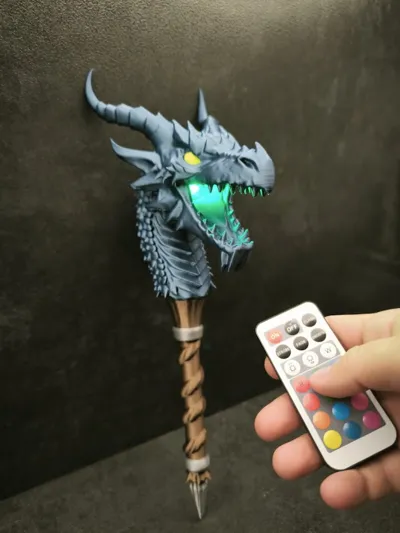
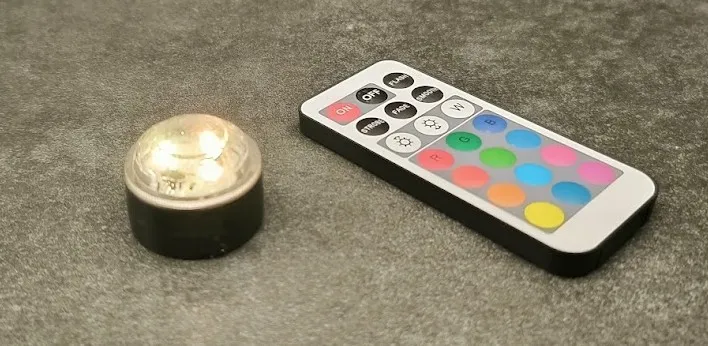
The first light source works both with and without the flame. Its main advantage is color changing. To prevent the light from falling out slightly increase its diameter using tape as shown in the image.
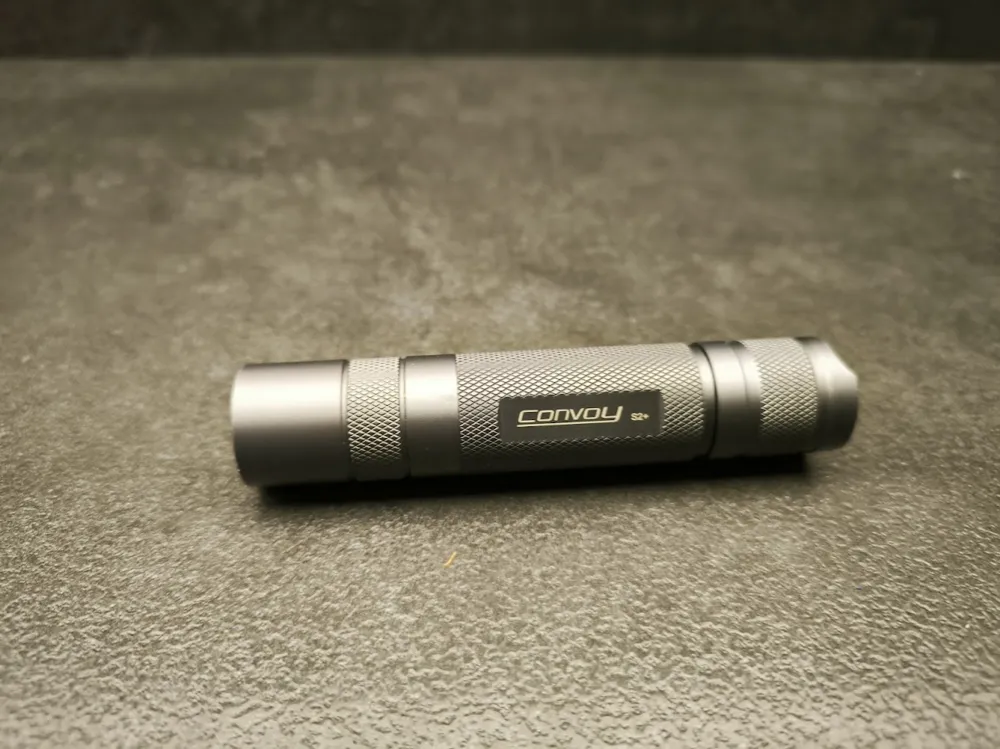
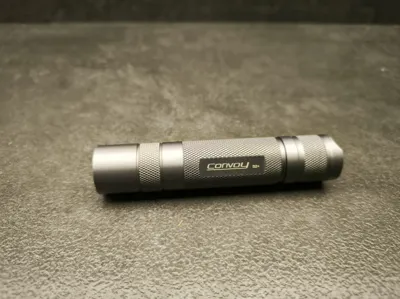
The second light source is a powerful Convoy S2+ flashlight. 
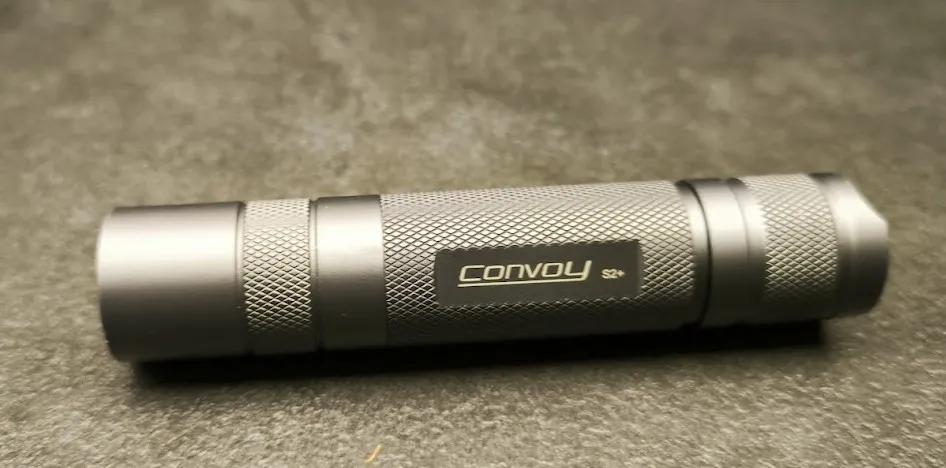
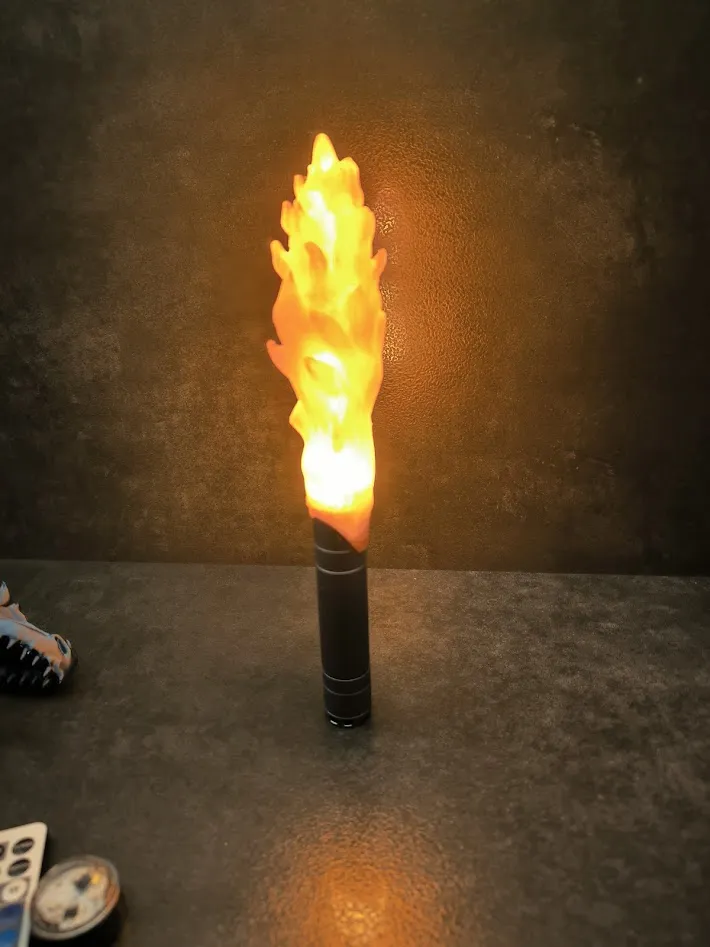
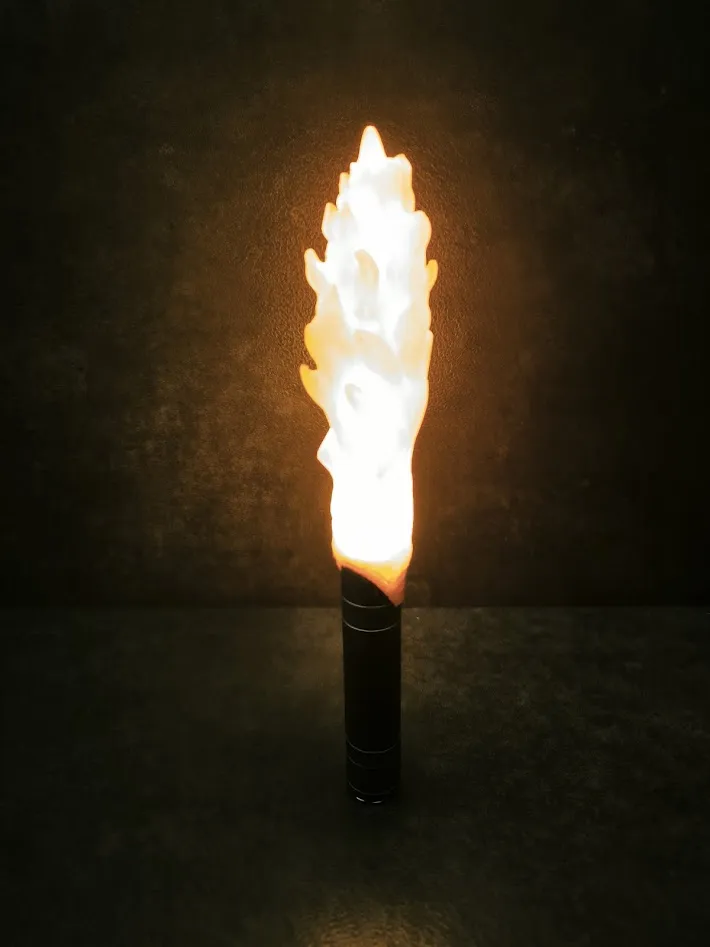
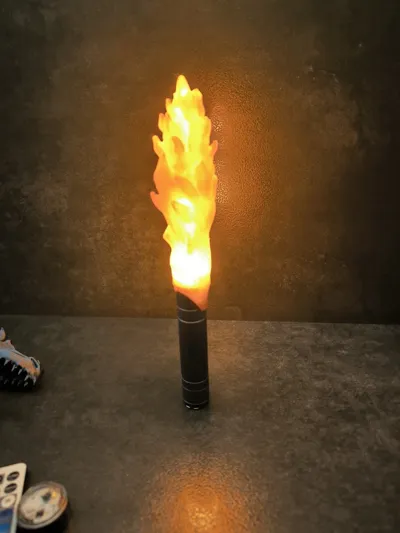
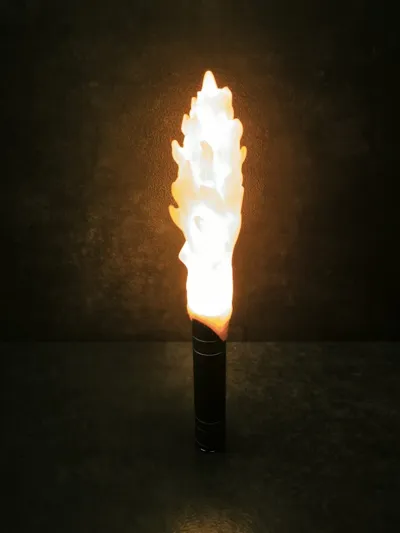
It works only with the flame because it is inserted directly into the flame. 
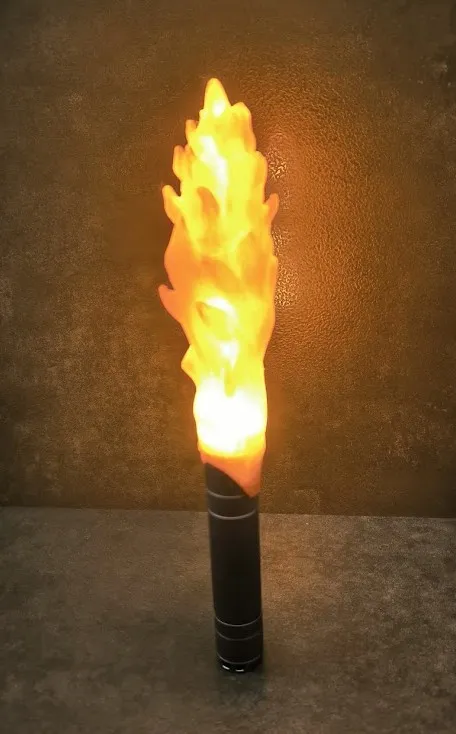
This flashlight provides a lot of light but may heat up over time. If you plan to use it for longer periods I recommend printing the flame using PETG.


Have Fun :)

Media:

Comment & Rating (29)

(0/1000)

Print Profile
Dragon Torch: 0.2mm layer, 2 walls, 15% infill
After some size adjustments, I was able to fit a small motion-sensing lamp I had and I made myself a small wall mount in Fusion https://amzn.eu/d/08NORDQ
(Edited)
The profile uploader has replied
Show original
profile
4
Reply
Great :D
0
Reply
Any chance you would upload the wall mount for this? Looking for exactly that. Thanks!
(Edited)
1
Reply
Will you be uploading the wall mount soon? It looks awesome.
0
Reply
This is a nice print! I stuck 61 LEDs, a proffieboard and a 28mm speaker in this one. https://youtube.com/shorts/I4pQmrOLMx0?feature=share
The designer has replied
3
Reply
It works phenomenally. Thanks for the video, I added it to the page of this model :)
1
Reply
Replying to @Sevro :
Awesome!
0
Reply
Can you tell me what lightsaber you used, the one on your YouTube channel, where you bought it
0
Reply
Print Profile
Dragon Torch: 0.2mm layer, 2 walls, 15% infill
came out awesome, you should make a mount for these.😊
profile
1
Reply
Congratulations on the win!
The designer has replied
1
Reply
Thanks :D
0
Reply
Replying to @Sevro :
np, u deserve it
0
Reply
Any way to make this into a cane?? I'm supposed to use one but I don't because I've never found one im not embarrassed of lol.
0
Reply
Sir, I would have to say it can be done, yes. to be honest, I am going to try doing that myself, I also need to use a cane, so I may even do it and tell you whether this works or not
1
Reply
I am sure it will work. I have made many functional canes since I also use a cane but being over six foot it is hard to find one tall enough. I never use pla though. I usually just use petg. also it is best to use a wood dowel for the shaft portion. if you don't want the wood visible you can hollow out the print and insert the dowel. Here is a pic of the can I currently use. it is called Gungnir and is inspired by Odin.
(Edited)
1
Reply
Beautiful design!
1
Reply
This is AWESOME.
1
Reply
This is fire 🔥
1
Reply
Boosted
Sending a boost for a great idea
Show original
1
Reply
Print Profile
Dragon Torch: 0.2mm layer, 2 walls, 15% infill
This is really cool. I printed the head in green with translucent eyes, as well as the flame in translucent clear. The tea light trick is really cool. I'd like ever so slightly more of a friction fit to the tea light...but that might be the difference between the Amazon and Bambu lights (even though they are the same model number).
0
Reply

License

This user content is licensed under a Standard Digital File License.

You shall not share, sub-license, sell, rent, host, transfer, or distribute in any way the digital or 3D printed versions of this object, nor any other derivative work of this object in its digital or physical format (including - but not limited to - remixes of this object, and hosting on other digital platforms). The objects may not be used without permission in any way whatsoever in which you charge money, or collect fees.