
Sitting Dragon

Print Profile(1)

Description
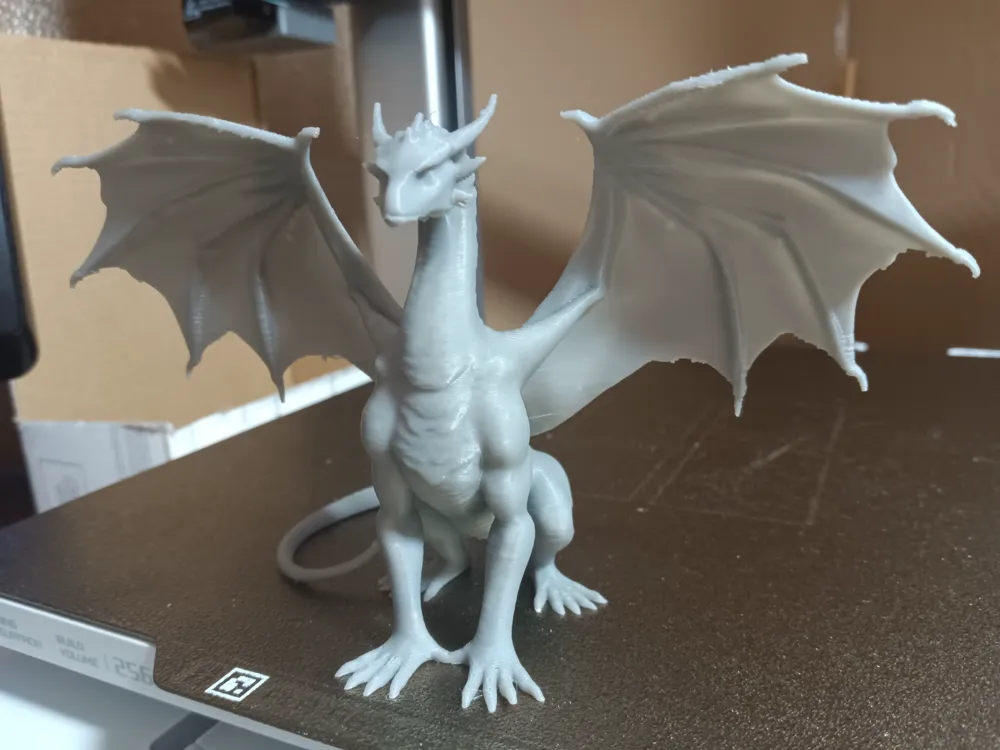
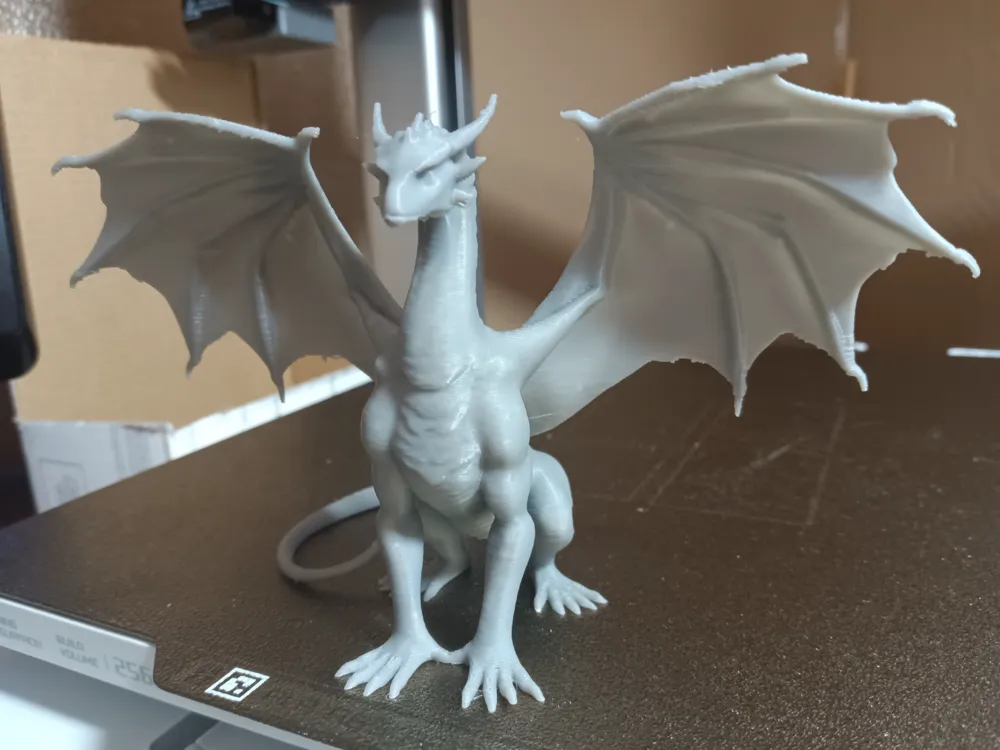
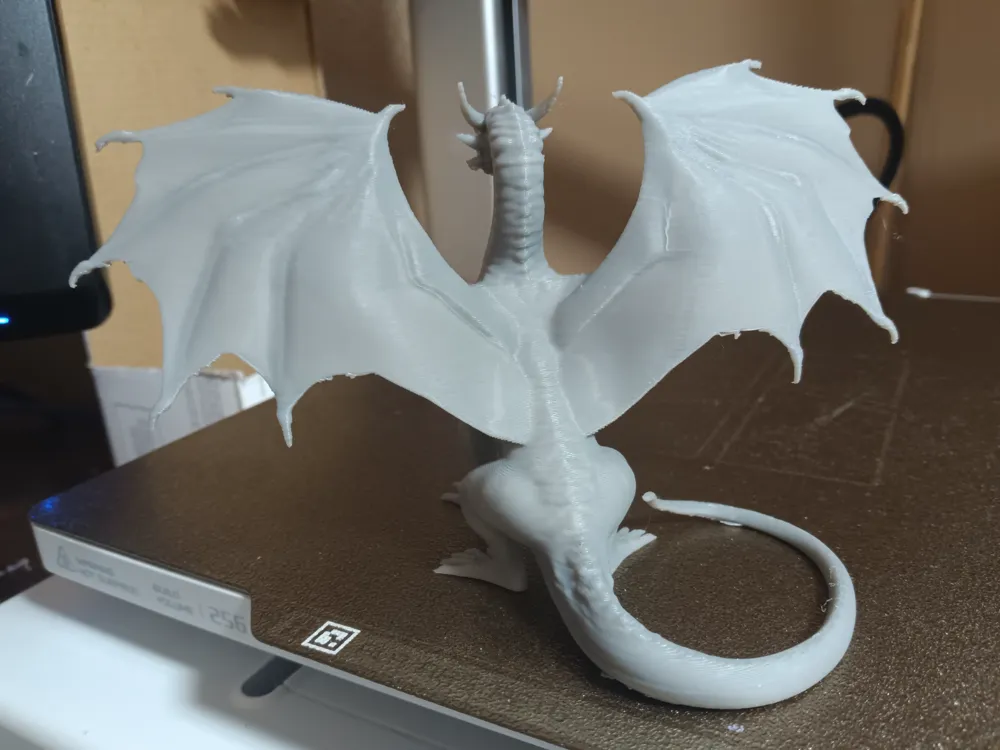
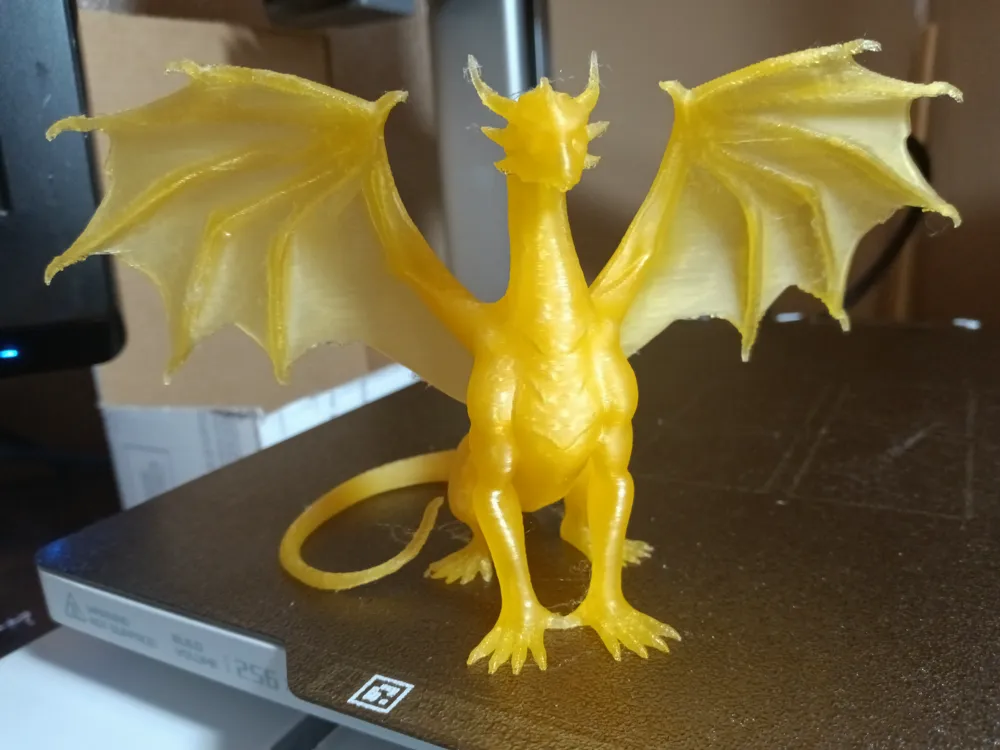
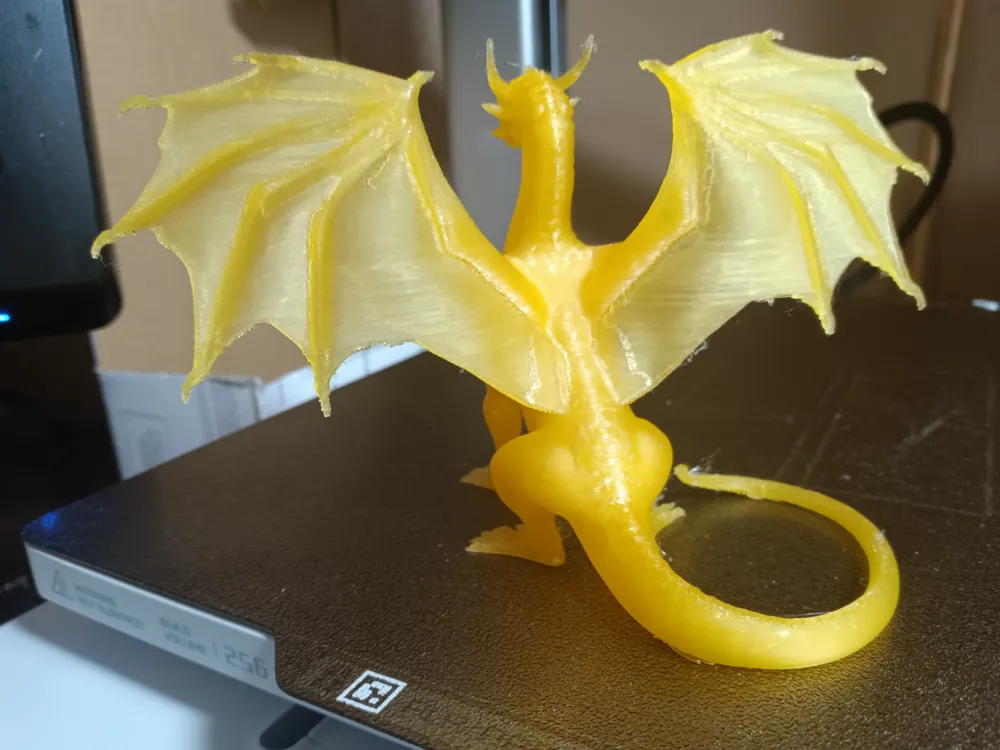
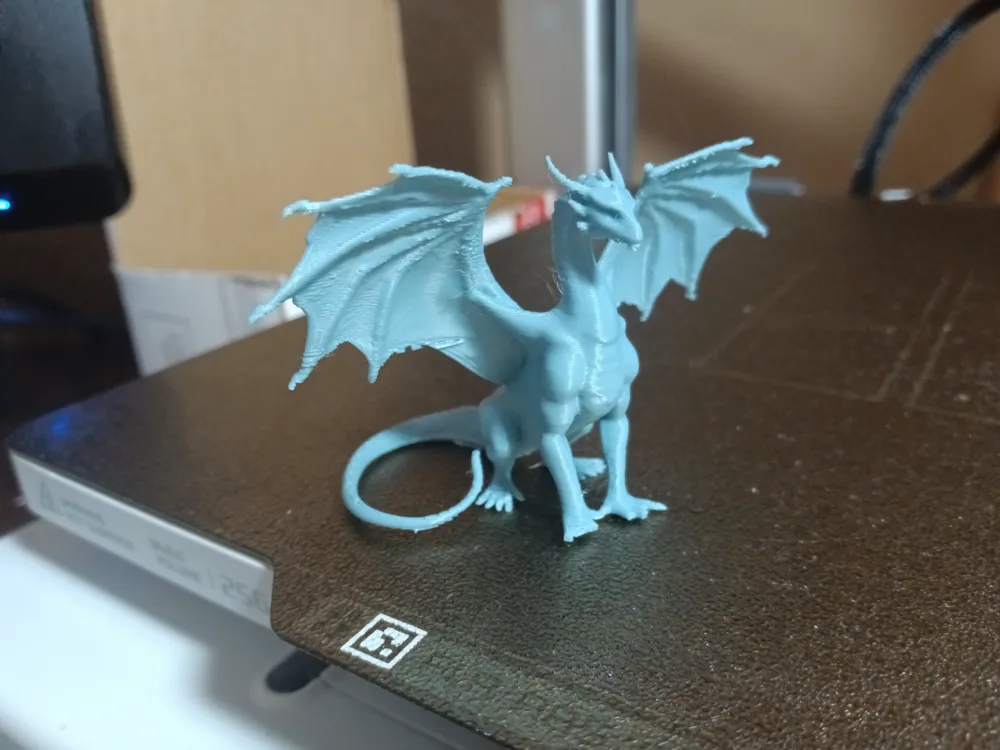
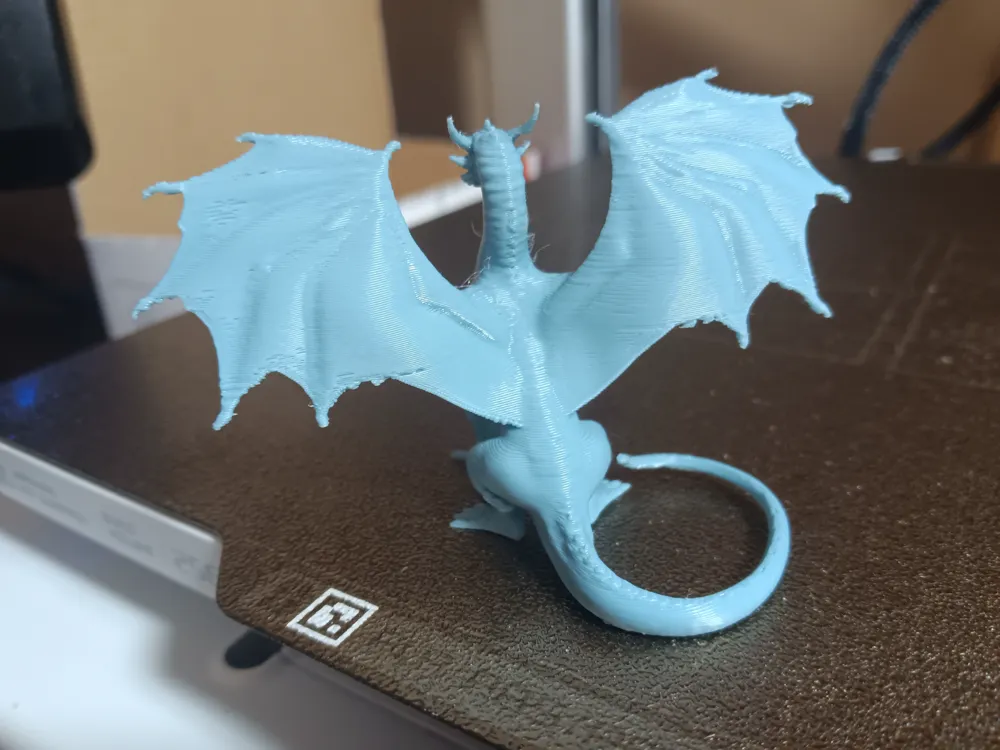
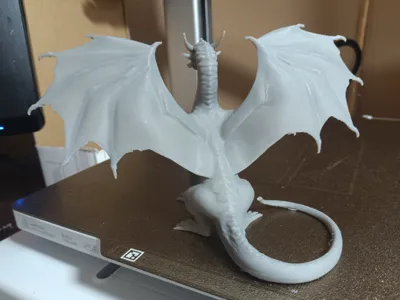
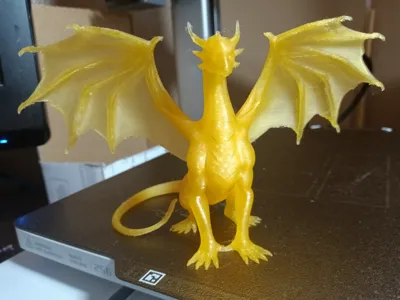
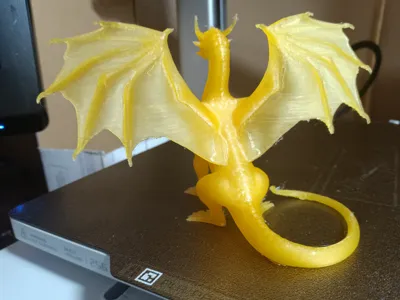
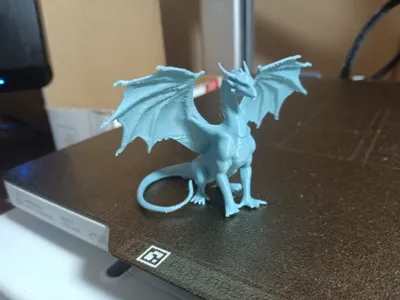
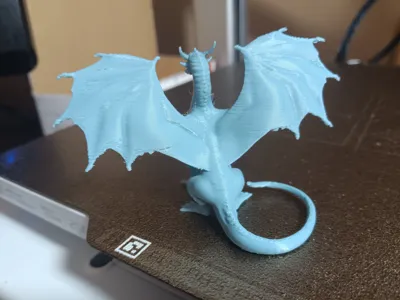
Sitting dragon model created with Google Gemini AI and Makerlab Image to 3d.
This is the result of a crusade to find the right Bambu Studio settings to make tree supports easy to remove but still provide good support for the model.
Nothing I tried really worked consistently. No matter how hard I tried the sharp spikes on the dragon's wing edges would often stick and break off. Since I've been making use of AI's to create images and turn them into 3d models I decided to try a query to the “Claude AI” app for the optimum tree support slicer settings.
To my great surprise it provided several things to tweak that I had never considered.
I made some of the suggested changes to the .2mm standard profile and did a lot of testing. Care is still needed when removing the supports but they come off so much easier that it's amazing. I use a pair of wire snips and cut the supports into multiple pieces before trying to remove them. Sometimes they almost fall off on their own. I'd invite you to investigate the settings the Claude recommended on your own models. Not all of them were directly applicable to Studio so I used the ones that were the closest matchings to existing settings.
I've tried printing the dragon at about 86mm and 55mm heights with good results.
There may be some fuzz on the smaller models but just use a butane lighter or your standard fuzz removal procedures.
I lowered the nozzle temp in the filament to 212C and the bed temp to 60C. This may also need adjustment.
I welcome comments on what kind of mileage you get out of the settings and also encourage everyone to have fun experimenting with AI's as model creation tools.
Randy
License



Comment & Rating (6)