Search models, users, collections, and posts


Achievements

MakerWorld Guardian
This badge has expired

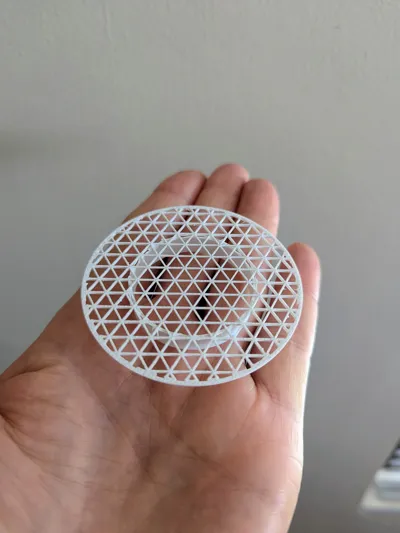
Perfect! And a quick print, so i can discard and reprint when it starts to get old and stained. Nice trick how you set the Top and Bottom Shell Layers to 0, in order to create the screen of the strainer. I never thought of that. I like the look of the "Triangles" infill pattern myself. Thanks for sharing!
Share
0
0
0
Works great. Thank you.
Notes to others:
** Be sure to see instructions at this link for removing the camera.
https://wiki.bambulab.com/en/a1-mini/camera-replacement-guide
** Also, If you print the camera hole filler part, don't force it in place. The small end of the part points towards the plate (left). I found the best way to insert it is by gently pushing it upwards from the bottom until the nubs sit into the grooves.
Share
0
0
0
Works great. If I were to print it again, i would try 15% infill, (would save 1h 25m print time). The way it's angled seems pretty balanced and may not need the extra infill since it already has 4 walls. Also, you may want to add some mass around that exposed screw tube in the back. Especially since that screw is securing the brunt of the tilting weight. Anyway, glad you made this. I was skeptical if i really needed to free up desk space, but after doing so, I'm lovin it. I also like that i can now put spools with oversize holes on the back side of the AMS and not worry about them falling off. I still use spacer rings if needed. Thanks again! My before and after photos.


Share
0
0
0
No more data