

Print Profile(1)

Description
HiFiBerry Player
If you enjoy listening to music you will really love this tiny music player!
The player consists of:
- RaspberryPi 3B+ or
- RaspberryPi 4*
- HiFiBerry DAC+ PRO or
- HiFiBerry DAC2 PRO
Additional accessories:
- RPi Power Supply
- Micro SD Card
- 4 Nylon spacers
You will also need the 3D printed case of course!
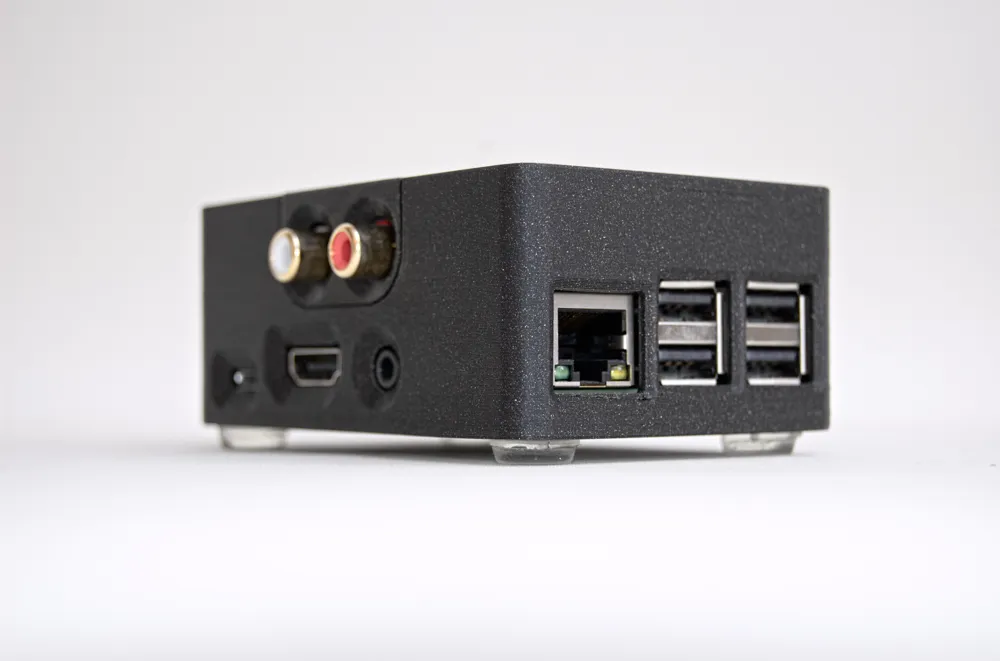
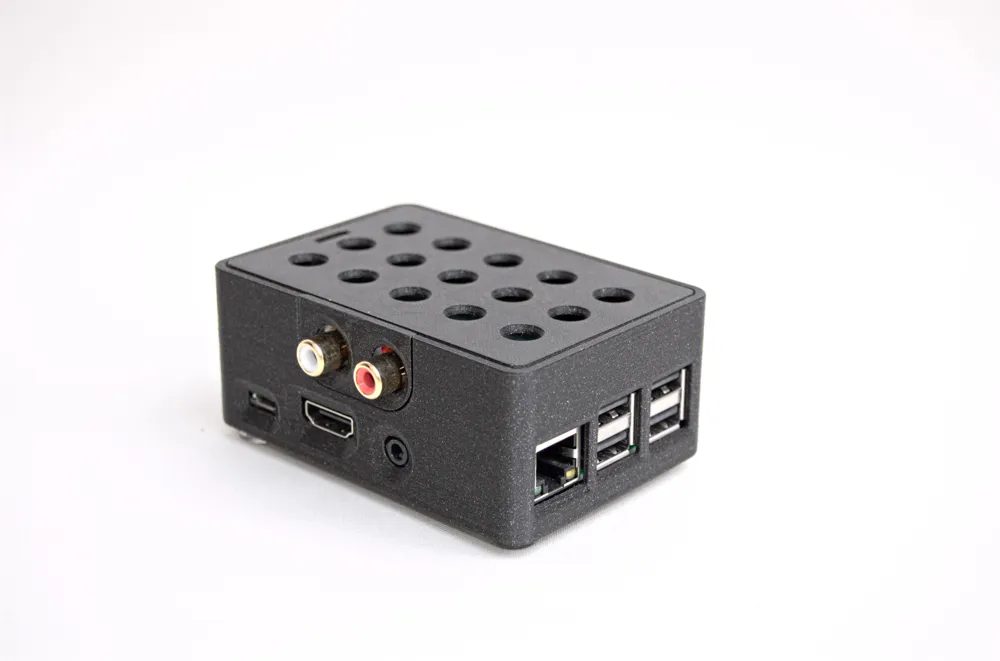
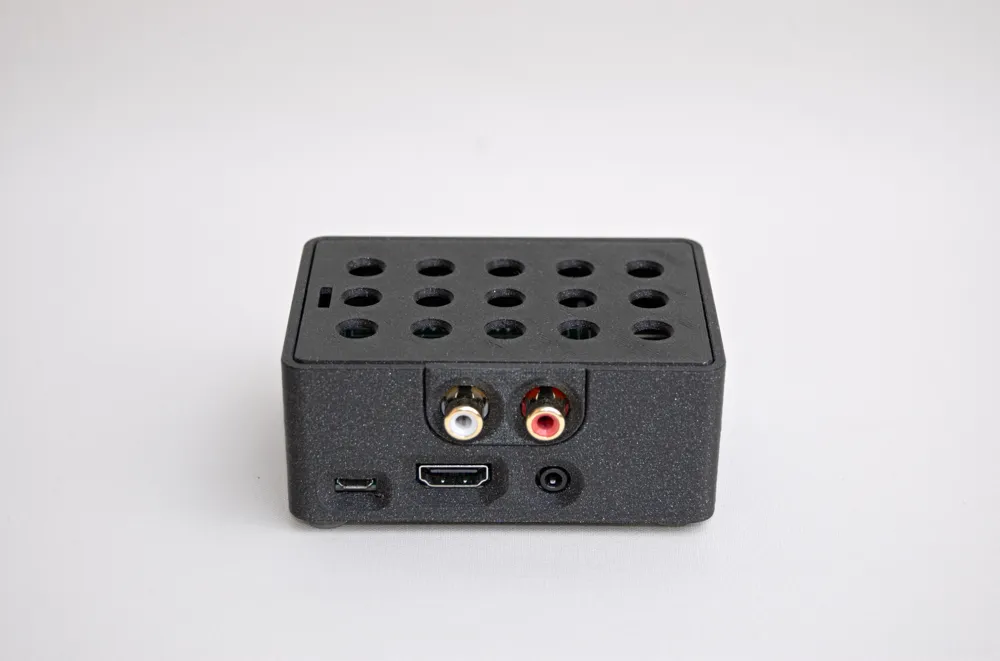
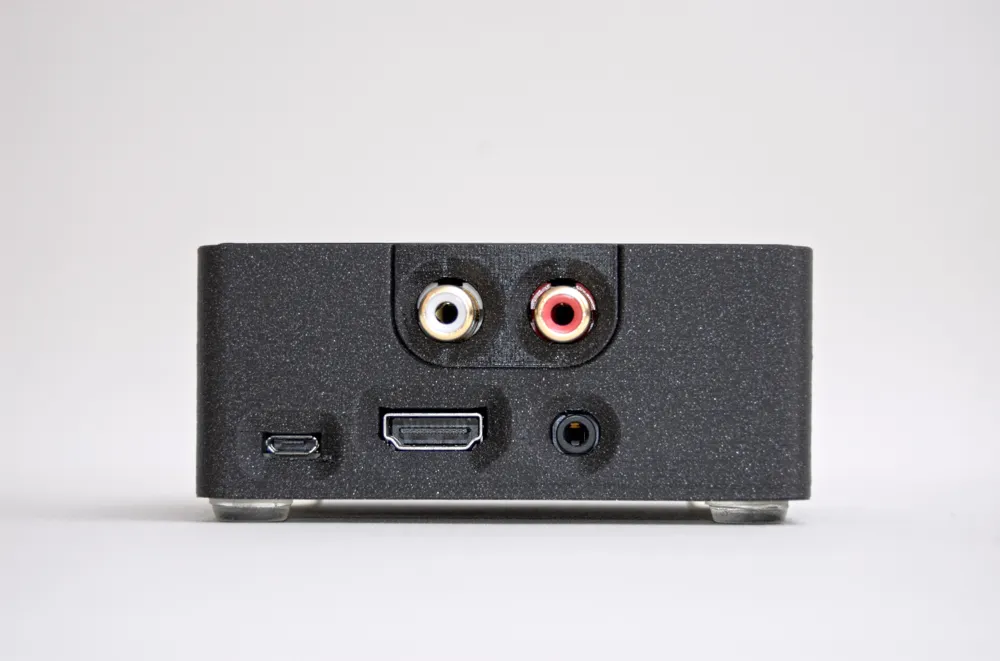
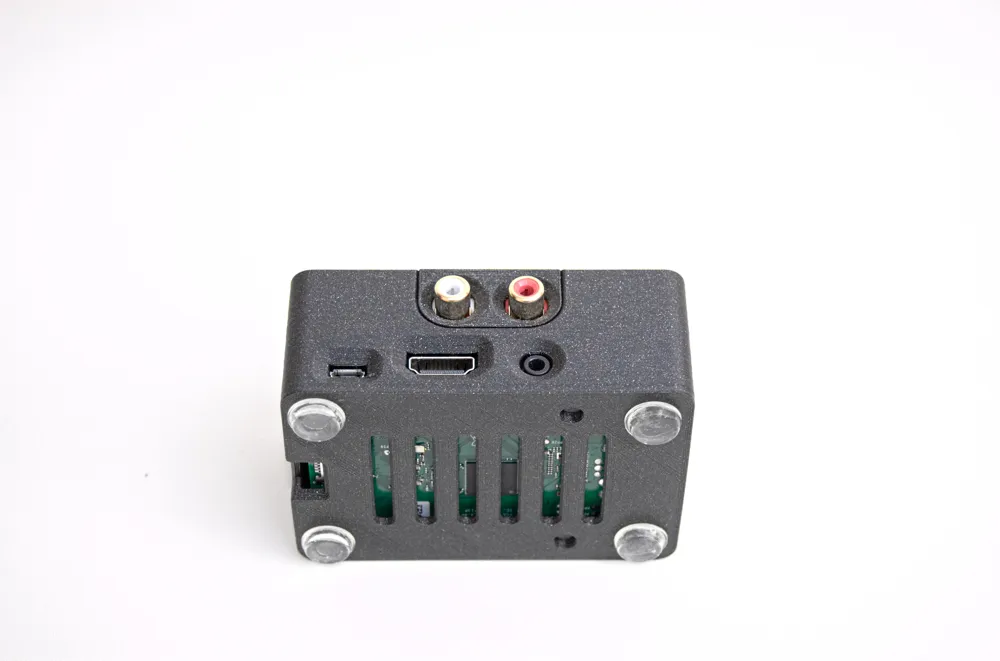
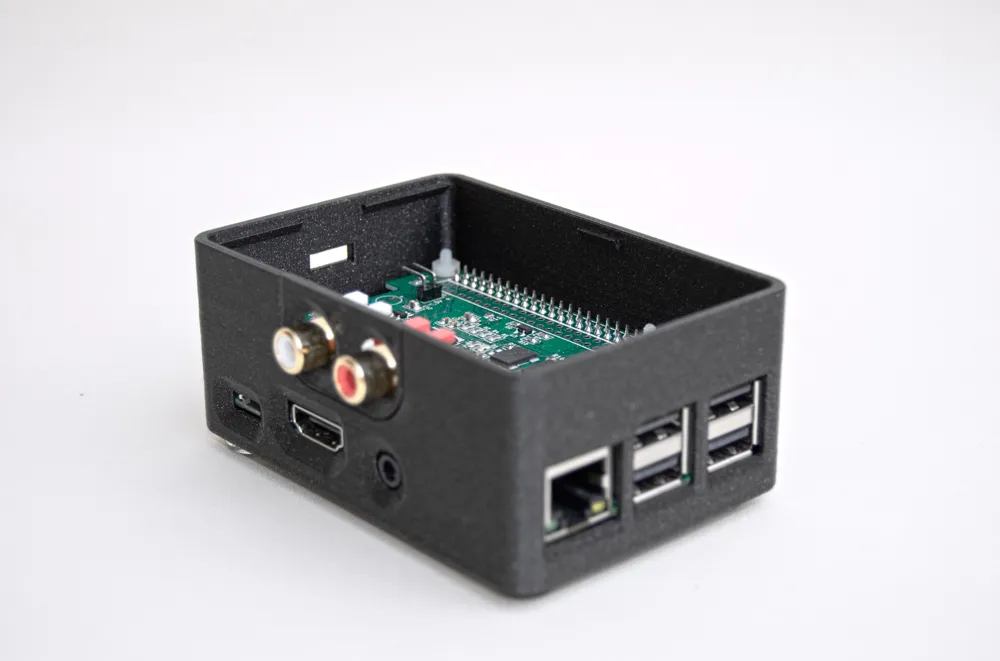
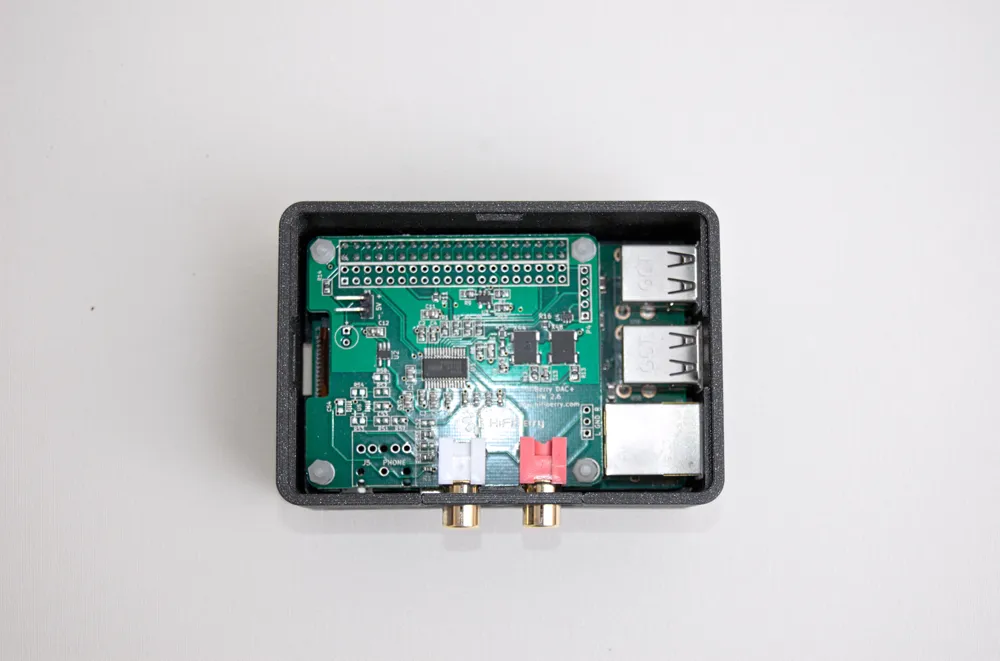
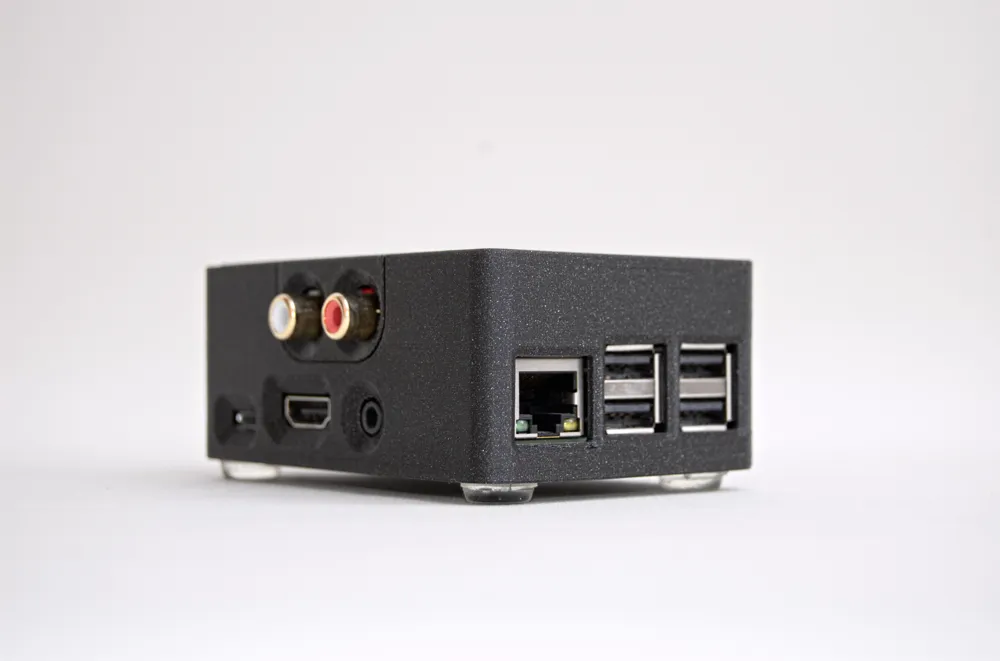
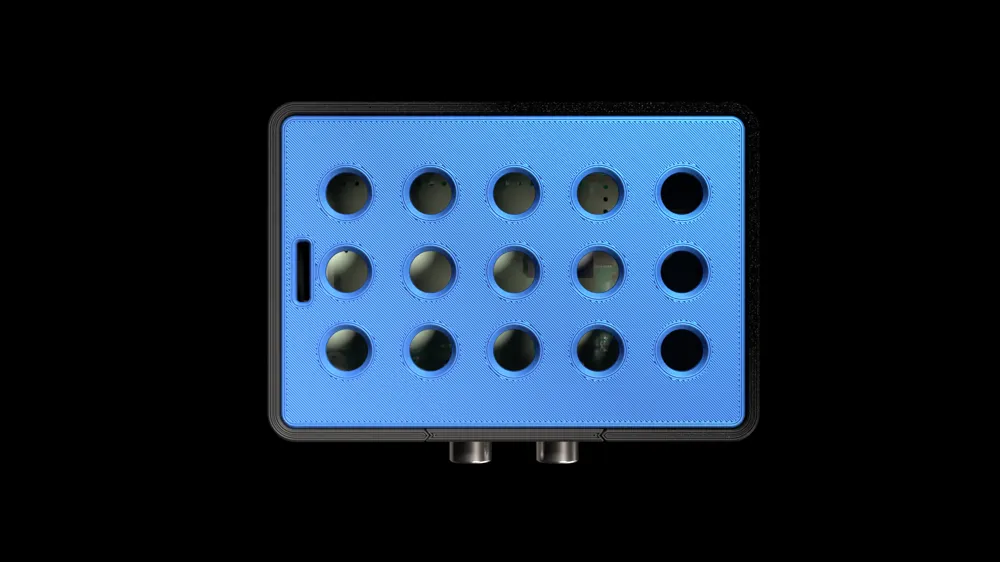
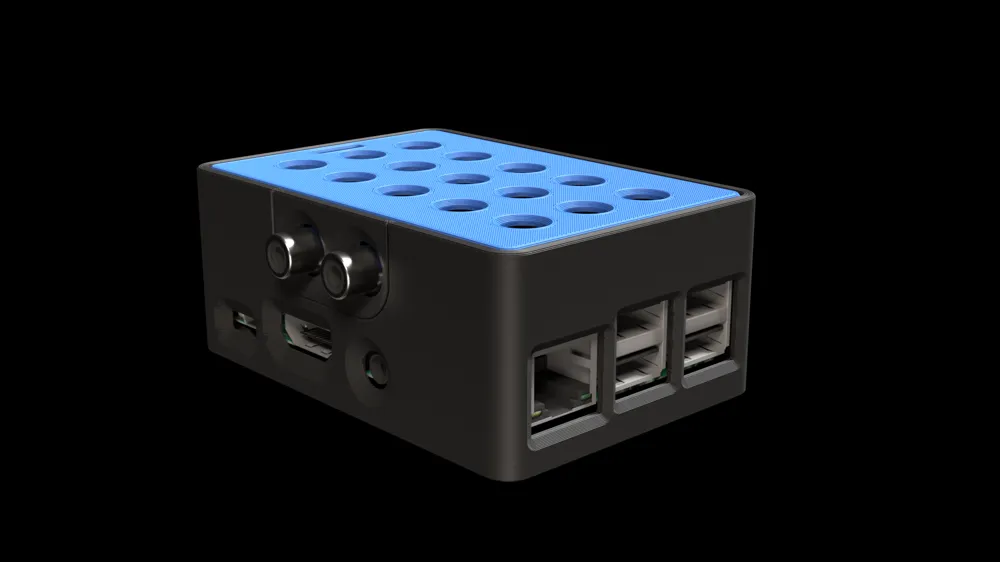
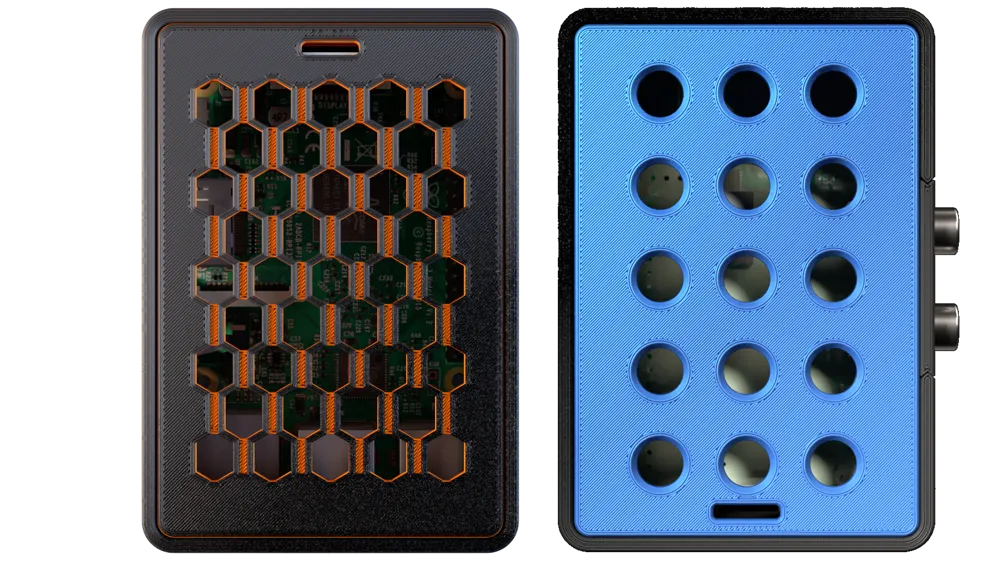
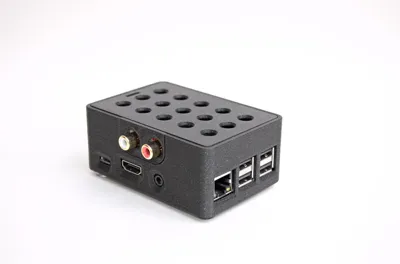
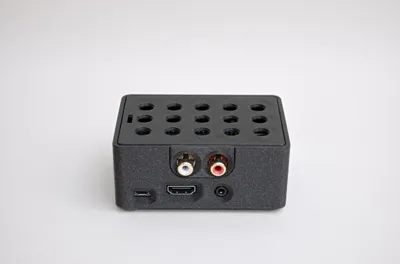
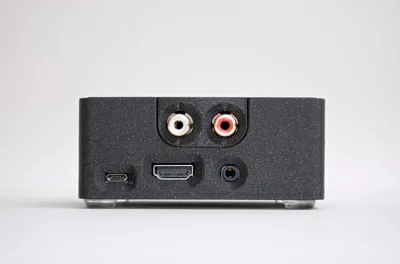
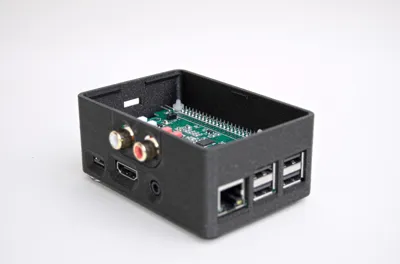
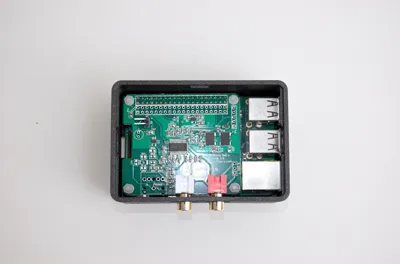
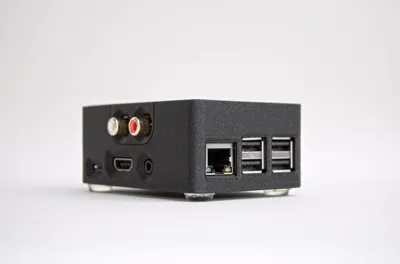
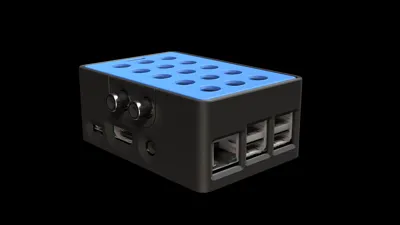
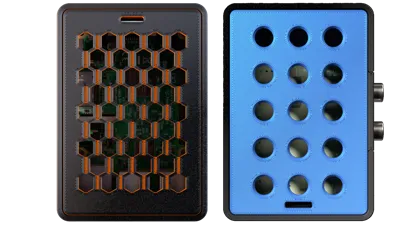
This is an easy to 3D print case for the Raspberry Pi 3B+ (also compatible with 3/3B) or Raspberry Pi 4* and the HiFiBerry DAC/DAC+/DAC+ PRO and DAC 2/ DAC 2 PRO.
- The case for the Raspberry Pi 4 is not tested. Any feedback is welcome.
Assembly Instructions
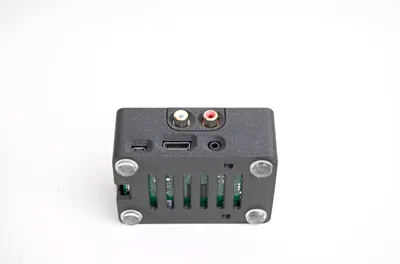
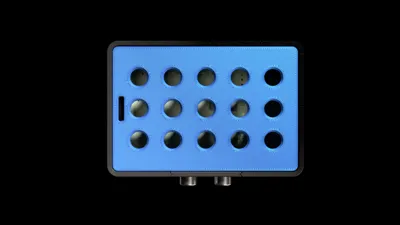
Place the 4 nylon screws in the holes under the case. Place the RPi board on the case matching the holes with the screws. Then screw the spacers. Because it is difficult to hold all 4 screws simultaneously, try one at a time. After all spacers are in place, take the 3D printed RCA cover and put it on the RCAs then mount the HiFiBerry DAC pushing it gently for the GPIO pins to sit. Then place the top cover.
There is an animation, to visualize the process, in the following link:
https://www.hifiberry.com/wp-content/uploads/2019/10/HiFiBerry-Case-Assembly.mp4?_=1
When you finish with the assembly of the player go to https://www.hifiberry.com/build/guides/
Enjoy your music!
License



Comment & Rating (5)