
Photography LED Light Diffuser
Print Profile(1)

Bill of Materials

Description
Introduction
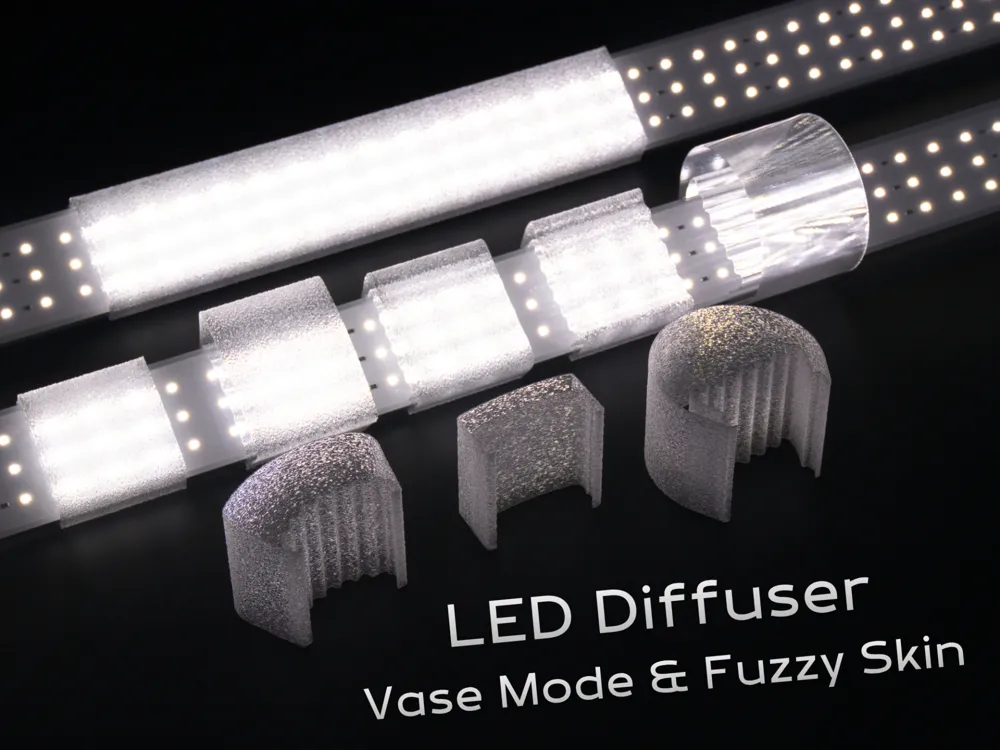
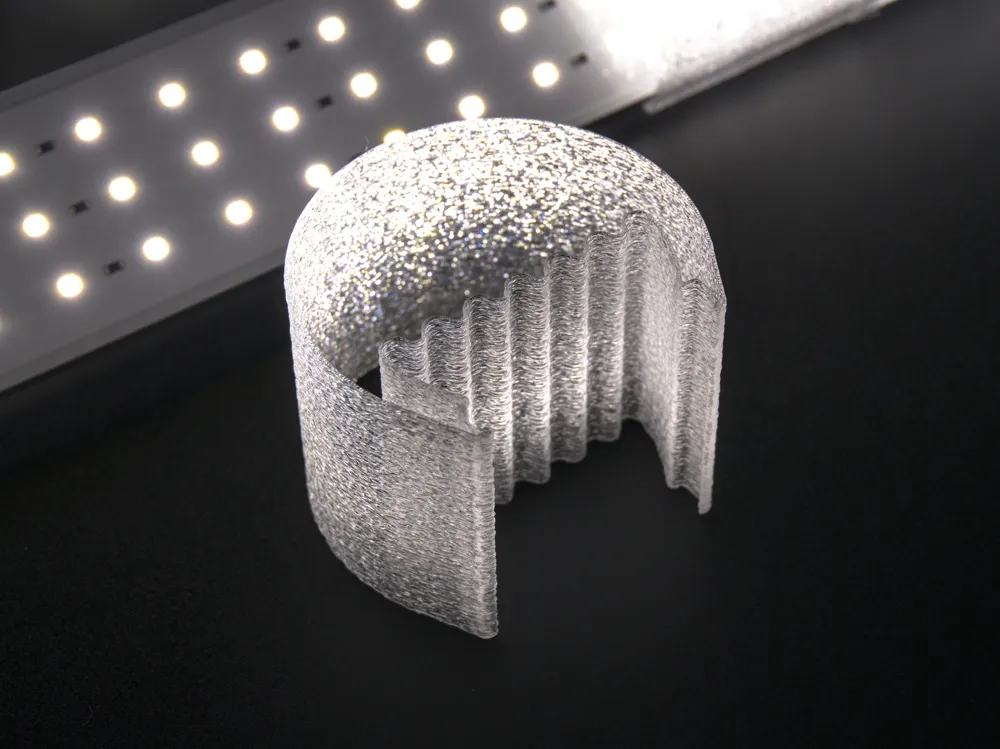
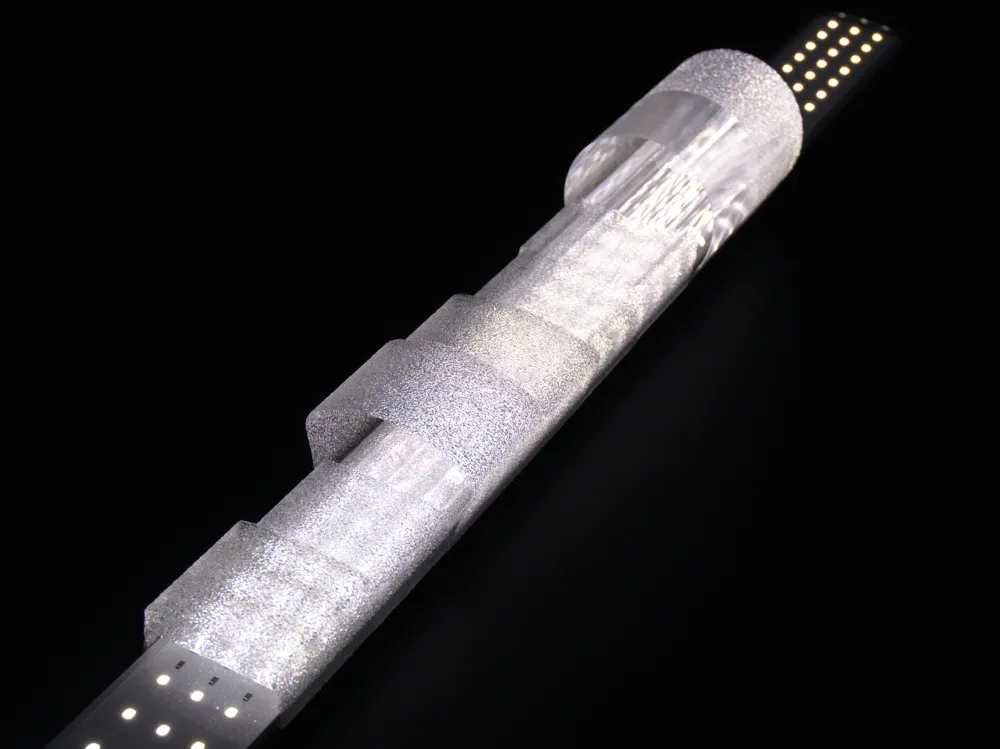
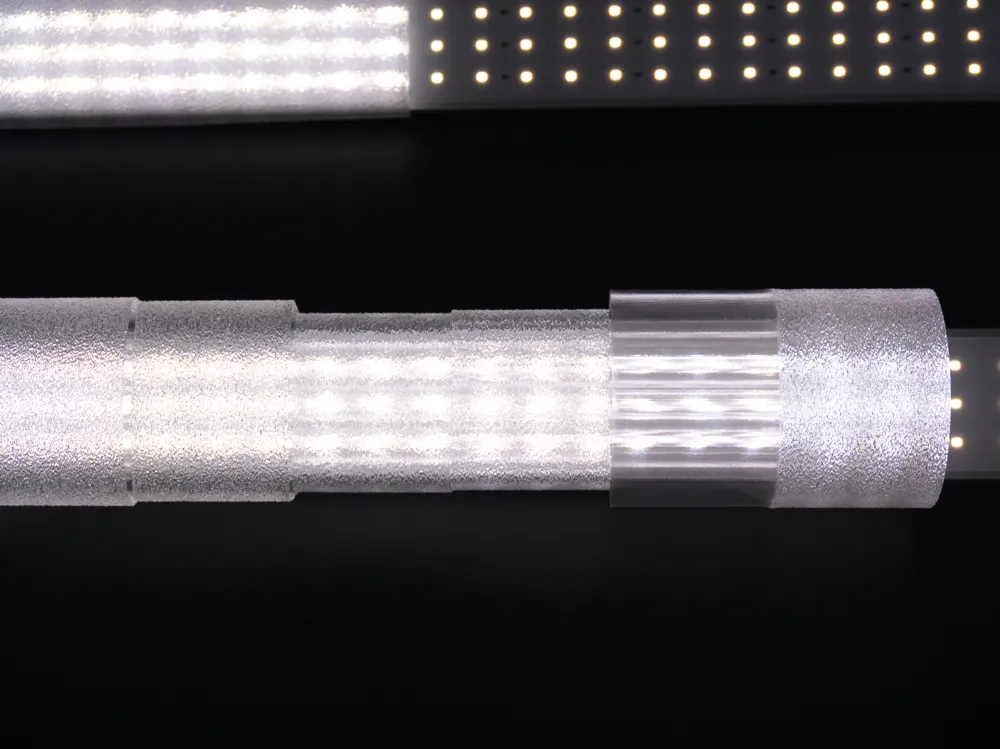
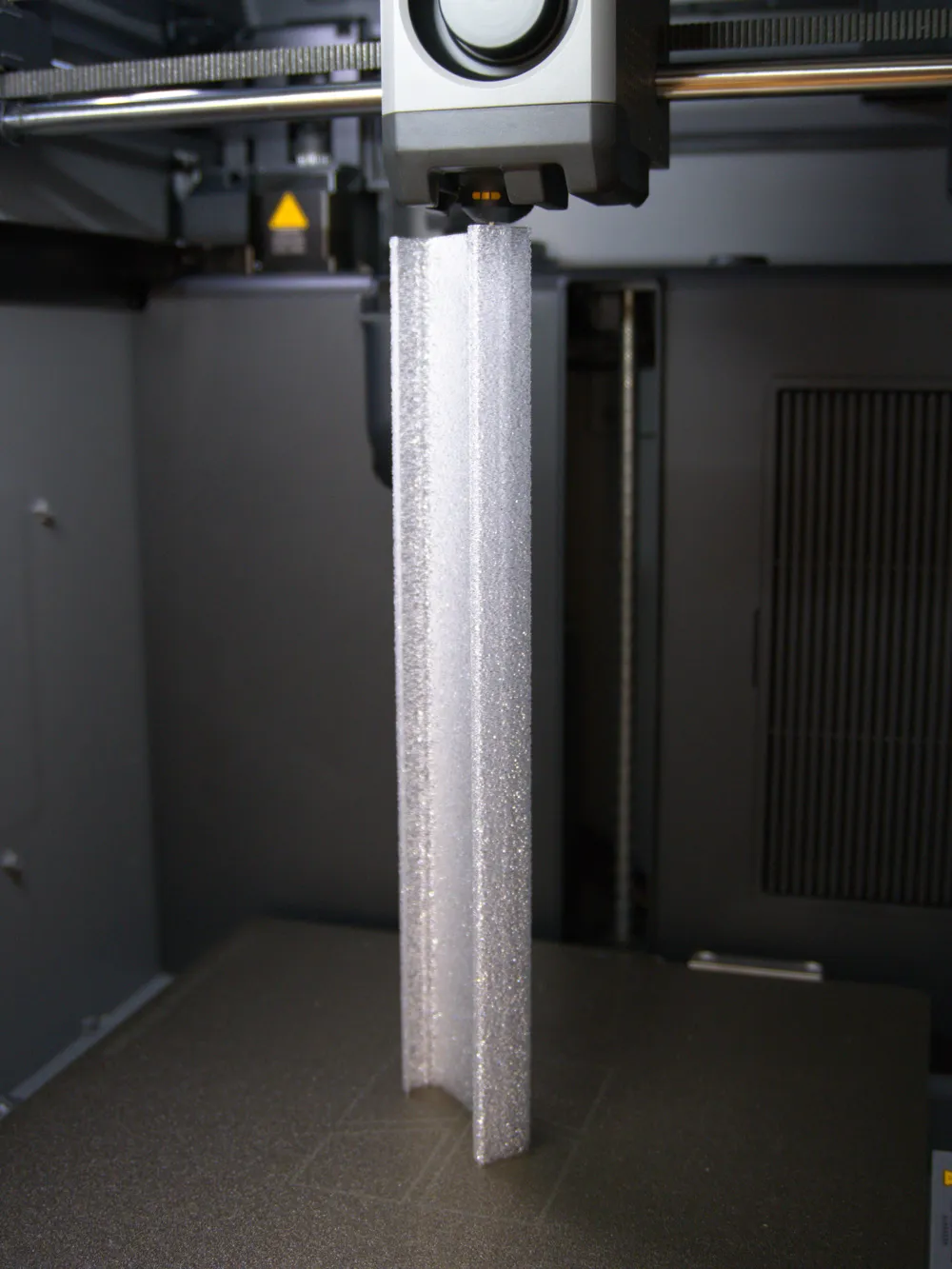
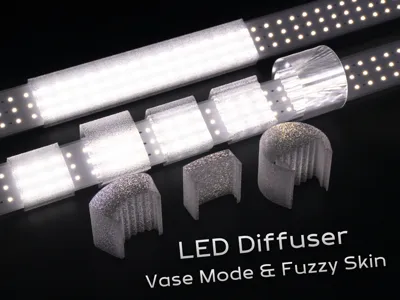
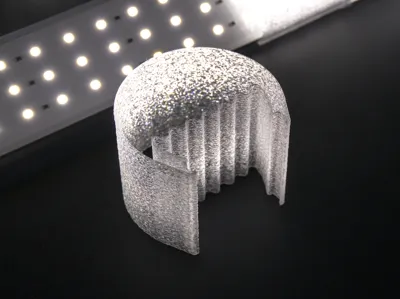
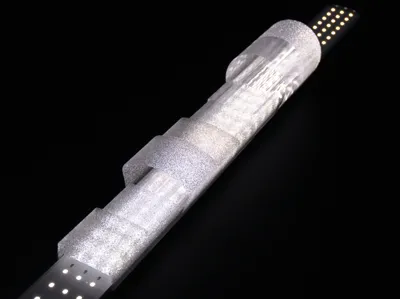
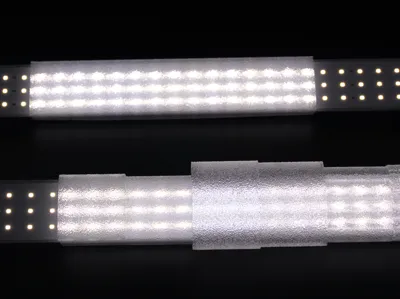
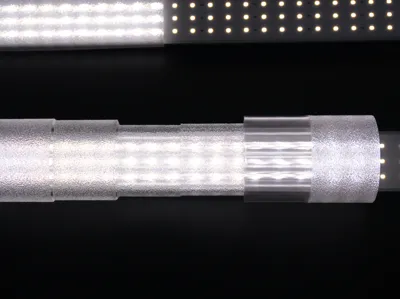
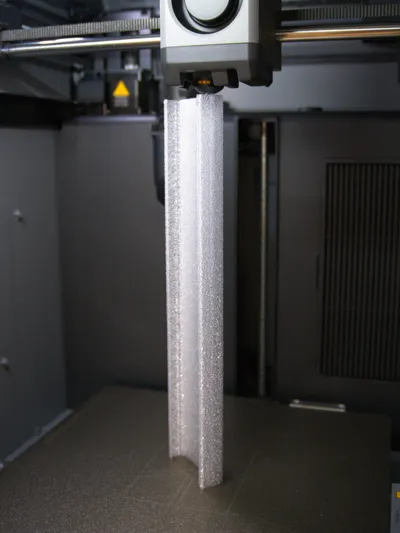
If you combine PETG Translucent with Vase Mode and Fuzzy Skin, you can get some really quick (10-15 seconds per 1mm of length) and easy to use diffusers!
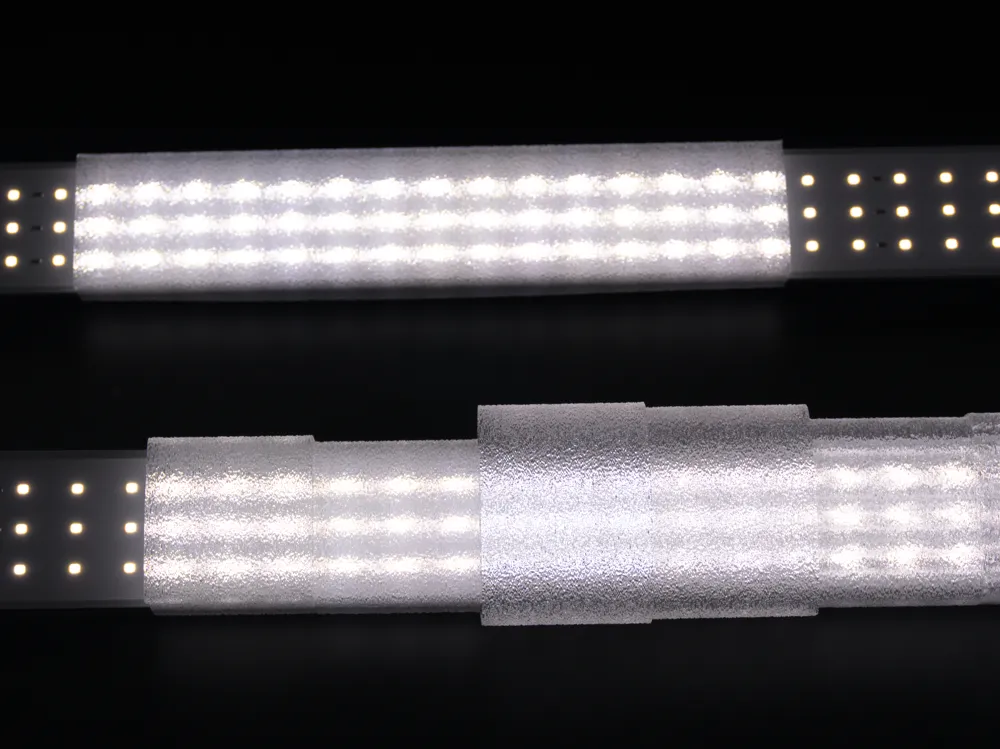
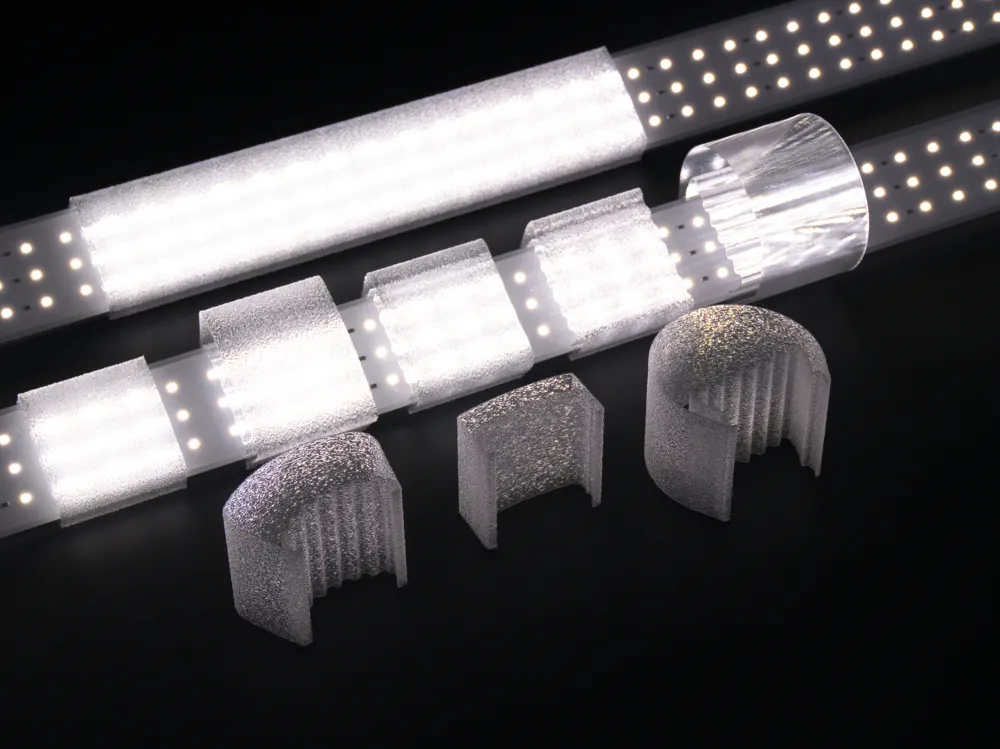
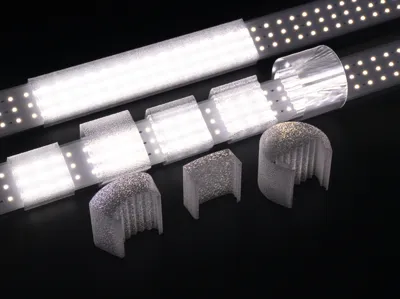
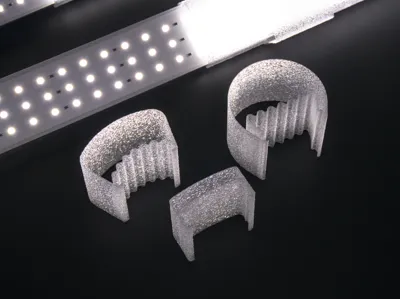
The bigger ones diffuse more and in a bigger arc and the flatter ones are more directional.
Filament and Filament Profile
I used Bambu Lab Clear Translucent PETG as it changes the light colour the least. I find that natural PLA changes the colour temperature too much and “cold white” PLA blocks too much light. Clear PETG is cheap, easy to find and easy to print. I also think the frosted look is quite pleasant to look at.
I had good results with the following filament settings on the P2S:
- Nozzle Temperature: 270 °C
- Max Volumetric Speed: 16 mm³/s (up from the default 6 mm³/s, still using the standard 0.4mm nozzle)
- Flow ratio 0.99 (increased from the default 0.95 to counter the slight under-extrusion from the higher volumetric speed)
- Fan speed 30%
- Disable “Slow printing down for better layer cooling"
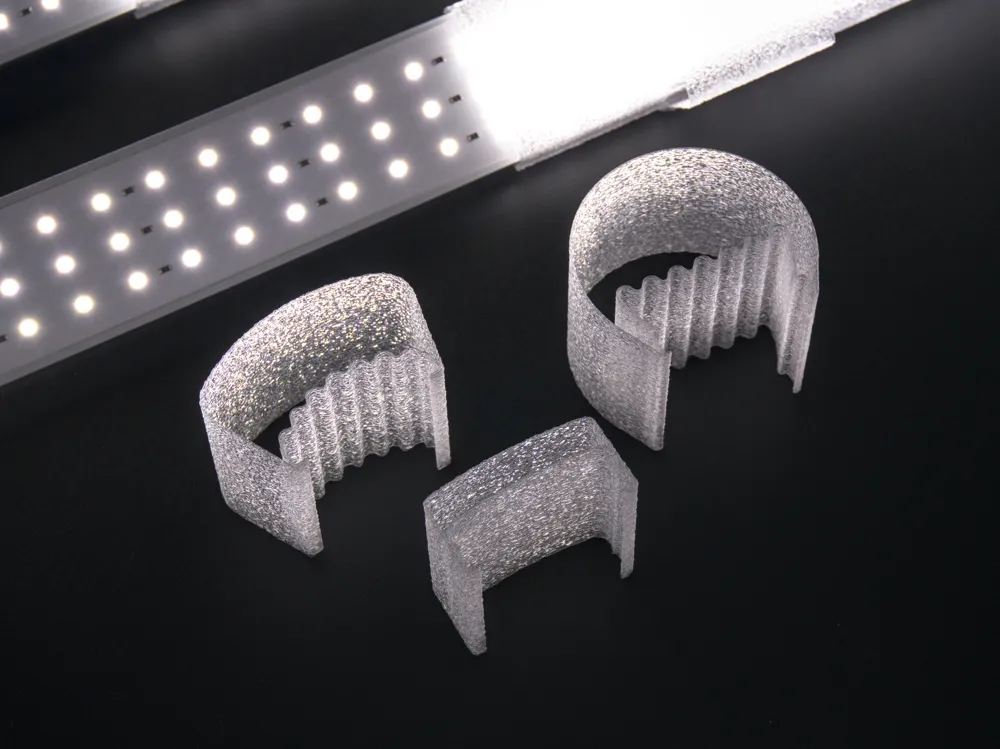
I've printed all of my diffusers clear but printing cooler, faster and with more fan will produce a more opaque part which will increase light diffusion. You can use these small test strips to find a setting you like:
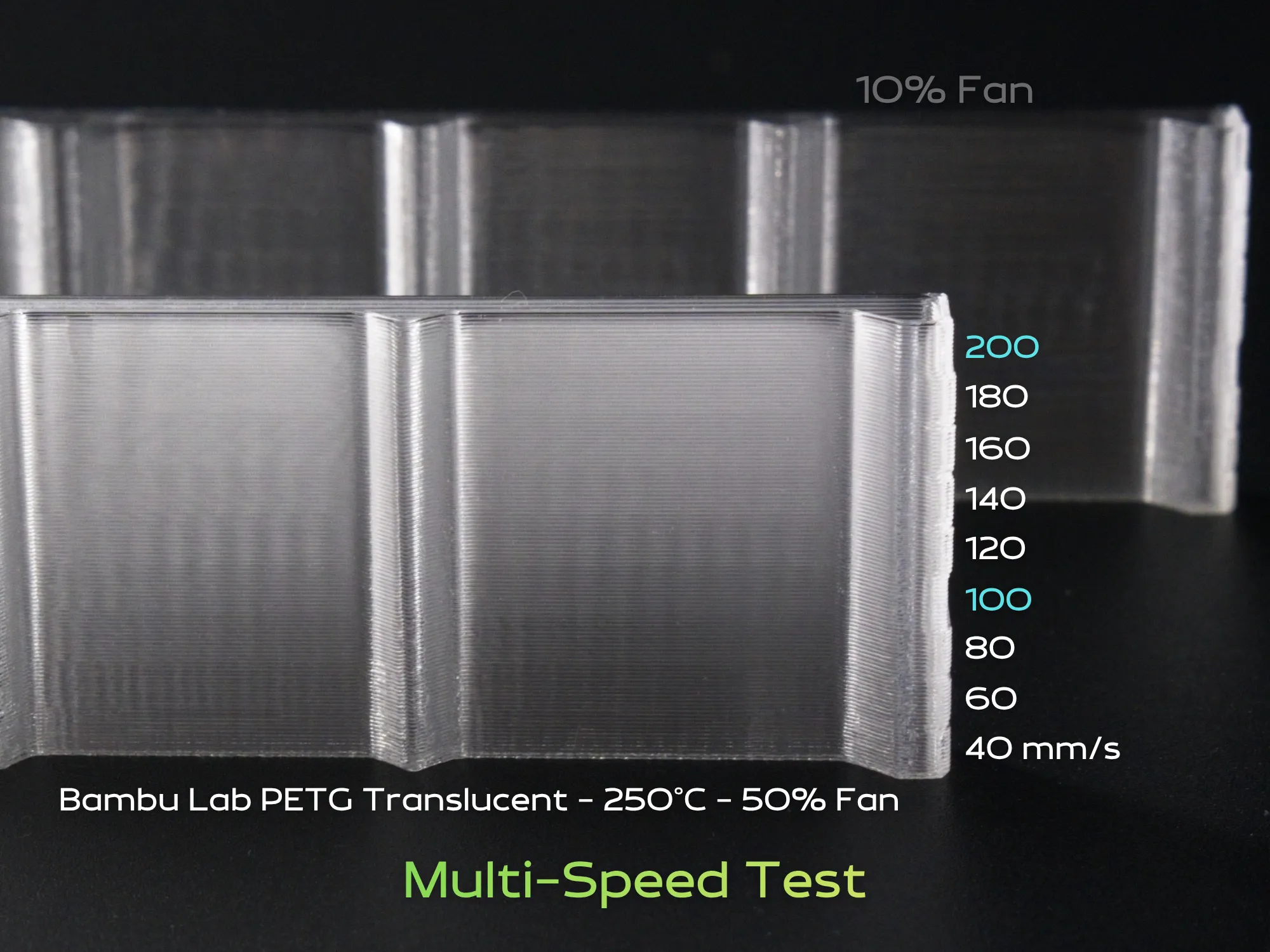
Use wet filament for best results.
Fit
A few different shapes are available:
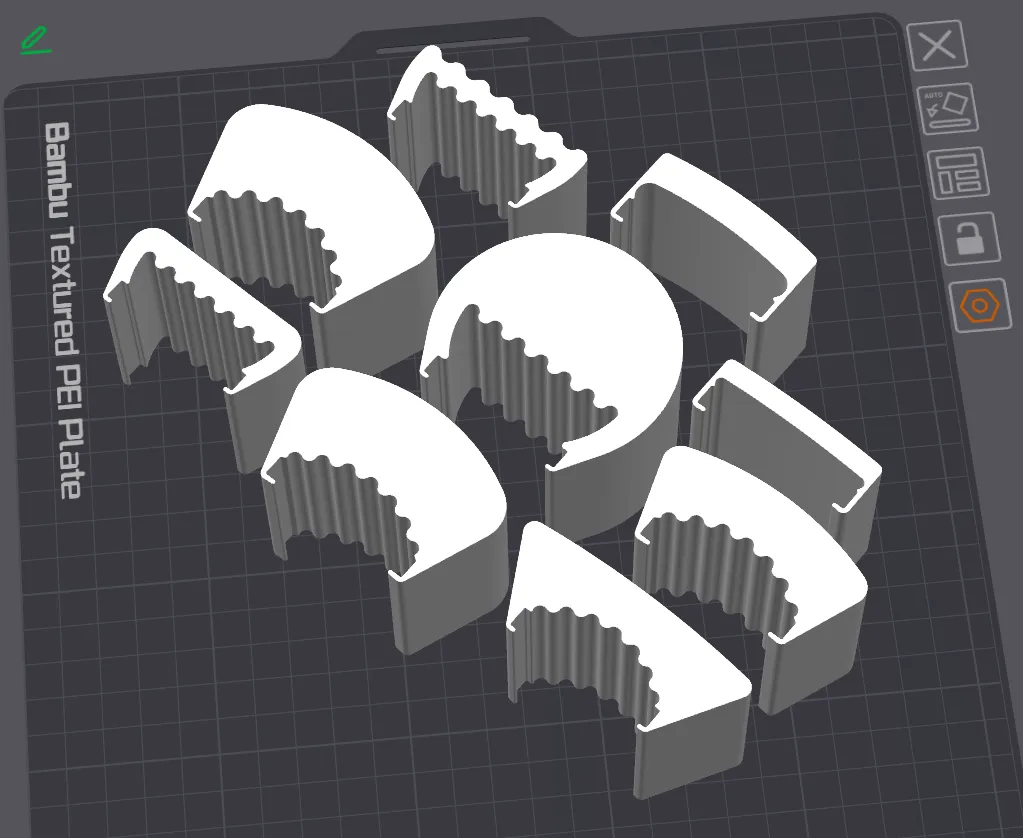
Take the one you like and scale it to fit your light. Use the measure tool to confirm. The width should be made a little narrower for a tight fit with the light. Scale the X, Y and Z independently.
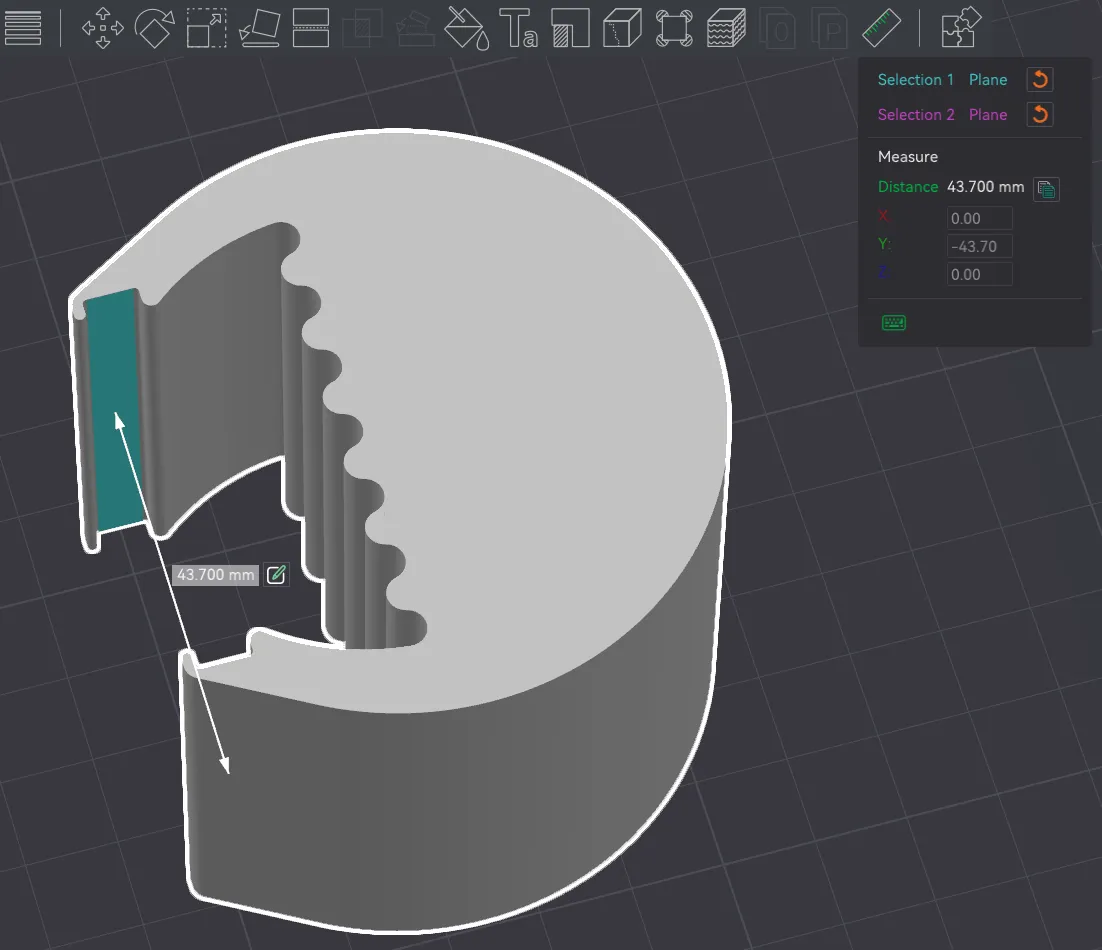
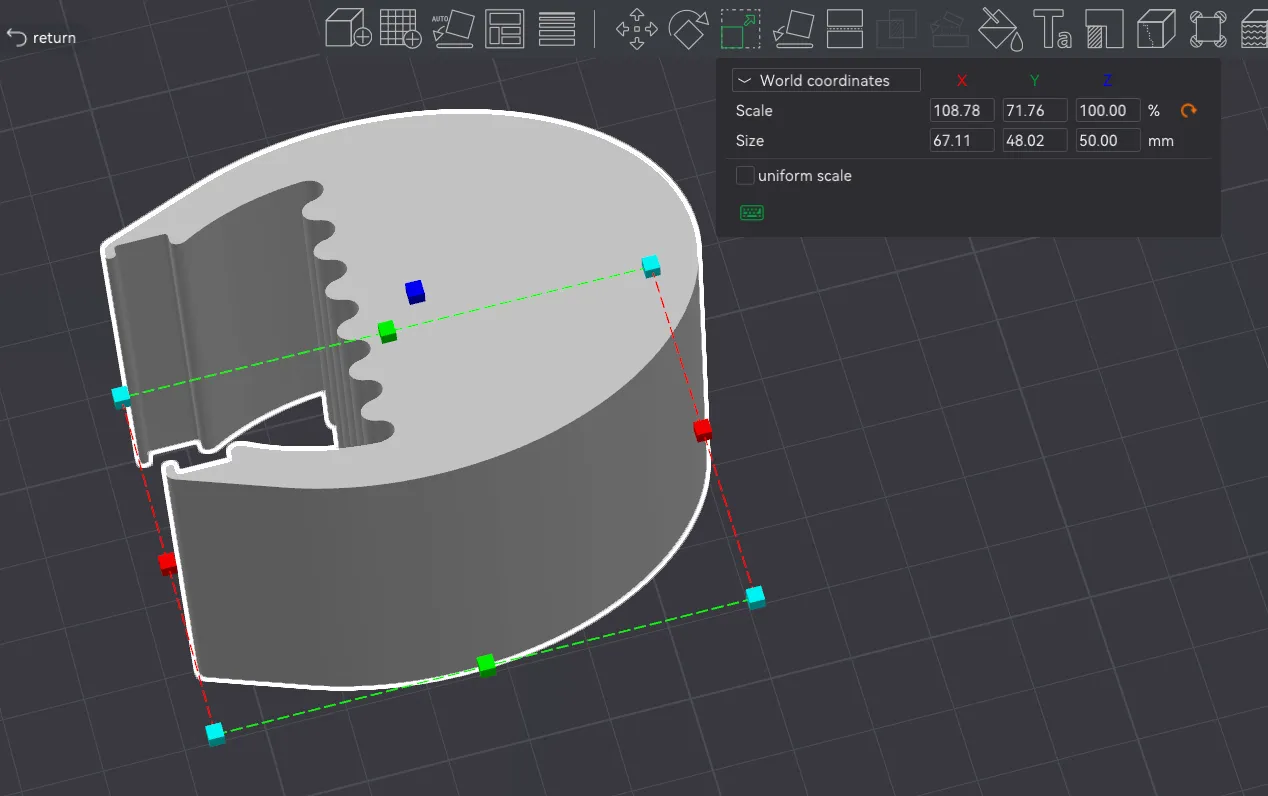
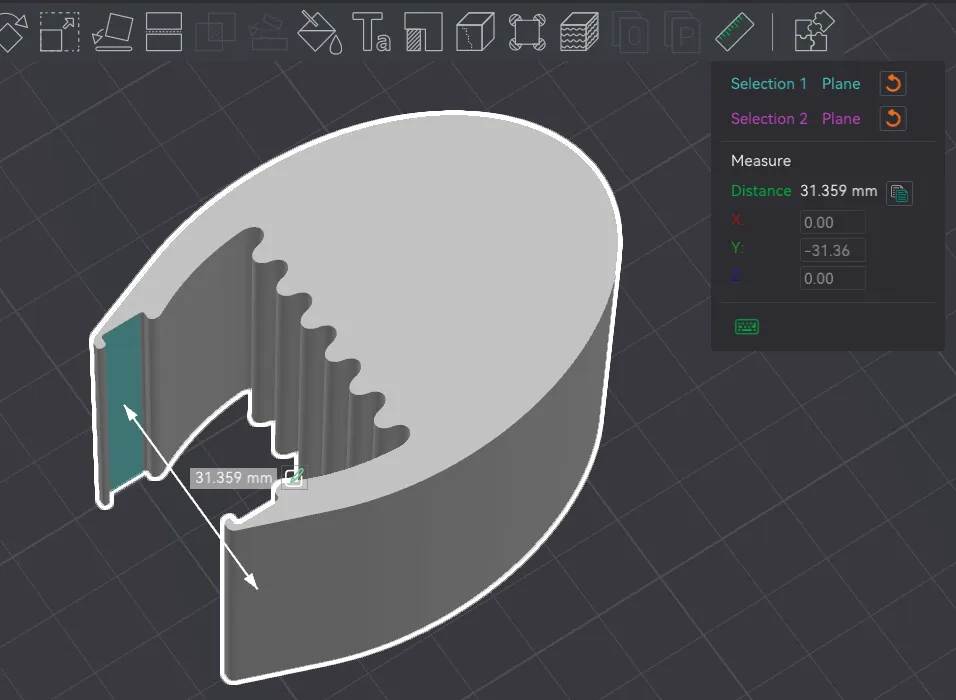
Print a test piece to check the fit and print longer ones to fit your light. Note that the longer pieces will hold much more securely than the shorter ones so don't make the fit too tight.
Print Tips
As of November 2025, if you download the print profile and change the printer on Bambu Studio, not all of the vase mode settings will transfer properly. These are the important considerations, consider these before hitting go.
- The model is designed for a standard 0.4 mm nozzle laying down a 0.6mm “outer wall” line width.
- Layer height of 0.3 mm works good, thicker or thinner would also be fine.
- Spiral vase mode turned on and there should be 0 “Bottom Shell Layers”. You could try standard mode with 1 wall and some infill if you would like more diffusion.
- 2mm brim for security when printing tall.
- Fuzzy Skin enabled, default settings.
- Outer Wall speed set to 100 mm/s (the speed may be capped by Max Volumetric Speed already)
That's all!
License

You shall not share, sub-license, sell, rent, host, transfer, or distribute in any way the digital or 3D printed versions of this object, nor any other derivative work of this object in its digital or physical format (including - but not limited to - remixes of this object, and hosting on other digital platforms). The objects may not be used without permission in any way whatsoever in which you charge money, or collect fees.


Comment & Rating (3)