
Print Profile(3)


Description
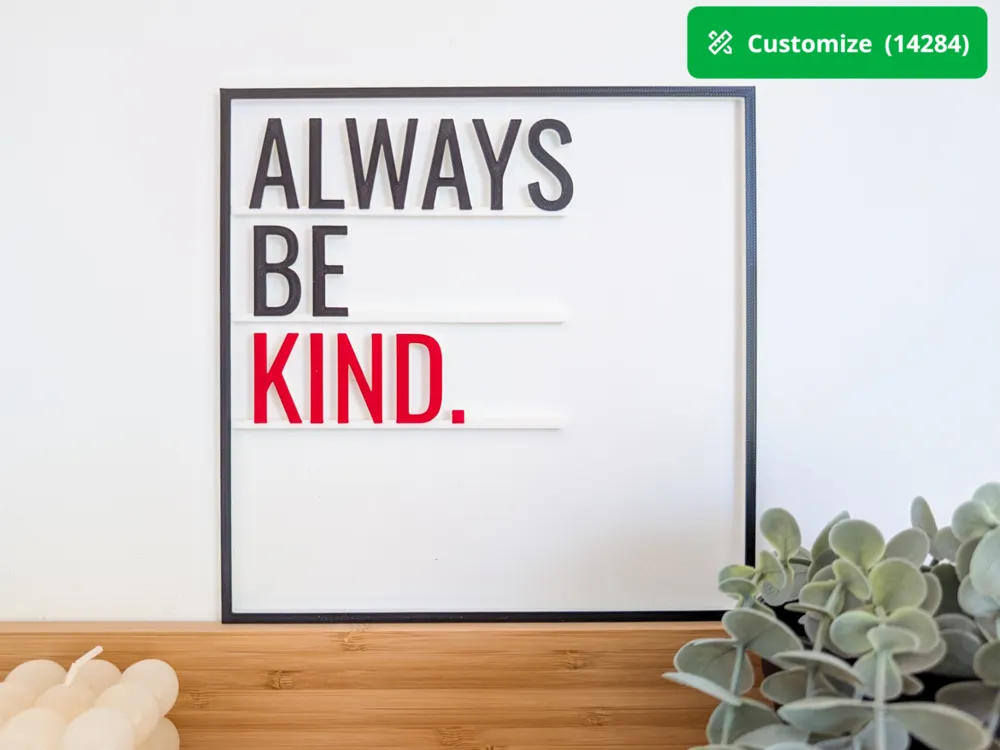
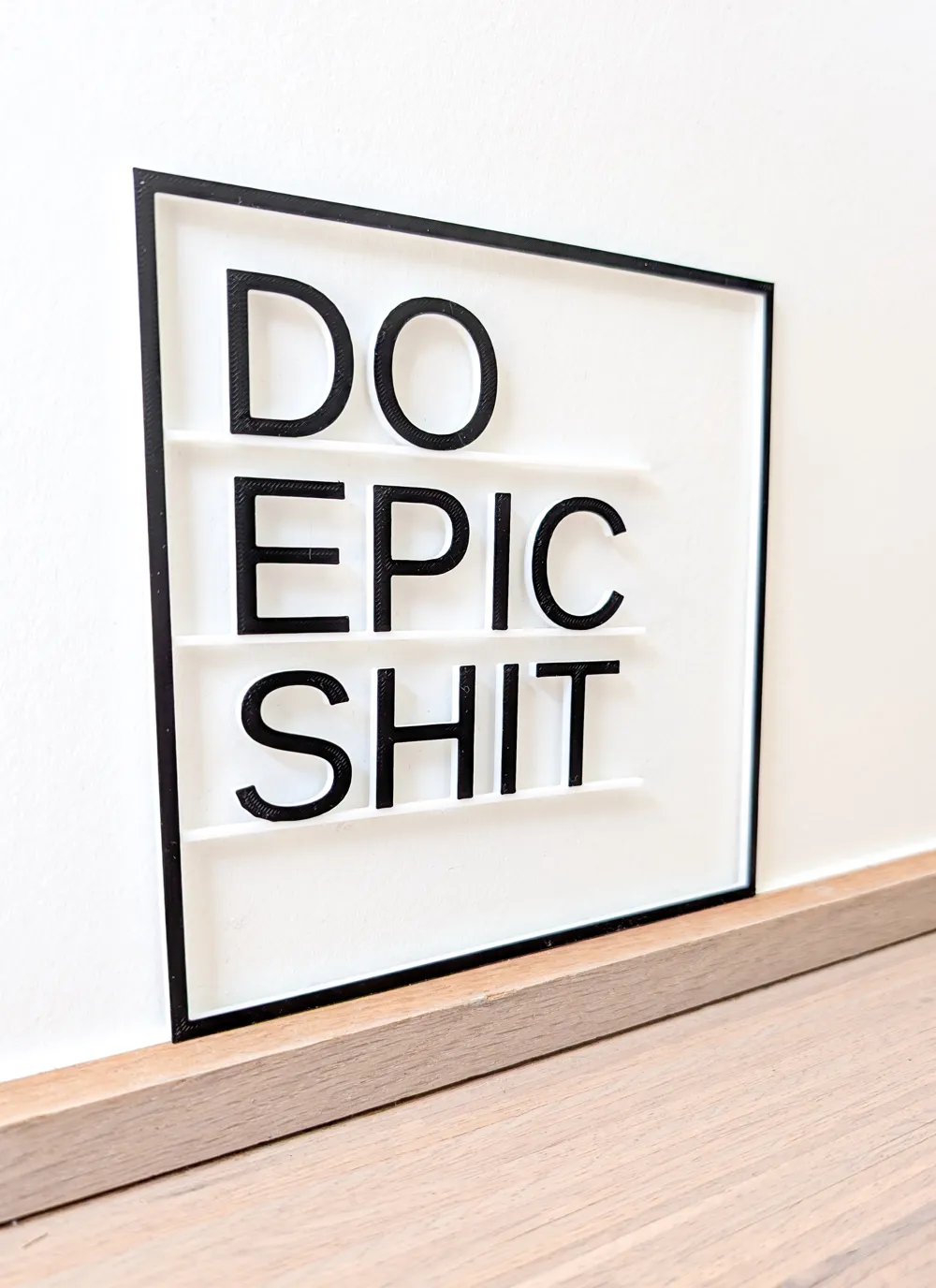
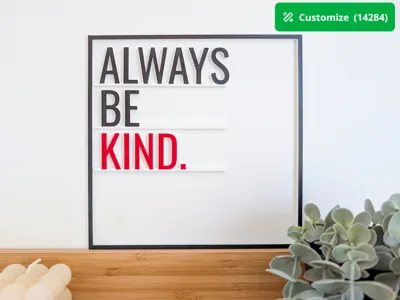
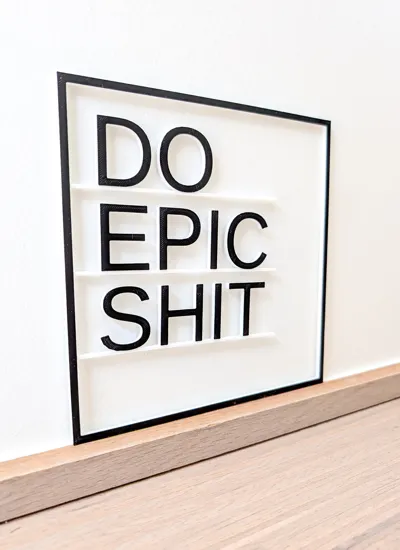
Transform your favorite quotes into unique wall or window decorations with our customizable 3D model! Whether it's something inspirational, funny, or geeky, our parametric model brings your words to life in stunning 3D text encased in a stylish frame. Let me know in the comments if you have a feature request, or you have questions about the parameters.
Key Features:
- Versatile Text Formatting: Choose from 1 to 5 lines of text to perfectly capture your message.
- Adjustable Dimensions: Customize the size of both the text and the frame, and even adjust the thickness to your liking.
- Variety of Fonts: Select different fonts for each line to give your quote a unique and dynamic appearance.
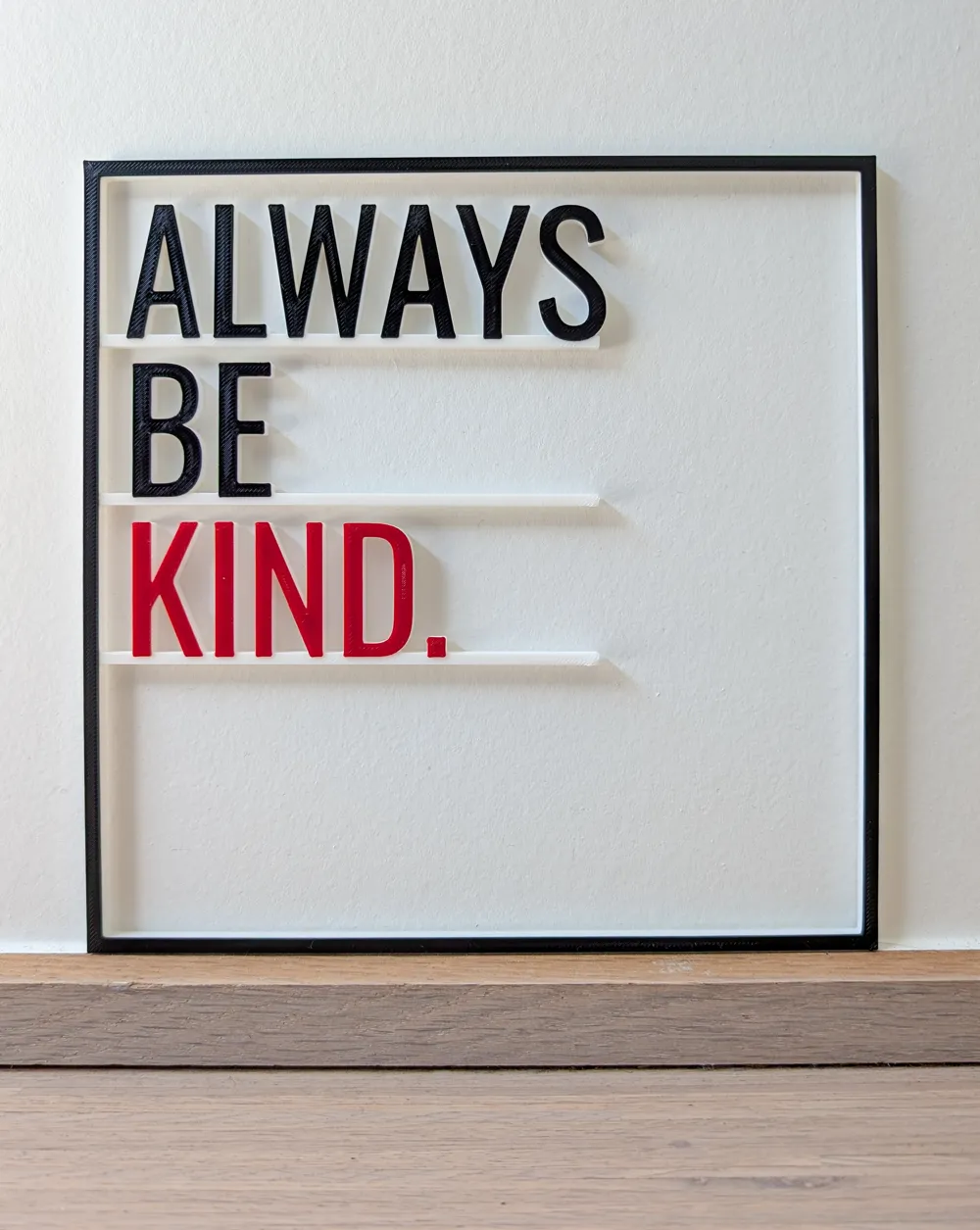
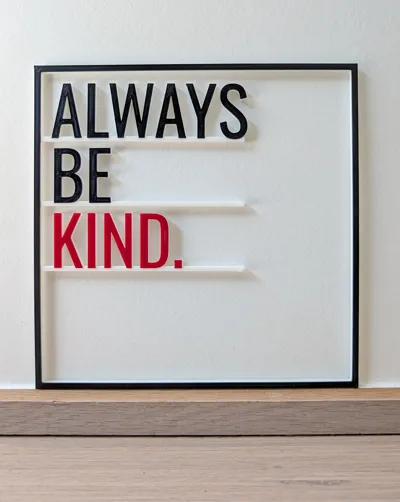
- Vibrant Colors: Apply individual colors to each part of your art—make each line stand out with its own hue.
- Precise Layout Control: Fine-tune the layout exactly how you want it for a perfect fit.
- Endless Possibilities: Explore numerous other customization options to create the perfect piece for your space.
Important parameters
To get started, probably you want to play around with these parameters first:
- text1 to text5: sets the text for each line, can be empty. Tip: use ALL CAPS to avoid “floating” text elements.
- text size: the height of the text (in mm)
- font: all Google Fonts are supported (go here to see them and pick your favorite)
- line length: the length of the line that connects all characters, make sure it goes up to the last character.
- colors: see the diagrams below to understand the different elements
Advanced parameters
All parameters are described in the Customize tool it will be obvious what they do. Here are the high level descriptions of the different parameter groups:
- Top layer customizations: by default the top layer is only 0.4mm (2 layers of 0.2mm each) to avoid lots of color swapping. Also by default the top layer of the “lines” is set to 0.
- Text customizations: allows you to set custom fonts and font sizes per text line. This is useful if you want to emphasize a specific word, or you can pick the Note Emoji font for a specific line, if you want to include a graphic/icon/emoji.
- Frame customizations: allows you to modify the frame (dimensions, width and precise location in relation to the text). By setting the frame border parameter to 0, you remove the complete frame.
- Lines customizations: allows you to change the lines under the text. For example to make them thinner, or to move them up/down a bit, which is needed for some of the irregular fonts.
To understand the advanced parameters, it's important to understand how the generated model is constructed.
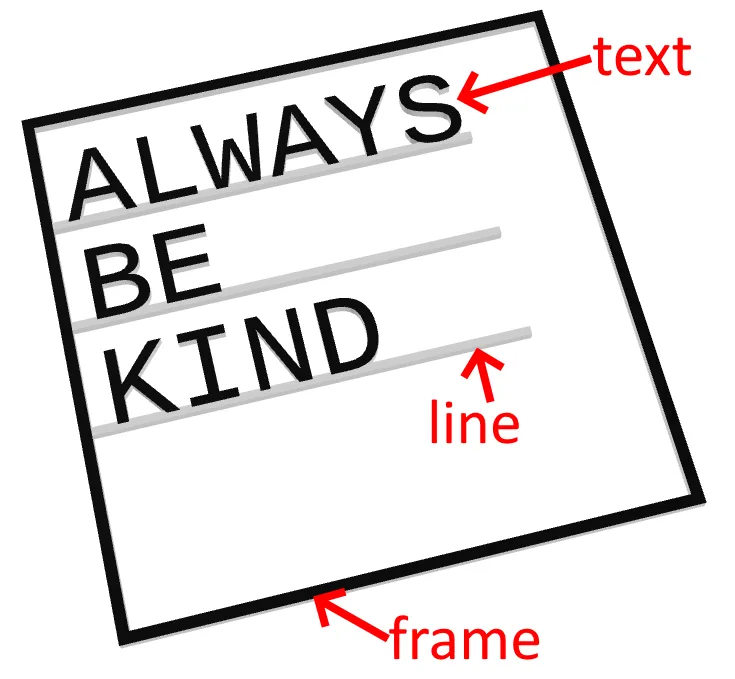
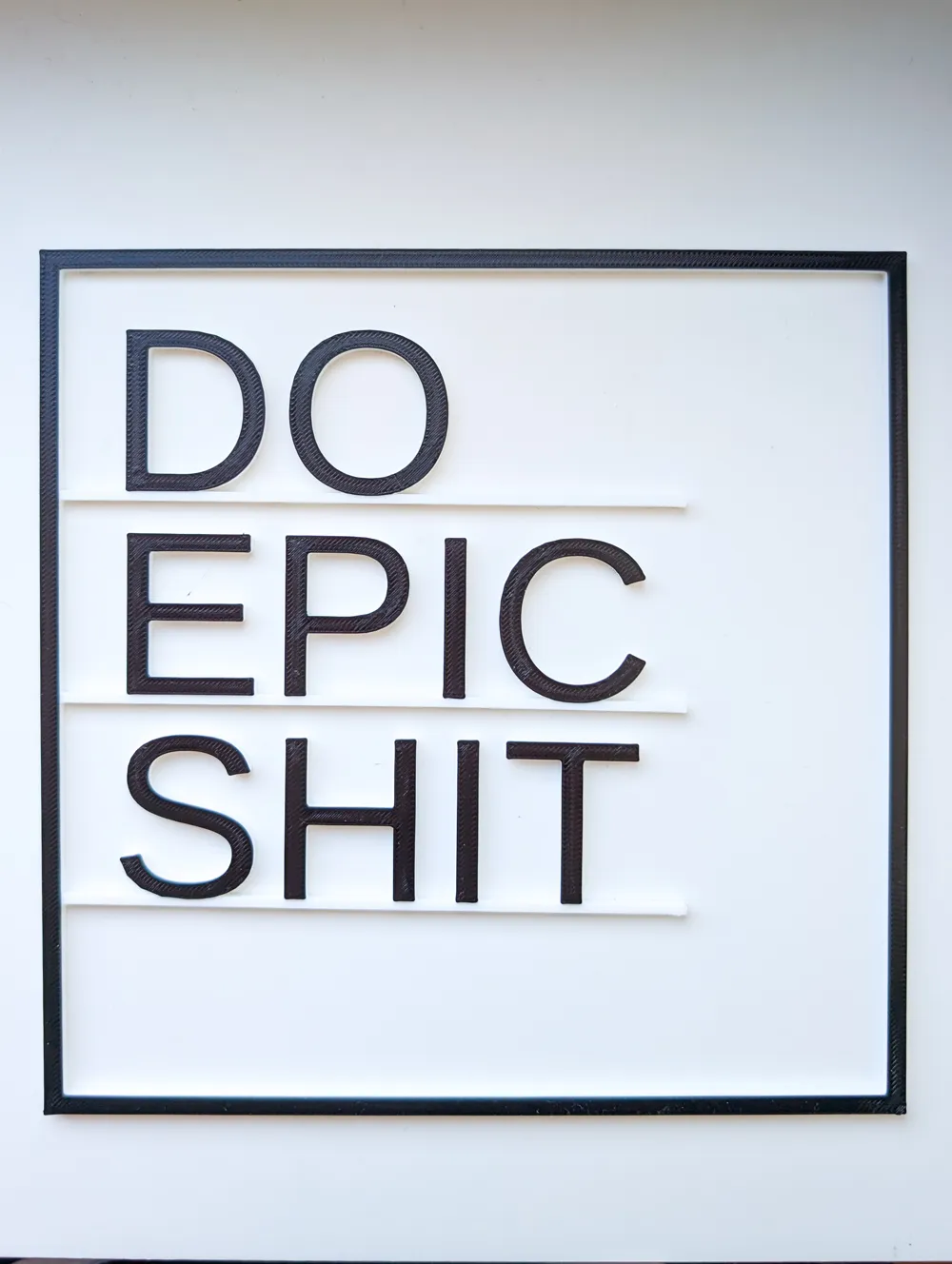
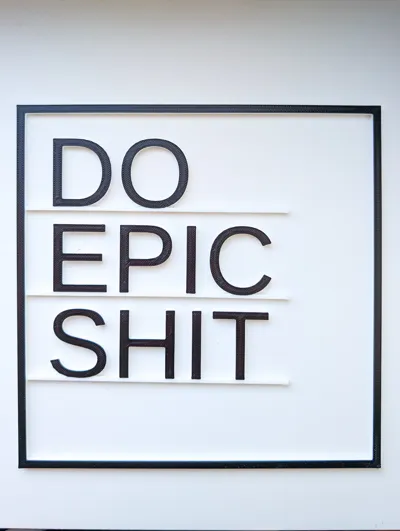
- Up to five lines of text. You can leave lines empty.
- Every line of text that's not empty has a line under the characters to keep them together.
All lines are held together by the frame.
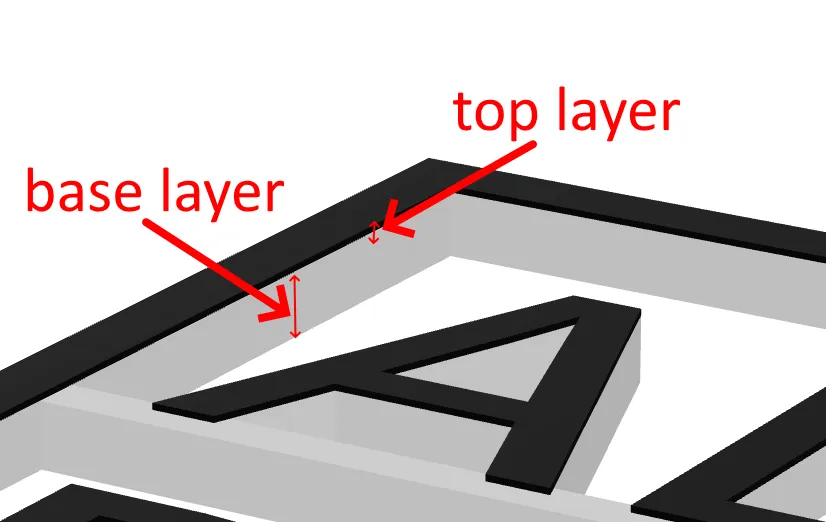
- There is a base that you typically print in a single color, for example in white if you have white walls.
- On top of the base, there as a top layer for all the elements. This top layer typically defines the top color of all the elements and it's usually only a few layers thick to minimize color changes.
License

You shall not share, sub-license, sell, rent, host, transfer, or distribute in any way the digital or 3D printed versions of this object, nor any other derivative work of this object in its digital or physical format (including - but not limited to - remixes of this object, and hosting on other digital platforms). The objects may not be used without permission in any way whatsoever in which you charge money, or collect fees.


Comment & Rating (0)