
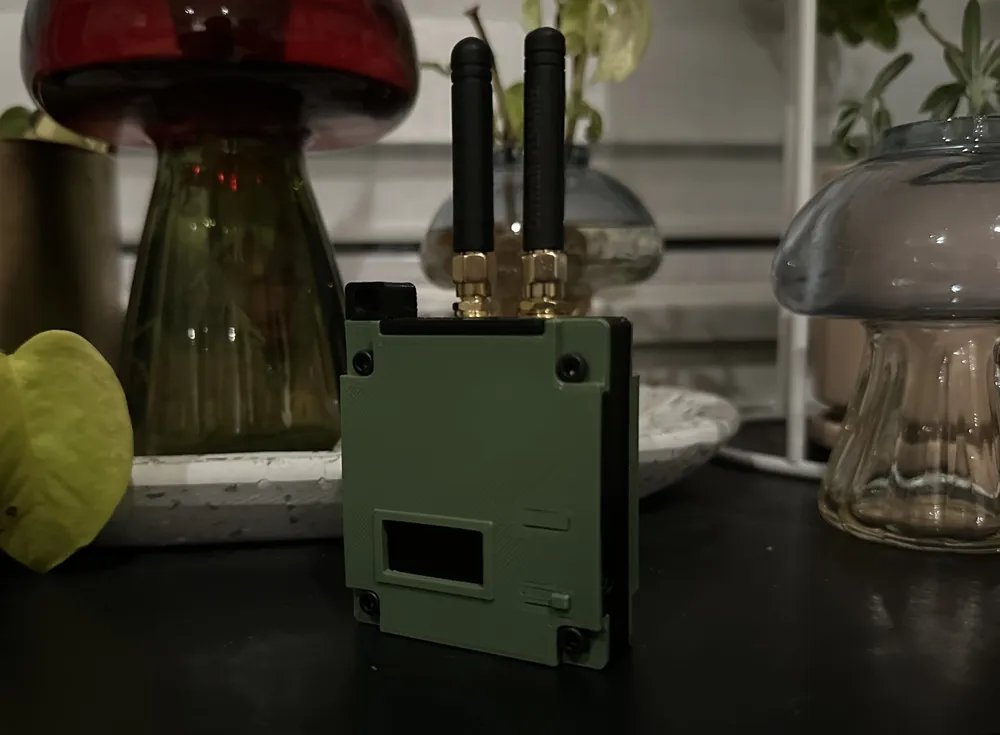
Print Profile(0)
Description
Intro
This is a modular, three-or-four-piece case for Colonel Panic's Mesh Detect. There's a solid two-piece case available on another site, but I had different goals:
Create a modular, space-efficient design that allows for swapping base plates to accommodate different batteries.
Be able to access the Heltec buttons without requiring a tool.
Avoid removable pieces/doors.
Utilize shorter screws than M3x25 (I have so many M3x16s and M3x20s sittings around).
Instructions
Step 1: The Frame
The heart of this case is the frame, which is a rigid chassis that contains the Mesh Detect board and antennas. Start by printing the frame (no supports required) and then installing the Mesh Detect board followed by the antennas. See the image below for the intended layout.
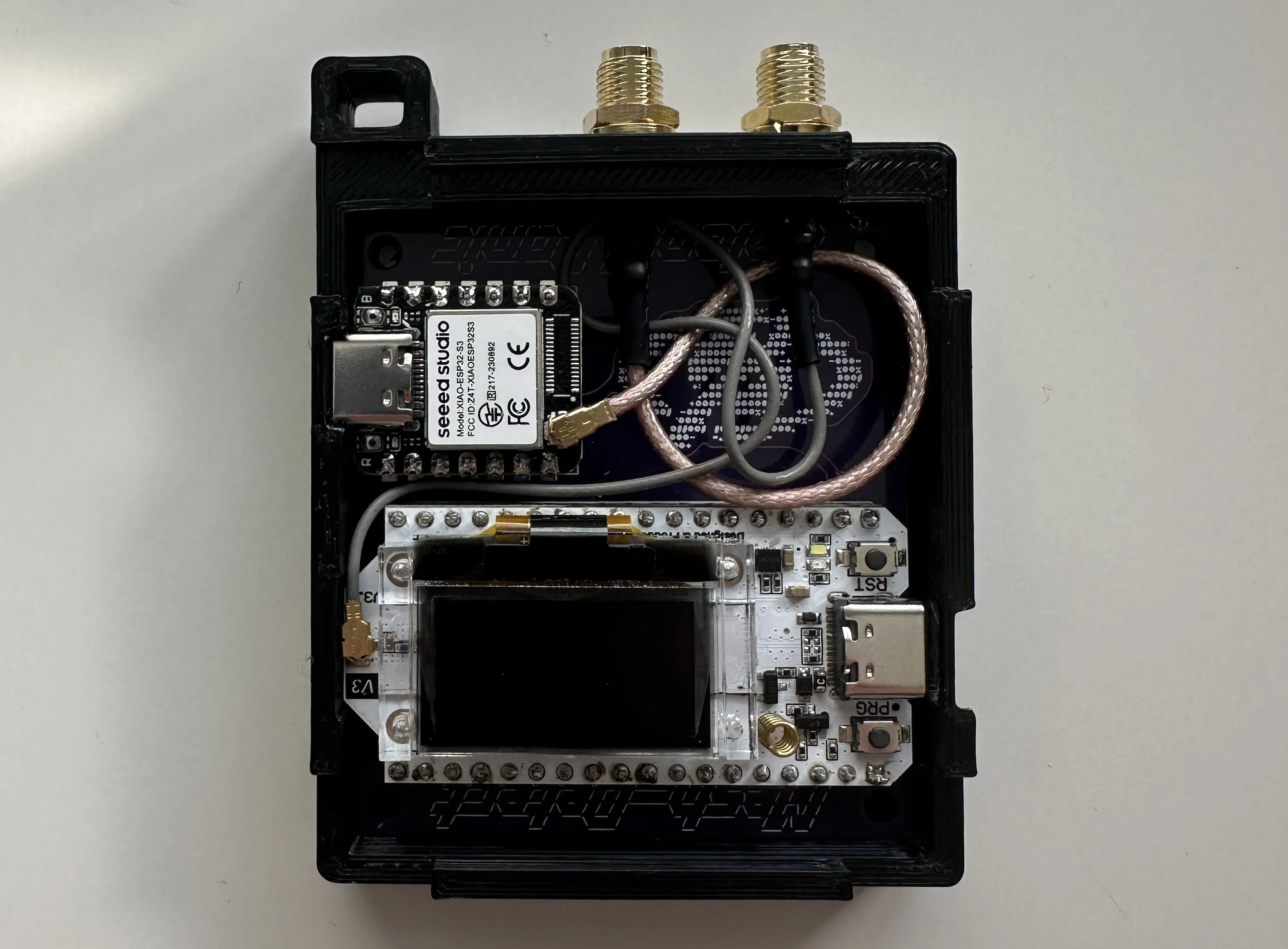
Note that the frame comes in two flavors: standard and loose. The standard variant should be fine in most cases, but the "loose" variant should be used if your printer or material requires more relaxed tolerances.
Step 2: The Lid
Once the frame is complete, you can add the lid to the top of the case. It should snap on pretty securely to make assembly easier.
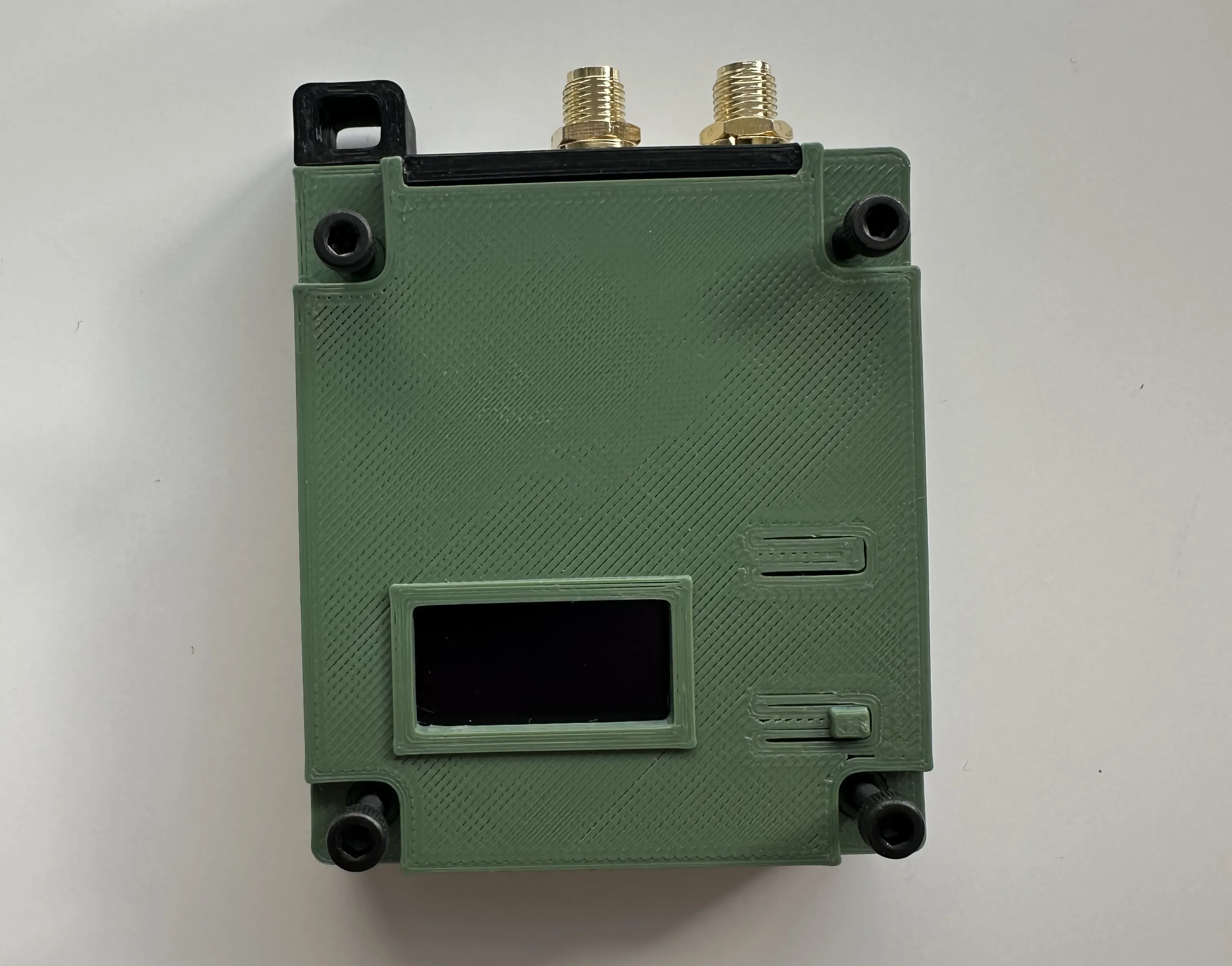
Step 3: Spacers, Bases, and Batteries
With the lid and frame assembled, you can add a base, optional spacer, and battery. A spacer should be used if the header pins from your Heltec v3 or Xiao ESP32S3 stick out past the frame. If you don't want to use the spacer, you can trim the pins. Note that the vertical tabs on the space should face toward the frame/Mesh Detect board.
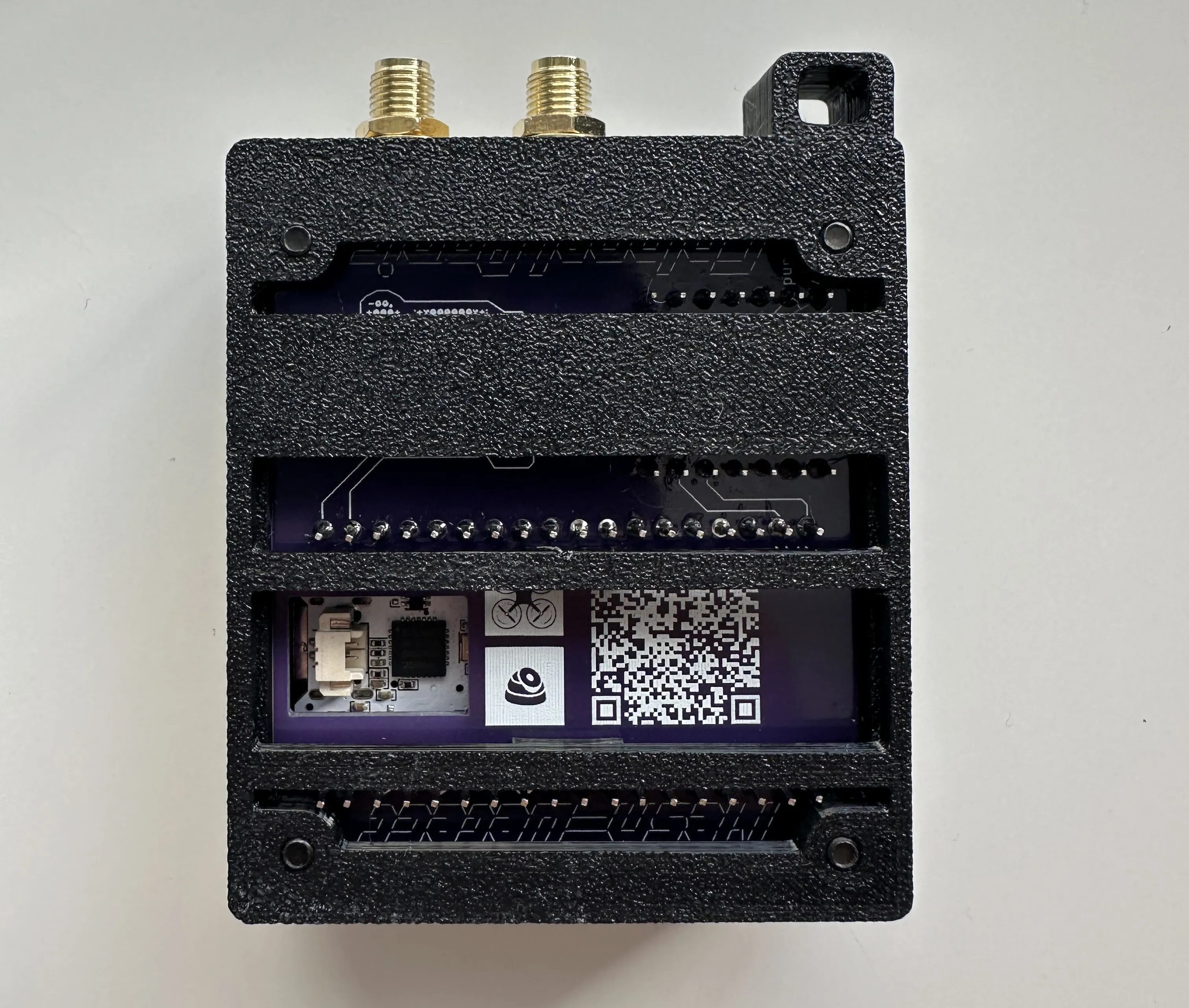
I've included bases for 6mm and 10mm lithium batteries. I'm using a 104050 lithium cell that's a great fit.
If you don't plan to use a battery, there are two base options. Use the 2mm version without a spacer if your header pins stick out past the frame. Use the "no-battery" version if you're using a spacer or your pins are flush with the frame.
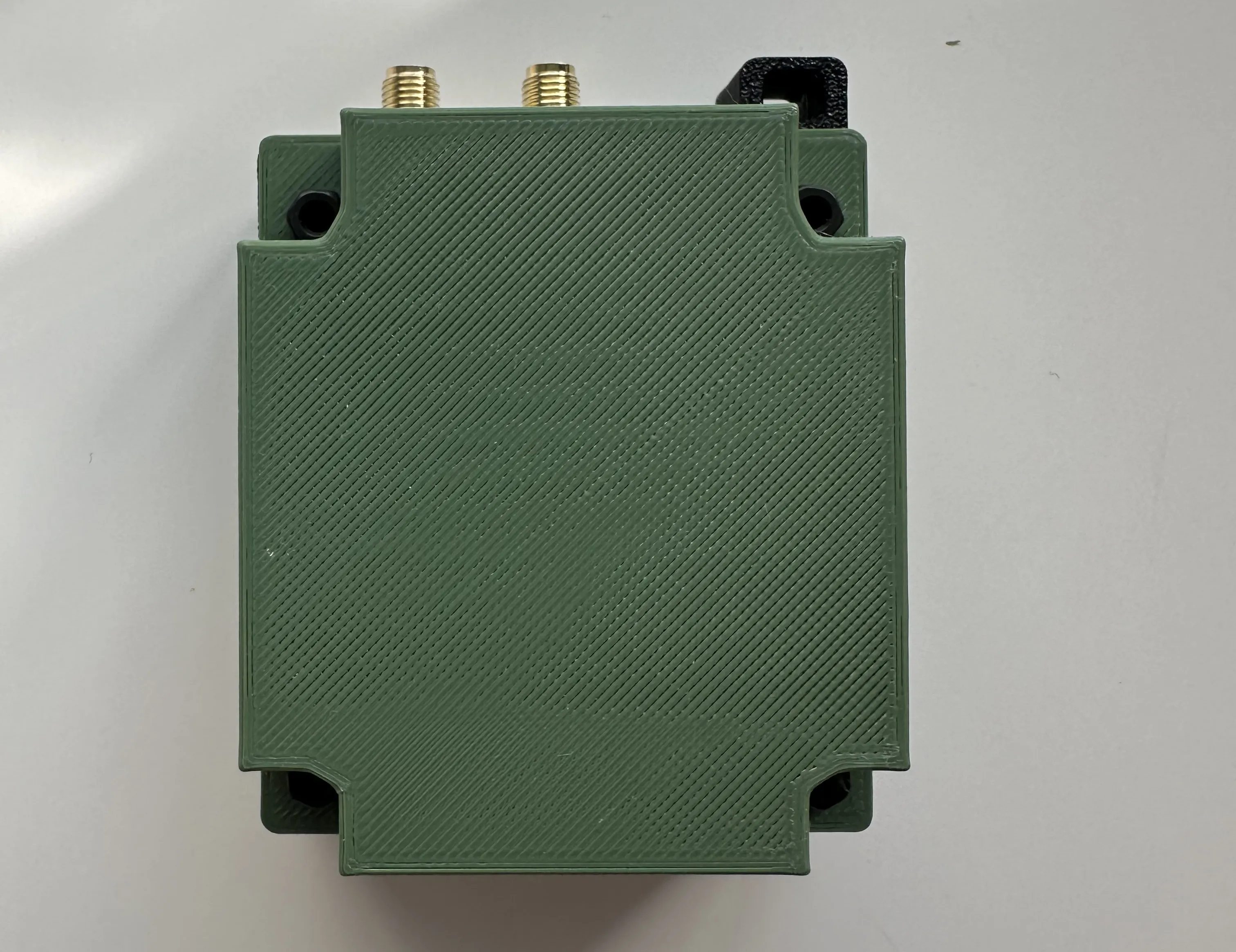
Step 4: Final Assembly
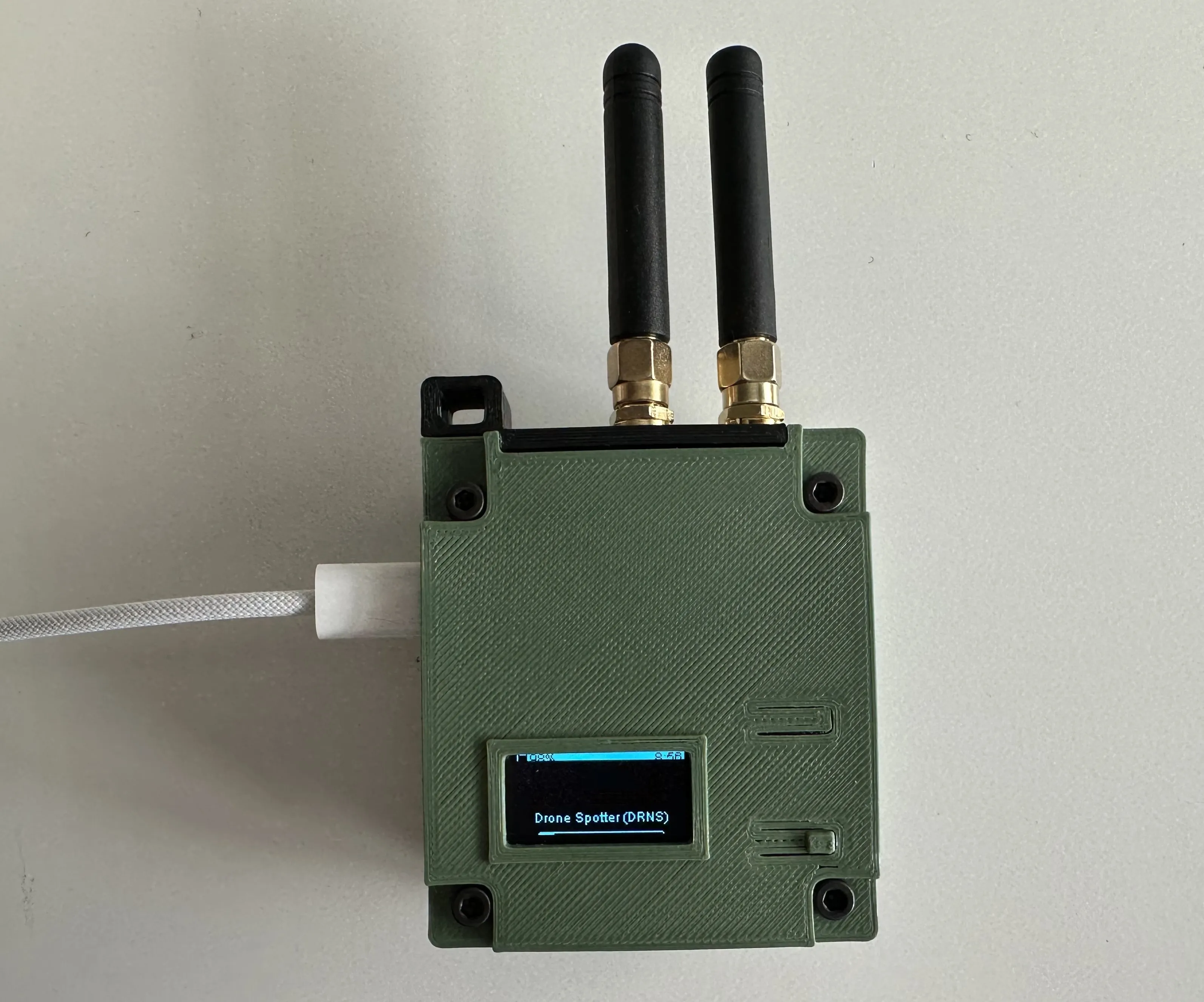
Once everything is assembled, you can secure it using four M3 nuts and four M3 socket-head screws. Use 20mm screws if you're using a spacer; otherwise, 16mm will do.
You should flip the orientation of the Heltec screen in Meshtastic settings (Display Config -> Flip Screen) so that the antennas are at the top of the case.
Notes
If you want to modify any parts, I've included step files in each folder.
March 4, 2026 update: I made some small improvements to the frame, added the spacer model, and included a variety of base options.
License



Comment & Rating (0)