
Print Profile(2)


Bill of Materials


Description
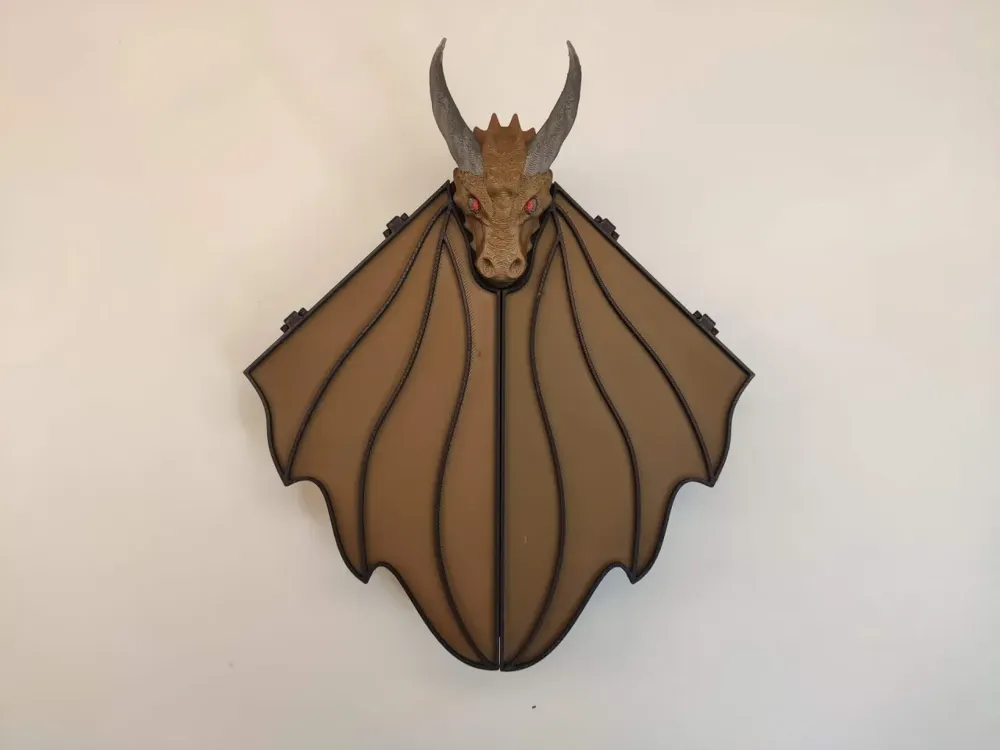
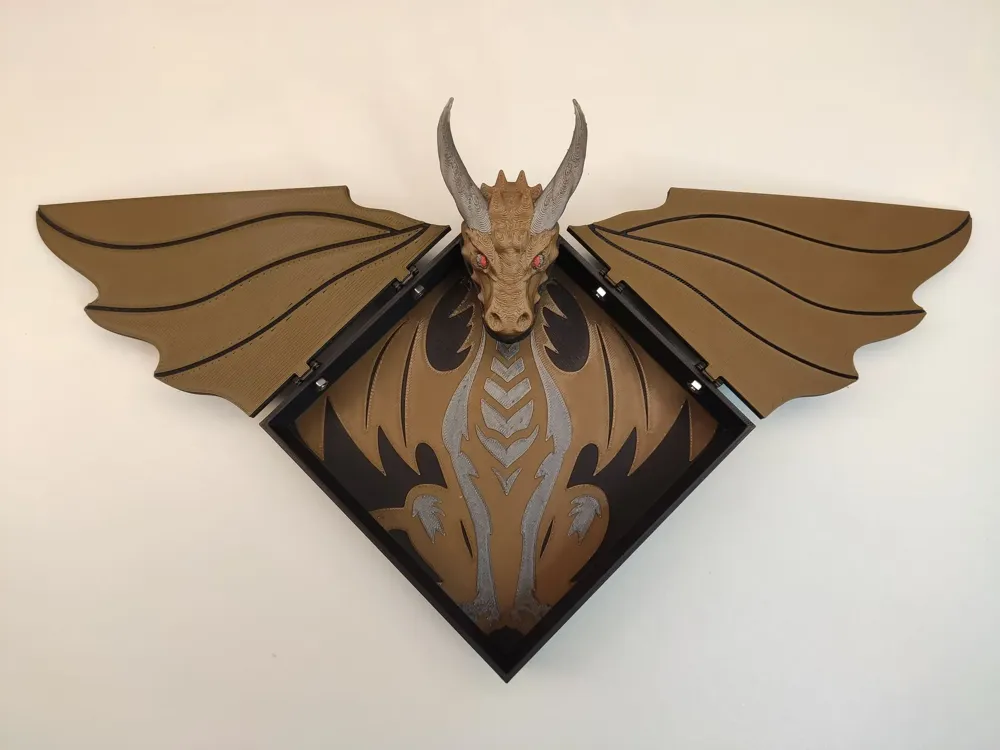
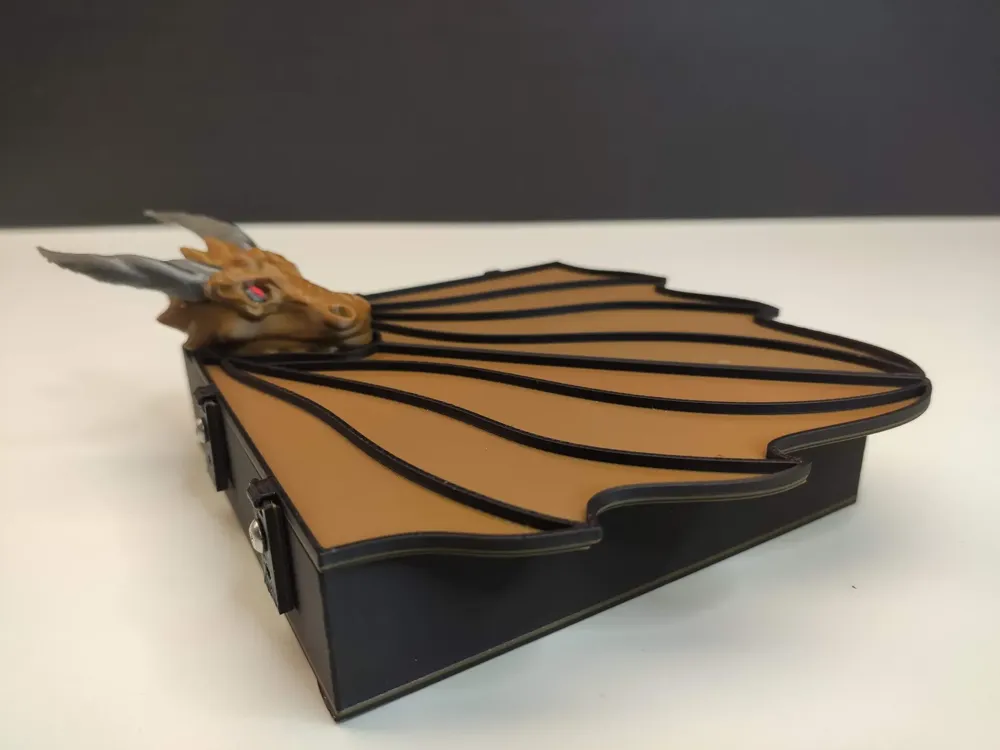
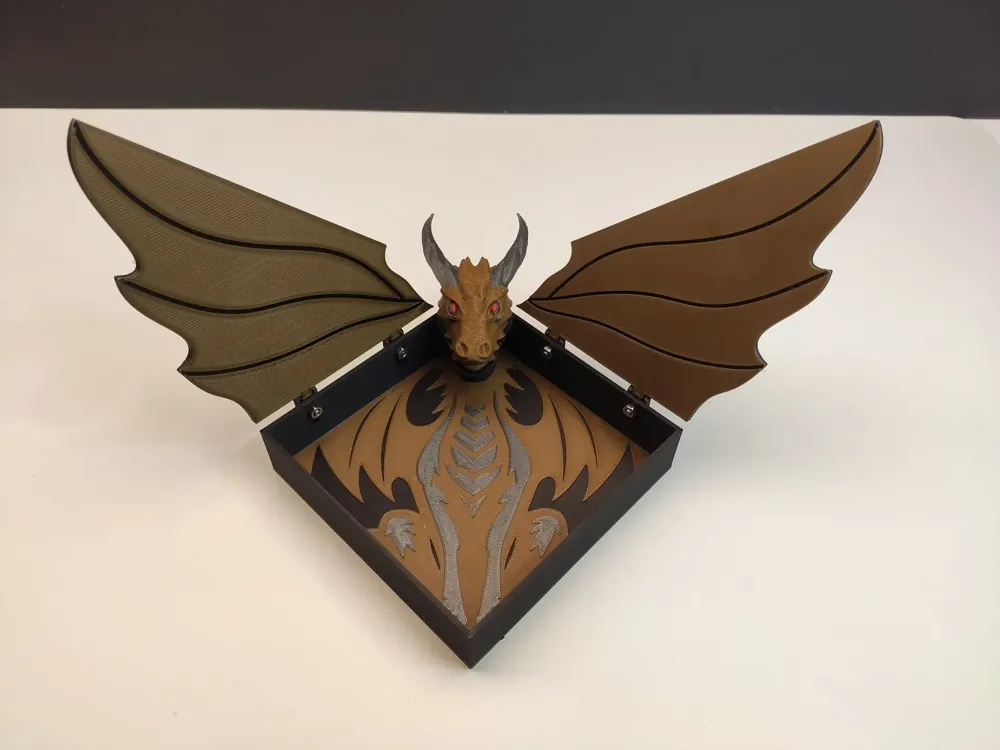
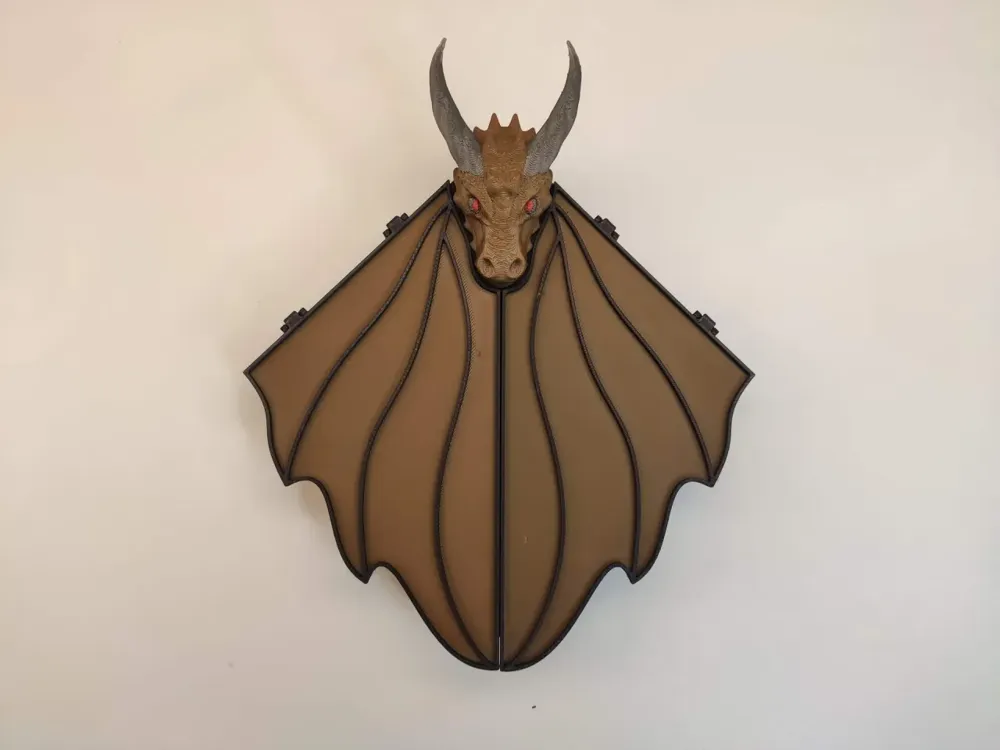
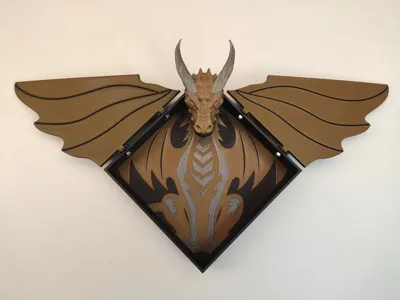
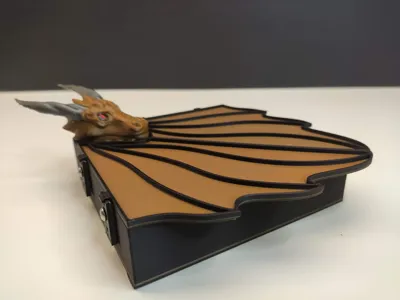
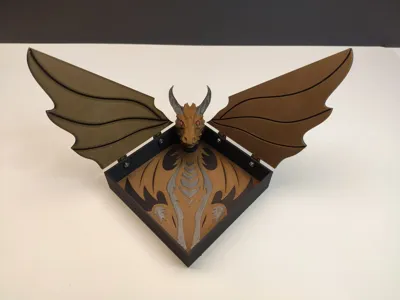
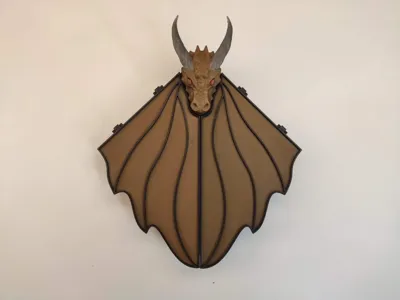
Dragon Box -You can store anything you want in it to be protected by the dragon
Instruction
To make proper color of box and wings use color change in slicer on designated layer.
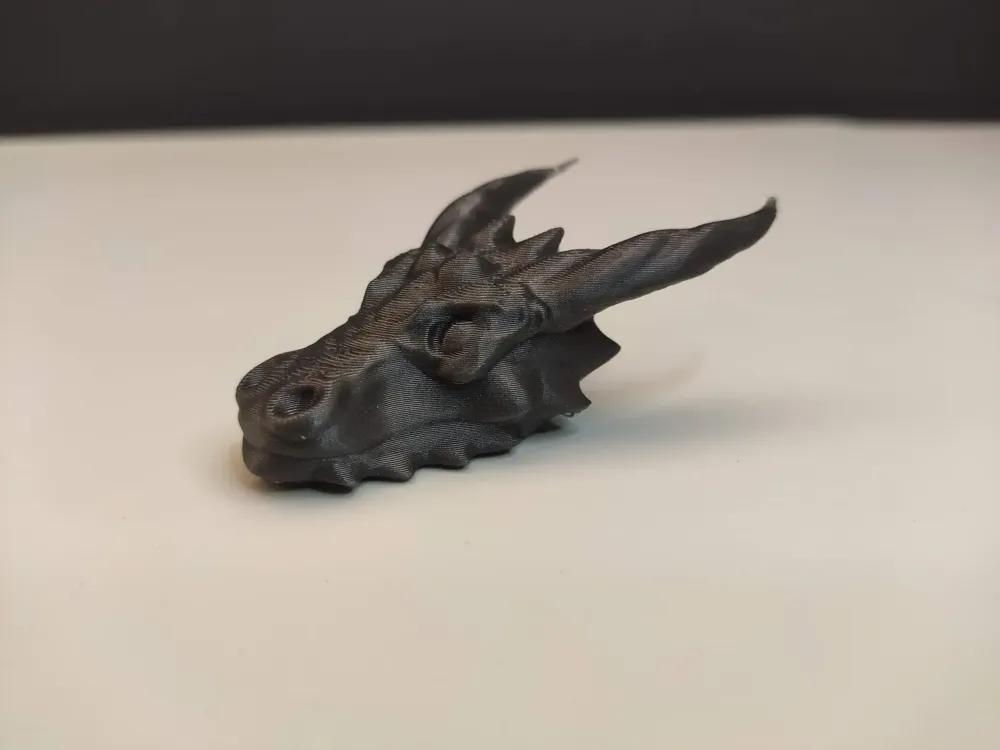
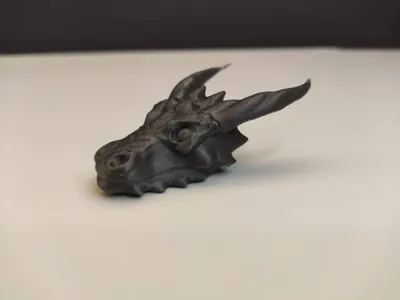
To make color dragon head you have to use AMS or you can paint it as you want.
Everything is set in print profile.
To attach wings to box use M3x8 screws and nuts.
Dragon head need glue to fix to box
Have Fun
License

You shall not share, sub-license, sell, rent, host, transfer, or distribute in any way the digital or 3D printed versions of this object, nor any other derivative work of this object in its digital or physical format (including - but not limited to - remixes of this object, and hosting on other digital platforms). The objects may not be used without permission in any way whatsoever in which you charge money, or collect fees.


Comment & Rating (38)