
Parametric Multi-Mount Label Generator
Print Profile(6)
Bill of Materials











Description
Membership
Commercial license available for selling physical prints of this model.
Parametric Multi-Mount Label Generator
Create fully customizable labels, signs and nameplates directly in MakerWorld Customizer.
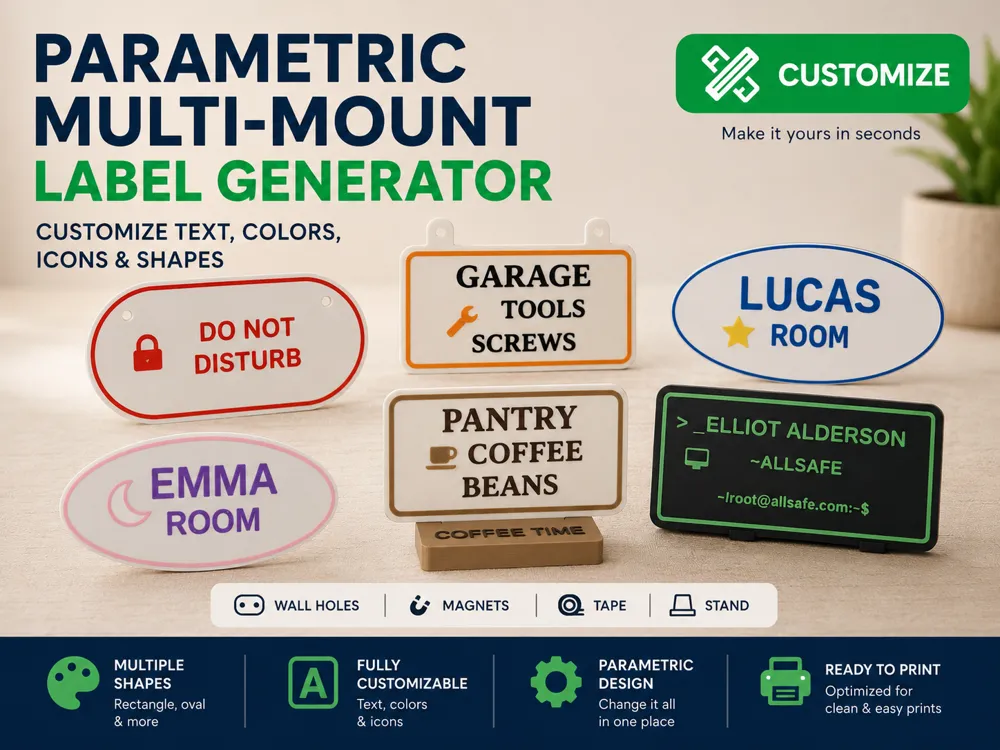
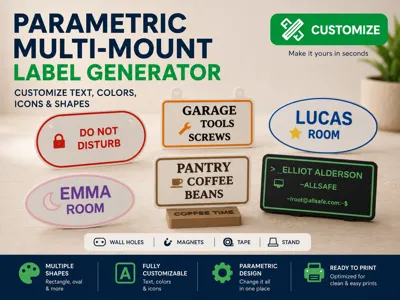
This OpenSCAD model lets you generate personalized labels for rooms, doors, shelves, pantry storage, garage organization, tools, desks, workspaces, events, equipment, and many other everyday uses.
You can customize the text, shape, icon, colors, size, decoration and mounting method, then export a clean, ready-to-print model.
Main Features
Fully parametric label generator
Customize almost everything:
- Label shape
- Width and height
- Base thickness
- Text content
- Text size
- Text alignment
- Text position
- Font style
- Icon choice
- Icon size and position
- Border / decoration
- Color setup for multi-color printing
- Mounting method
The model is designed to be edited directly in MakerWorld Customizer.
Available Shapes
Choose between several label styles:
- Rectangle
- Rounded rectangle
- Circle / oval
- Triangle
- Inverted triangle
- Hexagon
The corner radius can also be adjusted for compatible shapes.
Text Customization
The label supports up to 3 text lines:
- Title
- Line 1
- Line 2
Each line can be adjusted with:
- Custom text
- Font size
- Horizontal alignment: left, center or right
- X/Y offset
- Line spacing
Text can be used as raised text or inlaid / engraved style depending on the selected text thickness.
Icon Library
A large built-in icon library is included.
Example icons include:
- Coffee
- Tools
- Lock
- Star
- Moon
- Home
- Kitchen
- Bed
- Car
- Paw
- Key
- Printer
- Wi-Fi
- Warning
- Info
- Camera
- Wrench
- Folder
- Tag
- Heart
- Fire extinguisher
- Many more
Icons can be resized and positioned independently from the text.
Mounting Options
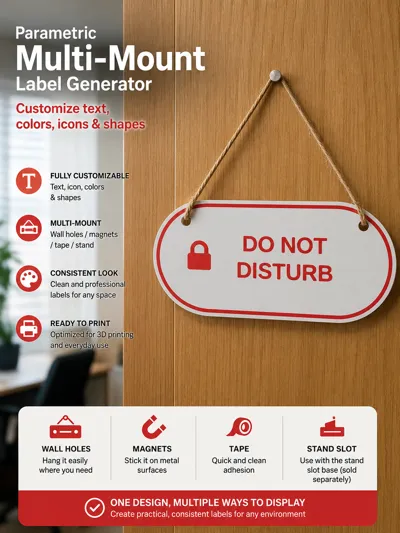
This model supports multiple mounting methods.
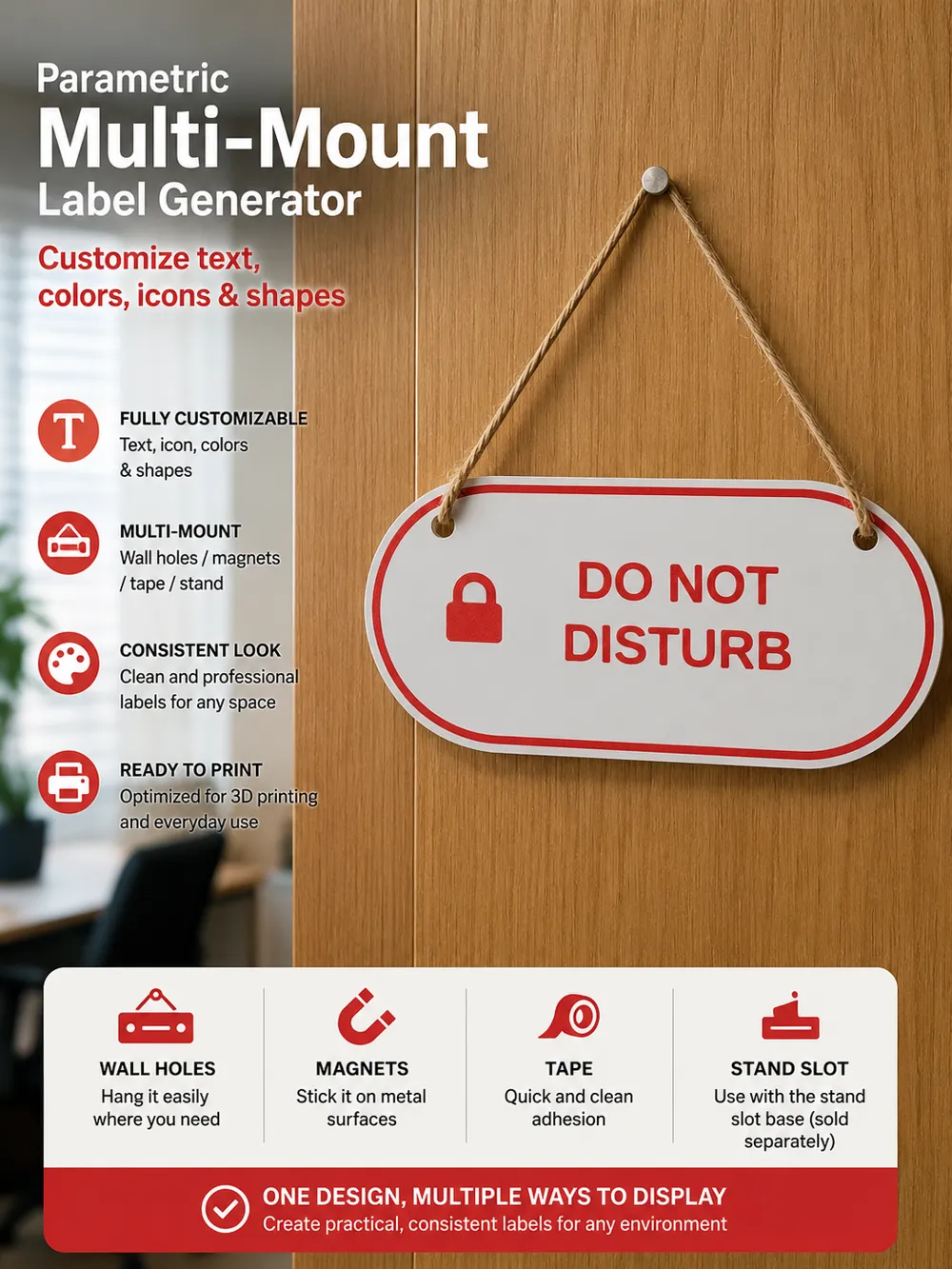
Wall holes
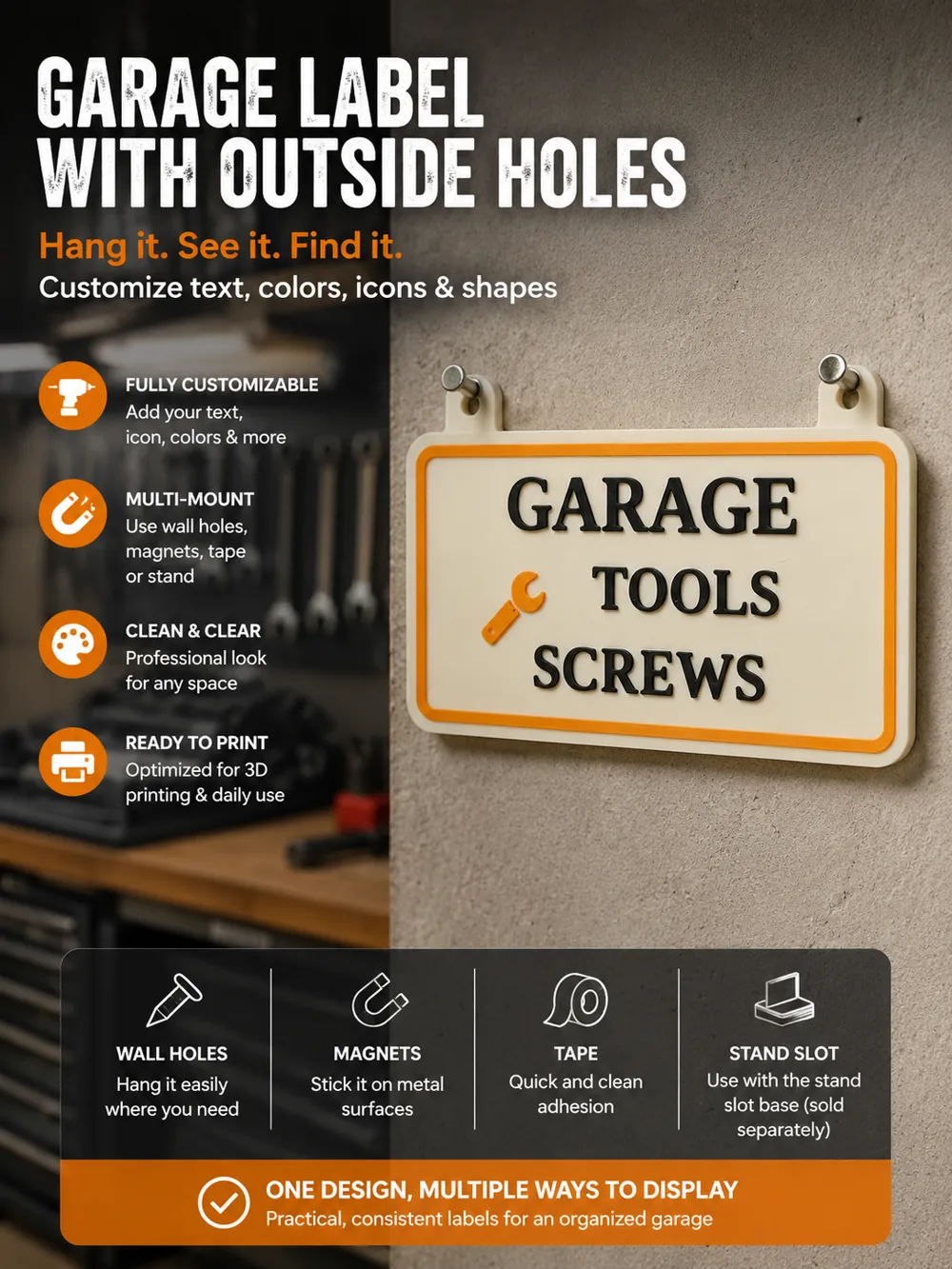
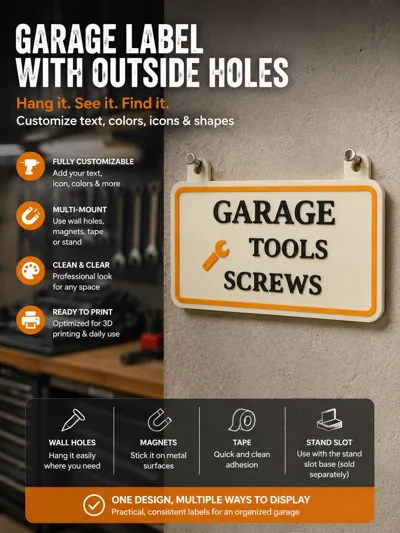
Use inside or outside holes to hang the label with screws, nails, hooks or cord.
Options include:
- 1 or 2 holes
- Inside or outside hole placement
- Round or square hook style
- Adjustable hole diameter
- Vertical offset adjustment
Magnets
Add magnet pockets on the back of the label.
Options include:
- 2 or 4 magnets
- Round or square magnets
- Adjustable magnet width, height and depth
Tape recess
Add a recessed area for double-sided tape.
Options include:
- Horizontal tape recess
- Vertical tape recess
- Adjustable tape width
- Adjustable tape thickness
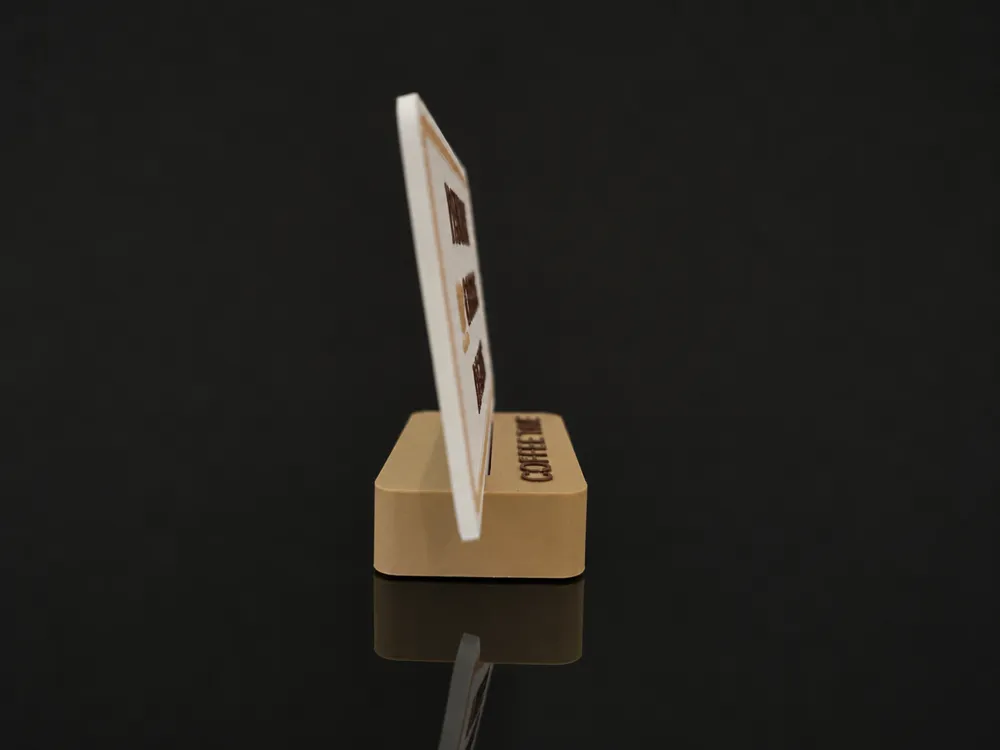
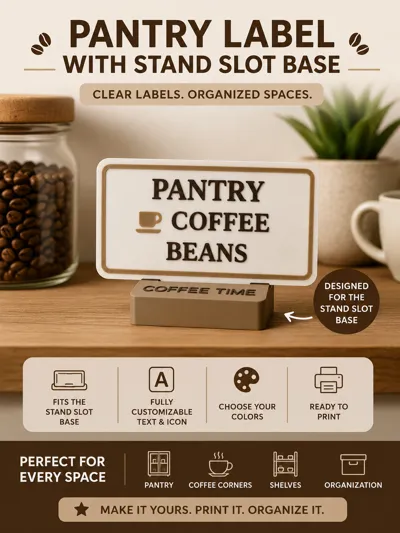
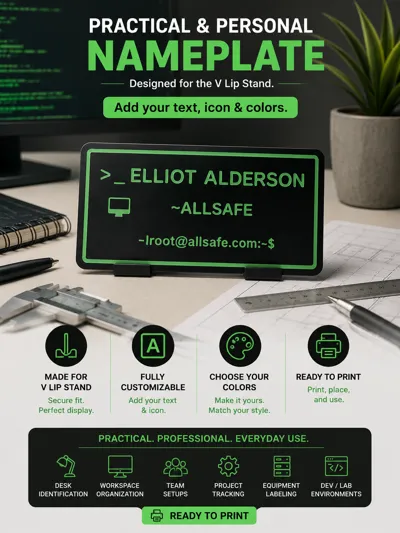
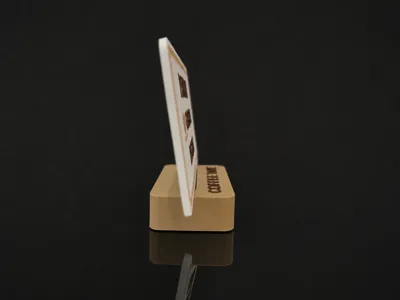
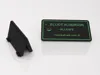
Stand
Display the label upright on a desk, shelf, counter or workspace.
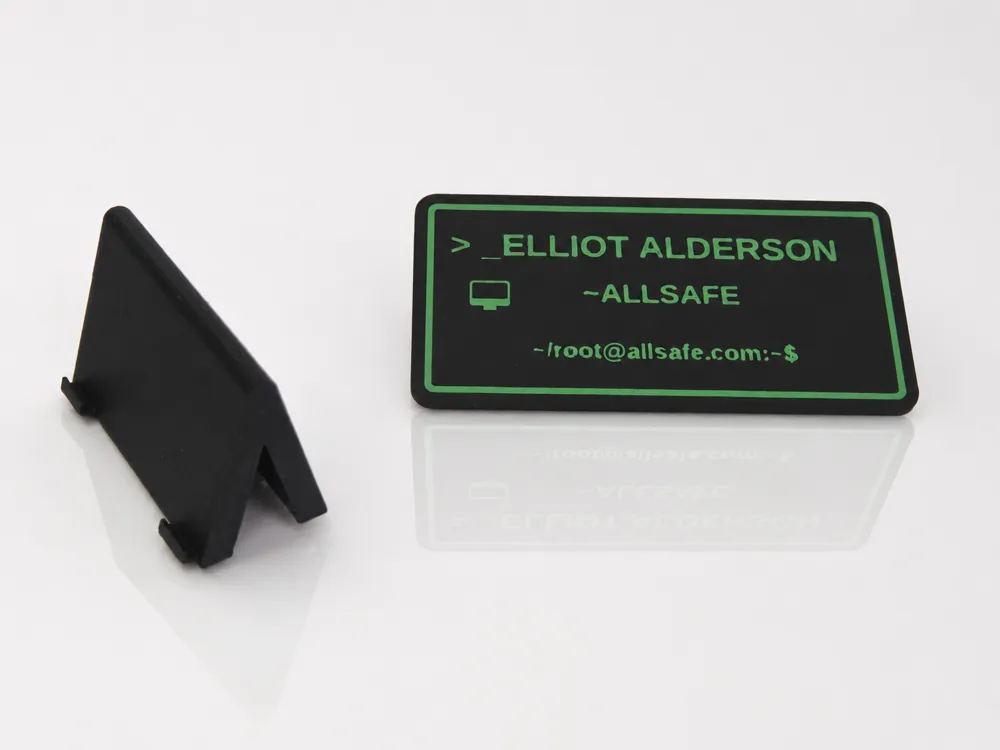
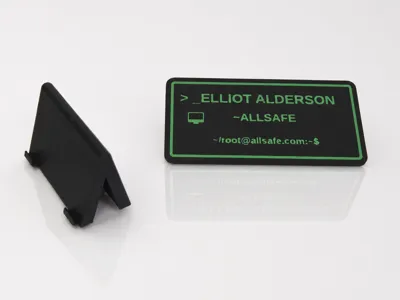
Two stand styles are available:
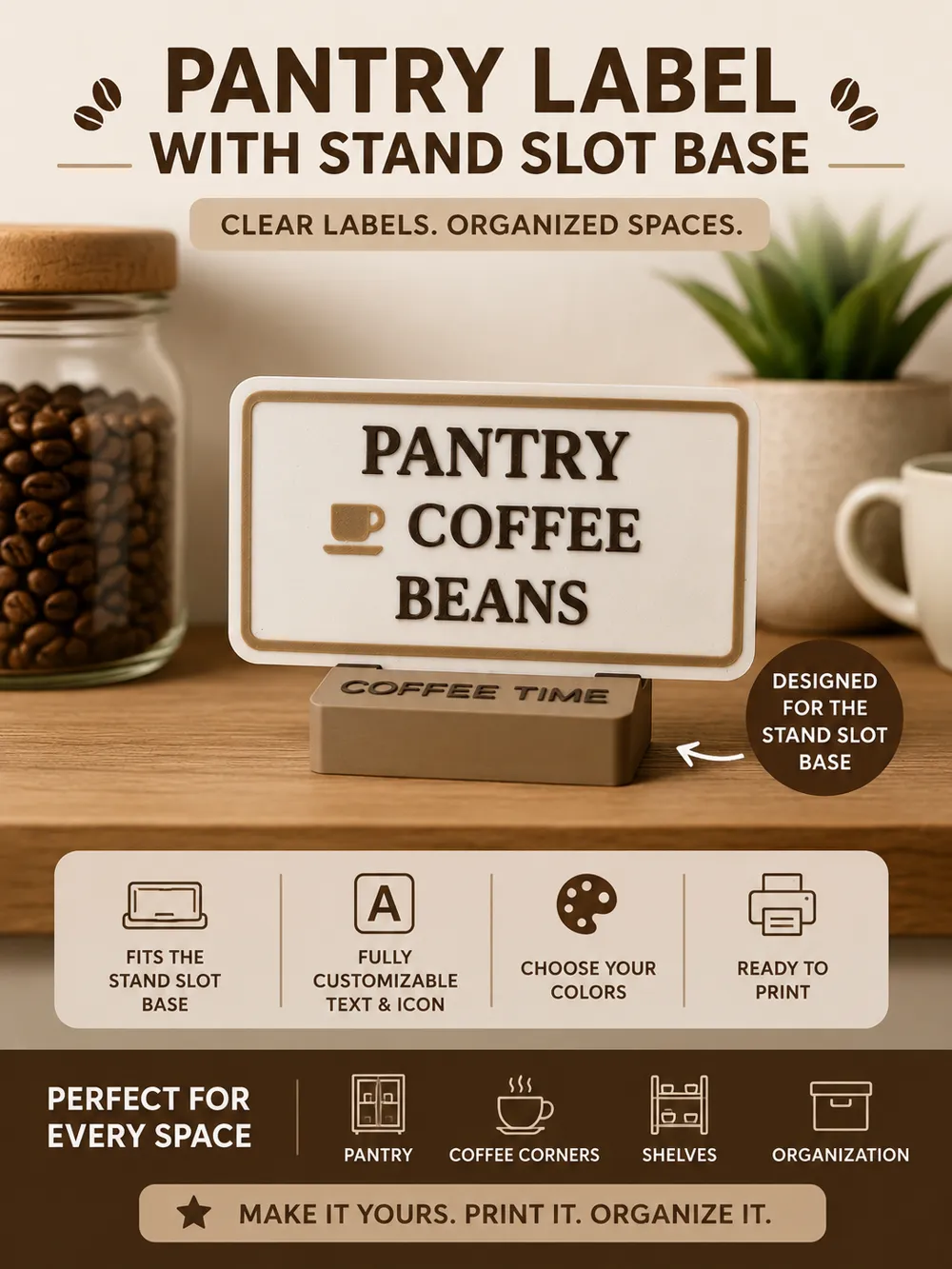
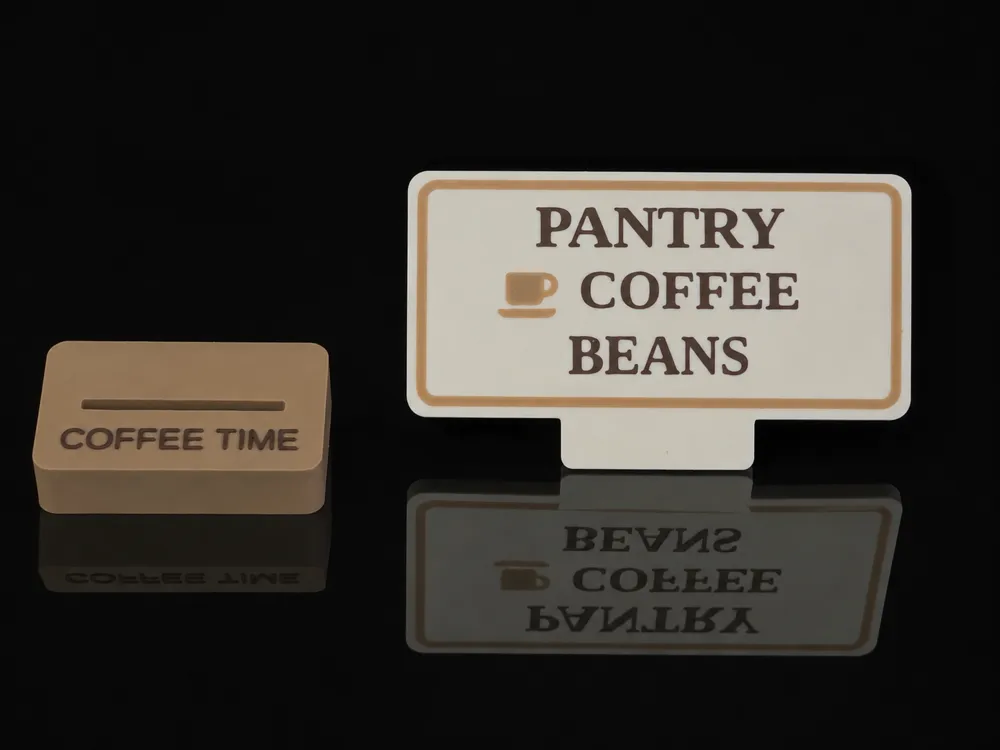
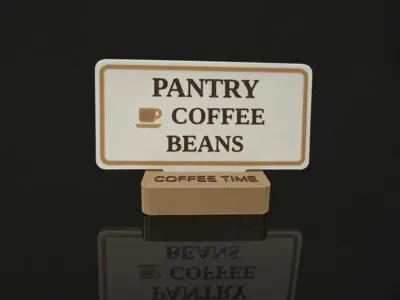
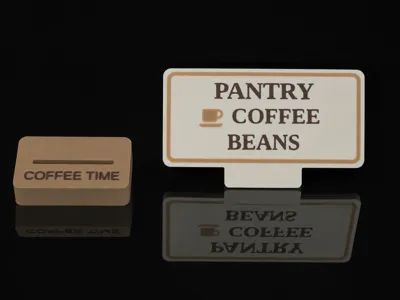
- Slot base stand
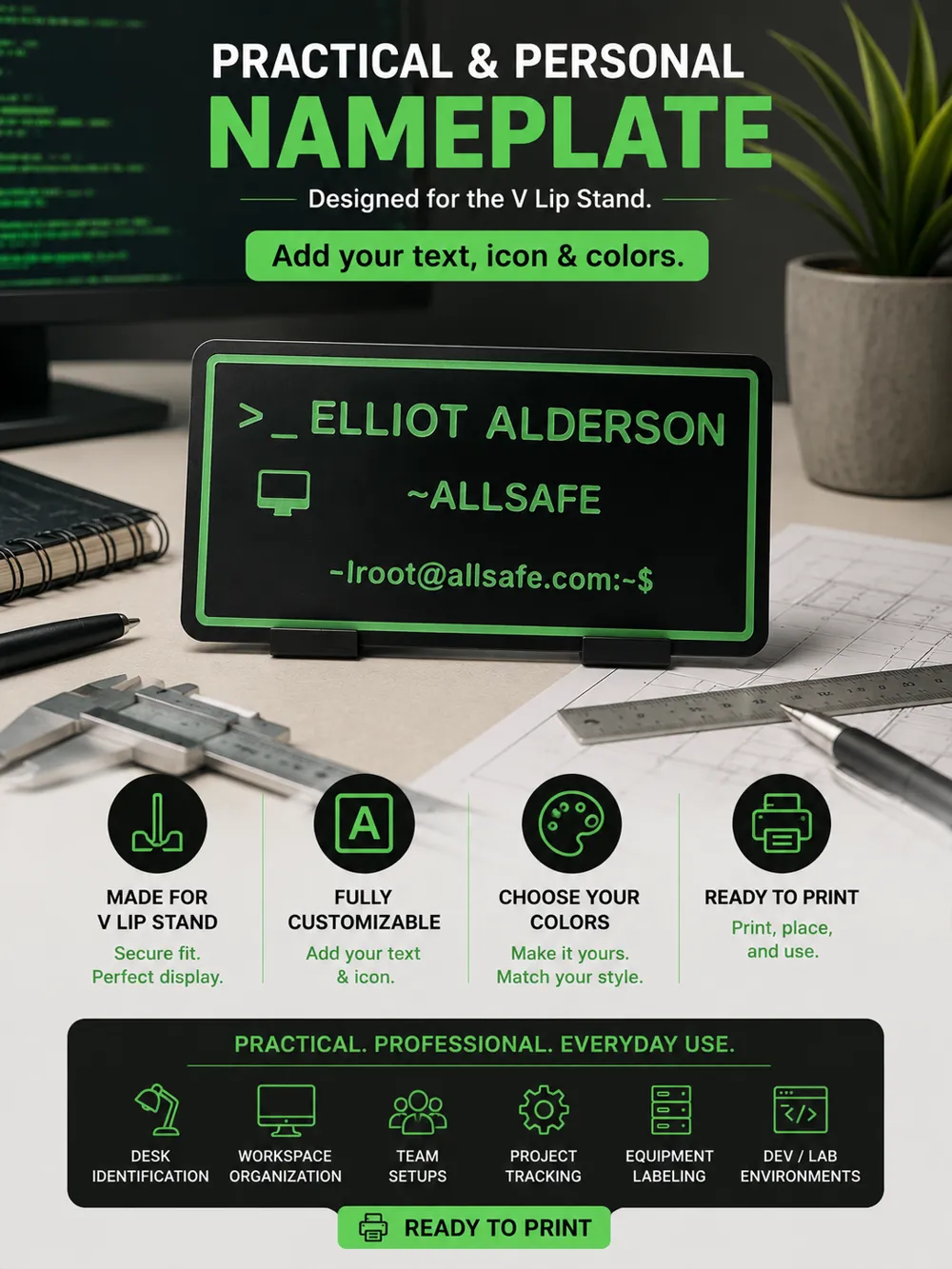
- V lip stand
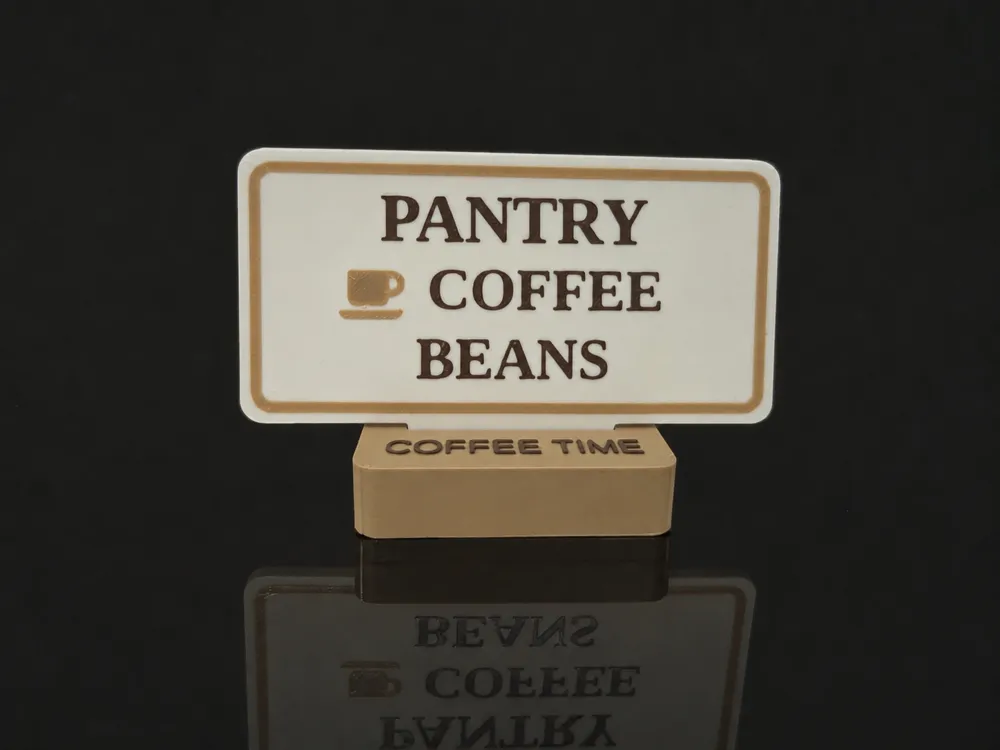
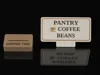
The slot base stand can also include custom text on the base, for example “COFFEE TIME”.
Stand Options
The stand mode is useful for:
- Desk nameplates
- Pantry labels
- Coffee corner labels
- Shelf signs
- Reception signs
- Workshop labels
- Display labels
- Event signs
The stand angle and stand dimensions can be adjusted.
Note: for inverted triangle labels, the model automatically falls back to the V lip stand because the slot base is not suitable for that shape.
Multi-Color Printing
The file includes MakerWorld color pickers for:
- Main label body
- Stand
- Text
- Icon
- Decoration / border
This makes it suitable for AMS / multi-color printing.
You can also print it in one color and use filament swaps or painting if preferred.
MakerWorld Plates
The file includes MakerWorld-friendly modules:
- Assembly view
- Plate 1: label, laid flat with text facing up
- Plate 2: stand only, when stand mode is selected
The label is oriented flat for printing, with the text and icons facing upward.
If a stand is selected, the stand is placed on a separate plate.
Suggested Uses
This model can be used for many practical projects:
- Room name signs
- Door signs
- Pantry labels
- Garage tool labels
- Workshop labels
- Storage box labels
- Shelf organization
- Desk nameplates
- Office signs
- Event badges or table signs
- Equipment labels
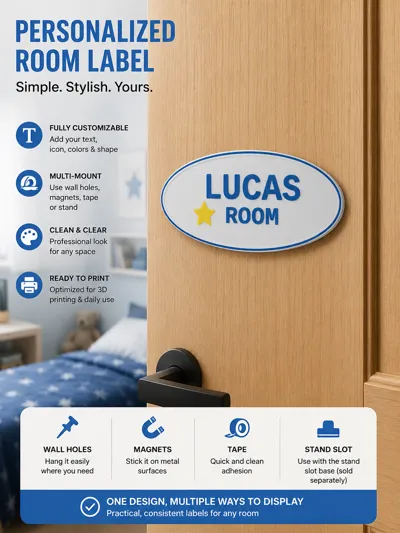
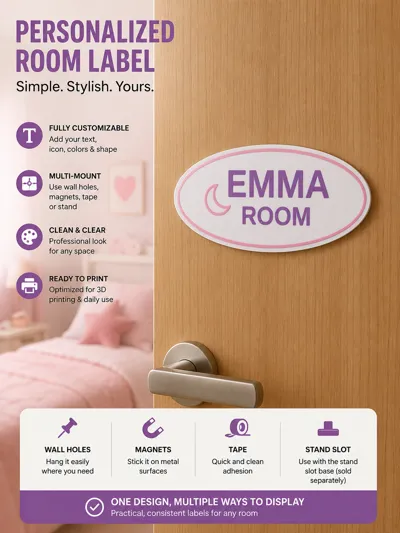
- Kids room signs
- Coffee corner signs
- Utility room labels
- Custom decorative signs
Printing Notes
Recommended settings may vary depending on the selected size and design, but in general:
- Print the label flat with text facing up
- Use a fine layer height for cleaner text and icons (eventually enable Arachnee mode)
- For multi-color prints, assign colors using MakerWorld / slicer color tools
- If using magnets, check your magnet size before printing
- If using tape, adjust the tape recess to match your tape thickness
- If using holes, make sure the selected diameter fits your screws, nails or cord
- For the stand version, print the label and stand on separate plates
Tips
For best results:
- Avoid making very small text too thin
- Increase text thickness for stronger raised letters
- Use high contrast colors for readability
- Use simpler icons for very small labels
- Check the preview before exporting
- For hanging signs, outside holes are usually easier to use with cord or nails
- For clean room labels, tape or magnets are usually the most discreet options
- For desks and shelves, use the stand option
Important Notes
This is a parametric model, so extreme combinations of very small labels, very large icons, long text or large borders may overlap.
If the layout looks crowded, reduce the text size, icon size or line spacing, or increase the label dimensions.
Examples
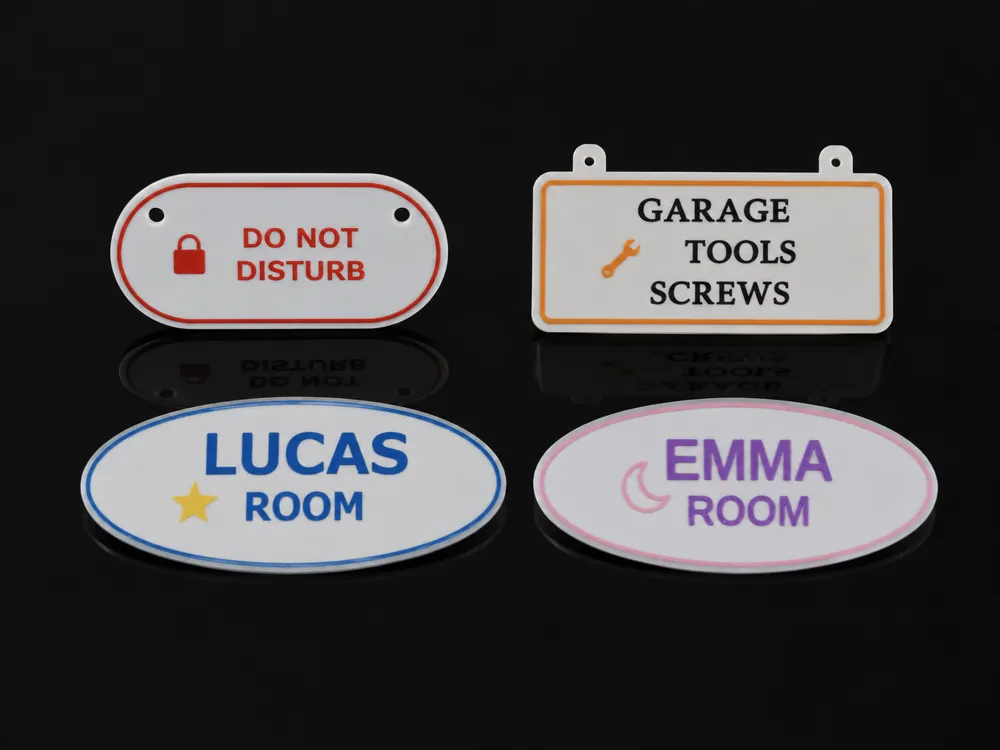
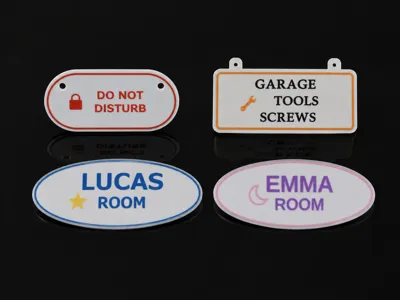
You can create labels such as:
- DO NOT DISTURB
- GARAGE / TOOLS / SCREWS
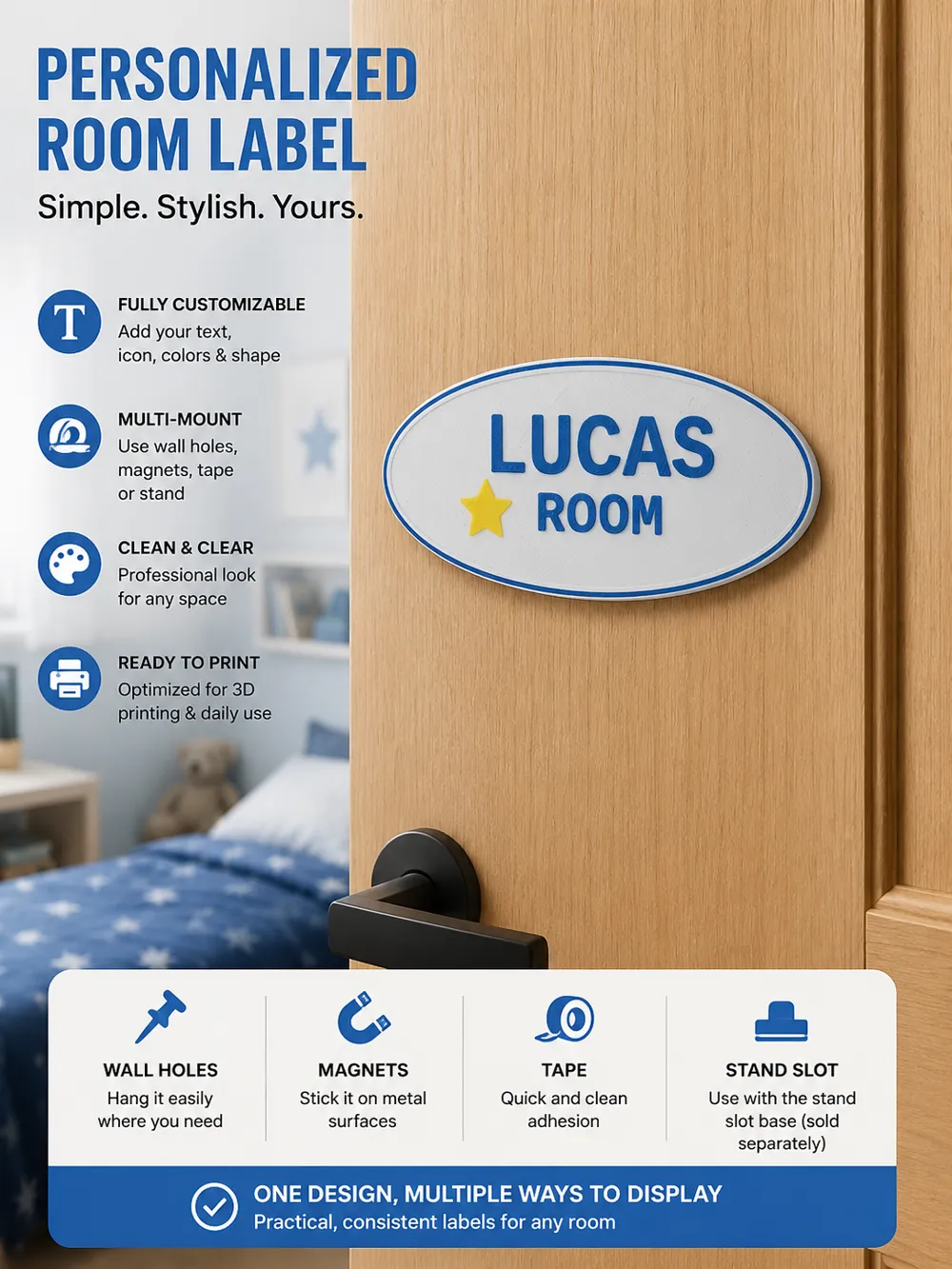
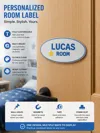
- LUCAS ROOM
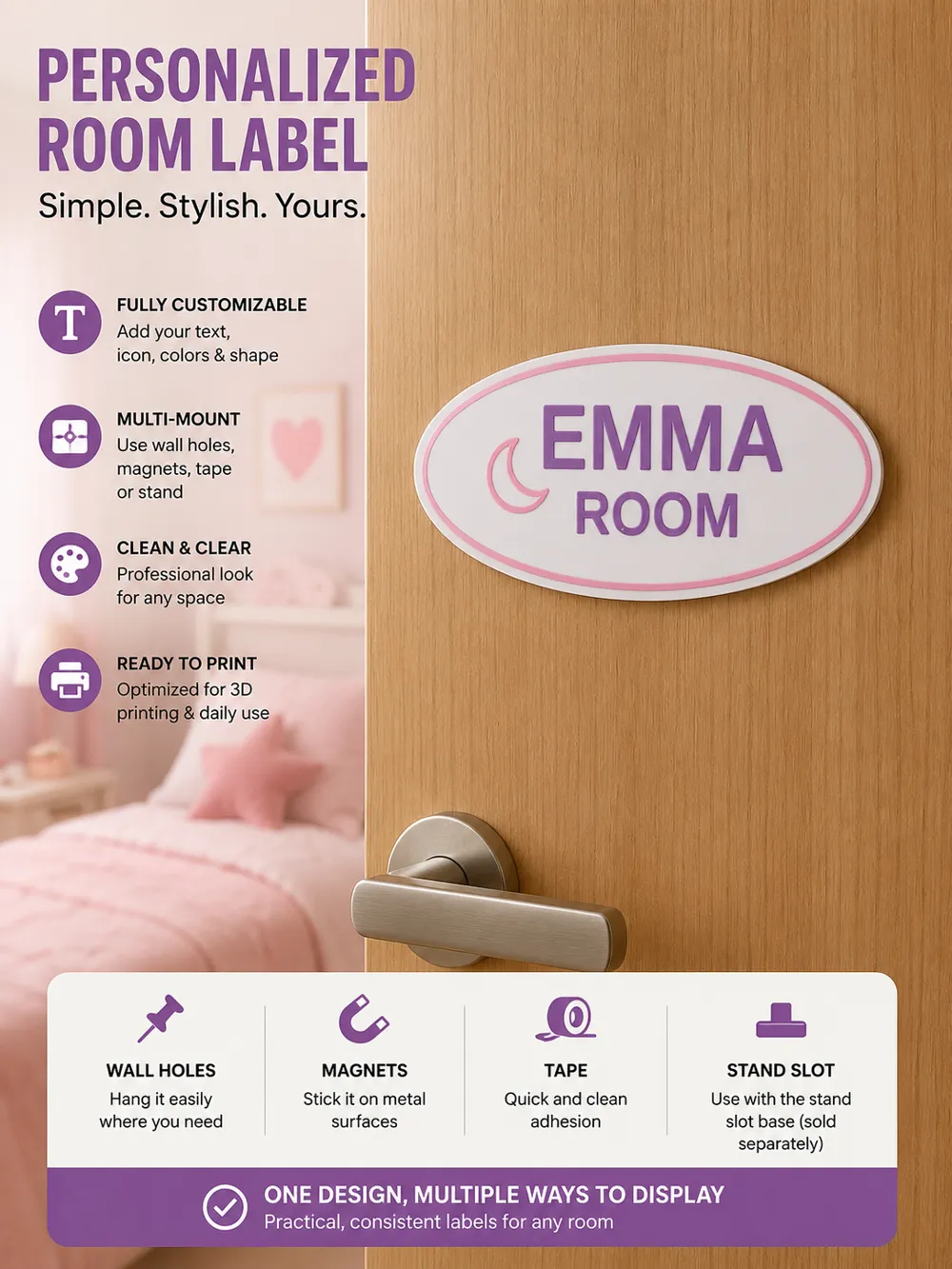
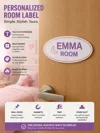
- EMMA ROOM
- PANTRY / COFFEE / BEANS
- Desk nameplates
- Workshop signs
- Storage labels
- Custom icon labels
One design, multiple ways to display it.
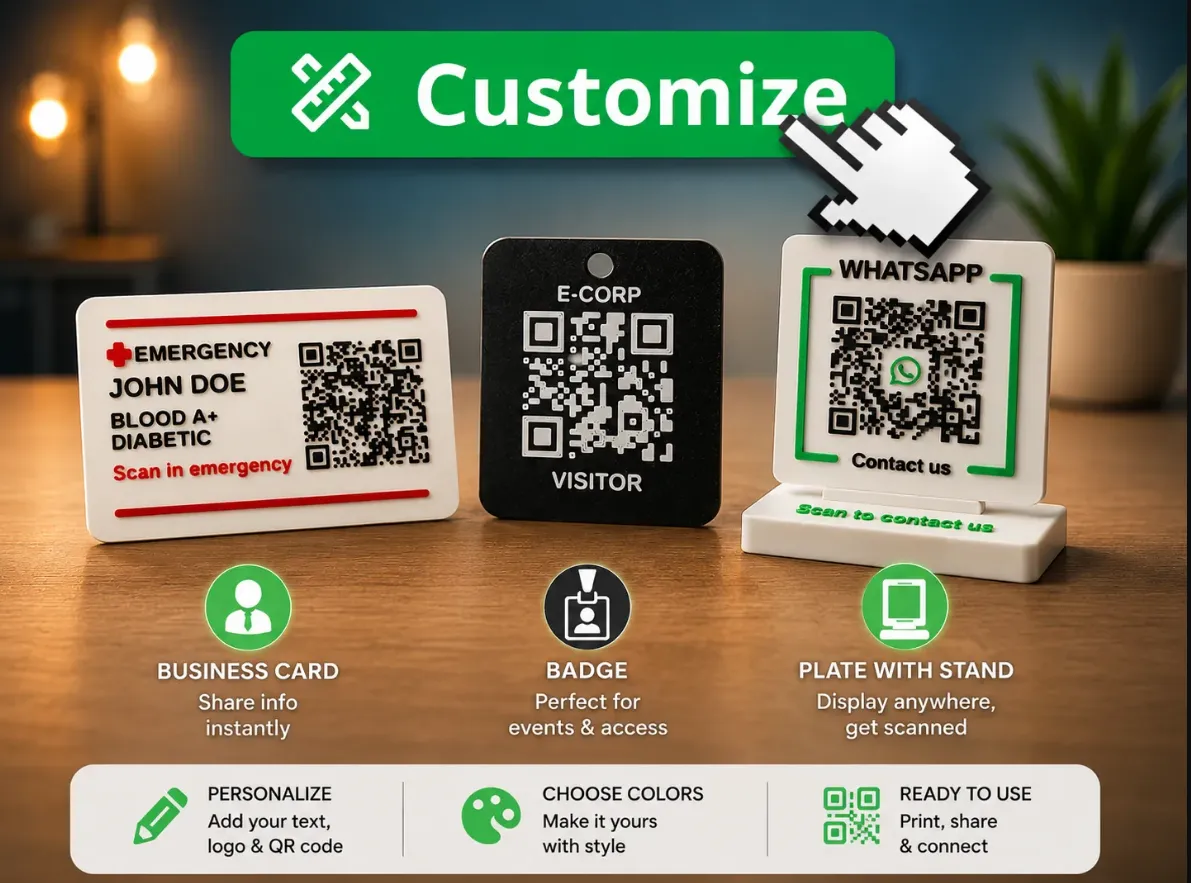
You can also check my QR-Code generator :
Boost Me (for free)
Please, consider giving me a Boost. this things take me a lot of time.
License

You shall not share, sub-license, sell, rent, host, transfer, or distribute in any way the digital or 3D printed versions of this object, nor any other derivative work of this object in its digital or physical format (including - but not limited to - remixes of this object, and hosting on other digital platforms). The objects may not be used without permission in any way whatsoever in which you charge money, or collect fees.


Comment & Rating (0)