
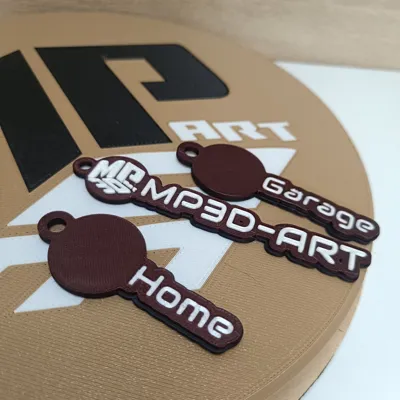
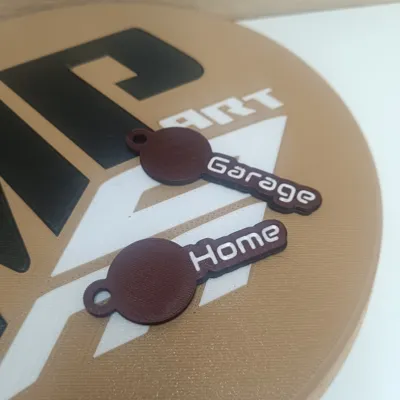
EZ Logo Keychains (Parametric)
Print Profile(1)
Bill of Materials

Description
Membership
Want to sell physical prints of this model? Get the official commercial license by joining my MakerWorld Membership directly on my profile!
Boost Me (for free)
Support this project and help me create more models made directly for you.
- 🚀 Support with a Boost – every bit of support helps me bring more detailed models to life.
- 📸 Share your prints – I’d love to see your makes in the comments section!
- ✅ Follow my profile to stay updated on all new releases.
- Warning: This designer converts caffeine into 3D objects! ☕🔧 I literally drink buckets of coffee every day while designing.
- If you want to keep me alive (and creating) by buying me a cup, I'd be super grateful:
- 💼 COMMERCIAL LICENSE & CUSTOM MODELING https://www.patreon.com/c/mp3d_art/membership
- https://linktr.ee/MP3DART
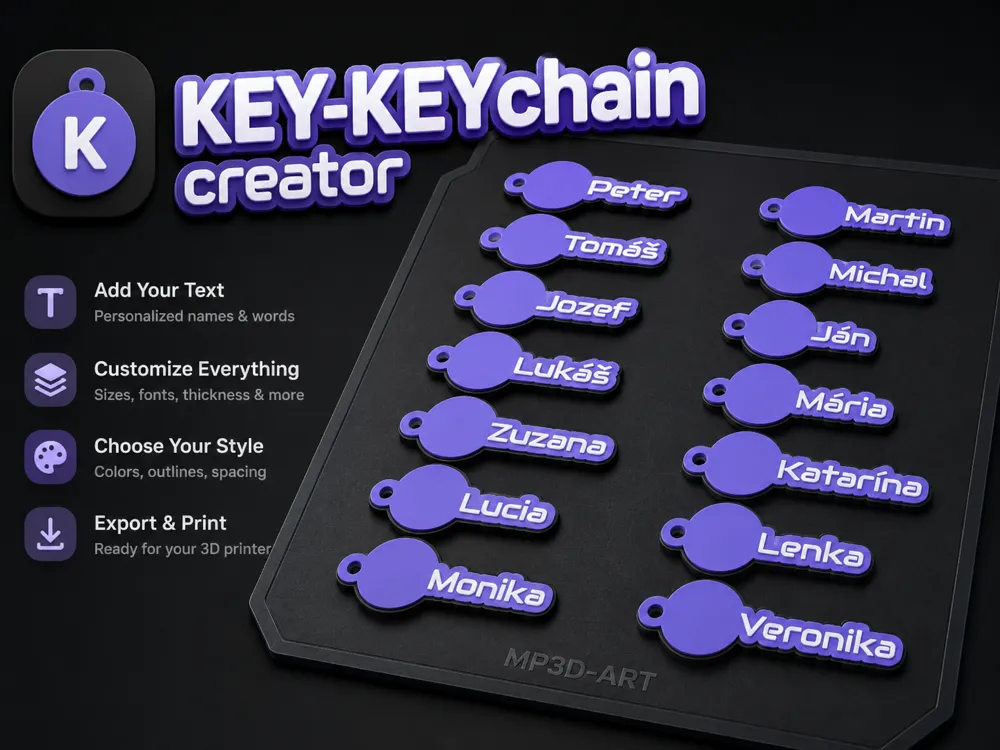
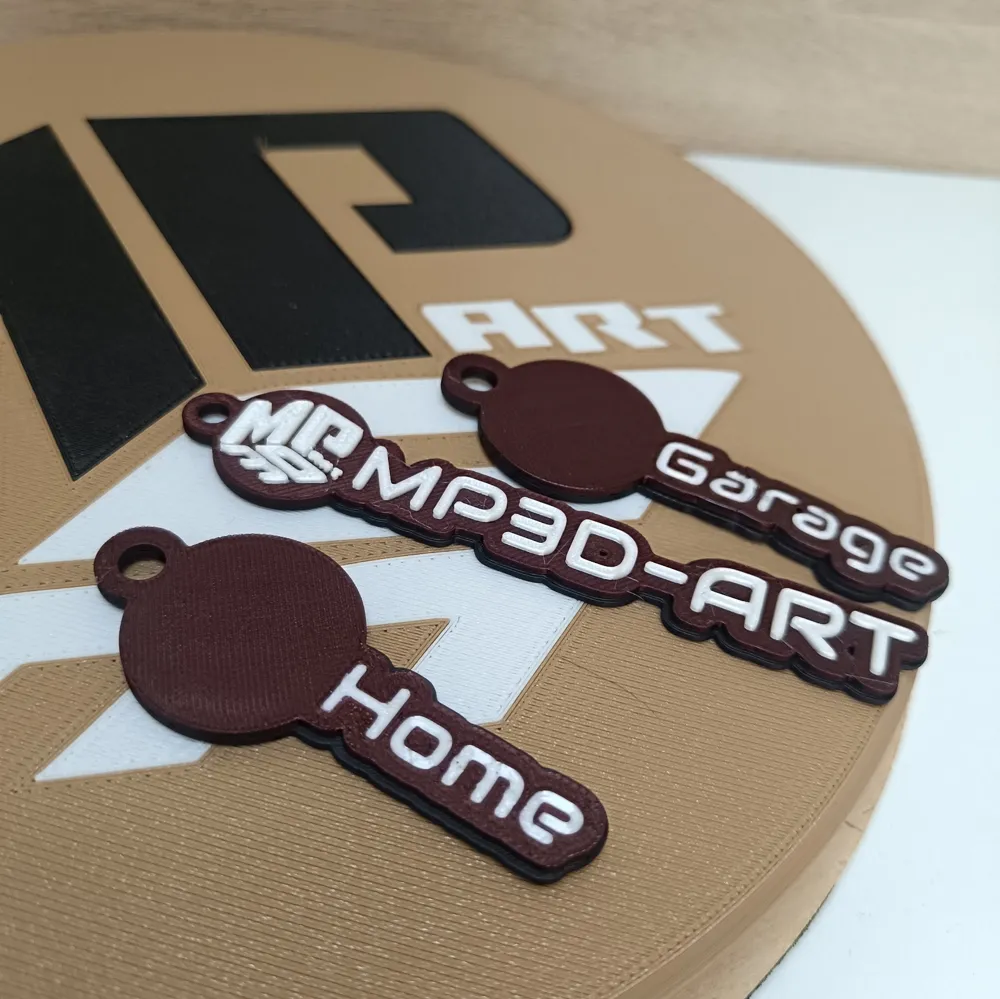
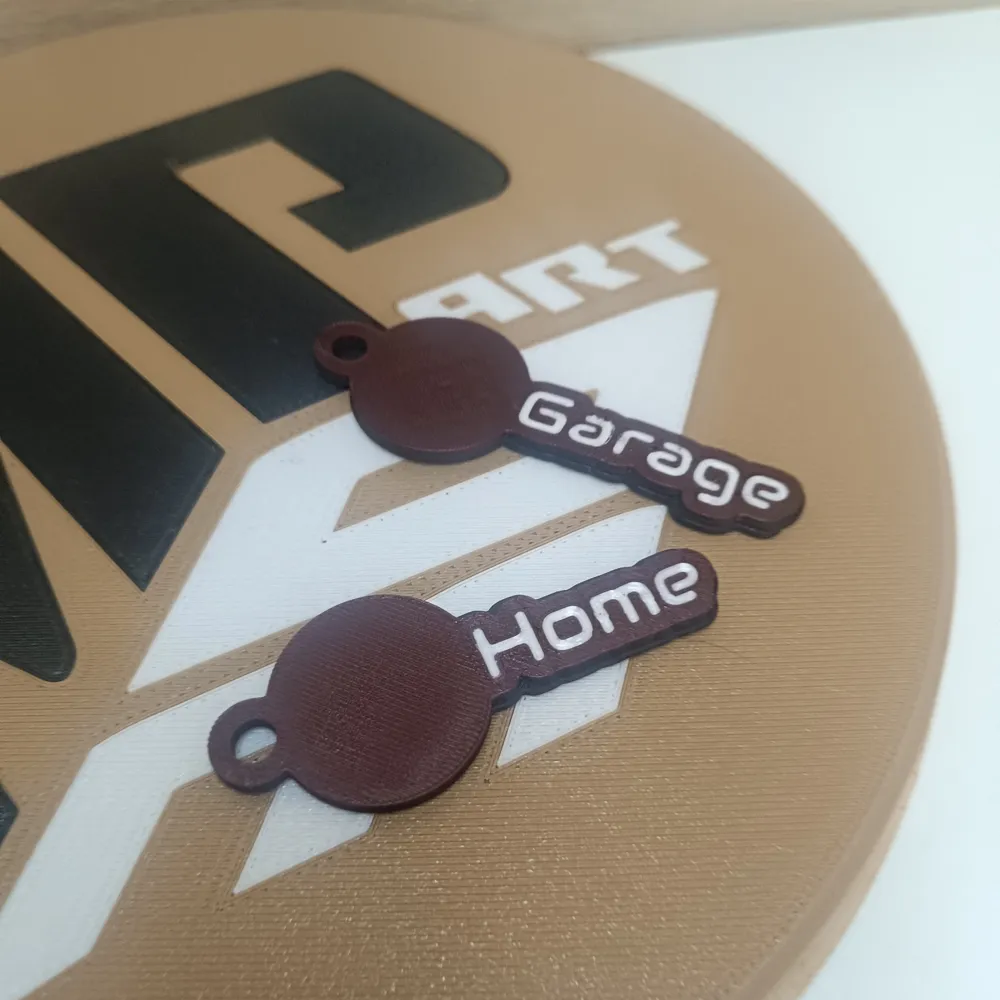
Welcome to the ultimate Parametric Multi-Keychain Generator! This tool allows you to generate multiple custom name tags at once (perfect for sports teams, classes, or events). Each keychain features a dedicated blank circle perfectly sized for adding your own club, team, or company logo.
⚠️ WHY CAN'T I UPLOAD MY LOGO DIRECTLY HERE? I receive this question frequently! It is technically impossible to integrate an image upload button directly inside the MakerWorld Parametric Modeler. Web-based OpenSCAD environments restrict access to local files (like your SVG or PNG) due to structural limits and browser security.
But don't worry, adding your logo is incredibly easy! Just generate your blank keychains here and use whichever workflow suits you best.
🛠️ HOW TO ADD YOUR LOGO (Choose your preferred method)
Method A: Directly in Bambu Studio (Best for SVG & Flat Multi-color)
- Drag and drop your generated keychain model into Bambu Studio.
- Right-click the model in the object list.
- Select Add Part -> Load (or Add Modifier) and choose your .svg file.
- Scale the SVG to fit the blank circle.
- Assign a different filament color to the SVG part for a perfect multi-color print!
Method B: MakerLab Mesh Graffiti (Great for PNG/JPG)
- Open the MakerLab -> Mesh Graffiti tool on the MakerWorld website.
- Upload the blank keychain model you just generated here.
- Upload your custom logo (PNG, JPG, or SVG). The tool will automatically turn it into a 3D relief on top of your keychain.
Method C: Your Own Workflow (TinkerCAD, Fusion360, etc.) Do you have a favorite 3D software? Perfect! The generated keychain acts as an ideal blank canvas. Simply export your model and import it into any CAD software or slicer you are comfortable with to emboss, deboss, or modify it your way.
Thank you for supporting the project.
Follow my profile for more models and updates.
License

You shall not share, sub-license, sell, rent, host, transfer, or distribute in any way the digital or 3D printed versions of this object, nor any other derivative work of this object in its digital or physical format (including - but not limited to - remixes of this object, and hosting on other digital platforms). The objects may not be used without permission in any way whatsoever in which you charge money, or collect fees.


Comment & Rating (0)